Product Specifications for Logitech F310 Gamepad PC Gaming Controller, Programmable Buttons
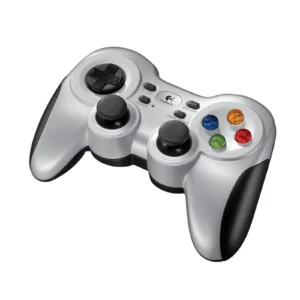
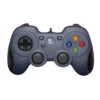
Product Overview: Discover ultimate control and precision with the Logitech F310 gamepad. Designed by Logitech to enhance your PC gaming sessions, this controller features dual-mode compatibility, programmable buttons, and a comfortable ergonomic grip. Elevate your gameplay with the ideal focus keyword peripheral for modern and classic title exploration.
Features & Specs - Connector Type: Wired USB
Features & Specs - Compatible Devices: Personal Computers (PC)
Features & Specs - Input Voltage: 5V DC (via USB)
Features & Specs - Amperage: 500 mA
Features & Specs - Wattage: 2.5W
Features & Specs - Output Current: Not Applicable
Features & Specs - Power Source: USB Bus Powered
Features & Specs - Current Rating: Standard USB Low Power
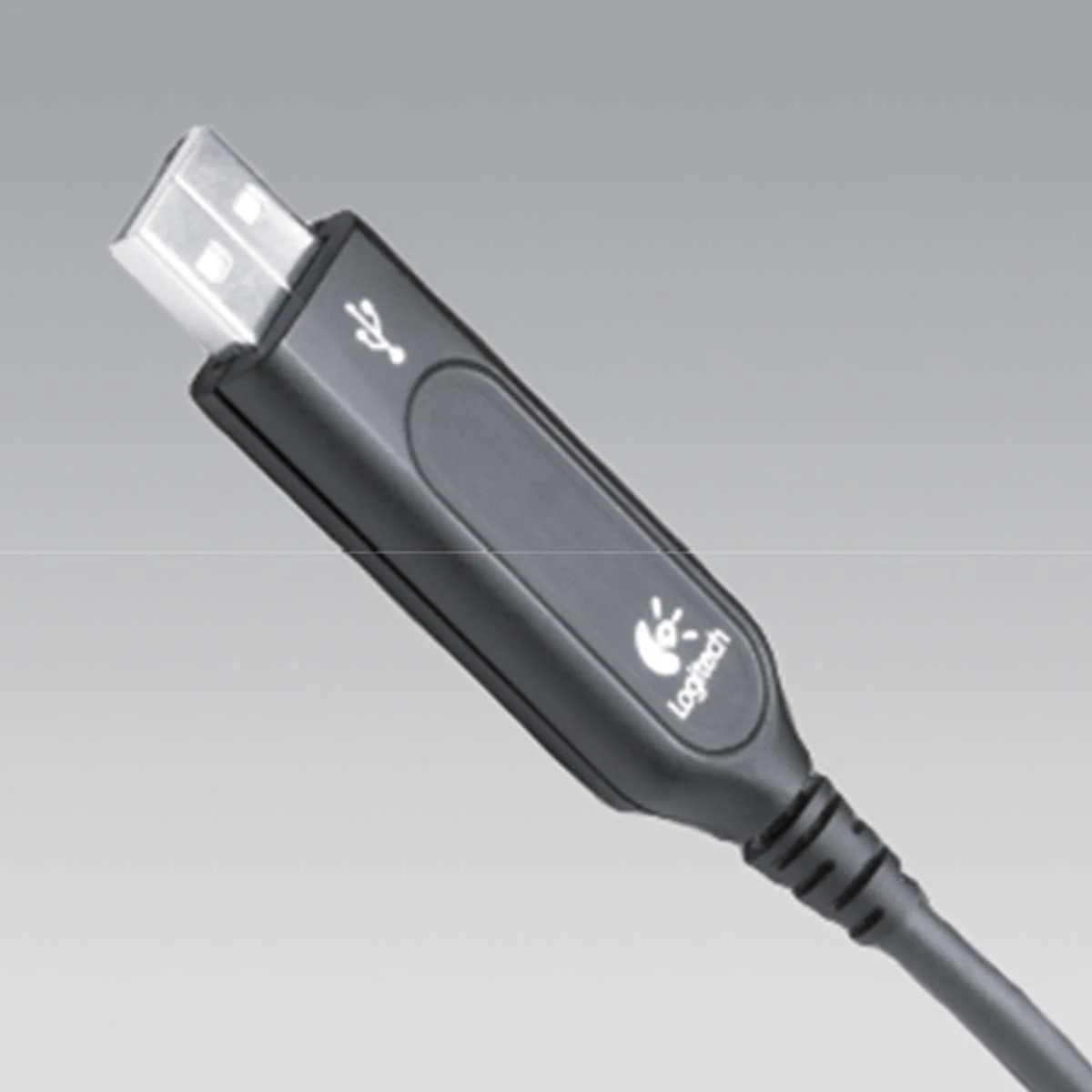
Features & Specs - Power Plug: USB Type-A
Features & Specs - Connectivity Technology: Wired
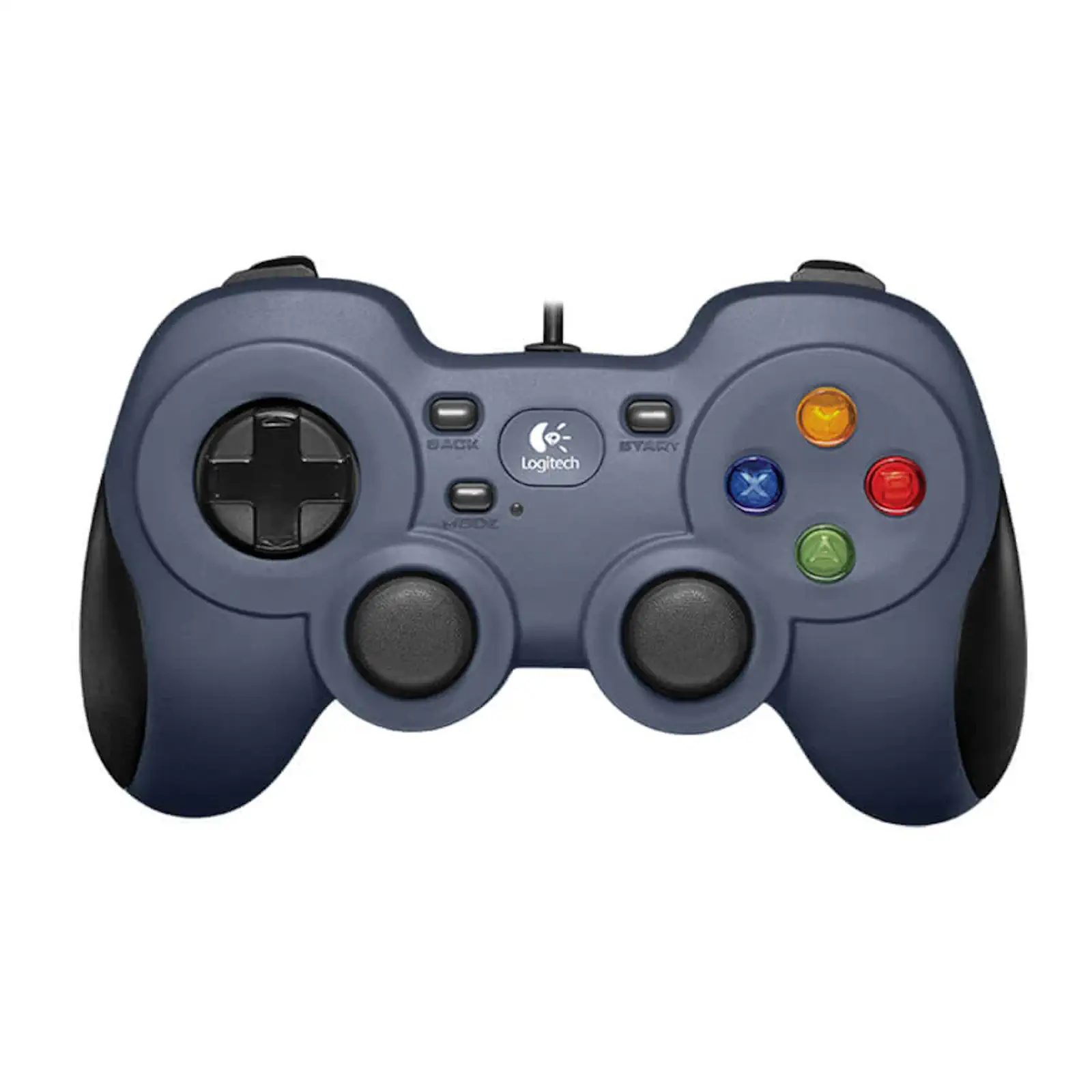
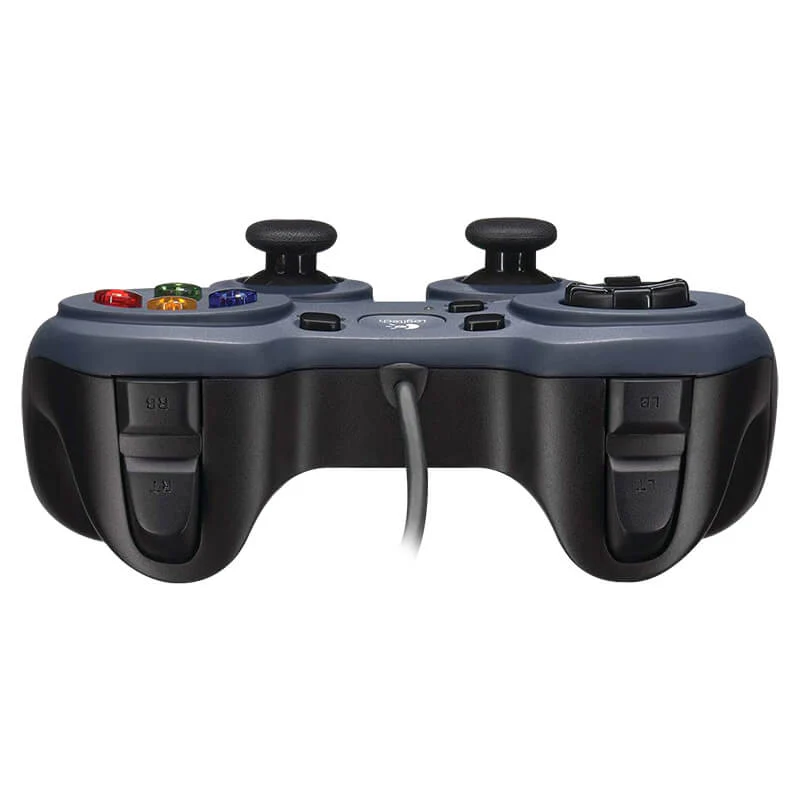
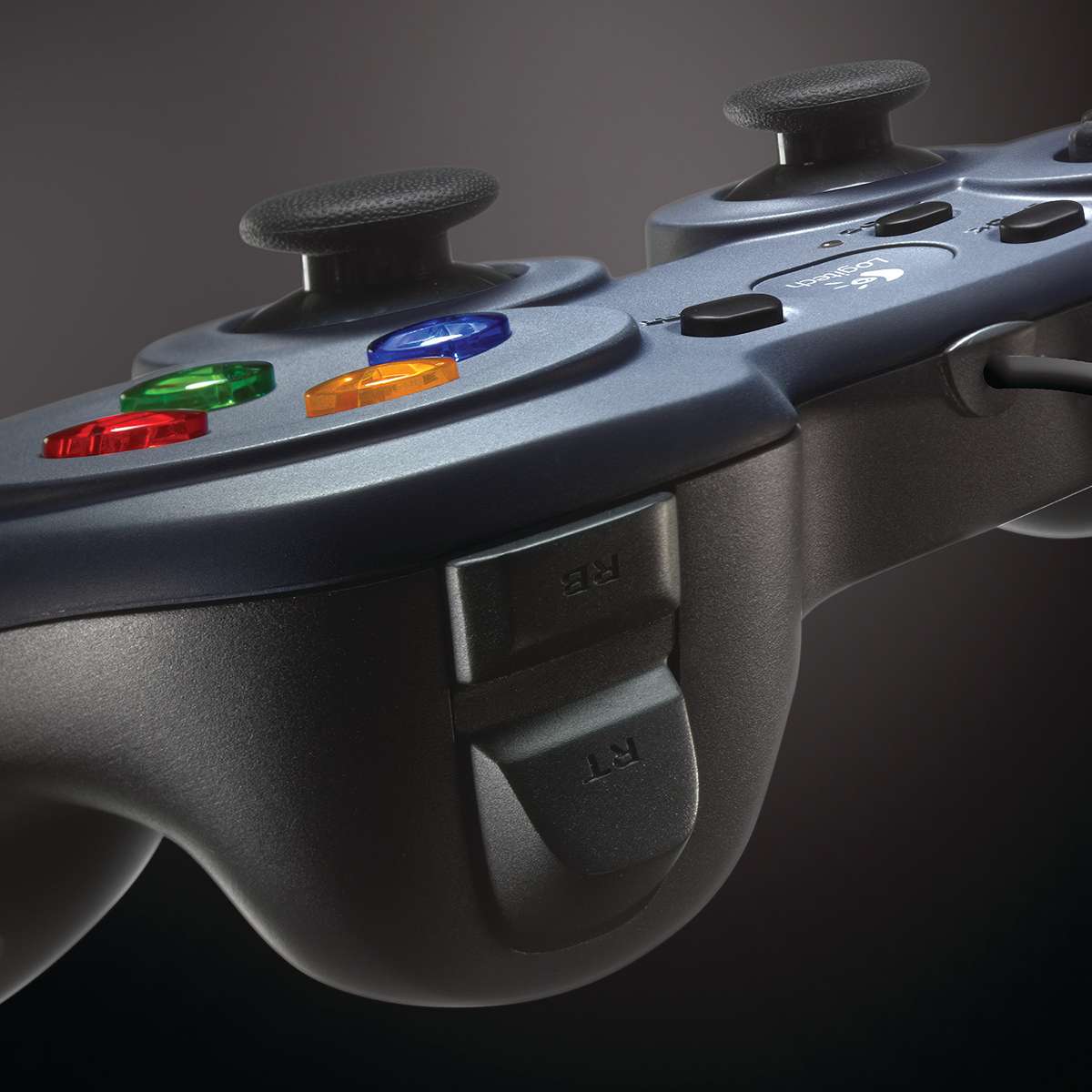
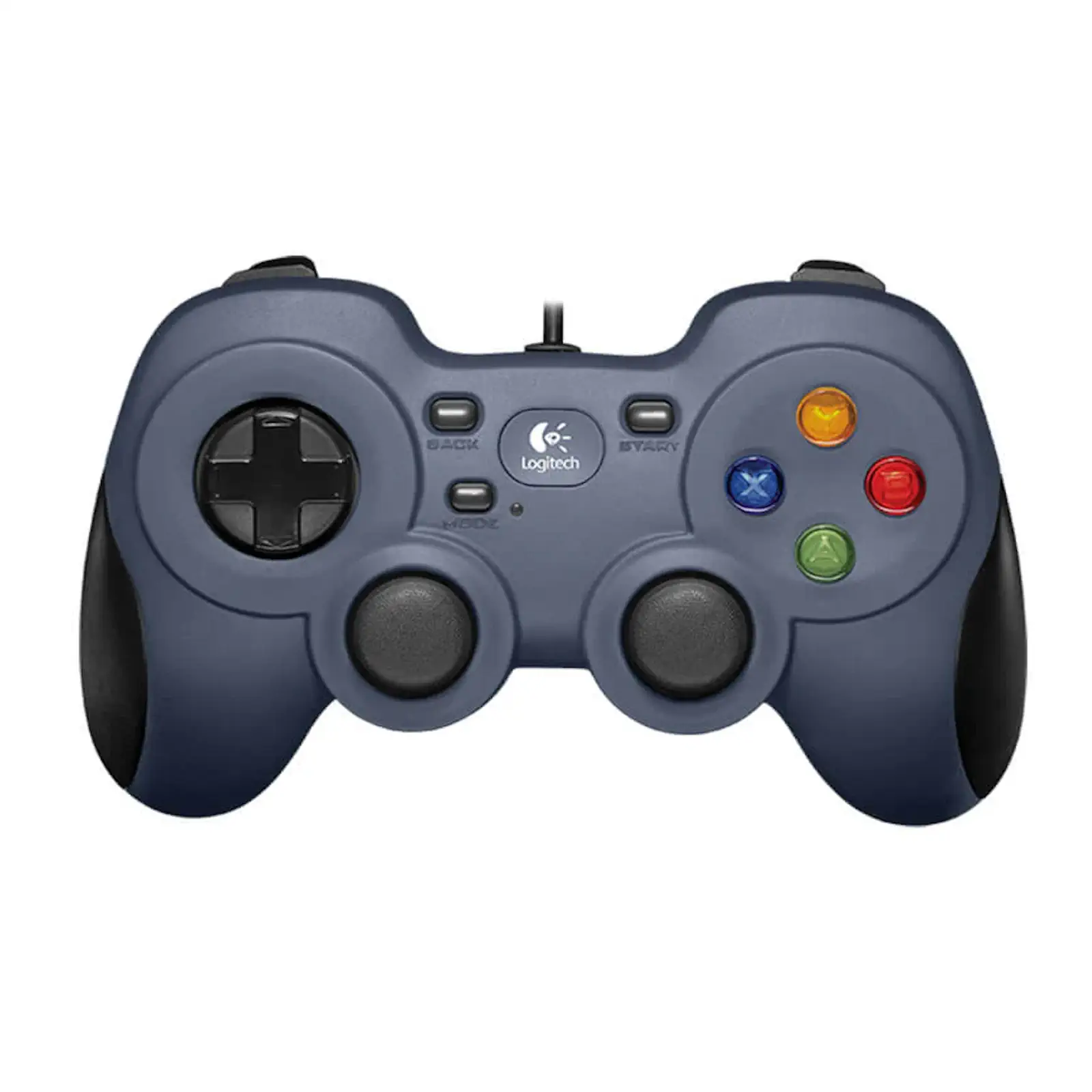
Features & Specs - Special Features: XInput & DirectInput support, 4-switch floating D-pad, 10 programmable buttons, analog triggers, textured handles
Features & Specs - Material: Durable ABS Plastic Housing
Features & Specs - Color: Black and Silver
Features & Specs - Cable Length: 1.8 meters (6 feet)
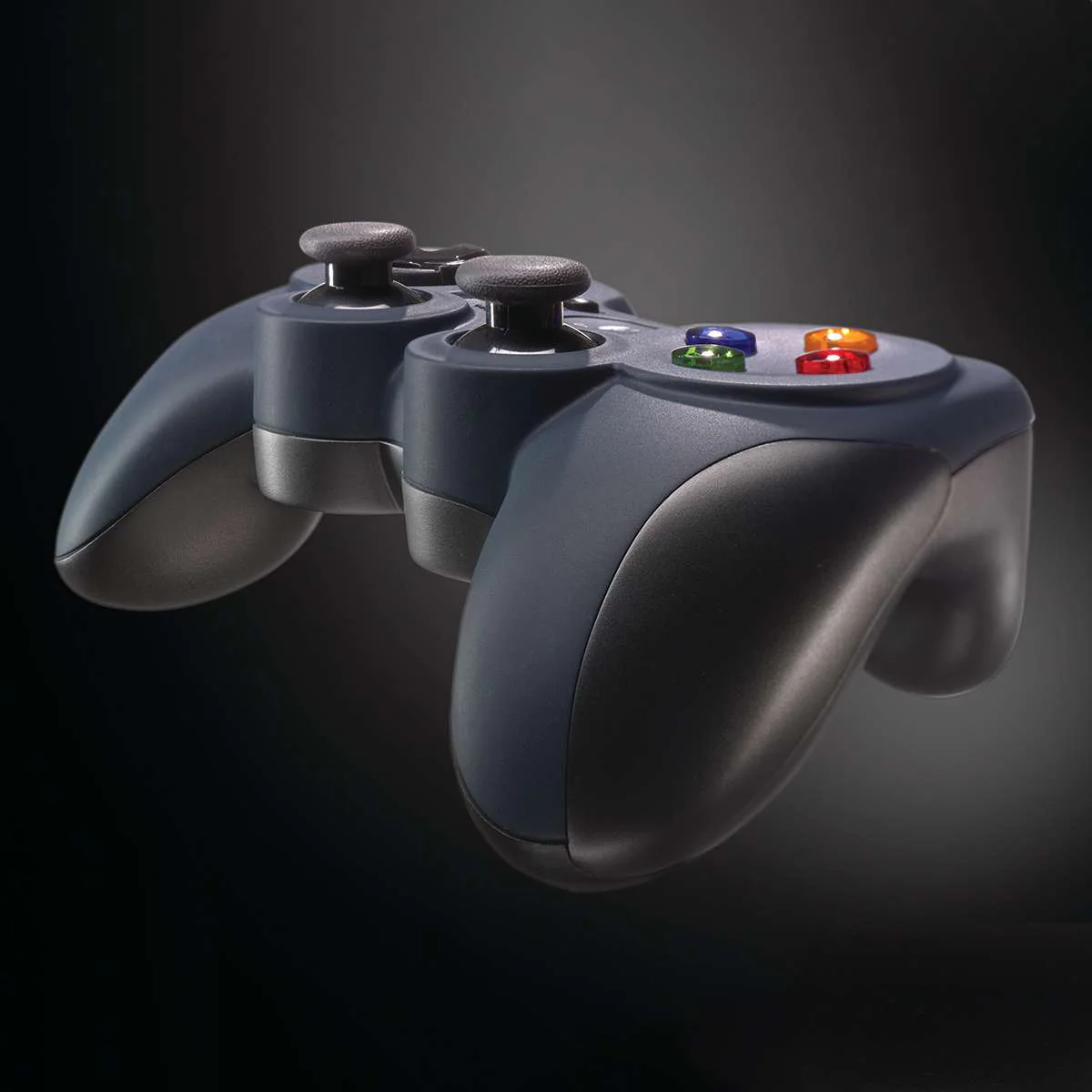
Features & Specs - Button Layout: Familiar Console-style Layout
Features & Specs - Analog Sticks: 2 Precision Analog Sticks
Features & Specs - Directional Control: 8-way Floating D-pad
Features & Specs - Software Integration: Logitech Profiler Software
Features & Specs - Plug and Play: Yes (for XInput mode)
Features & Specs - Force Feedback: No (No vibration motors)
Features & Specs - Trigger Design: Pressure-sensitive Analog Triggers
Features & Specs - Backlight: None
Features & Specs - LED Indicators: None
Features & Specs - Audio Jack: None
Features & Specs - Wireless Technology: Not Applicable
Features & Specs - Polling Rate: Standard USB 125Hz
Features & Specs - OS Architecture: 32-bit and 64-bit compatible
Features & Specs - Hardware Interface: USB 2.0 / USB 3.0
Features & Specs - Driver Requirement: Automatic installation for XInput; optional software for custom mapping
Features & Specs - Controller Type: Gamepad
Item details - Brand: Logitech
Item details - Model Number: F310
Item details - SKU: 940-000112
Item details - MFN Part Number: 940-000112
Item details - Manufacturer: Logitech
Item details - Categories: Logitech > Logitech Gaming
Item details - Tags: Logitech F310 gamepad
Item details - Country of Origin: China
Item details - Item Model Number: F310 Gamepad
Item details - Product Series: F-Series Gaming Controllers
Measurements - Number of Items: 1 Unit
Measurements - Item Weight: Standard Lightweight Build (~210g)
Measurements - Unit Count: 1
Measurements - Product Dimensions: Standard ergonomic PC gamepad size
Measurements - Package Dimensions: Standard retail box dimensions
Measurements - Cable Dimensions: 1.8 meters length
Additional details - Color: Black
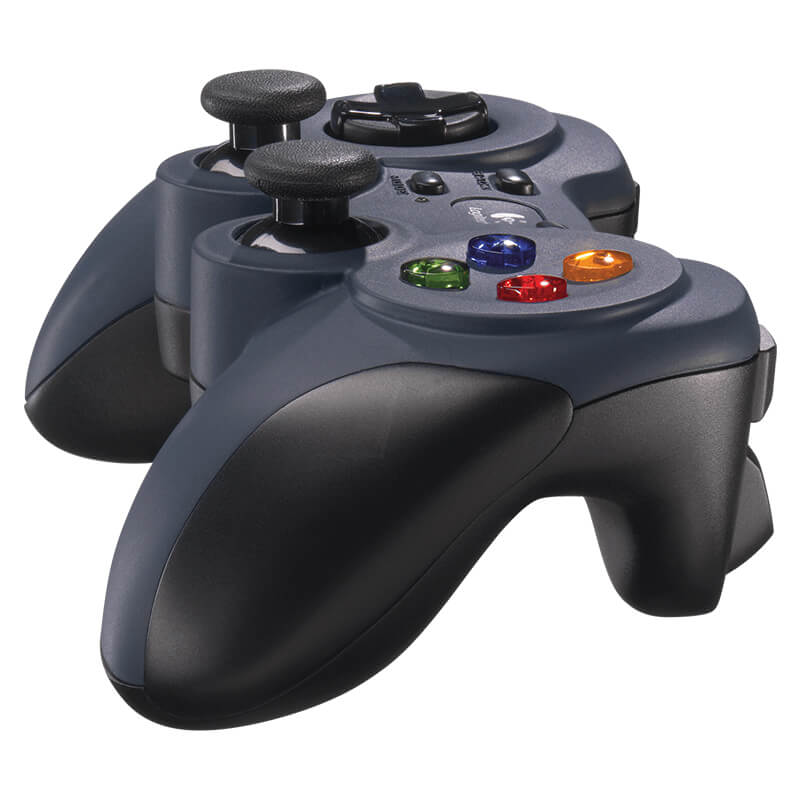
Additional details - Enclosure Material: Hard Plastic with Textured Rubber Grips
Additional details - Form Factor: Standard Console Controller Shape
Additional details - Style: Wired Gamepad
Additional details - Theme: Gaming
Additional details - Finish Type: Matte and Glossy Hybrid Finish
Additional details - Hand Orientation: Ambidextrous (Dual-hand grip)
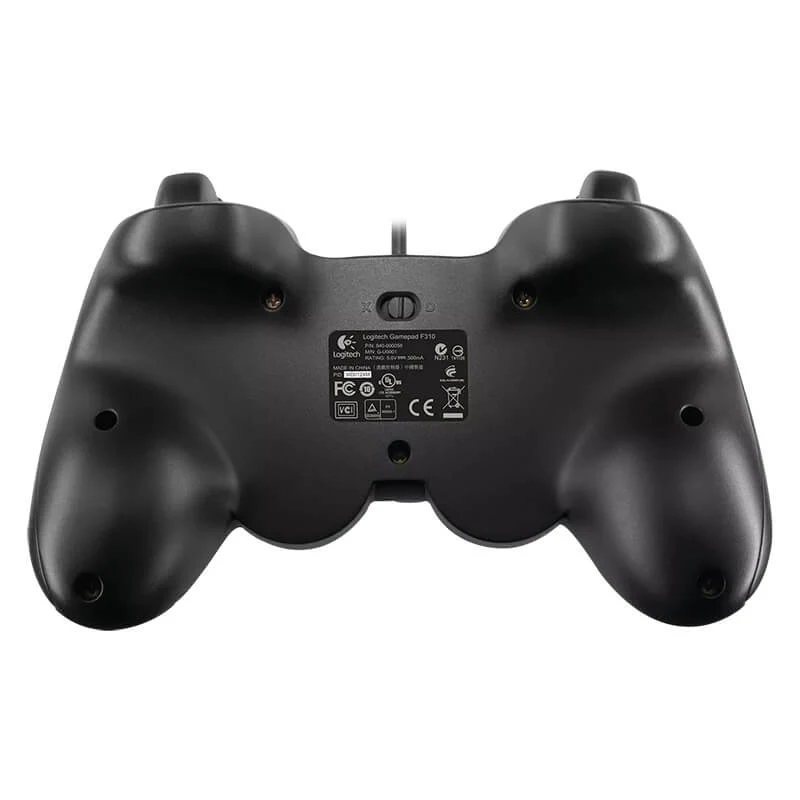
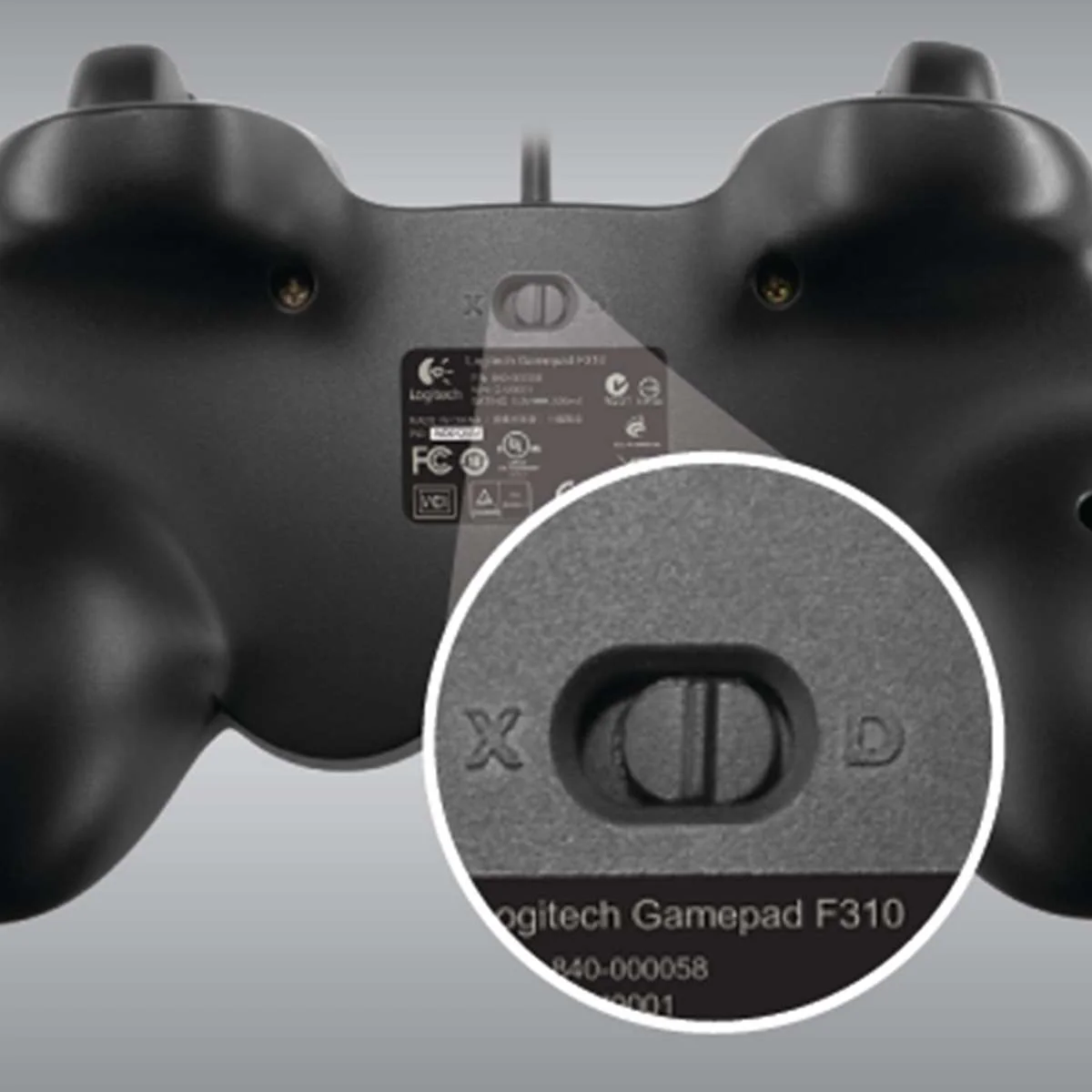
User guide - Usage Instructions: Plug the USB cable into an available USB port on your Windows PC. Toggle between XInput and DirectInput modes via the switch on the back if necessary.
User guide - Installation: Plug-and-play setup for modern games. Install Logitech Profiler software from the included media or official website for custom button remapping.
User guide - Care Instructions: Clean the surface with a dry or slightly damp microfibre cloth. Avoid using harsh chemical solvents.
User guide - Safety Warnings: Keep away from excessive moisture, direct heat sources, and liquid spills. Do not pull sharply on the attached cable.
User guide - Maintenance: Store in a clean, dust-free environment when not in use. Avoid wrapping the cable too tightly around the controller body.
User guide - Certification: CE, FCC, RoHS compliant
User guide - Compatibility Notes: Designed exclusively for PC gaming. Not compatible with Microsoft Xbox or Sony PlayStation consoles.
User guide - Operating Temperature: 0°C to 40°C (32°F to 104°F)
Use Cases - Best For: PC gaming enthusiasts playing action, sports, platform, and retro titles
Use Cases - Ideal Scenarios: Playing modern Steam games, running classic PC titles, and emulating retro console games
Use Cases - Target Audience: PC gamers, retro emulation hobbyists, and budget-conscious players
Use Cases - Compatible With: Windows XP, Windows Vista, Windows 7, Windows 8, Windows 10, Windows 11
Use Cases - Not Recommended For: Console gamers (Xbox/PlayStation) or users requiring wireless connectivity and vibration feedback
Pros & Cons - Pros: Dual-mode support with XInput and DirectInput for broad game compatibility
Pros & Cons - Pros: Precise 4-switch floating D-pad ideal for fighting games and platformers
Pros & Cons - Pros: Fully programmable buttons via Logitech Profiler software
Pros & Cons - Pros: Comfortable ergonomic design with textured side grips
Pros & Cons - Pros: Reliable plug-and-play wired USB connection with a 6-foot cable
Pros & Cons - Cons: Does not feature vibration feedback or rumble motors
Pros & Cons - Cons: Cable is fixed and cannot be detached
Pros & Cons - Cons: Not compatible with home gaming consoles like Xbox or PlayStation
Box Contents - Main Unit: Logitech F310 Gamepad
Box Contents - Cables: Attached 1.8-meter (6 feet) USB Cable
Box Contents - Adapters: None required
Box Contents - Documentation: User Documentation and Quick Start Guide
Box Contents - Warranty Card: Included in documentation booklet
Box Contents - Other Accessories: Software CD (Logitech Profiler Software)
Warranty & Support - Warranty Period: 1-Year Limited Hardware Warranty
Warranty & Support - Warranty Type: Manufacturer Warranty
Warranty & Support - Coverage: Defects in materials and workmanship under normal use
Warranty & Support - Support Contact: Available via Logitech Official Customer Support Website
Warranty & Support - Return Policy: As per the respective retail store policy
Warranty & Support - Customer Service Hours: Standard business hours via Logitech online portal
Warranty & Support - Service Locations: Authorized Logitech service centers worldwide


 No products in the cart.
Write a review