
Synology Family & Business Backup, Secure File Sharing, Photo Vault & Video Surveillance
Create a Private Cloud Hub for Your Business
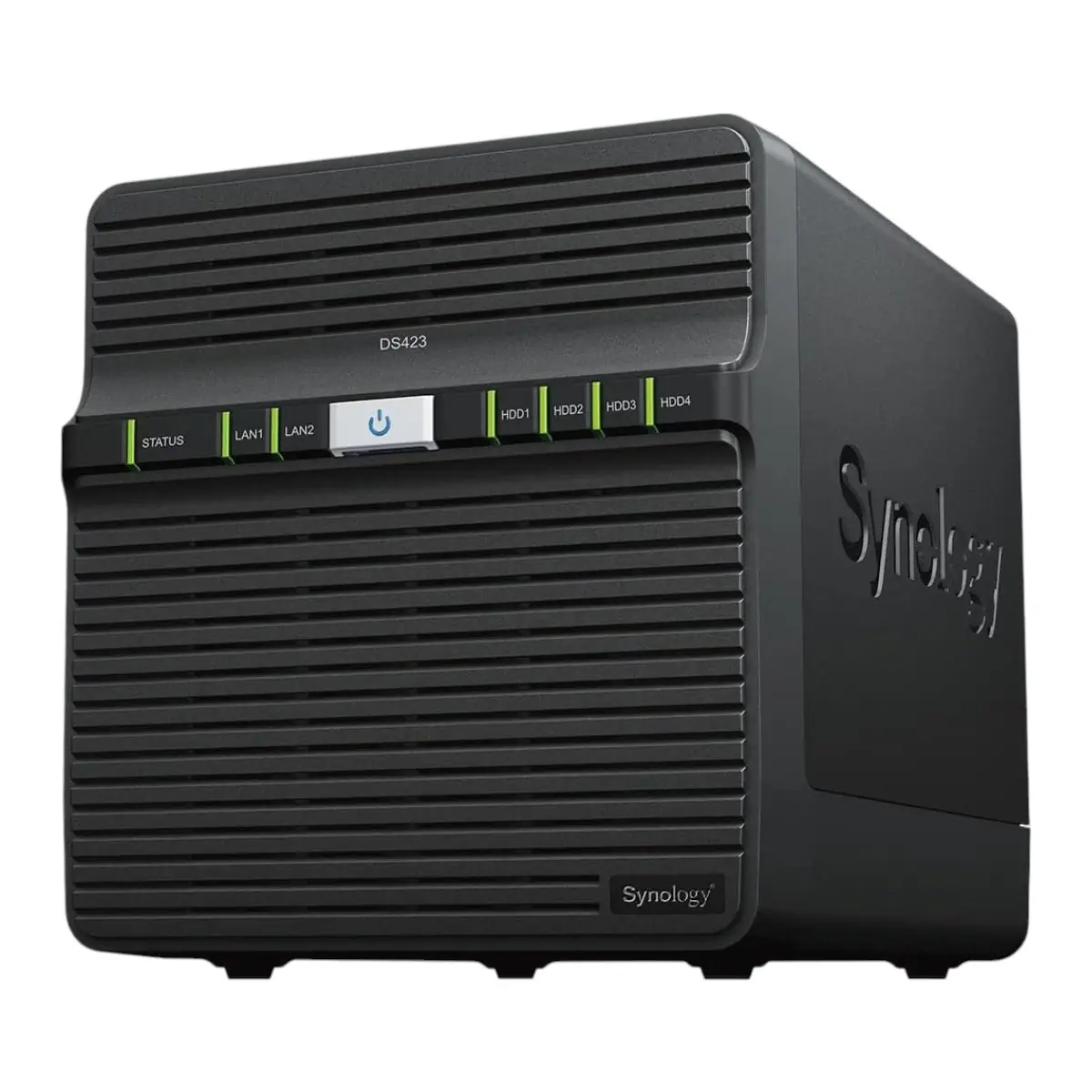
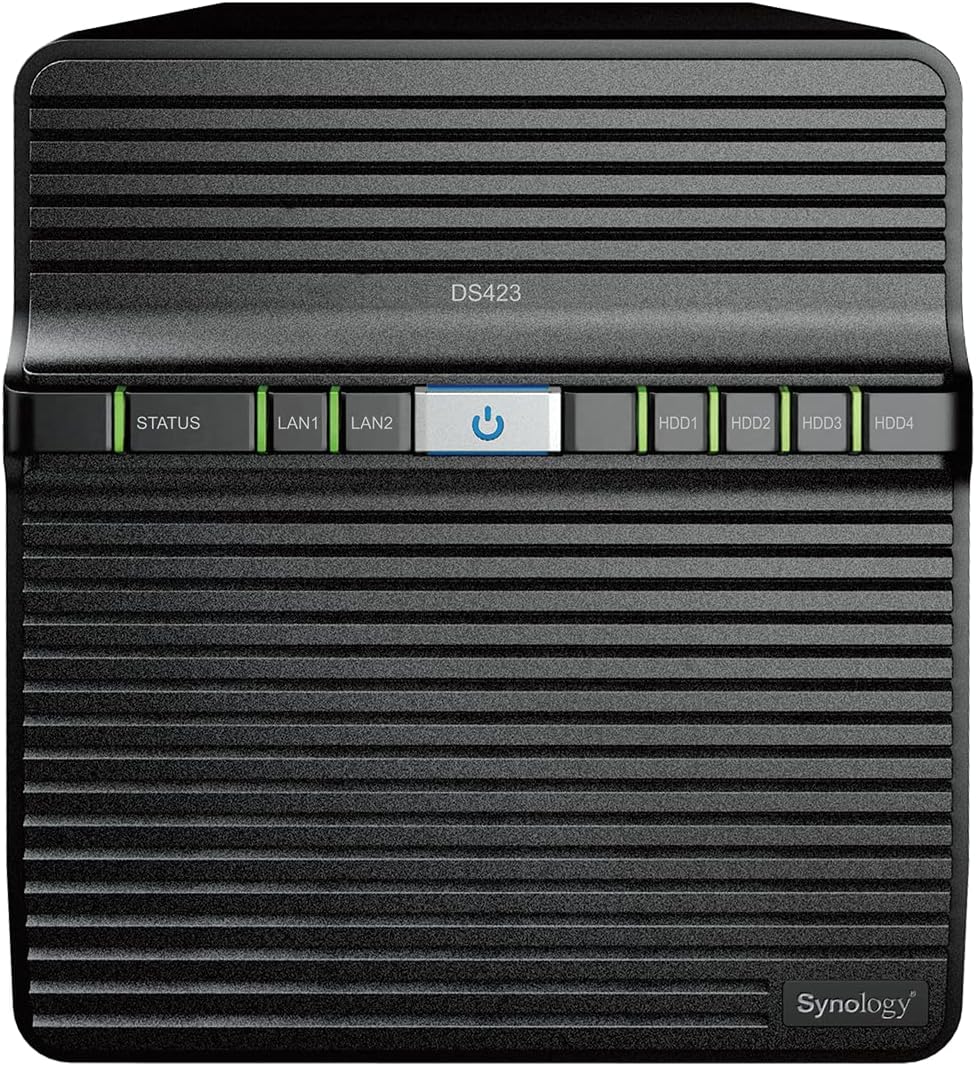
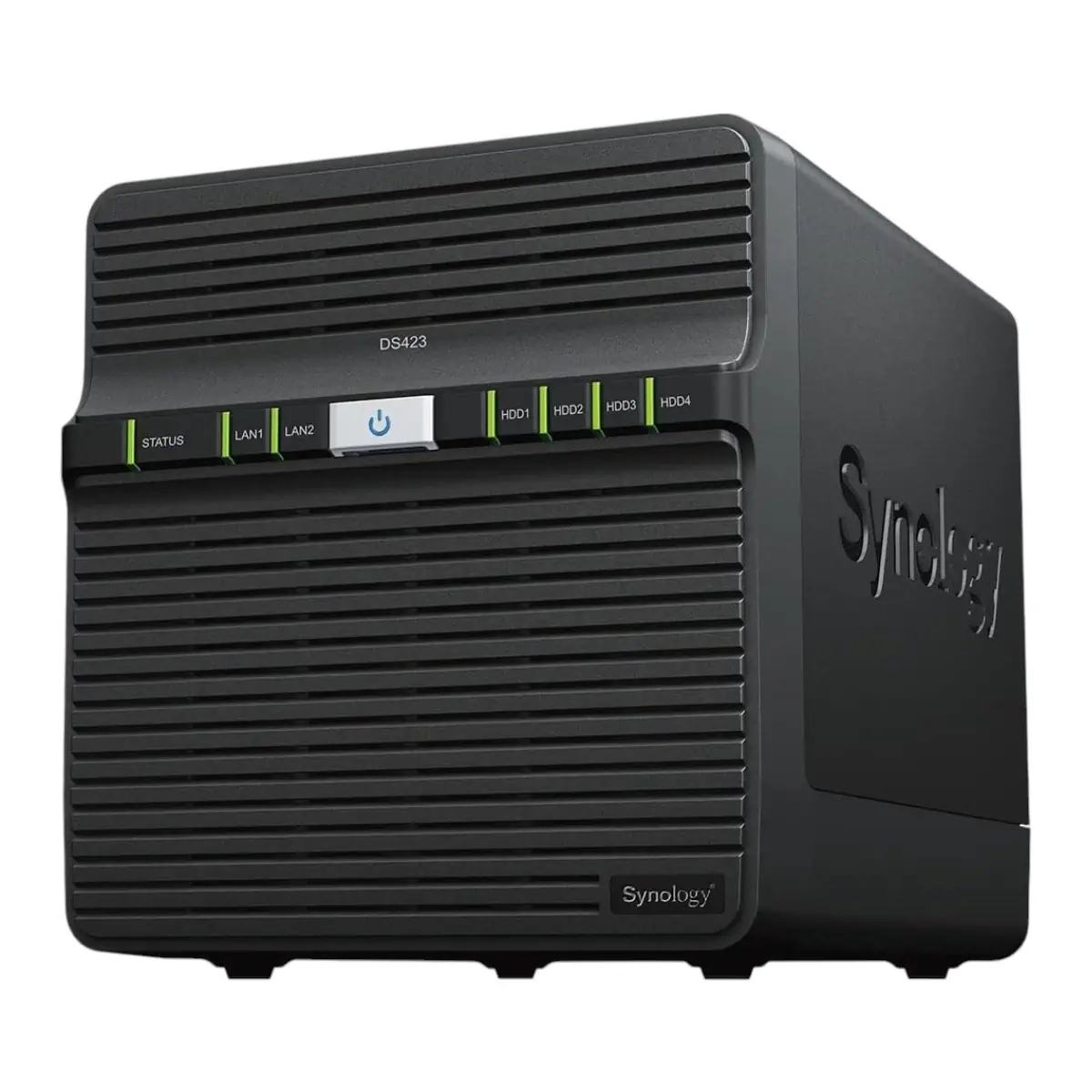
The Synology DS423 helps you import and sync data scattered across PCs, Macs, phones, and external storage devices. Implement well-organized file management for your business with complete data ownership. This 4-bay NAS brings all your data under one roof with multi-platform access.
Multi-Device Access
Browse, access, edit, and share files securely and conveniently via desktop, mobile, or web browser platforms. Use intuitive admin tools to track and set file permissions and control access to documents, files, and other data. Access your storage securely from anywhere with comprehensive management tools.
On-Demand Sync
Save space on your personal devices by only synchronizing the files you need from your Synology system. Pin frequently accessed files for convenient offline accessibility. This smart sync feature ensures you have what you need without wasting storage space.
Cloud Integration
Sync your private storage servers with public cloud services such as Google Drive, Dropbox, and Microsoft OneDrive. Retain local copies of your cloud data for centralized management and complete data ownership. Sync files between your private cloud and public cloud platforms with ease.
Cross-Platform Sharing
Build a private data cloud that syncs and shares files swiftly between multiple storage servers. Let everyone access the same set of data at their convenience. This makes the DS423 perfect for distributed teams and multi-site workflows.
Advanced Data Protection with Btrfs
Powered by Synology DiskStation Manager (DSM), the DS423 utilizes Btrfs, a next-generation file system, to secure data against corruption. Roll back any accidental or malicious changes with instantaneous snapshots. The DS423 is 30% faster in photo indexing compared to its predecessor, making photo management lightning-fast.
Smart and Secure Photo Management
Store and organize photos, albums, and other media with smart and intuitive features. Back up your memories with the mobile app. Leverage privacy-focused options to share media securely with friends, family, or colleagues. Browse automatically generated albums using facial recognition, geolocation, tags, and more.
Automatic Media Backup
Safeguard mobile media such as photos and videos by automatically storing remote copies onto Synology Photos or Synology Drive. Protect your data against ransomware attacks or accidental deletion with real-time or scheduled backups of computer folders with Synology Drive.
Professional Video Surveillance
Secure your home or business with a powerful solution to monitor, archive, and analyze footage centrally. Connect up to 30 IP cameras by selecting from a wide variety of over 8,300 validated models or ONVIF devices. Monitor video streams in real time via web browsers, desktop clients, or mobile apps. Supports up to 30 IP cameras at 1080p H.264 with 600 FPS and 20 cameras at 4K H.265 with 200 FPS.
Multi-Layered Backup Solutions
Back up your Synology device, including system settings, applications, and shared folders. Save space with data deduplication, and store copies to multiple destinations. Create point-in-time snapshots of shared folders and LUNs for added protection. Snapshot Replication enables an RPO as low as 5 minutes and recovery within seconds.
Hardware Engineered for Performance
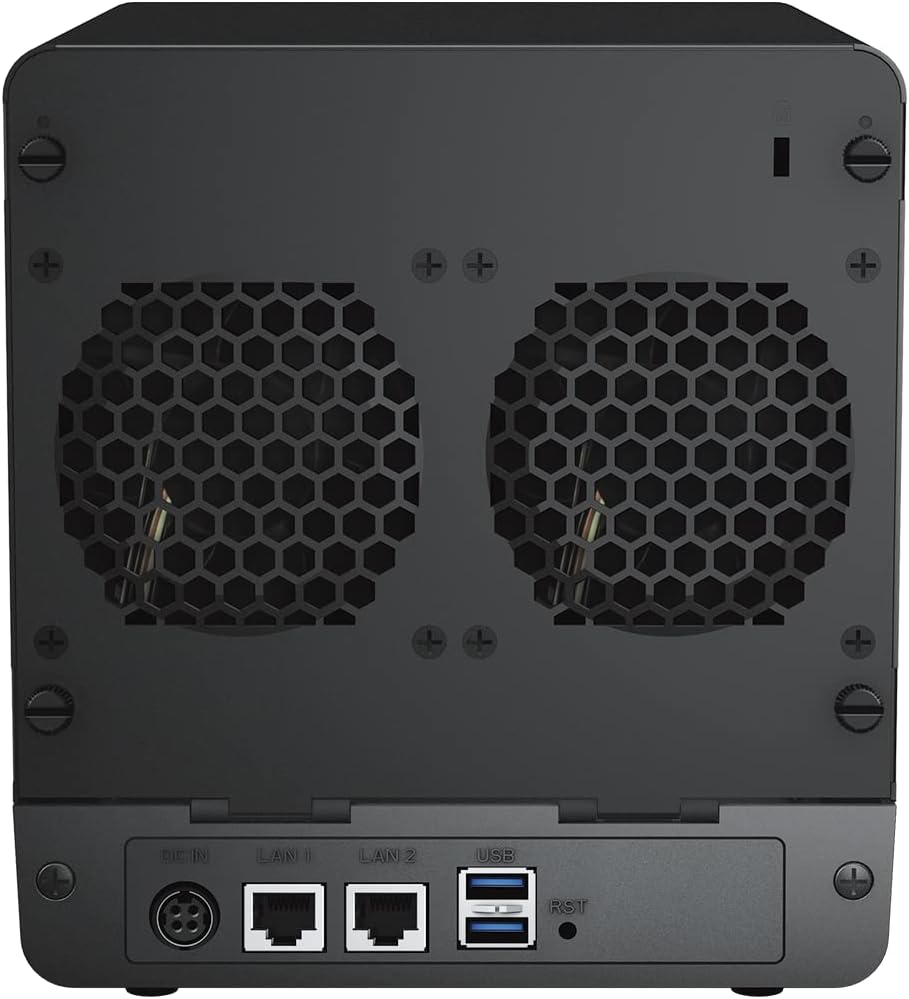
Powered by a 1.7 GHz Realtek RTD1619B quad-core processor with 2 GB DDR4 non-ECC memory. Features 4 x 3.5″ SATA drive bays with support for RAID 0, 1, 5, 6, 10, JBOD, Basic, and Synology Hybrid RAID configurations. Connectivity includes 2x 1GbE LAN ports with link aggregation for network redundancy, and 2x USB 3.2 Gen 1 ports. The dual 80mm system fans with adjustable speed modes ensure optimal thermal management.
Energy-Efficient and Quiet Operation
Consumes only 32.41 watts during access and 4.97 watts during HDD hibernation. Operates at just 20.6 dB(A) for quiet operation. Supports scheduled power on/off cycles and hard drive hibernation to minimize power consumption. Extend the standard 2-year hardware warranty up to 4 years with Extended Warranty Plus.
Works Best with Synology Drives
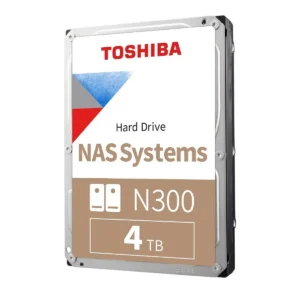
Leverage high sustained performance and reliability with well-engineered drives designed specially for Synology systems. Compatible with Plus Series 3.5″ SATA HDD (HAT3300 Series), Enterprise Series 3.5″ SATA HDD (HAT5300 Series), and Enterprise Series 2.5″ SATA SSD (SAT5200 Series).
When searching for the Best 4-Bay NAS in Pakistan, the Synology DS423 delivers exceptional value for family and business use. Shop from the Official UGREEN Store in Pakistan for complete data storage solutions. For network connectivity, explore the UGREEN 50737 USB C to Ethernet Adapter.
Products Specifications
- Brand: Synology
- Model: DiskStation DS423
- Product Type: 4-Bay NAS Enclosure
- CPU: Realtek RTD1619B Quad-Core 1.7 GHz
- CPU Architecture: 64-bit
- Hardware Encryption Engine: Yes
- Memory: 2 GB DDR4 non-ECC
- Drive Bays: 4 x 3.5″ SATA HDD or 2.5″ SATA SSD
- Hot Swappable: Yes
- Maximum Single Volume Size: 108 TB
- Maximum Internal Volume Number: 64
- Supported RAID Types: Synology Hybrid RAID, Basic, JBOD, RAID 0, RAID 1, RAID 5, RAID 6, RAID 10
- RAID Migration: Basic to RAID 1, Basic to RAID 5, RAID 1 to RAID 5, RAID 5 to RAID 6
- Volume Expansion: Synology Hybrid RAID, RAID 1, RAID 5, RAID 6, RAID 10
- Global Hot Spare: Synology Hybrid RAID, RAID 1, RAID 5
- Network Ports: 2 x RJ-45 1GbE LAN Ports (Link Aggregation Supported)
- USB Ports: 2 x USB 3.2 Gen 1 Ports
- System Fan: 80 mm × 80 mm × 2 pcs
- Fan Speed Modes: Full-Speed, Cool, Quiet
- Noise Level: 20.6 dB(A)
- Power Consumption: 32.41 watts (Access), 4.97 watts (HDD Hibernation)
- Power Supply: 90 watts AC Adapter
- AC Input: 100V to 240V AC, 50/60Hz
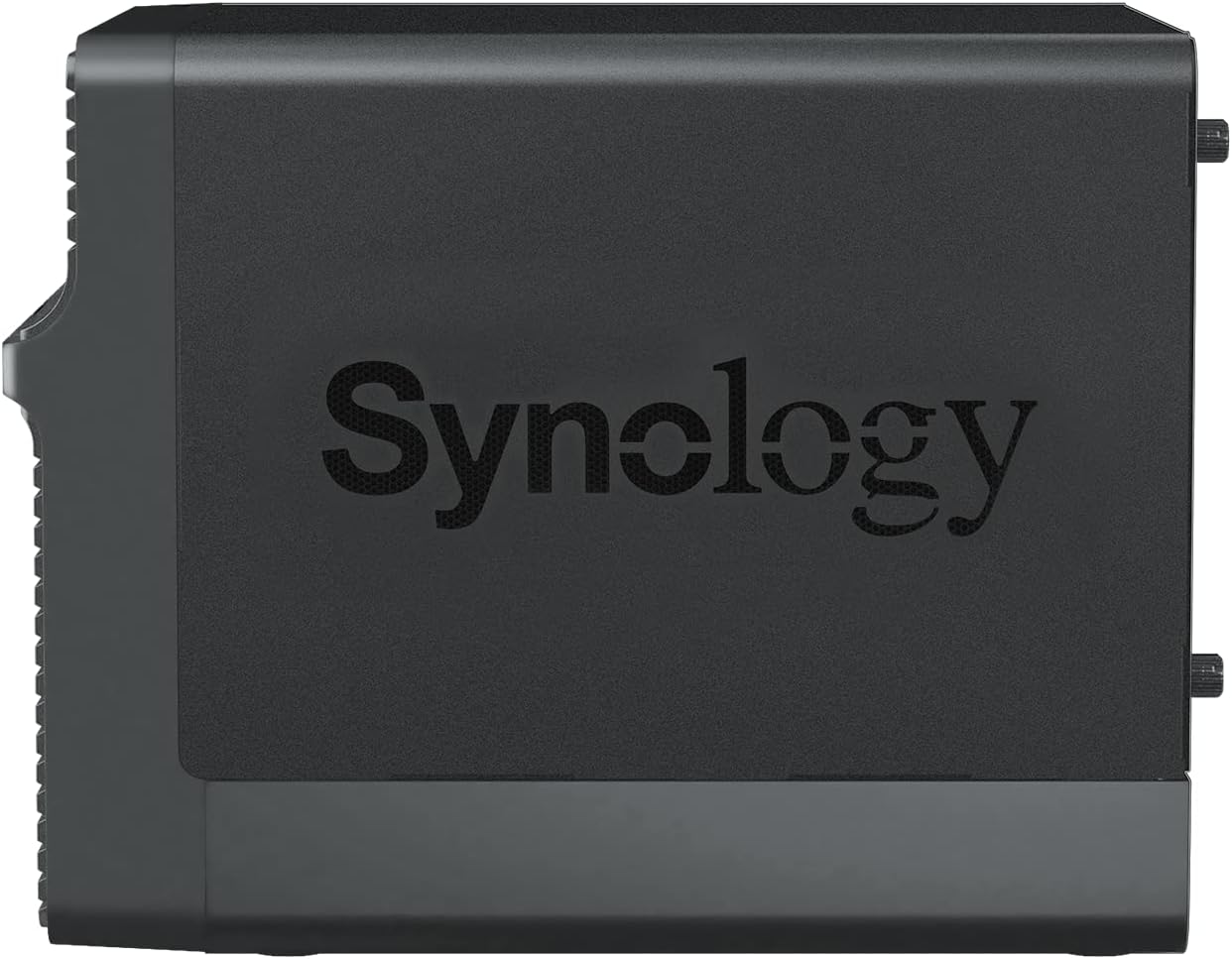
- Dimensions: 184 mm × 168 mm × 230 mm (Height × Width × Depth)
- Weight: 2.21 kg
- Operating Temperature: 0°C to 40°C (32°F to 104°F)
- Storage Temperature: -20°C to 60°C (-5°F to 140°F)
- Operating Humidity: 8% to 80% RH
- Storage Humidity: 5% to 95% RH
- Internal File Systems: Btrfs, ext4
- External File Systems: Btrfs, ext4, ext3, FAT32, NTFS, HFS+, exFAT
- File Protocols: SMB, AFP, NFS, FTP, WebDAV, Rsync
- Maximum Local User Accounts: 256
- Maximum Local Groups: 64
- Maximum Shared Folders: 64
- Certifications: FCC, CE, BSMI, VCCI, RCM, UKCA, EAC, CCC, KC, BIS
- RoHS Compliant: Yes
- Warranty: 2-Year Hardware Warranty (Extendable to 3 Years with Extended Warranty Plus)
DiskStation Manager (DSM) Specifications
- File Services:
- Maximum SMB Connections: 5 (FSCT-Based)
- Windows ACL Integration: Yes
- NFS Kerberos Authentication: Yes
- Account & Shared Folder:
- Maximum Local User Accounts: 256
- Maximum Local Groups: 64
- Maximum Shared Folder: 64
- Maximum Shared Folder Sync Tasks: 2
- Hyper Backup:
- Folder and Package Backup: Yes
- Snapshot Replication:
- Maximum Snapshots per Shared Folder: 128
- Maximum System Snapshots: 1,024
- Maximum Replication Tasks for Shared Folders: 16
- RPO as Low as: 5 Minutes
- Synology Drive:
- Maximum Users: 5
- Maximum Hosted Files: 100,000
- Surveillance Station:
- Default Licenses: 2 (Additional cameras require purchase)
- H.264 Support: 1080p: 30 channels 600 FPS, 3M: 30 channels 300 FPS, 5M: 20 channels 200 FPS, 4K: 15 channels 150 FPS
- H.265 Support: 1080p: 30 channels 800 FPS, 3M: 30 channels 500 FPS, 5M: 30 channels 450 FPS, 4K: 20 channels 200 FPS
- Synology Office:
- Maximum Users: 5
- VPN Server:
- Maximum Connections: 2
- General Specifications:
- Supported Protocols: SMB1 (CIFS), SMB2, SMB3, NFSv3, NFSv4, NFSv4.1, NFS Kerberized sessions, iSCSI, HTTP, HTTPs, FTP, SNMP, LDAP, CalDAV
- Supported Browsers: Chrome, Firefox, Edge, Safari
- Supported Languages: English, Deutsch, Français, Italiano, Español, Dansk, Norsk, Svenska, Nederlands, Русский, Polski, Magyar, Português do Brasil, Português Europeu, Türkçe, Český, ภาษาไทย, 日本語, 한국어, 繁體中文, 简体中文
- Explore Related Products:
What’s in the Box
- 1 x Synology DiskStation DS423 Main Unit
- 1 x Accessory Pack
- 1 x AC Power Adapter (90W)
- 1 x AC Power Cord
- 2 x RJ-45 LAN Cables
- 1 x Quick Installation Guide
Note: Hard drives are NOT included. This is a diskless NAS enclosure.
Frequently Asked Questions
Q1: What RAID configurations does the Synology DS423 support?
A: Yes, the Synology DS423 supports Synology Hybrid RAID, Basic, JBOD, RAID 0, RAID 1, RAID 5, RAID 6, and RAID 10 configurations. It also supports RAID migration from Basic to RAID 1, Basic to RAID 5, RAID 1 to RAID 5, and RAID 5 to RAID 6. This flexibility allows you to choose the right balance between storage capacity and data protection. For additional storage expansion, consider the UGREEN 60737 USB 3.0 to SATA Dual-Bay HDD Docking Station.
Q2: How many drive bays does the DS423 have?
A: Yes, the Synology DS423 features 4 x 3.5″ SATA drive bays that also support 2.5″ SATA SSDs. This 4-bay design allows for flexible RAID configurations and significant storage capacity. With 4 bays, you can use RAID 5 or RAID 6 for data protection, or RAID 10 for performance. For SSD storage, explore the UGREEN 90264 M.2 NVMe Hard Drive Enclosure.
Q3: What are the network capabilities of the DS423?
A: Yes, the Synology DS423 features dual 1GbE LAN ports that support link aggregation for network redundancy and increased throughput. This allows for failover protection and improved performance in multi-user environments. For USB expansion, check the UGREEN 20805 USB 3.0 Hub 4 Ports.
Q4: How many IP cameras can the DS423 support for surveillance?
A: Yes, the Synology DS423 supports Synology Surveillance Station with 2 default camera licenses. It supports up to 30 IP cameras at 1080p H.264 with 600 FPS and 20 cameras at 4K H.265 with 200 FPS. It is compatible with over 8,300 validated IP cameras and ONVIF devices. For reliable network connectivity, check the UGREEN 50737 USB C to Ethernet Adapter.
Q5: Is the DS423 energy efficient?
A: Yes, the DS423 consumes only 32.41 watts during access and 4.97 watts during HDD hibernation. It operates at just 20.6 dB(A) for quiet operation and supports scheduled power on/off cycles to minimize power consumption. For power accessories, explore the UGREEN 60468 36W USB-C Wall Charger.
Q6: What is the photo indexing speed of the DS423?
A: Yes, the Synology DS423 is 30% faster in photo indexing than its predecessor. This means you can organize and browse your photo collection with facial recognition, geolocation, and tags much more quickly. The efficient Btrfs file system further enhances data protection and performance. For external backup, consider the UGREEN 30849 USB 3.0 External HDD Enclosure.
Q7: Can I use the DS423 for business file sharing?
A: Yes, the Synology DS423 is ideal for business file sharing with support for up to 256 local user accounts and 64 local groups. It includes Synology Drive for file management and sharing, and Synology Office for real-time document collaboration. For photo backup, check the UGREEN 40752 USB 3.0 SD Card Reader.
Q8: What are the physical dimensions of the DS423?
A: Yes, the Synology DS423 measures 184 mm × 168 mm × 230 mm (Height × Width × Depth) and weighs 2.21 kg. Its compact form factor with hot-swappable drive bays makes it ideal for office environments and server rooms. For desktop organization, explore the UGREEN 80708 Adjustable Aluminum Phone Holder.
Q9: What is the warranty period for the DS423?
A: Yes, the Synology DS423 comes with a 2-year hardware warranty that can be extended to 4 years with Extended Warranty Plus. The warranty period starts from the purchase date as stated on your receipt. For additional protection, consider the UGREEN 40705 Cable Protector USB Cable Saver.
Q10: What operating systems are compatible with the DS423?
A: Yes, the Synology DS423 is compatible with Windows, macOS, Linux, Chrome OS, Android, and iOS for file access. It supports file protocols including SMB, AFP, NFS, FTP, WebDAV, and Rsync. It also supports Windows AD and LDAP for easy integration into existing network infrastructure. For USB hub expansion, check the UGREEN 50985 Ultra Slim 4 Port USB 3.0 Hub.

 No products in the cart.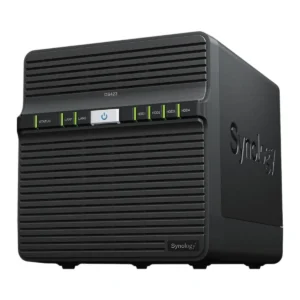
Reviews
There are no reviews yet.