
Logitech BCC950 ConferenceCam | All-in-One Video Conferencing | HD 1080p Camera & Speakerphone | for Small Rooms
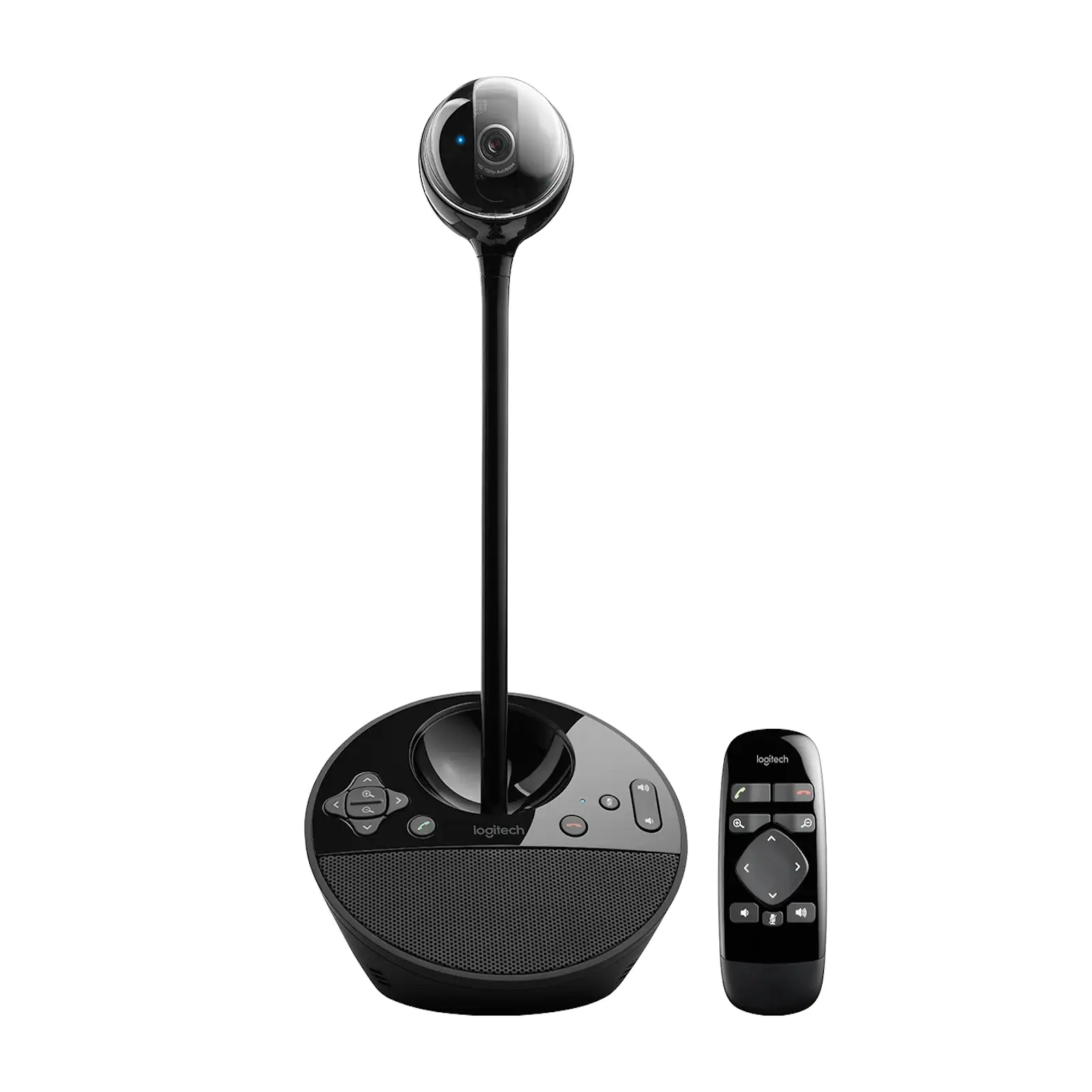
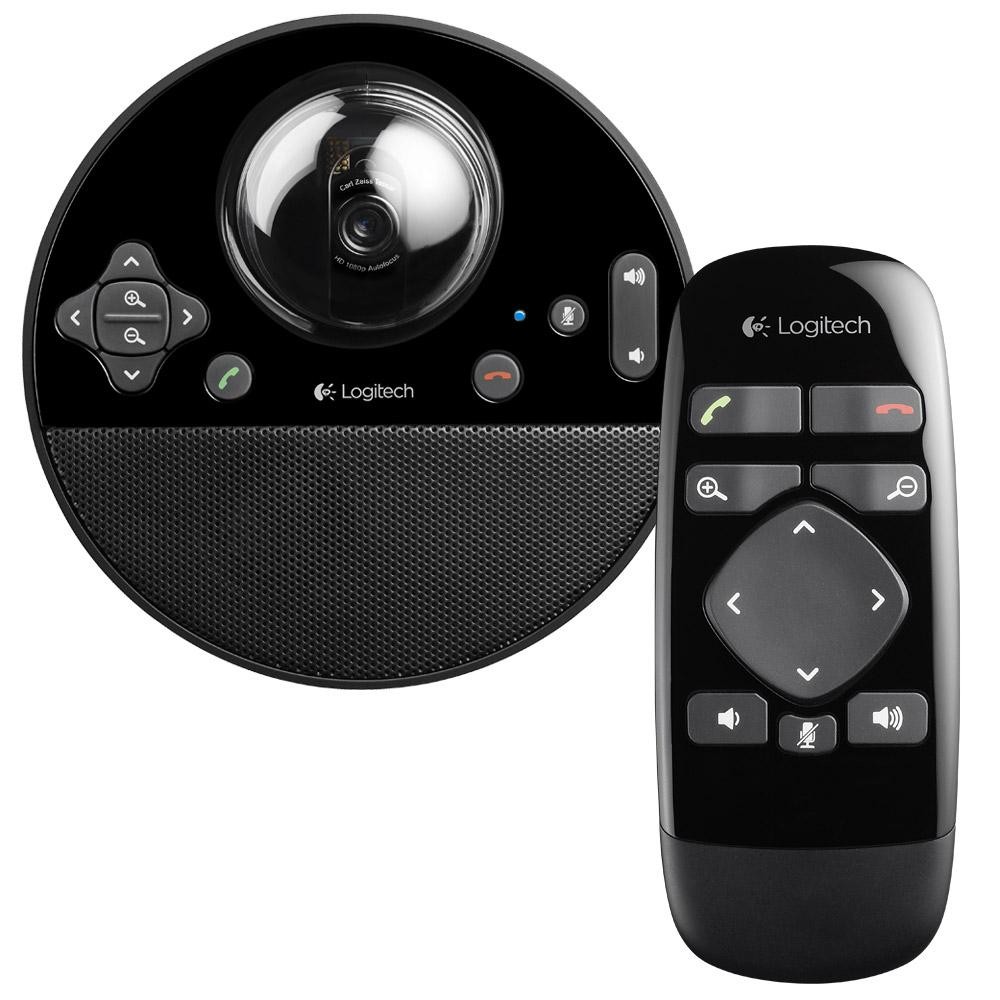
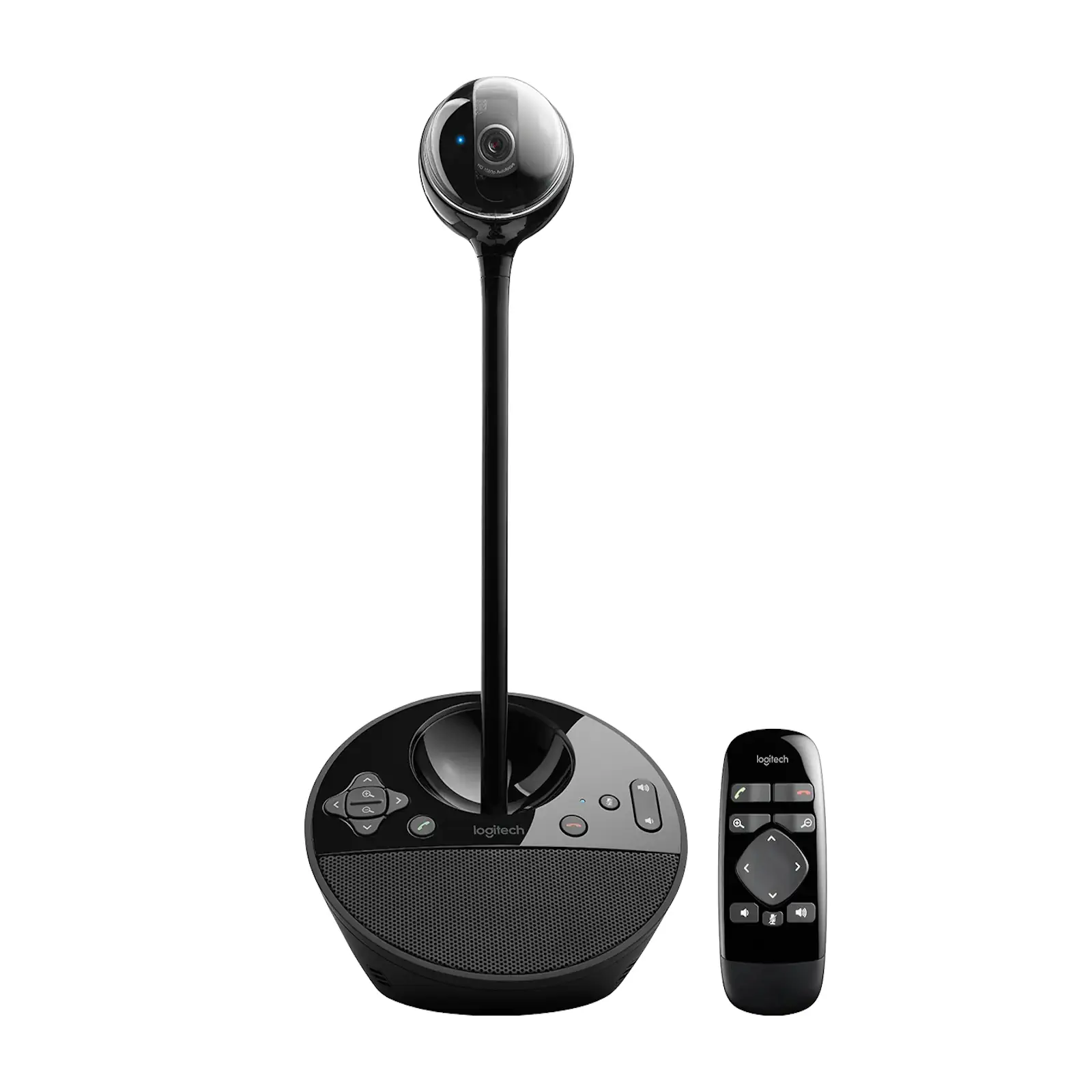
Empower your small team with professional-grade video conferencing using the Logitech BCC950 ConferenceCam. This all-in-one system combines a Full HD 1080p camera with a high-quality speakerphone, eliminating the need for multiple devices and complicated setups. The motorized camera automatically adjusts to eye level, providing a natural view for participants, while the 78-degree field of view is perfect for small meeting rooms or private offices. With an omnidirectional microphone that captures clear audio from up to 2.4 meters away and advanced noise cancellation, every team member can be heard without echoes or distractions. The included remote control allows you to manage calls, adjust volume, mute audio, and pan the camera effortlessly. Certified for Skype for Business and compatible with Zoom, Microsoft Teams, and other popular applications, the BCC950 offers a plug-and-play solution that delivers exceptional value and performance for teams of 1-4 people.
Specifications
- Brand: Logitech
- Model: BCC950 ConferenceCam (960-000939)
- Video Resolution: 1080p/30fps (Full HD)
- Field of View: 78° Diagonal
- Zoom: 1.2x HD Digital Zoom
- Microphone: Omnidirectional (2.4m range)
- Speaker: Full-Duplex with noise cancellation
- Connection: USB
- Included: IR Remote Control, Power Adapter
- Compatibility: Windows, macOS, Zoom, Teams, Skype, Cisco Jabber
What’s in the Box
- BCC950 ConferenceCam Unit
- IR Remote Control (with battery)
- Power Adapter
- USB Cable
- User Documentation
FAQs
1. How many people can use the BCC950 effectively?
It is ideally suited for small groups of 1 to 4 people in a typical meeting room or office setting.
2. Does the camera move automatically?
Yes, the camera features a motorized tilt that can be adjusted via the remote control to frame participants at eye level.
3. What is the microphone range?
The omnidirectional microphone clearly captures audio from up to 2.4 meters (8 feet) away.
4. Is it compatible with Zoom and Microsoft Teams?
Yes, it is certified for Zoom and compatible with Microsoft Teams, Skype for Business, and other major conferencing platforms.
5. Does it require special drivers or software?
No, it is a plug-and-play USB device and works automatically with supported operating systems and applications.
6. Can I use it without the remote control?
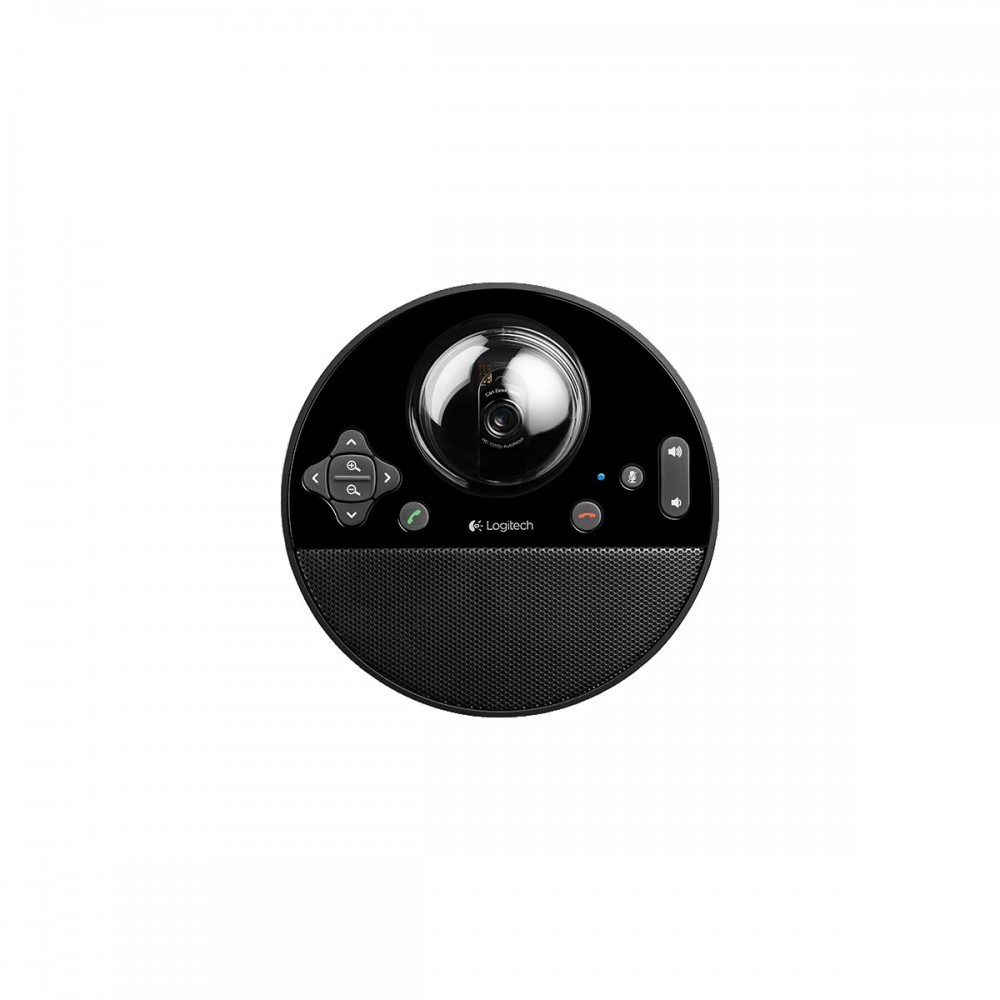
Basic functions can be controlled via the touch buttons on the unit, but the remote is needed for camera movement and some call controls.
7. What is the warranty period?
Logitech provides a 1-year limited warranty.
8. Is the speaker loud enough for a small room?
Yes, the integrated full-duplex speaker provides clear audio output suitable for small meeting spaces.
9. Can I connect it to a TV or monitor?
It connects directly to a computer via USB. The computer can then be connected to a display for a larger view.
10. Does it work on both Windows and Mac?
Yes, it is compatible with both Windows and macOS systems.

 No products in the cart.
Reviews
There are no reviews yet.