
Store Everything. Find Anything. No Organization Needed.
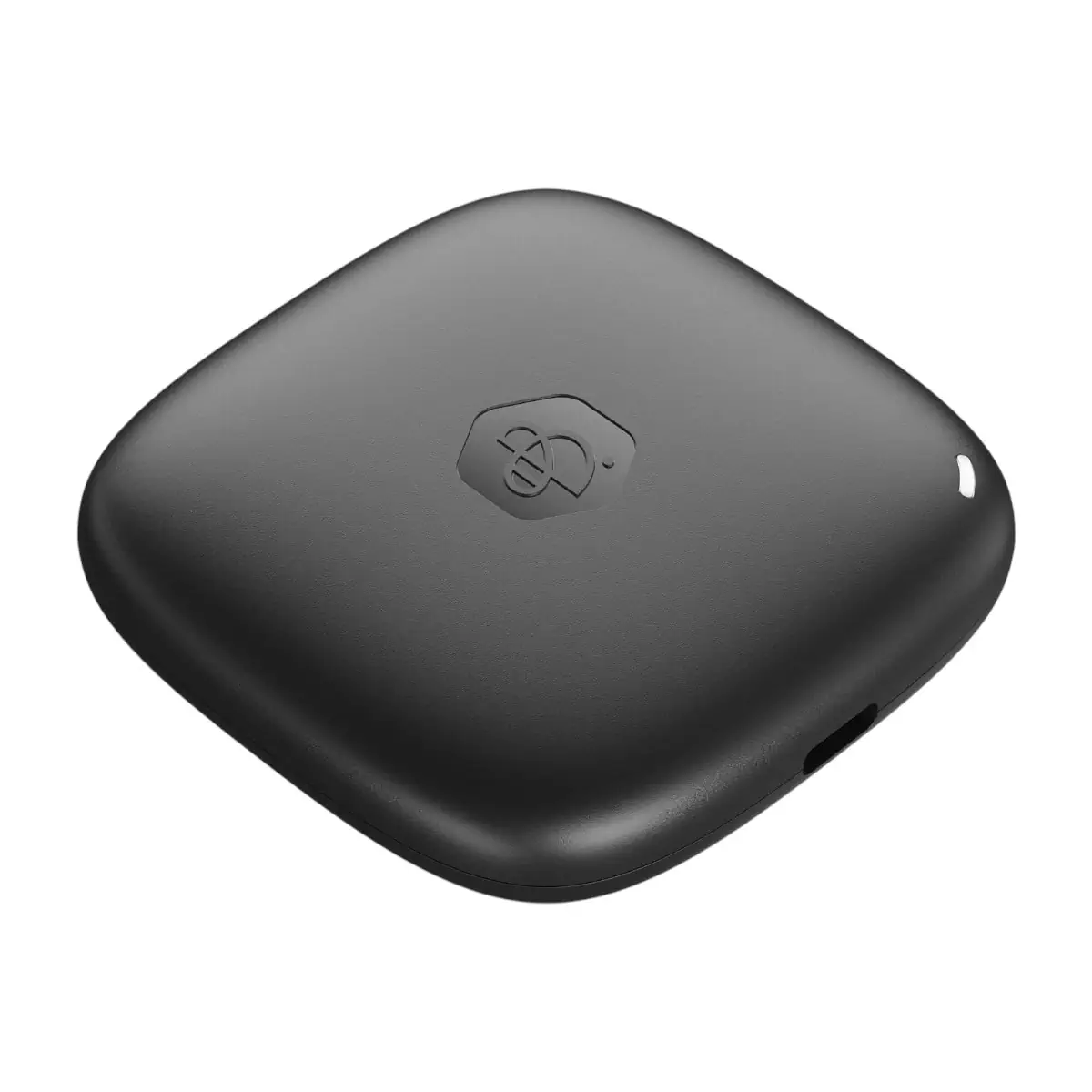
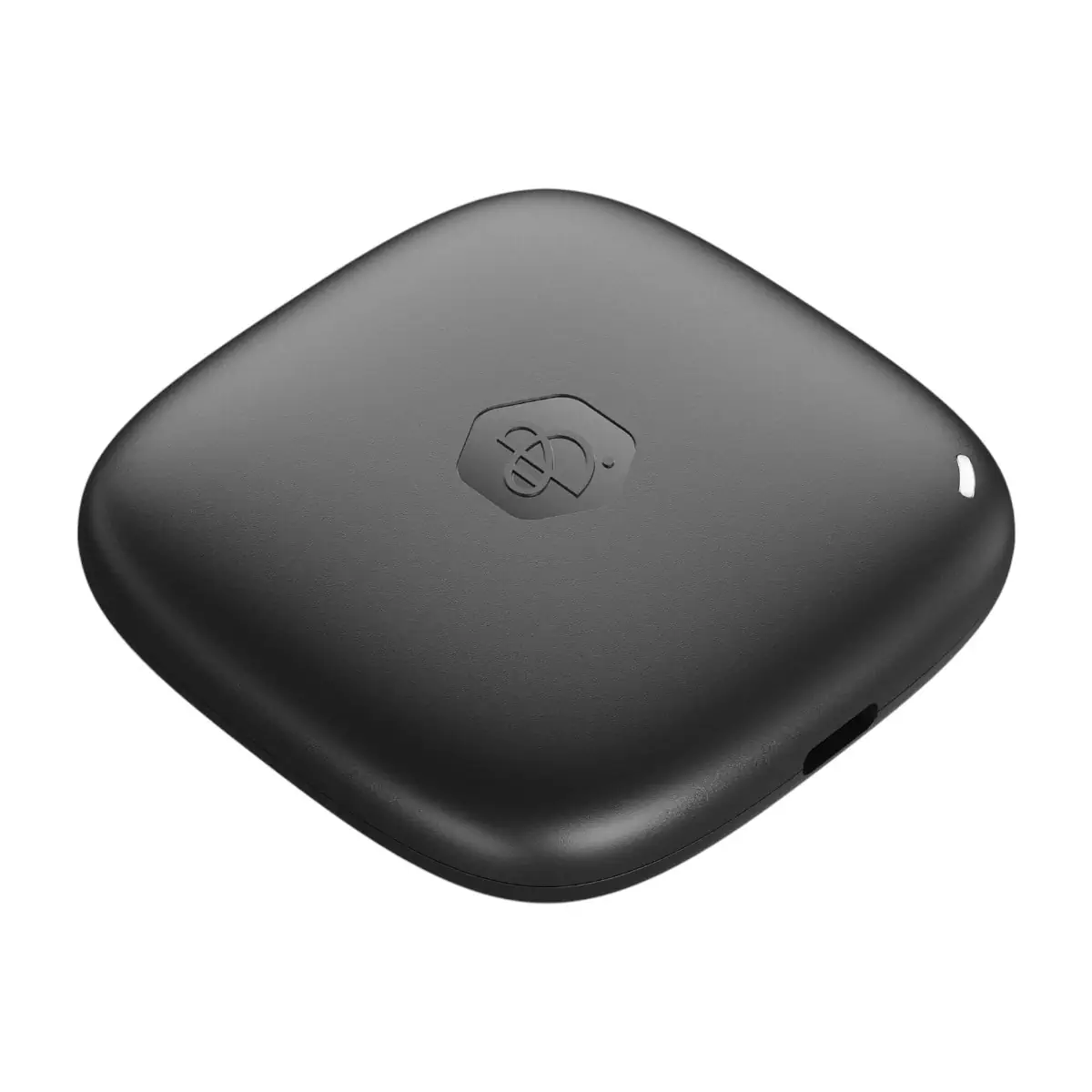
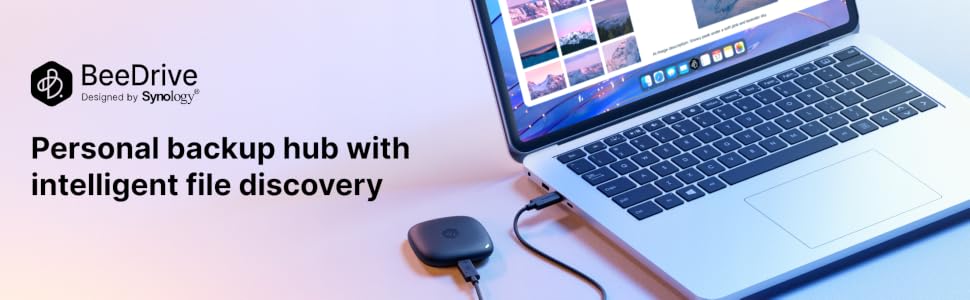
The Synology BeeDrive is your private, AI-powered file finder built into a portable SSD. Skip the hassle of copying files manually. BeeDrive backs up your computer, phone photos, iCloud Photos, SD cards, and external drives in one place all made searchable with AI.
AI-Powered Deep Search
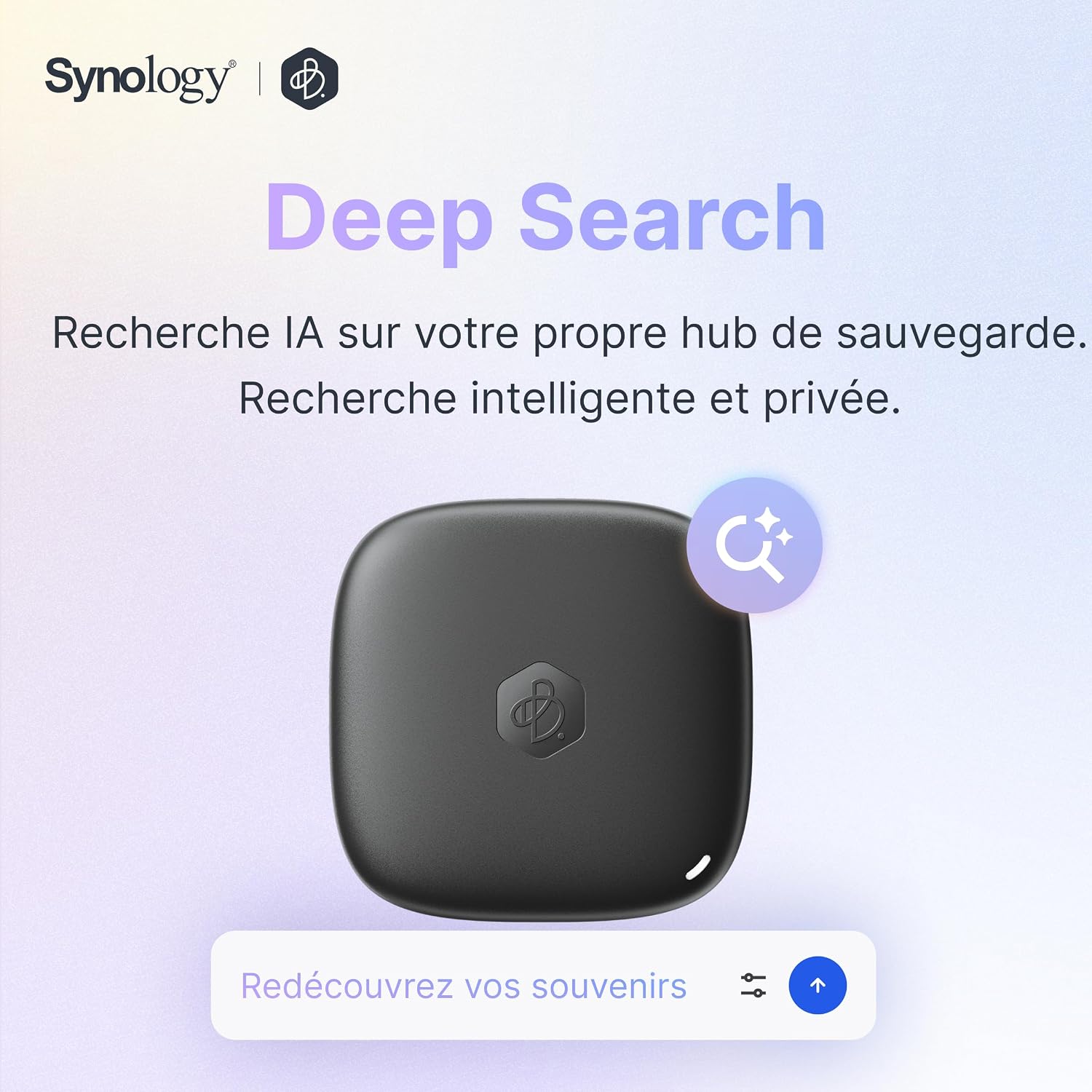
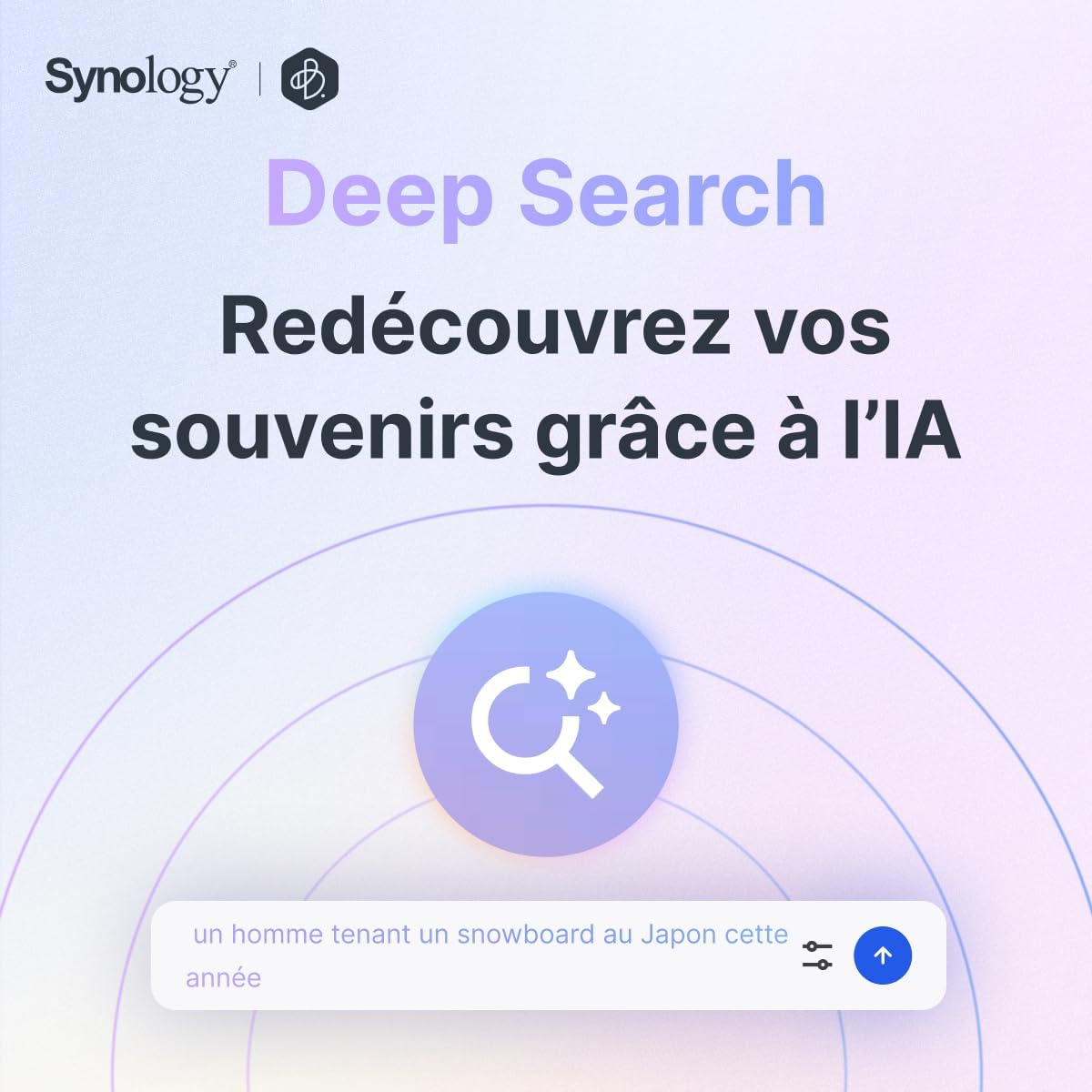
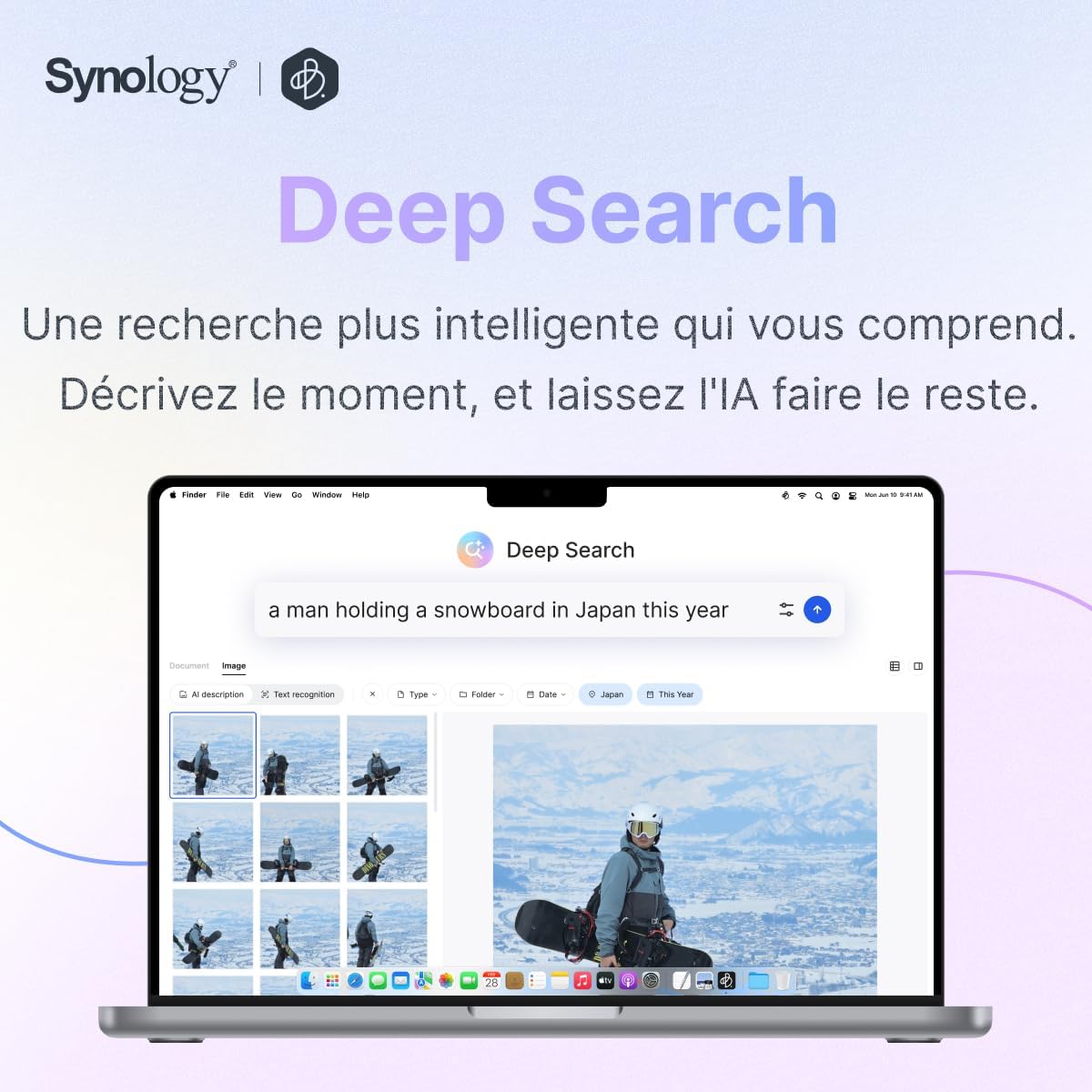
BeeDrive transforms how you find your files with Deep Search, an AI-powered engine that runs locally on your computer. It helps you find the right file even when you don’t remember the exact words. Just type what you recall, and Deep Search does the rest. Available for Apple Silicon Macs and Windows PCs with NVIDIA GPUs.
Document Search Made Easy
No more sifting through endless Ctrl+F results. Deep Search finds the right document and pinpoints the exact section, chart, or image where your query appears, even in long files. Whether you’re searching for a packing list, a rental contract, or a specific term in a lengthy PDF, Deep Search delivers precise results instantly.
Image Search by Description
Looking for a receipt, a birthday cake photo, or a meme? Just describe what you remember: words, what’s in the photo, or when and where it was taken, and the right image appears. Deep Search recognizes text in images and understands visual content, making photo retrieval effortless.
How It Works
Plug BeeDrive into your computer. The AI indexes your files locally. Then search by content, description, or context. All analysis is processed on BeeDrive with no cloud, no tracking just local intelligence.
Full Computer Protection with Acronis
Every BeeDrive comes with a three-year license of Acronis True Image Essentials for one computer. Acronis True Image is trusted by over 5.5 million users worldwide. Back up and protect your entire computer, including the operating system, applications, settings, and files, with built-in ransomware defense to keep your personal and important data safe.
Wireless Mobile Backup and BeeDrop
With the BeeDrive mobile app, access and view your files from anywhere as long as your computer is awake and BeeDrive is connected. Back up photos and transfer files wirelessly across iOS, Android, Windows, and macOS. Use BeeDrop to transfer files from your mobile device to your PC via Wi-Fi.
Set It Up Once and Forget Its Existence
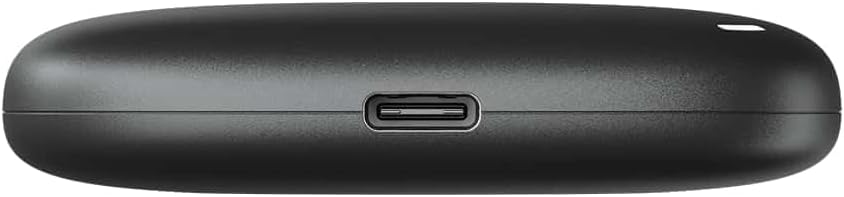
Real-time backup of folders on Windows and macOS ensures your data is always protected. File sync syncs files when connected. The high-speed USB 3.2 Gen 2 (Type-C) connection with internal SSD provides blazing-fast transfer speeds.
Local AI, Privacy by Design
Deep Search runs locally on your computer and does not upload file content to Synology or the cloud. Optional features like photo location search and cross-language search may use external databases or macOS translation services, both of which can be turned off anytime.
Multi-Device Support
Back up 5 mobile devices at once. Works with iOS 15 or later and Android 10 or later. Compatible with Windows 10 64-bit (1809 or later), Windows 11, and macOS 12 and newer.
When searching for the Best External SSD in Pakistan, the Synology BeeDrive delivers exceptional value. Shop from the Official UGREEN Store in Pakistan for complete data storage solutions.
📋 Products Specifications
💾
Capacity Options
| Model | Capacity | Best For |
|---|---|---|
| BeeDrive 1TB | 1 TB | Light users, document backup |
| BeeDrive 2TB | 2 TB | Moderate users, photo backup |
| BeeDrive 4TB | 4 TB | Heavy users, full system backup |
⚙️
General Specifications
Synology
Personal Backup SSD (External)
USB 3.2 Gen 2 (10Gbps)
Up to 1050MB/s
Internal SSD
1TB, 2TB, 4TB
2.56″ × 2.56″ × 0.59″
43 g
USB-C
Real-time folder backup, Mobile photo backup, iCloud Photos backup, SD card backup
Deep Search AI-powered file finder
BeeDrop (Wi-Fi file transfer)
BeeDrive mobile app (iOS 15+, Android 10+)
Up to 5 mobile devices
3-Year Acronis True Image Essentials License
Local AI processing, no cloud upload
12 languages
RoHS, FCC, CE, BSMI, VCCI, RCM, KC, UKCA, BIS
Standard Synology Warranty
🔍
Deep Search System Requirements
| Requirement | macOS | Windows |
|---|---|---|
| OS Version | macOS 15 or later | Windows 10/11 |
| Processor | Apple Silicon (M1 or later) | Intel Core i5 or AMD Ryzen 5 |
| GPU | Integrated | NVIDIA GPU with 6GB VRAM (RTX 2060 or newer) |
| RAM | 16 GB or more | 16 GB or more |
💻
Software Specifications
💻 System Requirements
🔍 Deep Search
💾 Backup and Mobility (Computer)
📱 Backup and Mobility (Phone & Tablet)
📂 File Types Supported
png
heic
gif
bmp
tif
raw
docx
pptx
xlsx
csv
txt
📦 Package Contents
What’s in the Box
- 1 x Synology BeeDrive Personal Backup SSD (Capacity: 1TB/2TB/4TB)
- 1 x USB 3.2 Gen 2 Type-C to Type-C Cable
- 1 x Quick Installation Guide
- 1 x Warranty Information
Frequently Asked Questions
Q1: Will BeeDrive work with my computer, phone, or tablet?
A: Yes, BeeDrive works with Windows 10 64-bit (1809+), Windows 11, and macOS 12+ for backup and file sync. For Deep Search, macOS 15+ with Apple Silicon (M1+) and 16GB RAM, or Windows with Intel Core i5/AMD Ryzen 5, NVIDIA GPU with 6GB VRAM (RTX 2060 or newer), and 16GB RAM is required. Mobile devices require iOS 15+ or Android 10+. For additional storage expansion, consider the UGREEN 60737 USB 3.0 to SATA Dual-Bay HDD Docking Station.
Q2: Do I need an Internet connection to back up to BeeDrive?
A: No, an Internet connection is only needed for installation and setup. After that, computer backup and file sync work offline. Photo backup and BeeDrop need Internet on both devices. On the same local network, the app connects directly to BeeDrive for faster speed. Deep Search runs locally and works offline. For photo backup, check the UGREEN 40752 USB 3.0 SD Card Reader.
Q3: How many mobile devices can I back up to BeeDrive?
A: Yes, you can back up 5 mobile devices at once to a single BeeDrive. This makes it perfect for families or individuals with multiple devices. For backup drives, consider the UGREEN 30849 USB 3.0 External HDD Enclosure.
Q4: What file types does Deep Search support?
A: Yes, Deep Search works with many common image and document formats including jpg, png, heic, gif, bmp, tif, raw images, pdf, docx, pptx, xlsx, csv, and txt documents. For USB expansion, check the UGREEN 20805 USB 3.0 Hub 4 Ports.
Q5: What languages does Deep Search support?
A: Yes, Deep Search currently supports 12 languages including Dutch, English, French, German, Italian, Japanese, Korean, Polish, Russian, Spanish, Simplified Chinese, and Traditional Chinese. For power accessories, explore the UGREEN 60468 36W USB-C Wall Charger.
Q6: Can I use Deep Search on my phone?
A: No, at the moment Deep Search requires a computer to run AI indexing and interpret your searches, so it is not available in the BeeDrive mobile app. The app is for file access and wireless backup only. For additional storage, check the UGREEN 90264 M.2 NVMe Hard Drive Enclosure.
Q7: How long will the indexing take?
A: On an M3 MacBook, Deep Search can index about 30,000–40,000 photos per day or around 100 documents in 20–30 minutes, depending on file size and content. Large PDFs with hundreds of pages take longer. Small updates usually finish within minutes. For USB hub expansion, check the UGREEN 50985 Ultra Slim 4 Port USB 3.0 Hub.
Q8: How do I redeem my Acronis True Image license with BeeDrive?
A: Yes, plug BeeDrive into your computer and install the BeeDrive desktop app. Sign up for a Synology Account, then sign in. Click the gift icon in the upper-right corner of the device list. Follow the on-screen instructions to redeem your Acronis True Image license. Redemption must be completed within 90 days of your first sign-in. For additional protection, consider the UGREEN 40705 Cable Protector USB Cable Saver.
Q9: What are the available capacities for BeeDrive?
A: Yes, Synology BeeDrive is available in three capacities: 1TB, 2TB, and 4TB. Choose the capacity that best fits your storage needs from light document backup to full system backup. For desktop organization, explore the UGREEN 80708 Adjustable Aluminum Phone Holder.
Q10: Is my data private when using BeeDrive’s AI features?
A: Yes, Deep Search runs locally on your computer and does not upload file content to Synology or the cloud. All analysis is processed on BeeDrive with no cloud, no tracking just local intelligence. Optional features like photo location search and cross-language search can be turned off anytime. For additional protection, consider the UGREEN 40705 Cable Protector USB Cable Saver.
 No products in the cart.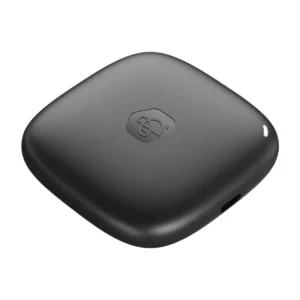
Write a review