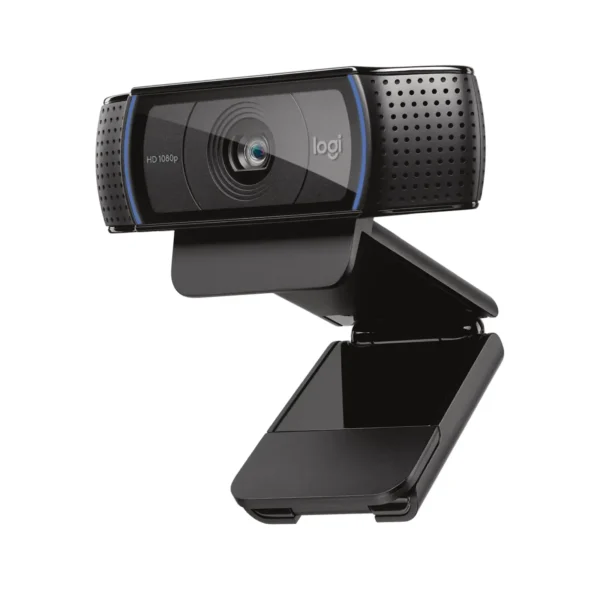
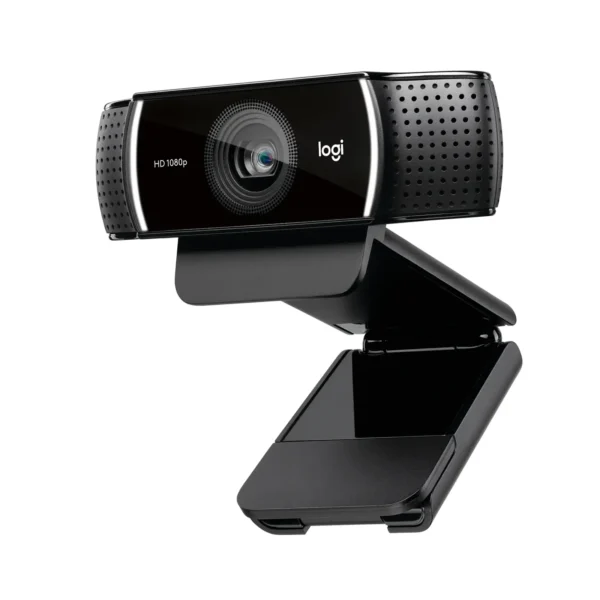
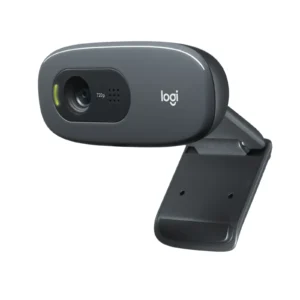
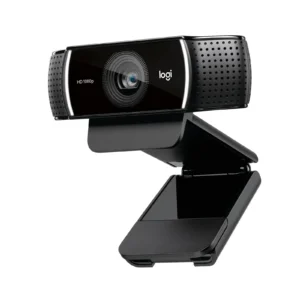
Product Specifications for Logitech C920 HD Pro Webcam Full HD 1080p, Stereo Mics, Autofocus For Streaming, Zoom, Skype
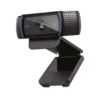
Product Overview: Enhance your video conferencing, streaming, and content creation setup with the Logitech C920 webcam. This professional-grade device delivers crystal-clear Full HD 1080p video, fluid autofocus, and dual stereo microphones for superior audio-visual performance. Designed by Logitech with universal compatibility, it ensures reliable operation across major operating systems and popular communication platforms.
Features & Specs - Connector Type: USB 2.0
Features & Specs - Compatible Devices: Laptops, Desktop Computers, Monitors
Features & Specs - Input Voltage: 5V DC (USB Powered)
Features & Specs - Amperage: 500 mA
Features & Specs - Wattage: 2.5W
Features & Specs - Output Current: Not Applicable
Features & Specs - Power Source: USB Bus Powered
Features & Specs - Current Rating: Not Applicable
Features & Specs - Power Plug: USB Type-A
Features & Specs - Connectivity Technology: Wired
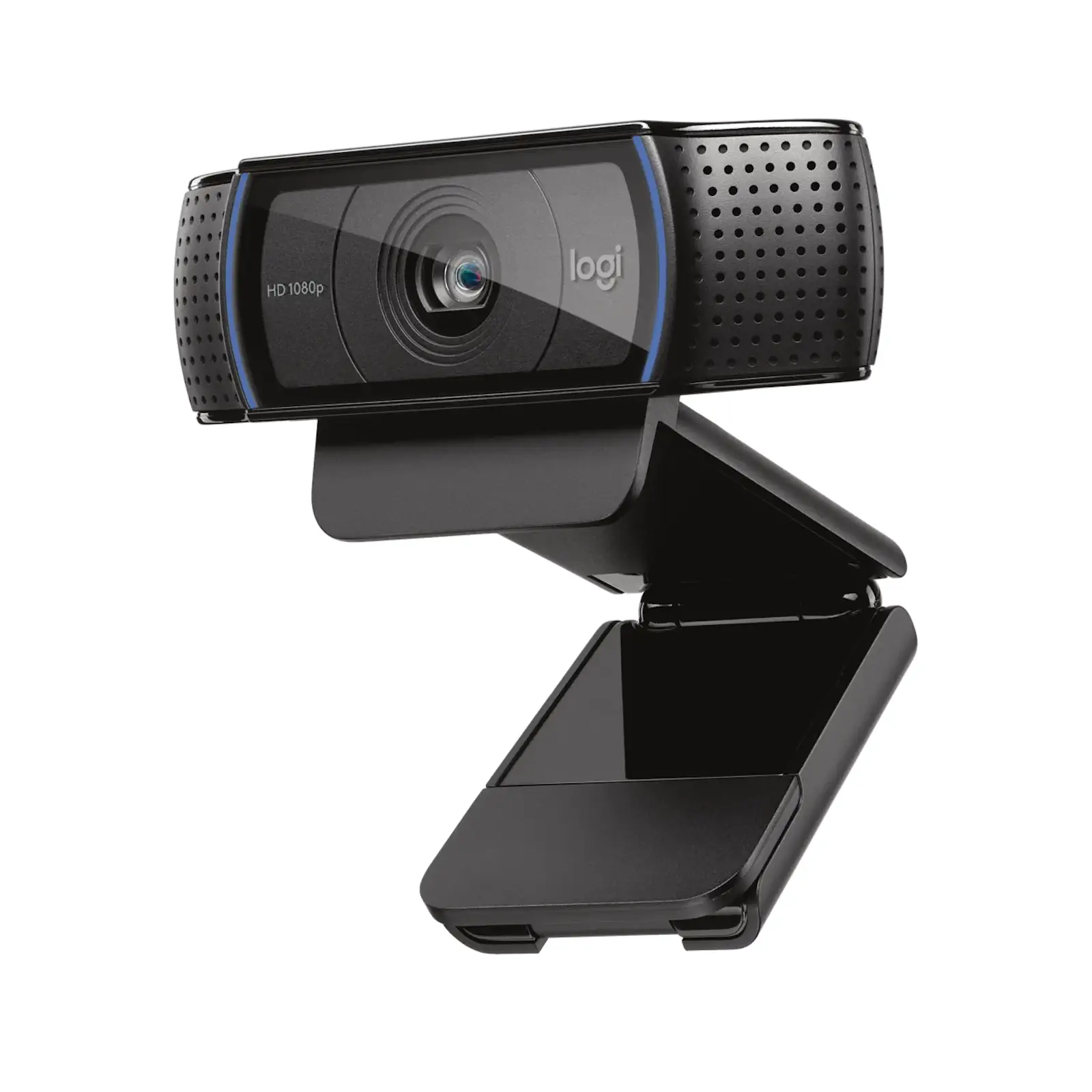
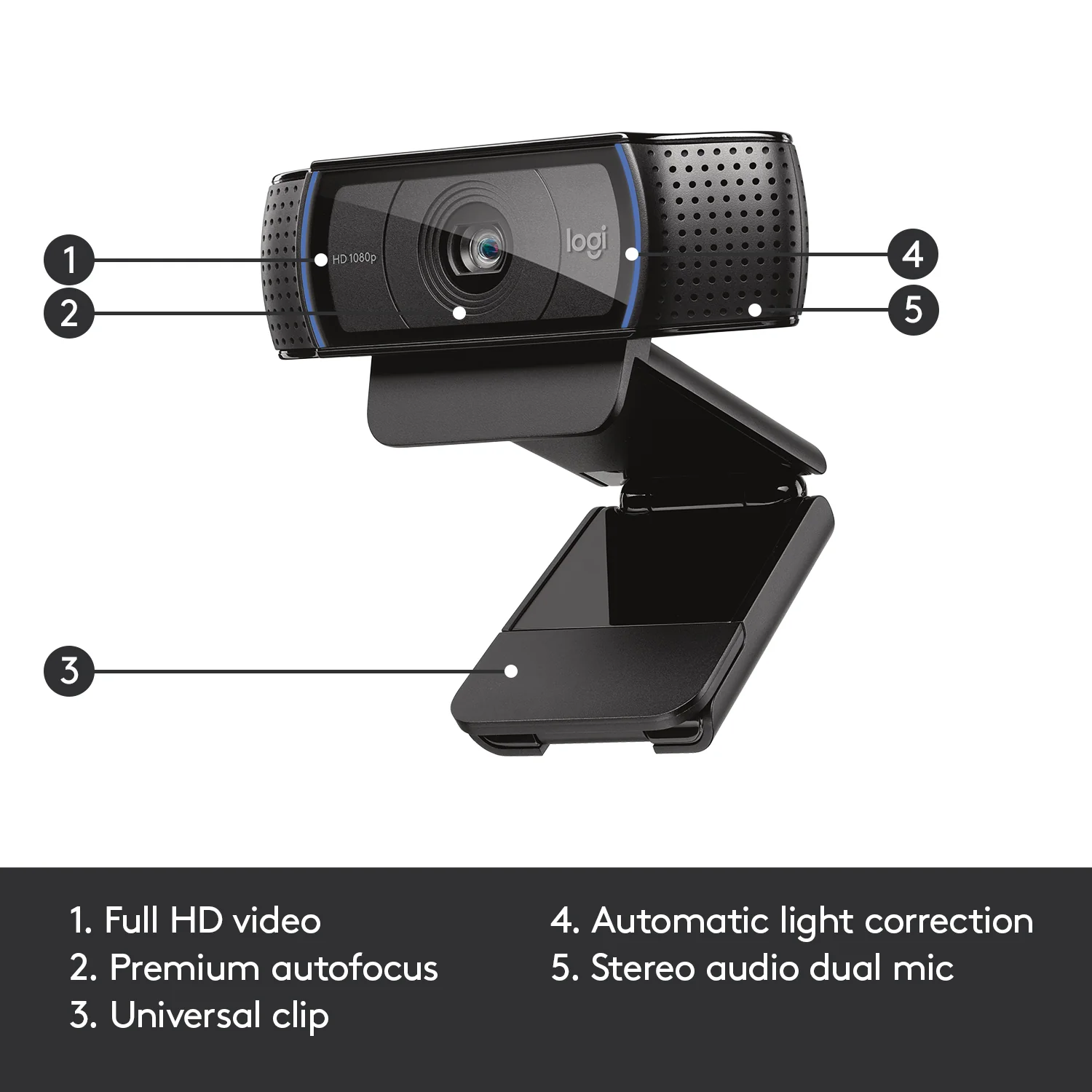
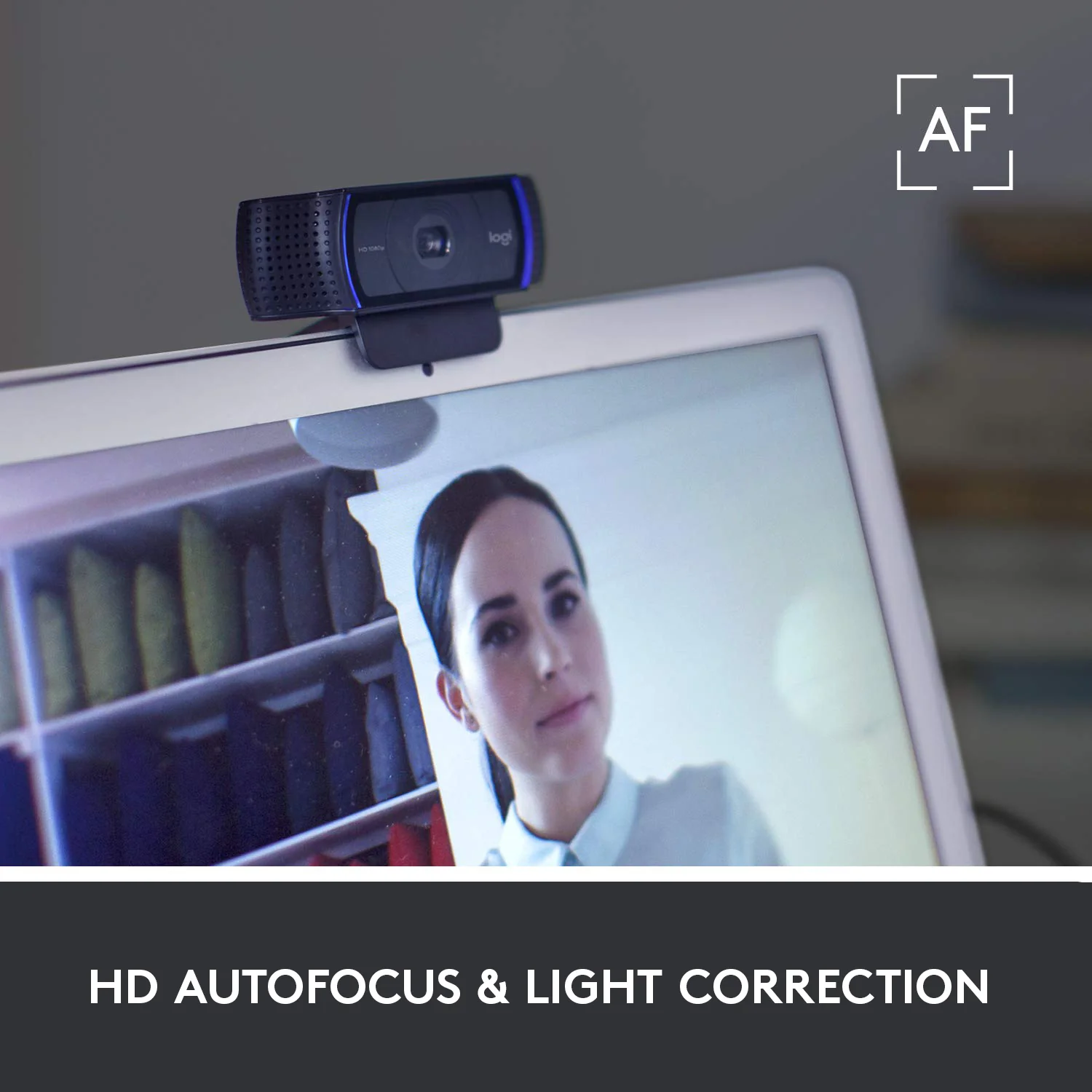
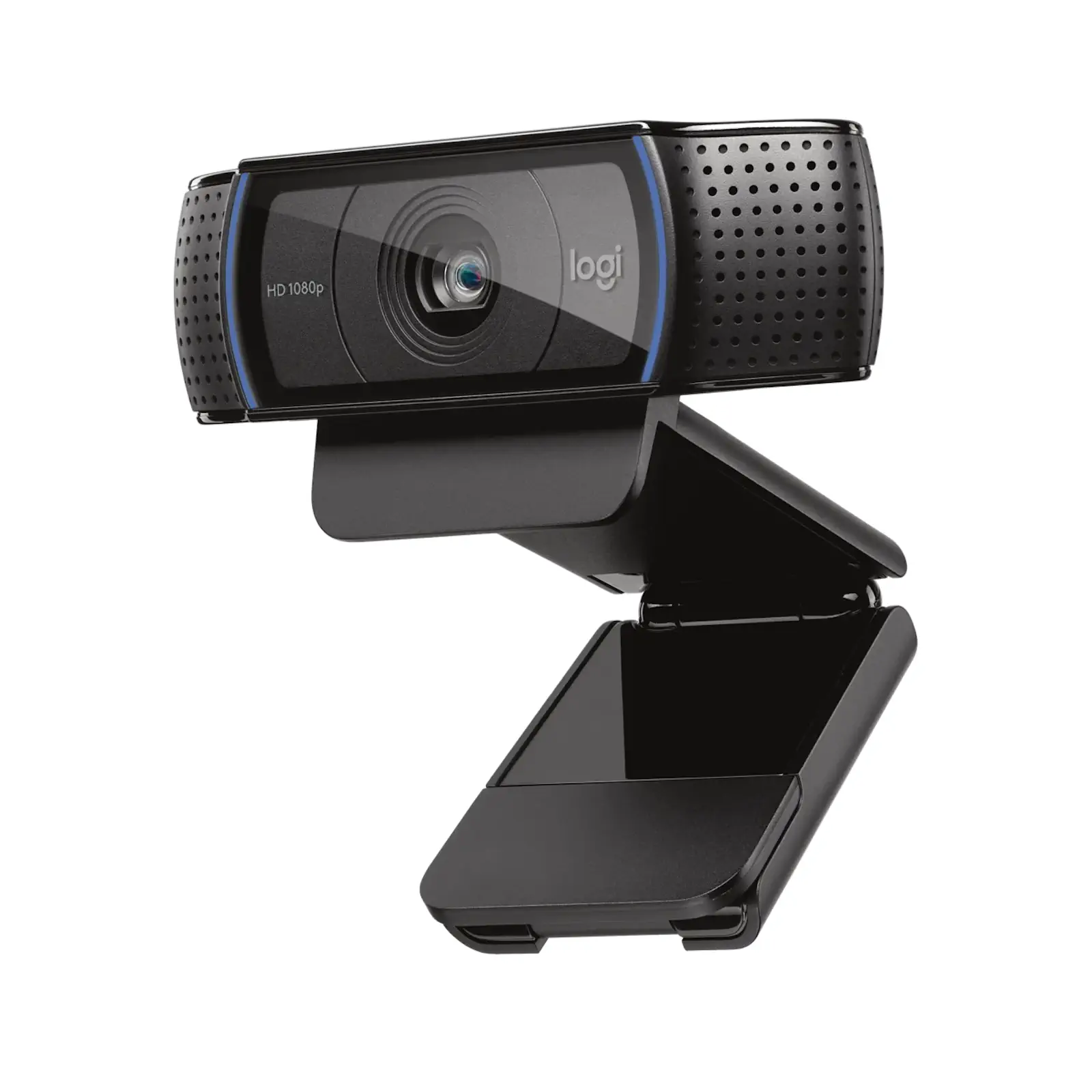
Features & Specs - Special Features: Full HD 1080p Video, Fluid Autofocus, Dual Stereo Microphones, Automatic Light Correction, Universal Clip
Features & Specs - Material: High-Grade Plastic and Glass
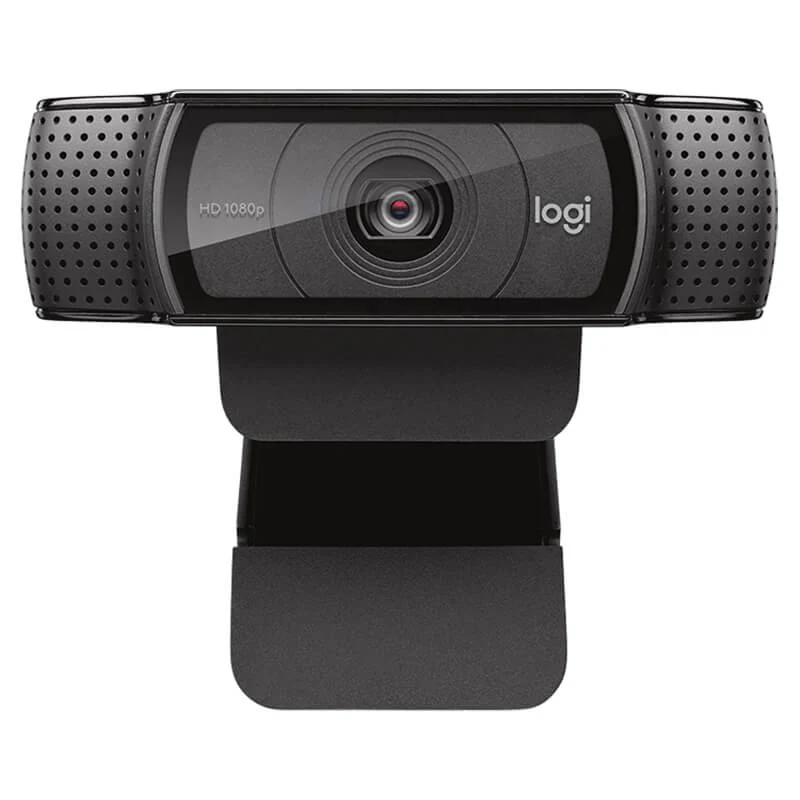
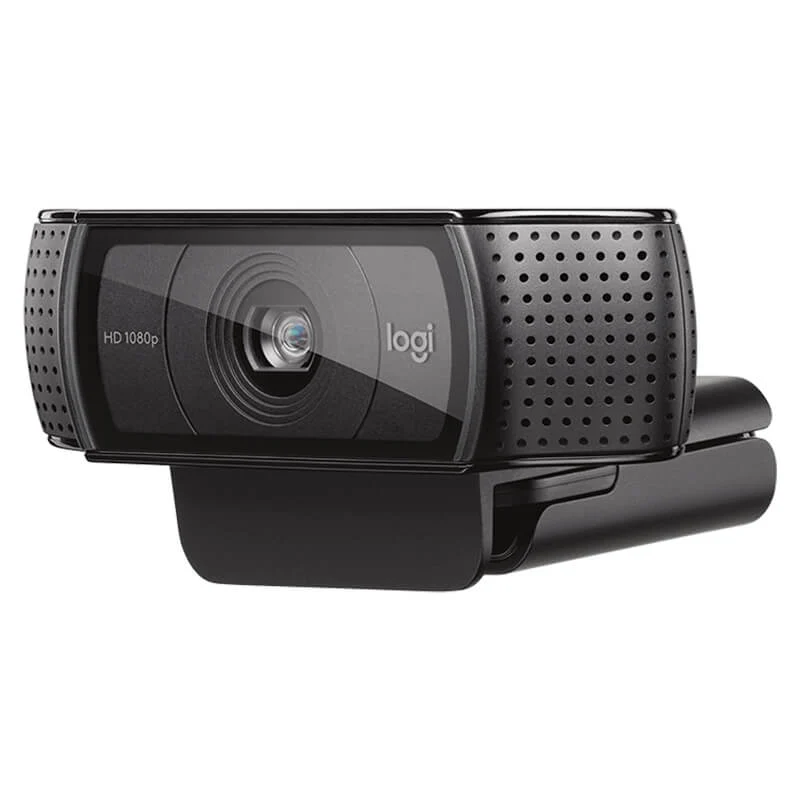
Features & Specs - Color: Black
Features & Specs - Video Resolution: 1080p at 30 fps, 720p at 30 fps
Features & Specs - Lens Type: Full HD Glass Lens
Features & Specs - Focus Type: Autofocus
Features & Specs - Field of View: 78-degree
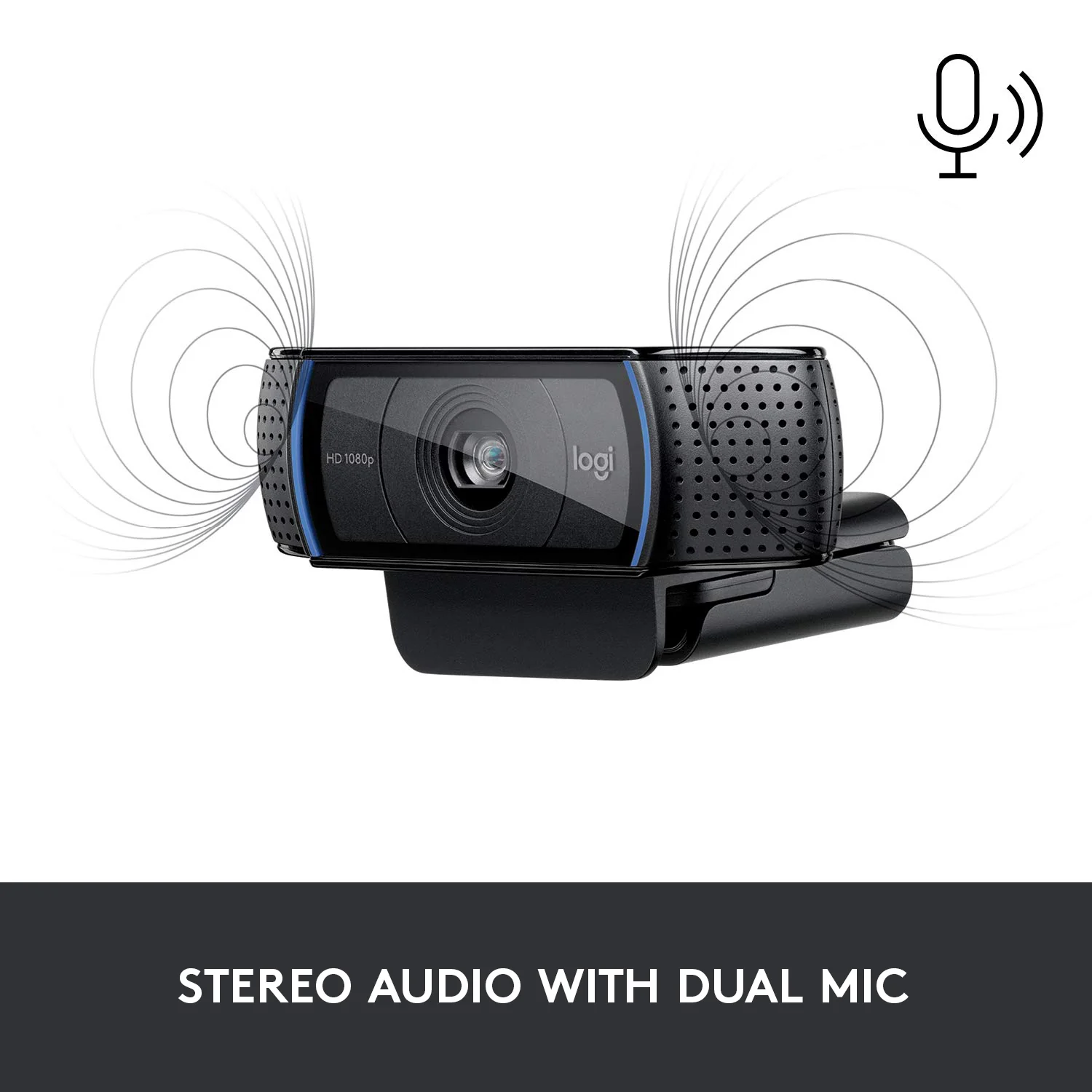
Features & Specs - Microphone Type: Dual Integrated Stereo Microphones
Features & Specs - Audio Pickup Range: Up to 1 meter
Features & Specs - Noise Reduction: Automatic Background Noise Suppression
Features & Specs - Cable Length: 1.5 Meters
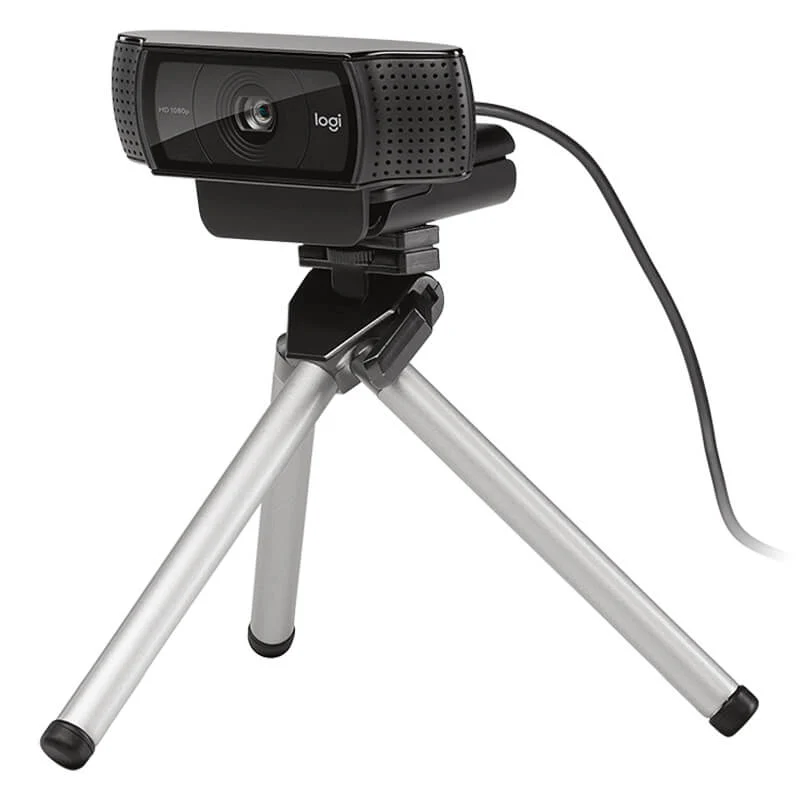
Features & Specs - Mounting Options: Universal Clip, Tripod Thread
Features & Specs - Plug and Play: Yes (UVC-compliant)
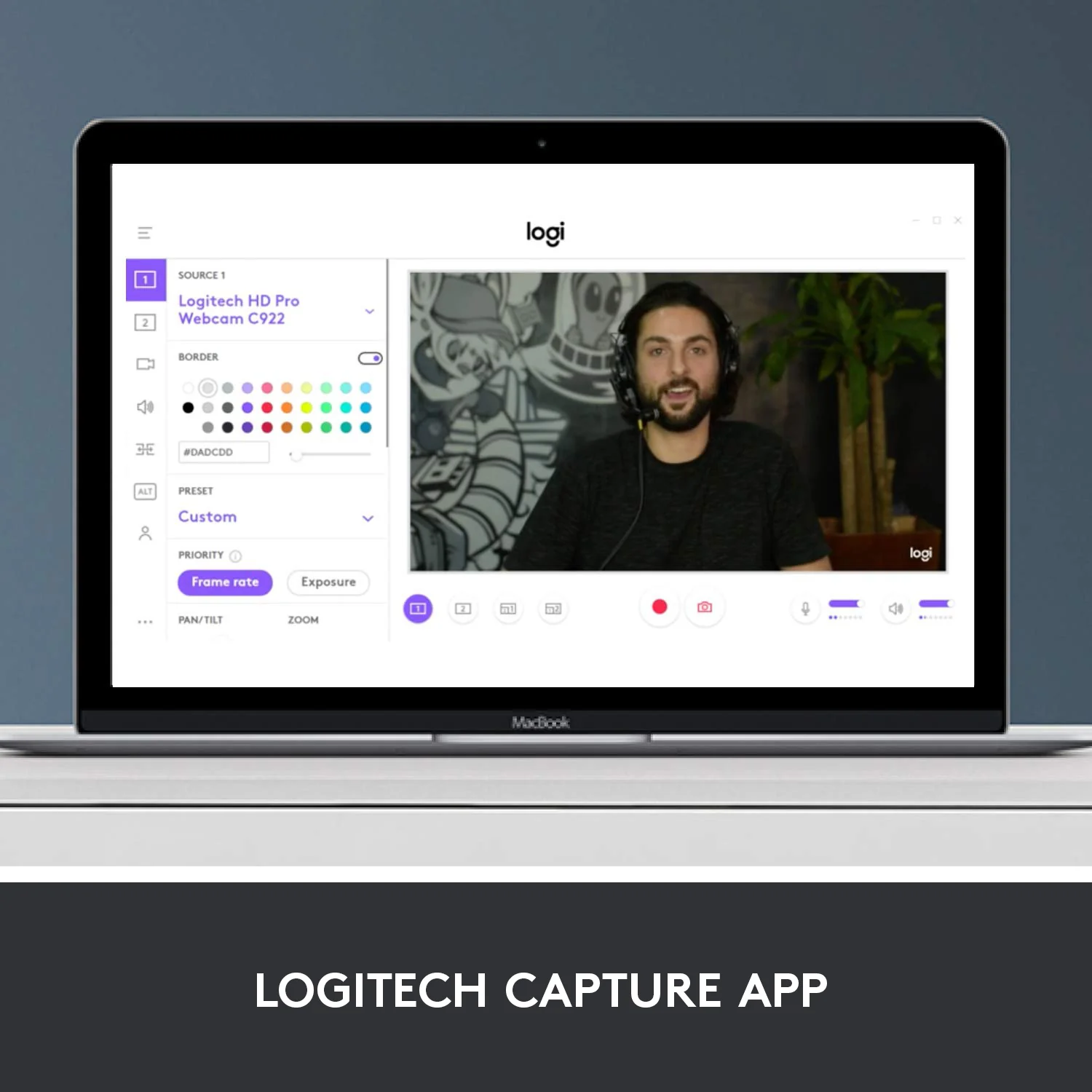
Features & Specs - Driver Requirement: None required for standard functions
Features & Specs - Supported Frame Rates: Up to 30 fps
Features & Specs - Encoding Format: H.264 video compression
Features & Specs - Privacy Shutter: Not included
Features & Specs - LED Indicator: Active status indicator light
Features & Specs - Low Light Performance: Automatic Light Correction (RightLight 2 technology)
Features & Specs - Tripod Mountable: Yes, standard thread compatible
Item details - Brand: Logitech
Item details - Model Number: C920 HD Pro
Item details - SKU: 960-000770
Item details - MFN Part Number: 960-000770
Item details - Manufacturer: Logitech
Item details - Categories: Logitech > Logitech Gaming
Item details - Tags: Not Applicable
Item details - Country of Origin: Imported
Item details - Item Model Number: C920
Measurements - Number of Items: 1
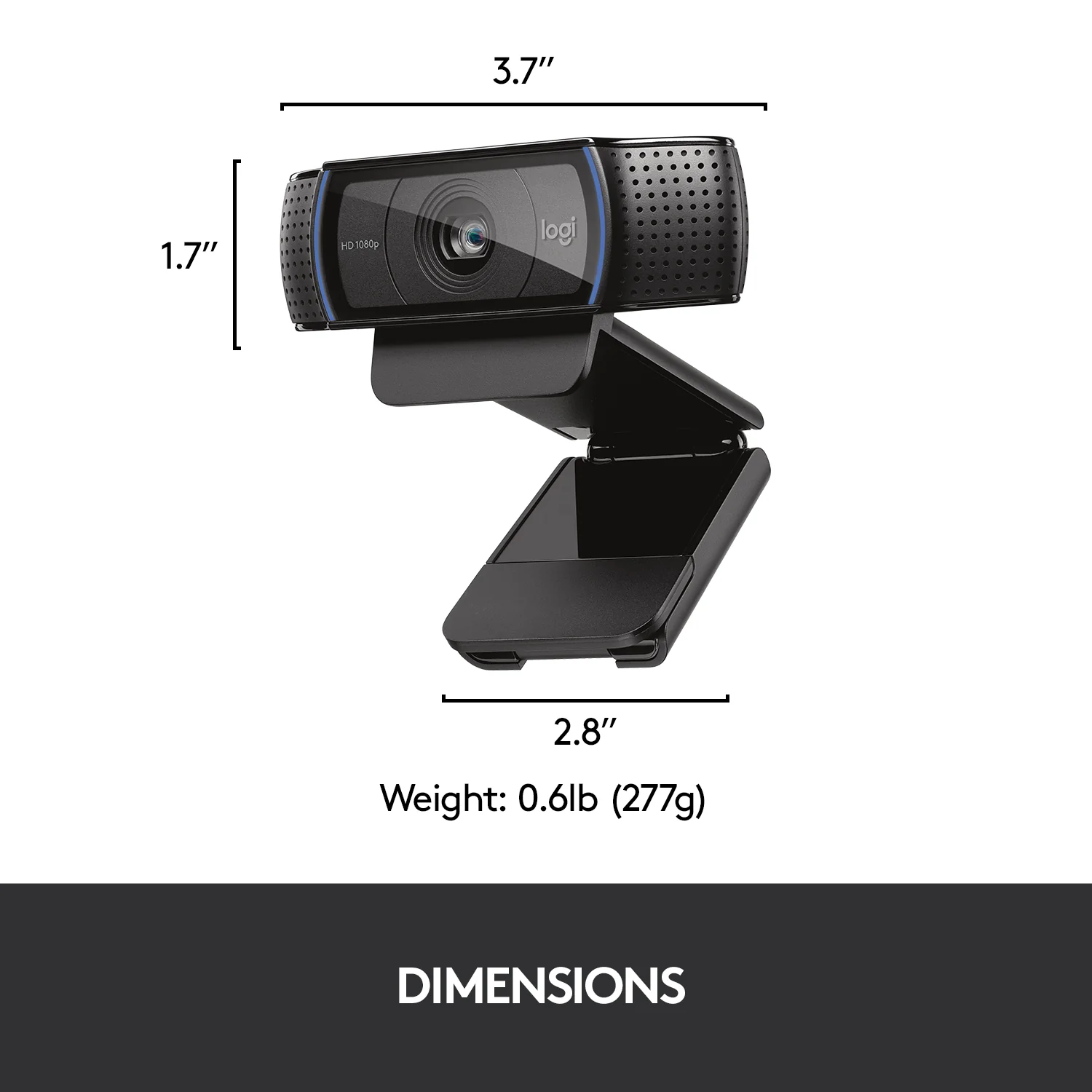
Measurements - Item Weight: Standard Webcam Weight
Measurements - Unit Count: 1 Unit
Measurements - Product Dimensions: Compact Desktop Design
Measurements - Package Dimensions: Standard Retail Box
Measurements - Cable Length Dimension: 1.5 Meters
Additional details - Color: Black
Additional details - Enclosure Material: Durable Polymer and Glass
Additional details - Form Factor: Clip-on / Stand Mount
Additional details - Style: Modern Professional
Additional details - Theme: Home Office & Streaming
Additional details - Finish Type: Matte Black
Additional details - Color Attribute Code: pa_color: 67
User guide - Usage Instructions: Plug the USB cable into an available USB port on your computer and open your preferred video application.
User guide - Installation: Mount the webcam securely on your display or attach it to a tripod using the integrated thread, then connect via USB.
User guide - Care Instructions: Clean the glass lens gently with a microfiber cloth; avoid harsh chemical cleaners or abrasive materials.
User guide - Safety Warnings: Keep away from moisture, extreme temperatures, and direct prolonged exposure to strong sunlight.
User guide - Maintenance: Periodically check USB connections and update operating system drivers if necessary.
User guide - Certification: UVC-compliant, CE, FCC, RoHS
User guide - Compatibility Notes: Compatible with USB 2.0/3.0 ports and UVC-supporting applications.
User guide - Operating Temperature: 0°C to 40°C
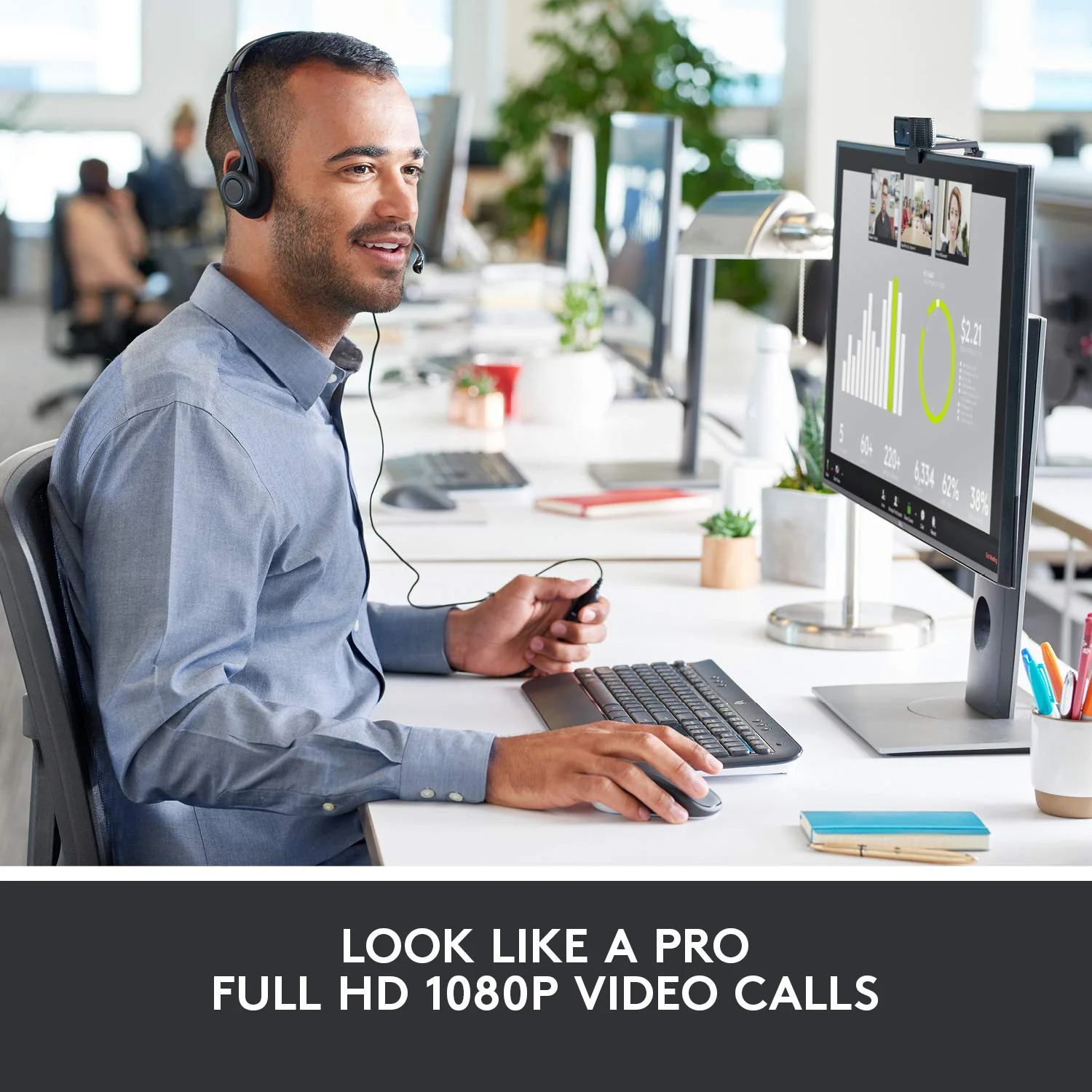
Use Cases - Best For: Live Streaming, Video Conferencing, Online Teaching, Content Creation
Use Cases - Ideal Scenarios: Zoom Meetings, Microsoft Teams Calls, Skype Interviews, OBS Broadcasting
Use Cases - Target Audience: Streamers, Remote Workers, Educators, Business Professionals
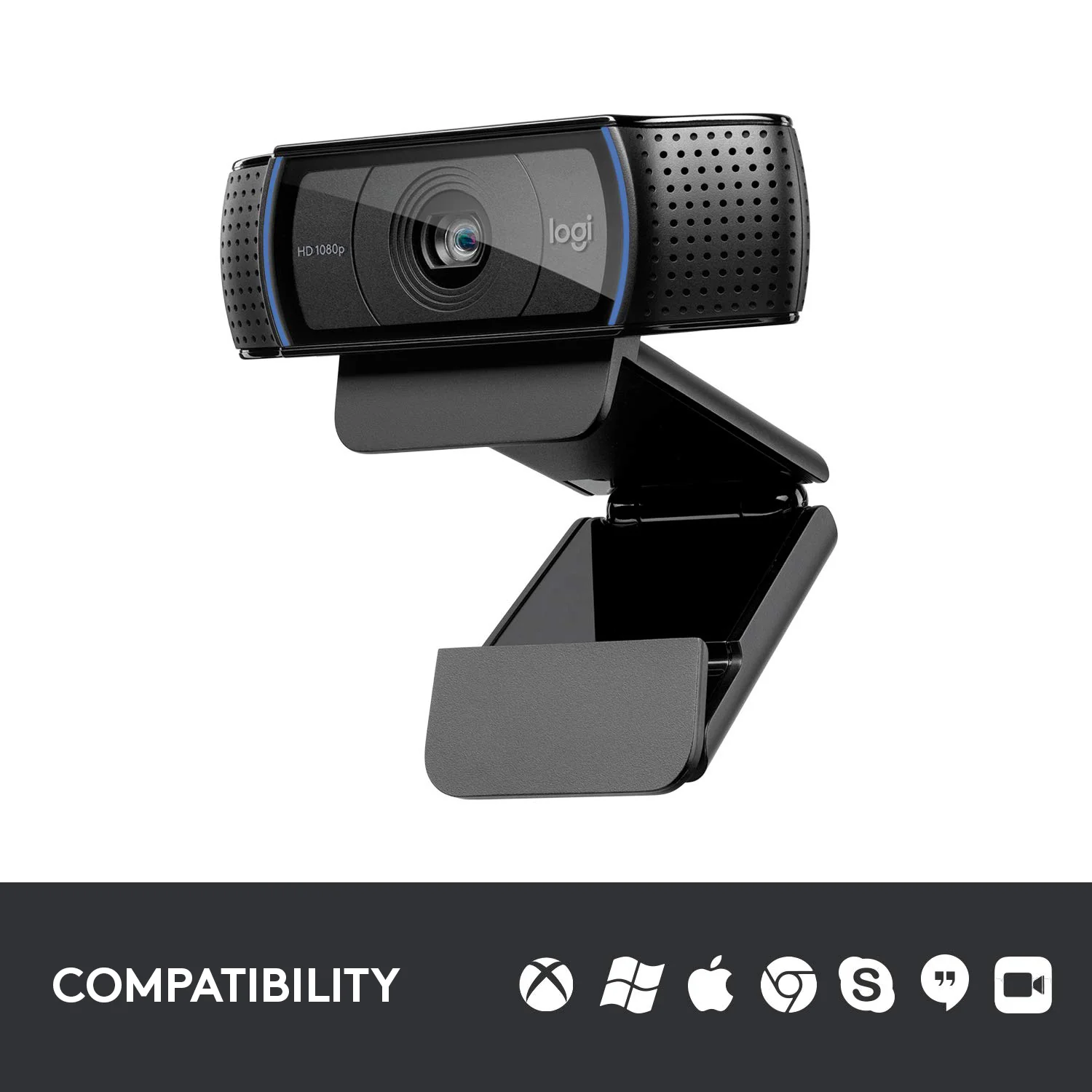
Use Cases - Compatible With: Windows 7+, macOS 10.10+, Chrome OS, Android, OBS Studio, Zoom, Skype
Use Cases - Not Recommended For: Heavy-duty cinematic 4K production or specialized industrial machine vision
Pros & Cons - Pros: Crystal-clear Full HD 1080p video recording and streaming at 30fps
Pros & Cons - Pros: Smooth and responsive autofocus system keeps images sharp
Pros & Cons - Pros: Dual stereo microphones capture rich, natural audio with noise reduction
Pros & Cons - Pros: Automatic light correction adjusts to dimly lit environments
Pros & Cons - Pros: Universal clip with tripod readiness for versatile mounting options
Pros & Cons - Cons: Does not include a physical privacy shutter
Pros & Cons - Cons: Limited to 30 frames per second at 1080p resolution
Pros & Cons - Cons: Cable length is fixed at 1.5 meters
Box Contents - Main Unit: Logitech C920 HD Pro Webcam with attached USB cable
Box Contents - Cables: Integrated 1.5-meter USB cable
Box Contents - Adapters: Not Applicable
Box Contents - Documentation: User Documentation and Quick Start Guide
Box Contents - Warranty Card: Included in documentation package
Box Contents - Other Accessories: Universal mounting clip
Warranty & Support - Warranty Period: 1-Year Limited Hardware Warranty
Warranty & Support - Warranty Type: Manufacturer Warranty
Warranty & Support - Coverage: Defects in materials and workmanship under normal use
Warranty & Support - Support Contact: Logitech Customer Support Online
Warranty & Support - Return Policy: Standard store return and exchange policy
Warranty & Support - Customer Service Hours: Available via Logitech official support channels
Warranty & Support - Service Locations: Authorized Logitech service centers



 No products in the cart.
Write a review