
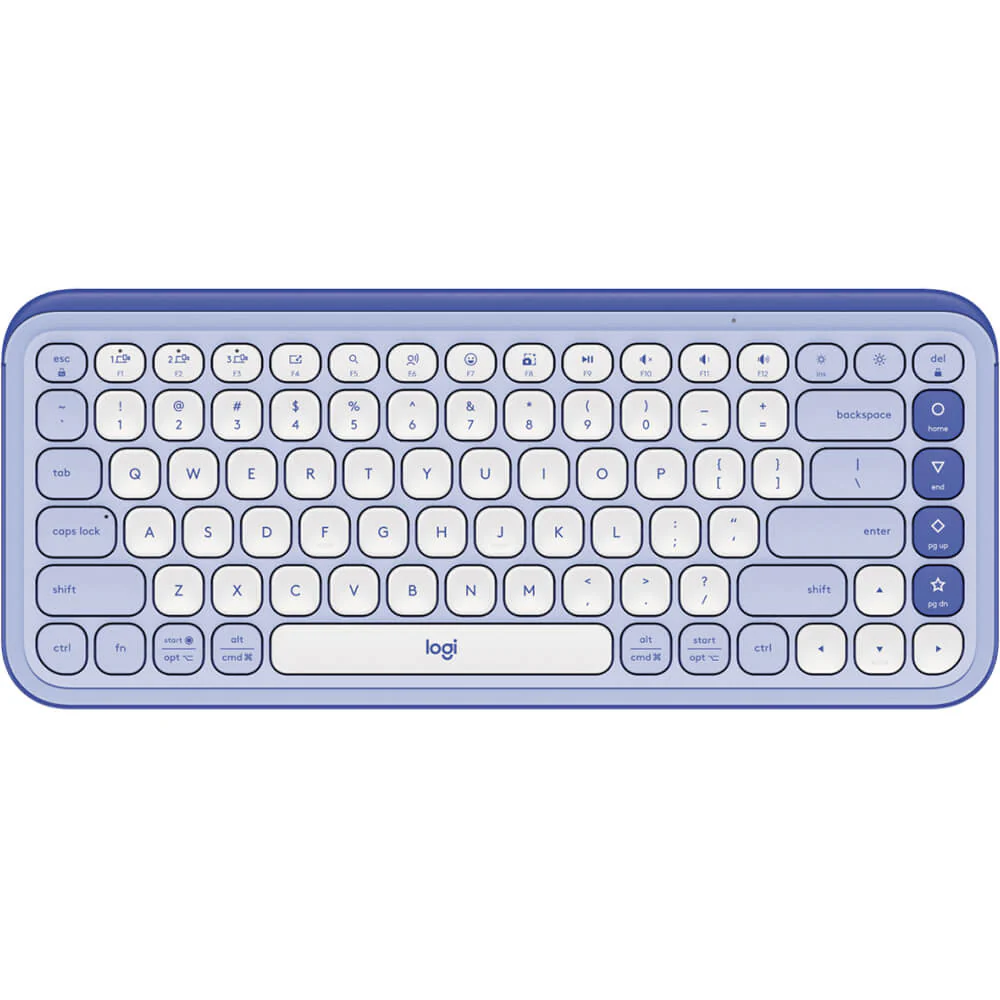
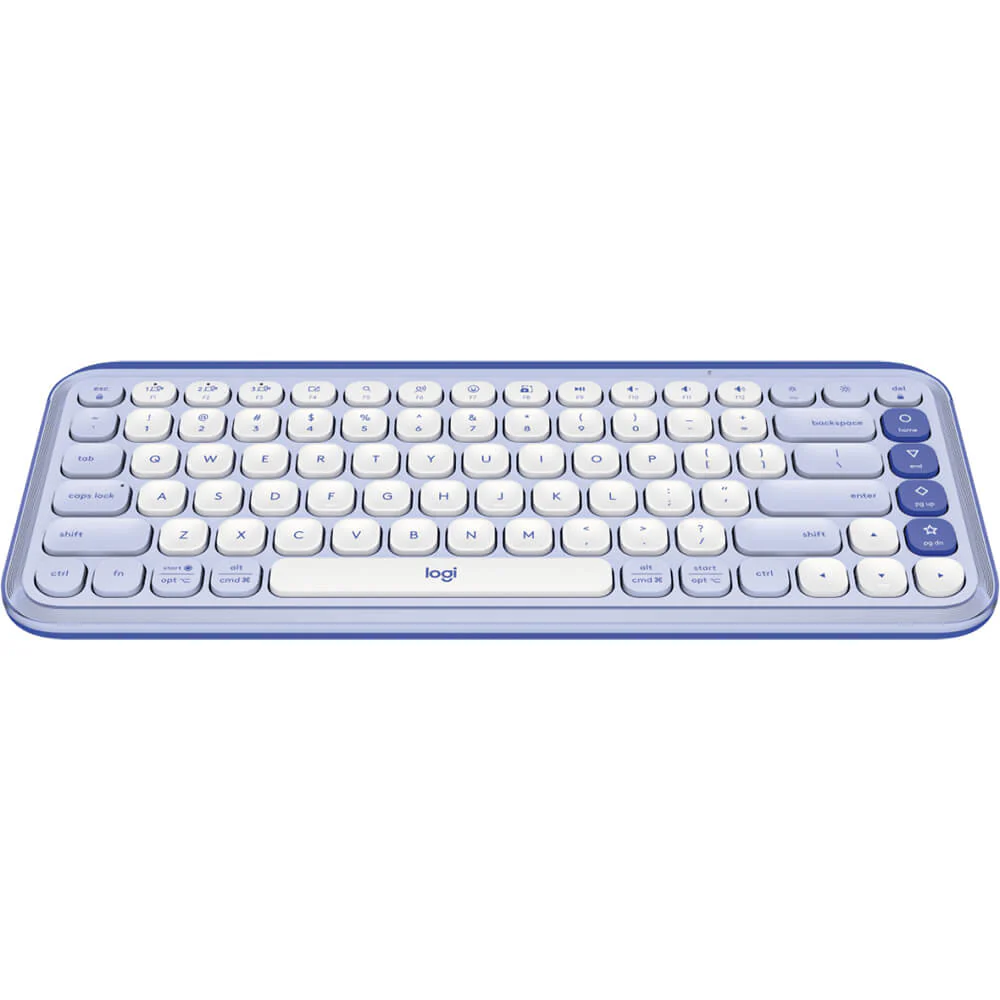
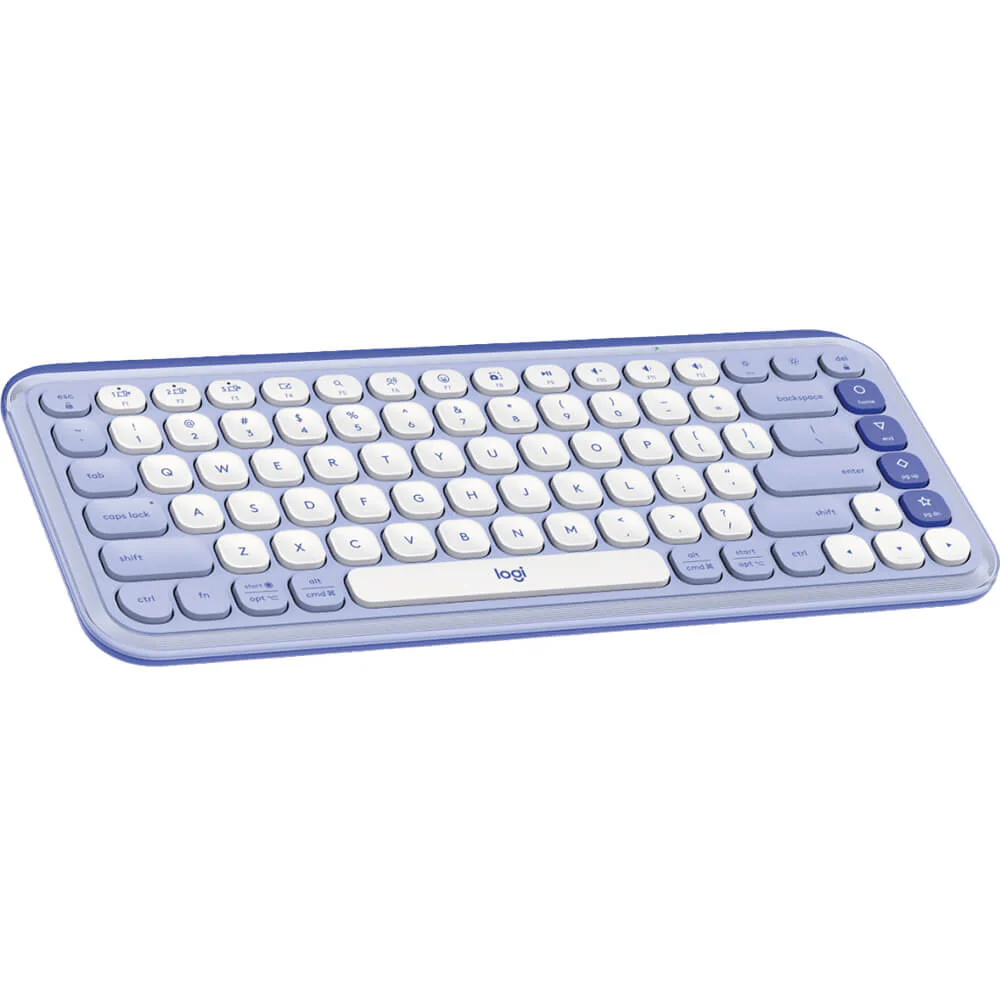
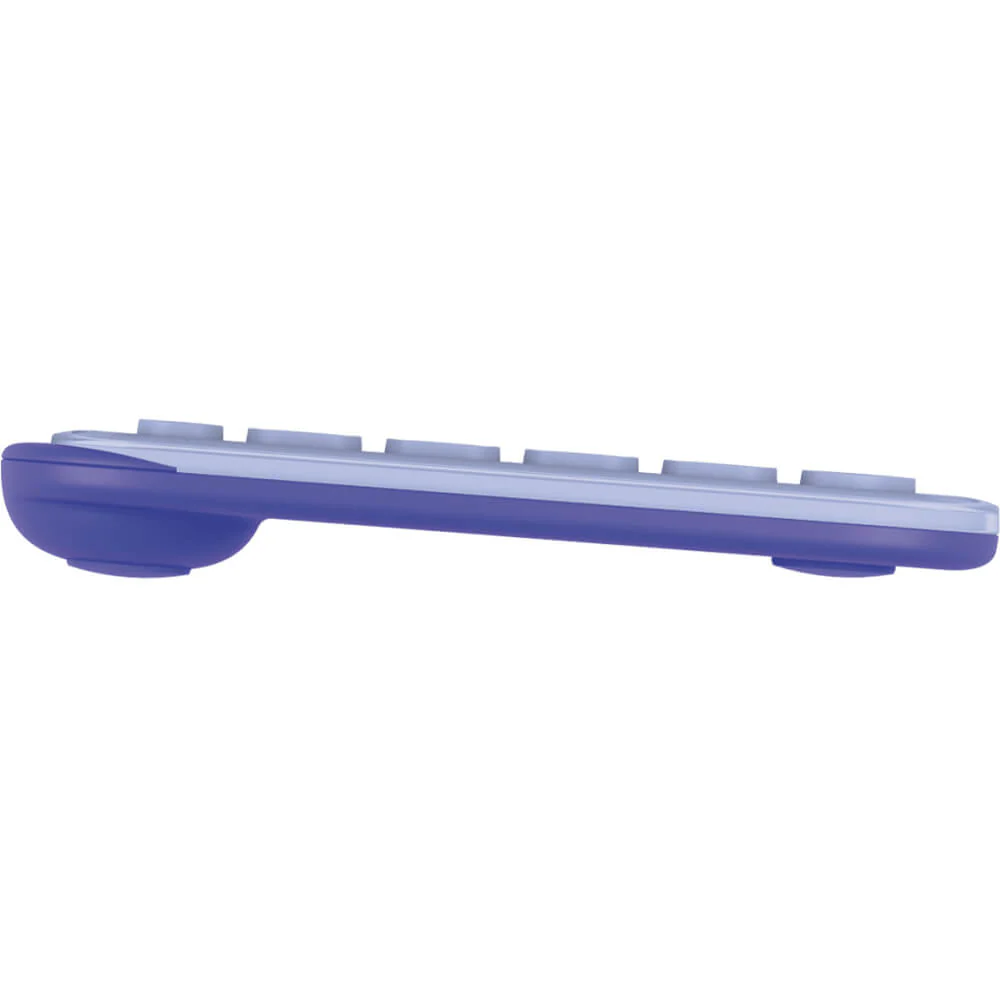
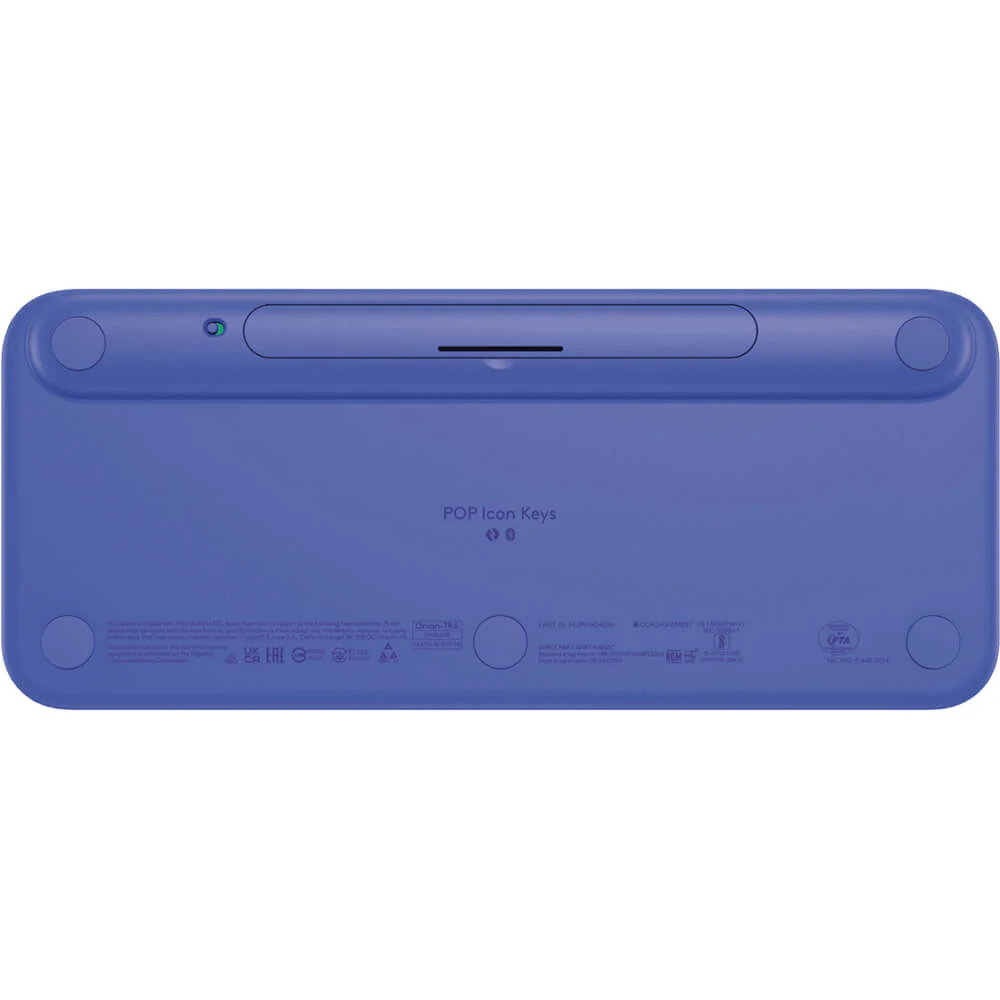
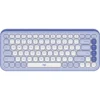
Logitech POP Keys Daily Edition Bluetooth Keyboard | Customizable Emoji Keys | Quiet Typing | For Mac, Windows, iPad (Mist Blue)
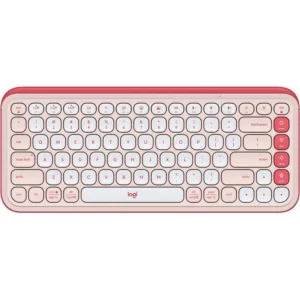
Inject personality and productivity into your daily routine with the Logitech POP Keys Daily Edition Bluetooth Keyboard. Designed for those who want their workspace to be as unique as they are, this keyboard combines bold style with smart functionality. The standout feature is the row of fully customizable emoji and action keys. With one press, you can send your favorite emoji in a chat, mute a call, open your most-used apps like Spotify or YouTube, or even trigger complex shortcuts—all programmable through the Logi Options+ software. The quiet, tactile mechanical switches provide a delightful typing experience that won’t disturb others, making it ideal for open offices, co-working spaces, or late-night study sessions. Its compact design saves valuable desk real estate, while the multi-device Bluetooth allows you to effortlessly hop between your PC, Mac, and iPad. With an incredible battery life of up to 3 years, it’s the ultimate set-and-forget peripheral for a more efficient and joyful computing experience. Pair it with a matching Wireless Mouse from our collection to create a cohesive and stylish workstation.
Specifications
- Brand & Model: Logitech POP Keys Daily Edition | Part No.: 920-013086
- Connection: Bluetooth (Connects to 3 devices)
- Key Features: Customizable Emoji & Action Keys
- Switches: Quiet Tactile Mechanical
- Design: Compact, Swapable Round Keycaps
- Battery Life: Up to 3 Years
- Power: 2 x AAA Batteries (Included)
- Compatibility: Windows, macOS, Chrome OS, iOS, Android
- Color: Mist Blue & Other Variants
What’s in the Box
- Logitech POP Keys Bluetooth Keyboard
- 2 x AAA Batteries (Pre-installed)
- User Documentation
FAQs
1. How do I program the emoji keys?
You can customize the emoji and action keys using the free Logi Options+ software. It allows you to assign specific emojis, applications, or system functions to each key.
2. Is this keyboard compatible with my iPad?
Yes, it connects via Bluetooth and is fully compatible with iPadOS, making it a perfect typing companion for your Apple tablet.
3. How quiet is the typing compared to a regular keyboard?
It is significantly quieter than a standard mechanical keyboard. The quiet tactile switches provide a soft, muffled sound that is ideal for quiet environments.
4. Can I connect it to multiple computers?
Yes, you can pair the keyboard with up to three different Bluetooth devices (like a laptop, desktop, and tablet) and switch between them with the press of a button.
5. Are the colorful round keycaps removable?
Yes, the special emoji and function keycaps are designed to be easily popped off and swapped with the included alternatives for a personalized look.
6. Does the keyboard need to be charged?
No, it operates on two standard AAA batteries (included) which provide an exceptionally long battery life of up to 3 years, so there is no need for charging.
7. Does it work with both Windows and Mac layouts?
Yes, it is compatible with both operating systems. The Logi Options+ software lets you remap keys to perfectly match either a Windows or Mac layout.
8. Is the Logitech POP Keys good for gaming?
It is not designed for serious gaming. It’s optimized for productivity and everyday use, lacking features like high polling rates or N-key rollover that gamers require.
9. What is the wireless range?
You can expect a stable Bluetooth connection within a range of approximately 10 meters in a typical indoor setting without major obstructions.
10. Where can I download the necessary software?
The Logi Options+ software is available as a free download from the official Logitech website. It is essential for unlocking the full customization potential of the keyboard.


 No products in the cart.
Reviews
There are no reviews yet.