
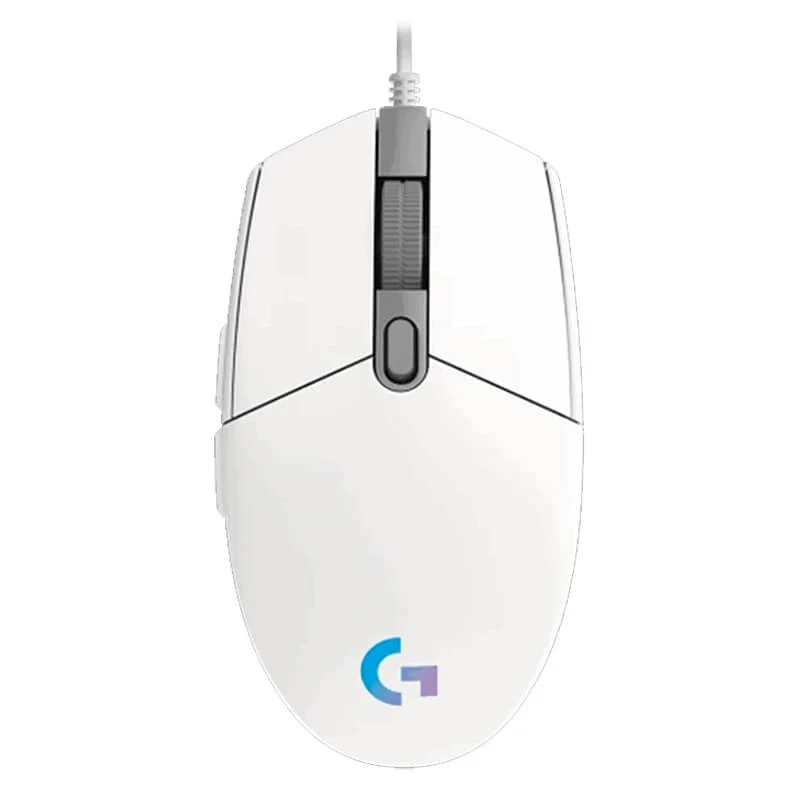
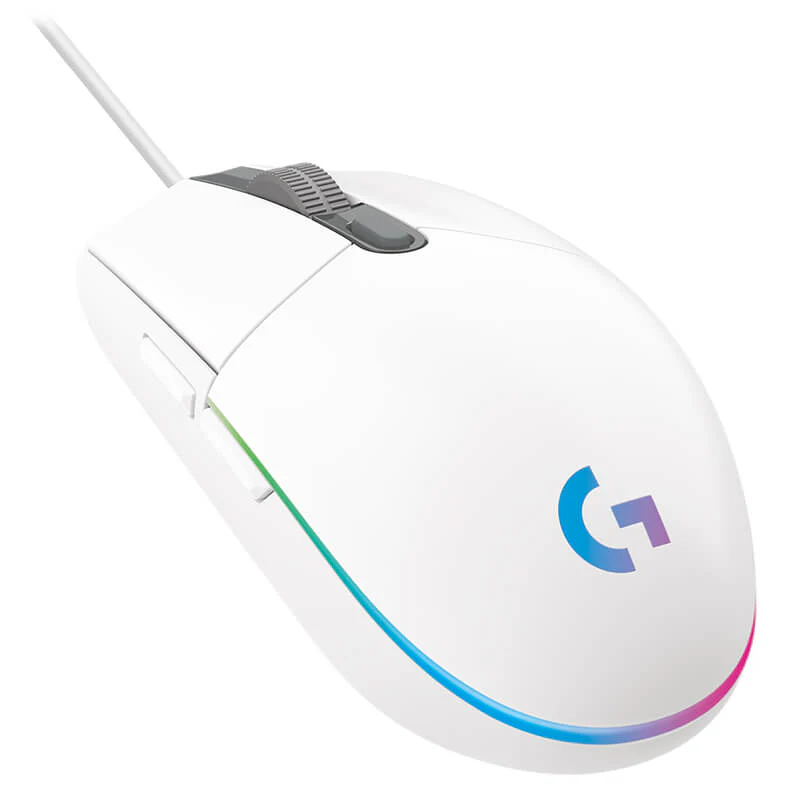
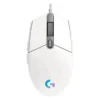
Logitech G102 LightSync RGB Gaming Mouse – White | 8000 DPI | Customizable LIGHTSYNC | 6 Programmable Buttons
Elevate your gaming setup with the Logitech G102 LightSync in a sleek White finish. This mouse combines high-performance specs with stunning aesthetics to give you a competitive edge. The heart of the G102 is its high-precision, 8000 DPI sensor that delivers flawless tracking for both fast-paced FPS games and detailed strategy titles. With a 1ms report rate, your reactions are translated into on-screen action without delay. The standout feature is the deeply customizable LIGHTSYNC RGB lighting, which can be set to an audio visualizer that pulses with your game’s soundtrack, a screen sampler that mirrors your display colors, or a static hue to match your white-themed battlestation. Built for longevity, the metal spring button tensioning system ensures every click is sharp and responsive. Through the free Logitech G HUB software, you can program all six buttons, create powerful macros, and save your settings directly to the mouse. To complete your white gaming aesthetic, pair it with a matching Gaming Keyboard and a high-quality Gaming Headset. Discover more gear to perfect your setup in our PC Gaming Accessories collection.
Specifications
- Brand & Model: Logitech G102 LightSync (White)
- Sensor: Gaming-Grade with 200 – 8000 DPI
- Polling Rate: 1000 Hz (1ms)
- Buttons: 6 Programmable Buttons
- Lighting: LIGHTSYNC RGB (Audio Visualizer & Screen Sampler)
- Key Technology: Metal Spring Button Tensioning
- Software: Logitech G HUB
- Cable: 2.1-meter braided cable
- Weight: 85 g (mouse only)
- Compatibility: Windows, macOS, Chrome OS
What’s in the Box
- Logitech G102 LightSync Gaming Mouse (White)
- User Documentation
FAQs
1. Is the white version different in performance from the black one?
No, the white Logitech G102 has the exact same performance specs, including the 8000 DPI sensor, 1ms response rate, and customizable buttons, as the black model. The only difference is the color.
2. Can I sync the RGB lighting with other Logitech gear?
Yes, if you have other compatible Logitech G LIGHTSYNC products like keyboards or headsets, you can synchronize their lighting effects with your G102 mouse using the Logitech G HUB software for a unified look.
3. What is the “Screen Sampler” feature?
The Screen Sampler mode allows the mouse’s RGB lighting to dynamically change color based on the dominant hues on your computer screen, creating an immersive experience that reacts to your games, videos, and desktop.
4. How do I change the DPI settings?
You can cycle through pre-set DPI levels (up to 5) using the dedicated button below the scroll wheel. To fine-tune these levels, you need to use the Logitech G HUB software.
5. Is the software required for basic functionality?
No, the mouse is plug-and-play. However, to unlock advanced features like custom RGB effects, macro programming, and precise DPI adjustment, you need to install the free Logitech G HUB software.
6. What is the advantage of the button tensioning system?
The metal spring button tensioning reduces the pre-travel distance and ensures that every click is immediate, crisp, and consistent, which is vital for competitive gaming where reaction time is critical.
7. Is the white coating prone to yellowing or getting dirty?
The mouse is designed with a durable finish. Normal use should not cause yellowing, but as with any white peripheral, keeping hands clean will help maintain its pristine appearance over time.
8. Can I save my lighting profiles to the mouse?
Yes, the G102 features onboard memory. You can save your custom lighting, DPI, and button configurations directly to the mouse and use them on any computer without the need for software.
9. Is this mouse good for large hands?
The G102 has a classic, compact design that is generally best suited for small to medium-sized hands. Users with very large hands might find a larger, ergonomic mouse more comfortable.
10. What kind of games is the G102 best for?
Its high DPI range and fast response make it excellent for FPS games, while the programmable buttons are perfect for MOBAs and MMOs where quick access to abilities is key.

 No products in the cart.
Reviews
There are no reviews yet.