
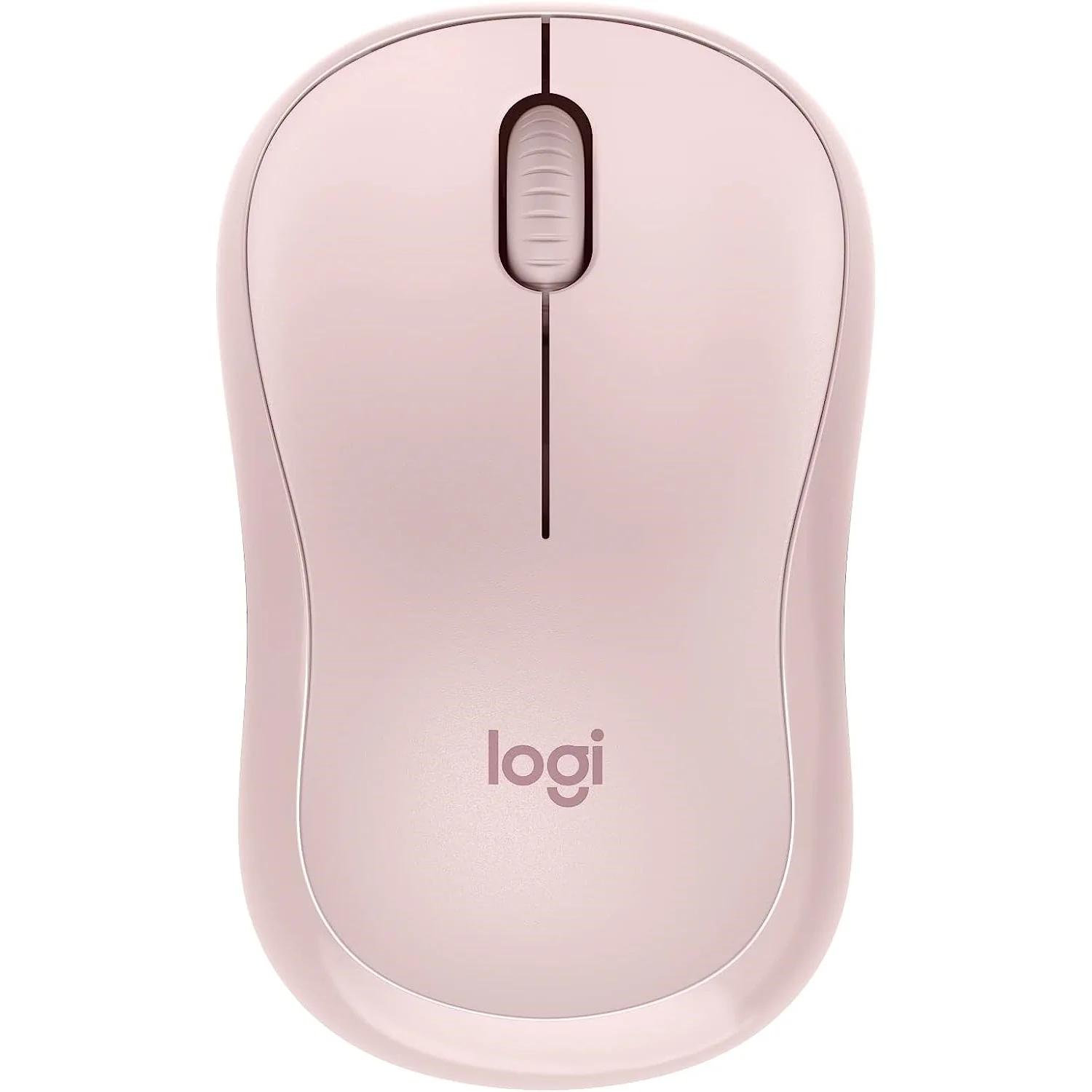

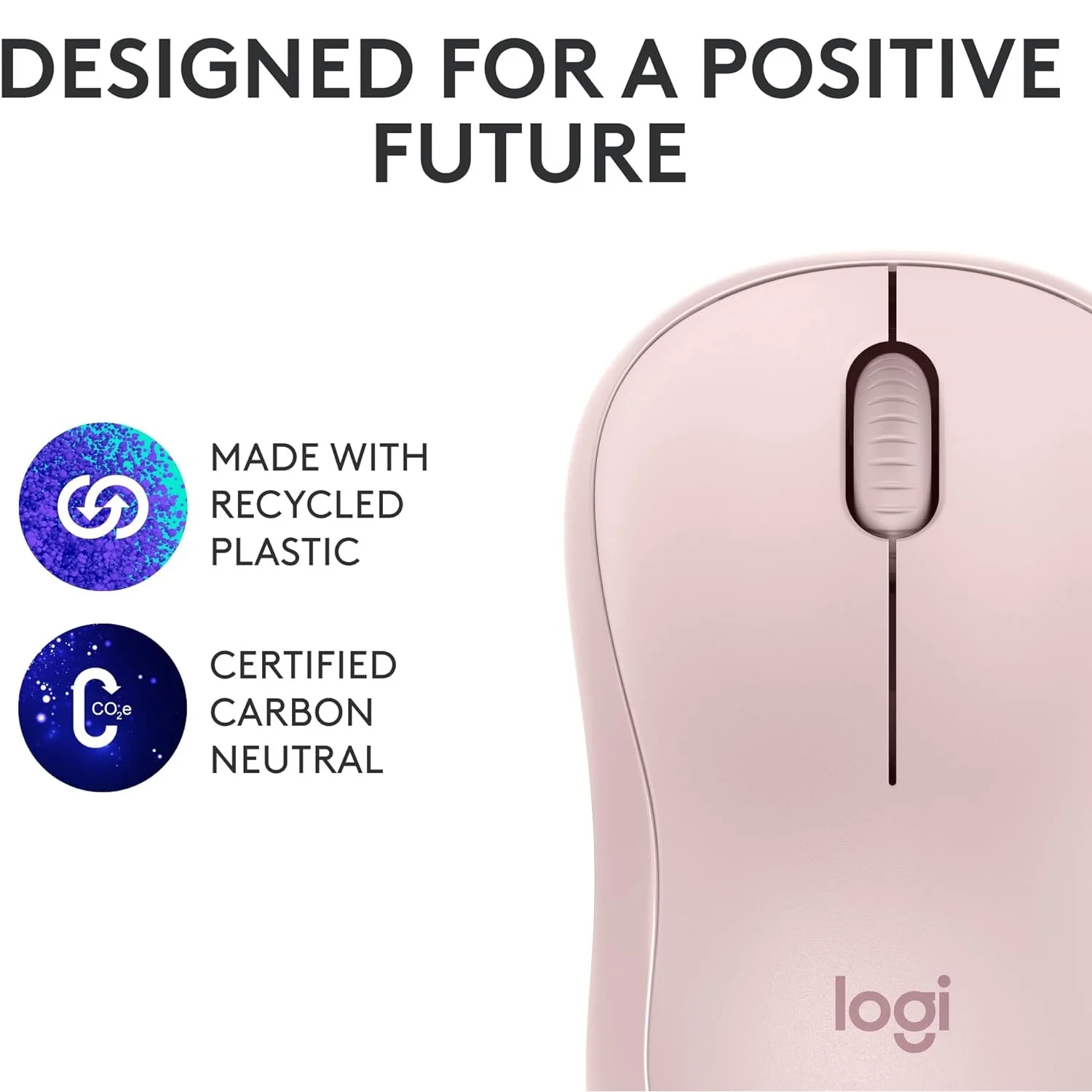
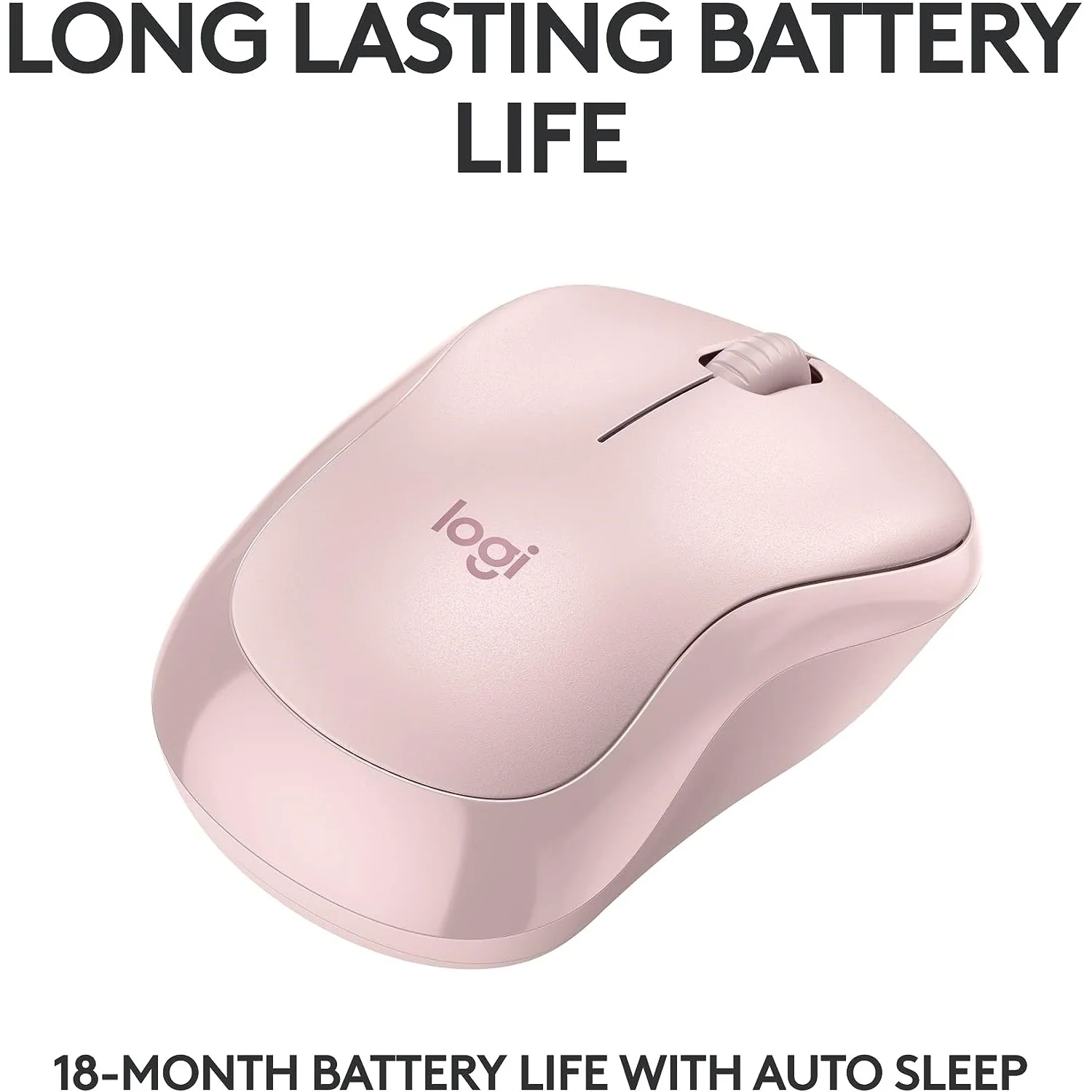

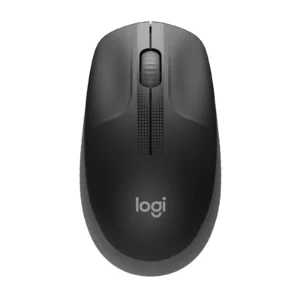
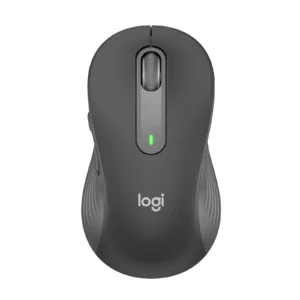
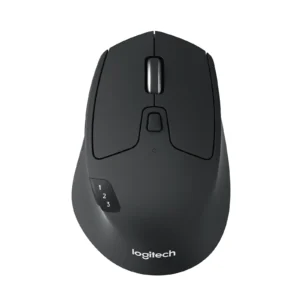
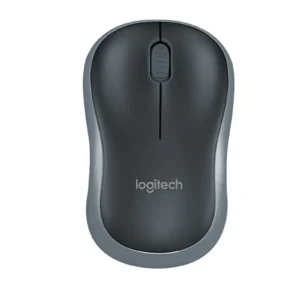
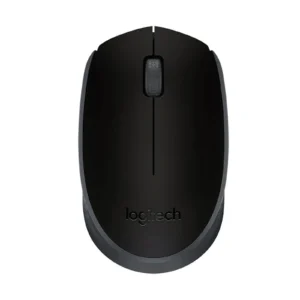
Logitech M240 Silent Bluetooth Wireless Mouse | 90% Quieter Clicks | 18-Month Battery | Ambidextrous for Laptop, PC, Tablet (Graphite, Off-White, Rose)
Upgrade your mobile workflow with the Logitech M240 Silent Bluetooth Mouse, designed for the modern, on-the-go professional and student. Tired of carrying dongles or disturbing others with loud clicks? This mouse connects instantly via Bluetooth, eliminating the need for a USB receiver and freeing up valuable ports on your laptop or tablet. Its groundbreaking SilentTouch Technology reduces clicking sounds by 90%, allowing you to work productively in any quiet environment without compromise. With an impressive battery life of up to 18 months, you can focus on your tasks without worrying about constant battery changes. The compact and ambidextrous design ensures comfort for all users and makes it the perfect travel companion, easily slipping into your laptop bag. Studies show that using a mouse like the M240 can increase productivity by up to 50% compared to a laptop touchpad. It’s the ultimate tool for efficient, silent, and cord-free computing. For a complete wireless setup, consider pairing it with a Bluetooth Keyboard or explore our full range of Mobile Accessories to enhance your portable office.
Specifications
- Brand & Model: Logitech M240 Silent | Part No.: 910-007123
- Connection: Bluetooth Wireless (No Dongle Required)
- Key Technology: SilentTouch Technology (90% Quieter Clicks)
- Battery Life: Up to 18 Months
- Battery Type: 1 x AA (Pre-installed)
- Design: Compact, Ambidextrous
- Compatibility: Windows, macOS, Chrome OS, Android, Linux
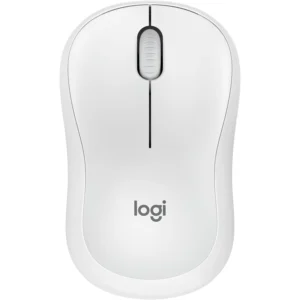
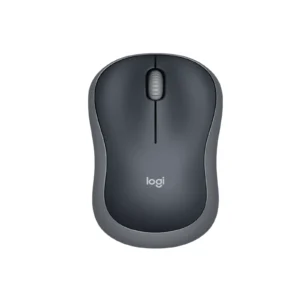
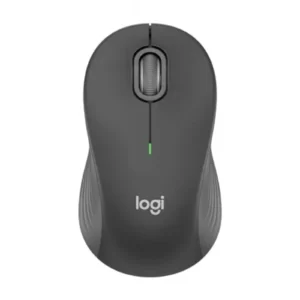
- Colors Available: Graphite, Off-White, Rose
What’s in the Box
- Logitech M240 Silent Bluetooth Wireless Mouse
- 1 x AA Battery (Pre-installed)
- User Documentation
FAQs
1. Does the Logitech M240 require a USB receiver to work?
No, the Logitech M240 connects directly to your device using Bluetooth technology, so no USB receiver or port is needed.
2. Is this mouse truly silent?
It features SilentTouch Technology which reduces the clicking sound by approximately 90% compared to a standard mouse. It is significantly quieter but not completely soundless.
3. What colors is the M240 available in?
It comes in three stylish colors to match your style: Graphite, Off-White, and Rose.
4. Is the Logitech M240 suitable for left-handed people?
Yes, its symmetrical, ambidextrous design makes it equally comfortable for both left-handed and right-handed users.
5. How long does the battery last, and is it included?
The battery can last up to 18 months under normal use, and a single AA battery is pre-installed for your convenience.
6. Can I connect the M240 to my Android phone or tablet?
Yes, the Logitech M240 is compatible with Android devices that support Bluetooth mouse connectivity.
7. How do I pair it with my laptop?
Turn on the mouse, press the pairing button on the bottom, and then select “Logitech M240” from your computer’s Bluetooth settings menu to connect.
8. Can I use it on a glass surface?
While it has precise tracking for most surfaces, it may not work reliably on transparent glass or high-gloss mirrors.
9. What is the difference between the M240 and the M331?
The main difference is connectivity: the M240 uses Bluetooth, while the M331 uses a 2.4GHz USB receiver. The M331 also has a dedicated right-hand ergonomic shape.
10. Does it have a dedicated DPI button to change cursor speed?
No, the Logitech M240 has a fixed DPI setting optimized for general use and does not have a button to change the cursor sensitivity.
 No products in the cart.

Reviews
There are no reviews yet.