
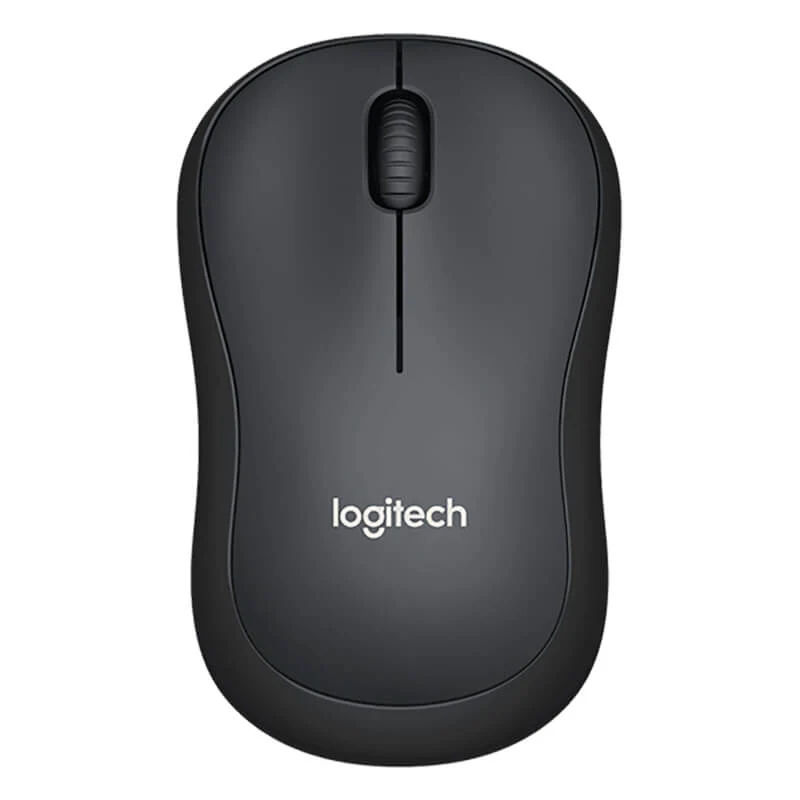
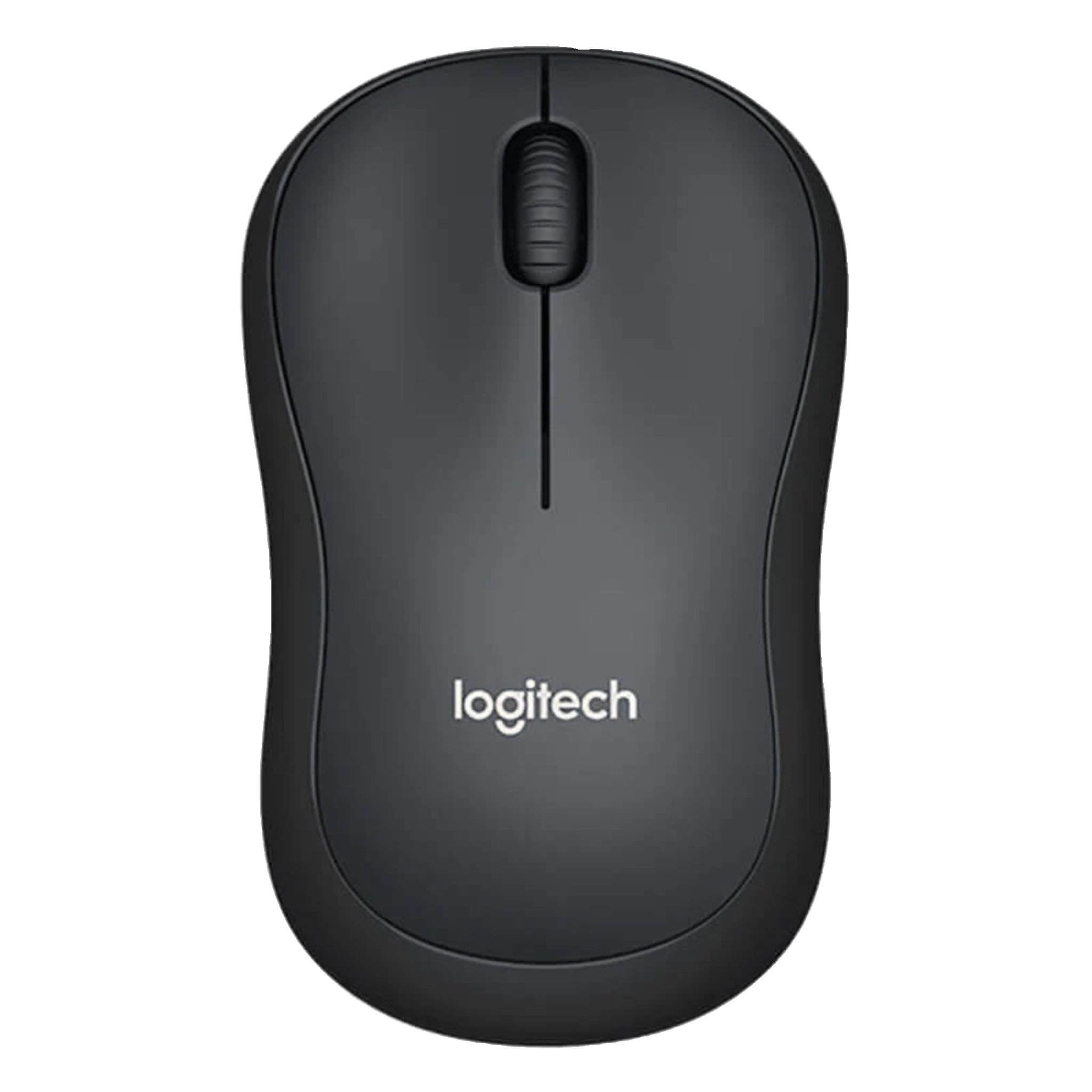
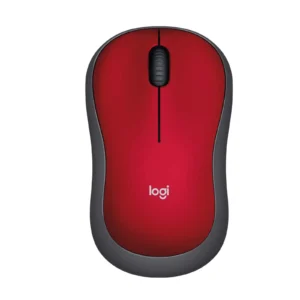
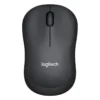
Logitech M221 Silent Wireless Mouse – Charcoal | 90% Quieter Clicks | 18-Month Battery | 2.4GHz
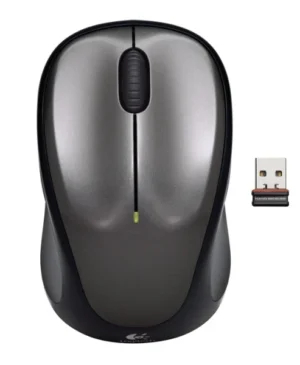
Finally, work in peace without the constant, disruptive clicking. The Logitech M221 Silent Wireless Mouse is engineered for environments where silence is golden—be it a shared office, a quiet library, a study room, or your home at night. Its innovative silent button technology delivers over 90% noise reduction compared to a standard mouse, giving you the same satisfying tactile feel without the audible click. Every aspect is designed for quiet operation, from the smooth, silent scroll wheel to the durable gliding feet that move effortlessly across your desk. Beyond its silence, it’s a powerhouse of reliability. The 18-month battery life means you can install it and forget about it, while the plug-and-play nano receiver offers a stable, drop-out-free connection from up to 10 meters away. Its compact, comfortable shape fits perfectly in your hand, reducing strain during long use. It’s the perfect tool to protect everyone’s peace and productivity. For a completely silent workspace, pair it with one of our quiet keyboards.
Specifications
- Brand: Logitech
- Model: M221 Silent (910-004882)
- Color: Charcoal
- Connectivity: 2.4 GHz Wireless with Nano Receiver
- Battery Life: Up to 18 months
- Battery Type: 1 x AA (Included)
- Special Feature: Silent Touch Technology (>90% quieter clicks)
- Sensor: Optical Tracking
- Resolution: 1000 DPI
- Compatibility: Windows, macOS, Chrome OS, Linux
- Wireless Range: Up to 10 meters
What’s in the Box
- Logitech M221 Silent Wireless Mouse
- USB Nano Receiver
- User Documentation
FAQs
1. How silent is this mouse really?
It is designed to be over 90% quieter than a standard Logitech mouse. You get the physical feedback of a click, but with a muffled, soft sound that is unlikely to disturb others.
2. Is the battery included?
Yes, a single AA battery is pre-installed in the mouse, so you can start using it immediately.
3. Do I need to install software for it to work?
No. It is plug-and-play. Simply insert the nano receiver into your computer’s USB port, and it will work instantly with most operating systems.
4. What is the wireless range?
It offers a reliable wireless range of up to 10 meters in optimal conditions, giving you plenty of freedom to move.
5. Is this mouse compatible with my Mac?
Yes, it is fully compatible with macOS as well as Windows, Chrome OS, and Linux.
6. Can I use it on a glass surface?
The optical sensor works on most surfaces, but for optimal performance, it is recommended to use it on a mouse pad or non-glossy surface.
7. How do I know when the battery is low?
There is typically a low battery indicator that may appear in your computer’s operating system notification area.
8. Is there an on/off switch to save battery?
Yes, there is a physical on/off switch on the bottom of the mouse to help conserve battery life when not in use or during transport.
9. Is the warranty valid in Pakistan?
Yes, products sold on ugreenpk.com are genuine and come with applicable manufacturer’s warranty support in Pakistan.
10. Who is this mouse best for?
It is perfect for students in libraries, professionals in open-plan offices, night owls working at home, or anyone who needs to work without creating disruptive noise.
 No products in the cart.
Reviews
There are no reviews yet.