
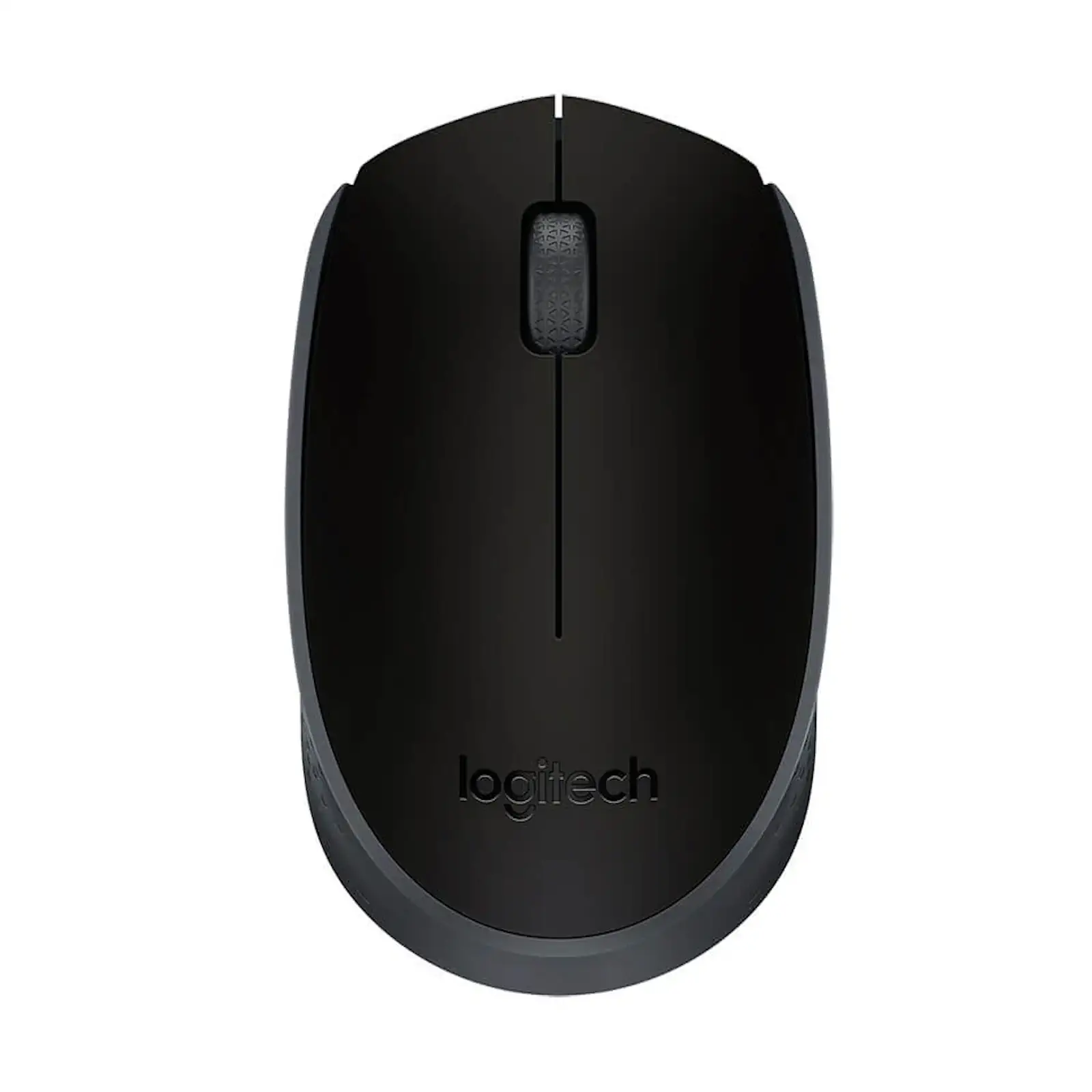

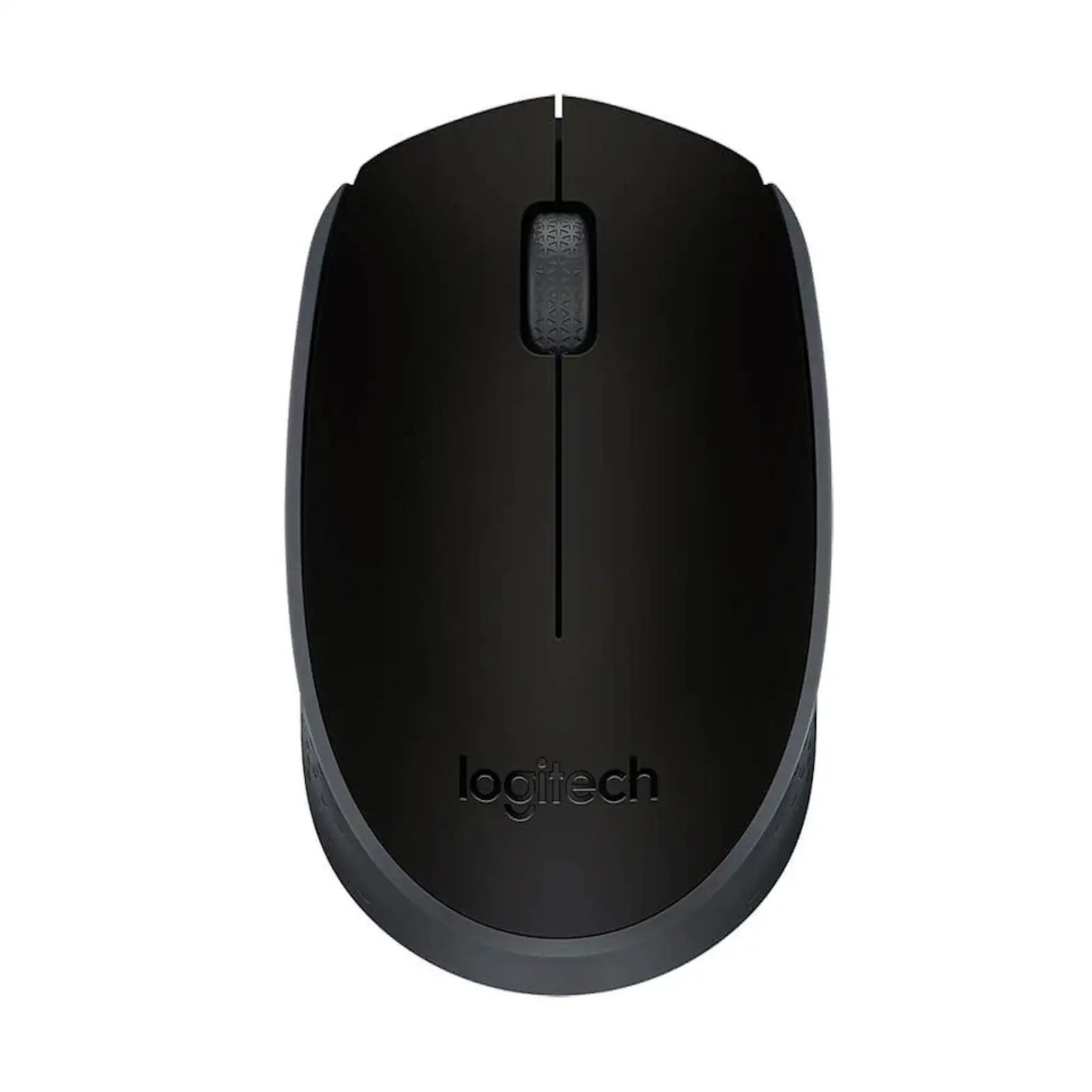
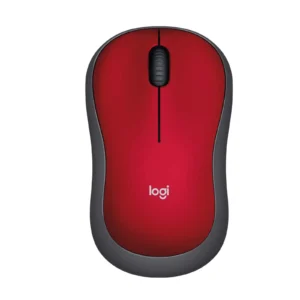
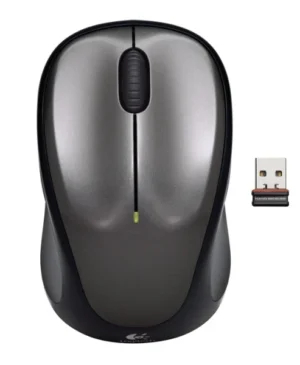
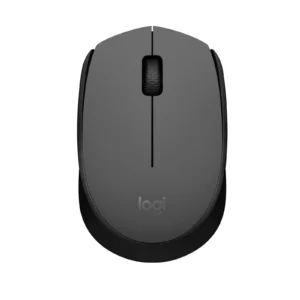
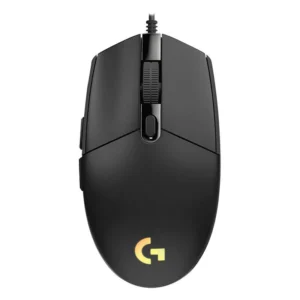
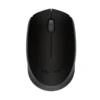
Logitech M170 Wireless Mouse | 12-Month Battery | 2.4GHz USB Nano Receiver | 1000 DPI | Plug & Play | for PC, Laptop, Mac (Black) 910-004658
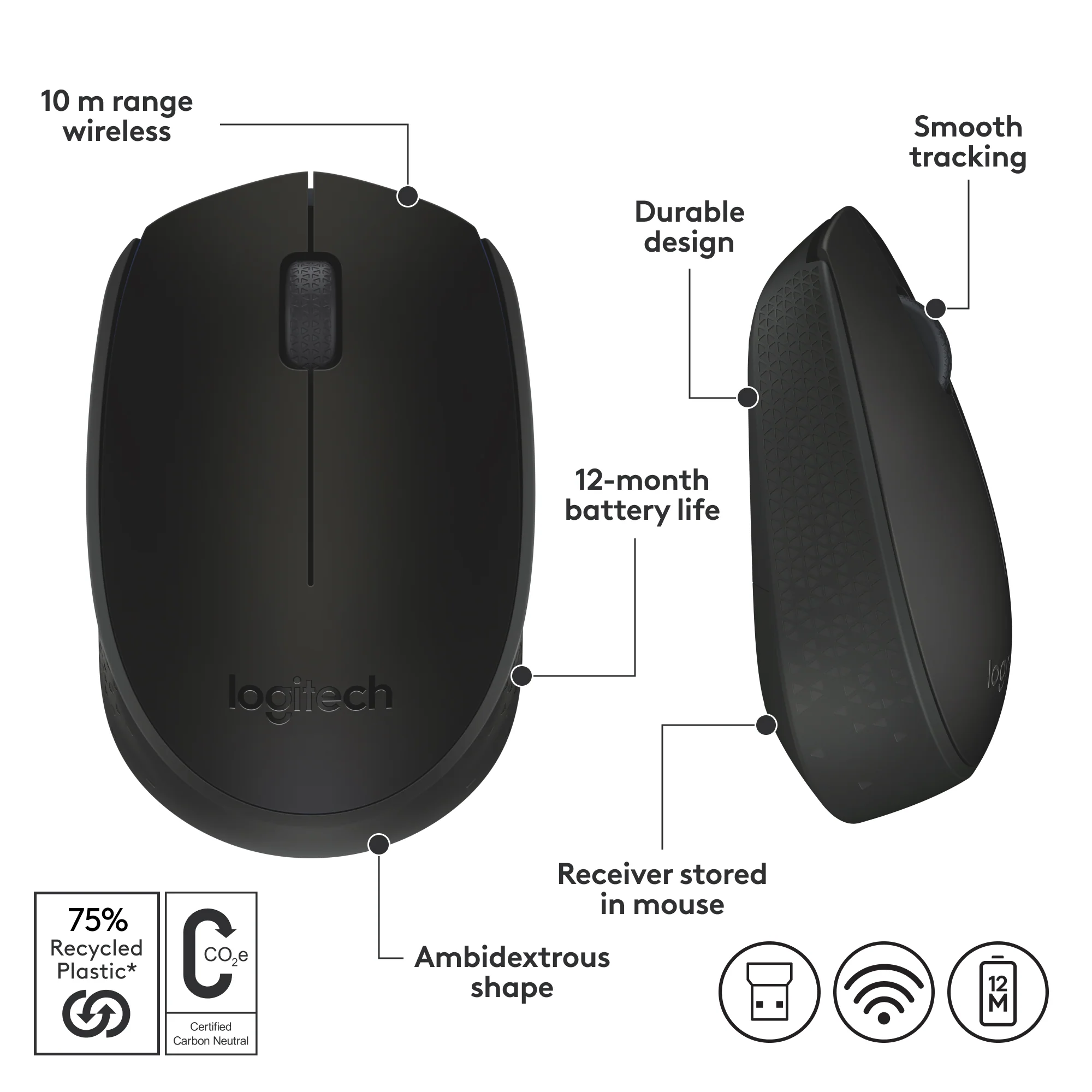
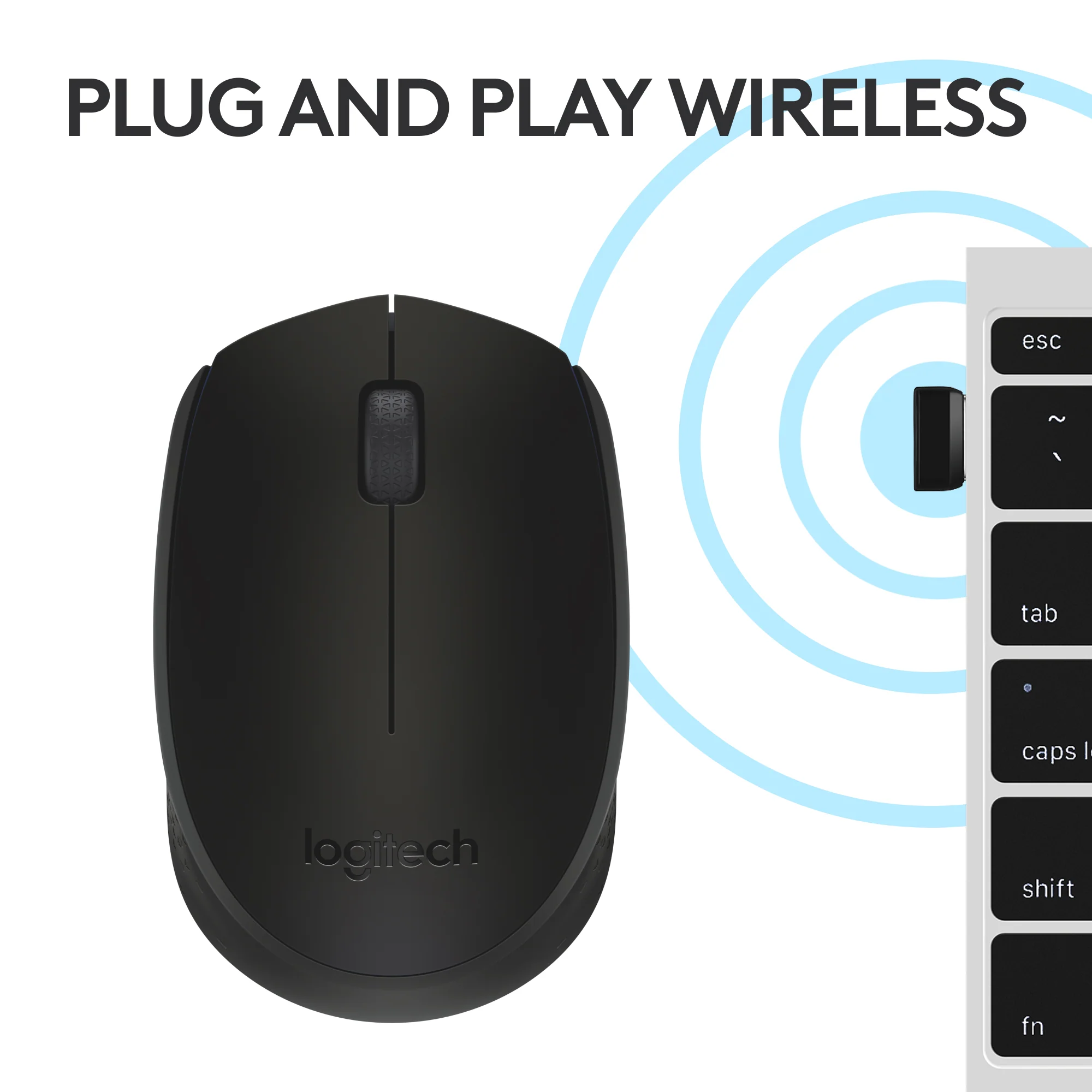
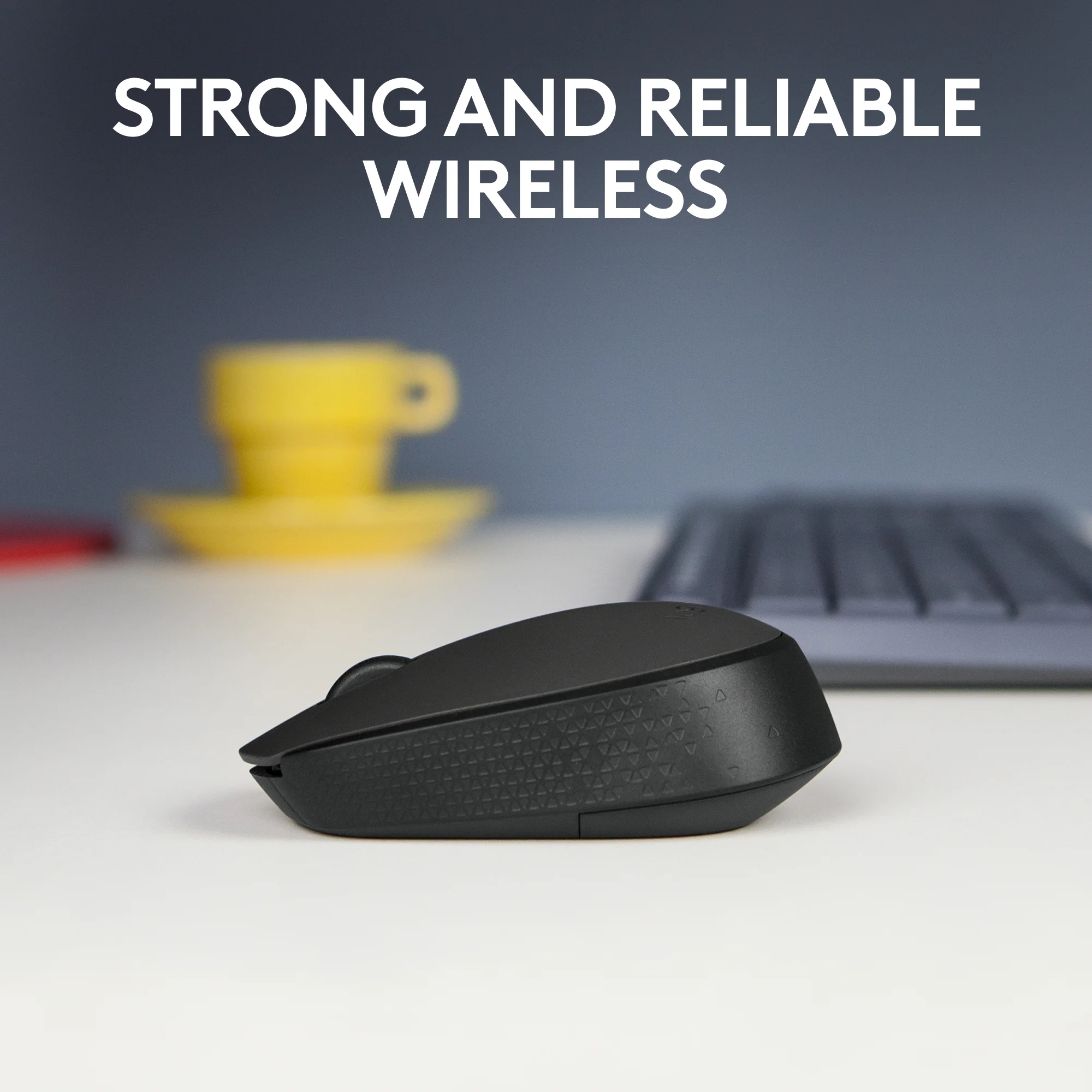
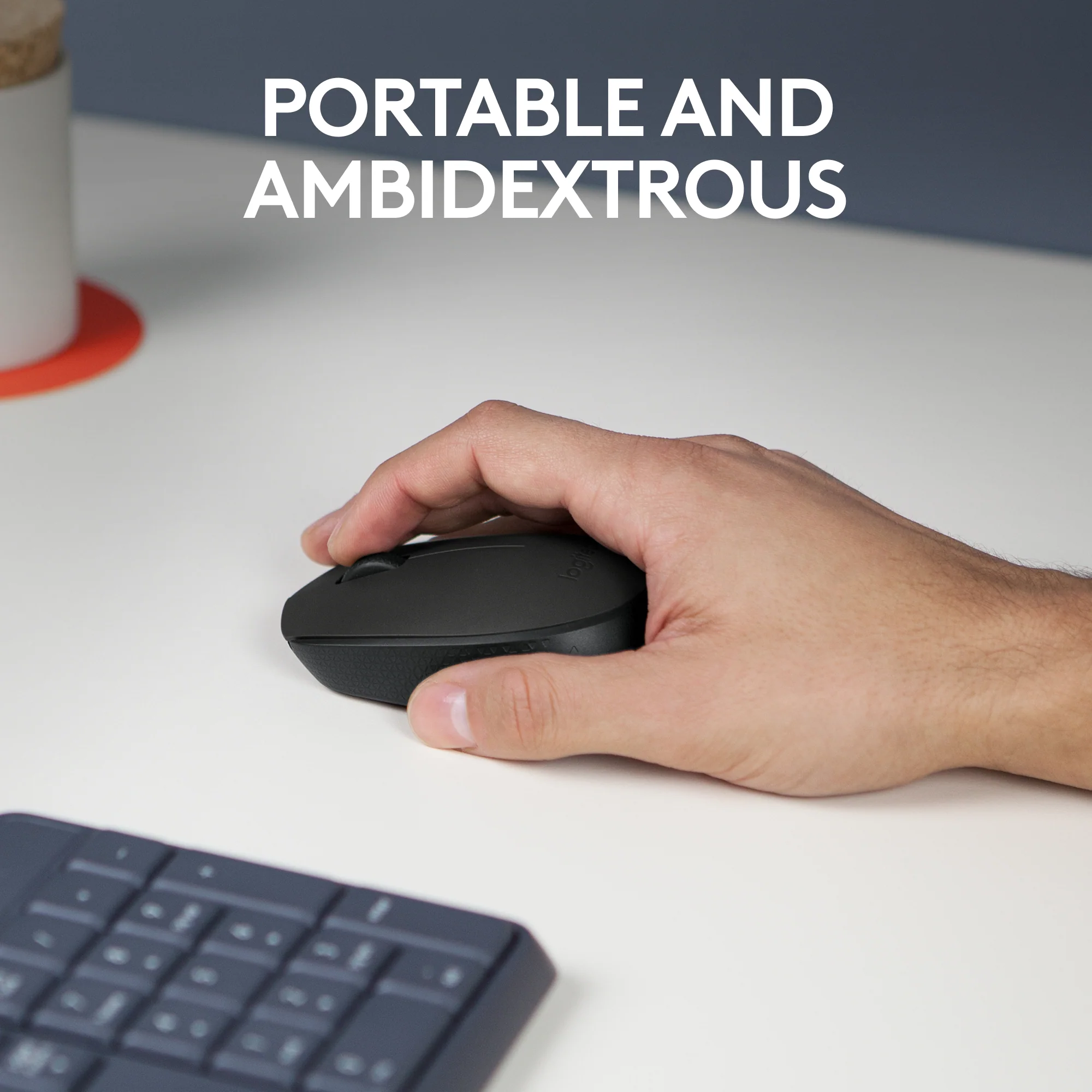
Upgrade from a frustrating touchpad to a seamless navigation experience. The Logitech M170 Wireless Mouse offers exceptional reliability and comfort without the complexity. Its powerful 2.4GHz wireless connection provides a robust link with your computer up to 10 meters away, free from delays or dropouts. The high-quality 1000 DPI optical tracking ensures precise cursor movement and controlled scrolling on almost any surface—from desks to mouse pads—so you can say goodbye to missed clicks. Designed for ultimate convenience, it’s ready to use right out of the box; just plug the tiny nano receiver into your USB port and start working. The standout feature is its remarkable 12-month battery life, powered by a single included AA battery and intelligent sleep mode. Its compact, lightweight design fits perfectly in your hand and your bag, making it an ideal travel companion. This mouse is the essential, hassle-free tool for students, professionals, and home users alike. Complete your workspace by pairing it with a reliable wireless keyboard from our collection.
Specifications
- Brand: Logitech
- Model: M170
- Connectivity: 2.4 GHz Wireless with Nano Receiver
- Battery Life: Up to 12 months
- Battery Type: 1 x AA (Included)
- Sensor: Optical Tracking
- Resolution (DPI): 1000 DPI
- Buttons: 3 (Left, Right, Clickable Scroll Wheel)
- Compatibility: Windows 7+, macOS 10.5+, Chrome OS, Linux
- Wireless Range: Up to 10 meters
- Weight: 70.5 g (with battery)
- Dimensions: 97.7 x 61.5 x 35.2 mm
What’s in the Box
- Logitech M170 Wireless Mouse
- USB Nano Receiver
- User Documentation
FAQs
1. Is the battery included with the mouse?
Yes, a single AA battery is pre-installed in the mouse, so you can start using it immediately.
2. How long does the battery actually last?
The 12-month battery life is based on standard usage. Your actual experience may vary depending on how often you use the mouse, but its power-saving sleep mode ensures exceptional efficiency.
3. Do I need to install any software or drivers?
No. The mouse is plug-and-play. Simply insert the nano receiver into your computer’s USB port, and it will work instantly with Windows, macOS, Chrome OS, and Linux.
4. What is the wireless range?
It offers a reliable wireless range of up to 10 meters in optimal conditions, giving you plenty of freedom to move.
5. Is this mouse compatible with my MacBook?
Yes, it is fully compatible with macOS 10.5 or later and will work instantly without any need for drivers.
6. Can I use it on a glass surface?
The optical sensor works on most surfaces, but it may not track reliably on clear glass or highly glossy, reflective surfaces. A mouse pad is recommended for best results.
7. What should I do if my mouse disconnects or isn’t working?
Try these steps:
- Ensure the mouse is turned on.
- Re-seat the USB receiver by unplugging it and plugging it back in.
- Check and replace the battery if needed.
8. Is there an on/off switch?
Yes, there is a physical on/off switch on the bottom of the mouse to help conserve battery life when not in use or during transport.
9. Is the warranty valid in Pakistan?
Yes, products sold on ugreenpk.com are genuine and come with applicable manufacturer’s warranty support in Pakistan.
10. How is this different from a touchpad?
Using a mouse is more ergonomic than a laptop touchpad, reducing strain on your hand and wrist. It also provides greater precision and control for tasks like editing documents, browsing the web, and graphic design.
 No products in the cart.
Reviews
There are no reviews yet.