
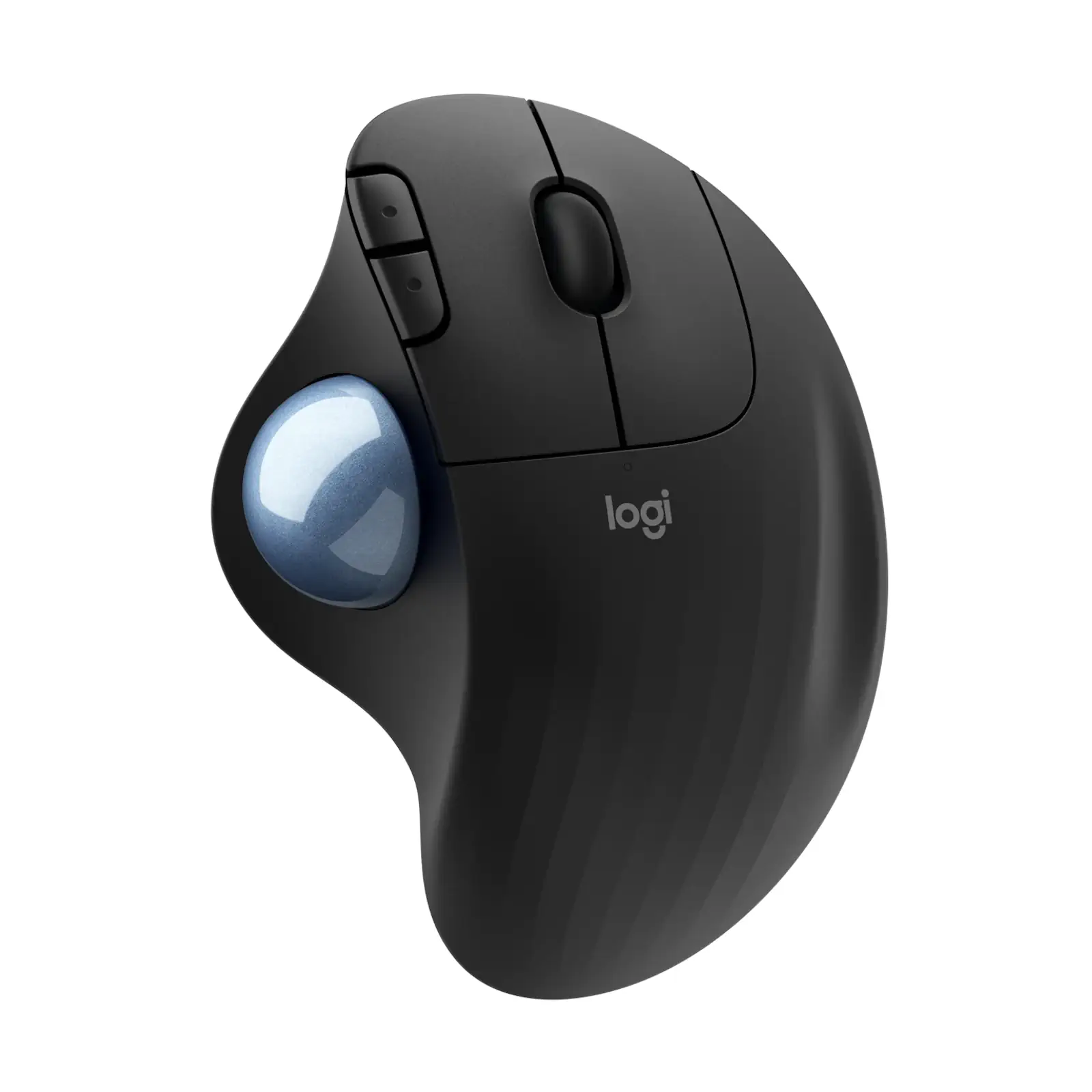


Logitech Ergo M575 Wireless Trackball – Graphite | Thumb-Controlled | Bluetooth & USB Receiver | 24-Month Battery | Ergonomic Design (910-005873)
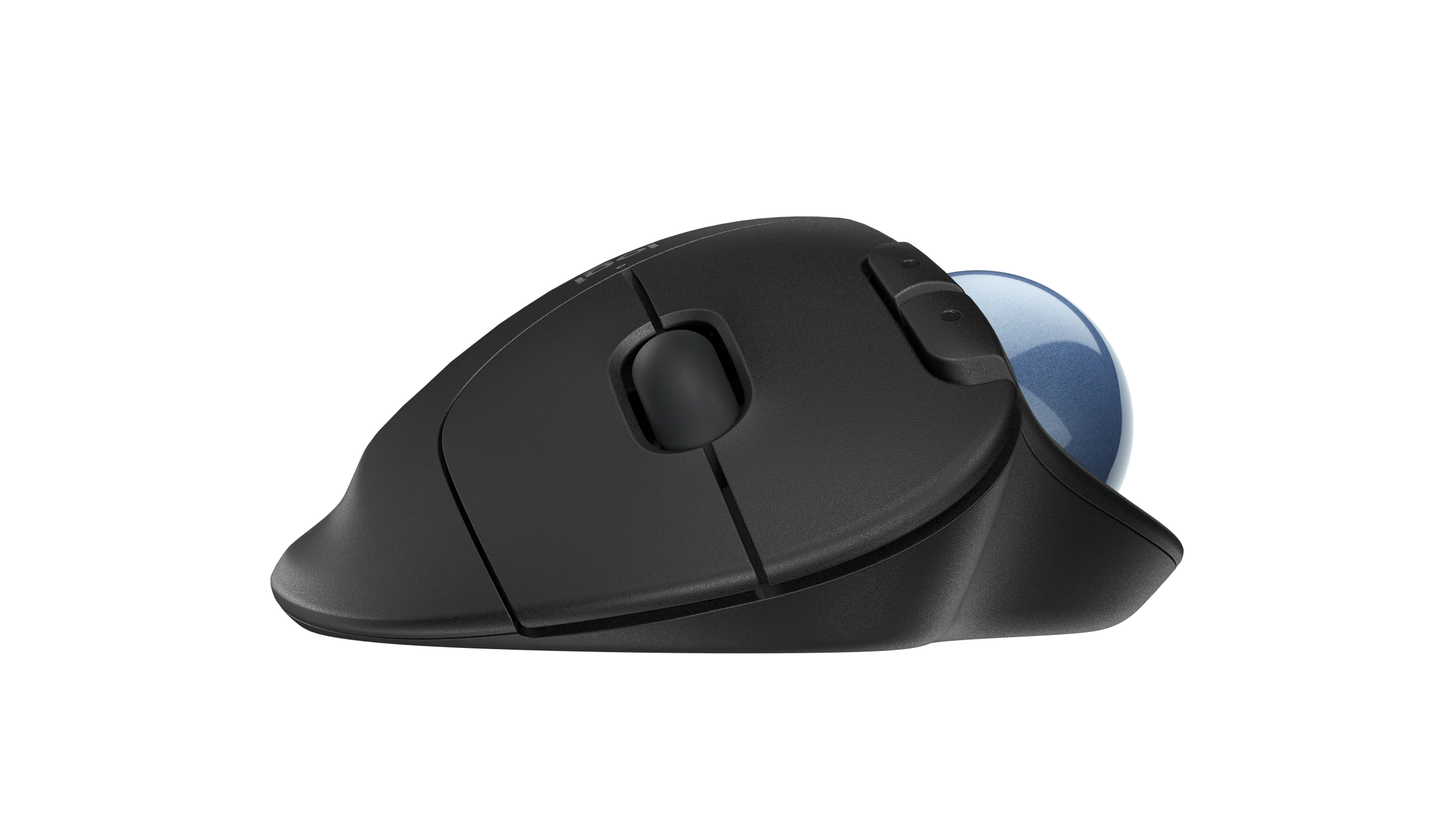
Revolutionize your workspace and reduce physical strain with the Logitech Ergo M575 Wireless Trackball. Designed for professionals, gamers, and anyone seeking ergonomic comfort, this trackball eliminates the need to move your arm entirely—simply glide your thumb across the smooth, coated ball for precise cursor control. Its sculpted, right-handed shape fits naturally in your hand, promoting a relaxed posture and reducing fatigue during long hours of use. With dual connectivity (Bluetooth and USB receiver), you can seamlessly switch between devices and enjoy a reliable connection from up to 10 meters away. The high-efficiency optical sensor ensures exceptional accuracy while maximizing battery life, offering up to 24 months of use on a single included AA battery. Its compact, stationary design is perfect for crowded desks, travel, or minimalist setups. For enhanced customization, use the Logi Options+ software to program buttons and adjust settings. Pair it with an ergonomic keyboard for a complete comfort-focused workspace.
Specifications
- Brand: Logitech
- Model: Ergo M575 (Graphite) 910-005873
- Connectivity: Bluetooth Low Energy + USB Receiver (Unifying)
- Battery Life: Up to 24 months (USB), 20 months (Bluetooth)
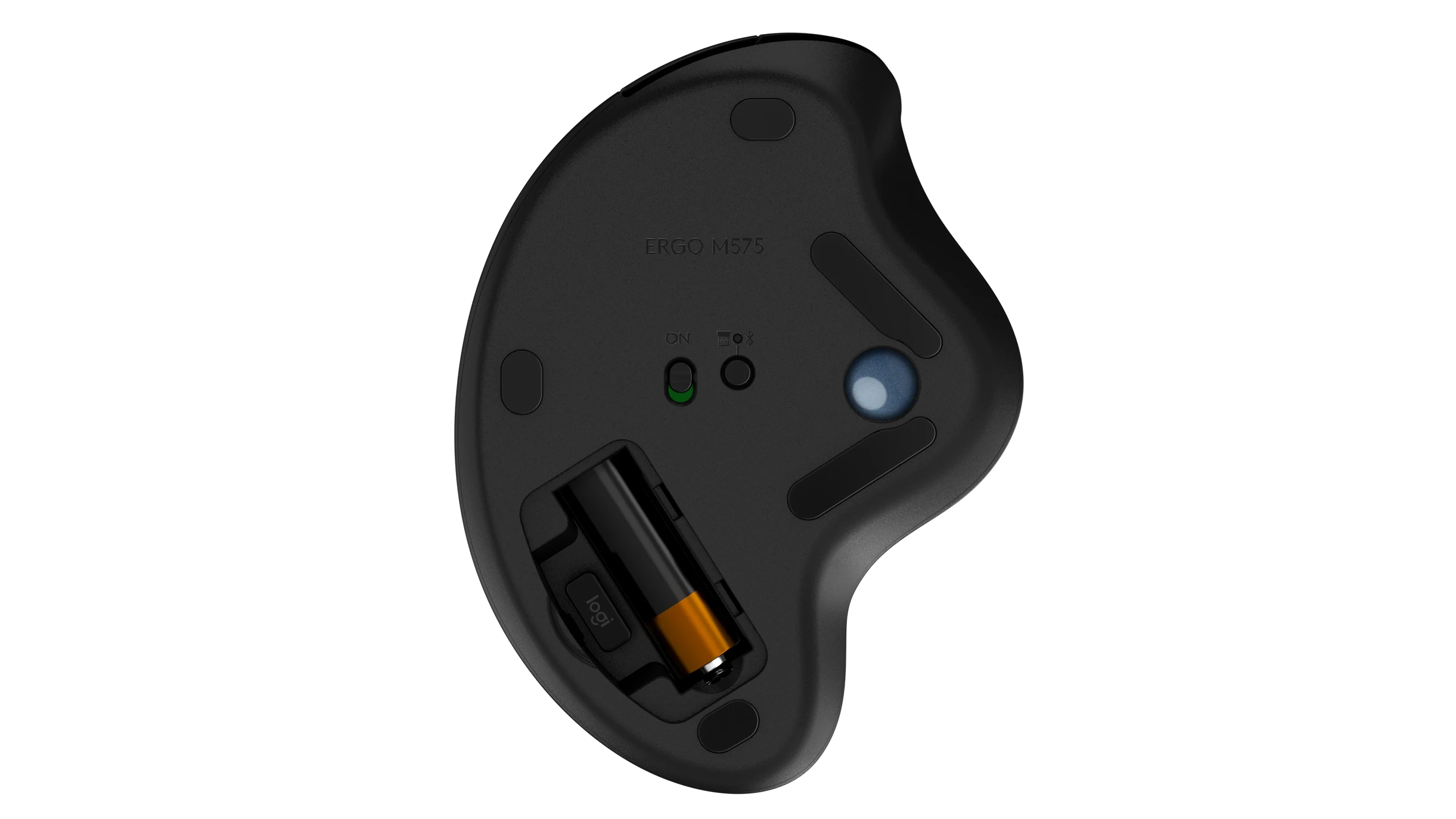
- Battery Type: 1 x AA (included)
- Sensor: Logitech Advanced Optical Tracking
- DPI Range: 400–2000
- Buttons: 5 programmable buttons (Left/Right, Back/Forward, scroll wheel with middle click)
- Design: Right-handed ergonomic shape
- Compatibility: Windows, macOS
- Wireless Range: 10 m (33 ft)
- Weight: 145 g
What’s in the Box
- Logitech Ergo M575 Wireless Trackball
- USB Unifying Receiver
- 1 x AA Battery
- User Documentation
FAQs
1. How does a trackball reduce arm strain?
Since the cursor is controlled by your thumb moving the ball, you don’t need to move your arm or wrist, significantly reducing muscle fatigue and strain.
2. Can I connect to multiple devices?
Yes, with dual connectivity (Bluetooth + USB receiver), you can switch between two devices—e.g., a laptop (via Bluetooth) and a desktop (via USB).
3. Is the trackball compatible with macOS?
Yes, it works seamlessly with macOS and Windows. For button customization, use Logi Options+ software.
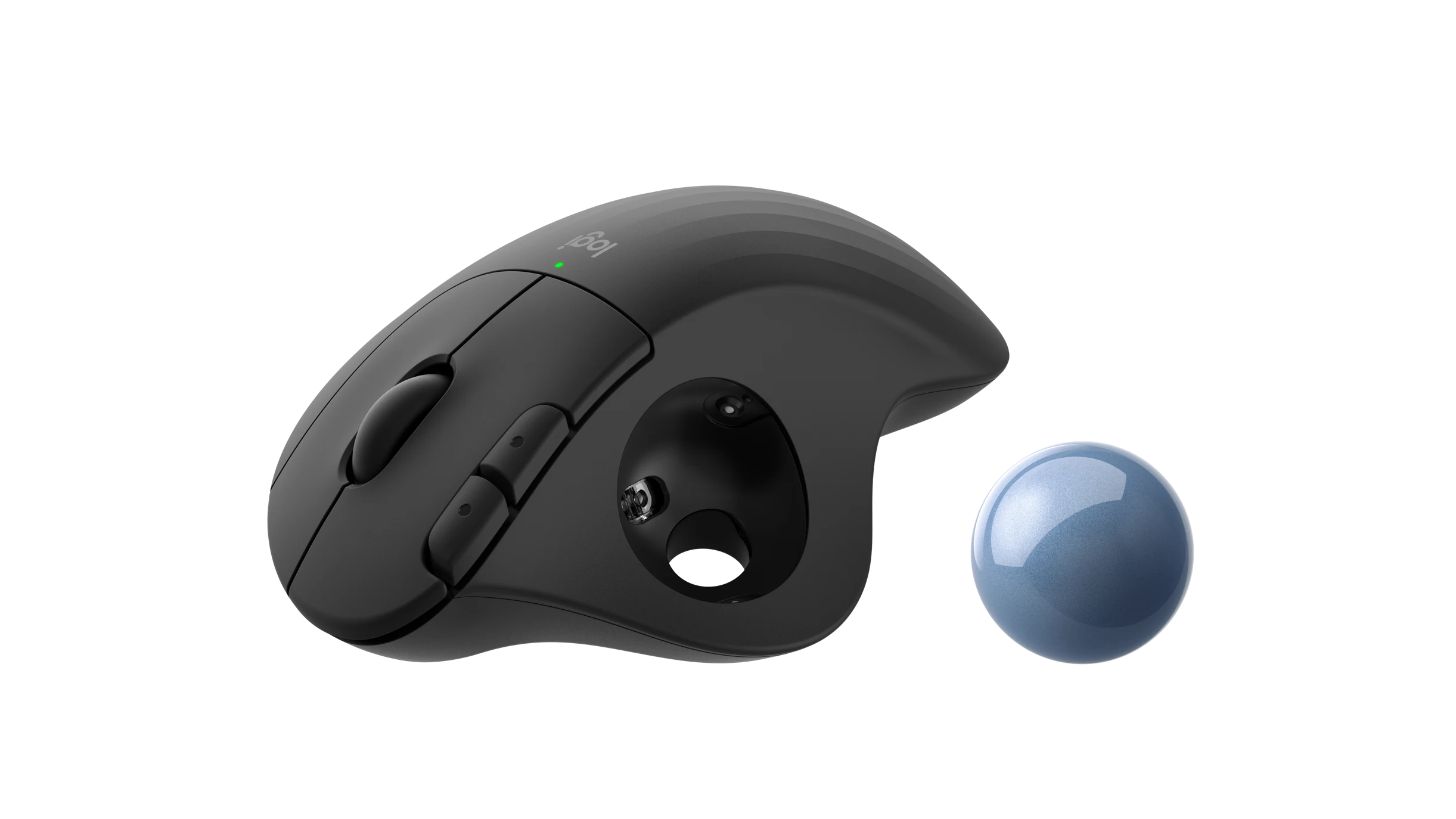
4. How do I clean the trackball?
Gently remove the ball by turning the mouse over and pushing it out. Wipe the ball and internal sensors with a soft, dry cloth.
5. Can I adjust the cursor speed?
Yes, use Logi Options+ software to customize DPI (up to 2000) and tailor cursor speed to your preference.
6. Is the Logitech Ergo M575 wireless?
Yes, it operates wirelessly via Bluetooth or the included USB receiver, with a range of up to 10 meters.
7. How long does the battery last?
With the USB receiver: up to 24 months. With Bluetooth: up to 20 months. Actual life may vary based on usage.
8. Is this trackball right-handed or left-handed?
It is designed exclusively for right-handed users for optimal ergonomic comfort.
9. Does it work on uneven surfaces?
Yes! Since the mouse doesn’t need to be moved, it works perfectly on uneven surfaces, soft fabrics, or even your lap.
10. What is the warranty for this product?
Logitech provides a limited hardware warranty. Check warranty terms specific to your region upon purchase.

 No products in the cart.
Fahad (verified owner) –