
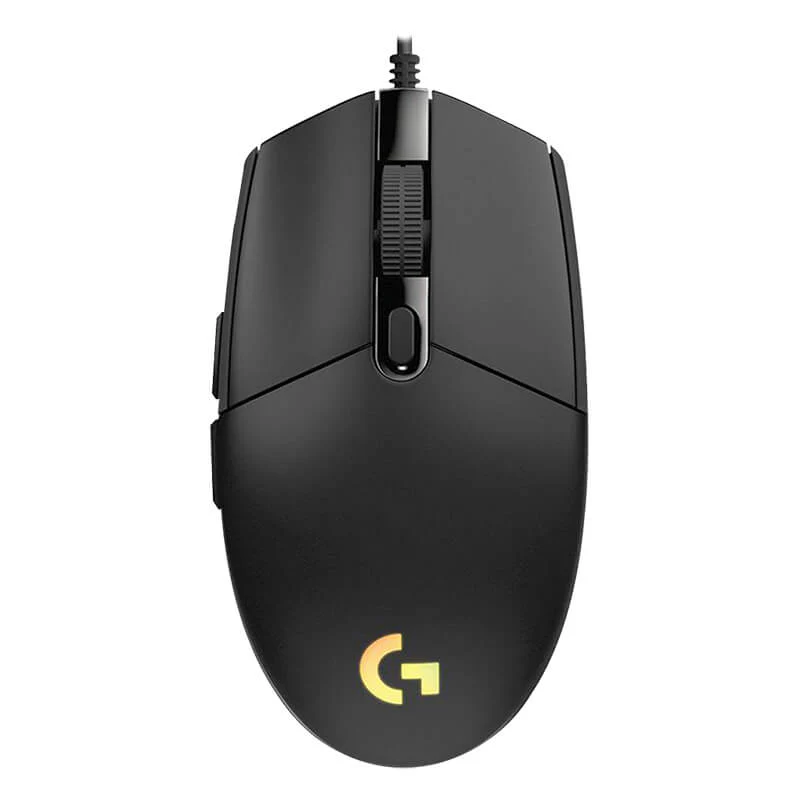
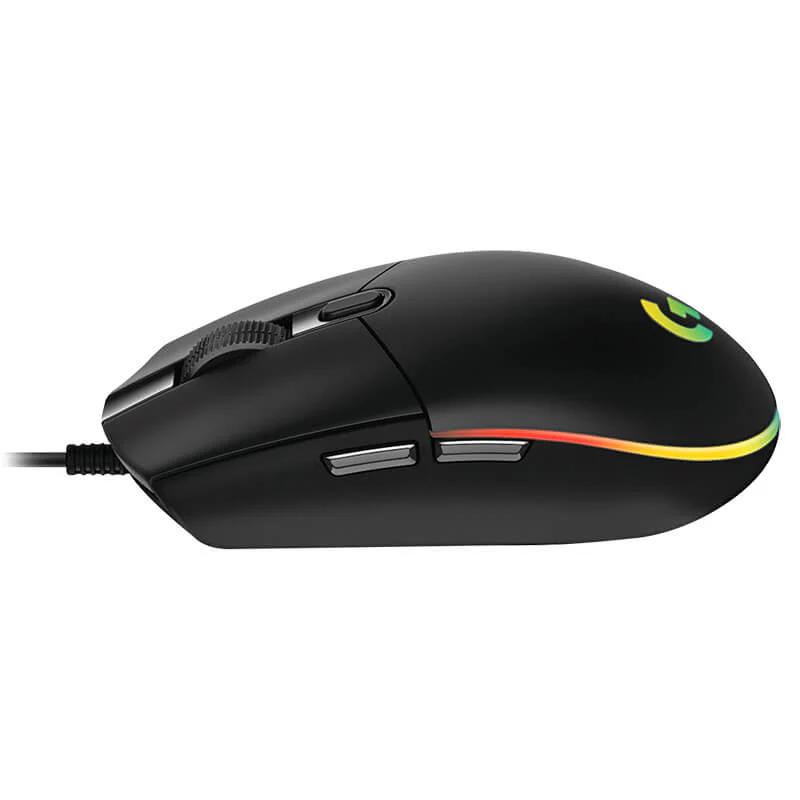
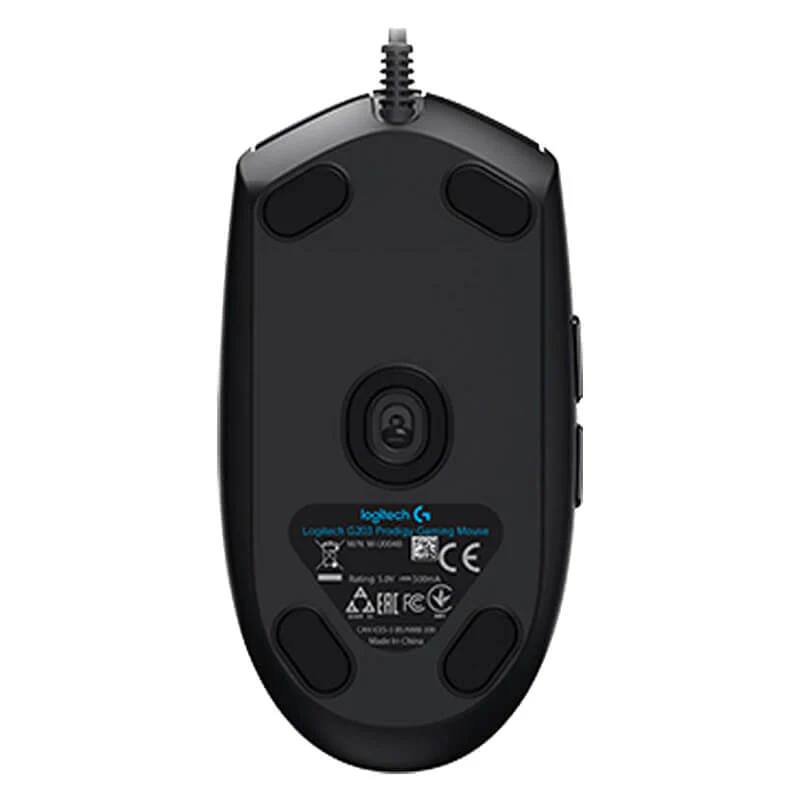
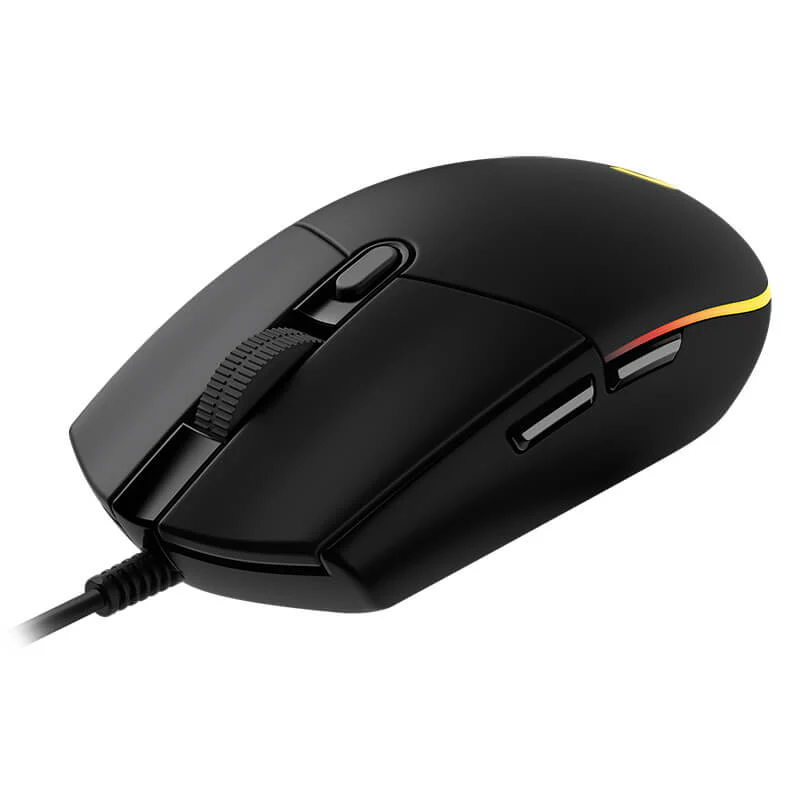
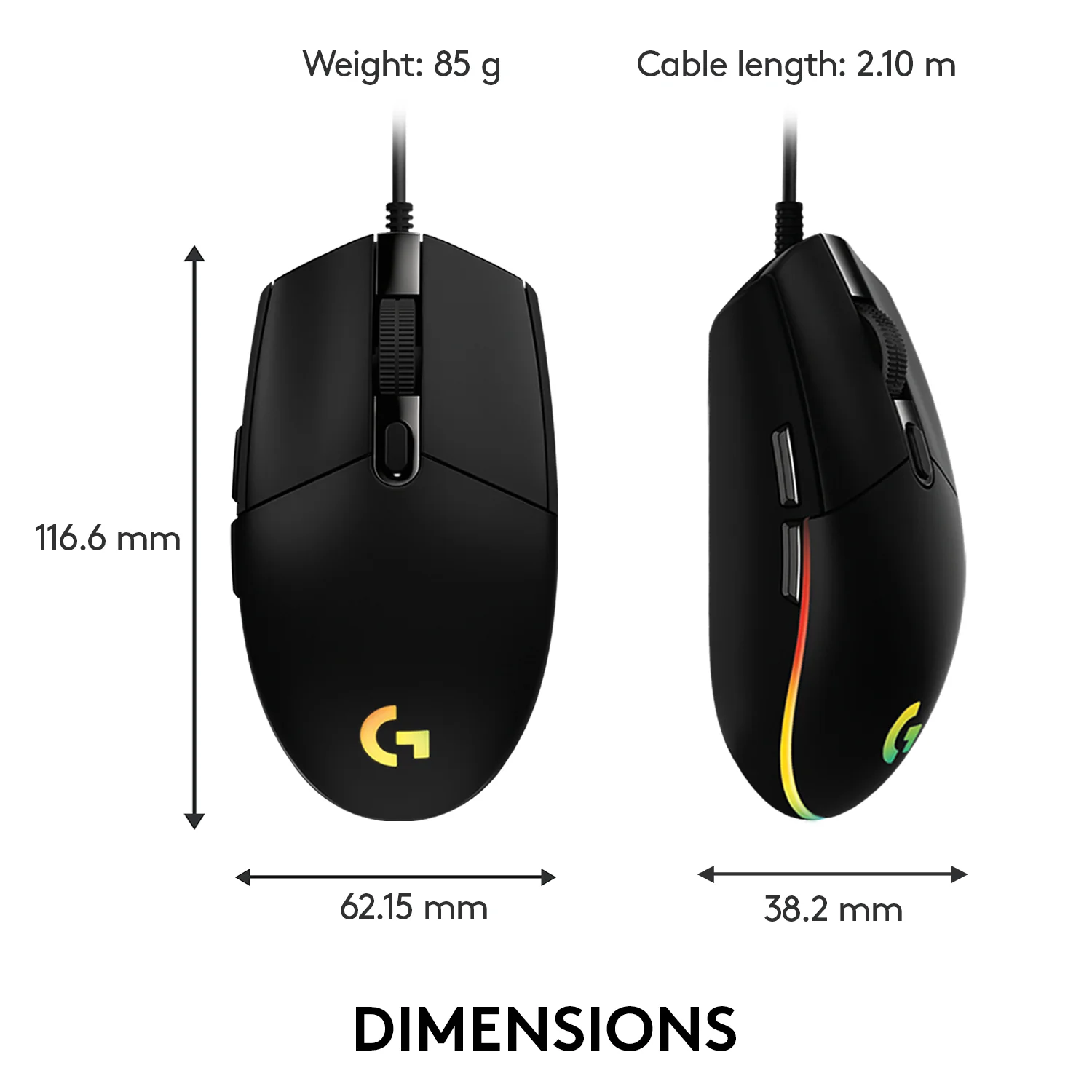
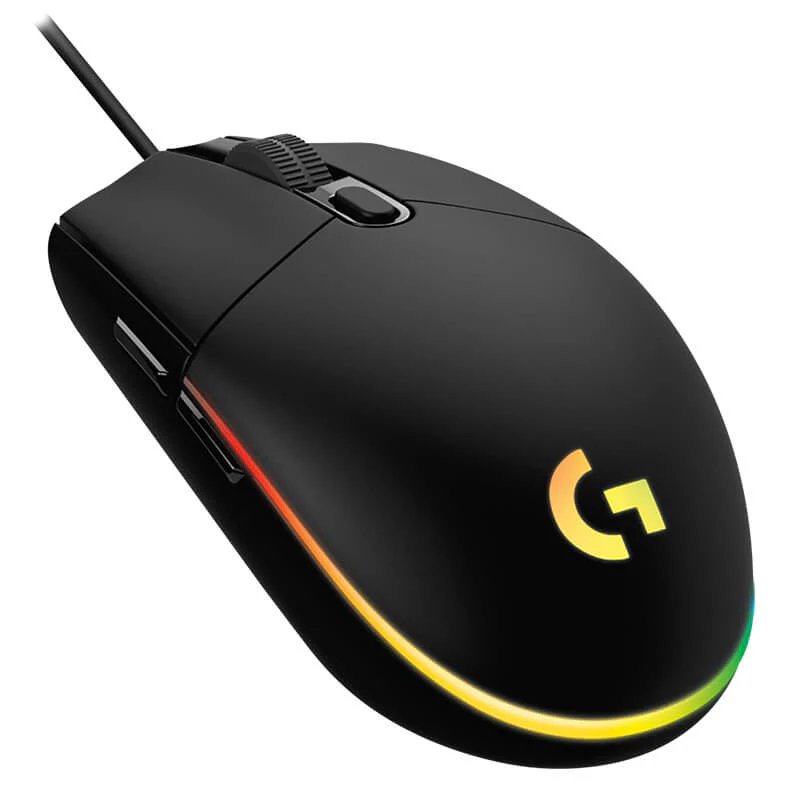
Logitech G102 LightSync RGB Gaming Mouse | 8000 DPI | 6 Programmable Buttons | 1ms Response Rate for PC Gaming
Dominate your game with the Logitech G102 LightSync, the essential gaming mouse built for performance and style. Whether you’re lining up a perfect headshot or managing complex in-game commands, the high-precision, 8000 DPI sensor delivers flawless tracking and responsiveness. Feel the advantage of a 1ms report rate that translates your movements into on-screen action without delay. The G102 is engineered for durability and performance, featuring a exclusive metal spring button tensioning system for satisfying, reliable clicks. Personalize your setup with stunning LIGHTSYNC RGB lighting that can pulse to your music or match your gaming rig’s aesthetics. With the free Logitech G HUB software, you can assign complex macros to any of the six programmable buttons, fine-tune your DPI levels, and save it all to the onboard memory to take your settings to any PC. It’s the perfect entry into serious gaming. To complete your battle station, pair it with a high-speed Gaming Keyboard and ensure smooth gameplay with a reliable Gaming Headset. Explore all our performance PC Gaming Accessories to gain the competitive edge.
Specifications
- Brand & Model: Logitech G102 LightSync | Part No.: 910-007124
- Sensor: Gaming-Grade with 200 – 8000 DPI
- Polling Rate: 1000 Hz (1ms)
- Buttons: 6 Programmable Buttons
- Lighting: LIGHTSYNC RGB with Audio Visualizer
- Design: Classic 6-Button, Right-Handed
- Software: Logitech G HUB
- Cable: 2.1-meter braided cable
- Weight: 85 g (mouse only)
- Compatibility: Windows, macOS, Chrome OS
What’s in the Box
- Logitech G102 LightSync Gaming Mouse
- User Documentation
FAQs
1. What is the main difference between the G102 and a regular office mouse?
The G102 is built for gaming, featuring a high-precision 8000 DPI sensor, a fast 1ms response rate, programmable buttons, and RGB lighting, which are not found on standard office mice.
2. Can I use the G102 without installing the Logitech G HUB software?
Yes, the mouse works immediately as a plug-and-play device. However, to unlock its full potential—like customizing DPI settings, RGB lighting, and button assignments—you need to install the free Logitech G HUB software.
3. What does the “Audio Visualizer” feature do?
The LIGHTSYNC RGB lighting on the mouse will react and pulse in time with any audio playing on your computer, such as game soundtracks, music, or movie audio, creating an immersive experience.
4. Is the DPI adjustable on the fly?
Yes, you can program up to 5 DPI levels (e.g., 800 for browsing, 3200 for gaming) and cycle through them instantly using the dedicated DPI button located below the scroll wheel.
5. What is “button tensioning” and why is it important?
The metal spring button tensioning system reduces the pre-travel distance and ensures that every click is crisp, immediate, and consistent, which is crucial for fast-paced games where reaction time is key.
6. Is this mouse suitable for large hands?
The G102 has a classic, compact design that is best suited for small to medium-sized hands. Users with very large hands might find it less comfortable for long gaming sessions.
7. Can I save my settings to the mouse itself?
Yes, the G102 has onboard memory. Once you configure your settings in the Logitech G HUB software, you can save them to the mouse and use them on any other computer without reinstalling the software.
8. What kind of cable does it have?
It comes with a durable, 2.1-meter long braided cable that resists tangling and is built for longevity.
9. Is the G102 good for games like MOBAs or FPS?
Absolutely. Its high DPI range and fast response are great for FPS games, while the programmable buttons are perfect for assigning spells and abilities in MOBAs and MMOs.
10. Does the RGB lighting affect performance or battery life?
The G102 is a wired mouse, so it doesn’t use batteries. The RGB lighting has no negative impact on the mouse’s sensor performance or tracking accuracy.




 No products in the cart.

Reviews
There are no reviews yet.