

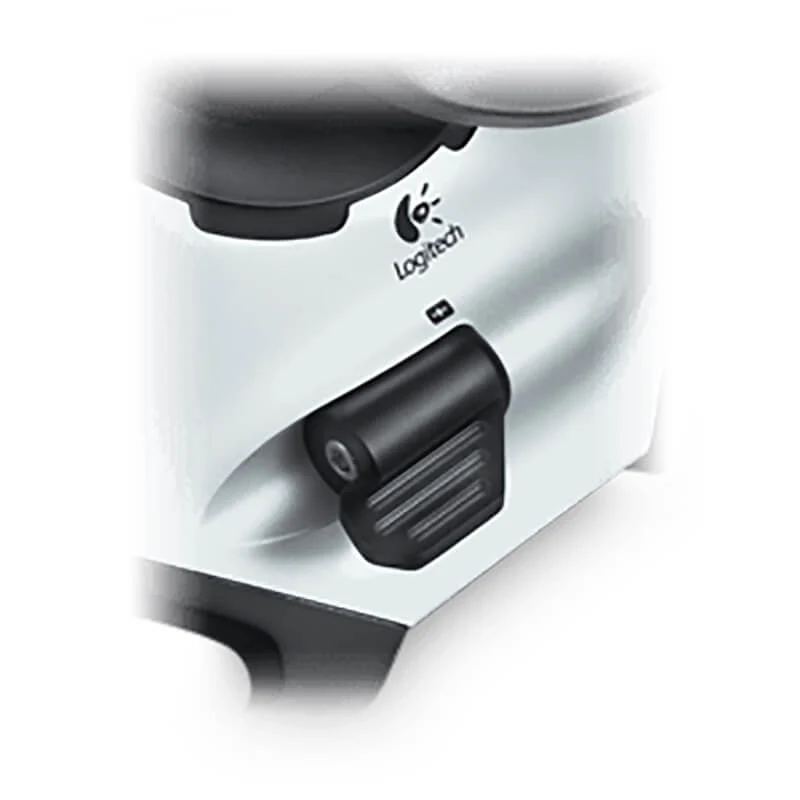
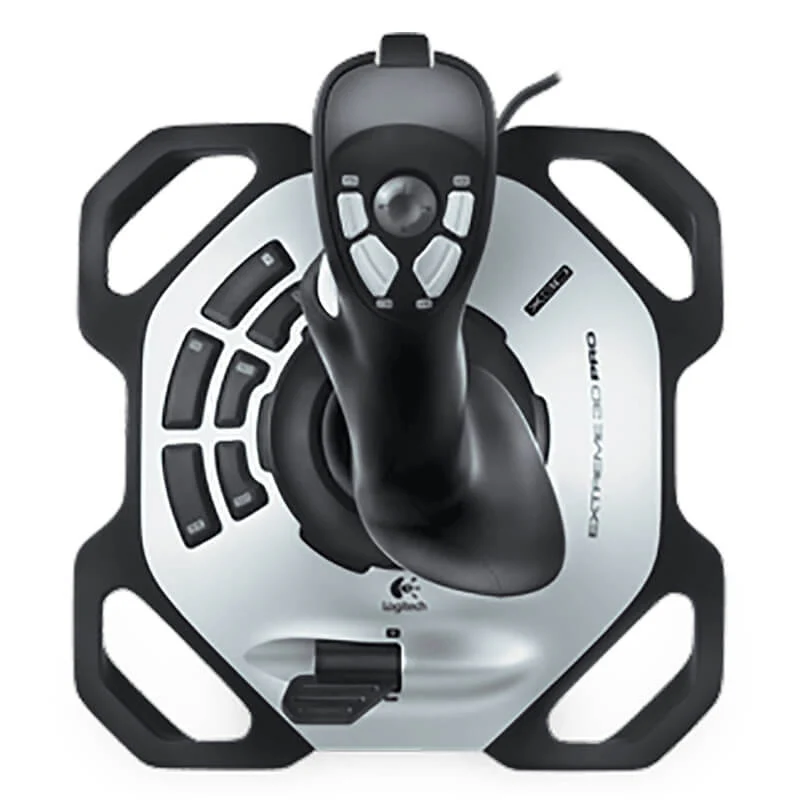

Logitech Extreme 3D Pro Joystick | Precision Twist Rudder | 12 Programmable Buttons | 8-Way Hat Switch | Flight Simulator Control
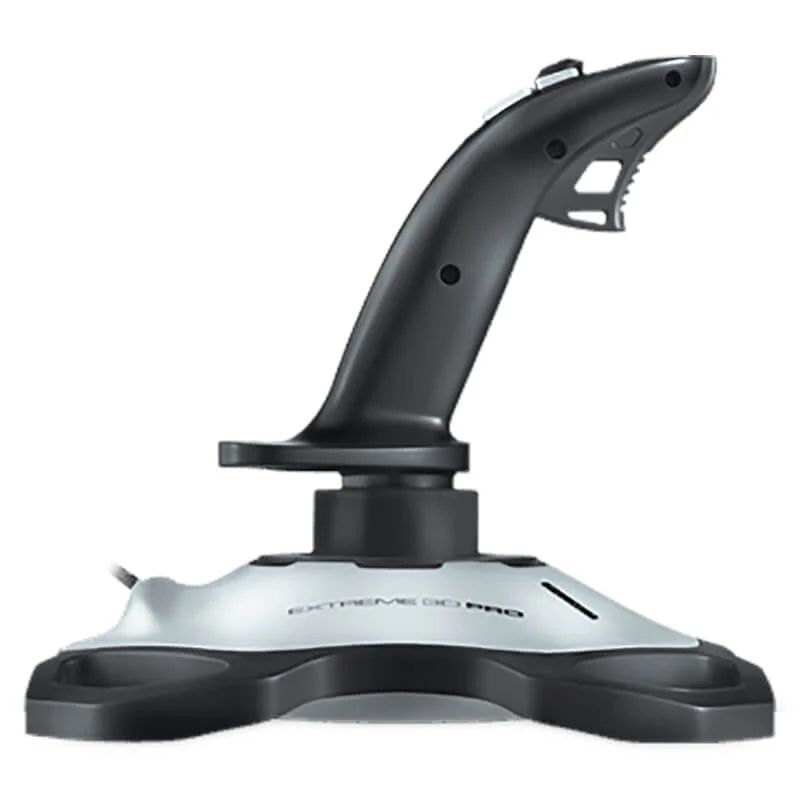
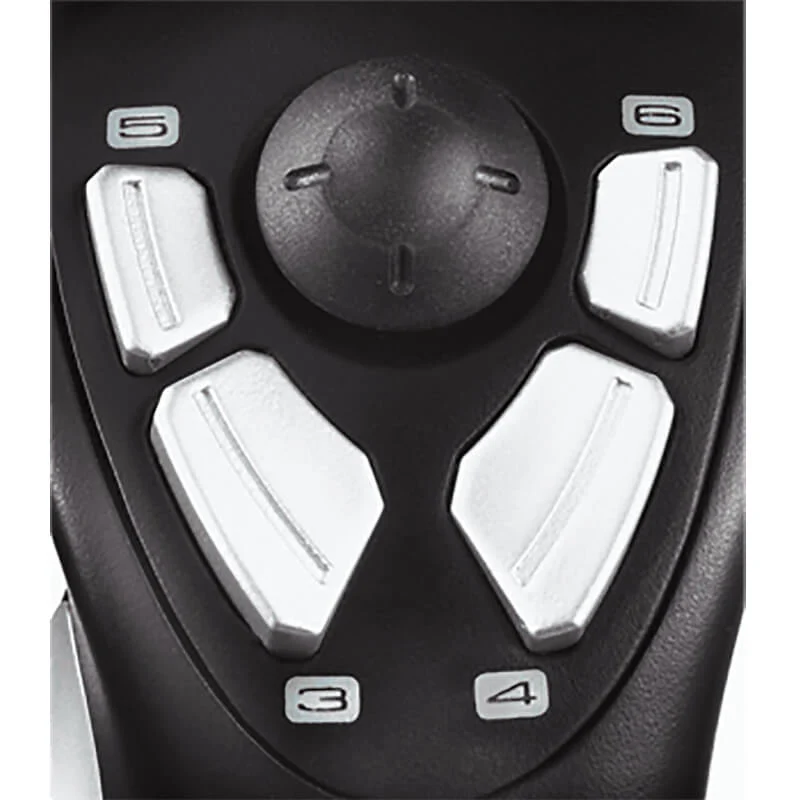
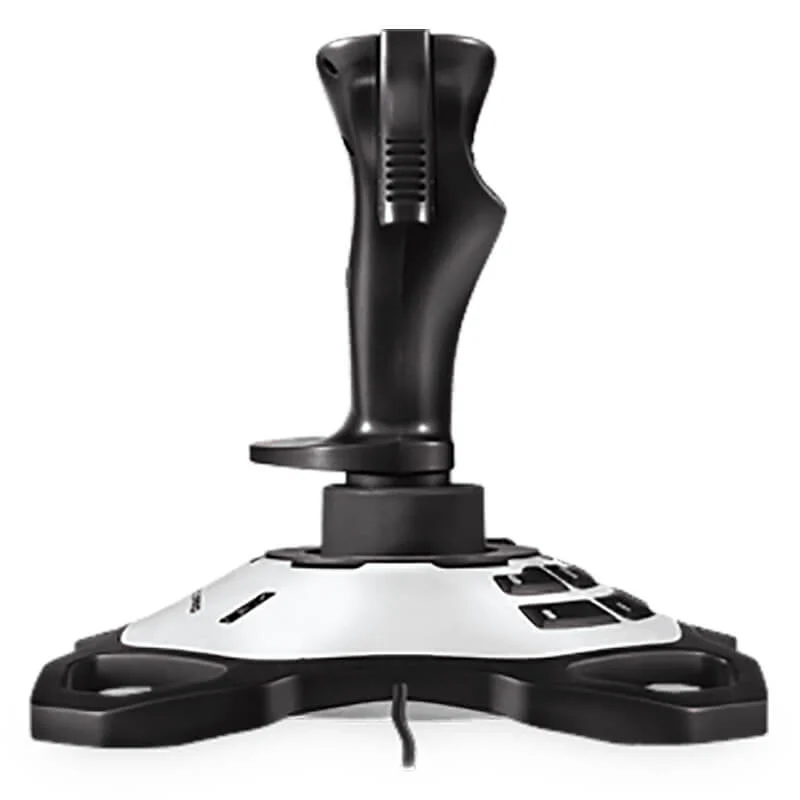
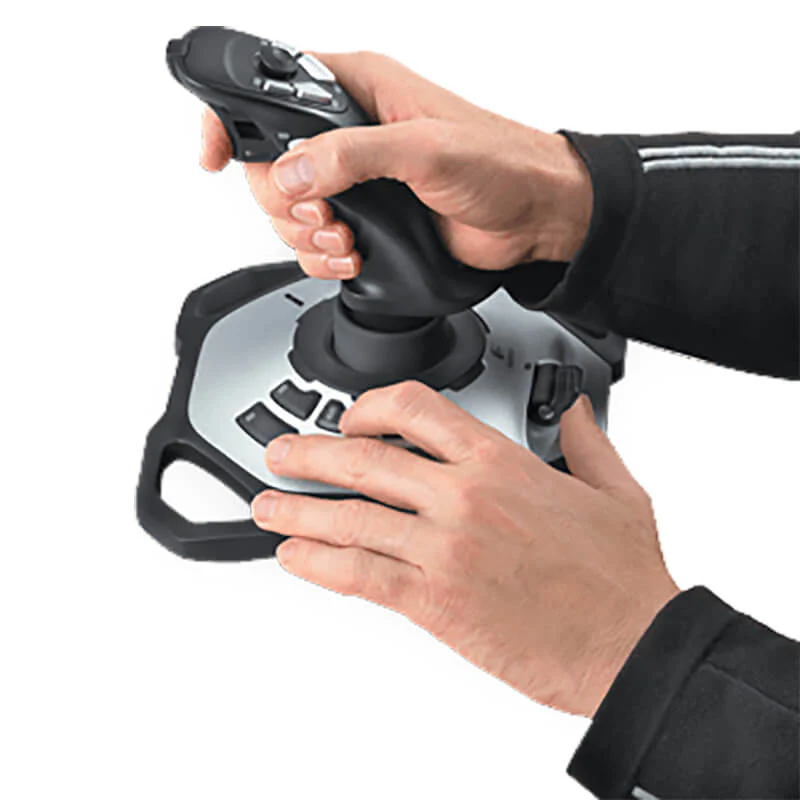
Take full command of your virtual skies with the Logitech Extreme 3D Pro Joystick. Engineered for flight simulation enthusiasts, this joystick features an integrated precision twist-handle rudder control, allowing you to execute seamless yaw movements with a simple wrist motion. With 12 fully programmable buttons and a responsive 8-way hat switch, you can map complex commands for weapons, views, and systems, keeping your focus on the action. The rapid-fire trigger ensures instantaneous response when it matters most. Designed for comfort, the joystick boasts an ergonomic grip that fits naturally in your hand, while the weighted, non-slip base provides stability during the most aggressive maneuvers. Perfect for flight sims like Microsoft Flight Simulator, DCS World, and combat games, it’s the ultimate plug-and-play controller for aspiring and veteran pilots alike.
Specifications
- Brand: Logitech
- Model: Extreme 3D Pro (942-000008)
- Connection: Wired USB
- Axes of Control: X, Y, Z (Twist Rudder)
- Programmable Buttons: 12 buttons + 8-way Hat Switch
- Features: Rapid-Fire Trigger, Comfort Grip
- Base: Weighted, Non-Slip
- Compatibility: Windows 10, 8, 7, Vista
- Software: Logitech Gaming Software (Optional)
What’s in the Box
- Logitech Extreme 3D Pro Joystick
- User Documentation
FAQs
1. What is the “twist rudder” control?
It allows you to control the yaw (left/right movement) of an aircraft by twisting the joystick handle, eliminating the need for separate rudder pedals.
2. How many buttons can I program?
There are 12 programmable buttons plus an 8-way hat switch, all of which can be customized.
3. Is this joystick good for Microsoft Flight Simulator?
Yes, it is one of the most popular and recommended joysticks for MSFS and other flight simulators due to its precision and feature set.
4. Does it require special software?
It works as a plug-and-play device, but for advanced customization like macros, you can use the Logitech Gaming Software.
5. Is the base stable?
Yes, it has a weighted base that prevents it from sliding or tipping over during use.
6. What is the hat switch used for?
The 8-way hat switch is typically used for quickly changing camera views, selecting targets, or managing systems in complex simulators.
7. Is it compatible with Windows 10/11?
Yes, it is fully compatible with Windows 10 and 11.
8. Can I use it for space sims like Star Citizen?
Absolutely, its precision control and multiple buttons make it a great entry-level option for space simulation games.
9. What is the warranty period?
Logitech provides a 2-year limited warranty.
10. Is the joystick ambidextrous?
No, it is ergonomically designed for right-handed use.
 No products in the cart.

Reviews
There are no reviews yet.