

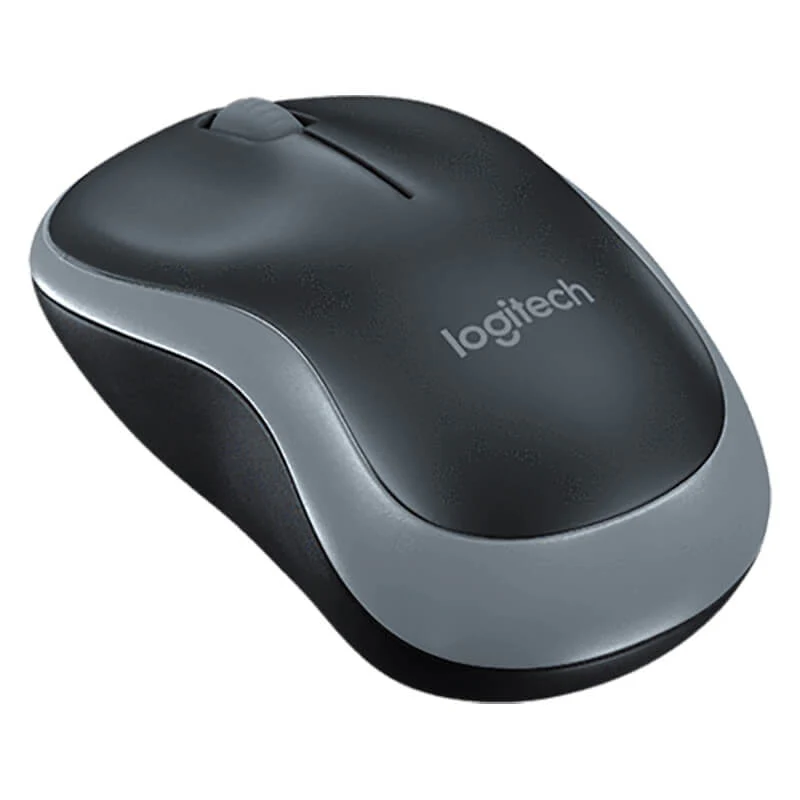
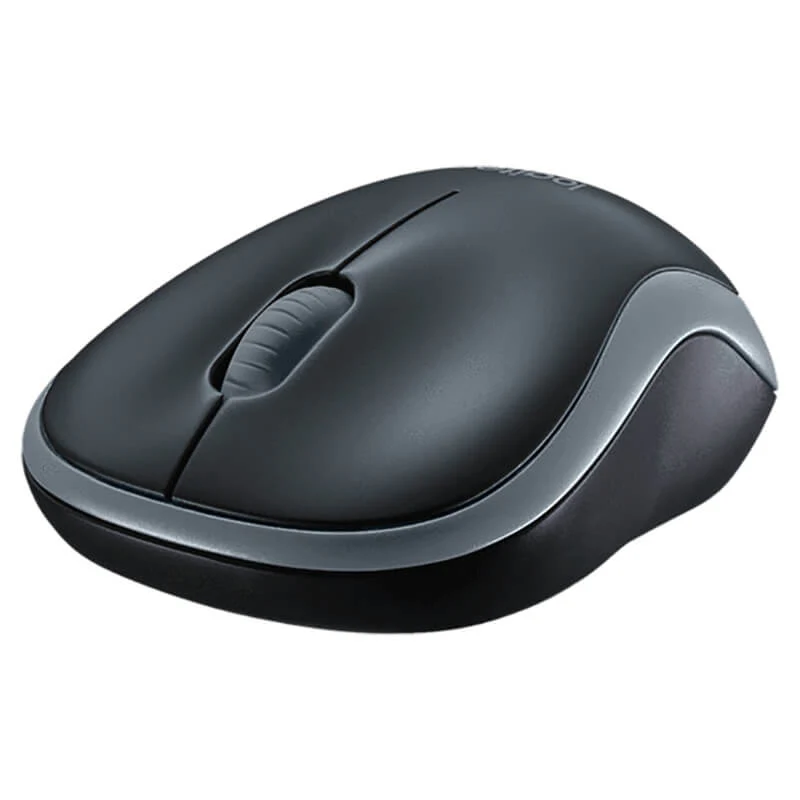

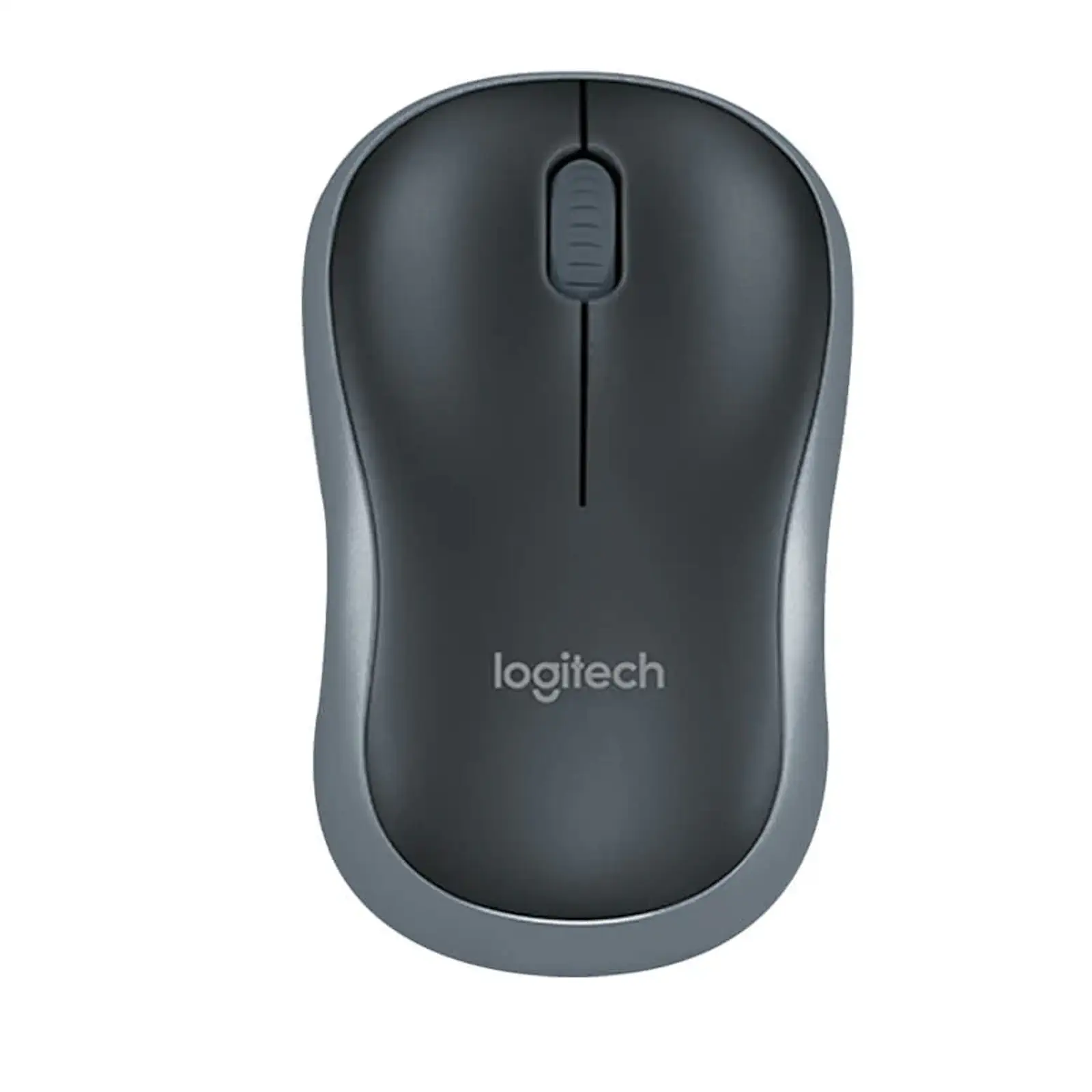
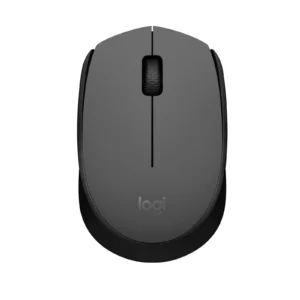
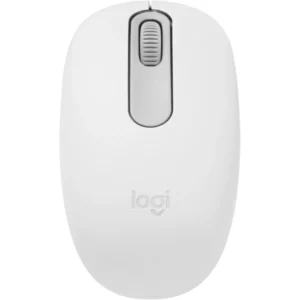
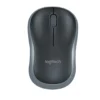
Logitech B175 Wireless Mouse | 12-Month Battery Life | Compact Nano Receiver | Plug & Play | for PC, Laptop, Mac, Windows (Black) 910-002635
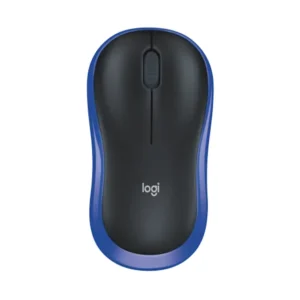
Tired of wireless mice that eat through batteries or have unreliable, laggy connections? The Logitech B175 Wireless Mouse is the epitome of simplicity, reliability, and value. Designed for users who need a no-nonsense, durable peripheral that just works, this mouse delivers exceptional performance where it counts most. Its standout feature is an incredible 12-month battery life, meaning you can install a single AA battery and forget about it for a year. The tiny nano receiver stays in your laptop’s USB port, providing a secure, plug-and-play connection without any software or driver installation required. The smart sleep mode ensures not a single joule of energy is wasted, instantly powering down when idle. Crafted from robust materials, it’s built to resist wear and tear, making it a perfect, long-lasting companion for your home office, workplace, or on the go. It’s the ideal, hassle-free solution for everyday computing and a cornerstone of any reliable office accessories collection. For a complete cable-free setup, pair it with a wireless keyboard.
Specifications
- Brand: Logitech
- Model: B175
- Connectivity: 2.4GHz Wireless with Nano Receiver
- Battery Life: Up to 12 Months
- Battery Type: 1 x AA Battery (Included)
- Compatibility: Windows, macOS, Chrome OS, Linux
- Sensor Resolution: 1000 DPI
- Design: Ambidextrous
- Special Feature: Power-Saving Sleep Mode
- Warranty: 1 Year Limited
- Dimensions: 134 x 42 x 88 mm
- Weight: 100g (With Battery)
What’s in the Box
- Logitech B175 Wireless Mouse
- USB Nano Receiver
- User Documentation
FAQs
1. Is the battery included with the mouse?
Yes, the mouse comes with 1 pre-installed AA battery to get you started right out of the box.
2. How does the battery last for 12 months?
Logitech achieves this through a combination of efficient hardware design and a smart sleep mode that activates almost instantly when the mouse is not in use, drastically conserving power.
3. Do I need to install drivers to use this mouse?
No. It is plug-and-play. Simply insert the nano receiver into your computer’s USB port, and it will work immediately on most operating systems.
4. What is the wireless range?
The reliable 2.4GHz wireless connection typically provides a stable range of up to 10 meters in an open environment.
5. Is this mouse compatible with Apple Macbooks?
Yes, it is fully compatible with macOS as well as Windows, thanks to its plug-and-play functionality.
6. What should I do if the mouse stops responding?
First, check the battery. If the issue persists, unplug the nano receiver, wait a few seconds, and plug it back in. This usually re-establishes the connection.
7. Is the nano receiver stored inside the mouse?
While some Logitech models have storage, the B175 is an entry-level model. Please check the product images or manual for specific storage details. It is recommended to keep the receiver in your laptop’s USB port.
8. Is it suitable for gaming?
This mouse is designed for general computing and office use. Its 1000 DPI sensor is not optimized for high-performance gaming, for which a dedicated gaming mouse is recommended.
9. Can I use it on any surface?
The standard optical sensor works well on most surfaces like mouse pads, wood, and laminate desks. It may struggle on clear glass or highly reflective surfaces.
 No products in the cart.
Reviews
There are no reviews yet.