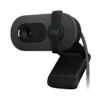
Product Specifications for Logitech Brio 100 Full HD 1080p Webcam, Privacy Shutter, Noise-Reducing Mic For Zoom, Teams, Meet
Product Overview: Elevate your virtual meetings and online presence with the Logitech Brio 100 webcam. Designed by Logitech, this high-performance peripheral combines crystal-clear Full HD 1080p resolution with advanced RightLight 2 technology and an integrated privacy shutter, ensuring seamless communication across platforms like Zoom, Teams, and Google Meet.
Features & Specs - Video Resolution: Full HD 1080p at 30 fps
Features & Specs - Field of View: 58° Diagonal
Features & Specs - Focus Type: Fixed Focus
Features & Specs - Built-in Microphone: Omni-directional
Features & Specs - Microphone Range: Up to 1 meter
Features & Specs - Lighting Technology: RightLight 2 (up to 50% image brightening in low light)
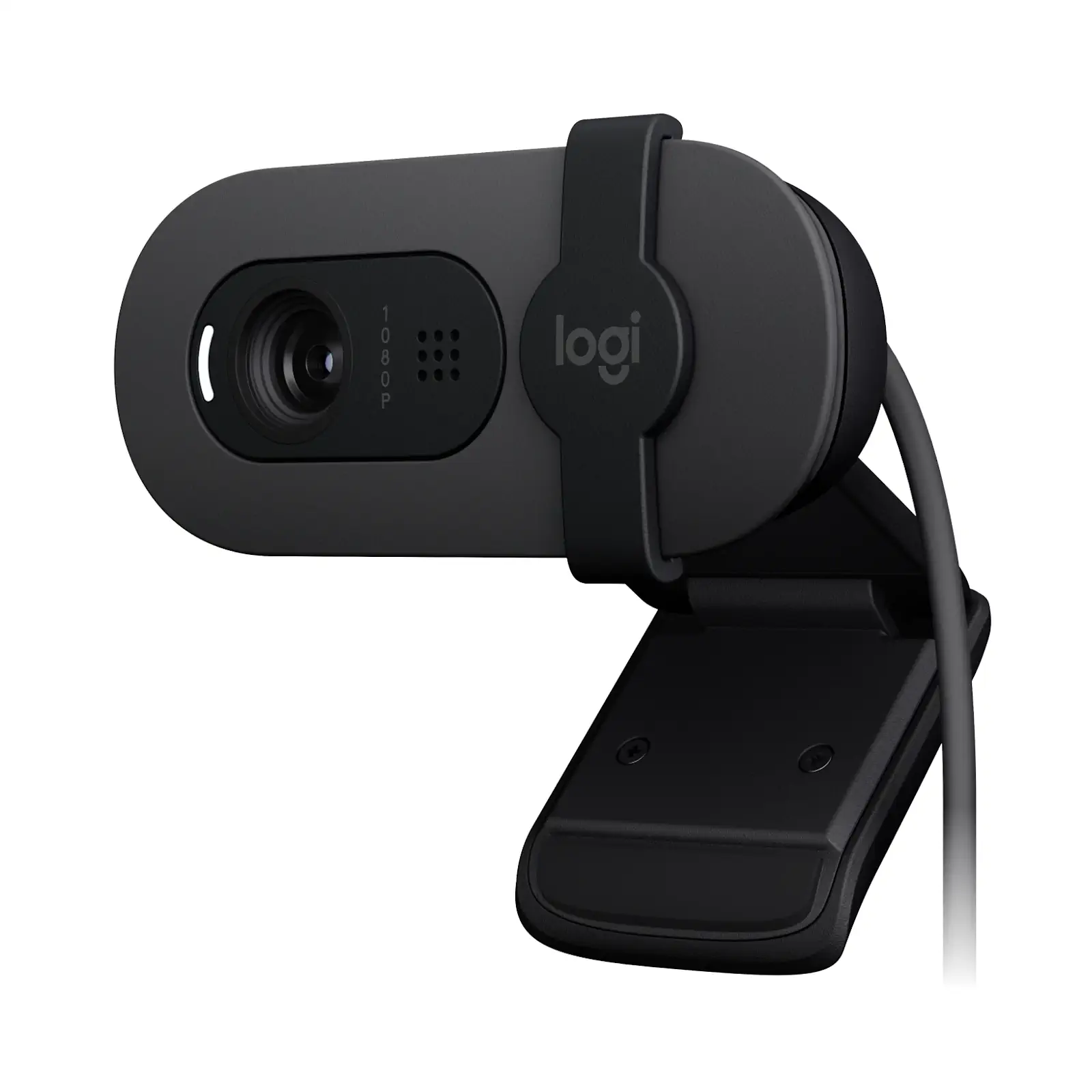
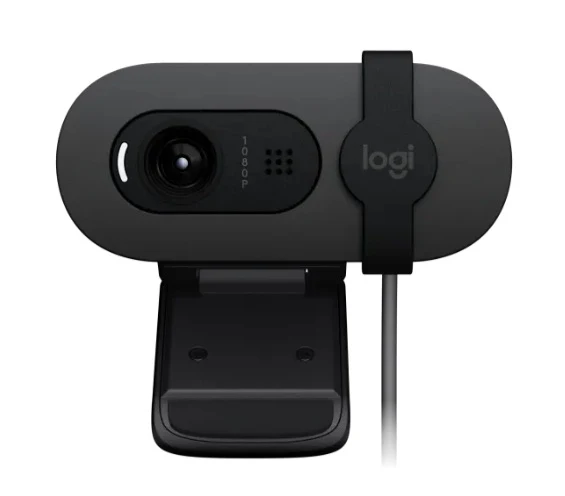
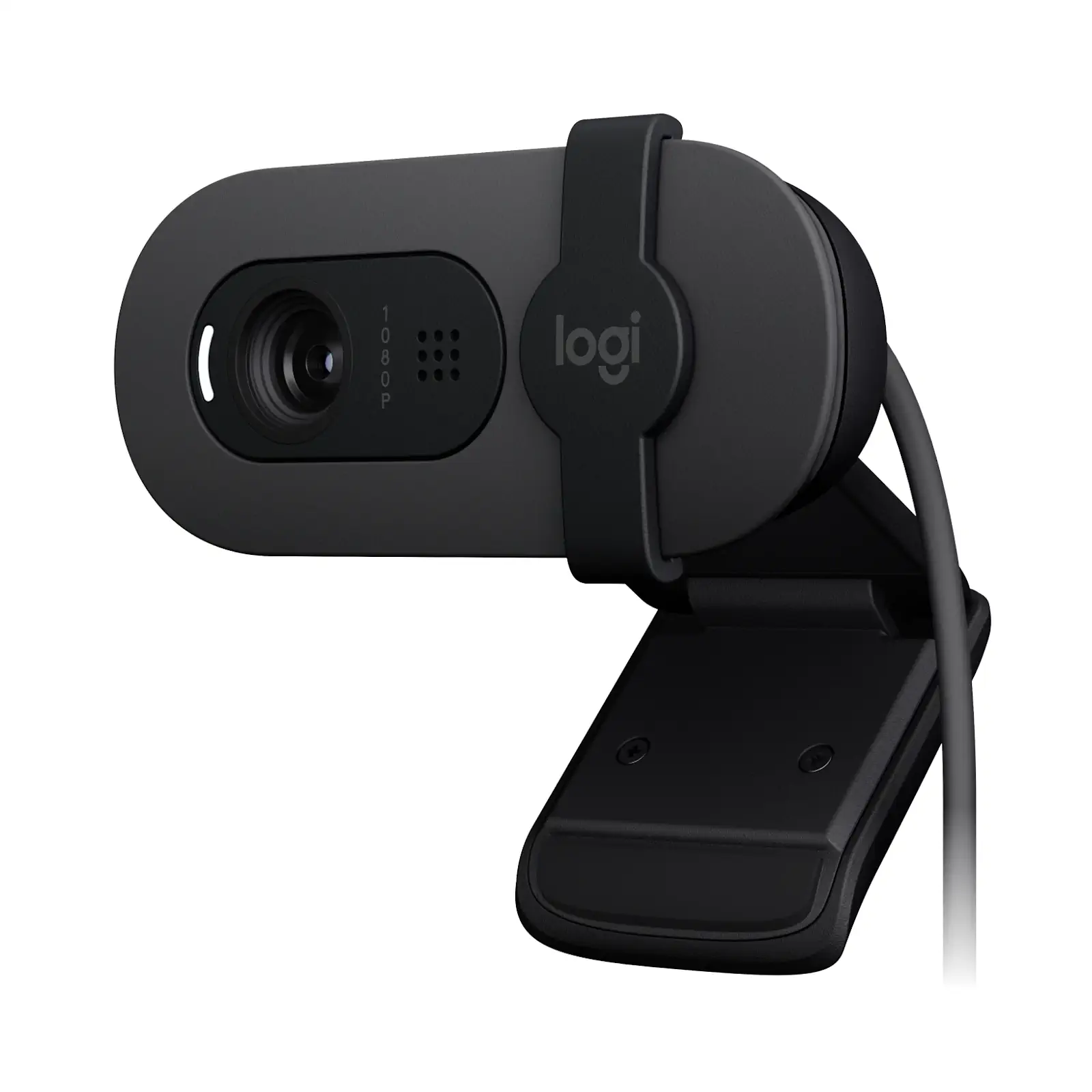
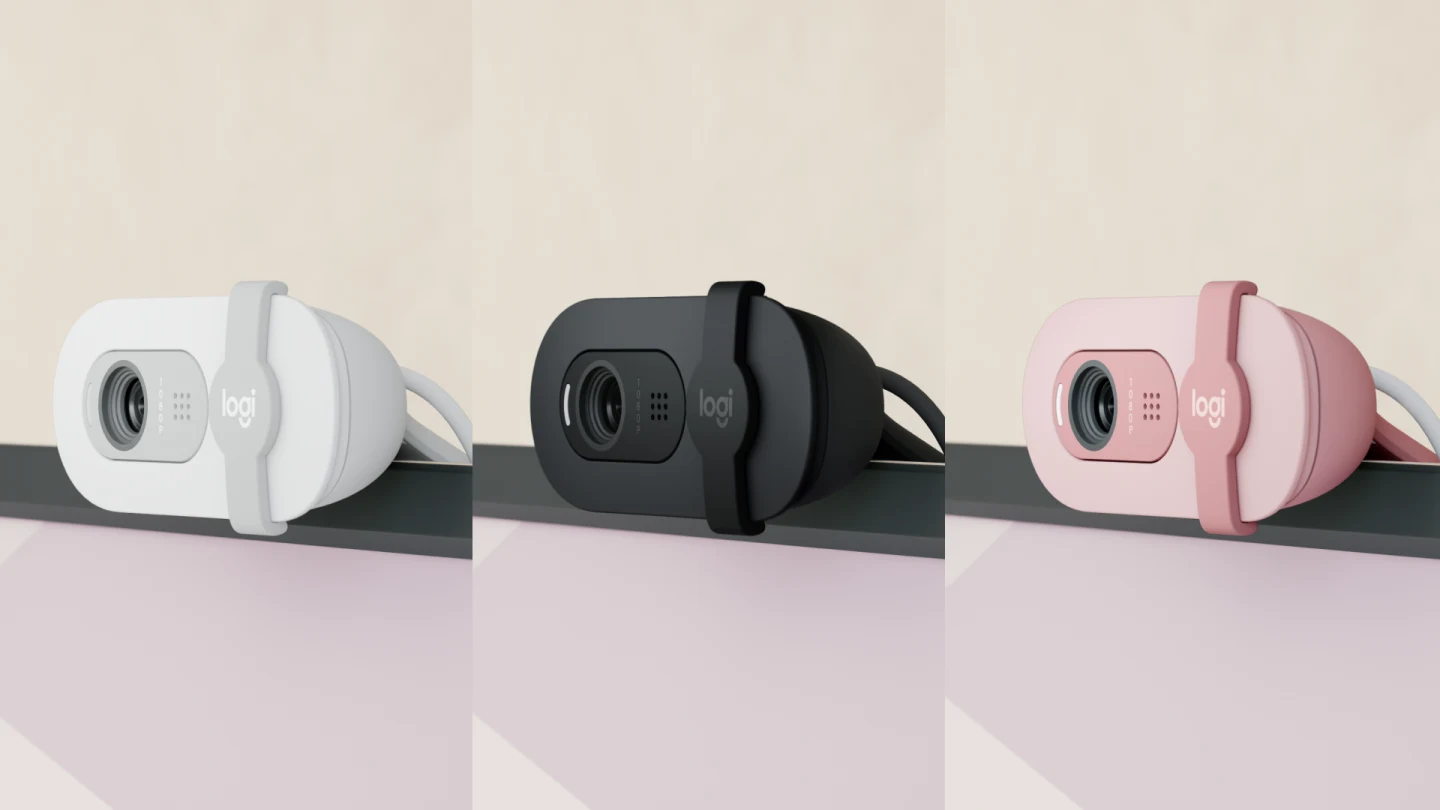
Features & Specs - Privacy Protection: Integrated Physical Privacy Shutter
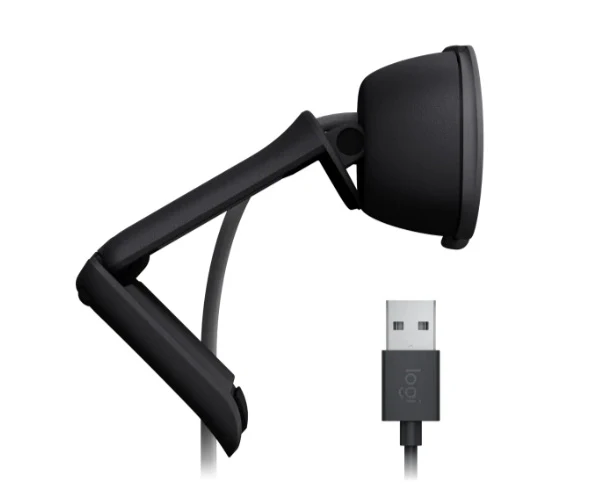
Features & Specs - Connector Type: USB-A
Features & Specs - Cable Length: 1.5 meters
Features & Specs - Connectivity Technology: Wired USB Plug-and-Play
Features & Specs - Compatible Operating Systems: Windows 10 or later, macOS 10.15 or later, ChromeOS
Features & Specs - Software Requirement: None (Plug-and-Play)
Features & Specs - Supported Software Platforms: Zoom, Microsoft Teams, Google Meet, and more
Features & Specs - Input Voltage: 5V via USB
Features & Specs - Power Source: USB Bus Powered
Features & Specs - Current Rating: Standard USB Power
Features & Specs - Power Plug: USB-A Standard Connector
Features & Specs - Mounting Mechanism: Universal Mounting Clip (Laptops, Monitors, Tripods)
Features & Specs - Special Features: RightLight 2, Physical Privacy Shutter, Noise-Reducing Mic
Features & Specs - Enclosure Design: Compact, Modern Profile
Features & Specs - Audio Processing: Noise-Reducing Microphone Capture
Features & Specs - Frame Rate: Up to 30 frames per second
Features & Specs - Sensor Resolution: 2 Megapixels
Features & Specs - Lens Material: Optical Glass Lens
Features & Specs - Interface: USB 2.0 compatible
Features & Specs - UVC Support: Standard UVC compliant
Features & Specs - Status Indicator: LED Activity Indicator
Features & Specs - Operation Mode: Continuous video streaming
Features & Specs - Signal-to-Noise Ratio: Standard optimized for voice clarity
Features & Specs - Environmental Adaptation: Automatic low-light compensation
Item details - Brand: Logitech
Item details - Model: Brio 100
Item details - SKU: 960-001587
Item details - MFN Part Number: 960-001587
Item details - Manufacturer: Logitech
Item details - Categories: Logitech > Logitech Webcam
Item details - Country of Origin: Global Standard Manufacturing
Item details - Item Model Number: Brio 100
Measurements - Number of Items: 1 Unit
Measurements - Item Weight: Standard Lightweight Design
Measurements - Unit Count: 1
Measurements - Product Dimensions: Compact Form Factor
Measurements - Package Dimensions: Retail Packaging Standard
Additional details - Color: Standard Variant (Color Code: 67)
Additional details - Enclosure Material: Durable Polymer Plastic
Additional details - Form Factor: Clip-on Desktop/Monitor Webcam
Additional details - Style: Modern Professional
Additional details - Theme: Office & Remote Work Productivity
Additional details - Finish Type: Matte Textured Finish
User guide - Usage Instructions: Plug the USB-A cable directly into an available USB port on your computer. Mount the webcam securely on top of your laptop screen or external monitor. Slide open the privacy shutter before starting your video call. Select the Brio 100 as your default camera and microphone within your preferred video conferencing software.
User guide - Installation: Zero-software plug-and-play installation for Windows, macOS, and ChromeOS. Automatically recognized by operating systems.
User guide - Care Instructions: Clean the exterior housing with a soft, dry, or slightly damp microfiber cloth. Avoid using harsh chemical solvents or abrasive cleaners on the lens and plastic surfaces. Keep the privacy shutter closed when not in use to protect the glass lens from dust and scratches.
User guide - Safety Warnings: Do not expose the device to excessive moisture, liquids, or extreme temperatures. Avoid pulling sharply on the attached USB cable. Do not attempt to disassemble or modify the hardware.
User guide - Maintenance: Periodically check USB connections and ensure the lens remains clear of dust particles for optimal video quality.
User guide - Certification: Compliant with standard international safety and electromagnetic regulations.
User guide - Compatibility Notes: Works natively with major platforms including Zoom, Microsoft Teams, and Google Meet without requiring additional drivers.
User guide - Operating Temperature: Standard indoor operating temperature range (0°C to 40°C recommended).
Use Cases - Best For: Professional video conferencing, remote work meetings, online learning, and virtual socialization.
Use Cases - Ideal Scenarios: Home office setups, corporate boardrooms, classroom lectures, and everyday video calls in variable indoor lighting.
Use Cases - Target Audience: Remote workers, professionals, students, educators, and casual callers.
Use Cases - Compatible With: Computers running Windows, macOS, or ChromeOS with standard USB-A ports.
Use Cases - Not Recommended For: High-end cinematic 4K video production or broadcast-level live streaming requiring advanced autofocus or zoom control.
Pros & Cons - Pros: Crystal-clear Full HD 1080p resolution at 30fps for professional video calls
Pros & Cons - Pros: RightLight 2 technology automatically brightens images by up to 50% in low light
Pros & Cons - Pros: Integrated physical privacy shutter guarantees absolute user privacy
Pros & Cons - Pros: Built-in noise-reducing microphone captures clear audio up to 1 meter away
Pros & Cons - Pros: True plug-and-play setup with zero software installation required
Pros & Cons - Pros: Universal compatibility with Windows, macOS, ChromeOS, Zoom, Teams, and Meet
Pros & Cons - Cons: Fixed focus lens lacks manual or automatic zoom adjustments
Pros & Cons - Cons: Limited to USB-A connectivity (adapter may be needed for USB-C only devices)
Pros & Cons - Cons: Field of view is fixed at 58 degrees, making it narrow for group framing
Box Contents - Main Unit: Logitech Brio 100 Webcam with attached 1.5m USB-A cable
Box Contents - Cables: Attached USB-A Cable (1.5 meters)
Box Contents - Adapters: None included
Box Contents - Documentation: User Documentation / Quick Start Guide
Box Contents - Warranty Card: Standard Manufacturer Warranty Documentation
Box Contents - Other Accessories: Integrated Universal Mounting Clip
Warranty & Support - Warranty Period: 1-Year Limited Hardware Warranty
Warranty & Support - Warranty Type: Manufacturer Direct Warranty
Warranty & Support - Coverage: Defects in materials and workmanship under normal use conditions
Warranty & Support - Support Contact: Available via Logitech Official Customer Support Portal
Warranty & Support - Return Policy: Subject to retailer standard return guidelines
Warranty & Support - Customer Service Hours: Available online 24/7 through support channels
Warranty & Support - Service Locations: Authorized Logitech service centers globally

 No products in the cart.
Write a review