
Logitech MX Brio 4K Ultra HD Webcam | AI-Enhanced Image | Show Mode | Noise-Reducing Mics | USB-C
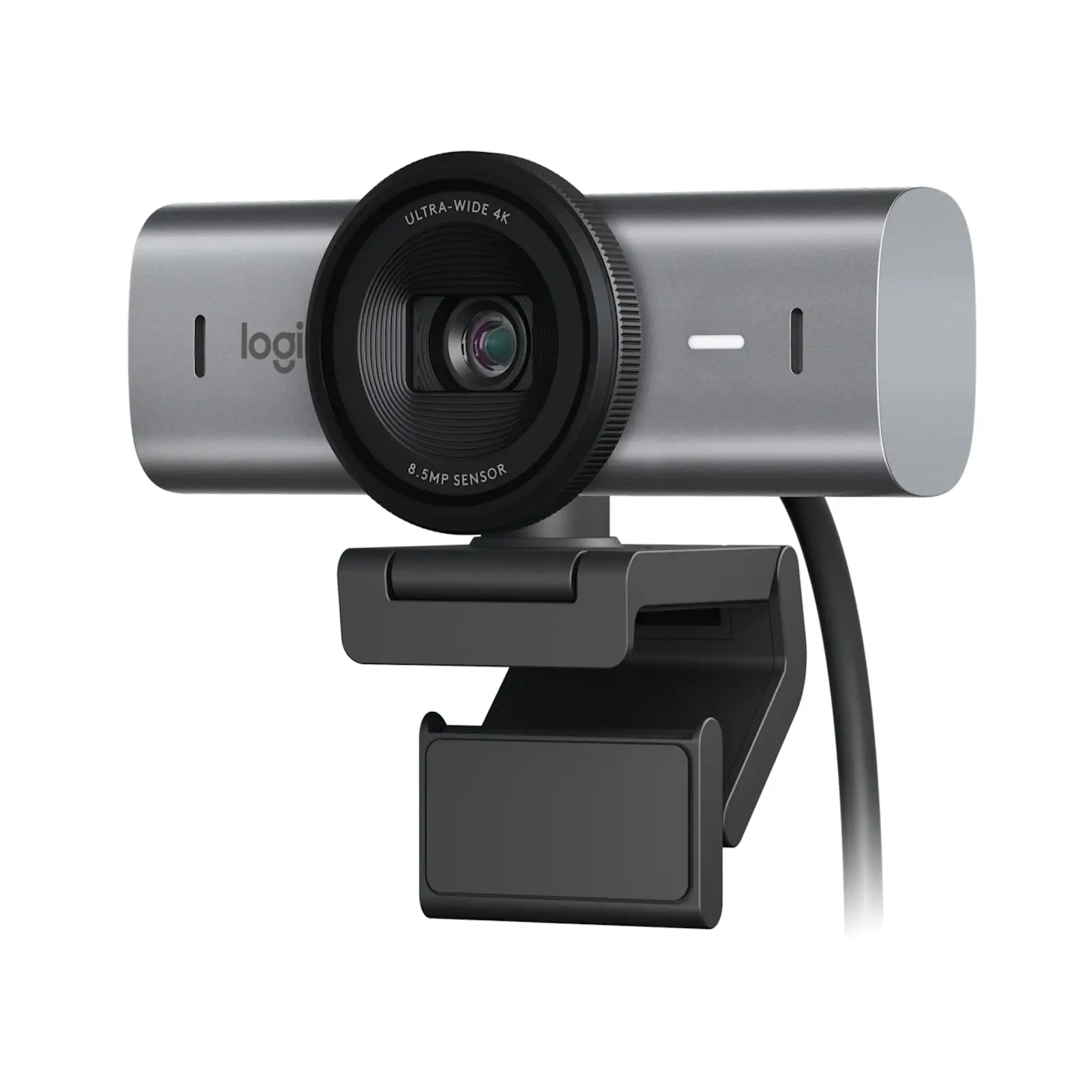
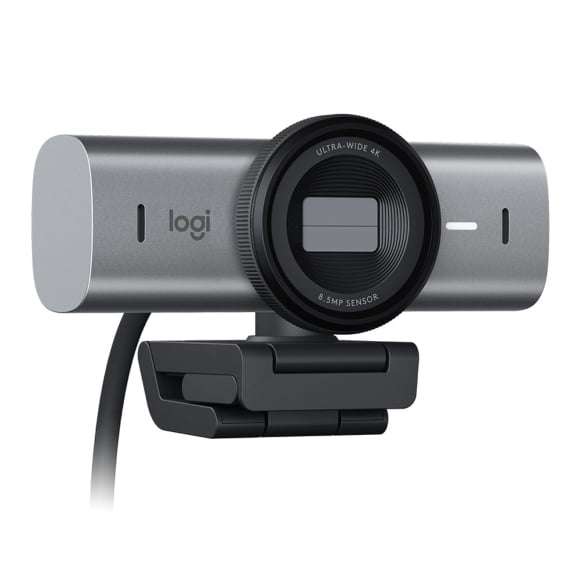
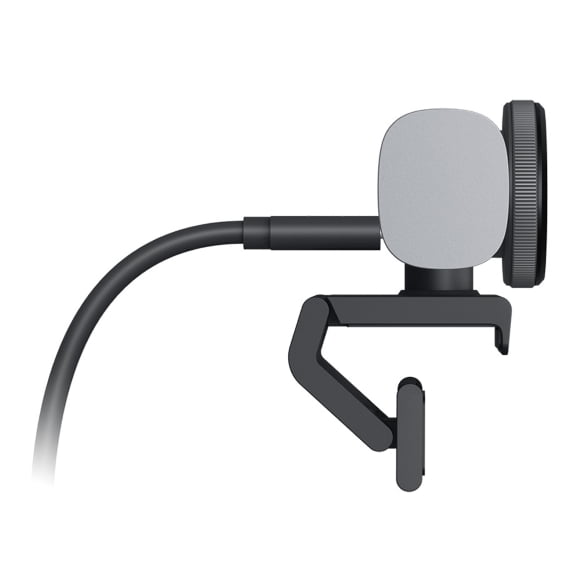
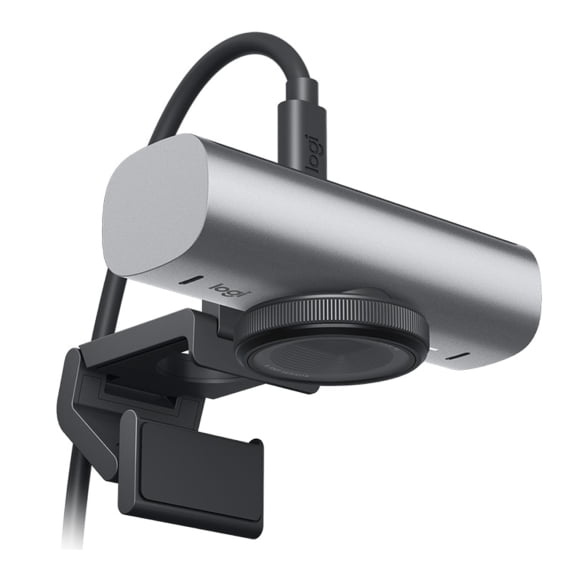
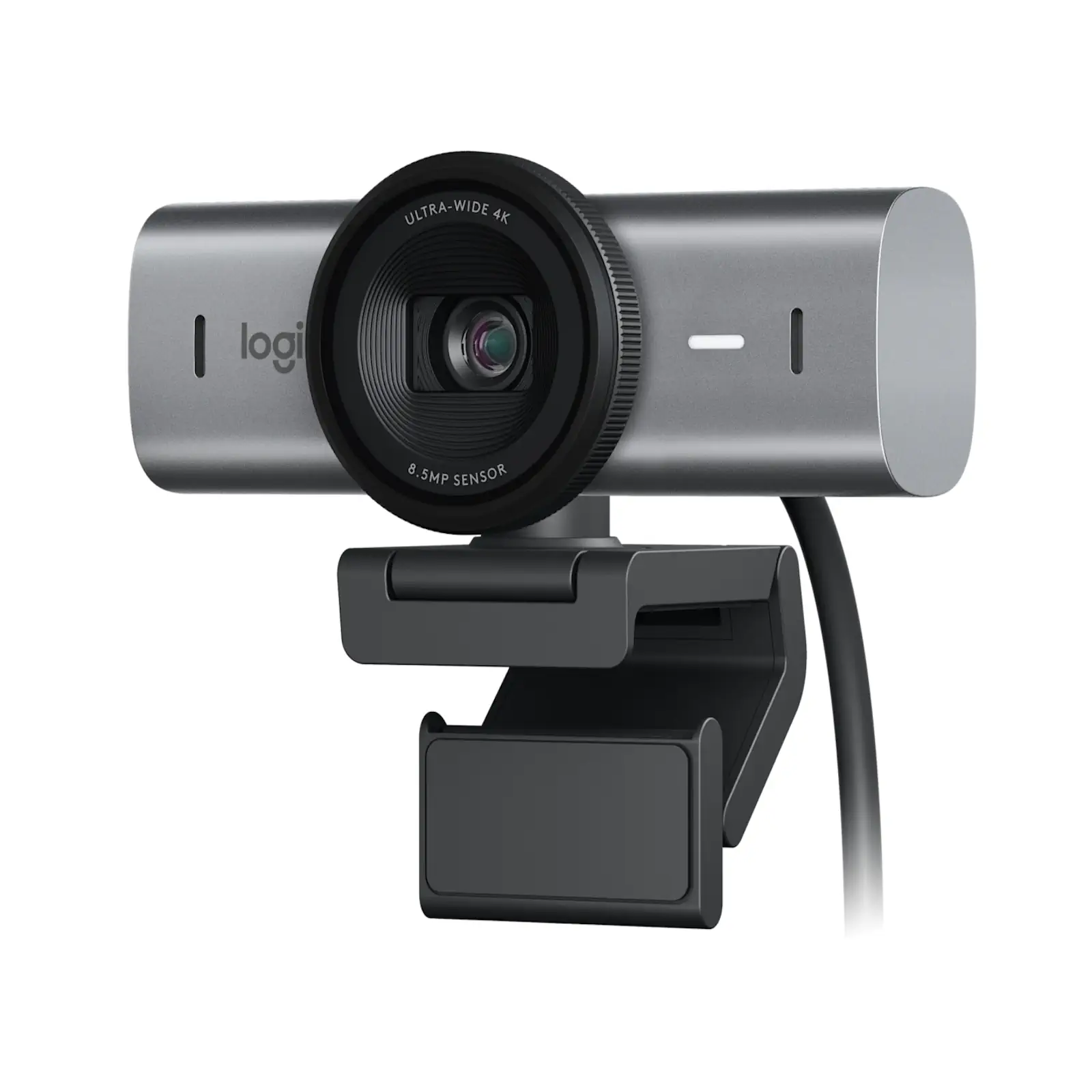
Meet the future of professional video communication with the Logitech MX Brio, our most advanced webcam yet. Experience breathtaking clarity with Ultra HD 4K video at 30fps or smooth 1080p at 60fps, powered by an 8.5MP Sony STARVIS sensor that captures 70% more light per pixel for sharp, vibrant imagery in any condition. The revolutionary RightLight 5 with AI-based face enhancement automatically adjusts exposure and HDR to keep you perfectly visible, even in challenging backlit or low-light scenarios. Unlock new ways to collaborate with Show Mode—simply tilt the camera down to share your desk space. Communicate with confidence using dual beamforming mics that leverage AI to cancel out distracting background noise. A simple built-in rotating shutter guarantees privacy, while the detachable USB-C cable offers modern connectivity. Customize every setting with Logi Options+ or G HUB software for complete creative control.
Specifications
- Brand: Logitech
- Model: MX Brio (960-001548)
- Video Resolution: 4K/30fps, 1080p/60fps
- Sensor: 8.5MP Sony STARVIS
- Field of View: 90°, 78°, 65° (Selectable)
- Microphone: Dual Beamforming with Noise Reduction
- Special Features: Show Mode, RightLight 5 with HDR, Built-in Privacy Shutter
- Connection: Detachable USB-C to USB-C (USB 3.0)
- Compatibility: Windows 10+, macOS 10.15+, ChromeOS, Linux
- Software: Logi Options+ / G HUB
What’s in the Box
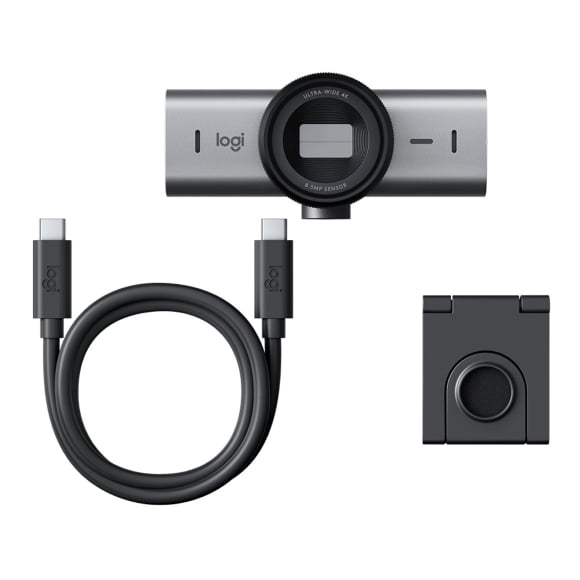
- MX Brio 4K Webcam
- Detachable Mounting Clip
- USB-C to USB-C Cable (1.5m)
- User Documentation
FAQs–
1. What is the main advantage of the 4K sensor?
The 8.5MP Sony STARVIS sensor captures significantly more light, resulting in superior image quality with finer detail, especially in low light, compared to previous models.
2. How does Show Mode work?
Physically tilt the webcam downwards to switch the perspective and share a top-down view of your desk, perfect for presenting objects or handwritten notes.
3. Can I adjust the field of view?
Yes, you can select between 90°, 78°, and 65° fields of view using the Logi Options+ software to frame yourself or your scene perfectly.
4. How effective is the background noise reduction?
The AI-enhanced, dual beamforming microphones are highly effective at isolating your voice and suppressing ambient sounds like keyboard clicks or background chatter.
5. Is the USB cable replaceable?
Yes, it uses a standard, detachable USB-C cable, making it easy to replace or use with longer cables if needed.
6. What software is required for customization?
For full control over image settings (like exposure, white balance) and features, you need Logi Options+ or Logitech G HUB software (Windows/macOS).
7. What is the warranty period?
Logitech provides a 1-year limited warranty.
8. Does it work with streaming software like OBS?
Yes, it is certified for OBS and Streamlabs and works as a standard UVC device for high-quality streaming.
9. How does the privacy shutter work?
A simple rotate of the lens rim physically closes the shutter, blocking the view completely for guaranteed privacy.
10. Is it suitable for large meeting rooms?
With its wide 90-degree field of view, it can comfortably fit small groups. For larger rooms, its high resolution ensures individuals remain clear even when zoomed out.
 No products in the cart.
Write a review