
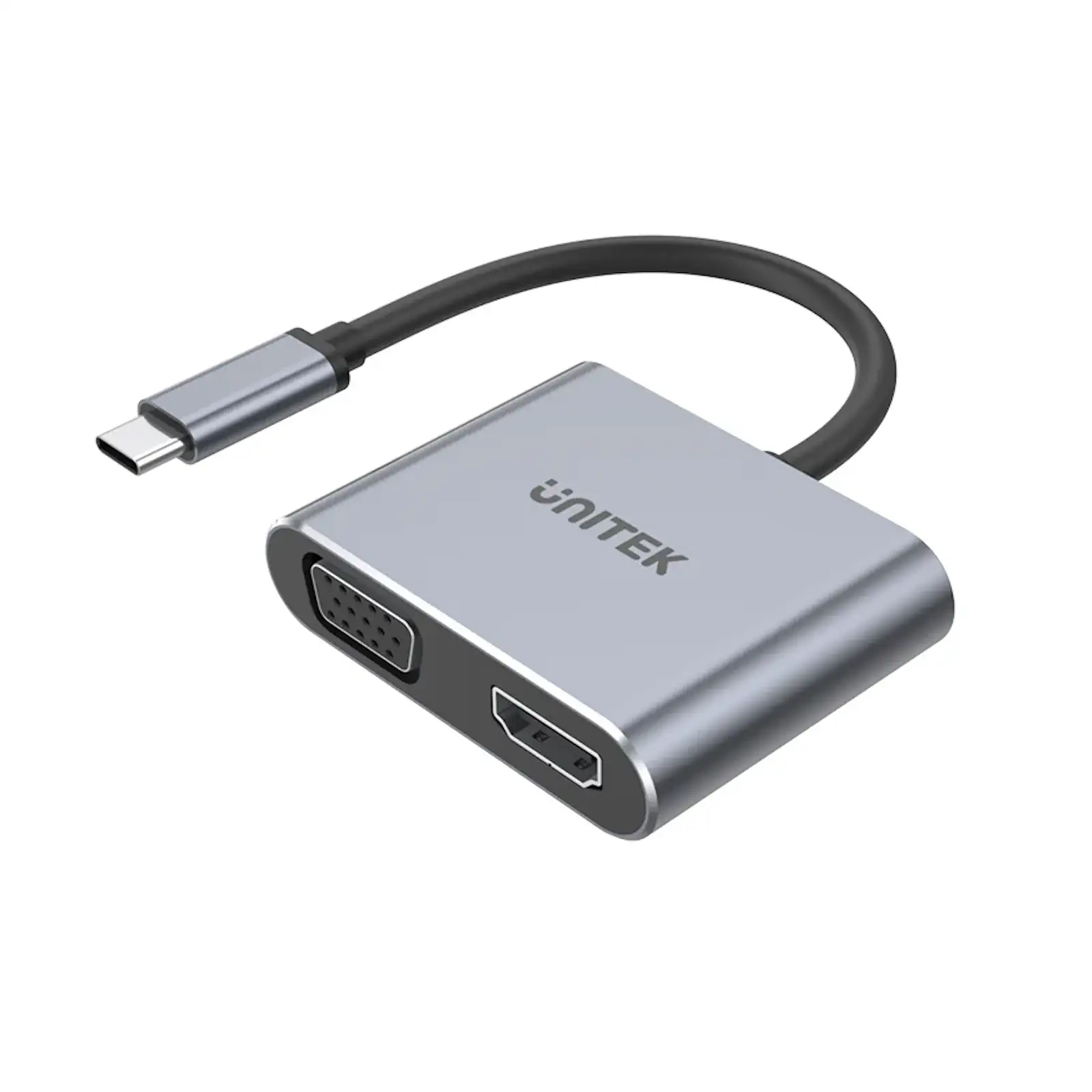
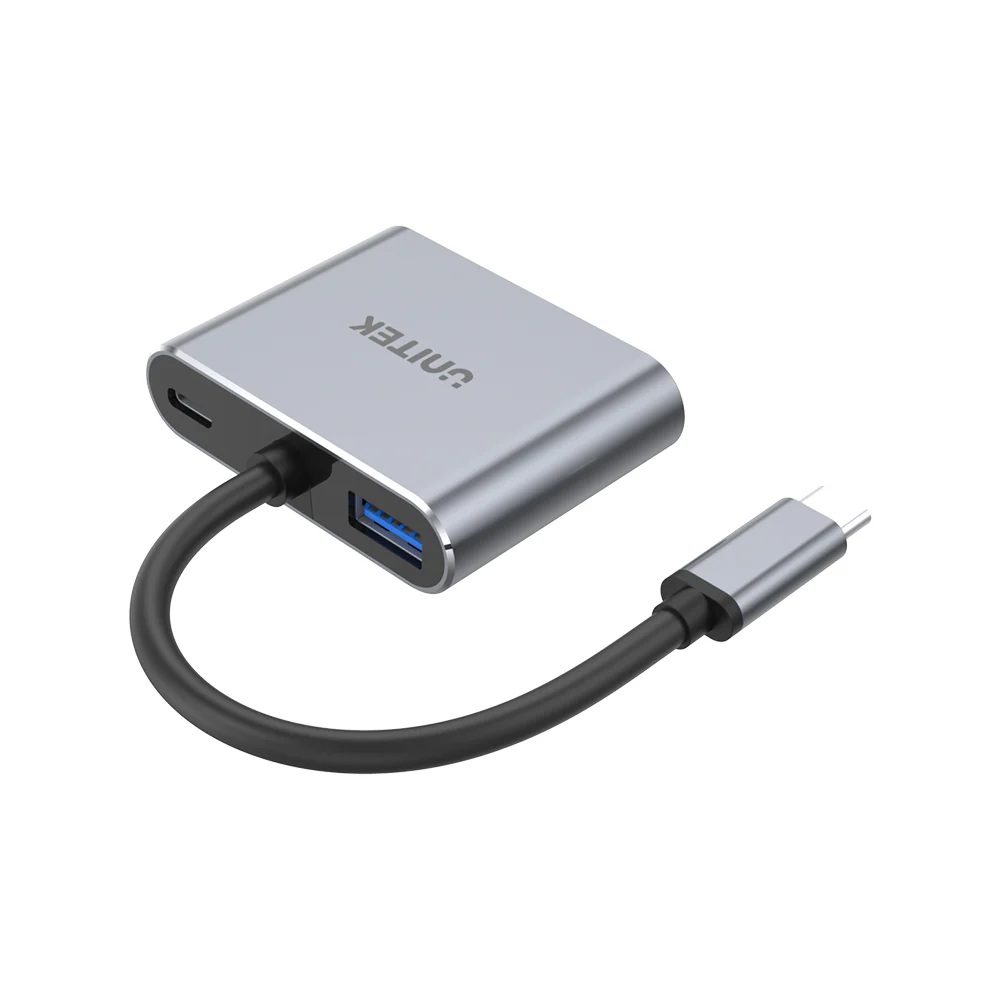
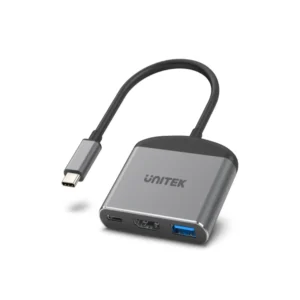
UNITEK D1049A uHUB Q4 Lite 4-in-1 USB-C Hub with MST Dual Display, PD 100W, USB-C to 4K HDMI & 1080p VGA, USB-A Port for Laptop, MacBook, Windows
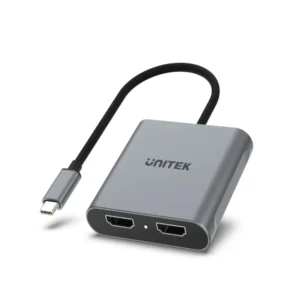
Transform your laptop into a powerful desktop workstation with the UNITEK uHUB Q4 Lite. This versatile 4-in-1 USB-C hub is engineered to maximize your productivity by adding essential connectivity—dual monitor support, high-speed charging, and peripheral expansion—through a single, elegant port.
Expand Your Vision with Dual Monitor Support
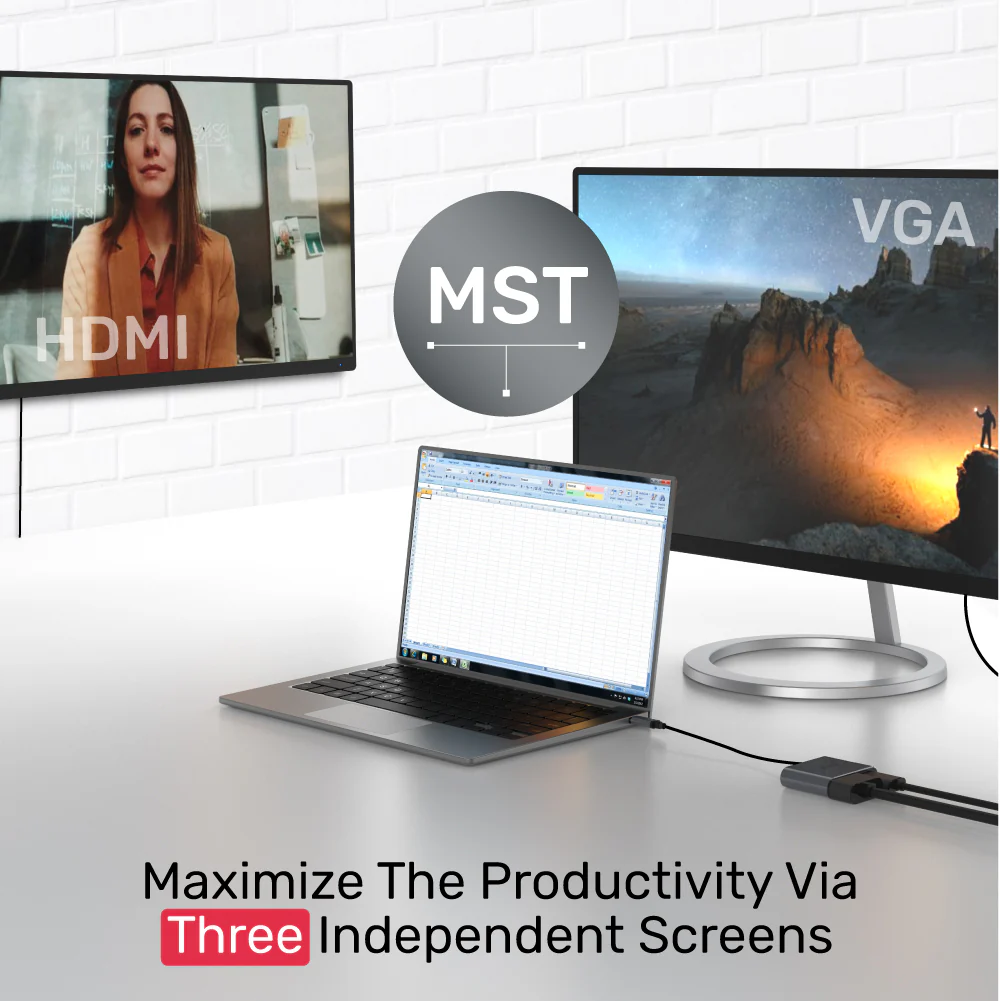
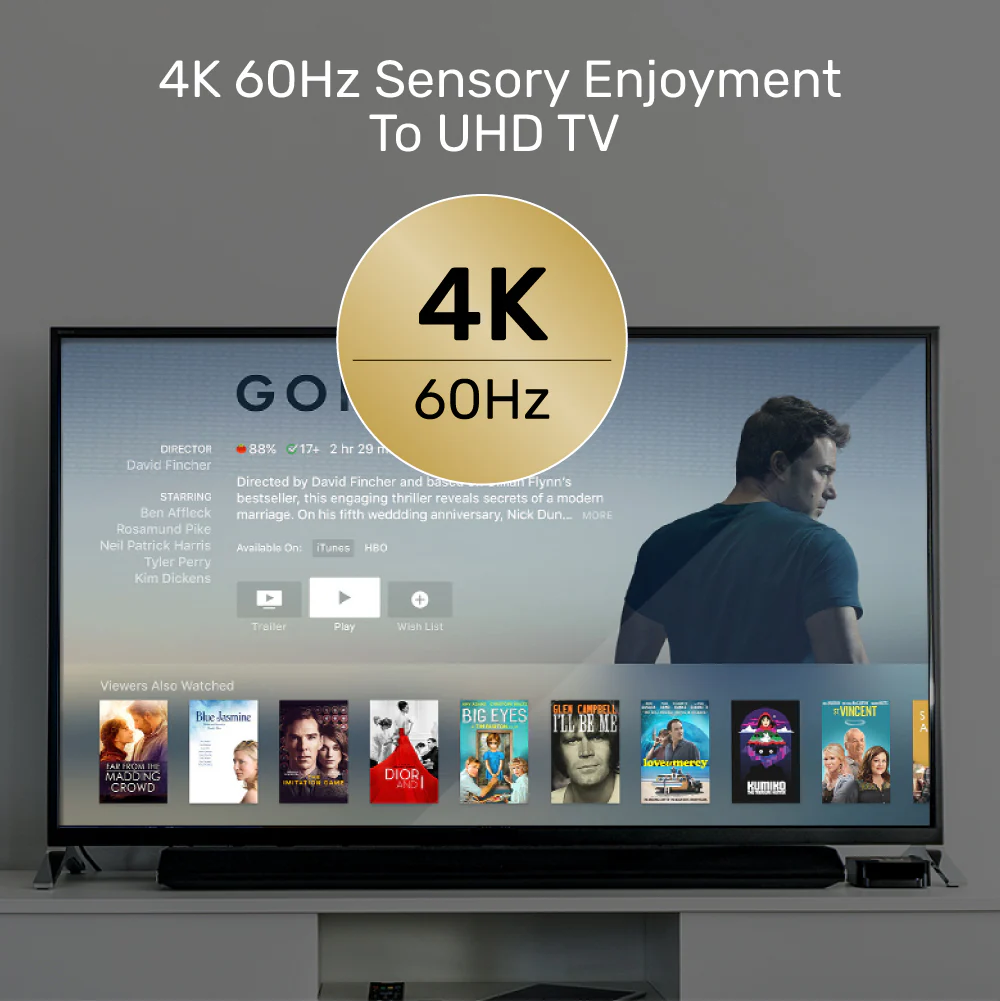
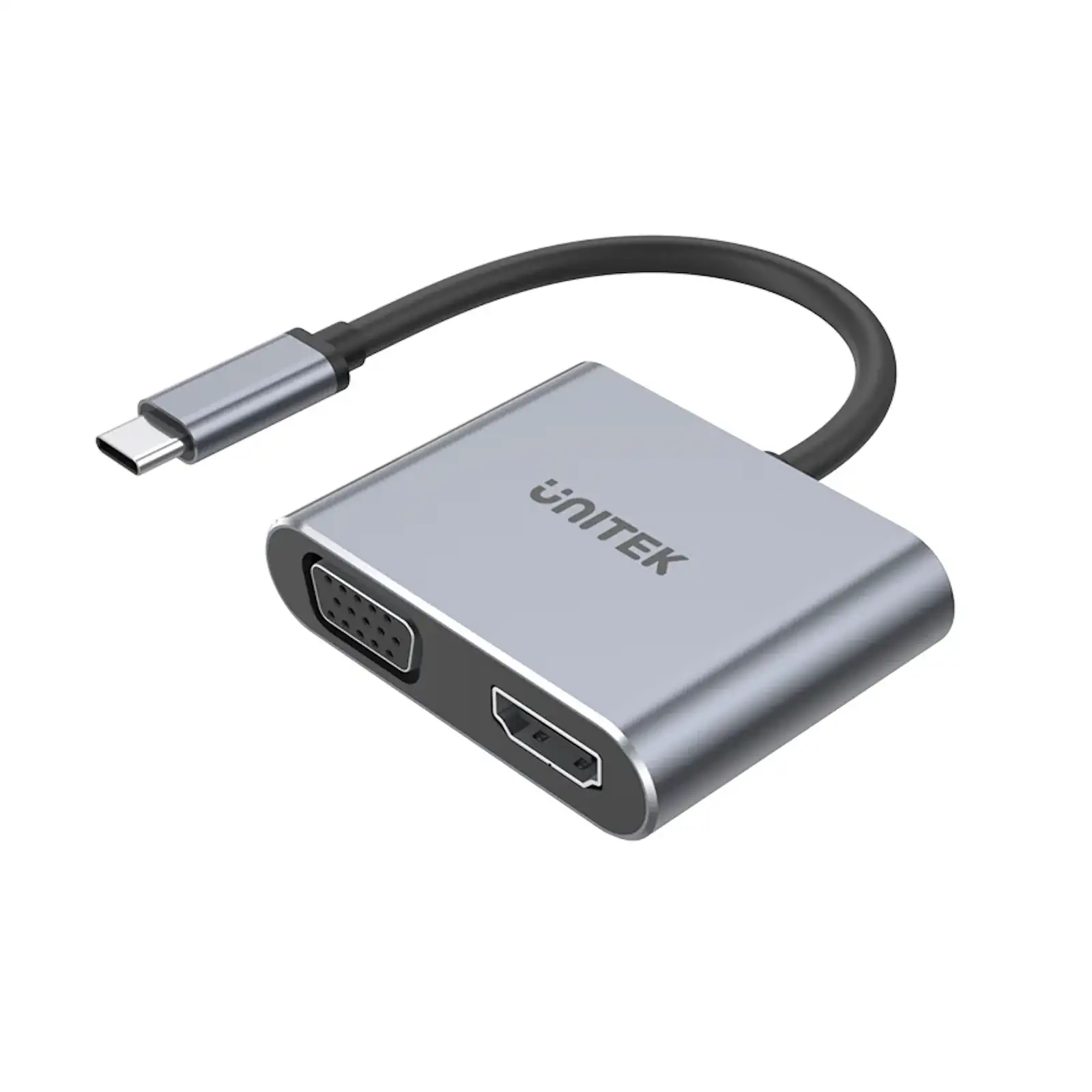
First and foremost, this hub unlocks multi-screen productivity. The HDMI 2.0 port delivers stunning 4K Ultra HD resolution at 60Hz, while the VGA port ensures compatibility with older projectors and monitors. For Windows users, the MST feature is a game-changer, allowing you to connect up to three displays for an immersive workflow. It’s the ultimate upgrade for your professional workstation.
Power Your Workflow Without Compromise
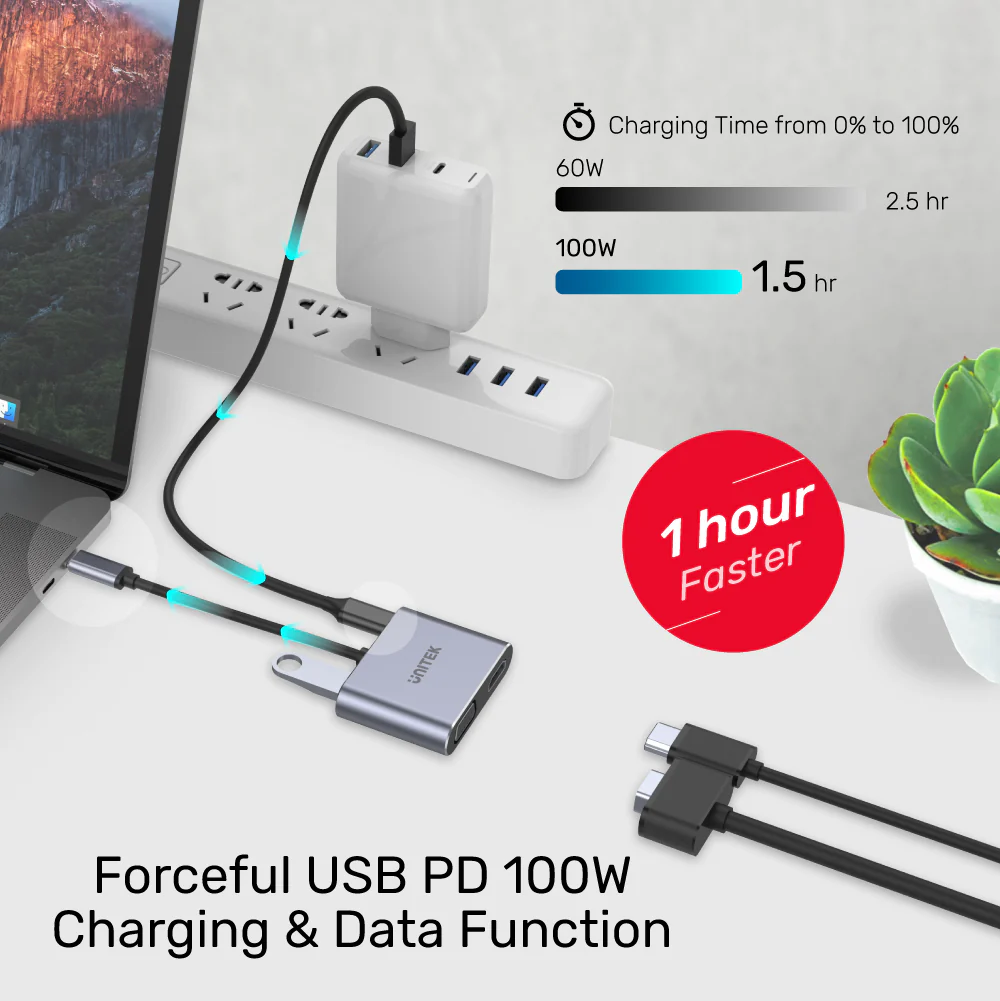
Never choose between connectivity and battery life again. The 100W Power Delivery pass-through charging ensures your laptop receives ample power to stay charged even under heavy load, all while the hub is in use. Essentially, it becomes the central docking station for your desk, streamlining your setup.
Sleek, Reliable, and Universally Compatible
Housed in durable aluminum for better heat dissipation, the hub maintains a cool and stable operation. Its plug-and-play design works instantly with Mac OS, Windows, and Chrome OS laptops that have a USB-C port supporting DisplayPort Alt Mode. Whether you’re presenting in a boardroom or working from home, this hub delivers reliable performance in a pocket-sized form factor.
Products Specifications:
- Model: UNITEK D1049A (uHUB Q4 Lite Series)
- Core Function: USB-C to Dual Video + Charging Hub
- Video Ports:
- HDMI: 4K Ultra HD @ 60Hz (3840×2160)
- VGA: Full HD 1080p @ 60Hz
- Key Technology: Multi-Stream Transport (MST) for multi-display on Windows
- USB-C PD Charging Input: Up to 100W (Pass-Through)
- Data Port: 1 x USB 2.0 Type-A (480 Mbps)
- Host Connection: USB-C (Upstream)
- Compatibility: Windows 10/11, macOS 10.6+, Linux, Chrome OS
- Power: Bus-Powered (No External Adapter Needed)
- Housing: Aluminum Alloy
- Dimensions: 44.05mm x 57.6mm x 14.6mm
- Color: Space Grey
What’s in the Box?
- 1 x UNITEK uHUB Q4 Lite 4-in-1 USB-C Hub
- 1 x User Manual
10 FAQs:
1. Can I use both the HDMI and VGA ports at the same time?
Yes, absolutely. You can connect two monitors simultaneously—one to HDMI and one to VGA—to extend or duplicate your desktop, significantly boosting your screen real estate.
2. What is MST and how do I use three screens?
MST (Multi-Stream Transport) allows you to connect multiple monitors in a daisy chain from a single video output. To use three screens, you would connect one monitor to the hub’s HDMI, and that monitor would need an output port (like DisplayPort) to connect to a second monitor. Note: MST is not supported on macOS.
3. Will the 100W PD port charge my MacBook Pro?
Yes, 100W PD is sufficient to charge and power most 14-inch and 16-inch MacBook Pro models at full speed while you use the hub. Ensure you use a compatible 100W USB-C charger.
4. Does it work with a laptop that has only one USB-C port?
Yes, that’s its primary design. It consolidates video, data, and charging into a single connection, making it perfect for modern laptops with limited ports. You’ll need a separate 100W UGREEN charger for the PD input.
5. Is the USB-A port fast enough for data transfer?
The USB-A port is USB 2.0 (480 Mbps), which is suitable for connecting peripherals like a keyboard, mouse, or webcam, and for occasional file transfers from flash drives. For high-speed external SSDs, a hub with USB 3.0 is recommended.
6. Does it support 4K@60Hz on Mac computers?
Yes, the HDMI port supports 4K@60Hz on compatible MacBooks (2018 and later with a USB-C/Thunderbolt 3 port). However, MacOS does not support the MST feature for dual independent displays from this hub.
7. Do I need to install any drivers?
No, it is plug-and-play for basic functions. For advanced display configurations like MST on Windows, your laptop’s graphics drivers should be up to date, but no specific hub drivers are required.
8. Can I use it with a gaming console or smartphone?
It is designed for computers with a USB-C port that supports video output (DisplayPort Alt Mode). It will not work with smartphones, gaming consoles, or standard USB-A ports.
9. Why is there no Ethernet port on this hub?
This is a lite version focused on display expansion and charging. For a hub that includes Ethernet, more USB ports, and card readers, you would need to look at a more comprehensive UNITEK docking station.
10. What is the warranty period for this product?
UNITEK provides a standard warranty. For exact terms and to register your product, please refer to the included documentation or visit the UNITEK Pakistan website.

 No products in the cart.
Reviews
There are no reviews yet.