
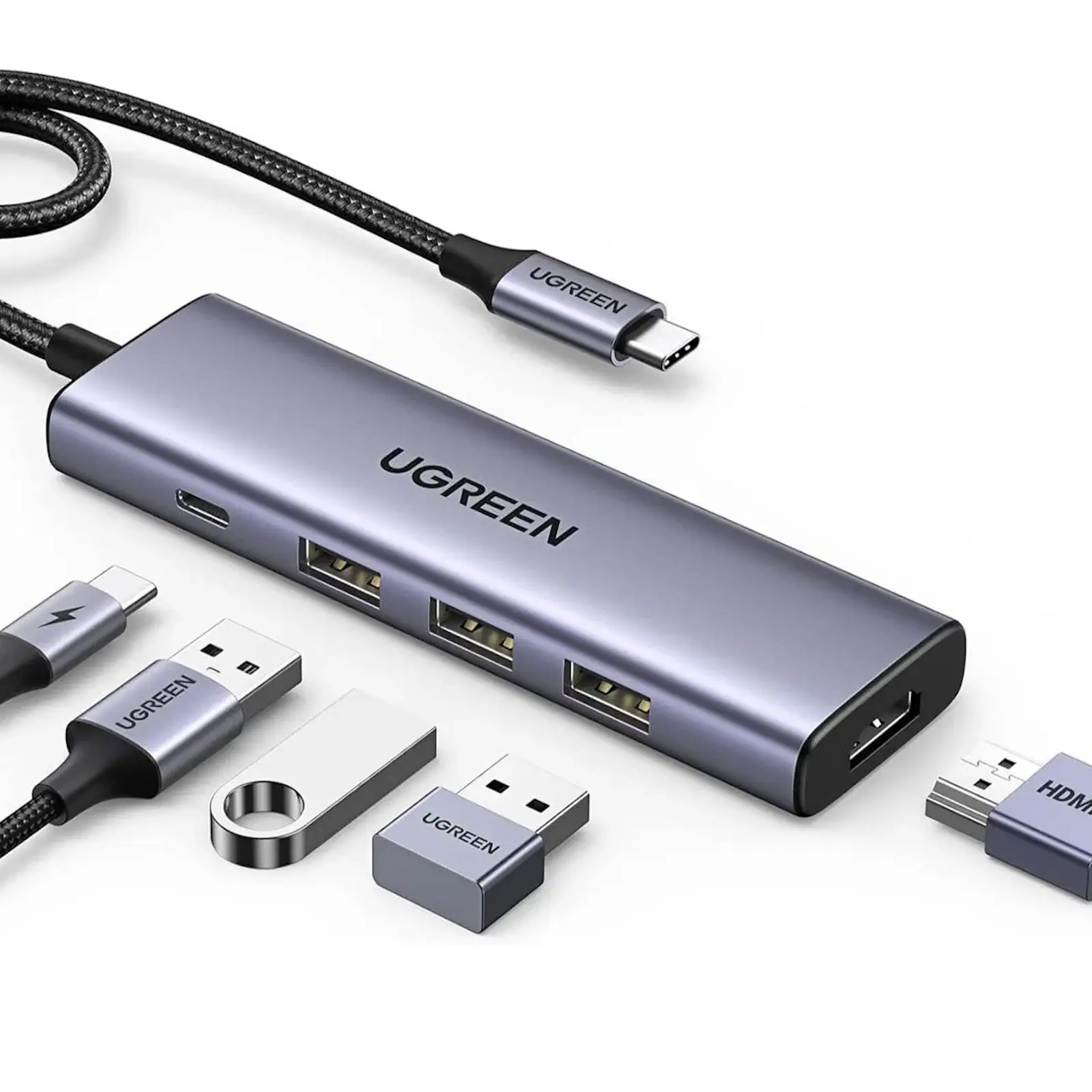

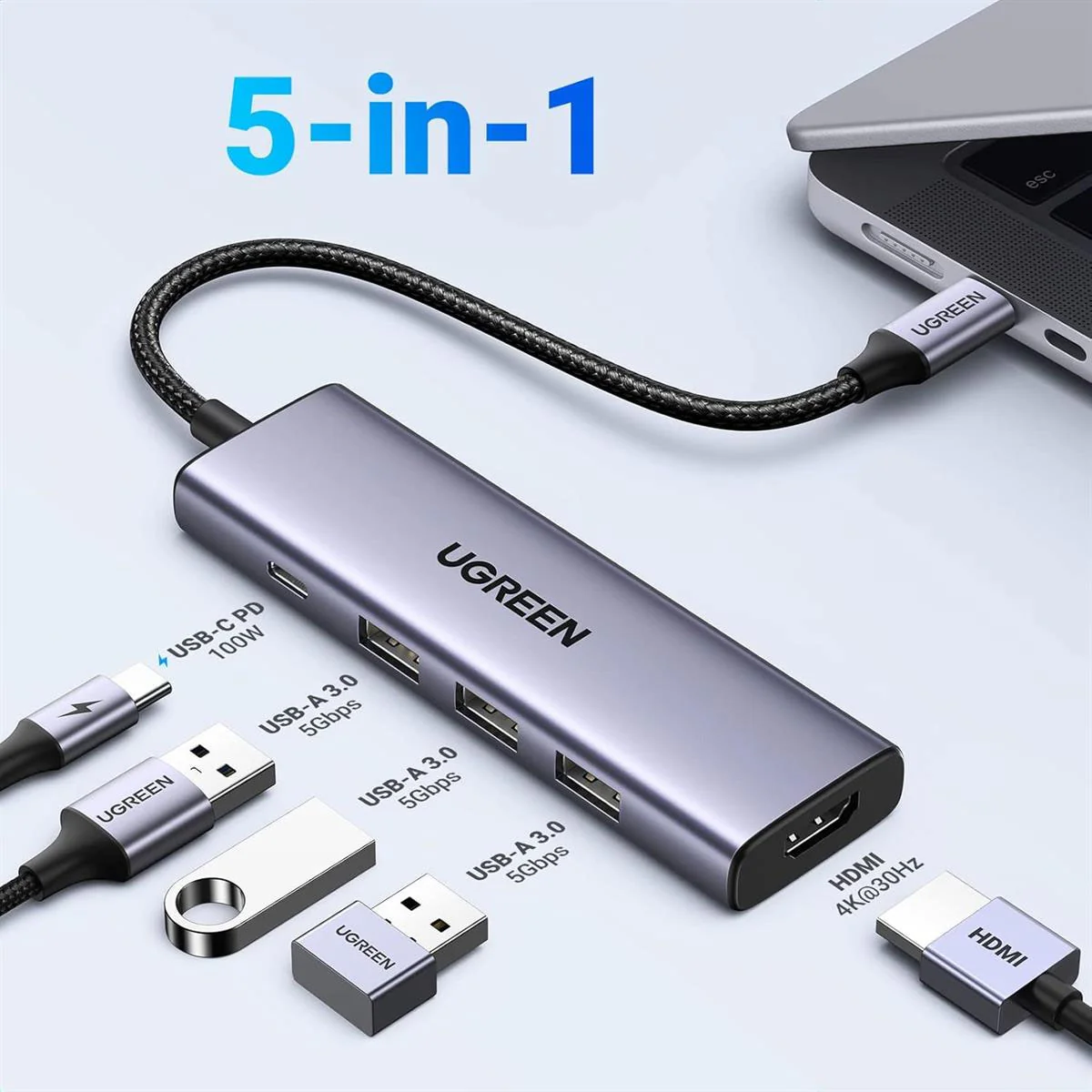
UGREEN 25101 5-in-1 USB C Hub with 8K HDMI, 100W PD Charging, 3x USB-A Ports – USB C Multiport Adapter for MacBook, Dell, HP, Chromebook
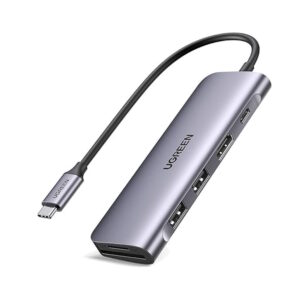
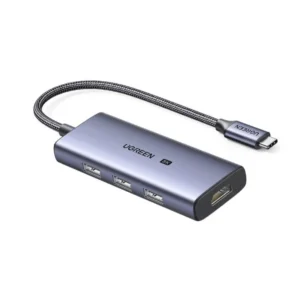
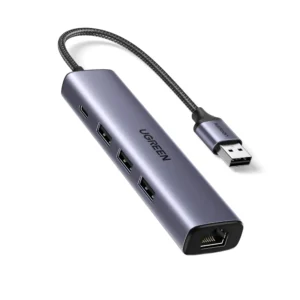
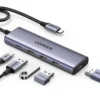
Maximize the potential of your modern laptop with the UGREEN 25101 5-in-1 USB-C Hub. This versatile adapter is the ultimate solution for expanding the limited ports on your MacBook, Dell, HP, or Chromebook, transforming it into a complete desktop-style workstation wherever you are.
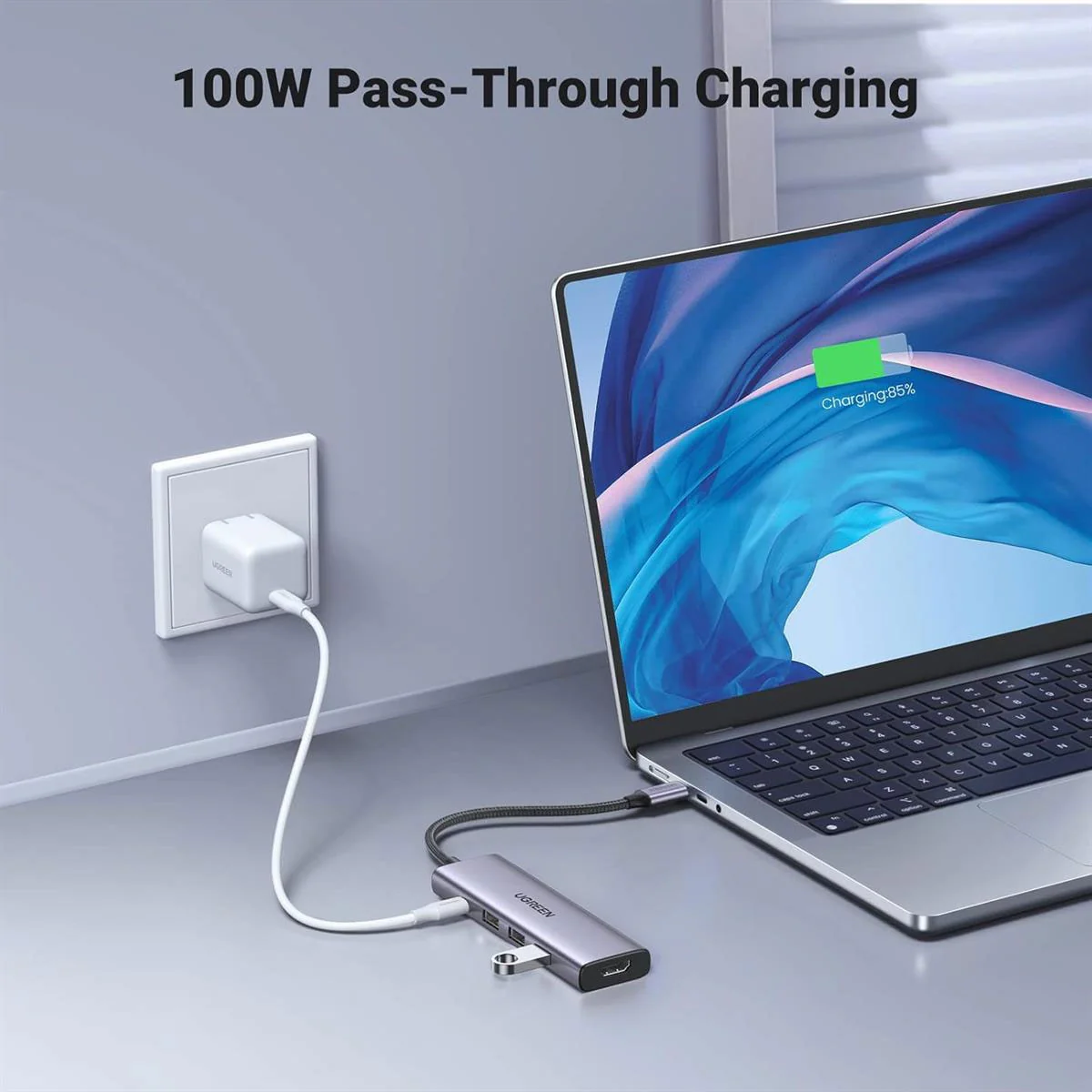
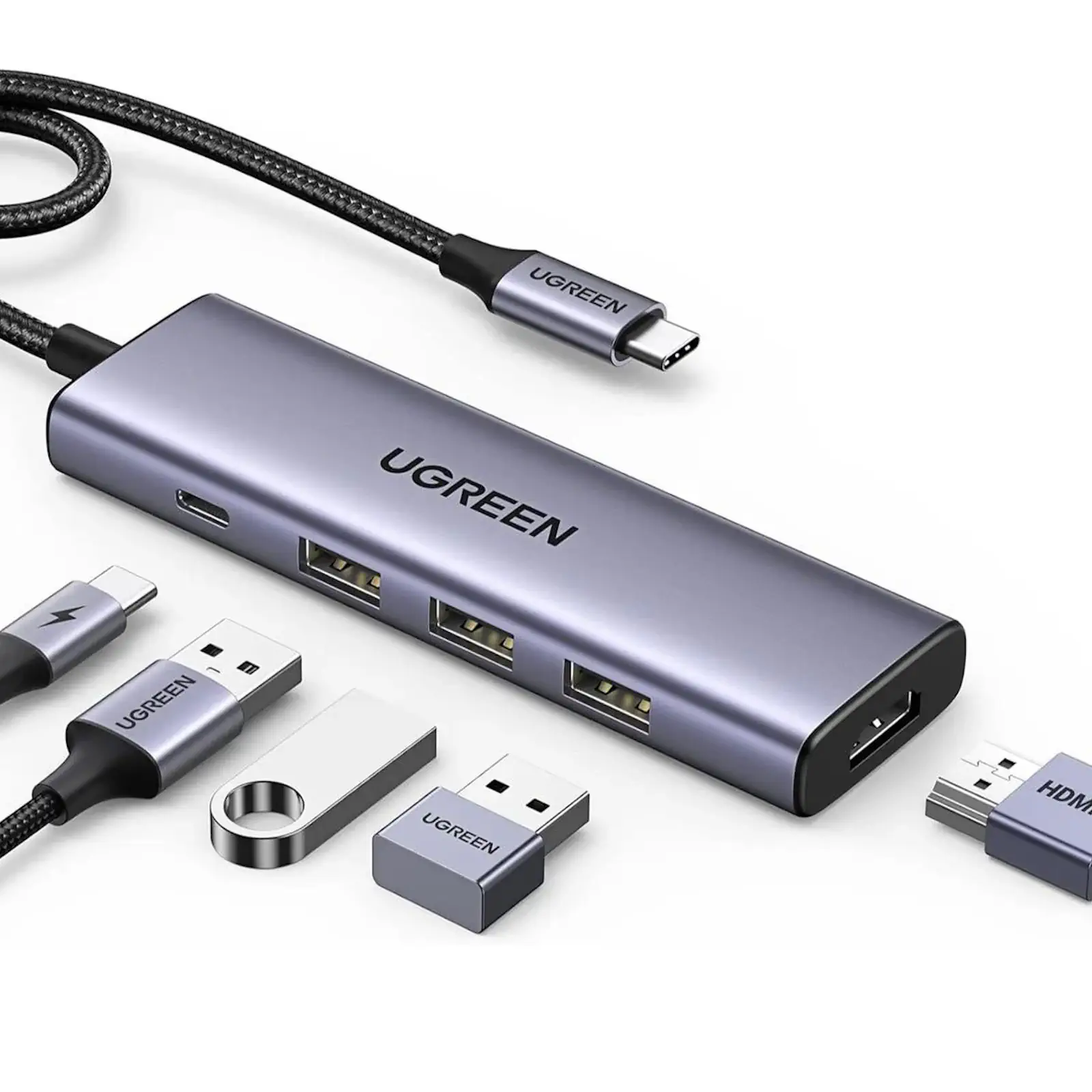
Simply plug the hub into your laptop’s USB-C port, and instantly unlock a suite of essential connections. The high-resolution HDMI port lets you mirror or extend your display to a monitor or HDTV, delivering breathtaking 8K clarity or buttery-smooth 4K@60Hz for both work and entertainment. Stay powered up all day thanks to the 100W Power Delivery pass-through charging, which keeps your laptop battery full while you use the hub’s other functions.
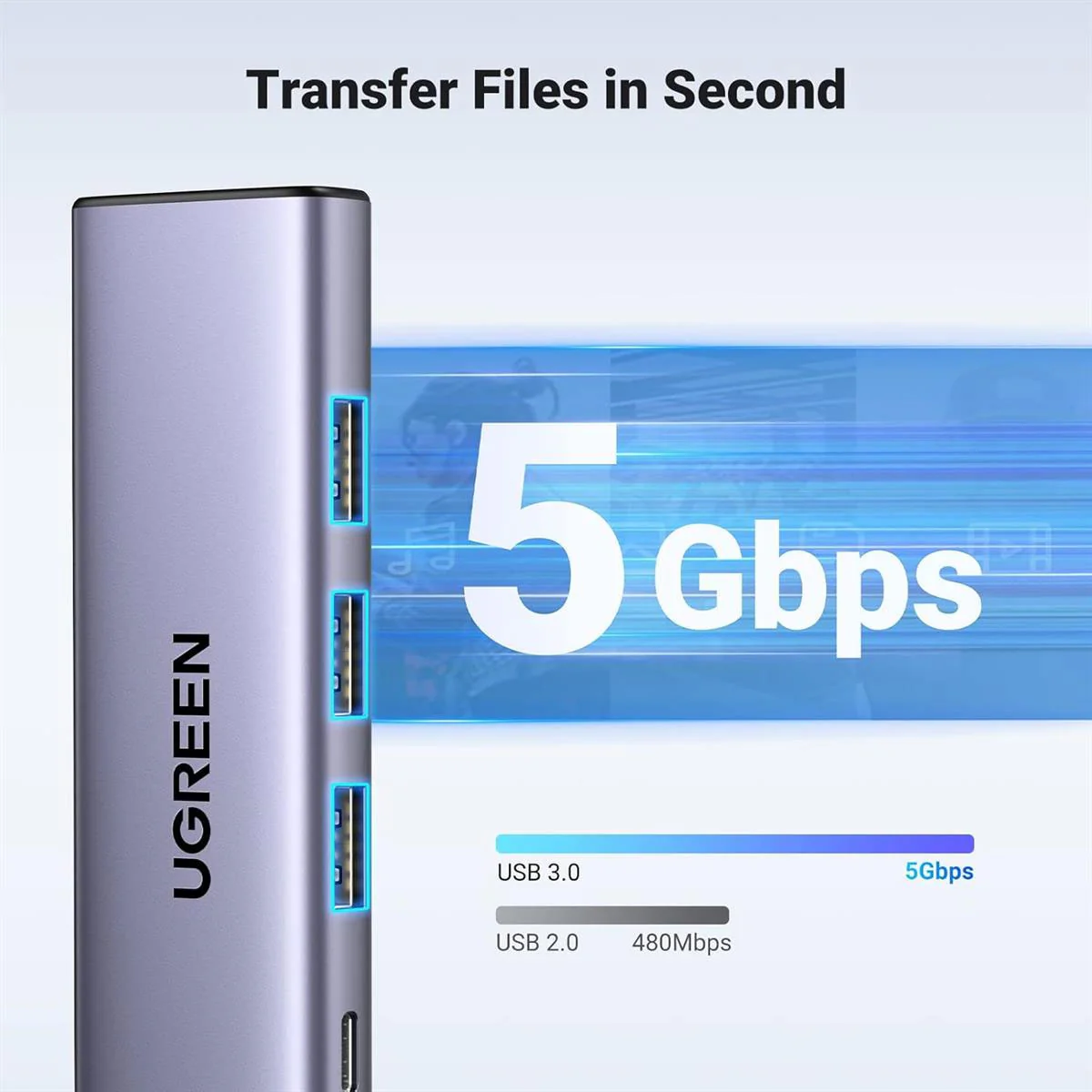
Transfer files at super speeds up to 5 Gbps via the blue USB 3.0 port, making backups and file management incredibly efficient. The two additional USB 2.0 ports are perfect for connecting lower-speed peripherals like a wireless keyboard and mouse combo, ensuring a clutter-free desk. This hub is a cornerstone of any efficient home office setup and an indispensable travel accessory for professionals. For the best experience, use a compatible 100W UGREEN PD Charger and a high-quality HDMI 2.0 cable to complete your setup. Discover more ways to enhance your workflow with our laptop accessories collection.
Products Specifications:
- Model: UGREEN 25101 (CM500)
- HDMI Port: 8K@30Hz, 4K@60Hz
- USB-C PD Input: Up to 100W (95W for laptop + 5W for hub)
- USB-A Ports: 1x USB 3.0 (5 Gbps), 2x USB 2.0 (480 Mbps)
- Host Connection: USB-C (Requires video-enabled port)
- Data Transfer: Up to 5 Gbps
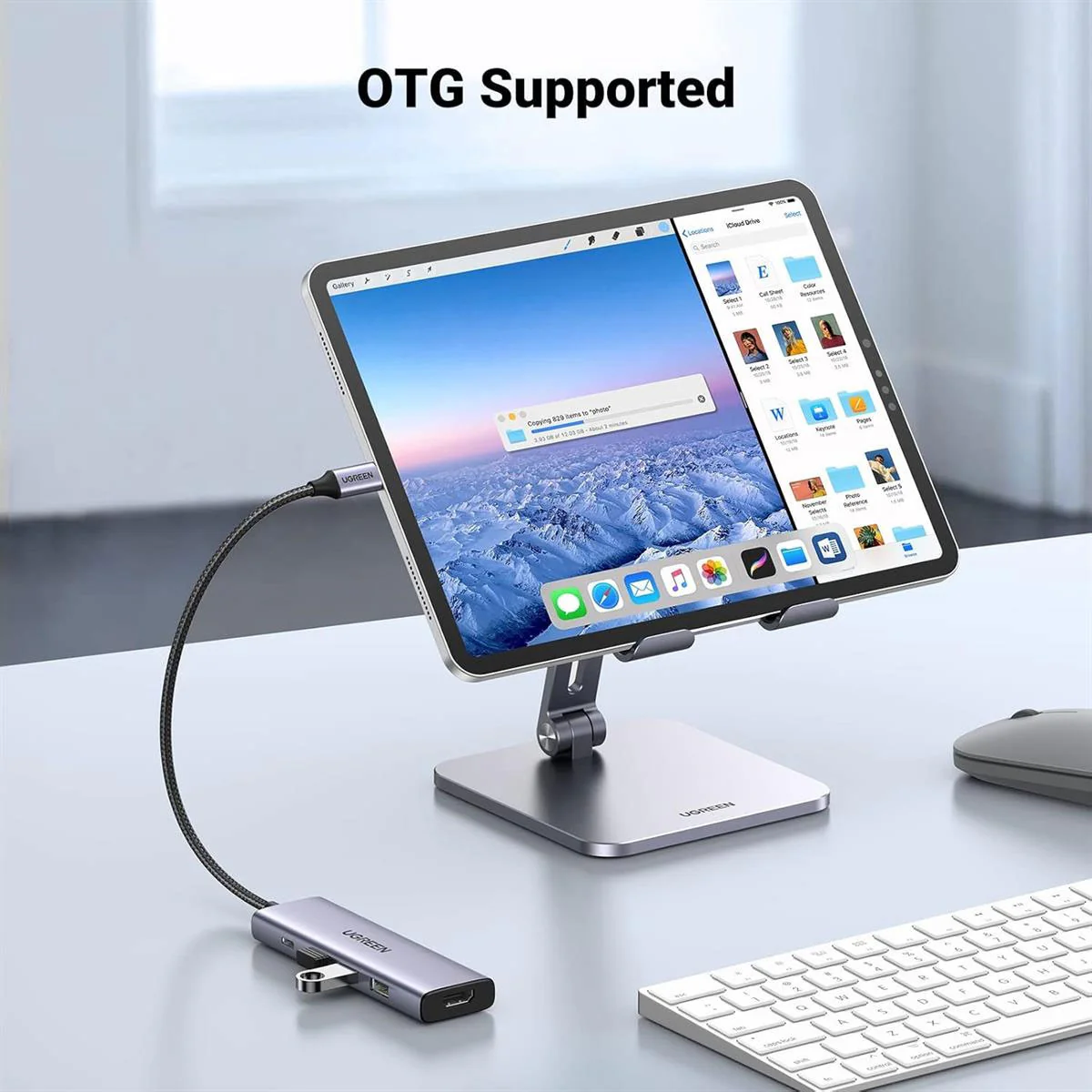
- Compatibility: MacBook, Windows Laptops, Chromebook, iPad Pro
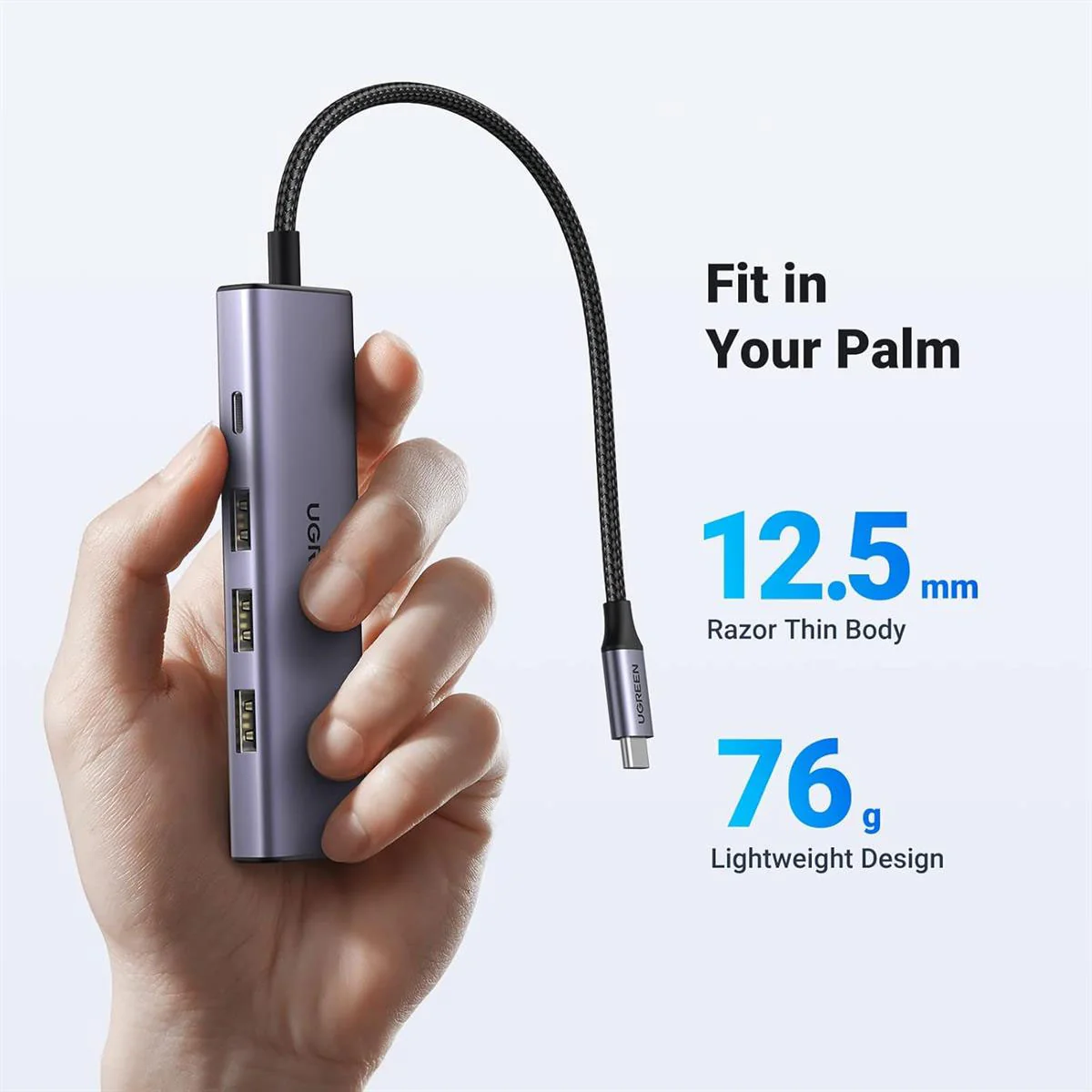
- Design: Compact, Portable, Plug-and-Play
What’s in the Box?
- 1 x UGREEN 25101 5-in-1 USB-C Hub
- 1 x User Manual
FAQs:
1. Does this hub support dual monitors?
No, this specific model features a single HDMI port for one external display. For dual monitor support, please check our UGREEN docking stations with multiple video outputs.
2. Will it work with my iPad Pro?
Yes, if your iPad Pro has a USB-C port that supports video output, you can use this hub to connect to an external monitor for a larger display.
3. Can I charge my laptop through this hub?
Yes, that’s the primary function of the USB-C PD input port. You plug your laptop’s original charger into the hub, and it delivers up to 95W of power to your laptop while simultaneously running the other ports.
4. What happens if I use a charger below 100W?
The hub will still work perfectly. It will draw the maximum power your charger can provide, which will still charge most laptops, though potentially at a slower rate than with a 100W charger.
5. Can I connect a printer to the USB 2.0 ports?
Yes, the USB 2.0 ports are ideal for connecting peripherals that don’t require high speed, such as printers, keyboards, mice, and webcams.
6. Why is my HDMI display not working?
First, ensure your laptop’s USB-C port supports video output (not all do). Then, try unplugging and reconnecting the hub. For a stable connection, we recommend a certified UGREEN HDMI cable.
7. Is the hub bus-powered or does it need its own power?
The hub is bus-powered for its data functions. However, to use the HDMI port and charge your laptop, you must connect a PD charger to the hub’s USB-C input port.
8. Where can I find warranty information?
UGREEN products are covered by a warranty. Please visit our warranty and support page for detailed information and assistance.
9. Can I use all the ports at the same time?
Yes, the hub is designed for simultaneous use of all ports. You can have an external display connected, charge your laptop, and use all three USB ports at once.
10. Is it hot-swappable?
For data ports (USB-A), yes. However, it is recommended not to hot-plug the PD charger while screen casting or transferring files, as it may cause the display to flicker or data transfer to interrupt.
 No products in the cart.
Reviews
There are no reviews yet.