
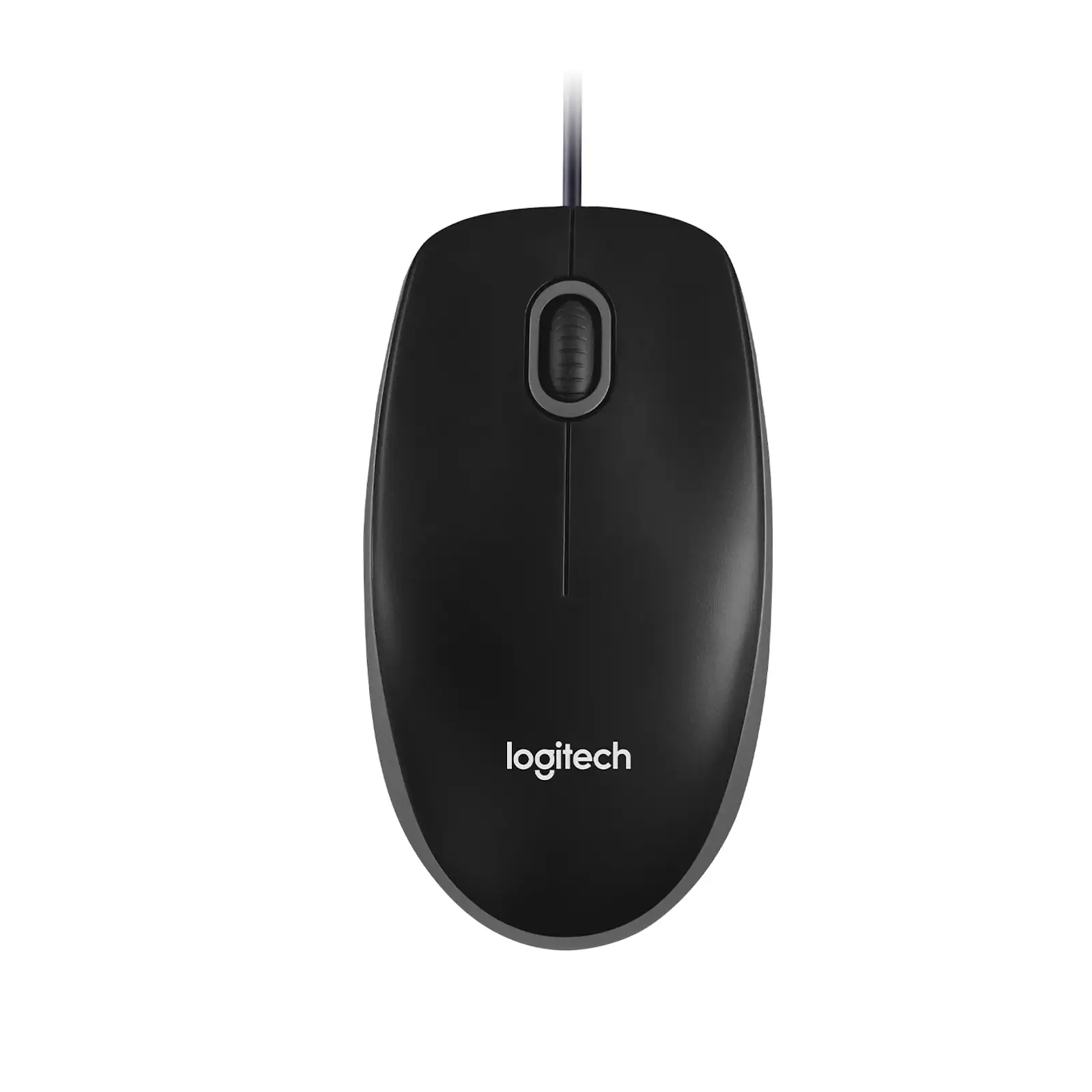
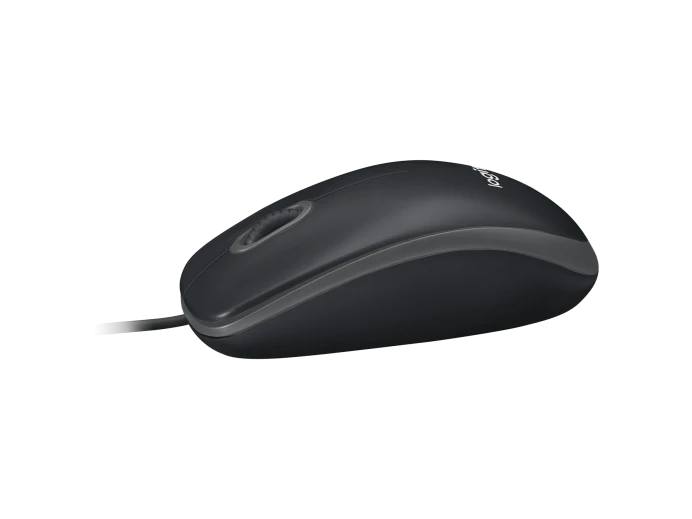
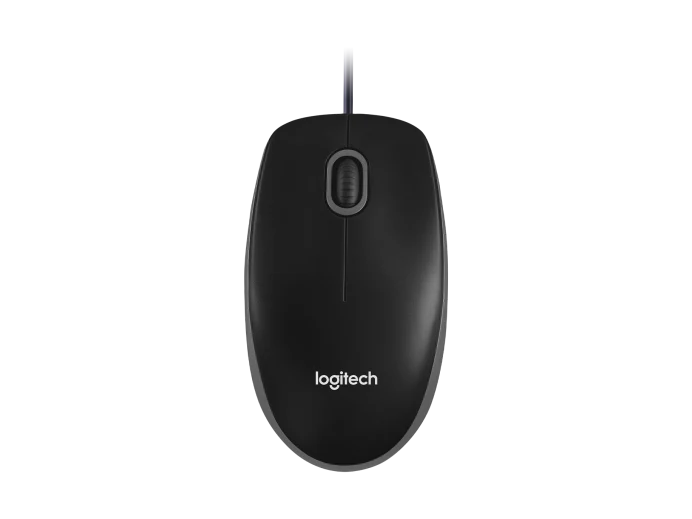
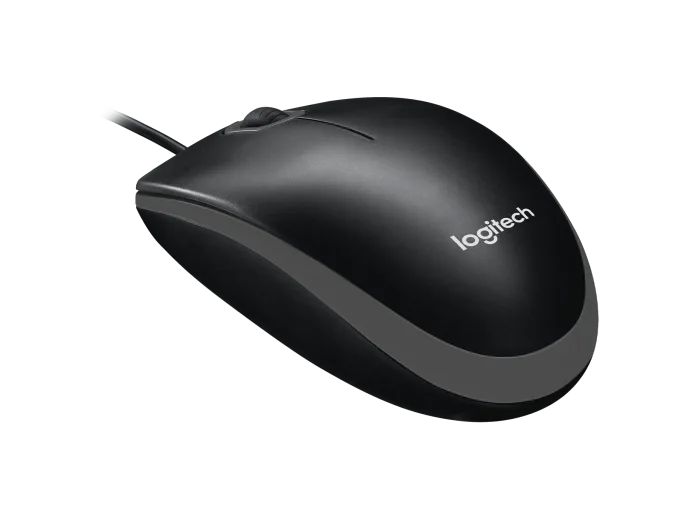
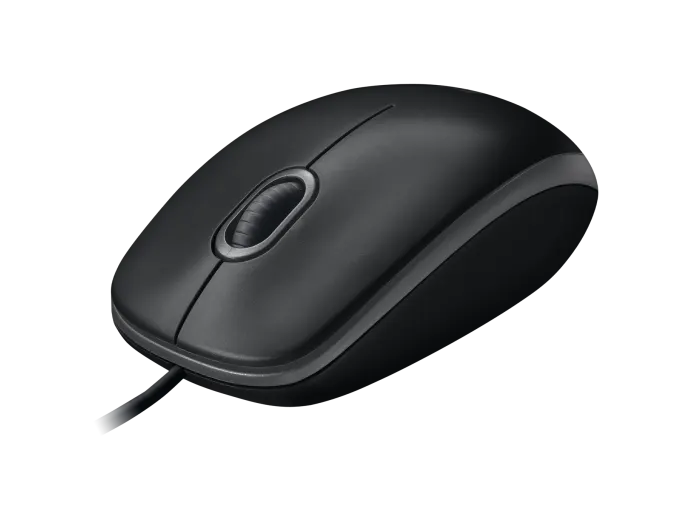
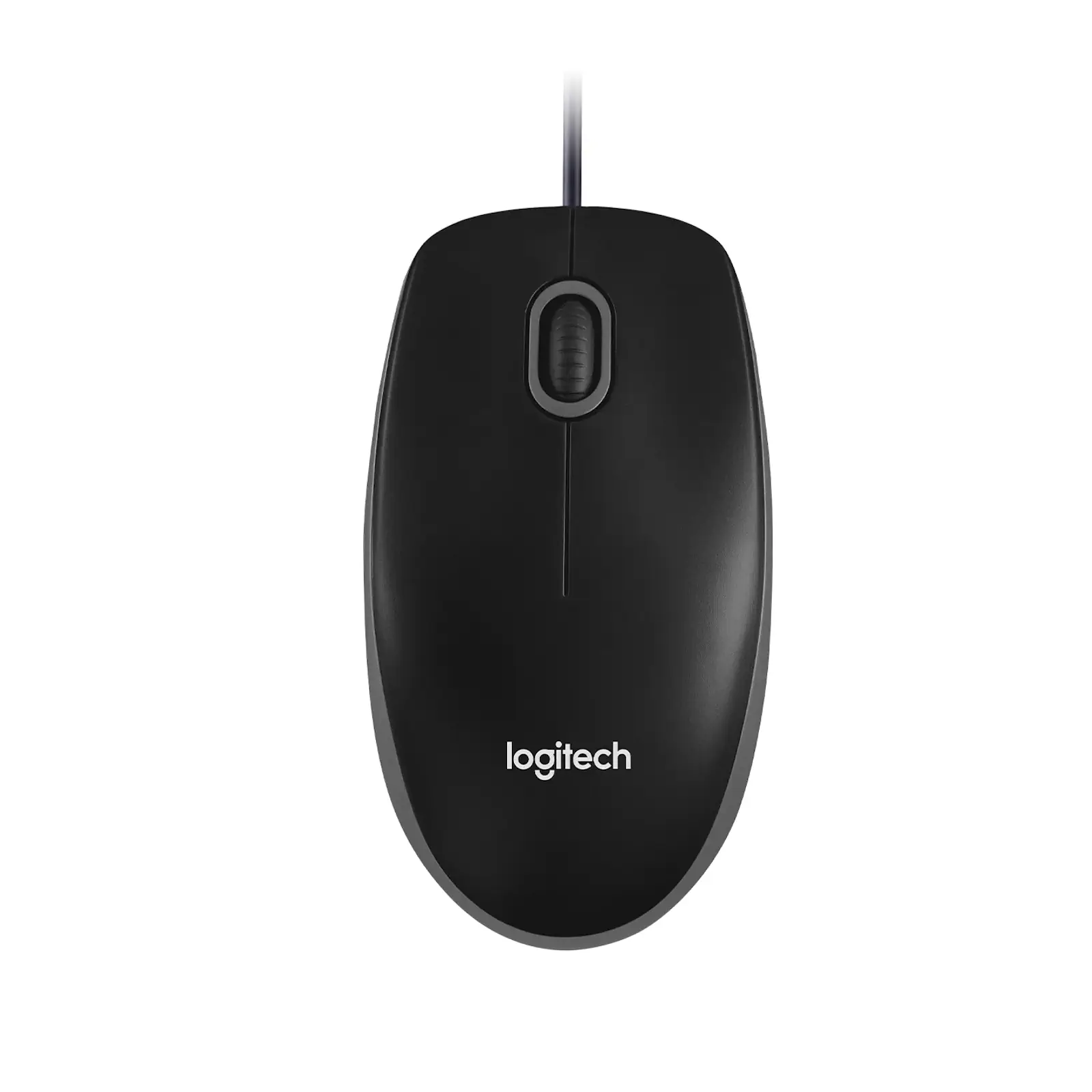
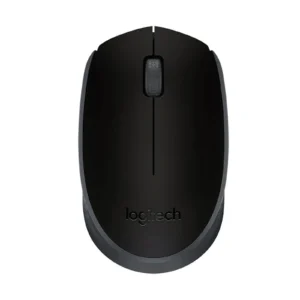
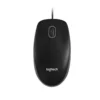
Logitech B100 Optical USB Wired Mouse | 1000 DPI Precision | 3-Button Scrolling | Plug & Play for PC, Laptop, Mac, Chromebook – Black (910-006605)
The Logitech B100 Wired Mouse is the definition of reliable, no-fuss computing. Designed for everyday use, it delivers everything you need and nothing you don’t. Its high-quality optical tracking ensures precise cursor movement for work, study, or general web browsing. The scrolling wheel and three-button layout provide essential navigation control, while the comfortable, symmetrical shape suits both right and left-handed users. The generous 1.8-meter USB cable offers plenty of reach from your desktop or laptop, and the plug-and-play functionality means you’ll never waste time on installation. Whether you’re setting up a new computer, need a dependable spare, or want a straightforward mouse for a Chromebook, the Logitech B100 is a trusted and affordable solution that just works.
Key Features:
- Instant Plug & Play: No software installation required for immediate use.
- 1000 DPI Optical Sensor: Delivers reliable tracking on most surfaces.
- 3-Button Layout: Standard left/right click and a middle click scroll wheel.
- Long 1.8m USB Cable: Provides ample length for flexible setup.
- Works With Chromebook: Certified to meet Google’s compatibility standards.
- Lightweight Design: Weighs only 90g for easy portability and comfort.
- Ambidextrous Shape: Comfortable for both right and left-handed users.
- Built to Last: Durable construction from a trusted brand.
Specifications:
- Brand: Logitech
- Model: B100 (910-006605)
- Connection: Wired USB-A
- Sensor: Optical
- DPI: 1000
- Buttons: 3 (Left, Right, Clickable Scroll Wheel)
- Cable Length: 180 cm (1.8 m)
- Weight: 90 g
- Dimensions: 113 x 62 x 38 mm
- Compatibility:
- Windows 7, 8, 10, 11 or later
- macOS 10.5 or later
- ChromeOS (Certified Works With Chromebook)
- Linux Kernel 2.6+
What’s in the Box:
- 1x Logitech B100 Optical Mouse
- 1x User Documentation
FAQs:
1. Do I need to install drivers to use this mouse?
No, the Logitech B100 is designed for plug-and-play operation. You do not need to install any drivers or software. Simply plug the USB cable into your computer, and it will work immediately.
2. What is the DPI of this mouse?
The mouse has a fixed 1000 DPI optical sensor. This provides a good balance of speed and precision for everyday tasks like web browsing, document editing, and general computer use.
3. Is this mouse compatible with my Mac?
Yes, it is fully compatible with macOS 10.5 or later. Just plug it into an available USB port on your Mac.
4. Can I use this mouse with a Chromebook?
Yes, the Logitech B100 is officially certified “Works With Chromebook” by Google, ensuring full compatibility and reliable performance.
5. Is the scroll wheel clickable (a middle button)?
Yes, the scroll wheel can be pressed down to function as a middle button (often used for opening links in a new tab or closing tabs in browsers).
6. How long is the cable?
The USB cable is 180 cm (1.8 meters / 70.87 inches) long, providing plenty of length for comfortable use at a desk.
7. Is this mouse wireless?
No, the Logitech B100 is a wired USB mouse. This means it never requires batteries and always provides a reliable, lag-free connection.
8. Is it suitable for left-handed users?
Yes, the mouse has a symmetrical, ambidextrous shape that is comfortable for both right-handed and left-handed users.
9. What surfaces does this mouse work on?
The optical sensor works on most surfaces, including mouse pads, desks, and paper. For optimal performance, a standard mouse pad is recommended.
10. What is the main advantage of choosing a wired mouse like the B100?
The main advantages are ultimate reliability (no wireless interference or lag), zero need for batteries, and simple plug-and-play operation without any setup hassle.
 No products in the cart.
Reviews
There are no reviews yet.