
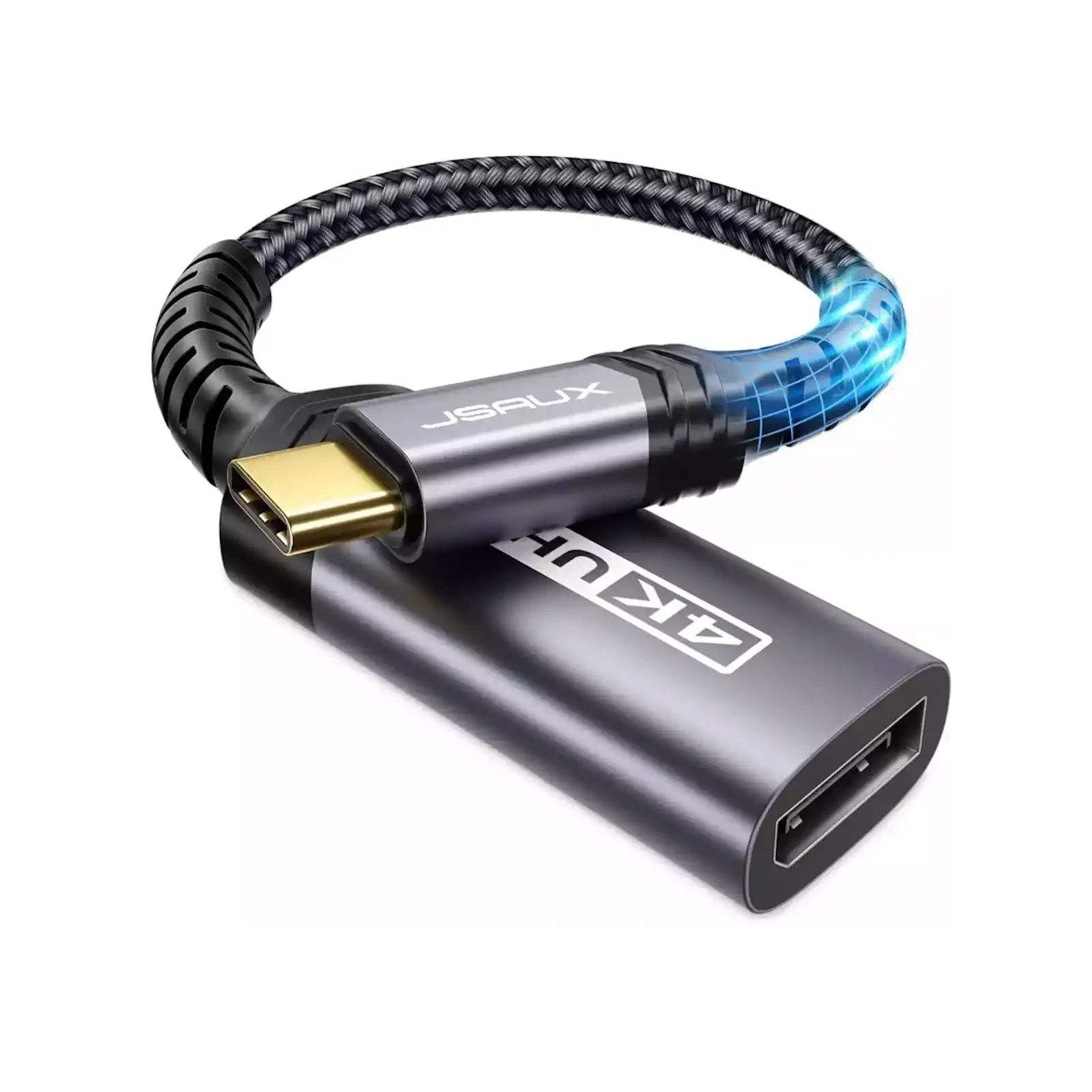
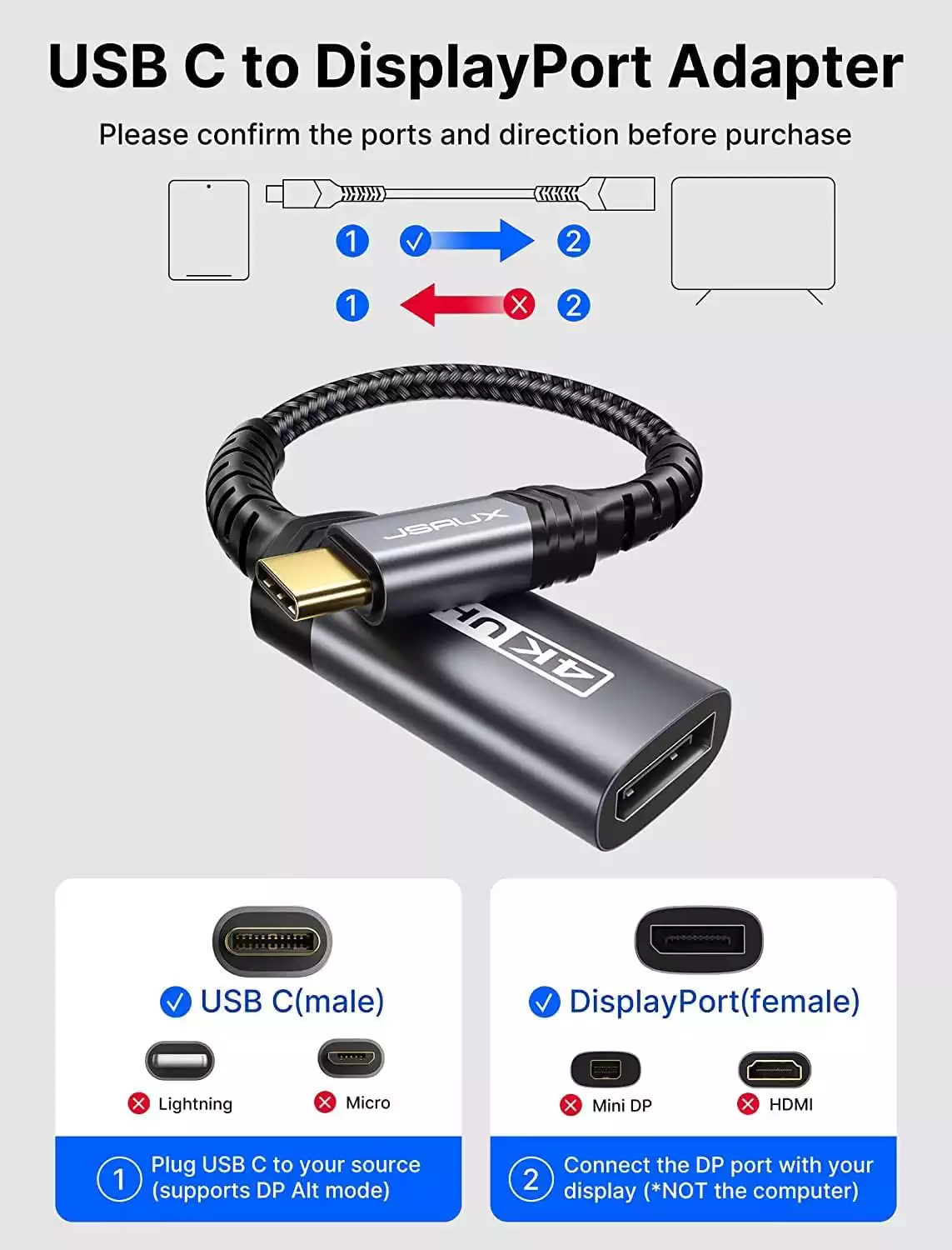
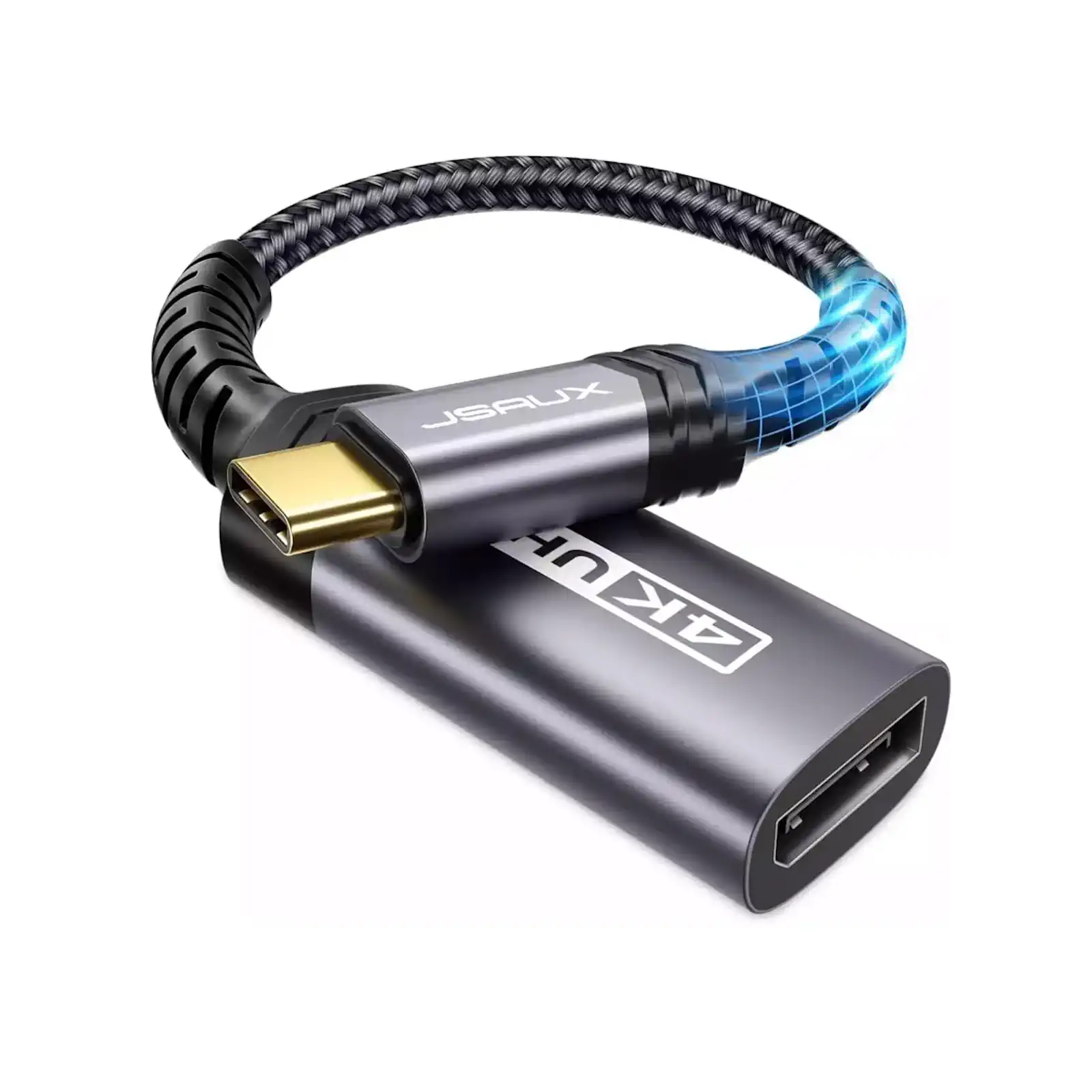
JSAUX CV0028 USB-C to DisplayPort Adapter | 4K@60Hz | for MacBook, Dell XPS, iPad Pro, Samsung Galaxy | DP Alt Mode Required
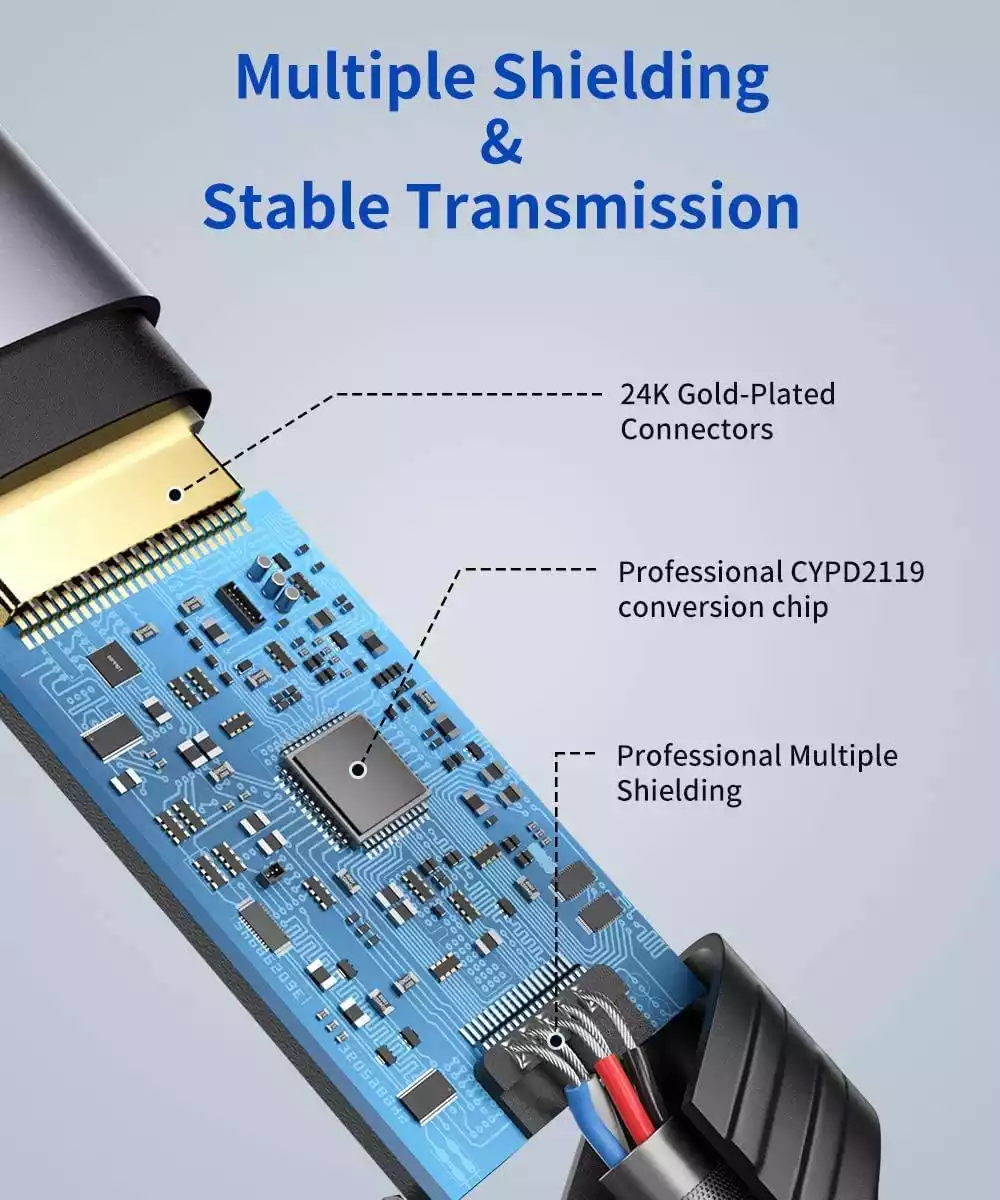
Unlock the highest quality video output from your modern devices with the JSAUX USB-C to DisplayPort Adapter. Engineered for performance, this adapter is the key to connecting your USB-C laptop, tablet, or phone to a high-resolution DisplayPort monitor, delivering a pristine 4K UHD picture at a smooth 60Hz refresh rate. It is specifically designed for devices whose USB-C port supports DisplayPort Alt Mode, ensuring a direct digital signal for the best possible image quality. This makes it ideal for creative professionals, gamers, and business users who use monitors like Dell UltraSharps, Apple Pro Display XDR, or high-refresh-rate gaming screens. Its universal compatibility covers a vast range of devices from Apple, Samsung, Dell, and Microsoft. Simply plug it in for a reliable, plug-and-play connection that brings your desktop to life. To ensure compatibility, please verify your device’s USB-C port supports video output before purchasing.
Specifications
- Brand & Model: JSAUX CV0028 USB-C to DisplayPort Adapter
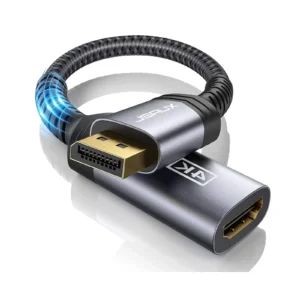
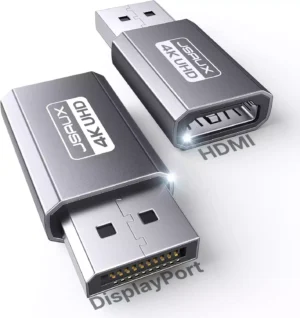
- Connection: USB-C (Male) to DisplayPort (Male)
- Max Resolution: 4K Ultra HD (3840×2160) @ 60Hz
- Key Requirement: USB-C Port with DisplayPort Alt Mode
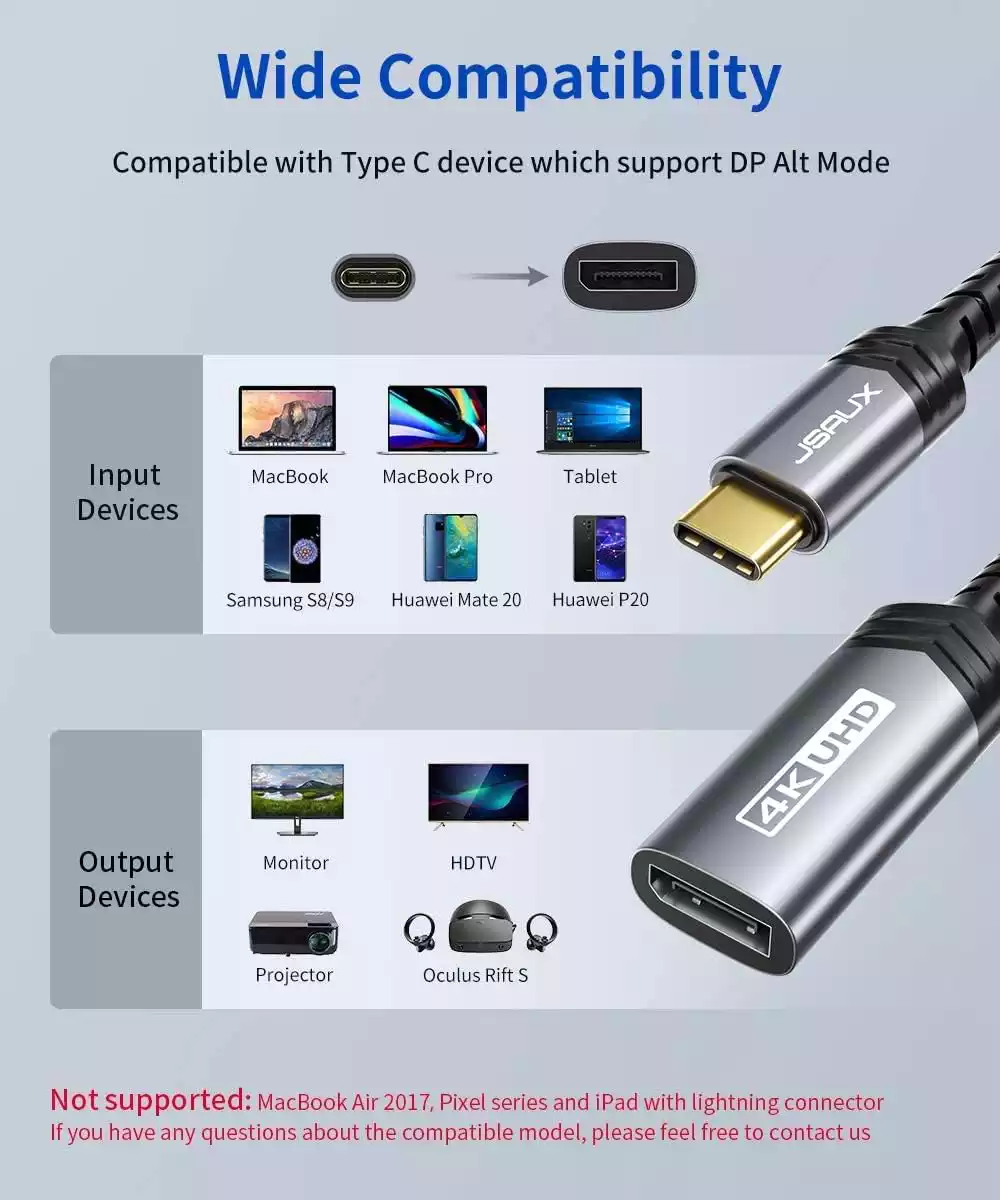
- Compatibility: MacBook (2016+), Dell XPS, Samsung Galaxy S8-S20, iPad Pro, Microsoft Surface
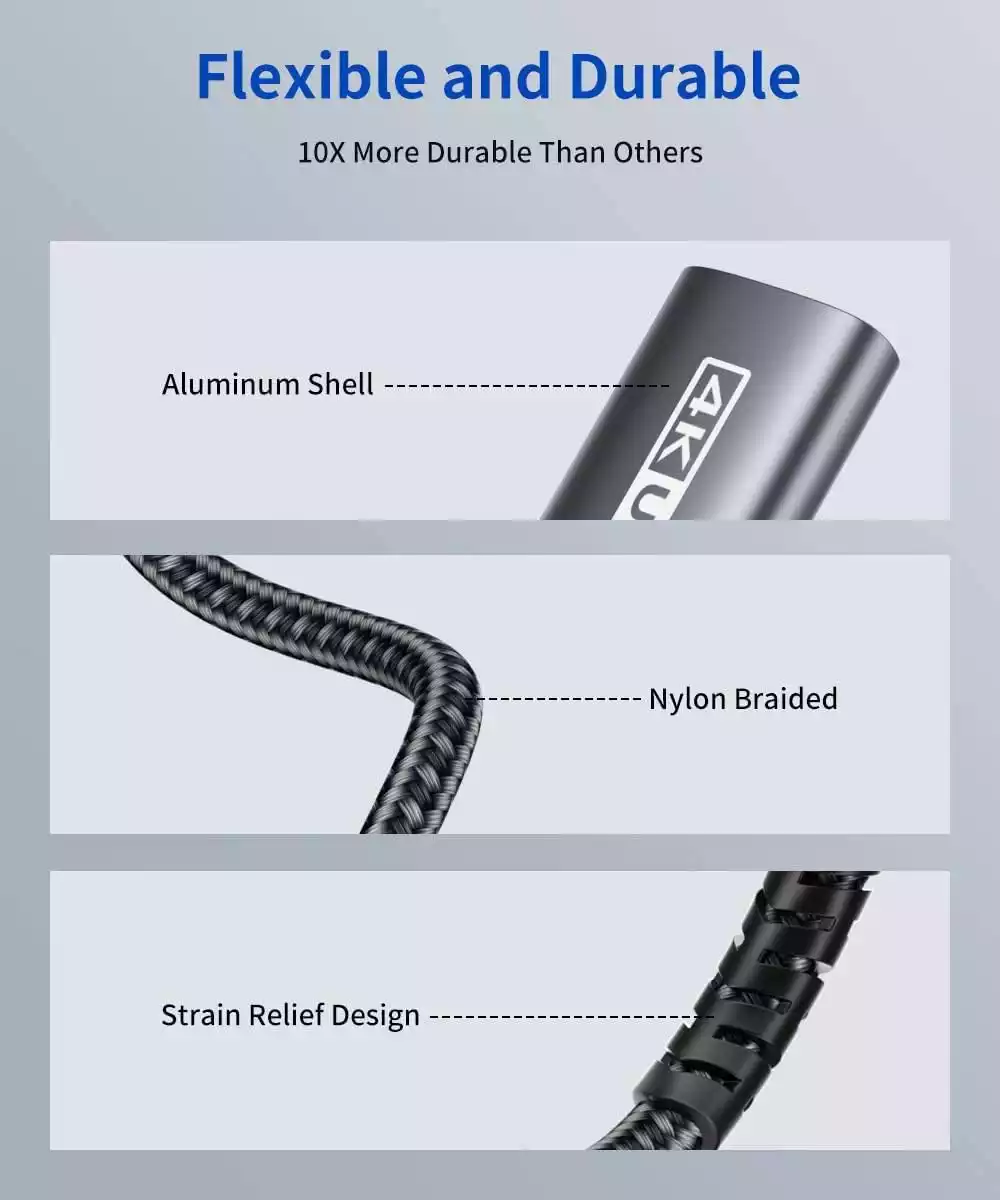
- Design: Compact, Plug-and-Play
What’s in the Box
- JSAUX USB-C to DisplayPort Adapter
- User Manual
FAQs
1. What does “DP Alt Mode” mean?
DisplayPort Alternate Mode (DP Alt Mode) is a feature of some USB-C ports that allows them to output a native DisplayPort signal. This adapter acts as a passive bridge and only works if your device’s USB-C port has this capability.
2. How can I check if my laptop supports DP Alt Mode?
Check your device’s official specifications on the manufacturer’s website. Look for terms like “Video Output” or “DisplayPort over USB-C” in the USB-C port description. Most modern laptops (e.g., MacBooks post-2016, Dell XPS) support it.
3. Will this work with my Samsung Galaxy S21 phone?
Yes, it is compatible with Samsung Galaxy S8, S9, S10, S20, and Note series phones that support DeX mode or video output via their USB-C port.
4. Is this adapter compatible with the iPad Pro 2020?
Yes, the iPad Pro (2018 and later) with a USB-C port supports video output and is fully compatible with this adapter for mirroring or extending your display.
5. Why won’t it work with Google Pixel phones?
Most Google Pixel phones do not support video output through their USB-C ports. This is a hardware limitation set by Google, not a fault of the adapter.
6. Do I need to install any drivers?
No, it is a plug-and-play adapter. No drivers or software installation is required for it to function.
7. Can I use this for gaming?
Yes, the 4K@60Hz support is excellent for gaming, provided your computer’s graphics card can handle it and your monitor supports this resolution and refresh rate over DisplayPort.
8. What is the difference between this and a USB-C to HDMI adapter?
This adapter is for connecting to DisplayPort monitors, which are common in professional and gaming environments. It often provides a more direct connection for high-resolution, high-refresh-rate displays compared to HDMI, depending on the device and monitor.
9. My device is listed as compatible, but the resolution is low. Why?
Ensure that both your source device and the monitor support 4K@60Hz. Also, some older devices with USB 3.1 Gen 1 (like the Samsung S8/S9) may have slower synchronization and might not achieve the highest resolutions as quickly.
10. Can I use this to connect my laptop to a monitor that only has a DisplayPort input?
Yes, that is the primary function of this adapter! It allows you to connect a USB-C laptop to a monitor that only has a DisplayPort input, which is a common scenario in many office and professional settings
 No products in the cart.

Reviews
There are no reviews yet.