
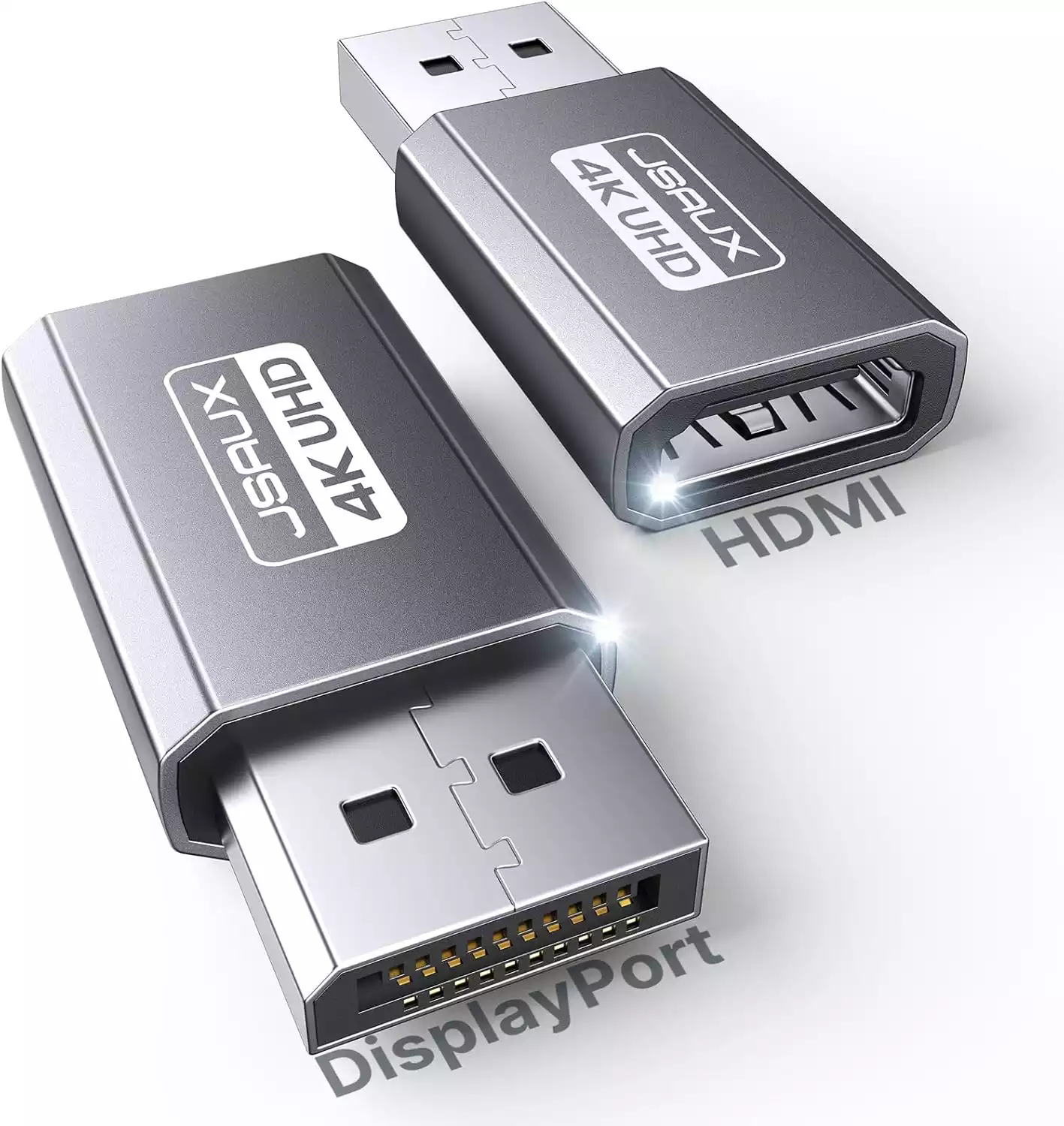

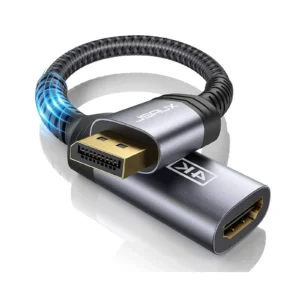
JSAUX DisplayPort to HDMI Adapter 2-Pack | 4K@30Hz Converter | Plug & Play | for Laptop, Desktop, GPU to Monitor/TV (Grey)
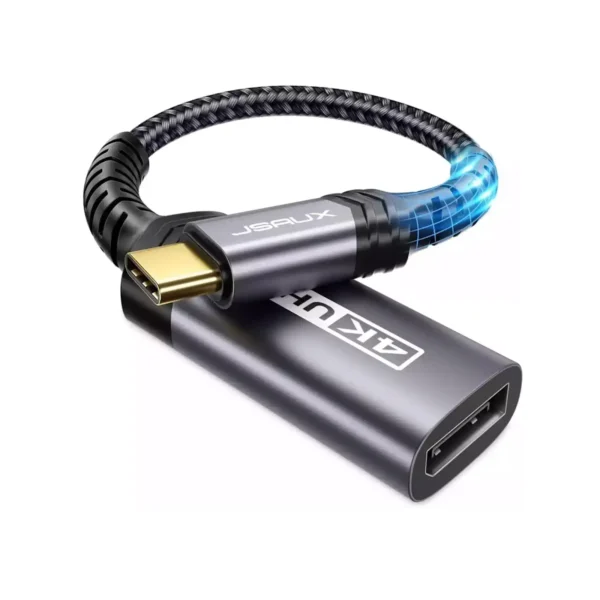
Bridge the gap between your devices and unlock versatile connectivity with the JSAUX DisplayPort to HDMI Adapter 2-Pack. This essential converter is the simple solution for connecting modern computers with a DisplayPort output to millions of HDMI-equipped monitors, TVs, and projectors. It delivers a crisp, clear picture with support for 4K resolution at 30Hz, perfect for productivity, media viewing, and general computing. For faster refresh rates, it also seamlessly supports 1080p Full HD at 120Hz. The plug-and-play design means there’s no frustrating software installation—just connect and you’re ready to go. Built to last, the adapter boasts a premium aluminum shell that dissipates heat and resists wear, along with corrosion-resistant gold-plated connectors. This great-value 2-pack is ideal for setting up a dual-monitor workstation or ensuring you always have an adapter on hand. For a complete setup, remember to use a high-quality HDMI Cable (sold separately) and explore our other Connectors and Adapters.
Specifications
- Brand & Model: JSAUX DV0004 DisplayPort to HDMI Adapter
- Connection: DisplayPort (Male) to HDMI (Female)
- Max Resolution: 4K @ 30Hz | 2K @ 60Hz | 1080p @ 120Hz
- Key Feature: Plug and Play (No Drivers)
- Direction: One-Way Only (DP to HDMI, NOT bi-directional)
- Construction: Aluminum Housing, 24K Gold-Plated Connectors
- Durability: 11,000+ Plug/Unplug Cycles
- Contents: 2 Adapters in one pack
What’s in the Box
- 2 x JSAUX DisplayPort to HDMI Adapters
- User Manual
FAQs
1. Can I use this adapter to connect an HDMI laptop to a DisplayPort monitor?
No, this adapter is one-way only: from DisplayPort to HDMI. It will not work in reverse. For connecting an HDMI source to a DisplayPort monitor, you need a different, active converter.
2. Is this adapter suitable for gaming?
It supports 1080p at 120Hz, which is good for casual gaming. However, for competitive gaming at high frame rates or 4K gaming, the 4K@30Hz limit may feel sluggish. It’s best for productivity and media.
3. Why does the package include two adapters?
The 2-pack offers excellent value, allowing you to connect two monitors simultaneously from a desktop with multiple DisplayPorts, or to keep one at the office and one at home.
4. Do I need to install any drivers?
No, this is a true plug-and-play device. Your computer should automatically detect the display once you connect the adapter and an HDMI cable.
5. What is the benefit of the gold-plated connectors?
Gold plating prevents corrosion and oxidation, ensuring a clean, stable connection and optimal signal transfer over the lifetime of the adapter.
6. Will this work with my specific HP/Lenovo/Dell laptop?
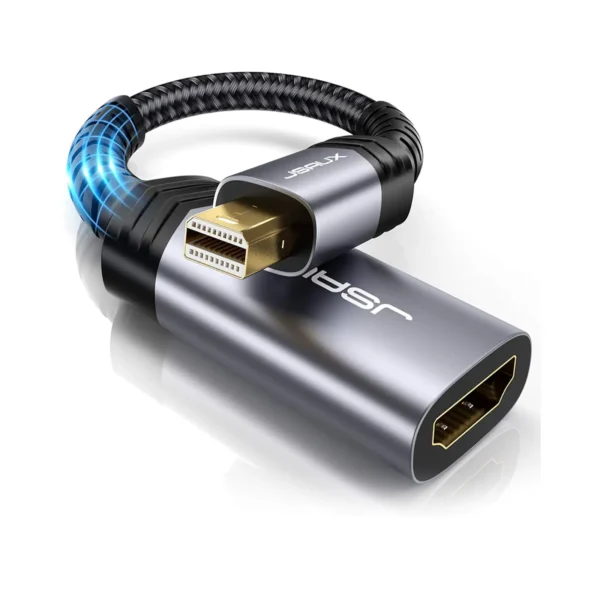
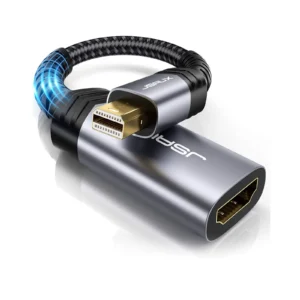
It is universally compatible with any device that has a standard DisplayPort or Mini DisplayPort output (with an optional simple adapter). This includes most business and gaming laptops from major brands.
7. Why won’t it work with my docking station?
Some active docking stations and complex adapters have compatibility issues with simple passive adapters like this one. For best results, plug the adapter directly into your computer’s DisplayPort.
8. Does it support audio as well as video?
Yes, this adapter carries both high-definition video and audio from the DisplayPort source to your HDMI display, so you can get sound through your TV or monitor’s speakers.
9. What is the difference between 4K@30Hz and 4K@60Hz?
30Hz means the screen refreshes 30 times per second, which is fine for general use and videos. 60Hz provides a smoother feel, which is better for fast-moving content and gaming. This adapter is limited to 4K@30Hz.
10. Is the aluminum casing just for looks?
No, the aluminum housing is both durable and functional. It helps dissipate heat generated during operation, which contributes to the adapter’s longevity and stable performance.

 No products in the cart.


Write a review