
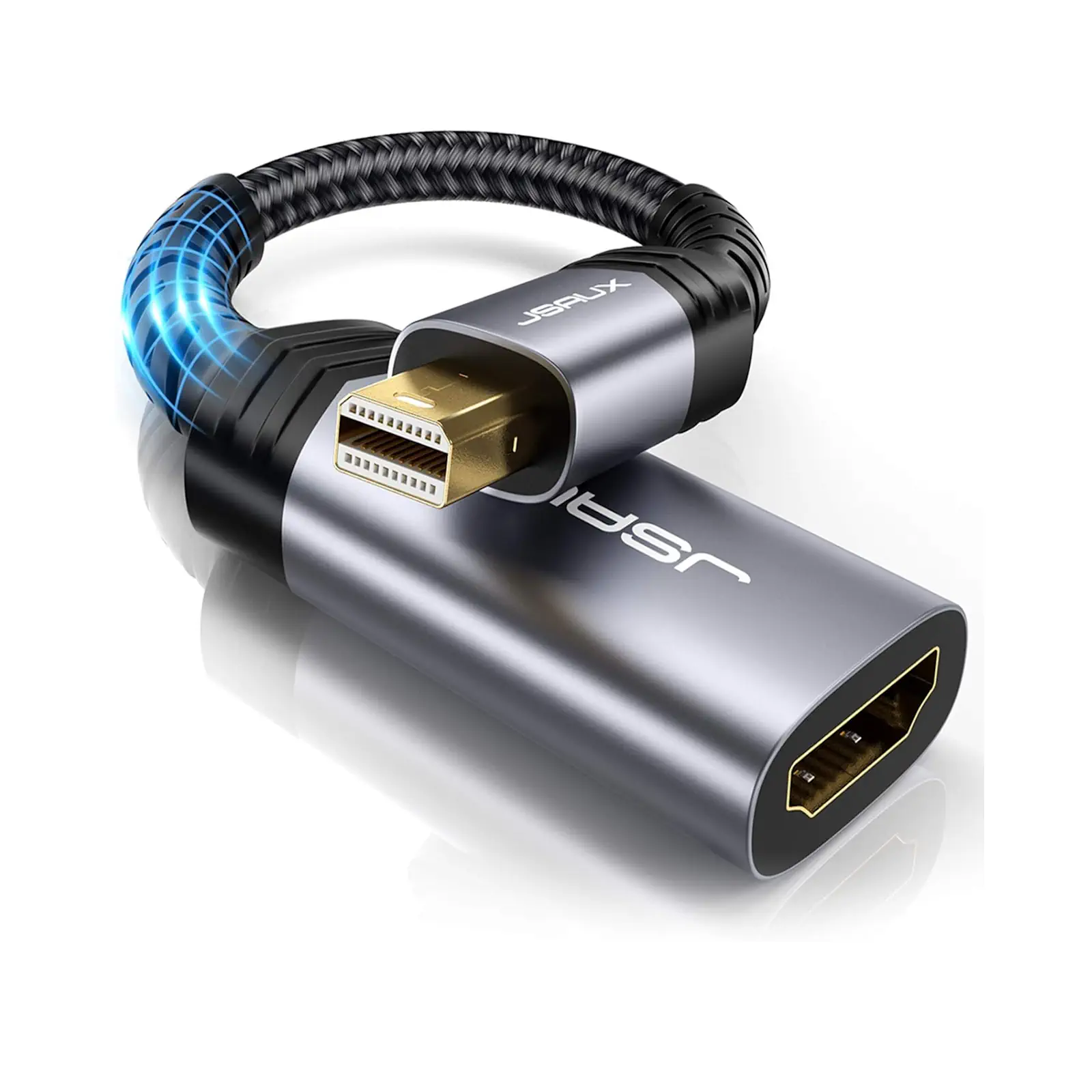
JSAUX CV0020 Mini DisplayPort to HDMI Adapter 0.2m | 2K @ 60Hz HDR | Thunderbolt 2 Compatible | for MacBook Pro/Air (2008-2015), Surface Pro
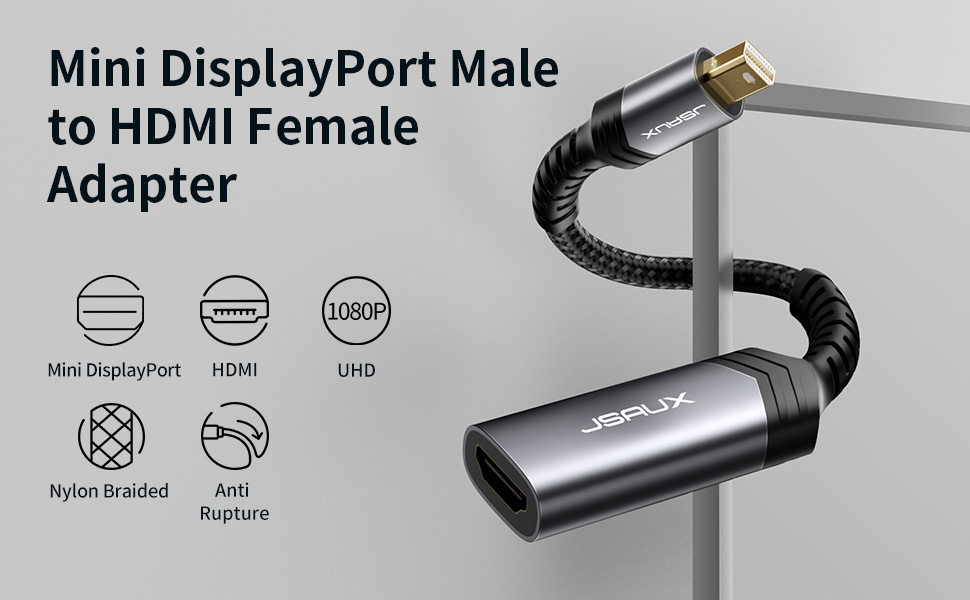
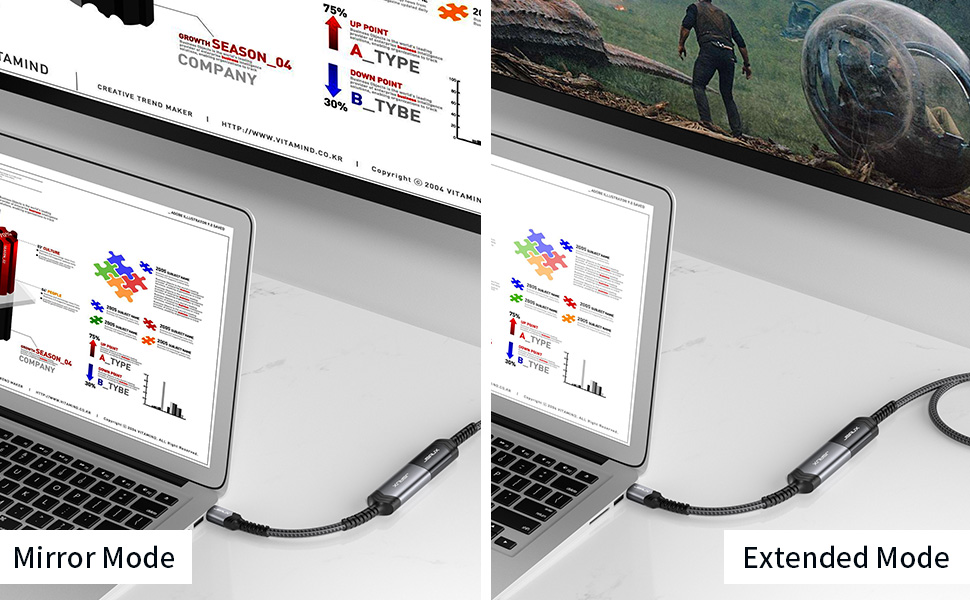
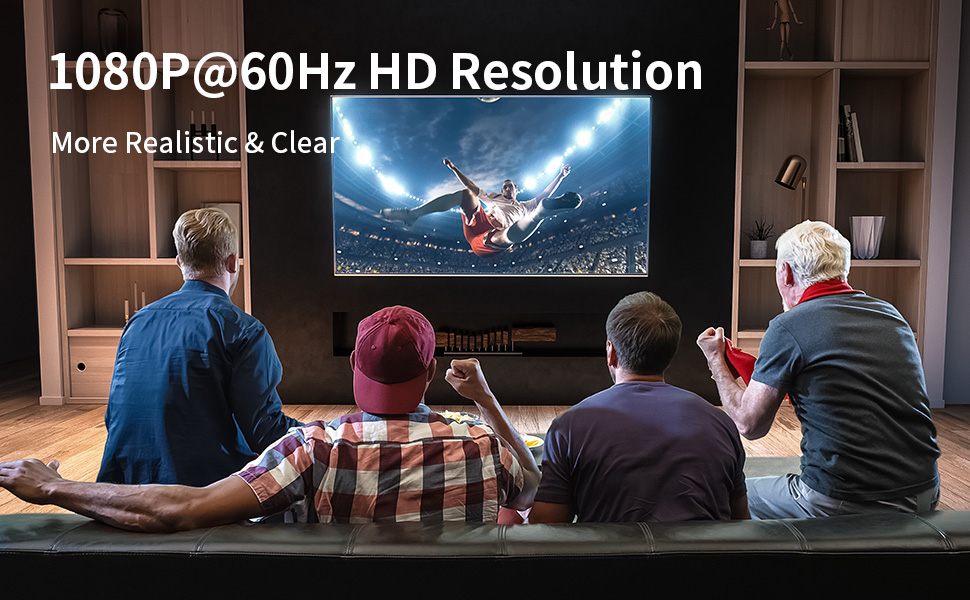
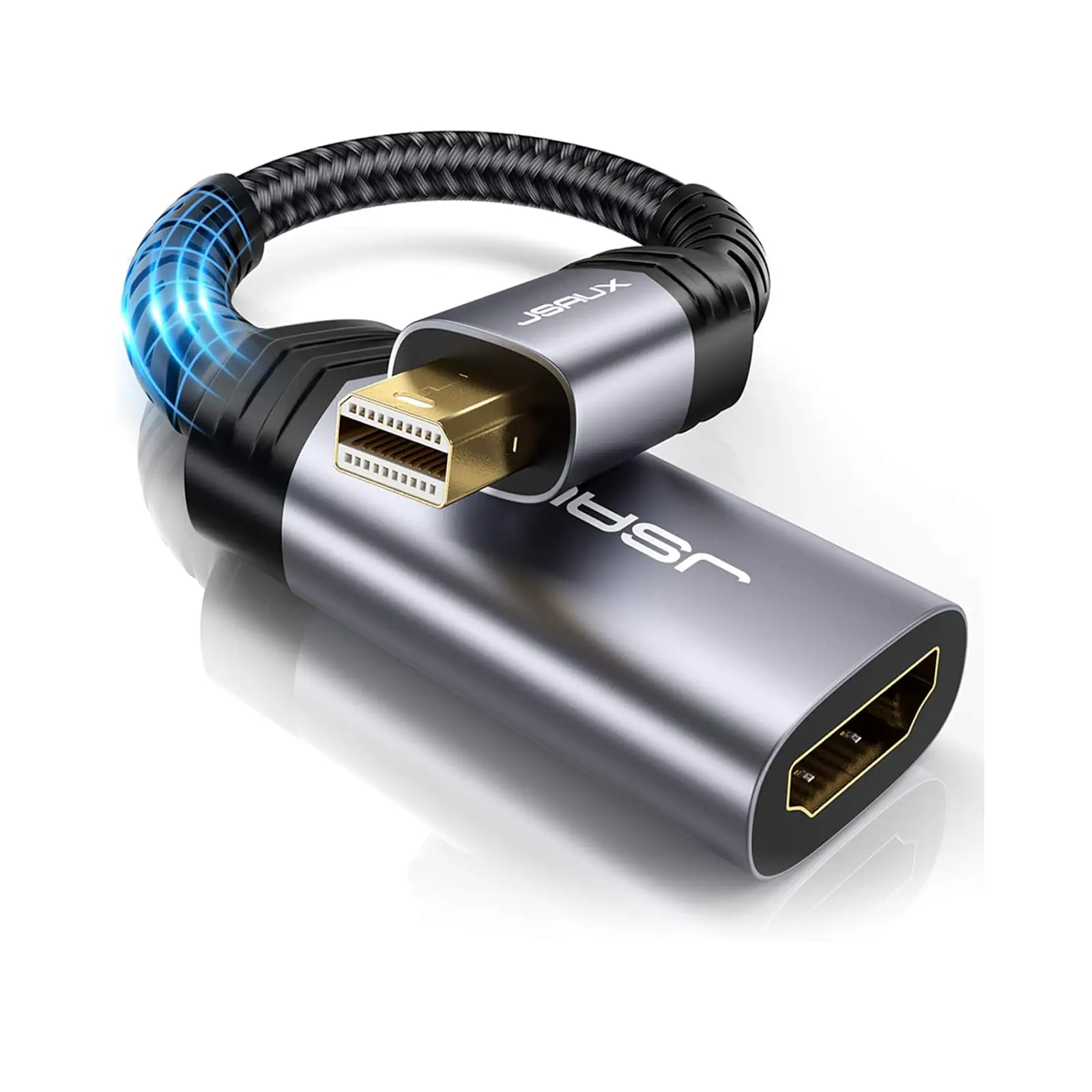
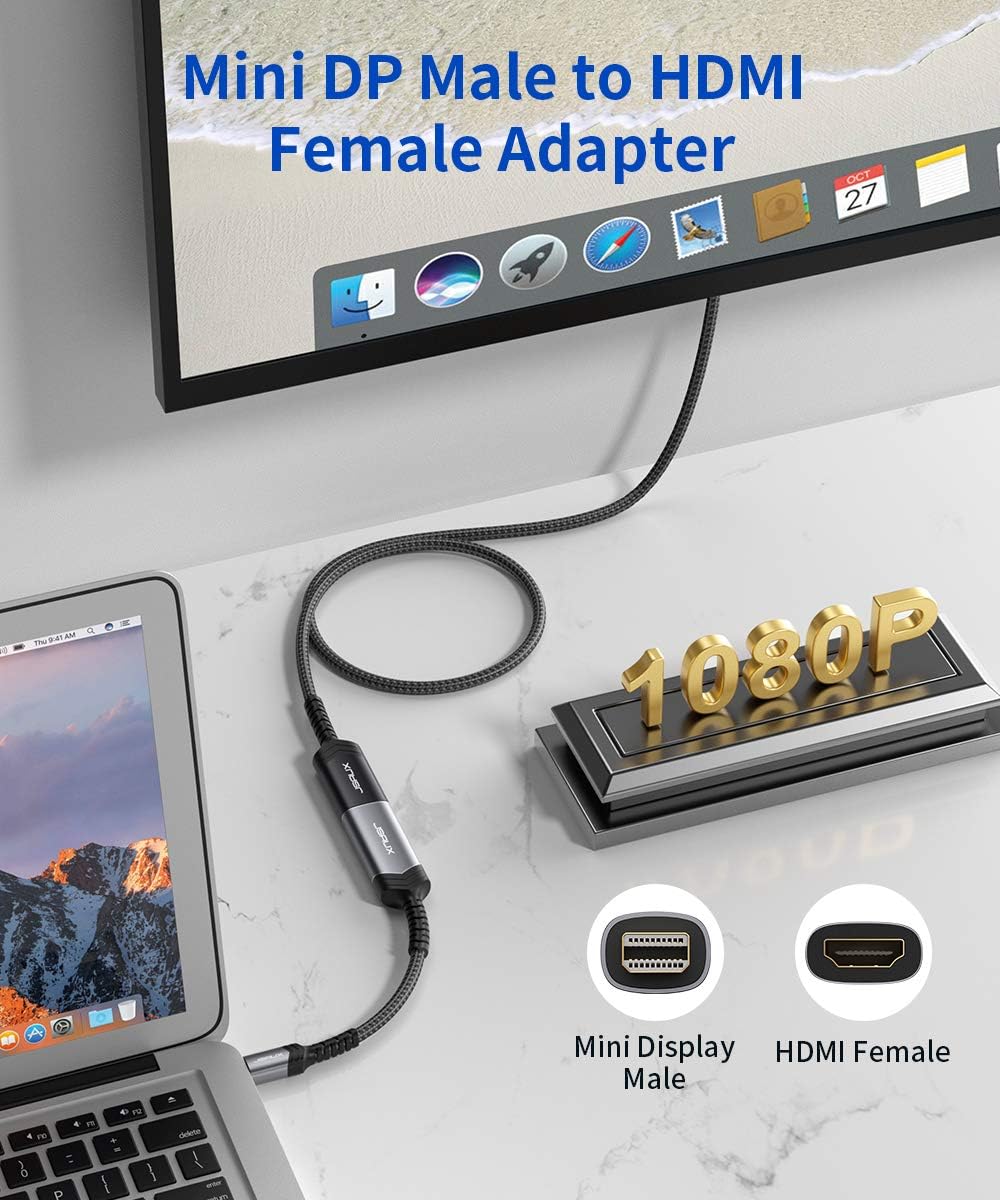
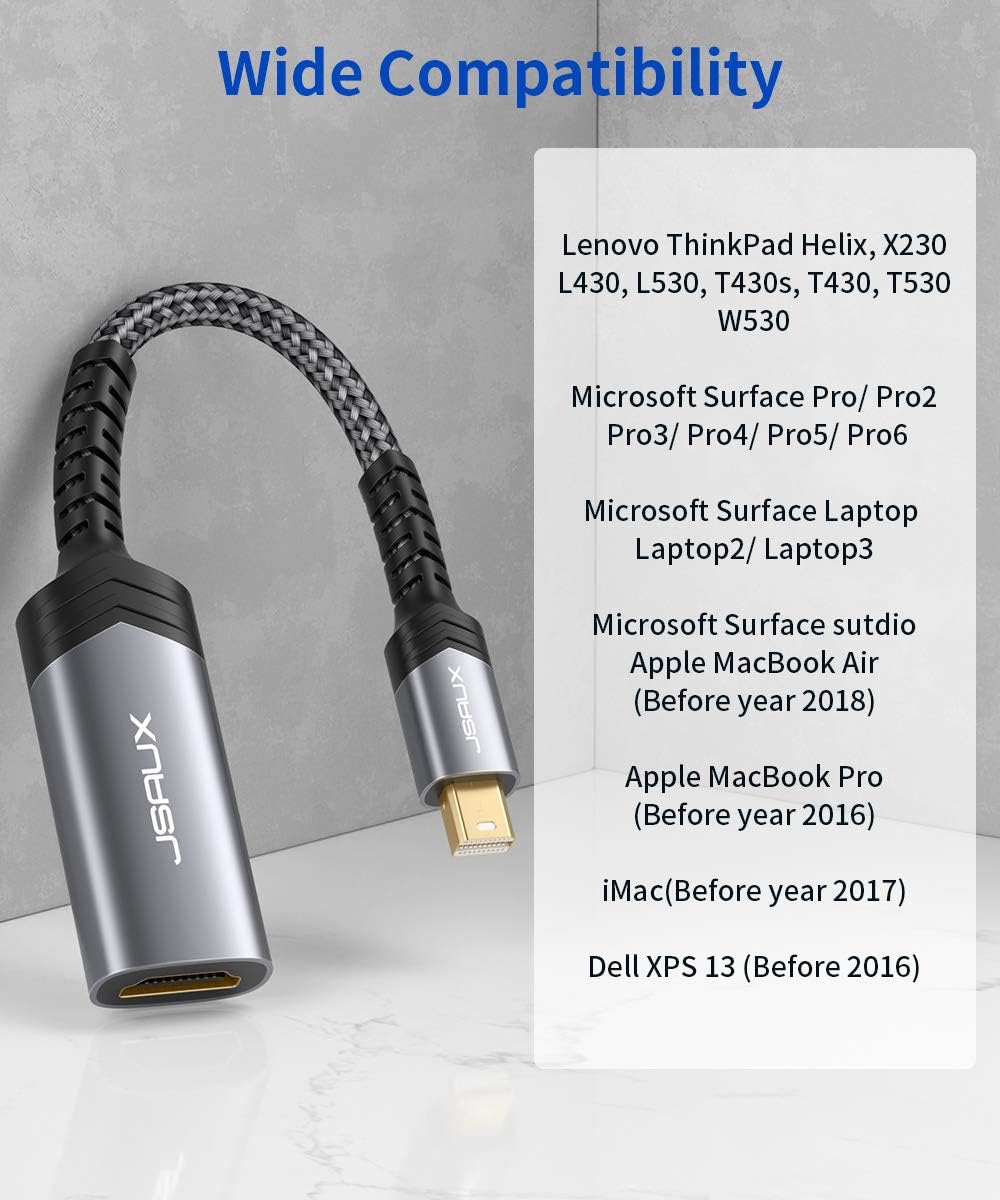
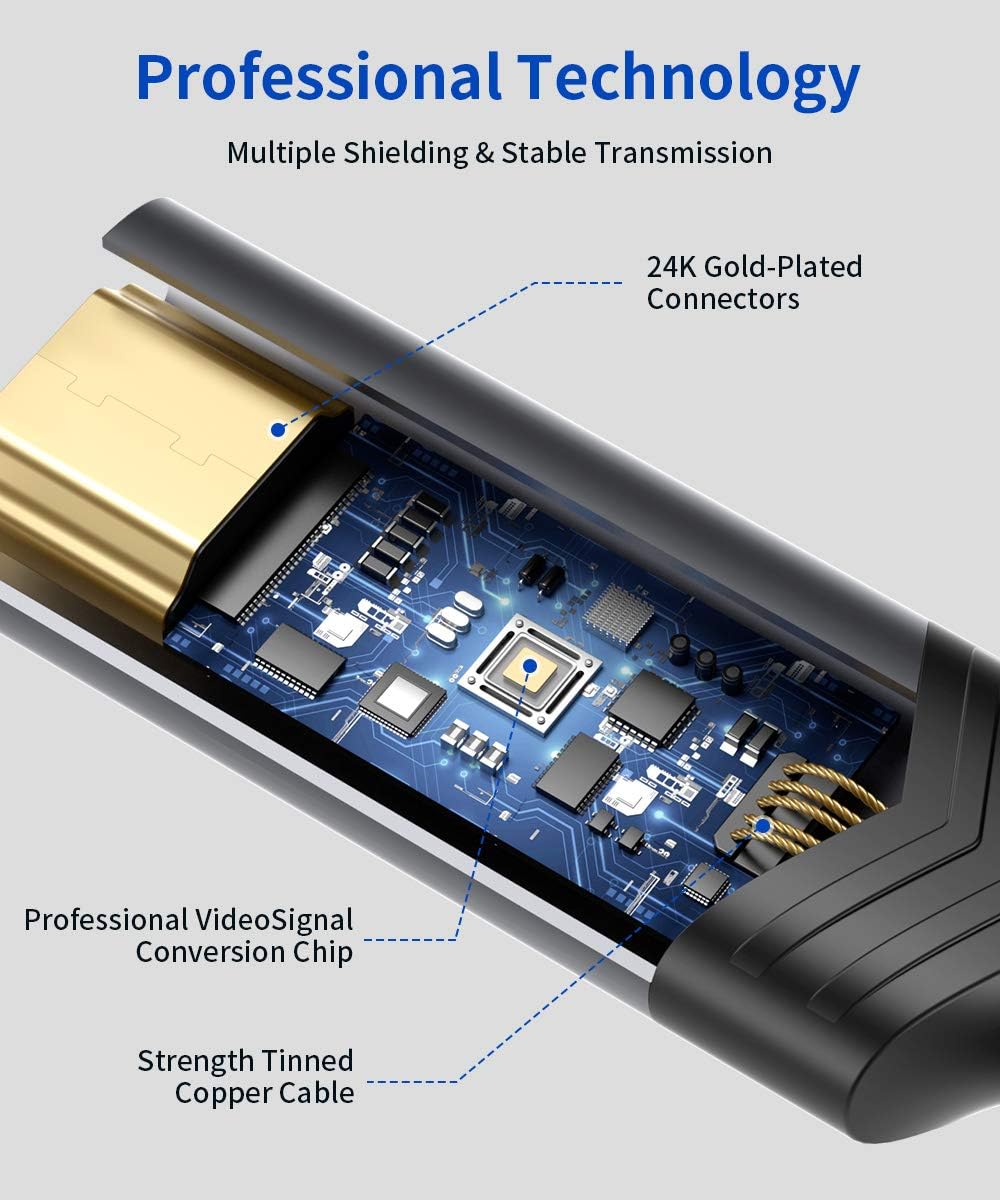
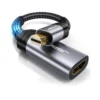
Give your older laptop a new lease on life with the JSAUX Mini DisplayPort to HDMI Adapter. This compact adapter is the essential tool for connecting devices with a Mini DisplayPort or Thunderbolt 2 port to modern HDMI displays. It supports a sharp 2K resolution at a smooth 60Hz refresh rate, bringing your content to life with vibrant HDR colors. The unique 0.2-meter integrated cable is a key feature, designed to reduce stress on your laptop’s port and create a clean, uncluttered setup without the bulk of a separate adapter and cable. It’s fully compatible with a wide range of legacy devices, including MacBook Pro and Air models from 2008 to 2015 and Microsoft Surface Pro 1 through 4. Simply plug it in for an instant, plug-and-play connection that carries both crystal-clear video and immersive audio. For the complete setup, you will need a standard HDMI Cable (sold separately).
Specifications
- Brand & Model: JSAUX CV0020 Mini DisplayPort Adapter
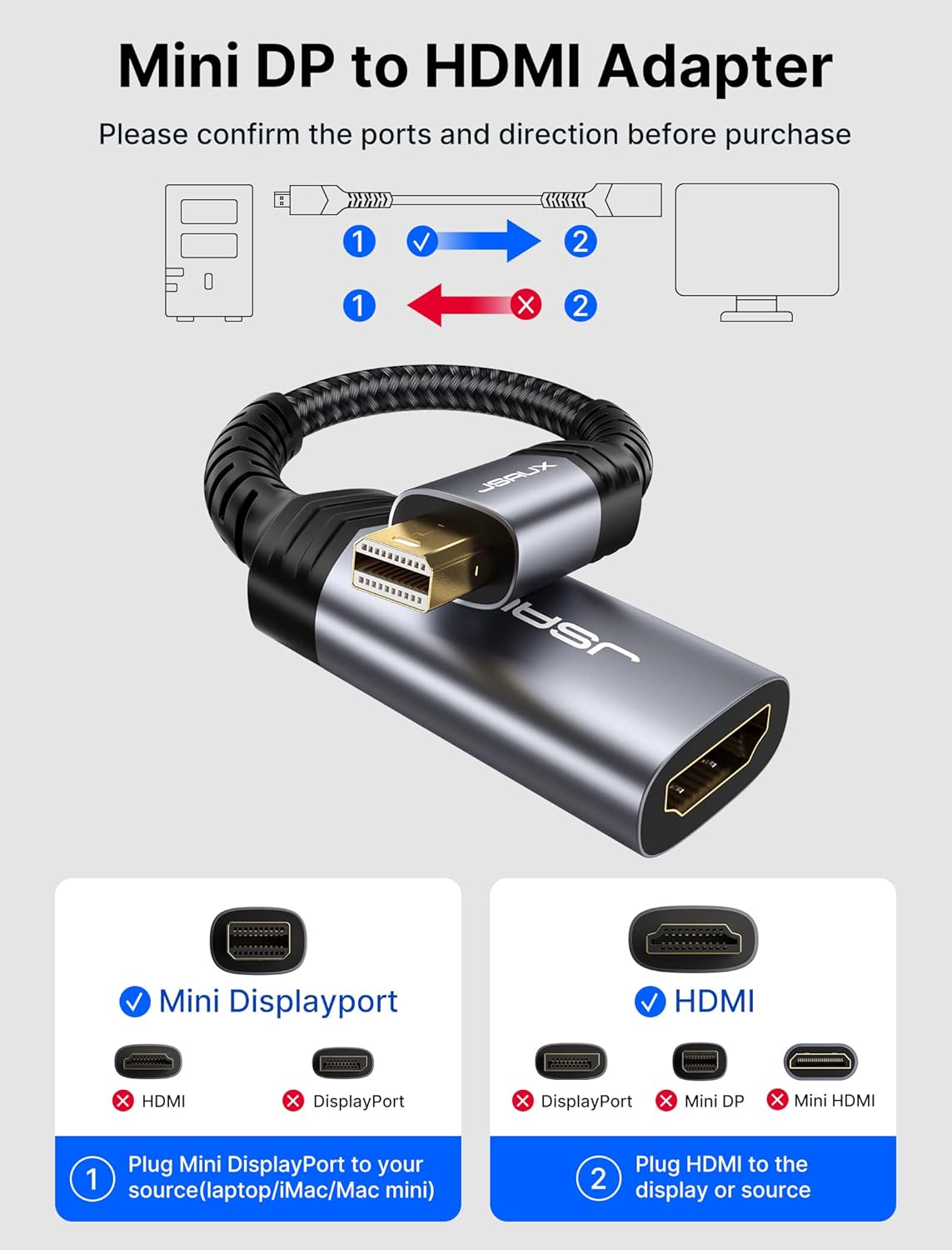
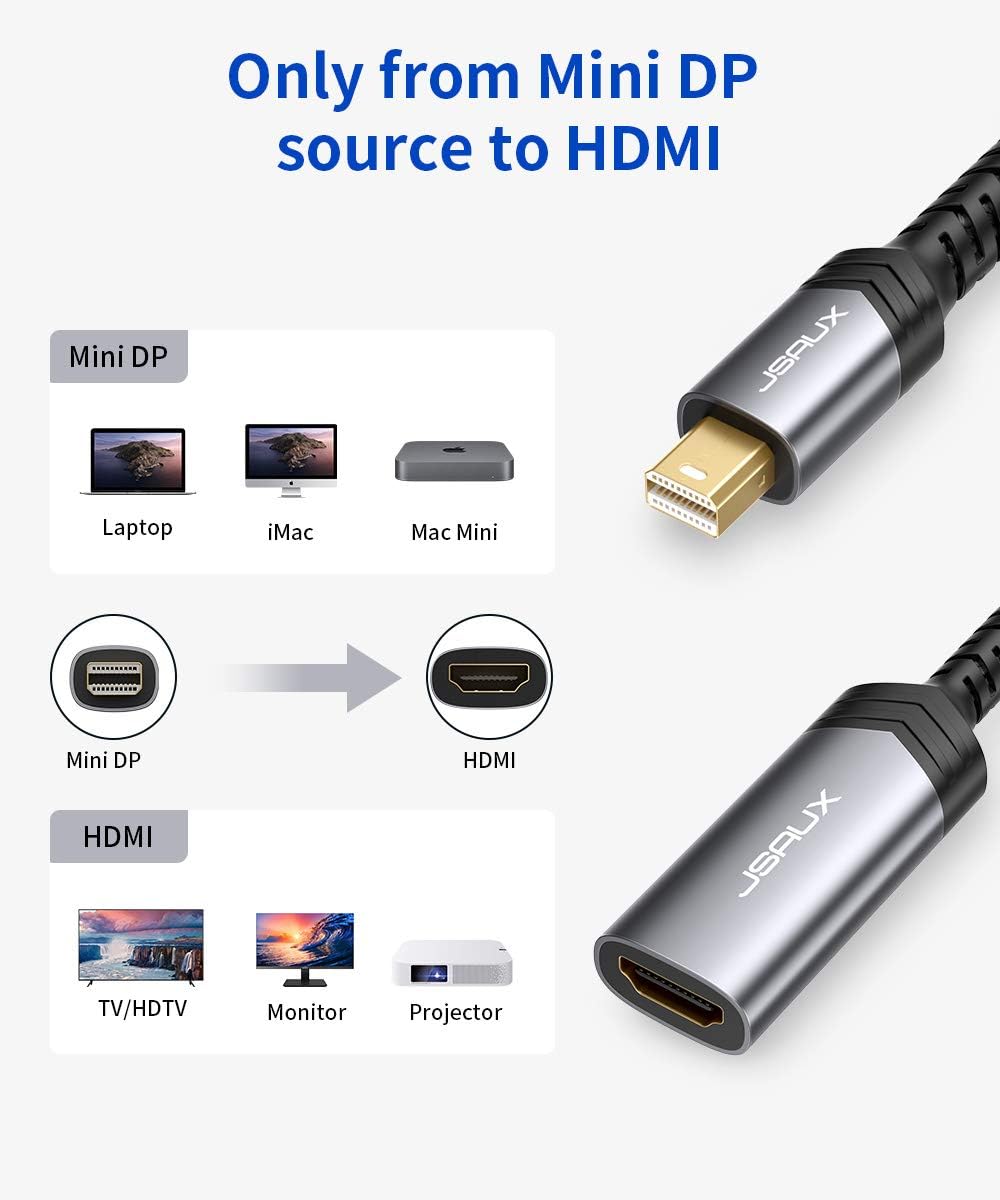
- Connection: Mini DisplayPort (Male) to HDMI (Female)
- Cable Length: 0.2 Meters
- Max Resolution: 2K (2560×1440) @ 60Hz
- Supported Features: HDR, 3D, Dolby Audio
- Bandwidth: 18 Gbps
- Compatibility: Thunderbolt 2, Mini DisplayPort
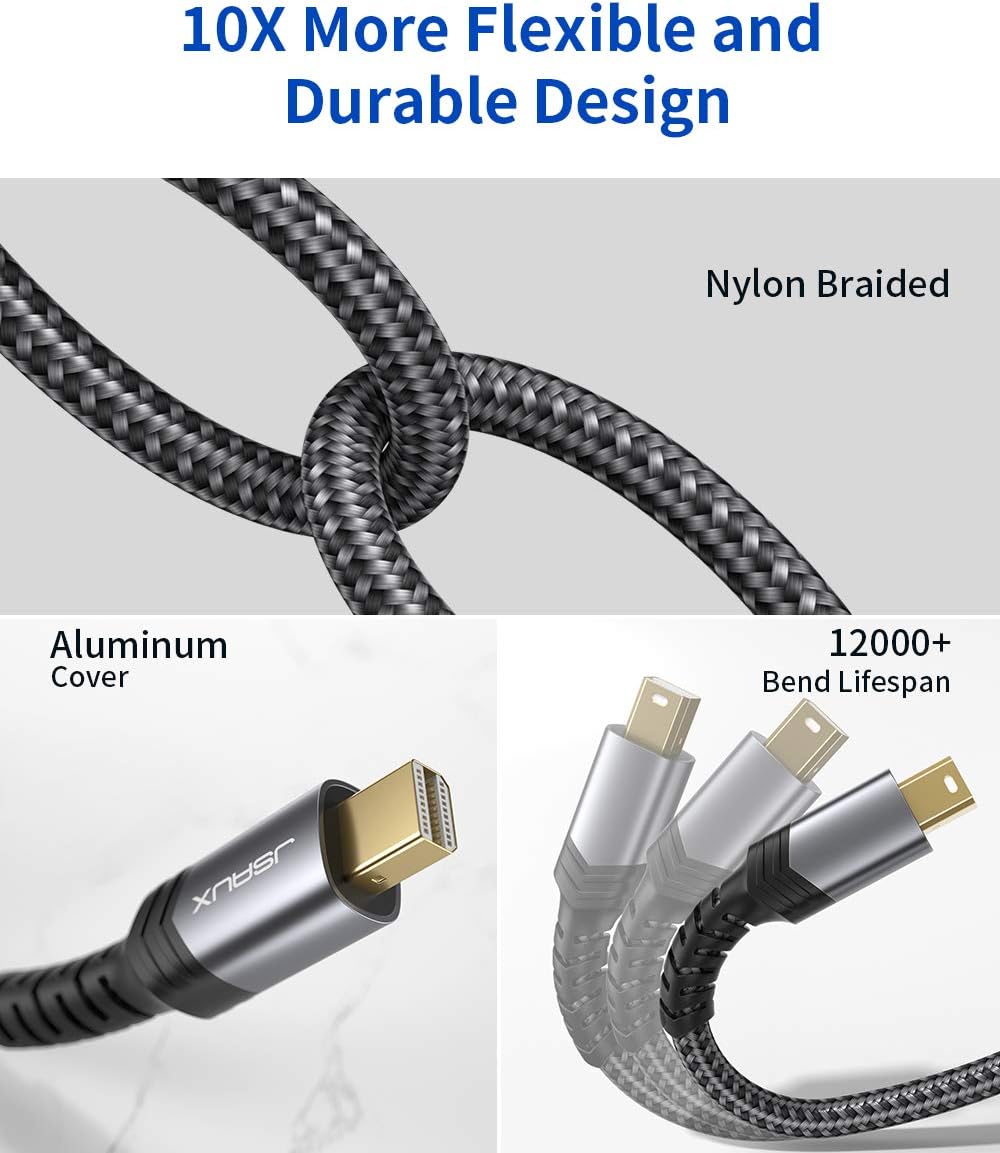
- Design: Short Cable Integrated, Compact
What’s in the Box
- JSAUX Mini DisplayPort to HDMI Adapter (0.2m)
- User Manual
FAQs
1. Is this adapter compatible with my 2012 MacBook Pro?
Yes, it is perfectly compatible. MacBook Pro models from 2008 to 2015 feature a Mini DisplayPort or Thunderbolt 2 port, which this adapter is designed for.
2. What is the advantage of the short, integrated cable?
The 0.2-meter cable prevents a heavy, long HDMI cable from putting leverage and strain on your laptop’s more fragile Mini DisplayPort, which can lead to damage over time. It also keeps the connection tidy.
3. Does it support 4K resolution?
No, this adapter is designed for a maximum resolution of 2K (2560×1440) at 60Hz. For 4K output from a Mini DisplayPort, you would need a different, active converter.
4. Will it work with a Microsoft Surface Pro 3?
Yes, the Surface Pro 1, 2, 3, and 4 all have a Mini DisplayPort and are fully compatible with this adapter.
5. Do I need to install any drivers?
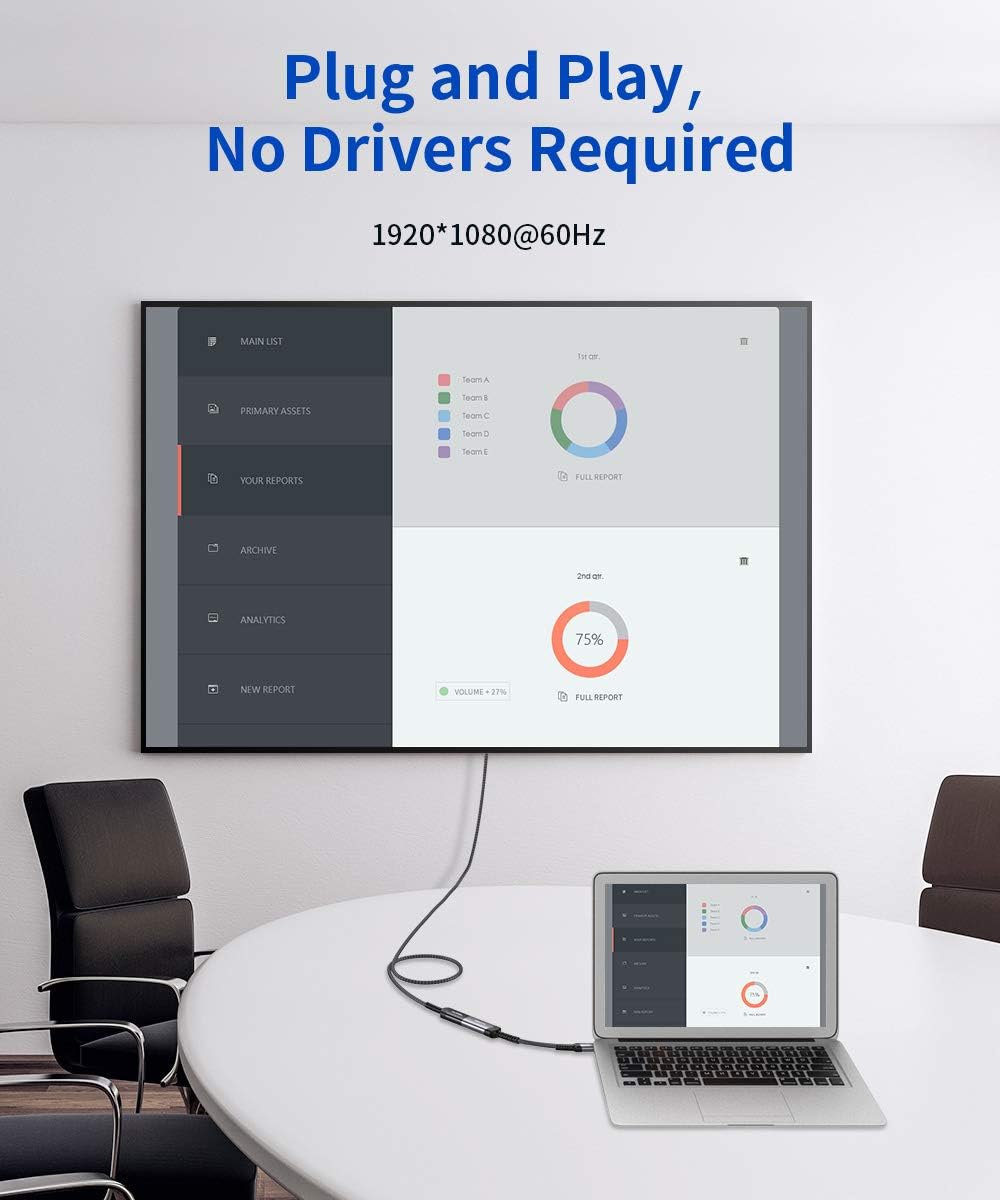
No, it is a true plug-and-play device. It requires no drivers or external power. Your computer and display should automatically recognize each other.
6. Does it carry audio as well as video?
Yes, it is an all-in-one solution that transmits both high-definition video and audio to your HDMI display, so no separate audio cable is needed.
7. What is the difference between this and a simple port-to-port adapter?
Unlike a rigid port-to-port adapter, this version with a short cable is more forgiving and puts less physical stress on your laptop’s port, making it a safer and more durable choice.
8. Can I use it to extend my desktop to a second monitor?
Absolutely. You can use this adapter to either mirror your laptop’s screen or extend your desktop to an external monitor or TV, giving you more screen real estate.
9. Is an HDMI cable included?
No, an HDMI cable is not included. You will need to connect your own HDMI cable from the female end of this adapter to your display.
10. Is it compatible with Thunderbolt 3 or USB-C ports?
No, it is not. This adapter is specifically for Mini DisplayPort and Thunderbolt 2 ports. For Thunderbolt 3 or USB-C, you need a different type of adapter.

 No products in the cart.
Reviews
There are no reviews yet.