
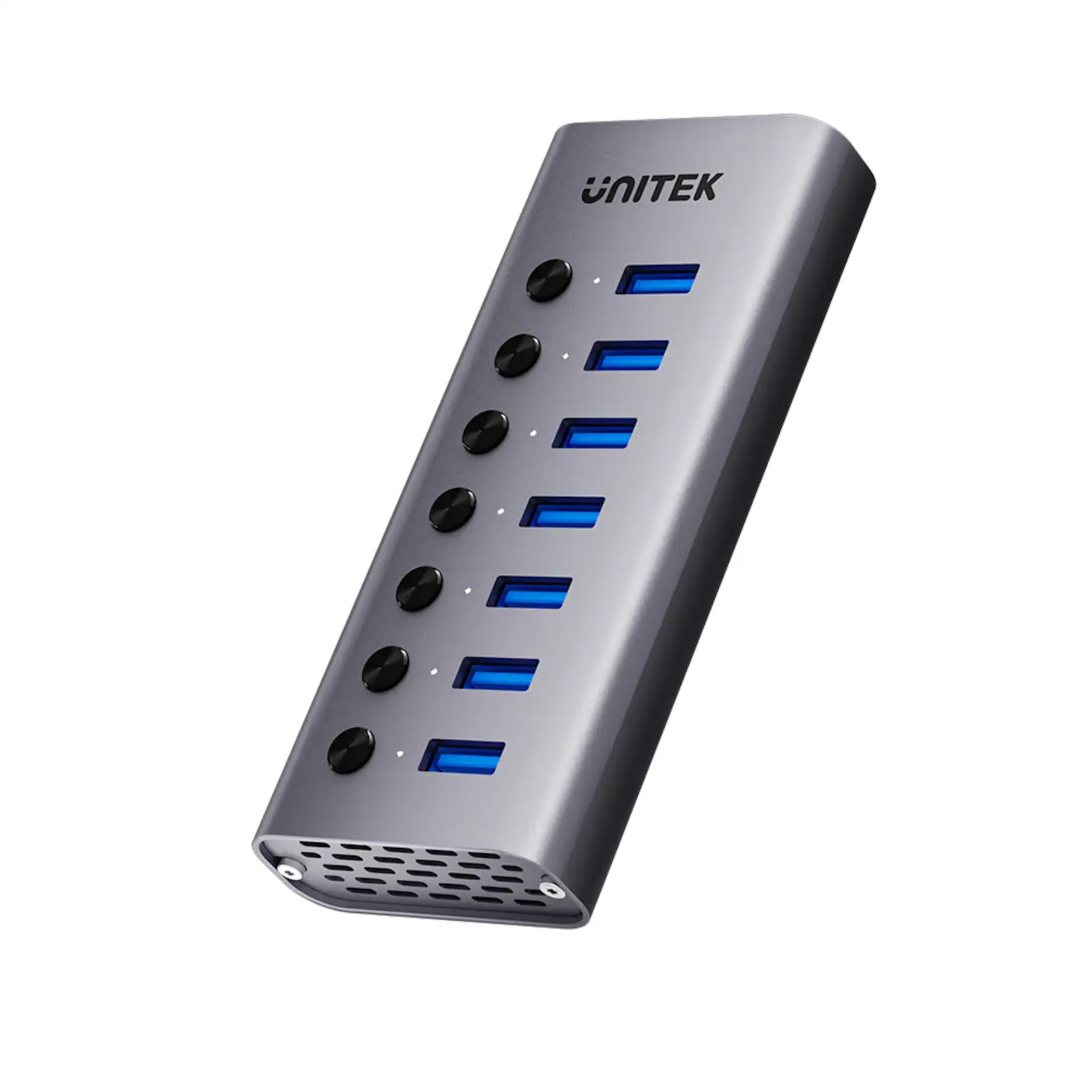
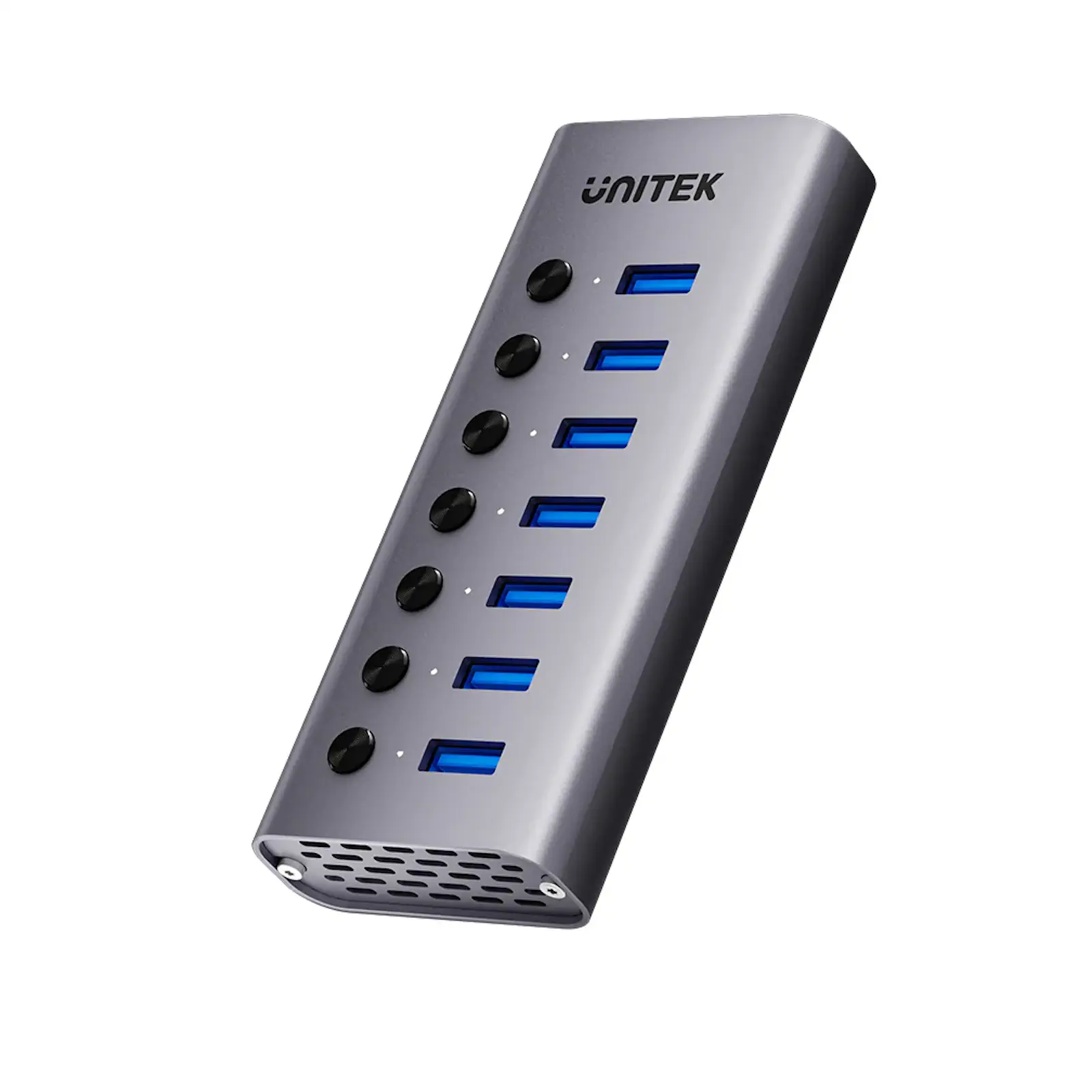
UNITEK H1314A01-EU 7-in-1 USB Hub with Individual Port Switches, 7x USB-A 5Gbps + BC1.2 Fast Charging, Aluminum Powered Hub for PC, Laptop, Workstation
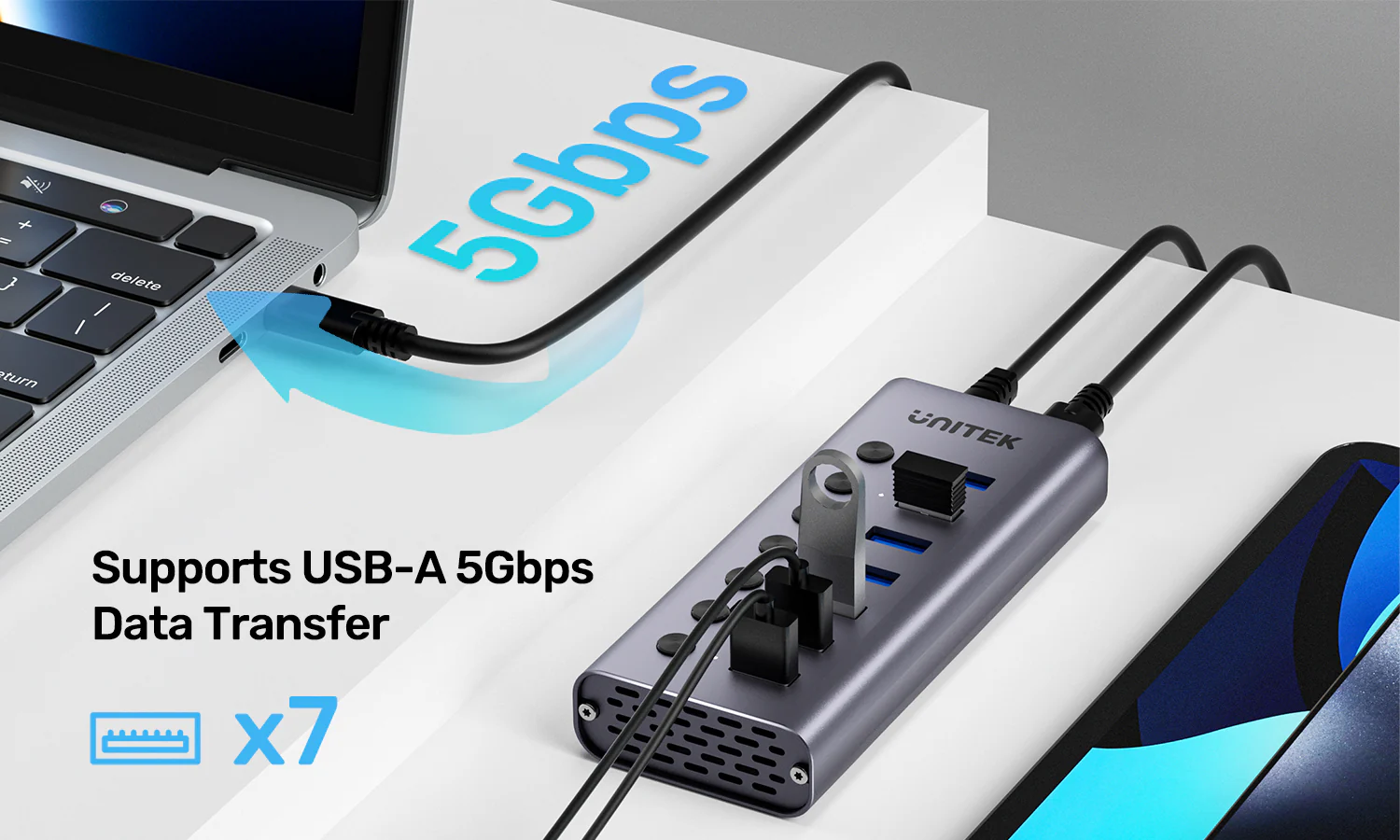
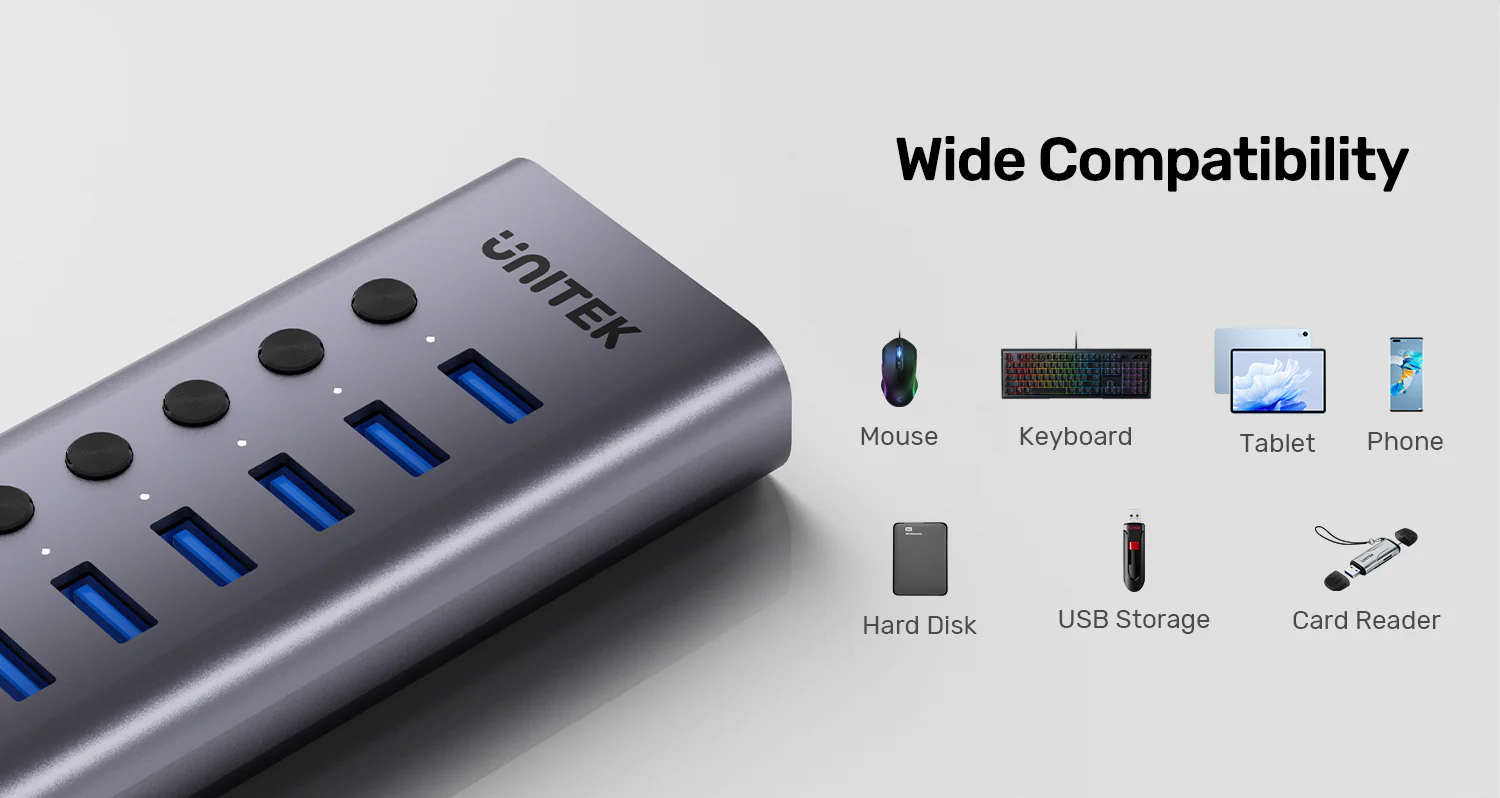

Take command of your desktop connectivity. The UNITEK H1314A 7-in-1 Hub is more than just a port expander; it’s a managed connectivity center designed for power users, professionals, and IT administrators. With its unique individual port switches, dedicated high-power supply, and fast charging capability, it delivers unparalleled control and performance for the most demanding setups.
Precision Control at Your Fingertips
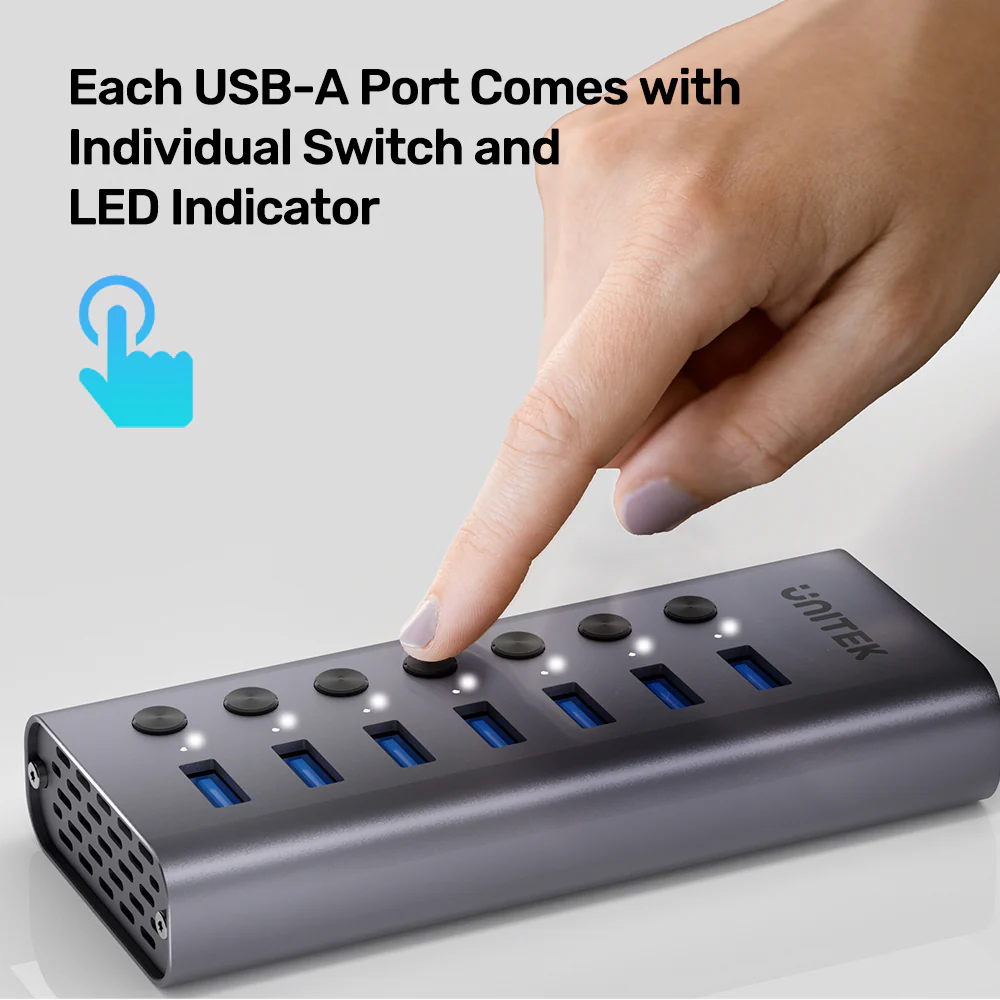
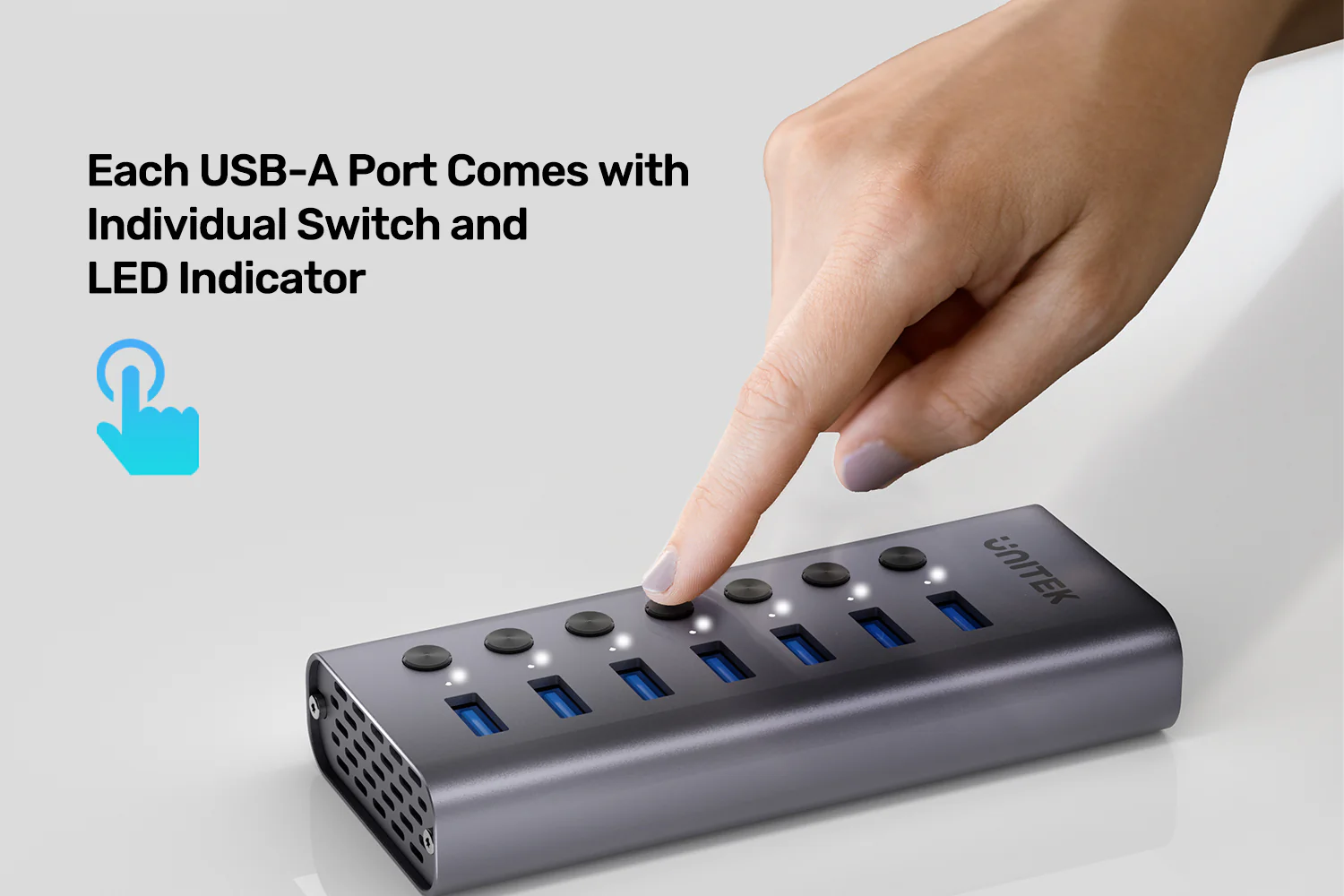
First and foremost, the individual port switches are the standout feature. They allow you to instantly connect or disconnect any device without unplugging cables. This is crucial for data security (disconnecting storage devices), power management (turning off peripherals not in use), and troubleshooting. It’s an essential tool for any secure work environment or creative studio.
Power to Drive Your Entire Ecosystem
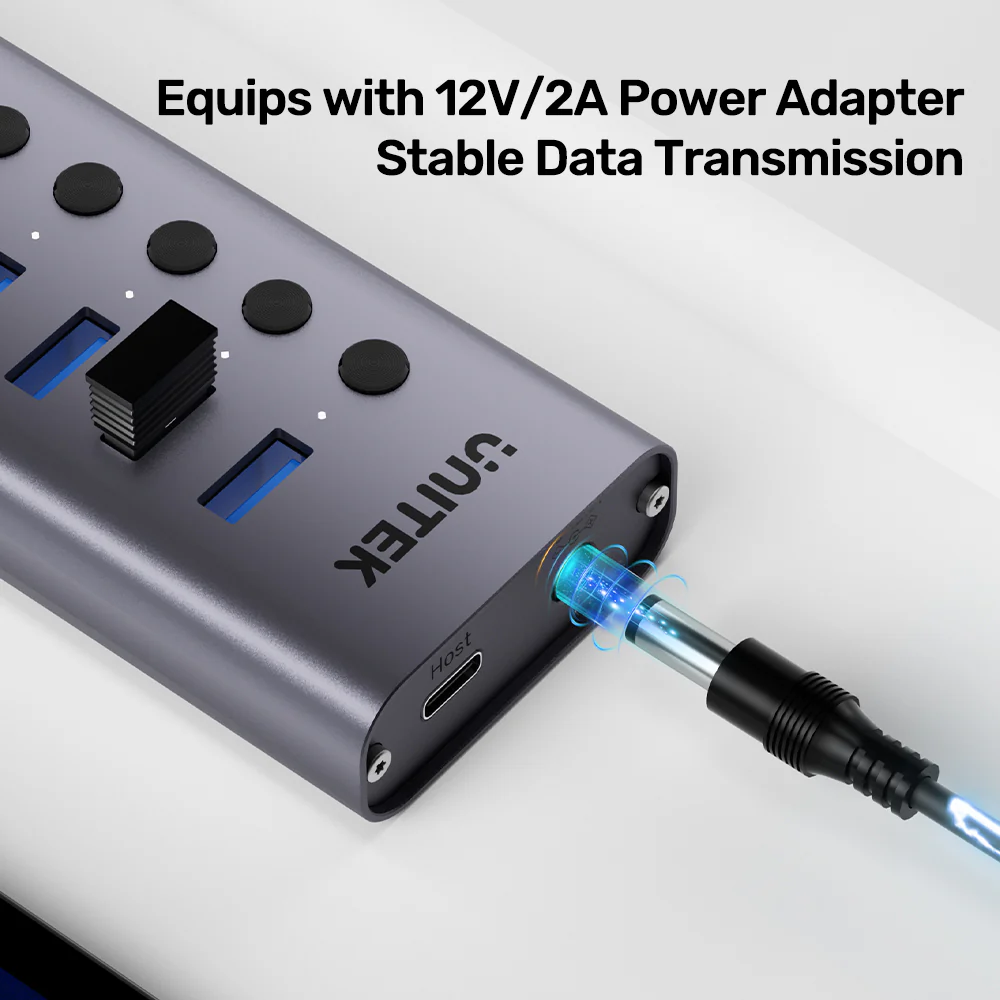
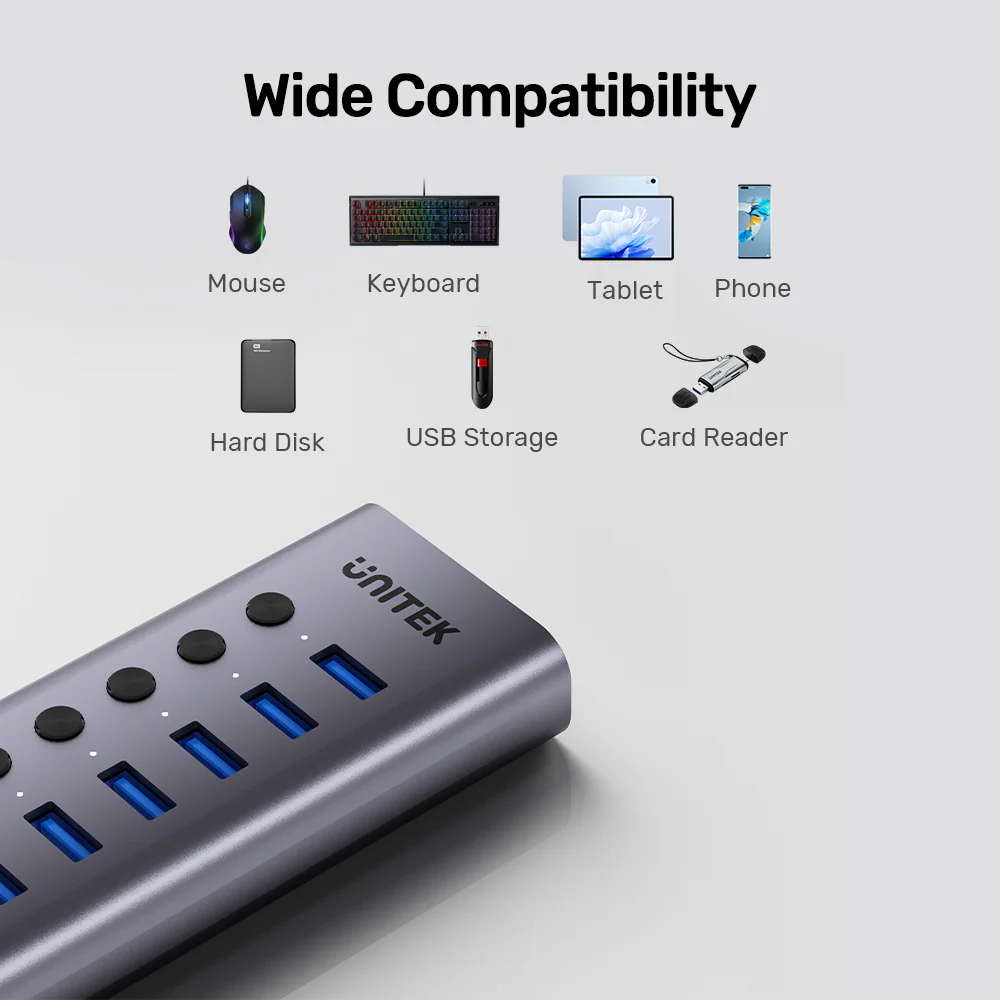
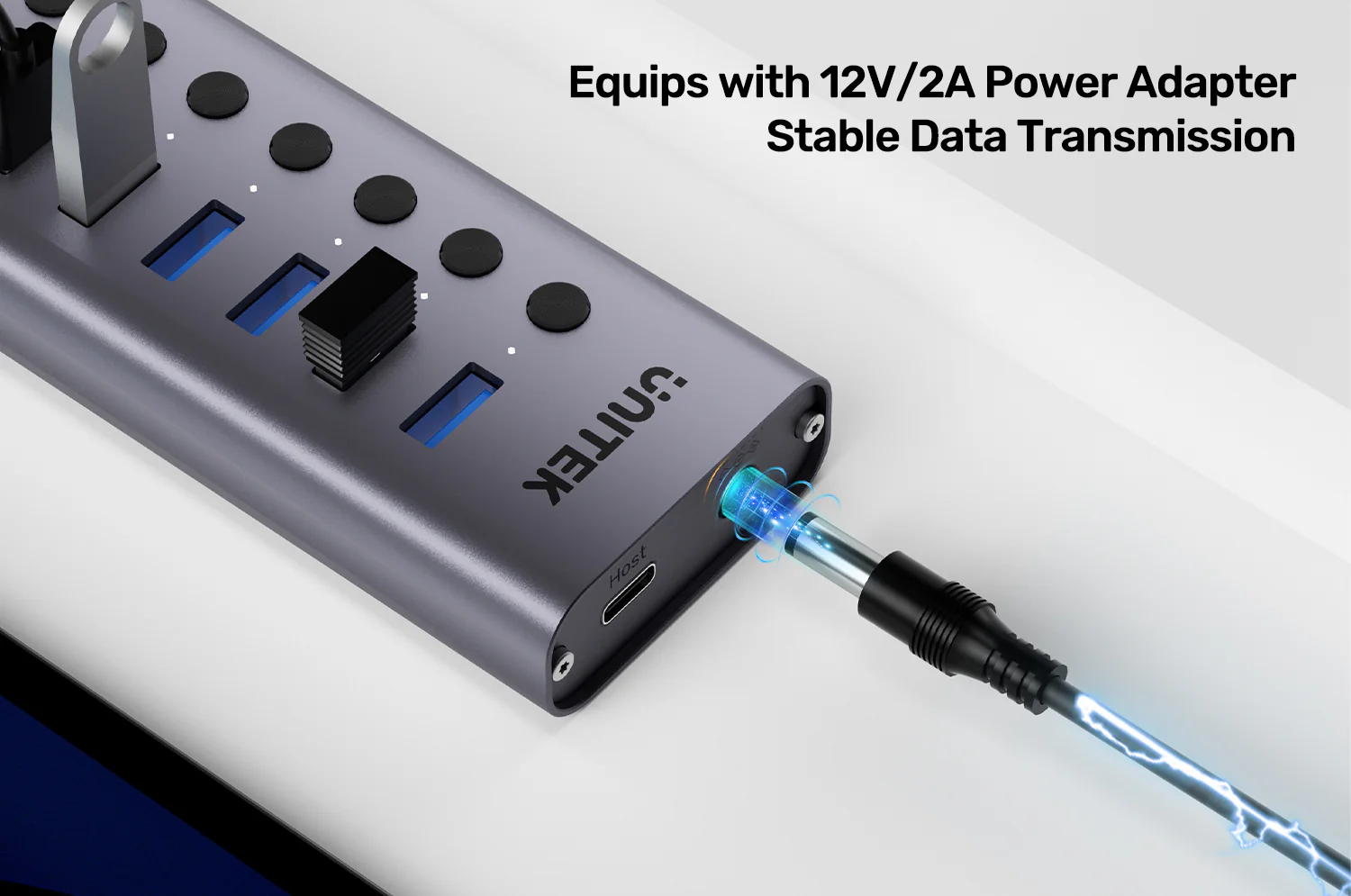
Equipped with a substantial 24W external power adapter, this hub can handle simultaneous connections of multiple 2.5″ hard drives, card readers, and charging smartphones without breaking a sweat. The BC1.2 fast charging support means connected phones charge quickly, making it a versatile charging station as well as a data hub.
Built for Reliability and Professional Use
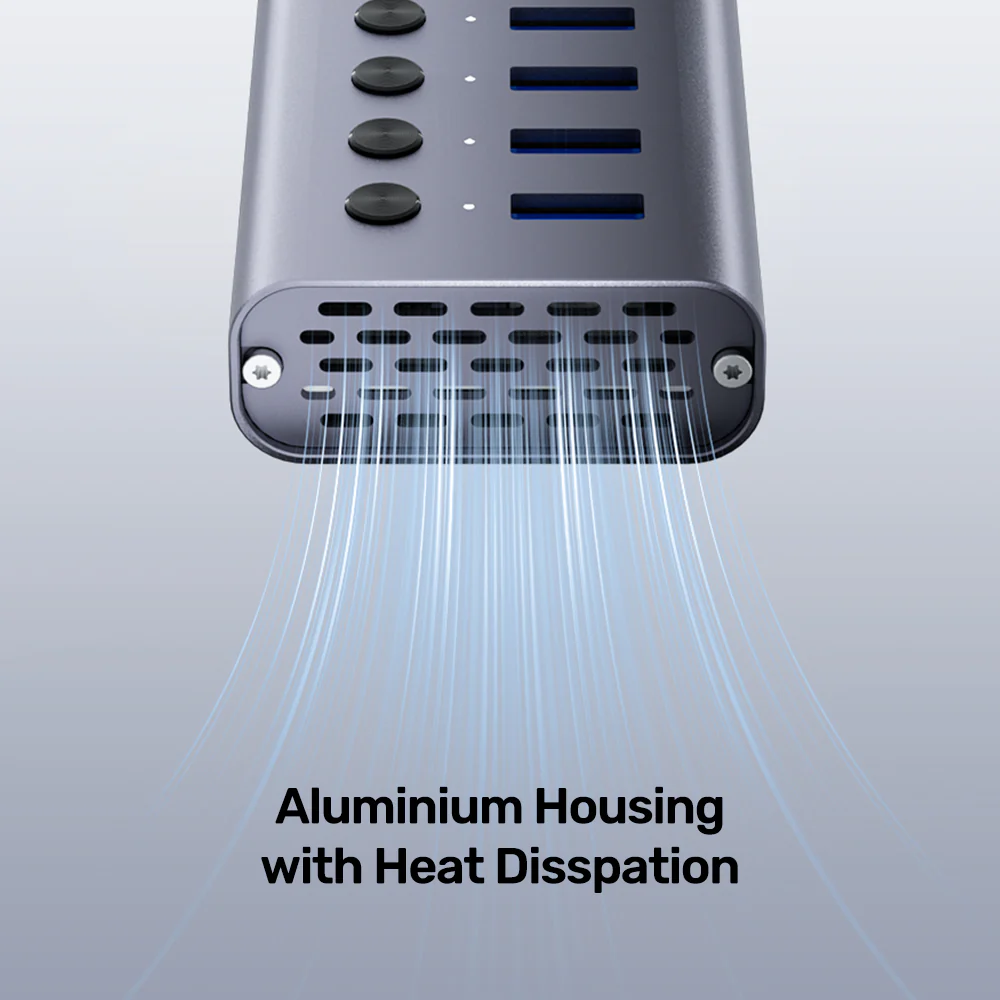
The all-aluminum chassis isn’t just for looks; it acts as a large heat sink to keep internal components cool during 24/7 operation. Coupled with the high-quality power supply, this hub is built for durability and stable data transfer, making it a cornerstone accessory for server racks, editing suites, and engineering workstations.
Products Specifications:
- Model: UNITEK H1314A01-EU
- Type: Externally Powered USB 3.2 Gen 1 Hub
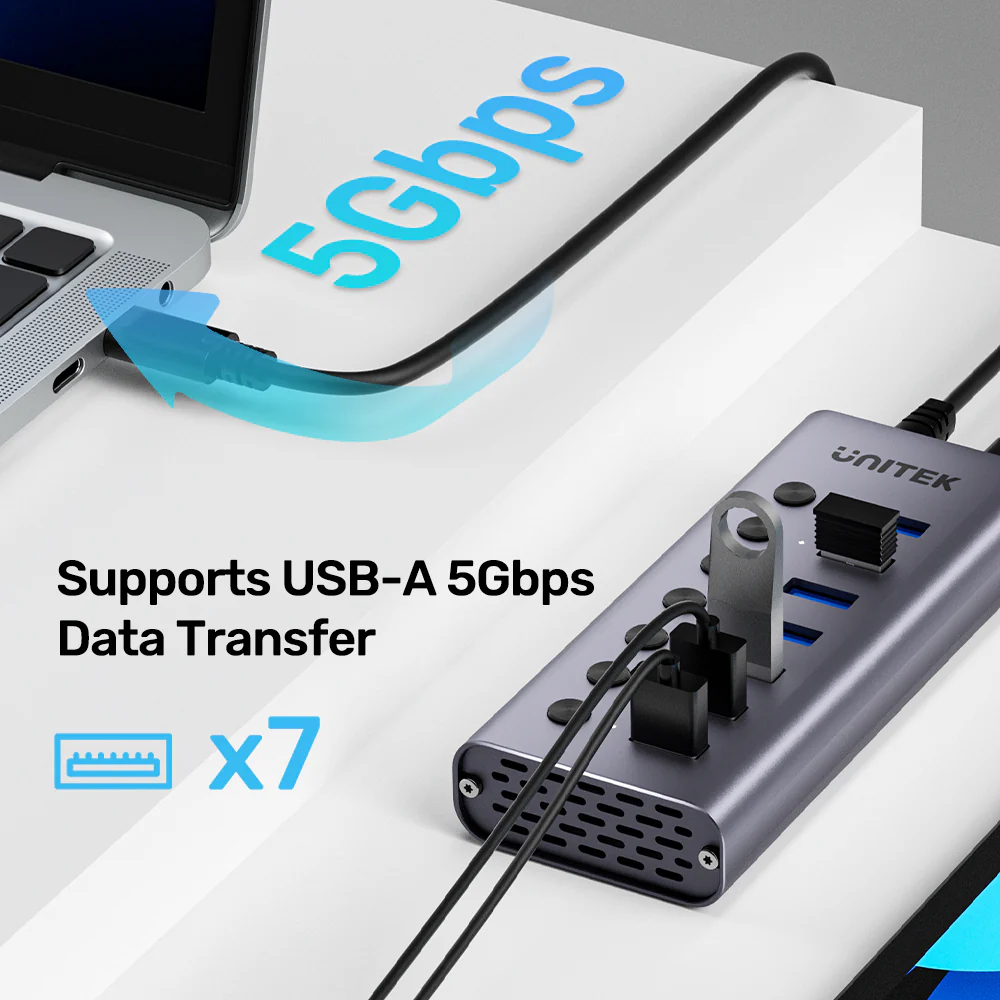
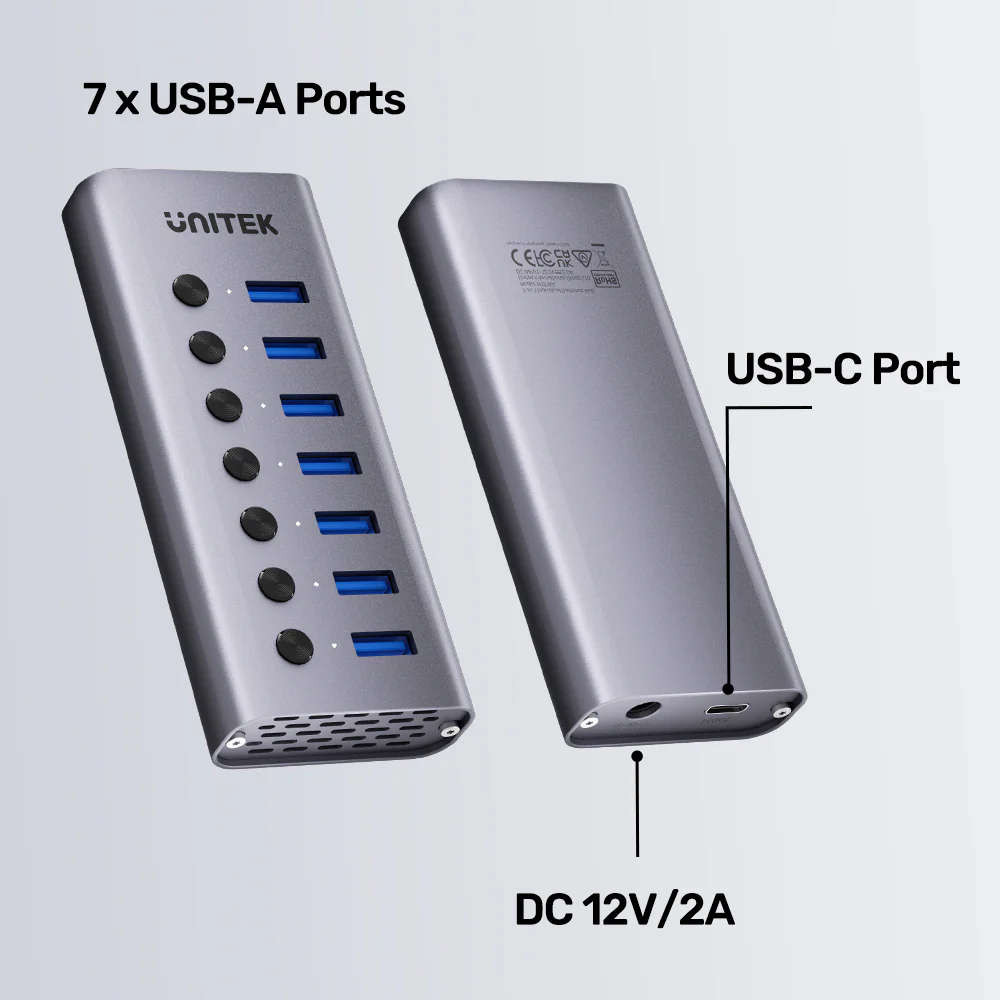
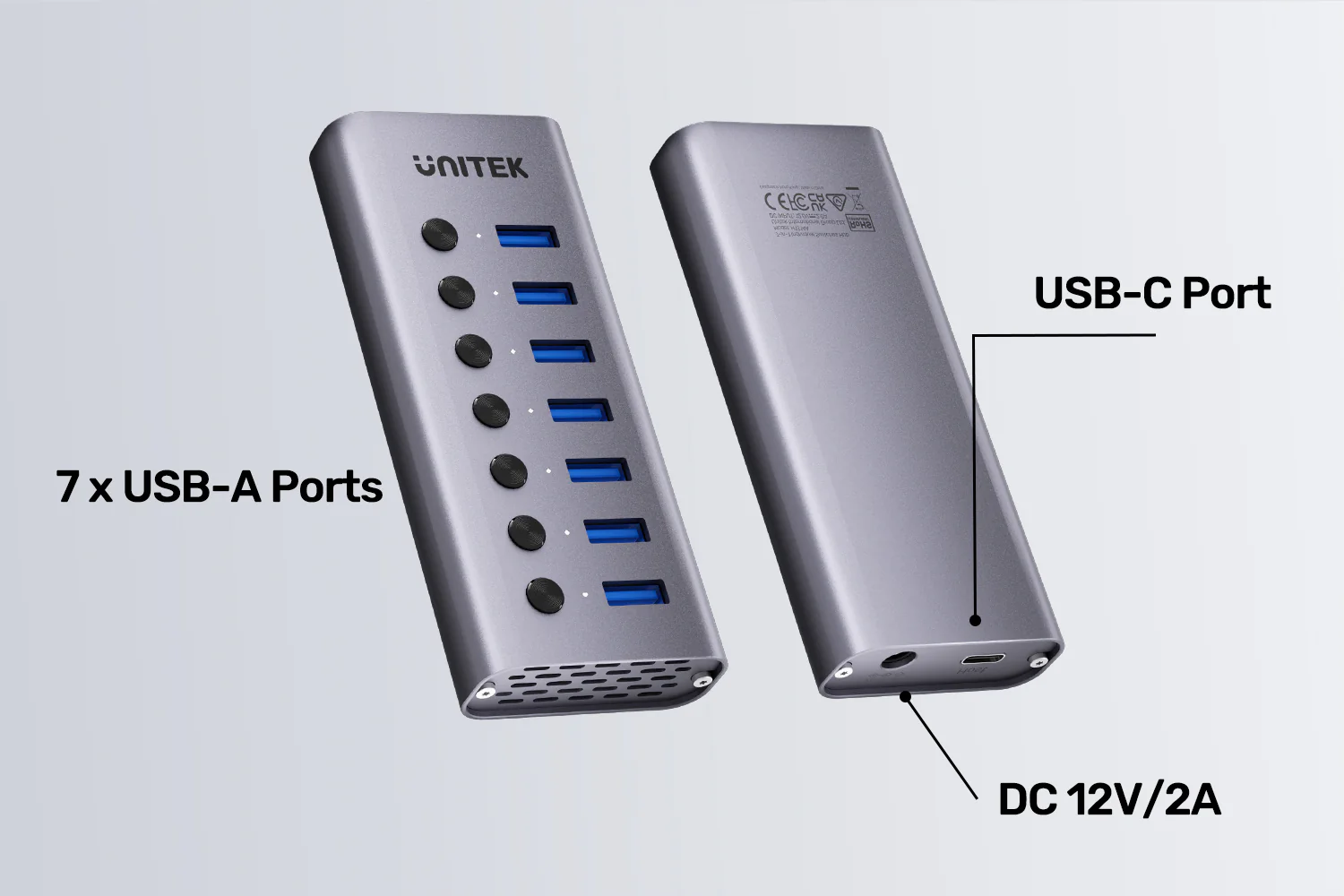
- Downstream Ports: 7 x USB-A (5Gbps Data + BC1.2 Charging)
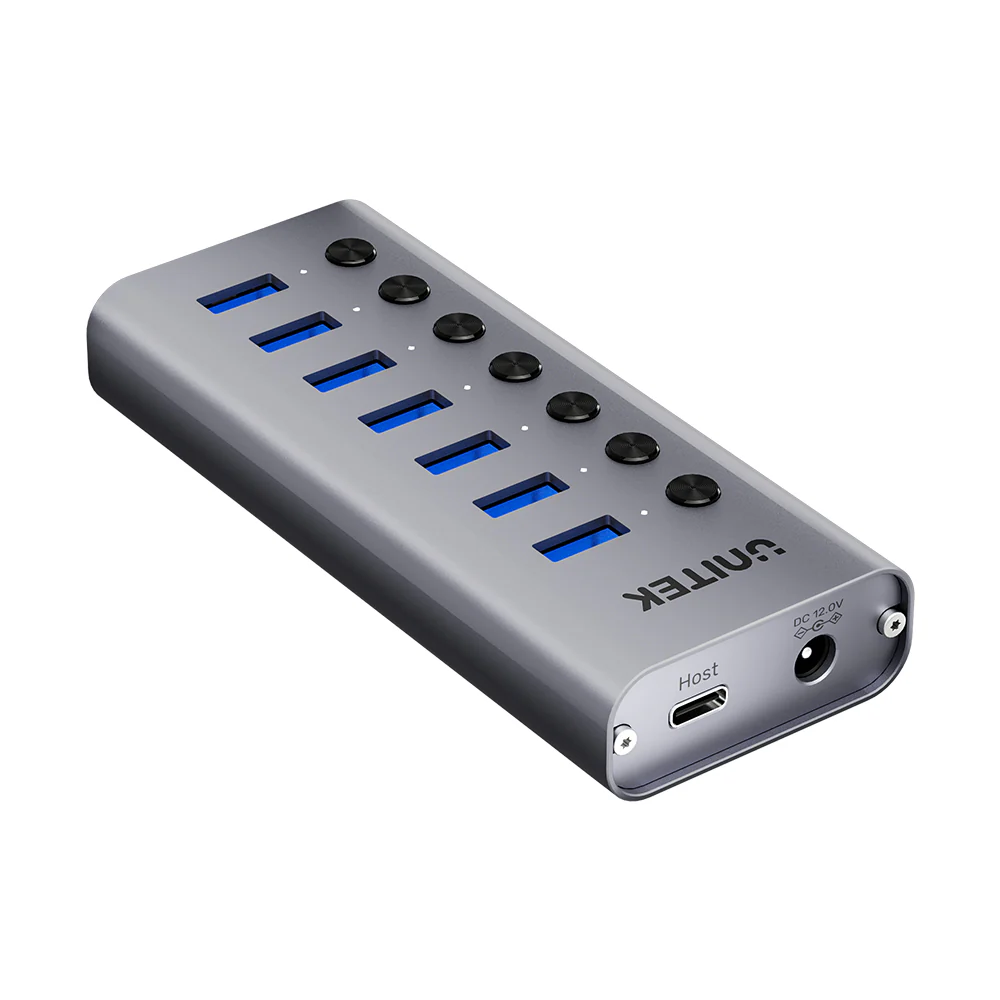
- Upstream Connection: 1 x USB-C Port (via included 2-in-1 Cable)
- Key Feature: Individual Mechanical Switch & LED per Port
- Data Speed: Up to 5 Gbps
- Charging Output: Up to 2.4A per port (BC1.2 Protocol)
- Power Supply: 12V/2A DC Adapter (Included)
- Input Cable: 1m 2-in-1 USB-A / USB-C to USB-C Cable
- Housing: Aluminum Alloy
- Color: Space Grey
- Dimensions: 118mm x 48mm x 21mm
- Compatibility: Windows, macOS, Linux, Chrome OS
What’s in the Box?
- 1 x UNITEK H1314A 7-Port USB Hub
- 1 x 12V/2A DC Power Adapter
- 1 x 1m 2-in-1 USB-A/USB-C to USB-C Host Cable
- 1 x User Manual
10 FAQs:
1. What is the main advantage of having individual port switches?
Switches give you complete control over power and data flow. You can turn off unused devices to save power, instantly reset a malfunctioning peripheral, or physically disconnect a storage drive for security without touching the device or cable.
2. Can I use this hub to fast charge my iPhone or Samsung phone?
Yes. The BC1.2 protocol supports standard Apple and Samsung adaptive fast charging at up to 2.4A (12W), which is significantly faster than basic 5V/0.5A charging. For the fastest possible charging, use your device’s original wall charger.
3. Is the power adapter required?
Yes, it is mandatory for normal operation. The hub requires the included 12V/2A adapter to provide adequate power for all seven ports, especially when using multiple data devices or charging.
4. Can I connect this to a computer with only USB-A ports?
Yes. The included host cable has two connectors: a USB-C and a USB-A. You can use the USB-A connector to plug into an older computer’s USB 3.0 port for full functionality.
5. Will it work with my USB 2.0 devices?
Yes, it is fully backward compatible. USB 2.0 and USB 1.1 devices will work at their native speeds when connected to any of the seven ports.
6. Can I connect an external monitor or Ethernet through this hub?
No. This hub is specifically for adding USB-A data and charging ports. It does not have video (HDMI/DP), Ethernet, or card reader functions. For those, consider a UNITEK docking station.
7. What does the LED indicator show?
A solid white LED indicates the port is powered on and enabled by its switch. If the LED is off, the port is disabled and no power/data is being sent to the connected device.
8. Is it safe to leave the hub powered on 24/7?
Yes, its aluminum construction and stable power design are suited for continuous operation. However, using the individual switches to turn off ports when not in use is recommended for energy saving and device longevity.
9. Can I use it with a game console like a PlayStation?
It can be used to add USB ports to a PlayStation or Xbox for connecting controllers, headsets, or storage. However, functionality may be limited to data/power, and specific console features may not be supported.
10. Where can I find other professional-grade UNITEK accessories?
Explore the full range of UNITEK’s professional IT solutions, including switches, adapters, and cables. For personal charging and mobile accessories, check out UGREEN’s product lineup.

 No products in the cart.
Reviews
There are no reviews yet.