
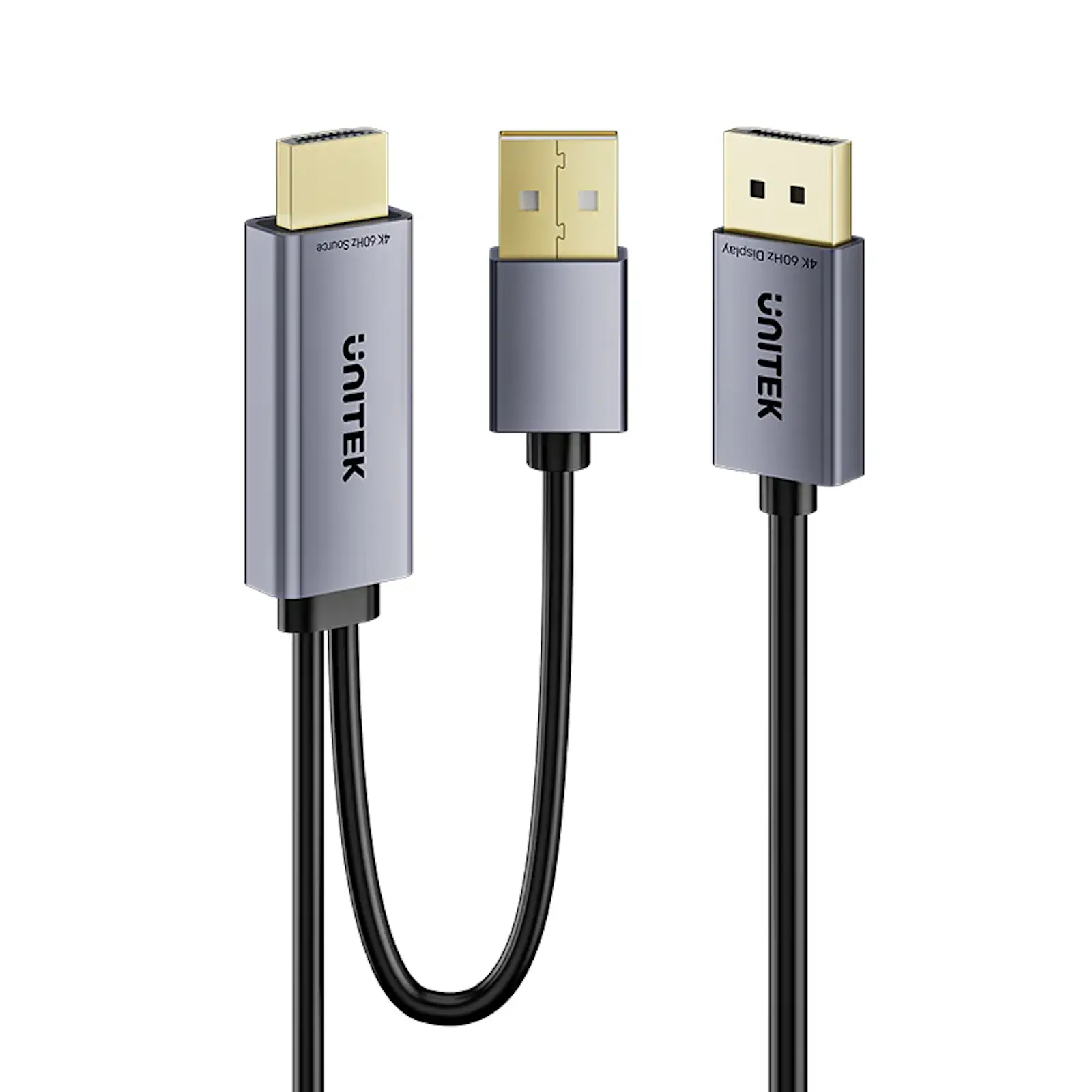
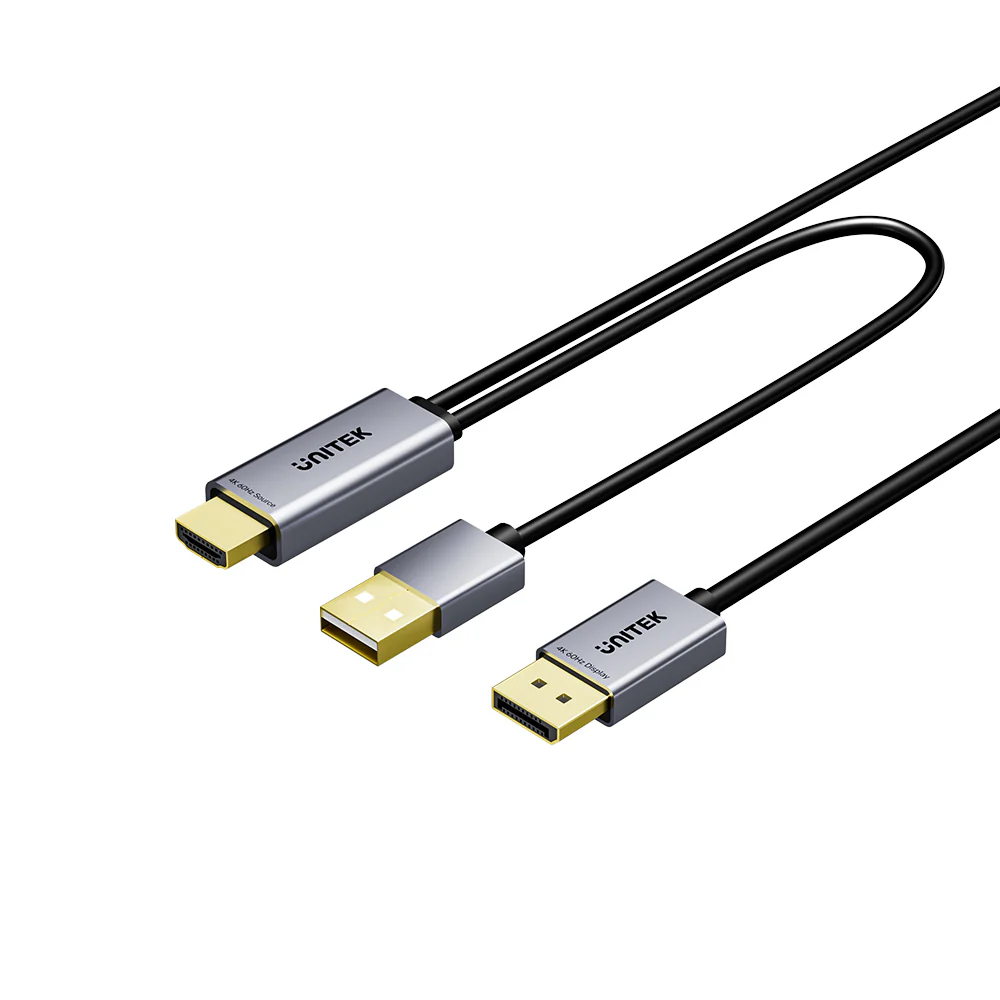
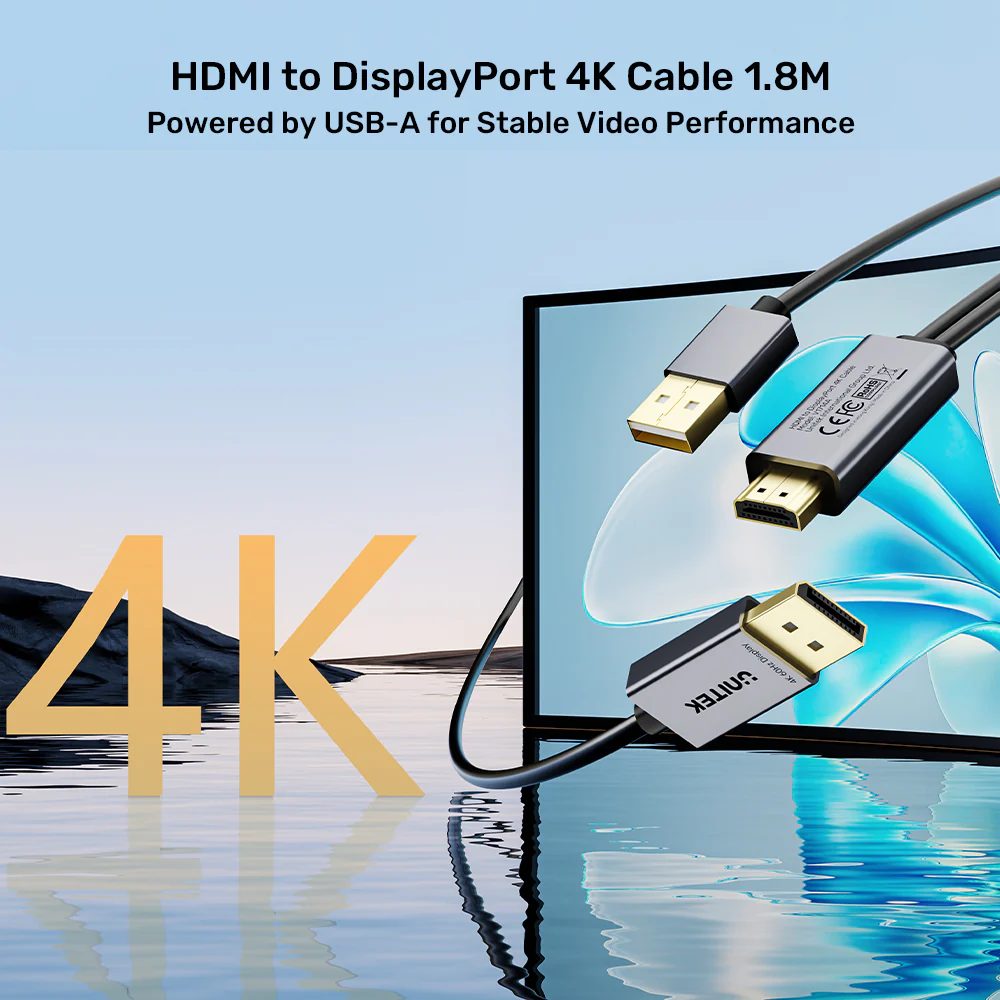
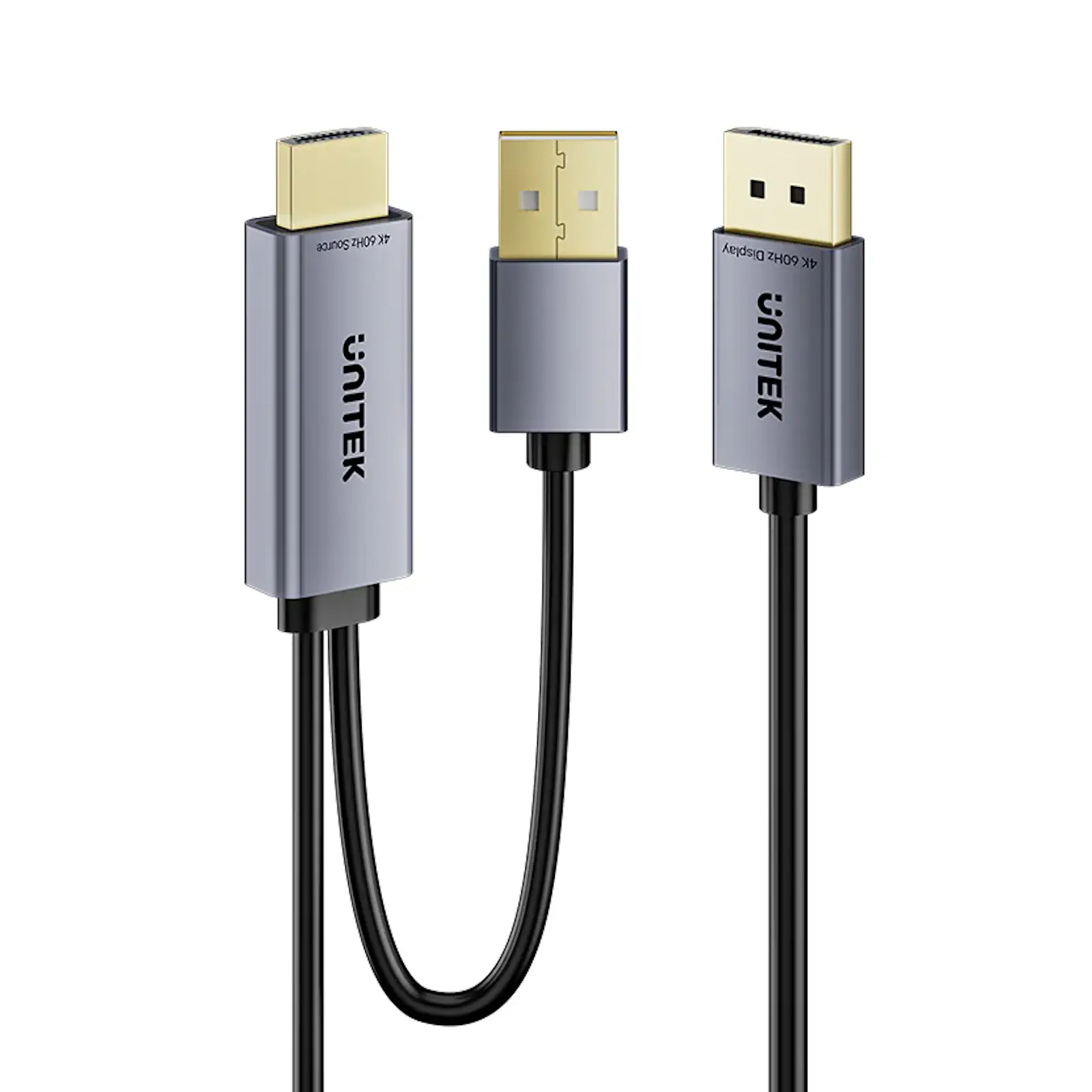
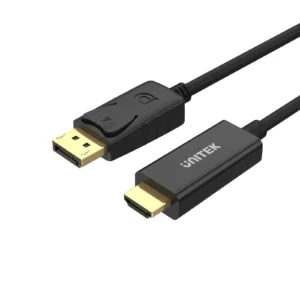
UNITEK V1714AGY01 Active HDMI to DisplayPort Cable (1.8 Meter) – 4K@60Hz HDR Adapter, Converts HDMI 2.0 to DP 1.2 for PC, Laptop, PS5 to Monitor, with USB Power (Space Grey)
Have a modern device with only HDMI, but a premium monitor with only DisplayPort? The UNITEK Active HDMI to DisplayPort Cable is the simple, high-fidelity bridge between these two standards. Unlike passive cables, this active converter cable intelligently adapts the signal, unlocking 4K@60Hz with HDR from your source to your display. Whether you are a gamer with a PS5, a professional with a laptop, or a PC user with a DP monitor, this cable delivers reliable, high-quality video.
Intelligent Signal Conversion Made Simple
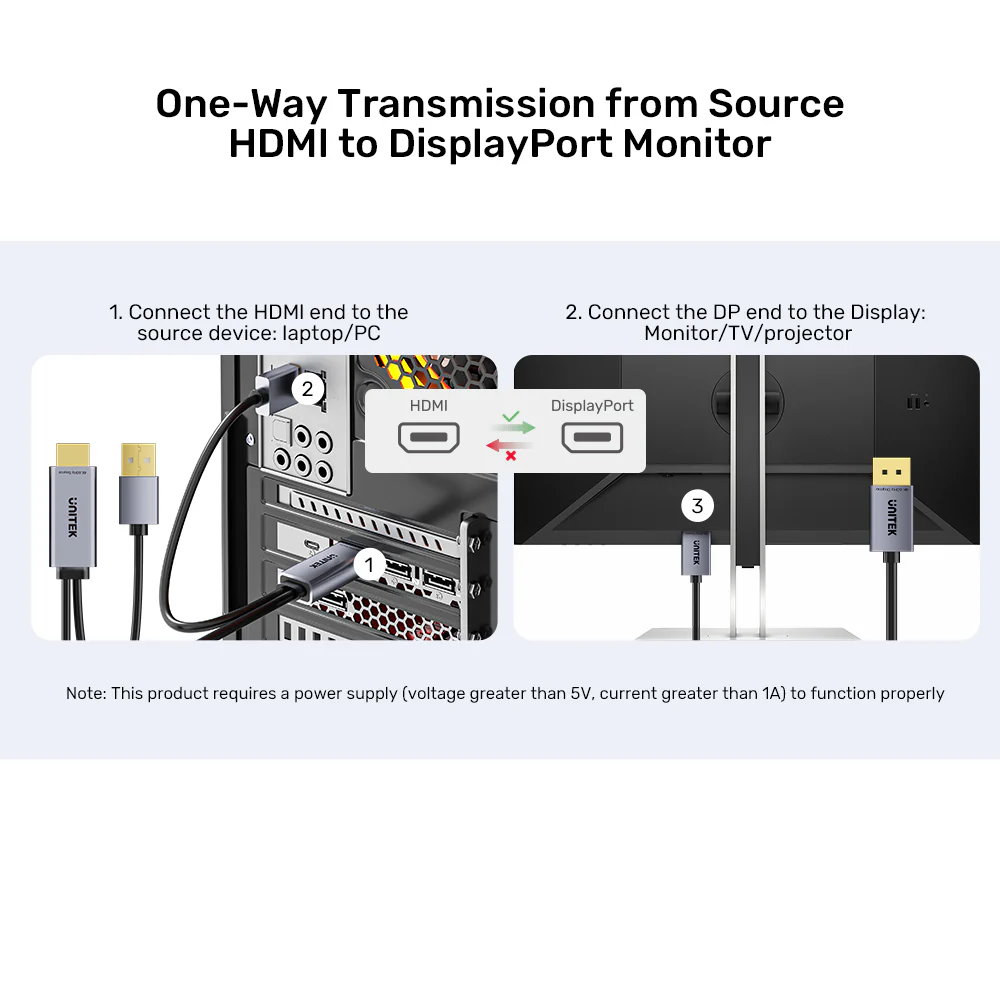
First and foremost, this is an active, uni-directional cable (HDMI → DP) . It contains a tiny chip that converts the HDMI signal from your device into a DisplayPort signal your monitor can understand. This allows you to connect HDMI-equipped laptops, PCs, and consoles to a wider range of professional and gaming monitors that only have DP inputs. Consequently, you no longer have to replace your premium DP monitor just because your new device lacks a DisplayPort output. Explore the full UNITEK cable collection
Crystal-Clear 4K Performance
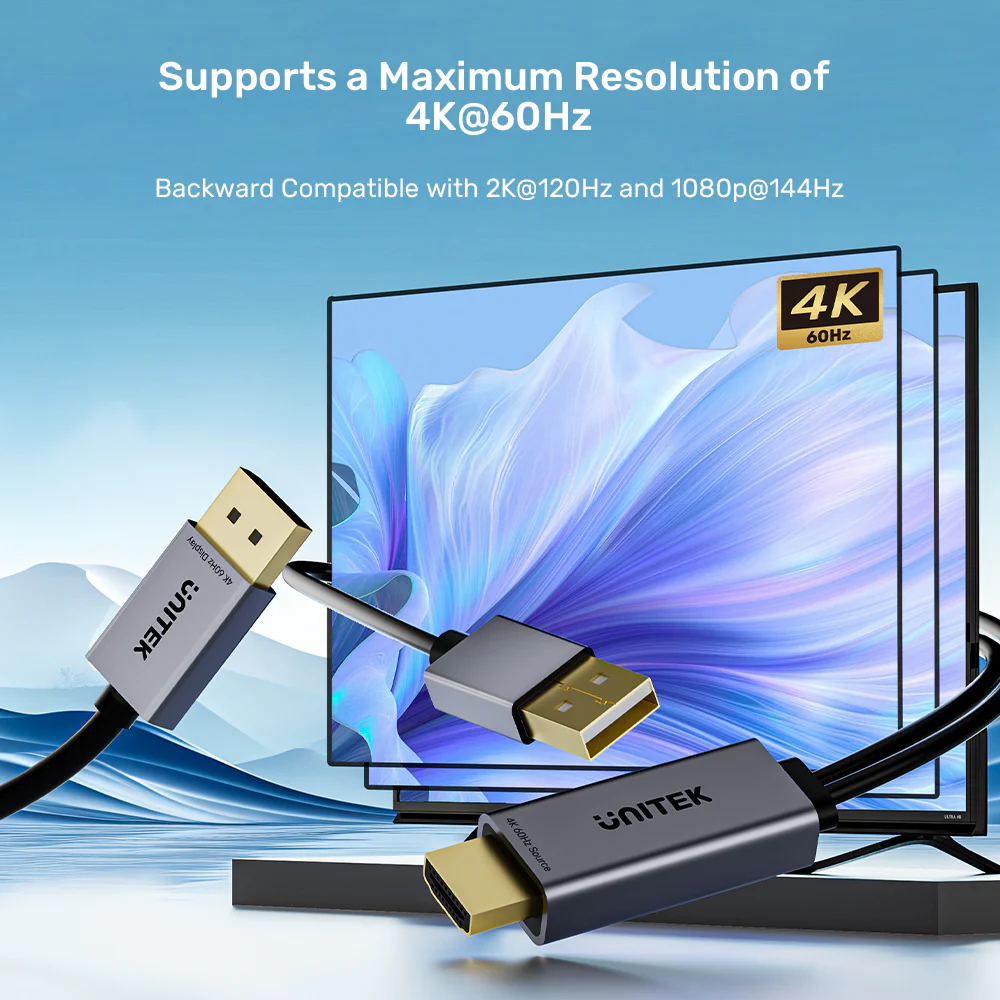
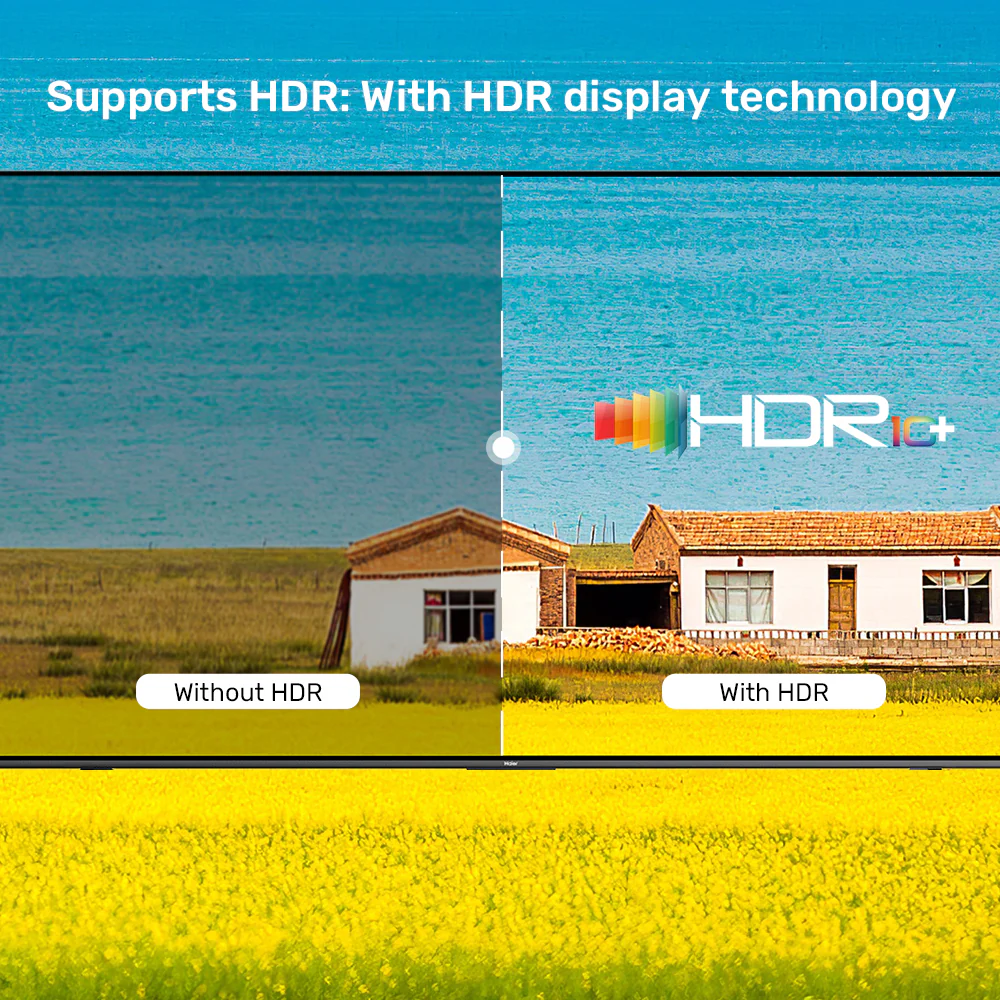
Critically, it doesn’t compromise on quality. Supporting the full HDMI 2.0 and DisplayPort 1.2 specifications , it delivers a pristine 4K@60Hz signal with HDR metadata. Therefore, you can enjoy detailed spreadsheets, edit photos, or play console games in full Ultra HD glory. For the best experience, ensure your source device’s HDMI port supports 4K output. This cable is perfect for gaming, video editing, graphic design, and professional presentations. Check the UNITEK V1714AGY01 Price in Pakistan for exceptional value. Discover more connectivity solutions
Stable & Reliable with Dedicated Power
The included USB power cable is essential for high-resolution stability. It provides the necessary power for the active conversion chip, eliminating signal dropouts or flickering. For a tidy setup, you can power it from a spare port on your computer or a nearby UGREEN USB hub. This guarantees a reliable connection for both work and play. When searching for the Best UNITEK V1714AGY01 in Pakistan , look no further – this active converter cable is the top choice for HDMI to DP connectivity. Shop quality accessories
Premium Build Quality
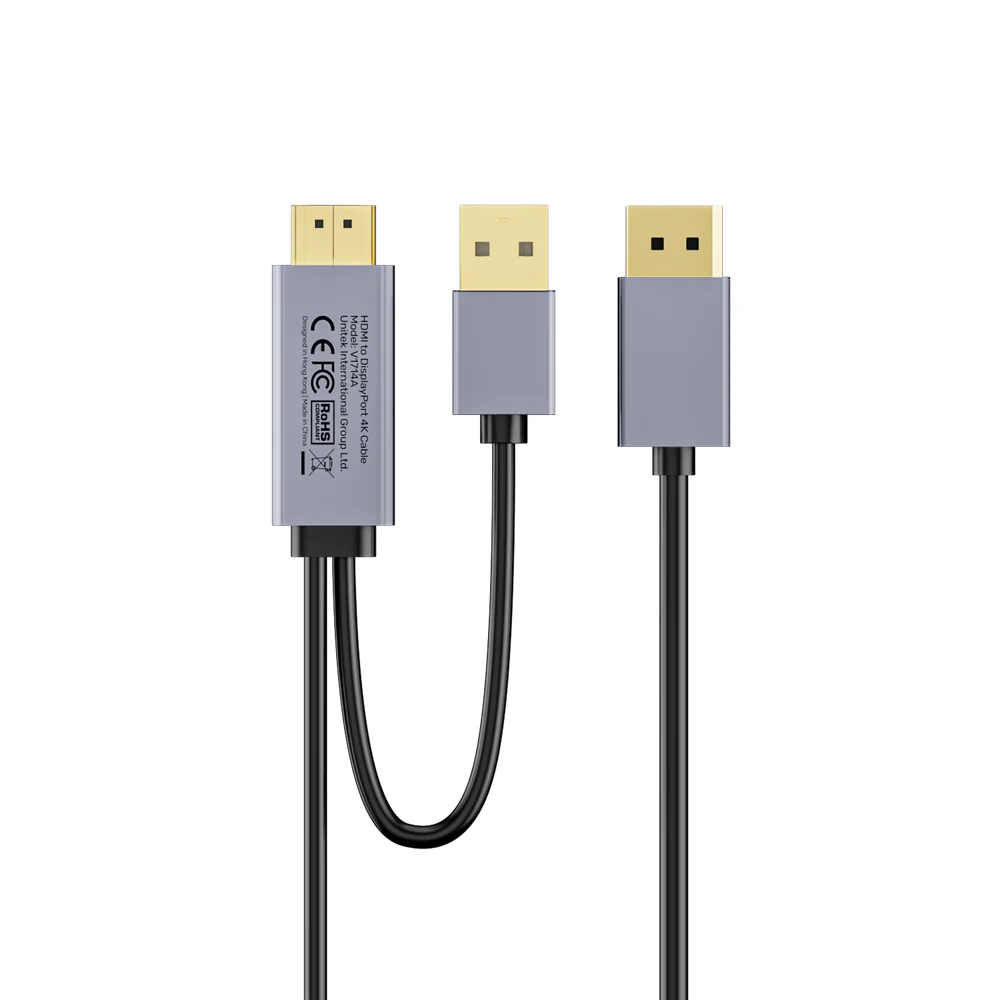
The cable features Space Grey aluminum alloy connector housings that not only look premium but also provide excellent heat dissipation for the active conversion chip. The 1.8-meter (approximately 6 feet) length offers ample reach for most desktop setups without creating cable clutter. The durable construction ensures long-lasting performance in home, office, or studio environments. Find reliable power solutions
Universal Compatibility
This active HDMI to DisplayPort cable is compatible with a wide range of devices:
- Gaming Consoles: PS5, PS4 Pro, Xbox Series X, Xbox One X (for 4K@60Hz HDR gaming)
- Laptops: Dell XPS, HP Spectre, Lenovo ThinkPad, MacBook (with HDMI port), ASUS ROG
- PCs: Desktop computers with HDMI 2.0 output
- Monitors: DisplayPort-equipped monitors, professional displays, gaming monitors (144Hz/165Hz at lower resolutions)
- Operating Systems: Windows, macOS, Linux
- Supported Resolutions and Refresh Rates:
- At 4K resolution (3840×2160), this cable supports up to 60Hz. At 1440p (2560×1440), it supports up to 120Hz. At 1080p (1920×1080), it supports up to 144Hz.
For a complete setup, consider pairing this cable with a UNITEK Docking Station or a UGREEN USB-C Hub. Explore premium accessories
Products Specifications:
- Brand: UNITEK
- SKU: V1714AGY01
- Model: Active HDMI to DisplayPort Converter Cable
- Cable Type: Active Converter Cable (Uni-directional: HDMI Source → DP Display)
- Length: 1.8 Meters (Approx. 6 Feet)
- Direction: HDMI Source → DisplayPort Display ONLY (Not reversible)
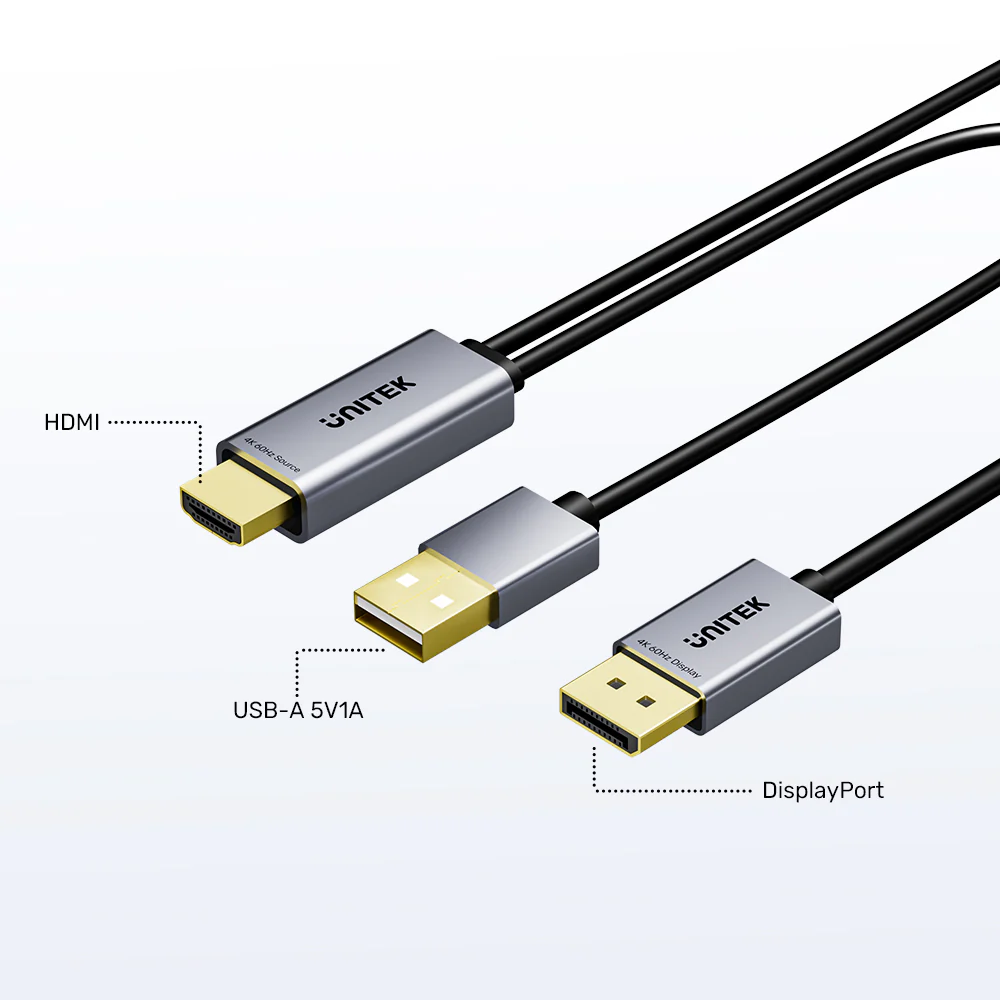
- Input (Source): HDMI 2.0 Male
- Output (Display): DisplayPort 1.2 Male
- Max Resolution: 4K Ultra HD (3840×2160) @ 60Hz
- HDR Support: Yes (HDR10)
- HDCP Support: HDCP 2.2 / 1.4
- Additional Power: USB-A to Micro-USB cable (50cm, 5V/1A) – Included
- Connector Housing: Aluminum Alloy (Space Grey)
- OS Compatibility: Windows, macOS, Linux
- Warranty: 12 Months (Pakistan)
What’s in the Box:
1 x UNITEK V1714AGY01 Active HDMI to DisplayPort Cable (1.8m)
1 x User Manual
Frequently Asked Questions:
Q1: What is the direction of this cable? Can it work DisplayPort to HDMI?
A: This is a unidirectional cable designed ONLY for HDMI source to DisplayPort display. It will NOT work in reverse (DP source to HDMI display). For that conversion, you need a different, separate adapter. This is a 100% original product available from the Official UNITEK Store in Pakistan, ensuring authenticity and quality. Explore the full UNITEK cable collection
Q2: Why does it need a USB power cable?
A: It is an active converter cable. The internal chip that converts the HDMI signal to DisplayPort requires external power, especially for high-bandwidth 4K@60Hz signals, to ensure stability and prevent flickering. Purchase from the UNITEK Official Distributor in Pakistan to ensure you receive genuine products with full warranty support.
Q3: Will it work with my PS5 for 4K 60Hz HDR gaming?
A: Yes, it is an excellent solution for this. Connect the HDMI end to your PS5 and the DisplayPort end to your gaming monitor. Ensure the USB power is connected to the PS5’s front/back USB port or a charger. You will get 4K@60Hz with HDR. For guaranteed authenticity, always purchase from the UNITEK Pakistan Official Store.
Q4: Does it support 120Hz or 144Hz for gaming?
A: At 1080p resolution, it can support up to 144Hz. At 1440p (2K), it supports up to 120Hz. For 4K, the maximum is 60Hz due to the bandwidth limits of the HDMI 2.0 and DP 1.2 standards it bridges. This is a 100% original product available from the Official UGREEN Store in Pakistan (for related accessories), ensuring authenticity and quality.
Q5: Can I use it to watch Netflix in 4K on my DP monitor?
A: Yes. Because it supports HDCP 2.2 , the copy protection required by streaming services, it will allow Netflix, Amazon Prime, and Disney+ to play in 4K on your DisplayPort monitor. Purchase from the UGREEN Official Distributor in Pakistan to ensure you receive genuine products with full warranty support.
Q6: Is it compatible with my MacBook?
A: Yes, it is fully compatible with macOS. Modern MacBooks with HDMI ports can use this cable to connect to a 4K DisplayPort monitor. The USB power can be connected to another port on the MacBook or a charger. For guaranteed authenticity, always purchase from the UGREEN PK Official Store in Pakistan.
Q7: What if I don’t connect the USB power?
A: The cable may not work at all, or the signal may be unstable, flicker, or drop out, especially at 4K resolution. Always connect the USB power cable for reliable operation. When searching for the Best UNITEK V1714AGY01 in Pakistan , this active converter cable is the top choice for HDMI to DP connectivity.
Q8: Will it work with a desktop PC’s HDMI output?
A: Absolutely. This is a common use case. It allows you to use a desktop PC’s HDMI output to drive a primary or secondary monitor that only has a DisplayPort input. Check the UNITEK V1714AGY01 Price in Pakistan for exceptional value.
Q9: Does it carry audio as well?
A: Yes, it supports full audio transmission (including multi-channel formats) from the HDMI source to the DisplayPort display, assuming your monitor has speakers or an audio output. This is a 100% original product available from the Official UNITEK Store in Pakistan, ensuring authenticity and quality.
Q10: Where can I find the opposite converter (DP to HDMI)?
A: For converting a DisplayPort source to an HDMI display, you need a different product. Purchase from the UNITEK Official Distributor in Pakistan or the UGREEN Official Distributor in Pakistan. All products come with original product warranty and fast delivery in Pakistan when you order from authorized retailers. Shop with confidence at UNITEK Pakistan
 No products in the cart.
Reviews
There are no reviews yet.