
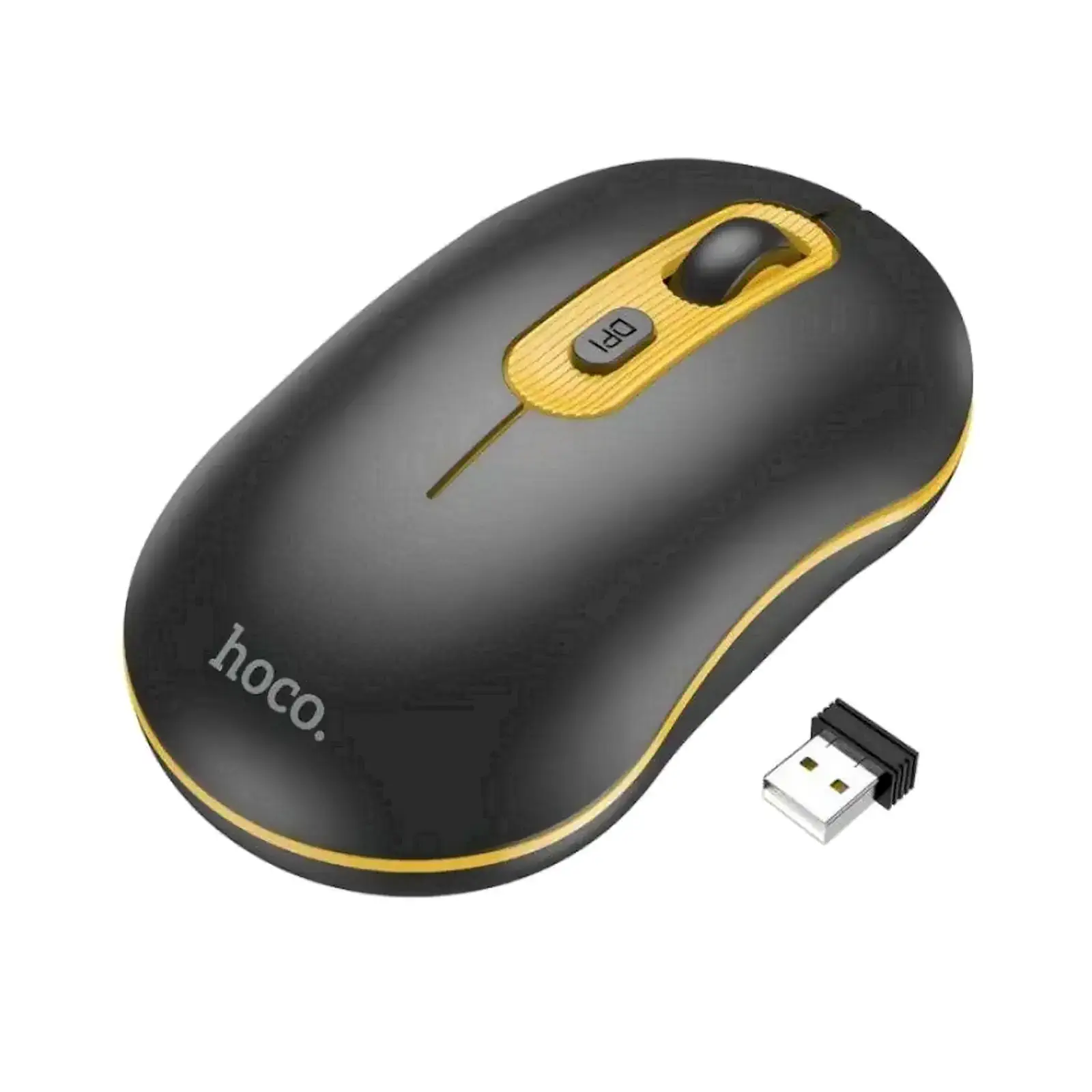
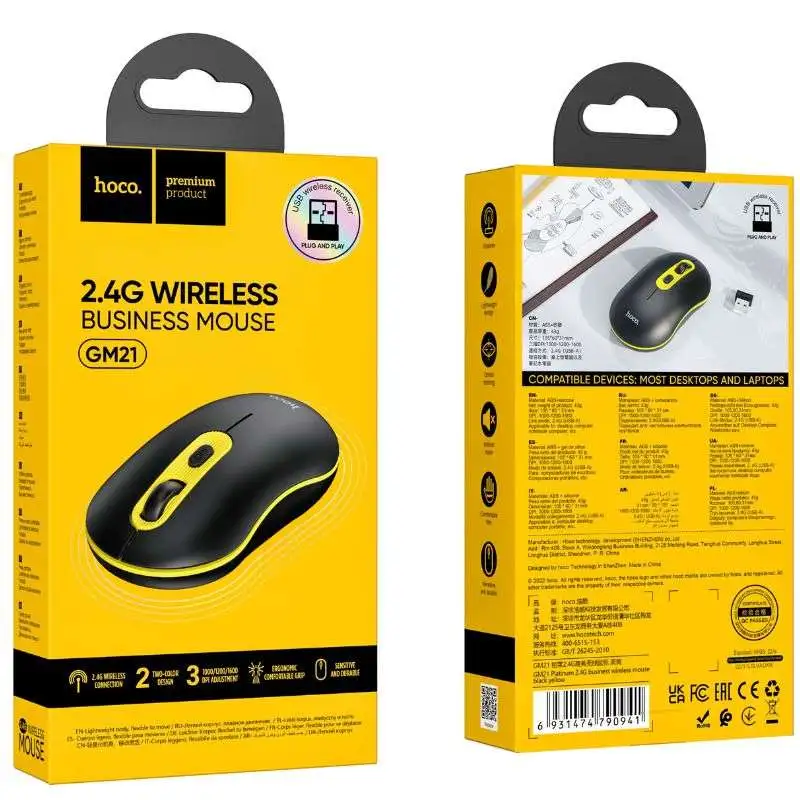
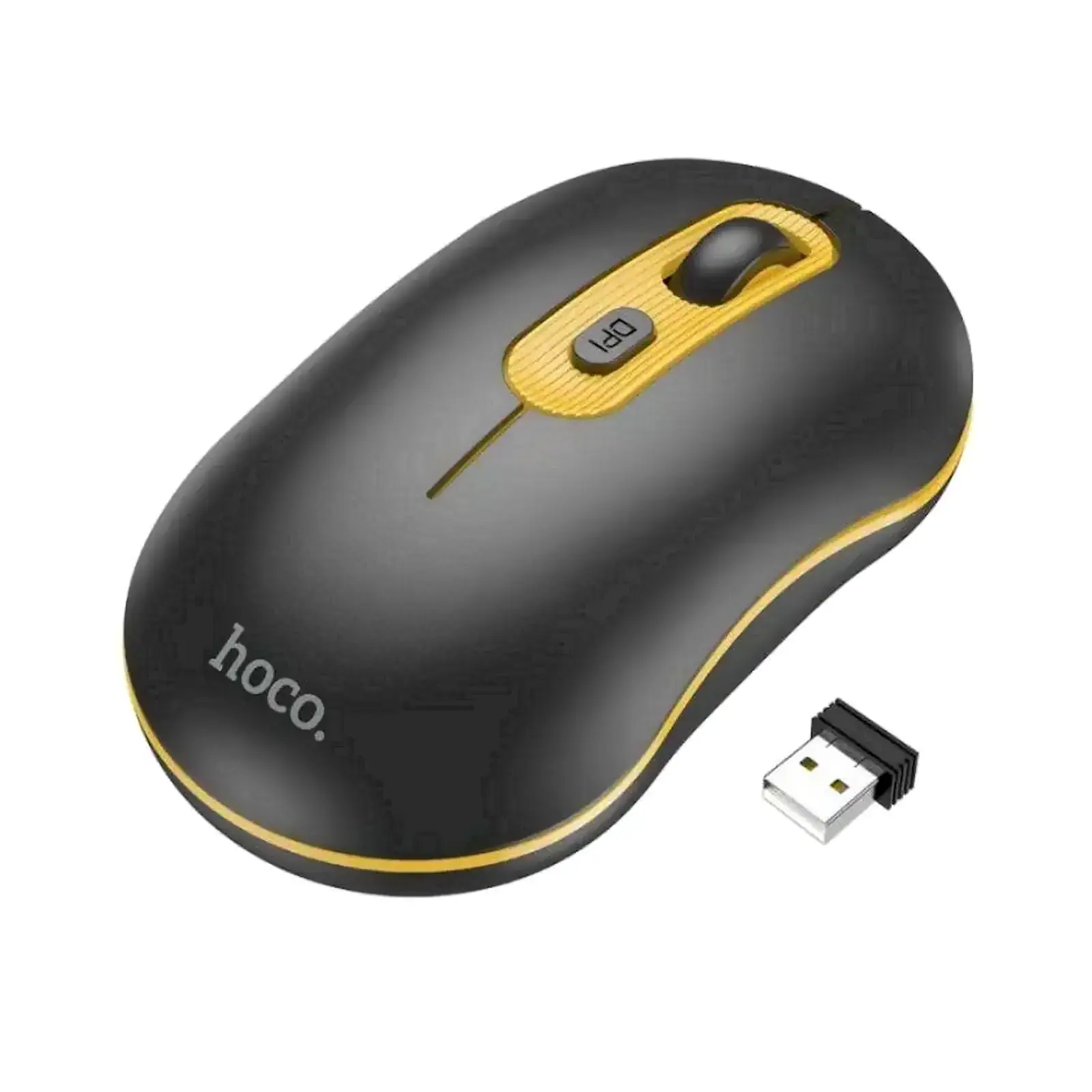
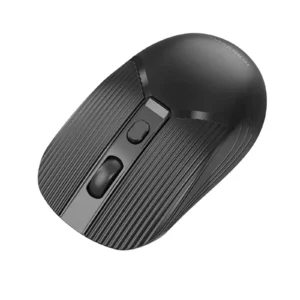
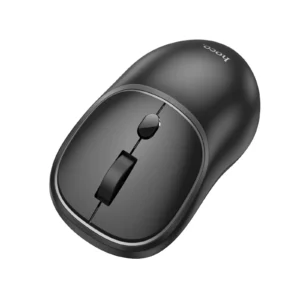
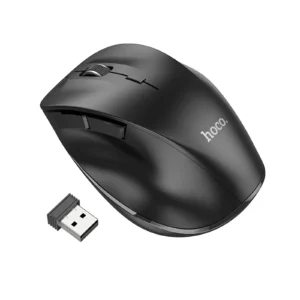
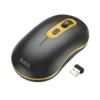
HOCO GM21 Platinum 2.4G Wireless Mouse with 4D Button | Plug & Play | 10M Range | for PC, Laptop, MacBook, Desktop (Black Yellow)
Tired of messy cables and unreliable Bluetooth connections that disrupt your workflow? The Hoco GM21 Platinum Wireless Mouse is your ultimate solution for a clean, efficient, and professional workspace. It features advanced 2.4GHz wireless technology that delivers a rock-solid, lag-free connection, so you can focus on your tasks without any interruptions. The standout 4D button functionality revolutionizes your navigation, allowing for effortless horizontal scrolling through spreadsheets, timelines, and wide web pages—a must-have feature for professionals, students, and designers. Its universal plug-and-play compatibility means it works instantly with almost any system, eliminating frustrating driver installations. This mouse isn’t just about performance; its ergonomic shape ensures comfort during long hours of use, making it a perfect partner for your home office or a great addition to your collection of computer accessories. If you need a reliable connection for other devices, explore our range of networking products like Wi-Fi adapters. For a complete workstation setup, don’t forget to check out our selection of laptop stands and desk organizers.
Specifications
- Brand: Hoco
- Model: GM21 Platinum
- Connectivity: 2.4GHz Wireless via USB Nano Receiver
- Operating Range: Up to 10 meters
- Resolution (DPI): 1000 / 1200 / 1600 DPI (Adjustable)
- Buttons: 6 buttons including 4D scroll wheel (Left, Right, Scroll Wheel, DPI Switch, Forward, Backward)
- Compatibility: Windows XP/7/8/10/11, macOS, Linux, Chrome OS
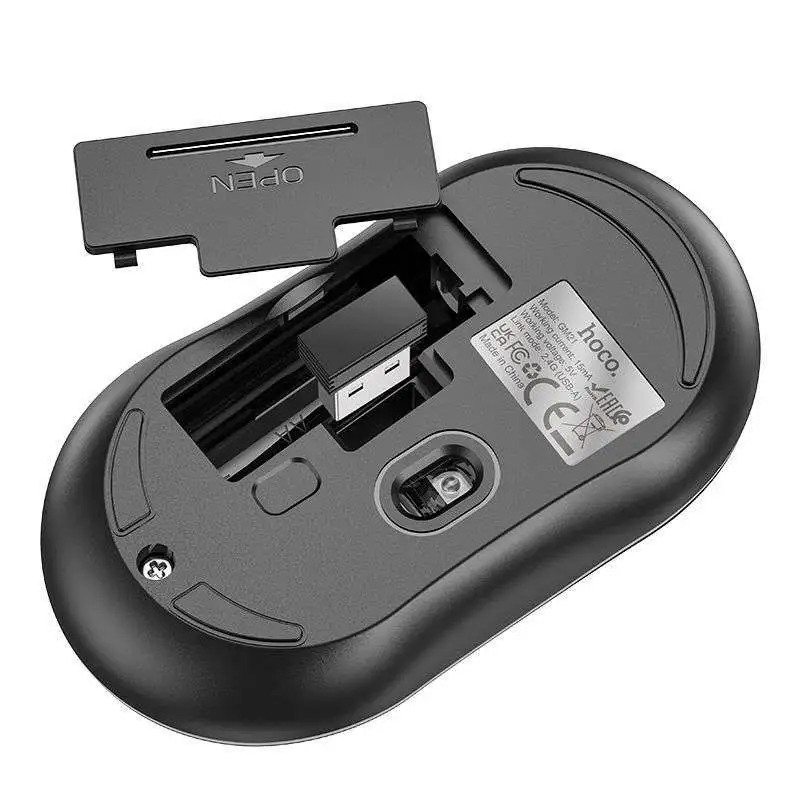
- Power Source: 1 x AA battery (Not Included)
- Color: Black & Yellow
What’s in the Box
- Hoco GM21 Platinum Wireless Mouse
- USB Nano Receiver
- User Manual
FAQs
1. Is the Hoco GM21 mouse ready to use right out of the box?
Yes, it is plug and play. Simply insert the included nano USB receiver into your computer’s USB port, and it will work immediately without any driver installation.
2. What does “4D Button” mean on this mouse?
The 4D button refers to the side scroll wheel that can not only be clicked but also tilted left and right. This allows for horizontal scrolling, which is extremely useful for navigating large Excel spreadsheets or wide web pages.
3. What is the wireless range of this mouse?
The Hoco GM21 offers a stable wireless connection with a range of up to 10 meters in an open space, giving you plenty of freedom to move around.
4. Which operating systems is this mouse compatible with?
It is widely compatible with Windows (XP, 7, 8, 10, 11), macOS, and Chrome OS. It will work with any device that has a standard USB port.
5. Does the mouse come with a battery?
No, the mouse requires 1 x AA battery to operate, which is not included in the package.
6. How do I change the DPI settings?
There is a dedicated DPI switch button located on top of the mouse. Clicking this button cycles through the available DPI settings (1000, 1200, 1600).
7. Can I use this mouse with a MacBook?
Absolutely. The plug-and-play functionality makes it perfectly compatible with MacBook Air, MacBook Pro, and iMac models that have a USB-A port. For newer MacBooks with only USB-C ports, you will need a simple USB-C to USB-A adapter.
8. What should I do if the mouse stops working or gets disconnected?
First, try turning the mouse off and on again. If the issue persists, unplug the USB receiver, wait a few seconds, and plug it back in. Also, ensure the battery is not depleted.
9. Is the USB receiver stored inside the mouse?
Yes, the nano receiver has a dedicated storage slot inside the mouse’s battery compartment, making it easy to store and transport without losing it.
10. Where can I buy a replacement USB receiver if I lose it?
The receiver that comes with the mouse is paired at the factory. If lost, it cannot be replaced with a generic receiver. Please contact ugreenpk.com customer support for assistance.


 No products in the cart.
Reviews
There are no reviews yet.