
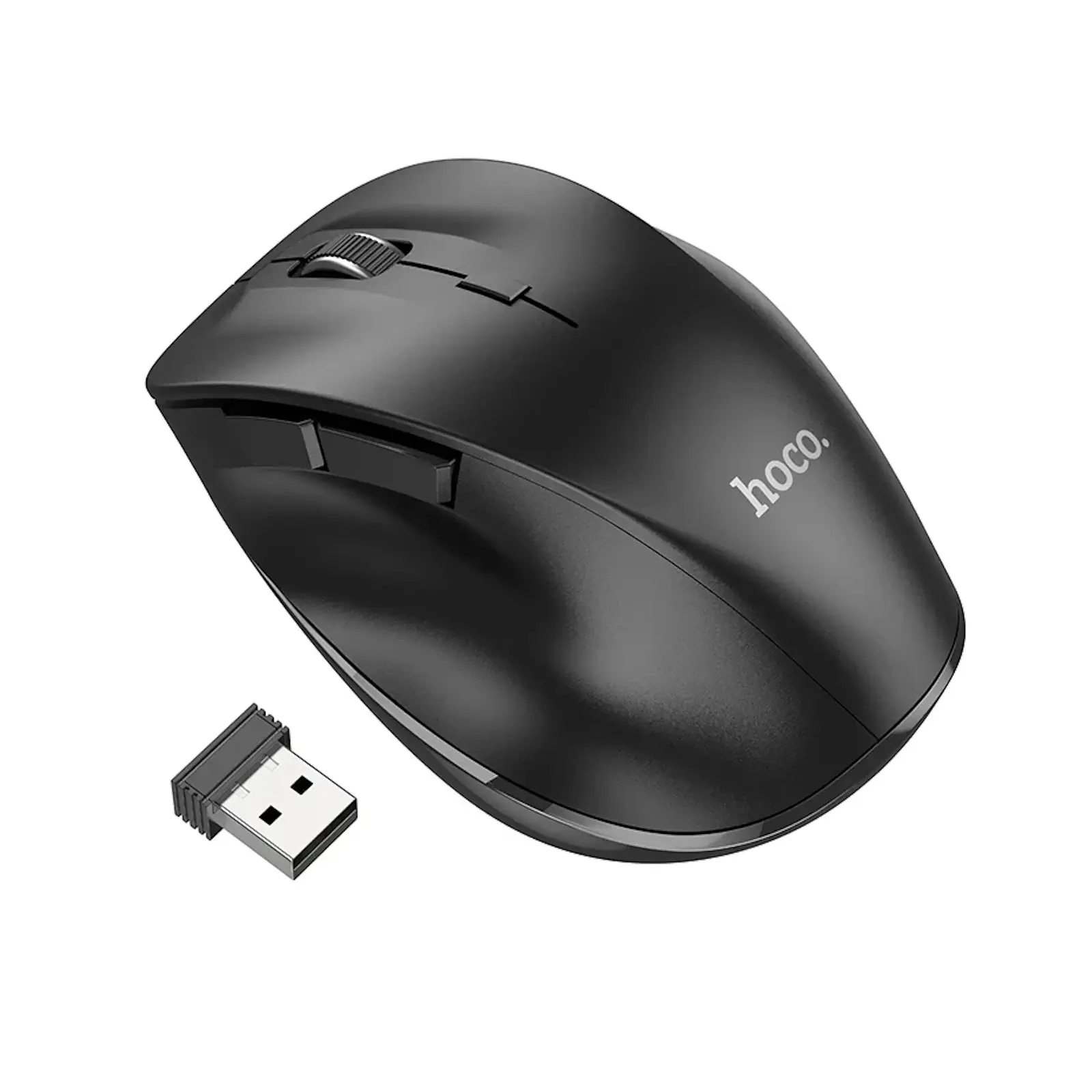
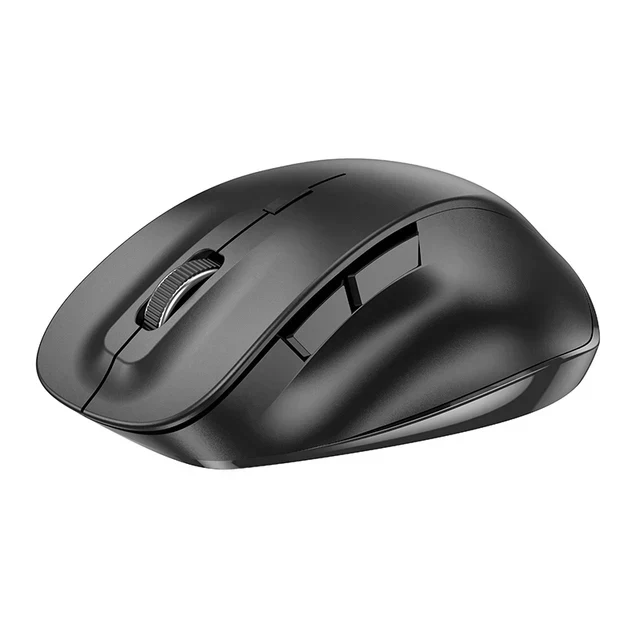
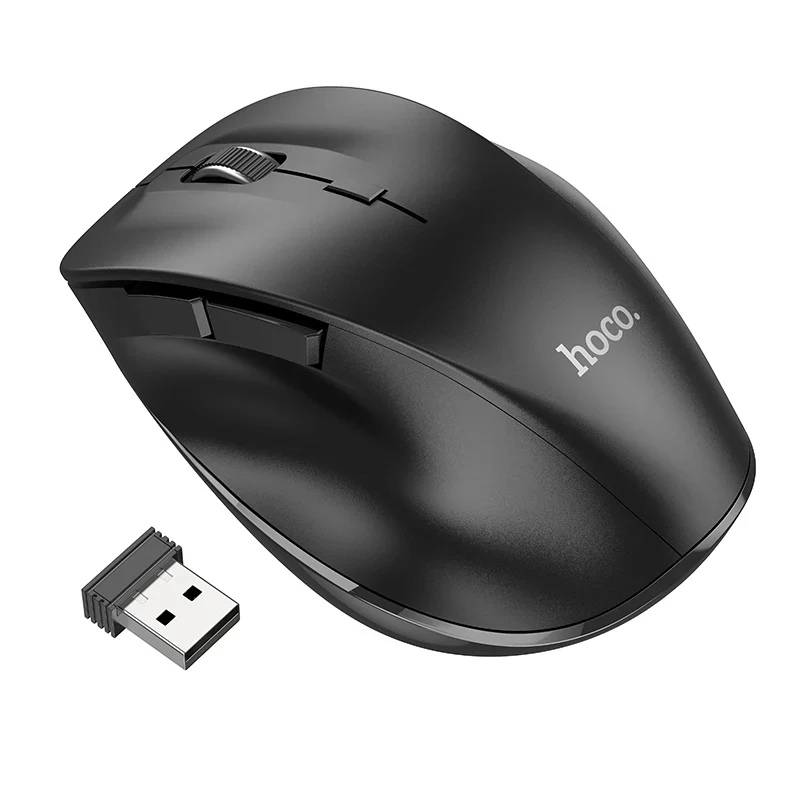
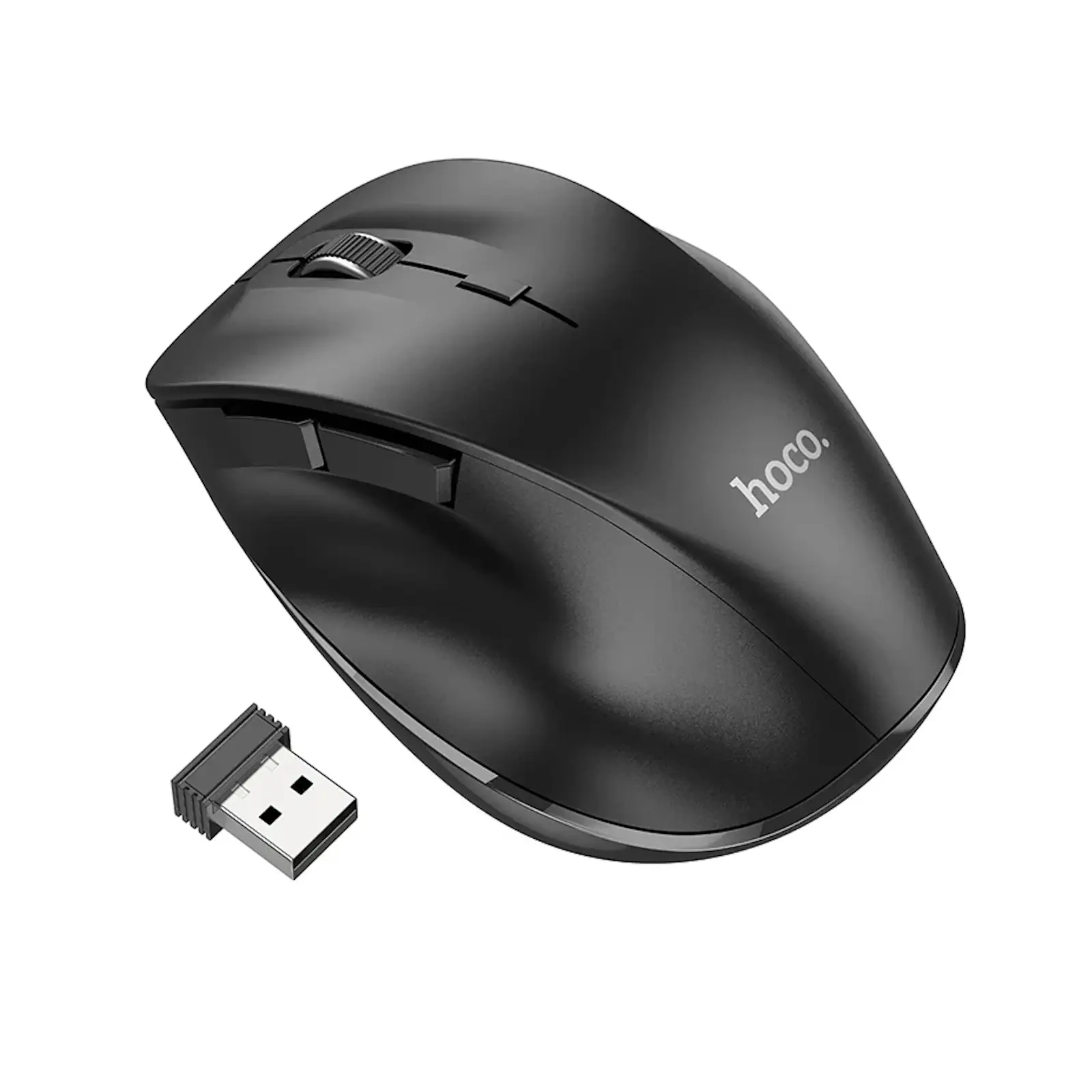
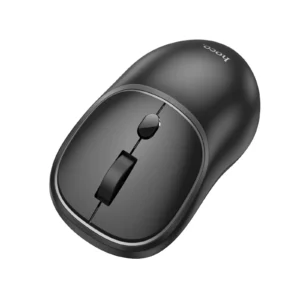
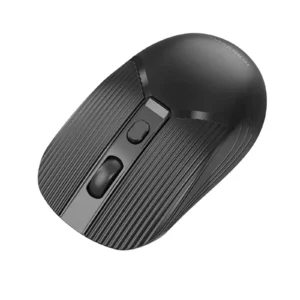
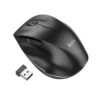
HOCO GM24 Mystic 6D Dual-Mode Wireless Mouse | 2.4G + Bluetooth 5.2 | 1600 DPI | 6 Programmable Buttons | Ultra-Light 65g for PC, Mac, Laptop, Tablet – Black
Unleash your productivity and redefine control with the HOCO GM24 Mystic Dual-Mode Wireless Mouse. Engineered for professionals and power users, this mouse offers unparalleled flexibility with its dual connectivity modes: a reliable 2.4Ghz USB receiver for your main workstation and modern Bluetooth 5.2 for your laptop or tablet. The standout feature is its 6D button configuration, which provides extra programmable commands at your fingertips for efficient navigation in software, web browsers, and spreadsheets. Toggle through three DPI settings to find the perfect sensitivity for any application. Encased in a durable ABS body and weighing just 65g, the GM24 is built for comfort during marathon sessions and easy portability. With a switch lifespan rated for 3 million clicks, it’s a robust and intelligent investment for anyone seeking a powerful, versatile pointing device.
Key Features:
- Dual Connection Modes: 2.4GHz wireless + Bluetooth 3.0/5.2 support.
- Advanced 6D Button Control: 6 programmable buttons including a 4-direction scroll wheel.
- On-The-Fly DPI Adjustment: Cycle through 800/1200/1600 DPI settings.
- Lightweight & Ergonomic: 65g weight for reduced fatigue and enhanced portability.
- Long-Lasting Durability: Mechanical switches rated for 3 million clicks.
- Plug-and-Play Operation: No software installation needed for basic functions.
- Wide Compatibility: Works with PCs, Macs, laptops, tablets, and smart TVs.
Specifications:
- Brand: HOCO
- Model: GM24 Mystic
- Connection: Dual-Mode: 2.4G Wireless + Bluetooth (3.0 & 5.2)
- DPI: Adjustable (800 / 1200 / 1600)
- Buttons: 6D Programmable Buttons
- Material: ABS
- Weight: 65g (Ultra-Lightweight)
- Dimensions: 111 x 71 x 40 mm
- Switch Lifespan: 3 Million Clicks
- Chip: MX8650
- Compatibility: Windows, macOS, Android, Chrome OS
What’s in the Box:
- 1x HOCO GM24 Mystic Wireless Mouse
- 1x USB Nano Receiver (for 2.4G mode)
- 1x User Manual
FAQs:
1. How do I connect this mouse to my devices?
You can connect it using two methods: plug the included 2.4G USB receiver into a computer, or pair it via Bluetooth through your device’s settings menu for a wireless connection.
2. What does “6D Button” mean?
This refers to the six buttons, which include left/right click, a 4D scroll wheel (that scrolls up/down, left/right, and can be clicked as a middle button), and two side buttons for forward/back commands.
3. Can I program the buttons to perform specific actions?
The product description highlights programmable buttons. This typically requires downloading dedicated software from the manufacturer’s website to assign custom macros or functions.*
4. How do I switch between DPI settings?
There is a dedicated DPI button (usually located on the top or bottom of the mouse) that allows you to cycle through the 800, 1200, and 1600 DPI presets.
5. Is this mouse compatible with my MacBook or iPad?
Yes, its Bluetooth 5.2 functionality makes it fully compatible with macOS and iPadOS devices, allowing for a driver-free connection.
6. What is the advantage of having dual-mode connectivity?
Dual-mode allows you to connect to two devices at once (e.g., a desktop via 2.4G and a laptop via Bluetooth) and switch between them seamlessly, perfect for multitaskers.
7. How long does the battery last?
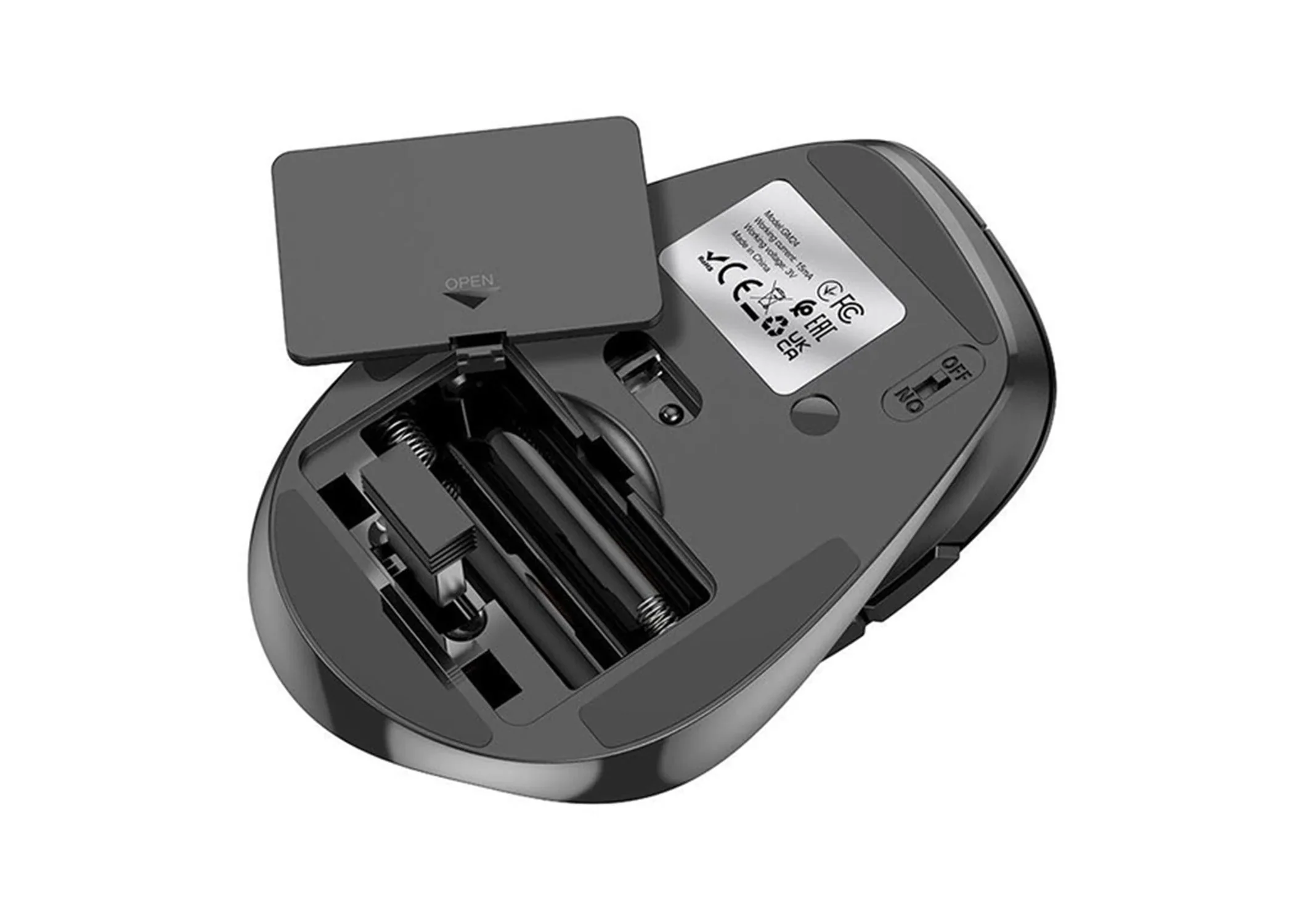
The initial brief did not specify battery type. Please check the product manual for detailed information on battery life and charging.*
8. Is the USB receiver stored inside the mouse?
Yes, a compartment on the bottom of the mouse is designed to securely store the nano USB receiver when not in use or during travel.
9. What is the operating range for the wireless connection?
The 2.4G wireless connection typically offers a stable range of up to 10 meters in an open space.
10. Is this mouse good for left-handed users?
The symmetrical shape might be ambidextrous, but the side buttons are typically positioned for right-hand use. Please check the product images for the button layout.


 No products in the cart.
Reviews
There are no reviews yet.