

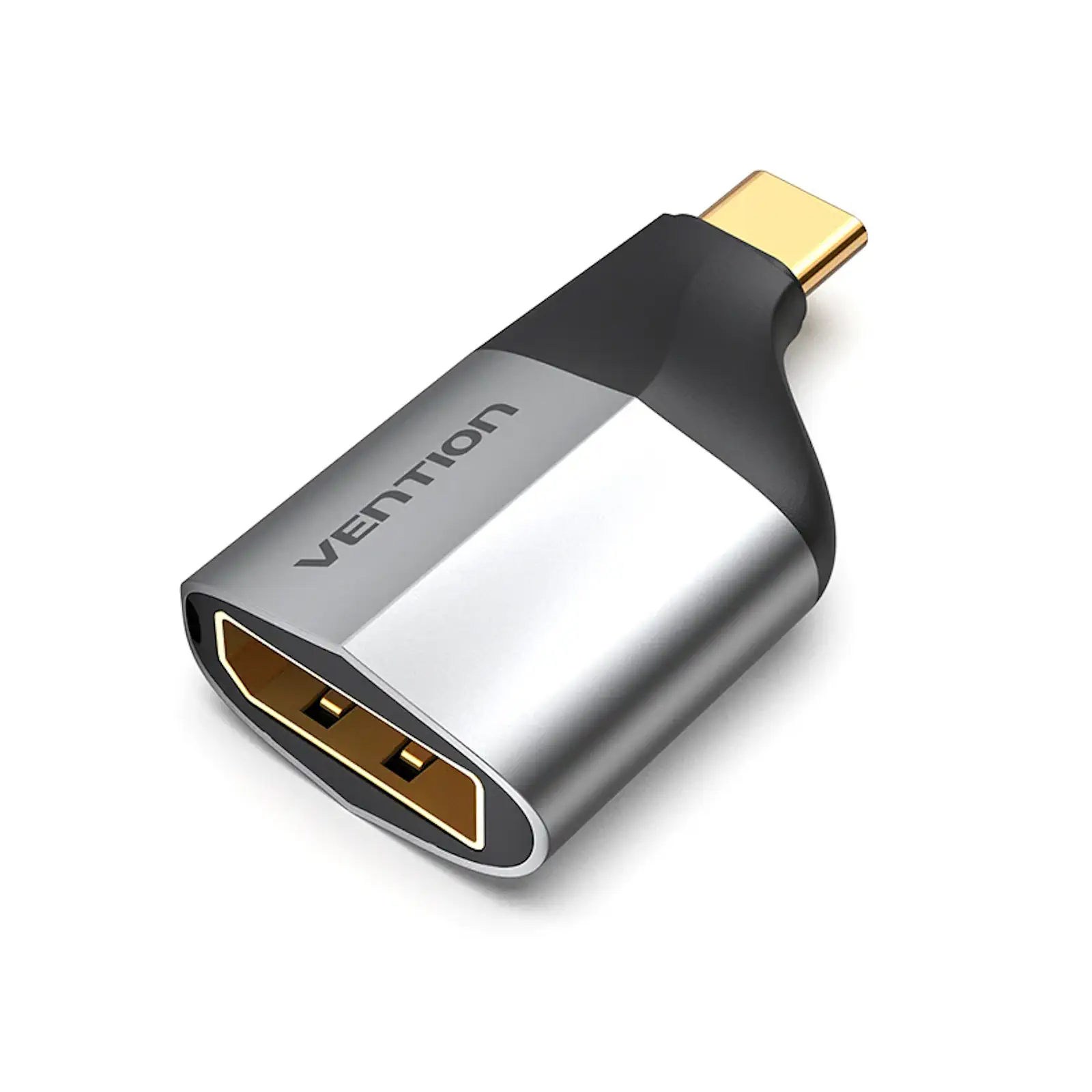
VENTION TCCH0 USB-C to DisplayPort Adapter 4K@60Hz Aluminum Alloy Type-C to DP Adapter for MacBook Pro, Dell XPS, HP, Lenovo, Surface Pro
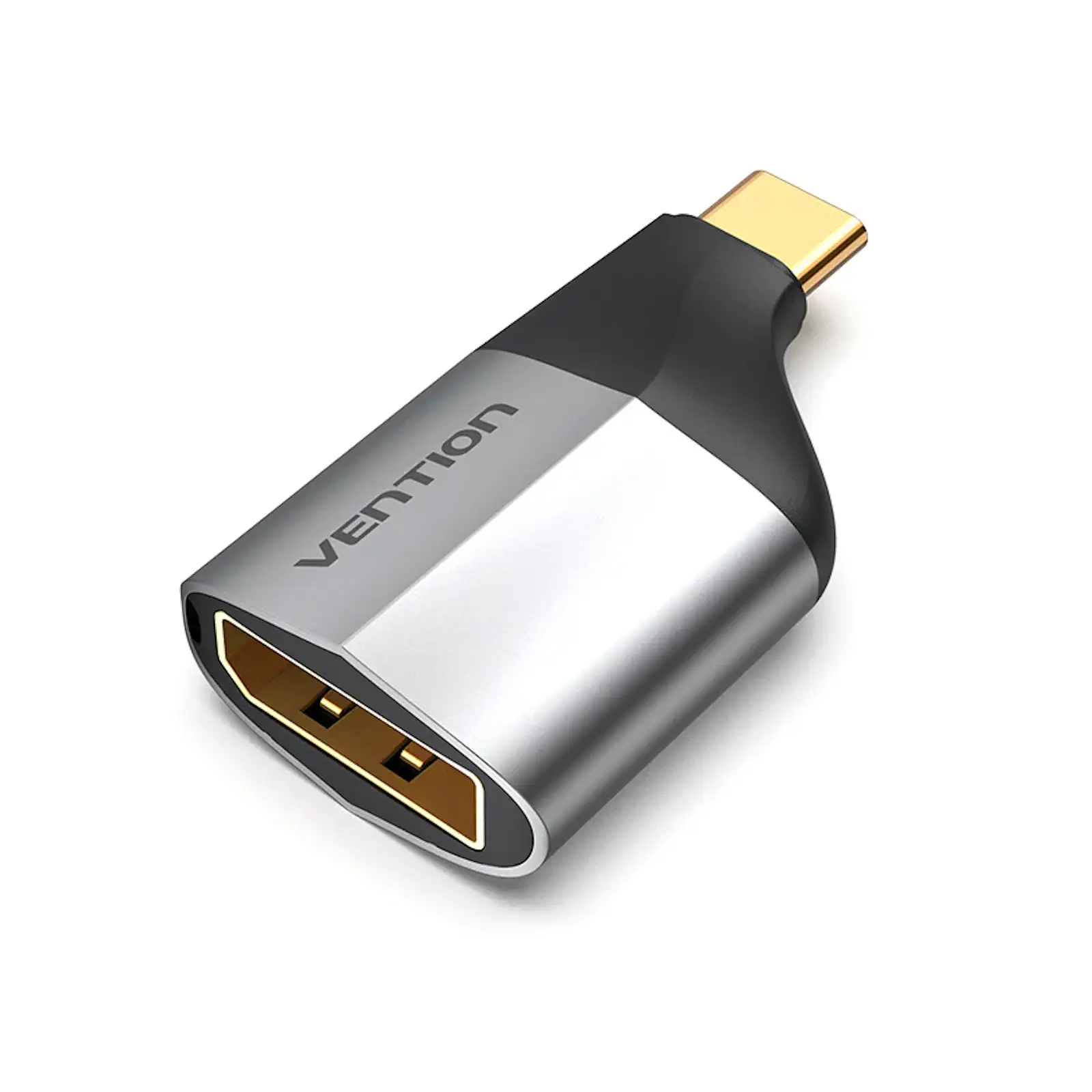
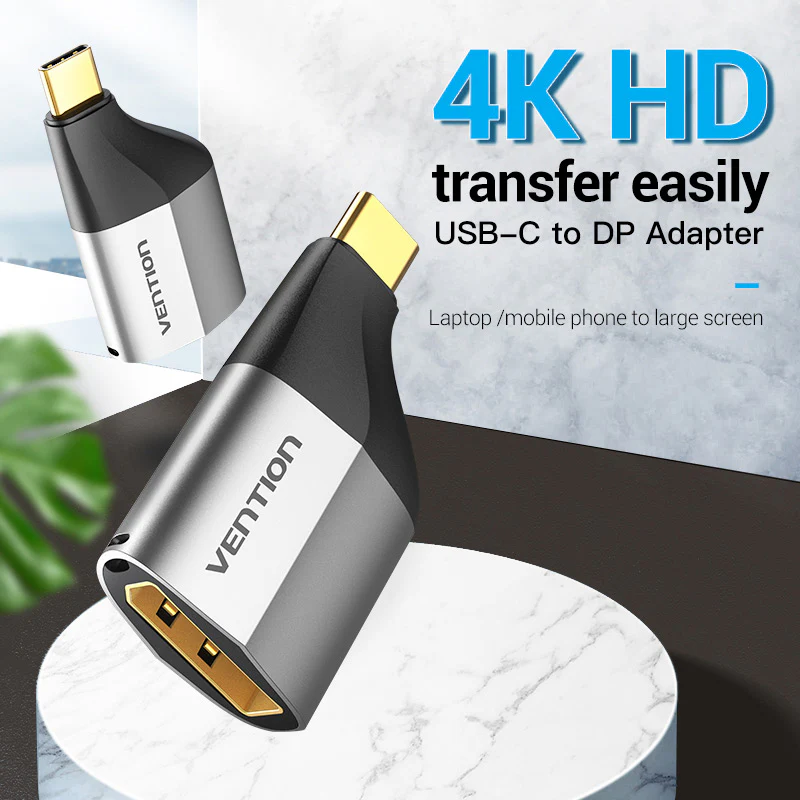
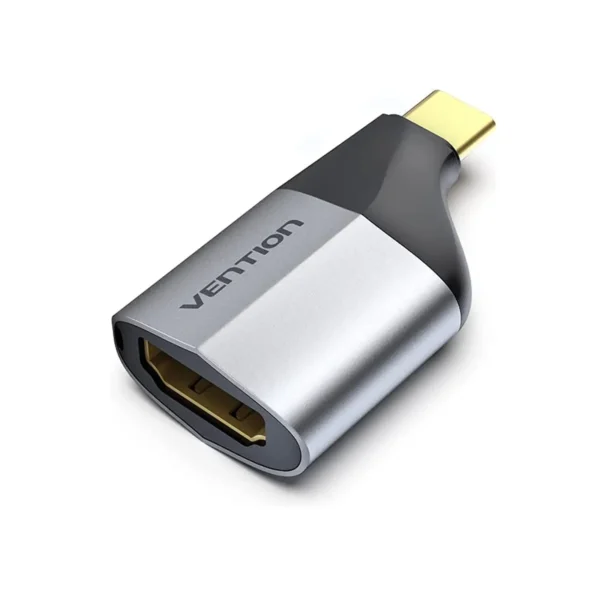
Upgrade your workspace or entertainment setup with the Vention TCCH0 USB-C to DisplayPort Adapter, designed to bridge your USB-C laptop or tablet to high-resolution DP monitors. Supporting 4K UHD at 60Hz, this adapter ensures vivid colors, crisp details, and lag-free performance for creative professionals, gamers, and movie enthusiasts. When searching for the Best USB-C to DisplayPort Adapter in Pakistan, the TCCH0 stands out as a top-tier choice for users needing high-resolution display connectivity. Its aluminum alloy construction, gold-plated connectors, and included lanyard make it an essential accessory for any USB-C device owner.
4K Ultra HD @ 60Hz for Sharp Visuals
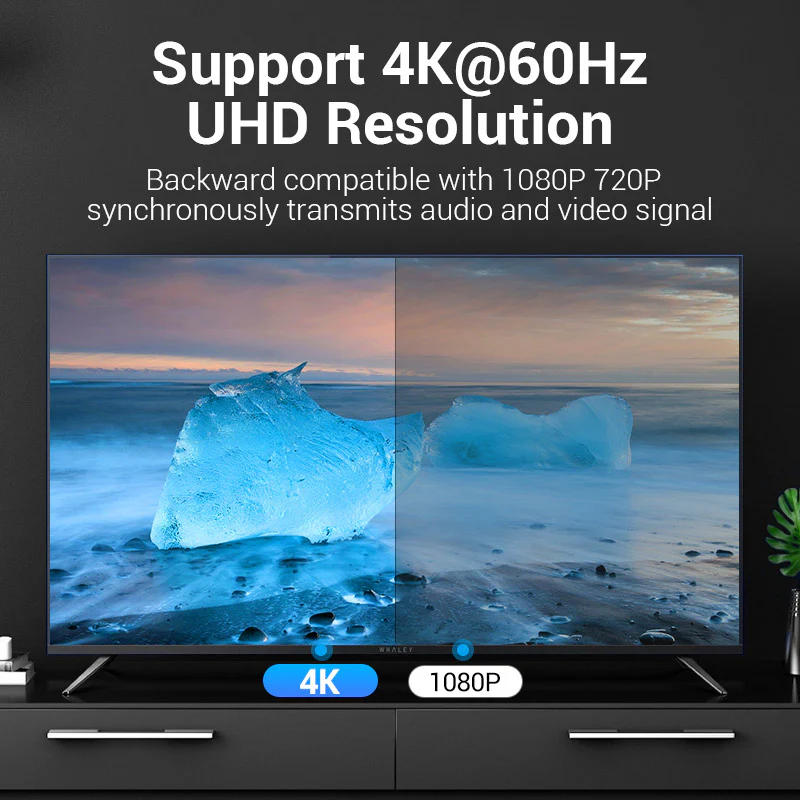
Delivers sharp 4K resolution with a smooth 60Hz refresh rate, ideal for gaming, design work, and 4K video playback. Ensures vivid colors, crisp details, and lag-free performance for creative professionals and entertainment enthusiasts. The adapter also supports 1080p @ 144Hz for gaming, as lower resolutions allow higher refresh rates . Whether you are editing videos, delivering presentations, or enjoying 4K content, this adapter offers seamless connectivity in a compact, travel-ready design . The high-resolution output ensures every detail is displayed with exceptional clarity, making it perfect for creative professionals working with high-resolution content .
Universal Compatibility with USB-C and Thunderbolt 3/4
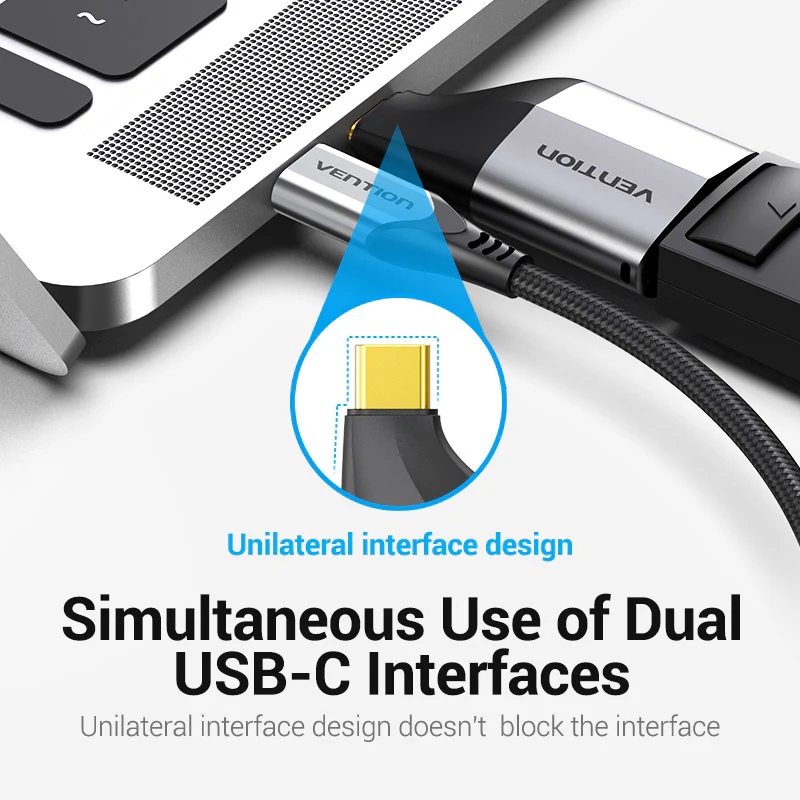
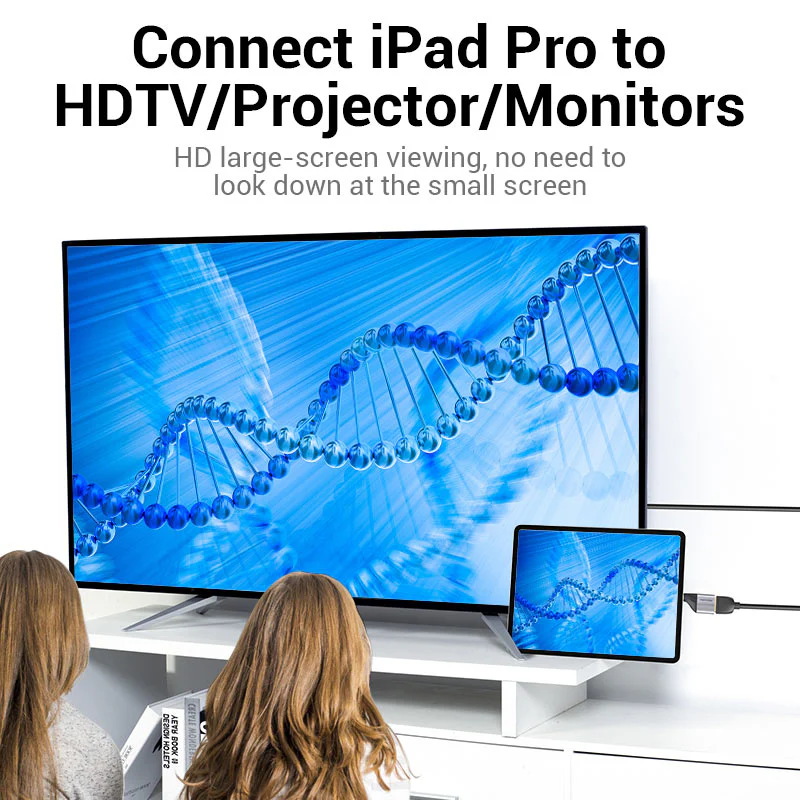
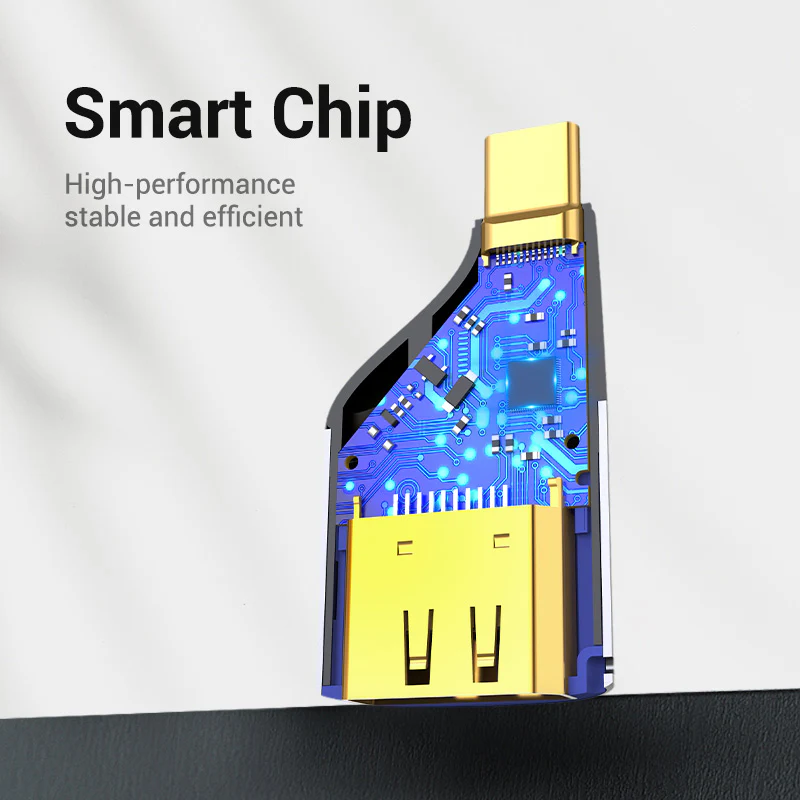
Works flawlessly with MacBook Pro, Dell XPS, HP Spectre, Lenovo ThinkPad, Microsoft Surface Pro, iPad Pro, Galaxy Tab S8, and other USB-C/Thunderbolt 3 devices that support DisplayPort Alt Mode . Powered by the advanced WTPD501 chipset, it guarantees broad compatibility with Thunderbolt 3 and USB-C devices . The adapter is backward compatible with Thunderbolt 4 and USB4 ports, ensuring broad support for the latest devices . Whether you are using an Apple, Dell, HP, Lenovo, or other USB-C device, this adapter provides reliable video output for all your display needs .
Premium Aluminum Alloy Construction
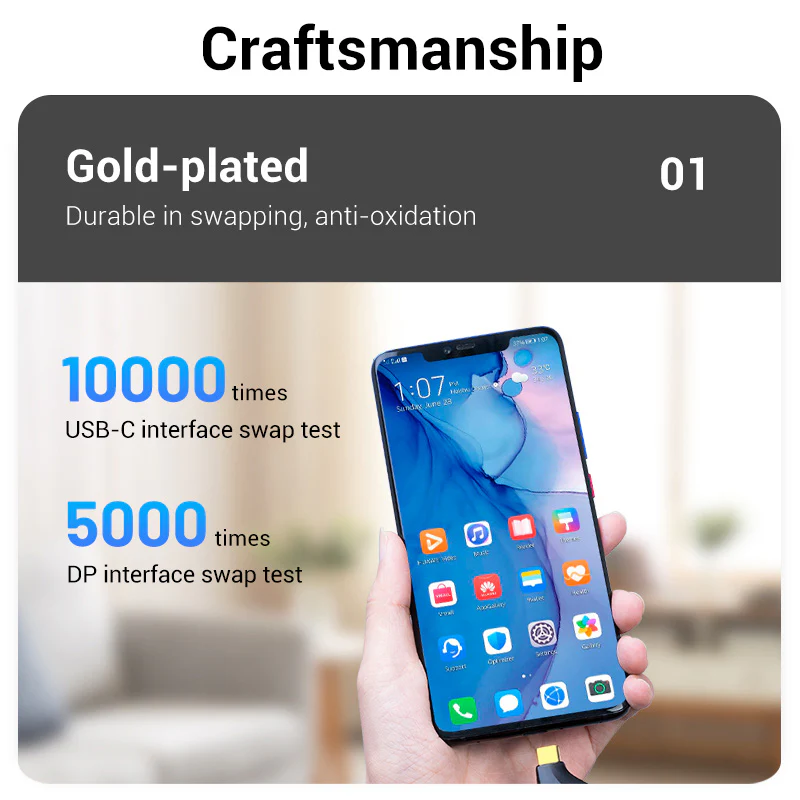
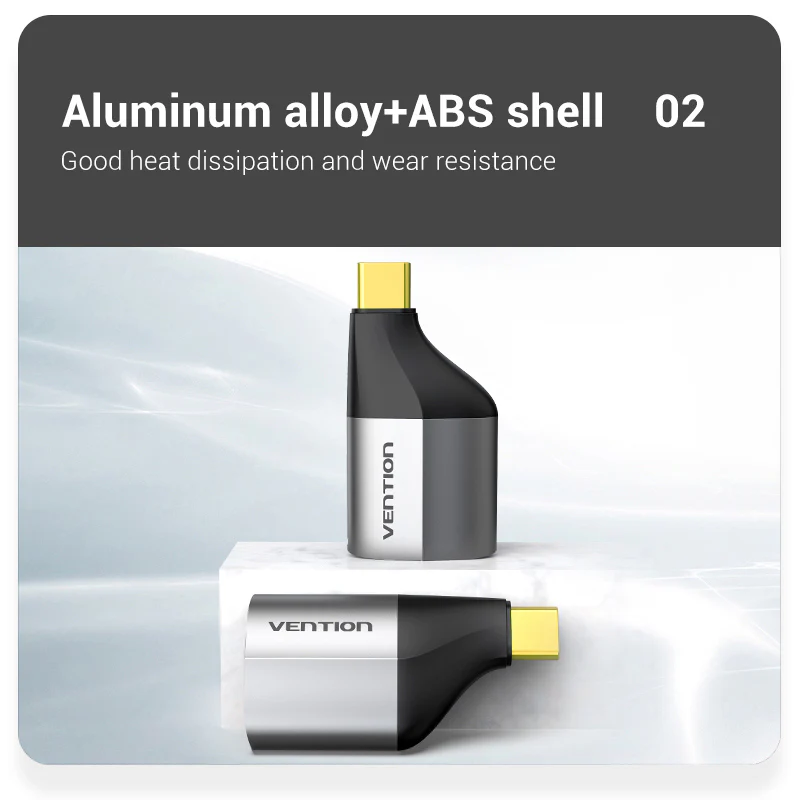
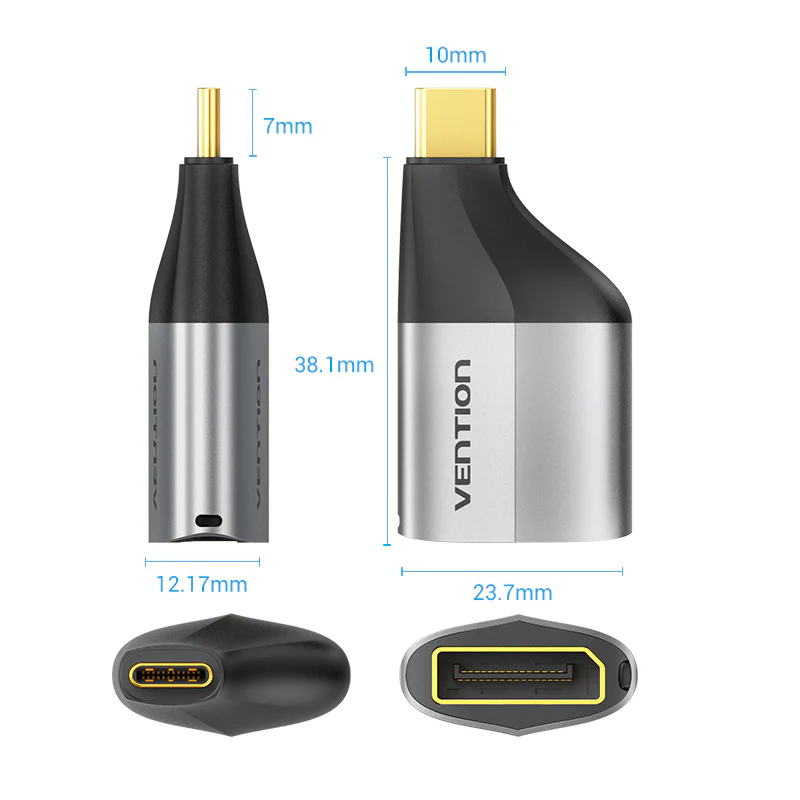
Aluminum alloy and ABS shell ensures heat dissipation and longevity, while gold-plated connectors provide corrosion-resistant, stable signal transmission . The aluminum alloy casing enhances durability and heat management, ensuring reliable performance during extended use . The gold-plated DisplayPort connector minimizes signal interference for uninterrupted viewing . The premium construction ensures the adapter withstands daily use while maintaining peak performance . The compact dimensions make it easy to carry in pockets, bags, or attached to keychains, ensuring you always have reliable connectivity when you need it .
Plug-and-Play with No Drivers Needed
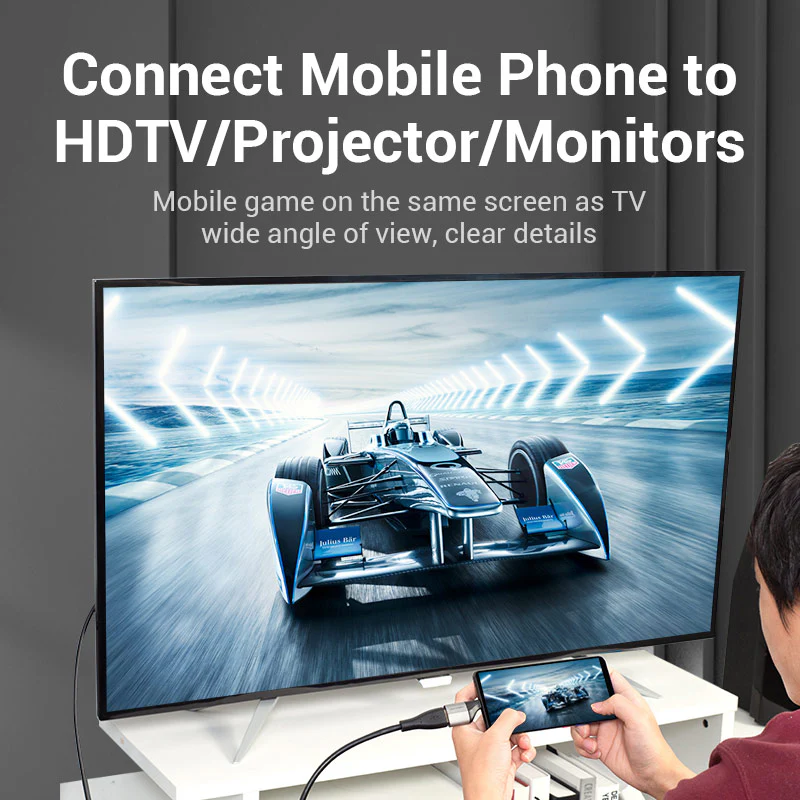
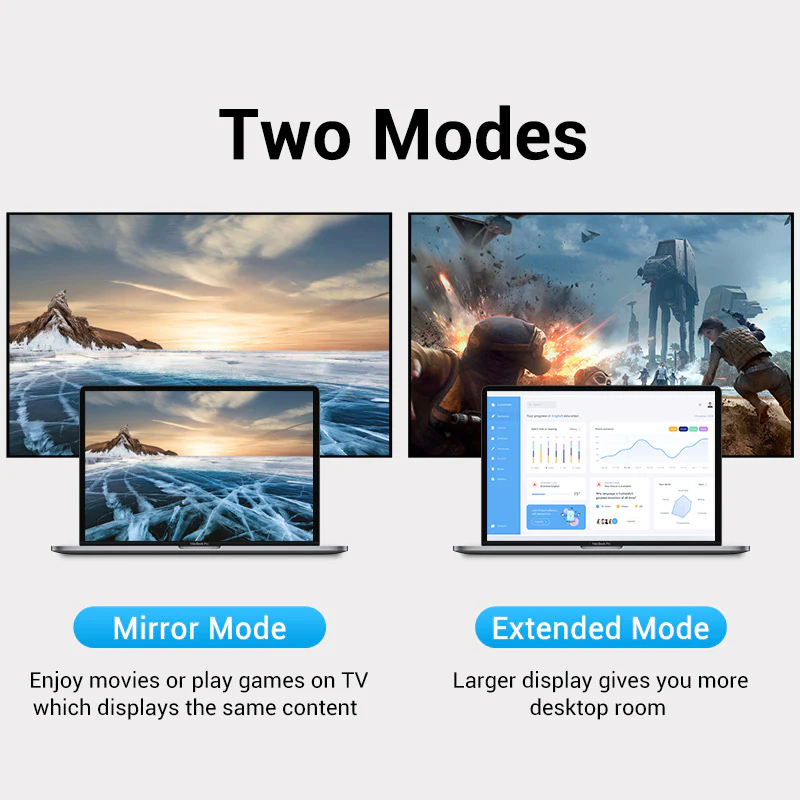
No drivers or setup required—just connect to instantly extend or mirror your display to DP-enabled monitors or projectors . The plug-and-play design ensures you can start using the adapter immediately without any configuration or software installation . The adapter supports 1080p @ 144Hz for gaming, making it versatile for both professional and entertainment use . Whether you are presenting to a large audience or enjoying content on a high-resolution monitor, this adapter provides reliable and hassle-free connectivity . Note that DisplayPort carries audio—ensure your monitor supports DP audio and check device settings if audio is not working .
Portable and Travel-Friendly with Lanyard
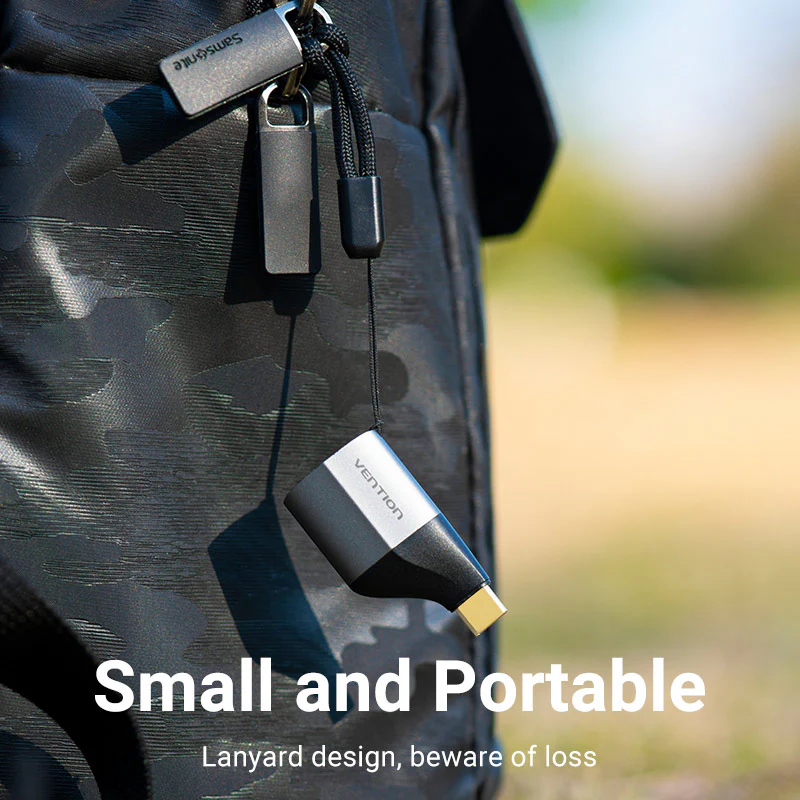
Includes a handy lanyard for easy portability, perfect for office presentations, home theaters, or on-the-go professionals . The compact design fits easily in laptop bags and backpacks, ensuring you always have the right adapter when you need it . The included lanyard prevents loss and allows you to attach the adapter to your keychain, bag, or lanyard for quick access whenever you need it . Backed by a 1-year warranty, it is a reliable solution for expanding your display capabilities . Shop from the Official UGREEN Store in Pakistan for guaranteed original products and warranty.
Products Specifications
- Brand: Vention
- Model: TCCH0
- Color: Gray
- Interface: USB-C Male to DisplayPort Female
- Chipset: WTPD501
- Resolution: 4K UHD @ 60Hz (Supports 1080p @ 144Hz)
- Connectors: Gold-Plated
- Shell Material: Aluminum Alloy + ABS
- Features: Plug and Play, Heat Dissipation, Lanyard Included
- Compatibility: MacBook Pro, Dell XPS, HP Spectre, Lenovo ThinkPad, Microsoft Surface Pro, iPad Pro, Galaxy Tab S8, Thunderbolt 3/4, USB4, and all USB-C devices with DisplayPort Alt Mode
- Packaging: PE Bag
- Warranty: 12 Months (1 Year) official VENTION warranty from the date of purchase.
Explore Related Products
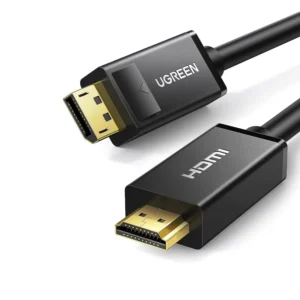
- UGREEN 15575 8K@60Hz USB C to DisplayPort 1.4 Adapter
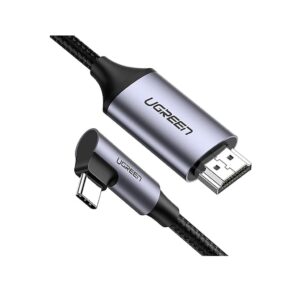
- UGREEN 40372 USB-C TO DISPLAY PORT ADAPTER
- UGREEN 50994 USB-C to DisplayPort Cable 1.5 Meter Black
- UGREEN 25158 Thunderbolt USB C to DisplayPort Cable DP 1.4 2 Meter
- UGREEN 25839 USB C to DisplayPort 1.4 Cable 8K@60Hz
What’s in the Box
- 1x VENTION TCCH0 USB-C to DisplayPort Adapter
- 1x Portable Lanyard
- 1x PE Bag Packaging
Frequently Asked Questions
Q1: Does this adapter support HDR or G-Sync/FreeSync?
A: No, it supports 4K@60Hz SDR but not HDR or adaptive sync technologies like G-Sync or FreeSync. The adapter is designed for standard high-definition video output. UGREEN 15575 8K@60Hz USB C to DisplayPort 1.4 Adapter
Q2: Is it compatible with Thunderbolt 4 laptops?
A: Yes, it is backward compatible with Thunderbolt 3/4 and USB4 ports. This ensures broad compatibility with the latest laptops and devices that use Thunderbolt technology. UGREEN 40372 USB-C TO DISPLAY PORT ADAPTER
Q3: What is the warranty period for this product?
A: The VENTION TCCH0 comes with a 12 Months (1 Year) warranty. This warranty covers any manufacturing defects and ensures peace of mind with your purchase from the UGREEN Official Distributor in Pakistan. UGREEN 50994 USB-C to DisplayPort Cable 1.5 Meter Black
Q4: Can I use this for dual-monitor setups?
A: No, this is a single DisplayPort output adapter. For dual monitors, you will need a docking station or a multi-port adapter that supports multiple displays. UGREEN 25158 Thunderbolt USB C to DisplayPort Cable DP 1.4 2 Meter
Q5: Will it work with iPad Pro or Galaxy Tab S8?
A: Yes, if the tablet supports DisplayPort Alt Mode over USB-C. Most modern tablets with USB-C ports support this feature for video output to external displays. UGREEN 25839 USB C to DisplayPort 1.4 Cable 8K@60Hz
Q6: Does it require external power?
A: No, it draws power directly from your device’s USB-C port. The adapter is passive and does not require any external power source, making it easy to use anywhere. UGREEN 15575 8K@60Hz USB C to DisplayPort 1.4 Adapter
Q7: What’s the maximum cable length supported?
A: For best results, use a DP cable under 2 meters to avoid signal degradation. Longer cables may cause signal loss or reduced video quality. UGREEN 40372 USB-C TO DISPLAY PORT ADAPTER
Q8: Can I charge my laptop while using this adapter?
A: No, this adapter does not support pass-through charging. It is designed for video output only and does not include a power delivery port. UGREEN 50994 USB-C to DisplayPort Cable 1.5 Meter Black
Q9: Does it work with 1080p @ 144Hz for gaming?
A: Yes, it supports 1080p @ 144Hz, as lower resolutions allow higher refresh rates. This makes it suitable for gaming where high refresh rates are preferred over higher resolution. UGREEN 25158 Thunderbolt USB C to DisplayPort Cable DP 1.4 2 Meter
Q10: Why should I buy this from a certified store in Pakistan?
A: Buying from the Official UGREEN Store in Pakistan ensures you receive a 100% original product with a full warranty. It protects you from counterfeit products and ensures you have access to authentic after-sales support and fast delivery in Pakistan. UGREEN 25839 USB C to DisplayPort 1.4 Cable 8K@60Hz


 No products in the cart.

Write a review