

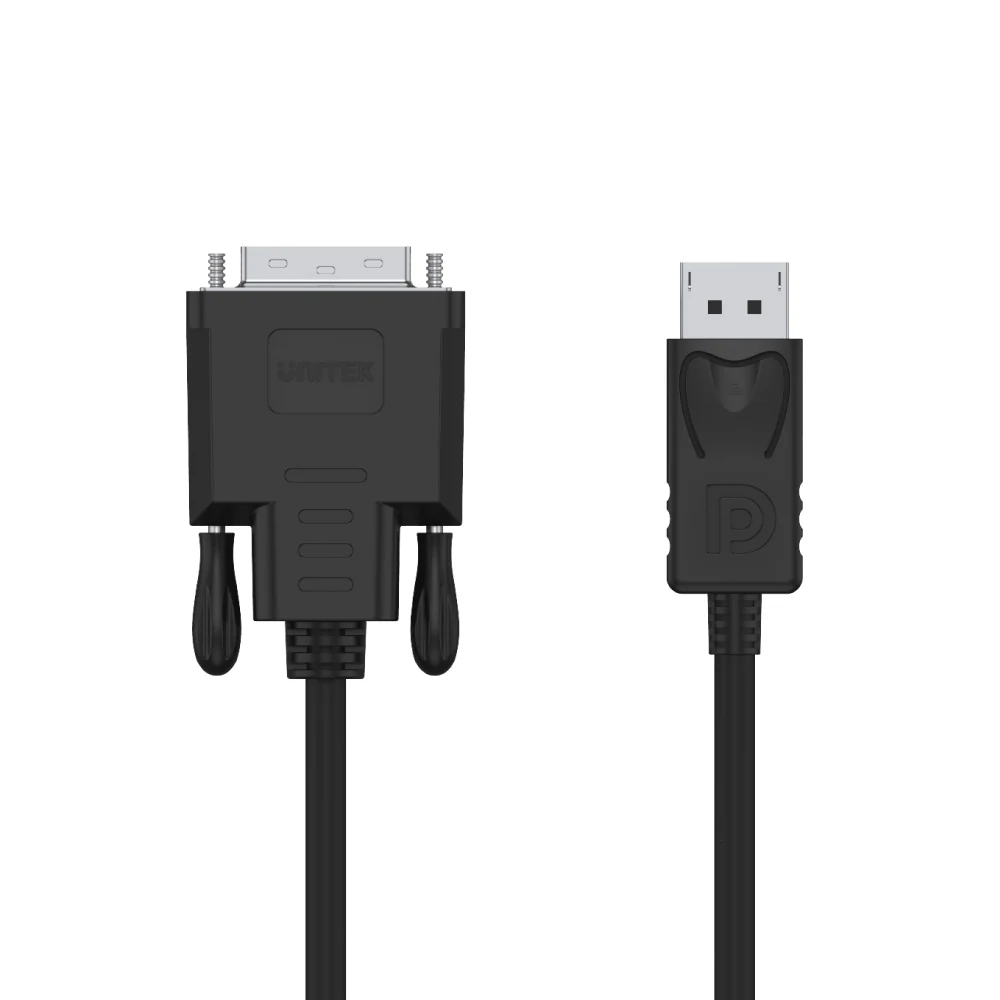
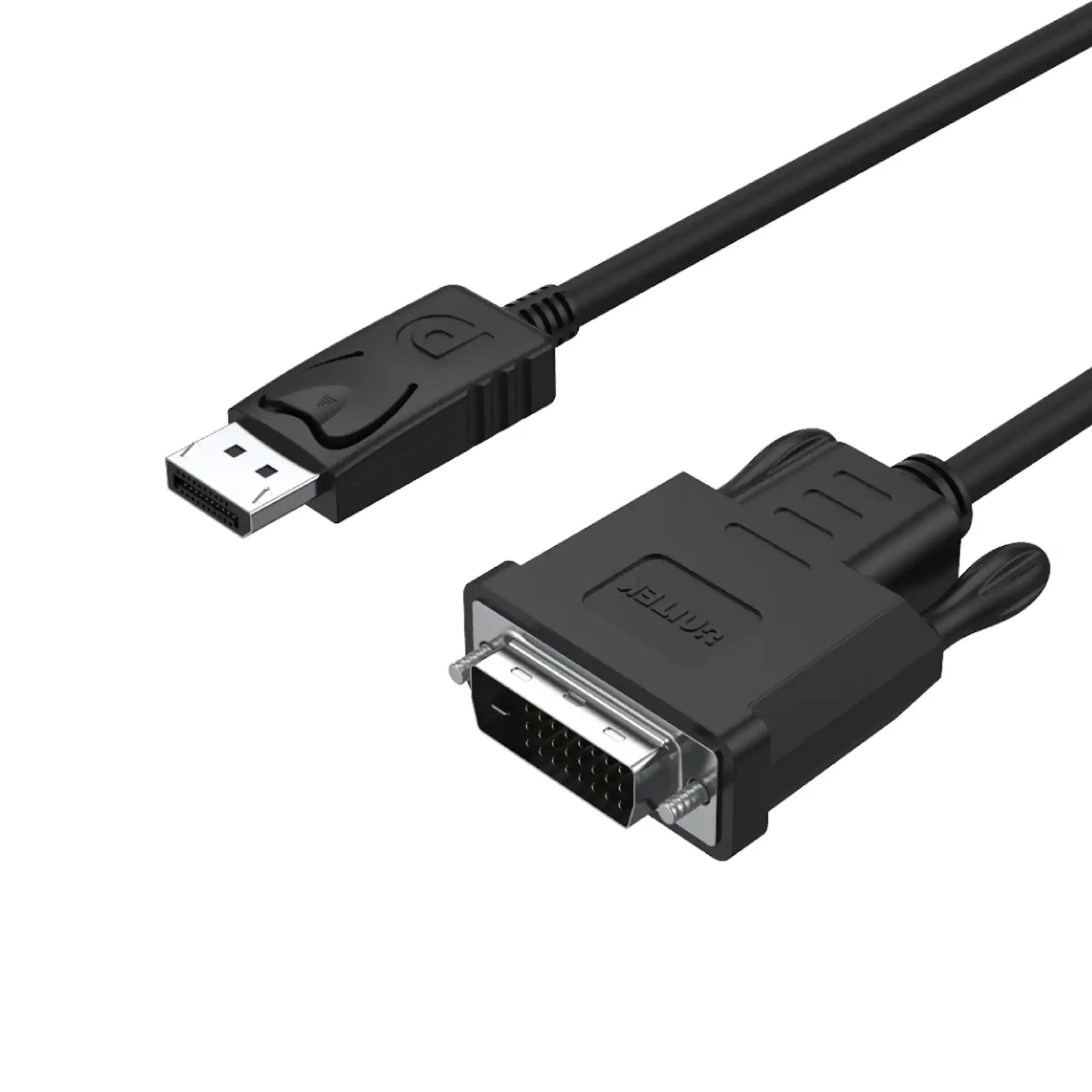
UNITEK Y-5118BA DisplayPort to DVI-D Cable (1.8 Meter) – Active Adapter Cable, 1920×1200 @60Hz, for Connecting Laptop, PC to Monitor, Projector, HDTV (Full-Size DisplayPort to DVI-D Dual-Link)
Bridge the gap between your new computer and a trusted older display with the UNITEK DisplayPort to DVI Cable. This simple, effective solution is designed for connecting modern graphics cards and laptops to high-quality DVI monitors and projectors. It delivers a pure digital signal conversion, ensuring you get the best possible picture quality from your legacy display without needing a new monitor. Whether you are setting up an office workstation, extending your laptop display, or connecting to a projector for a presentation, this cable delivers reliable performance.
Seamless Digital Connection
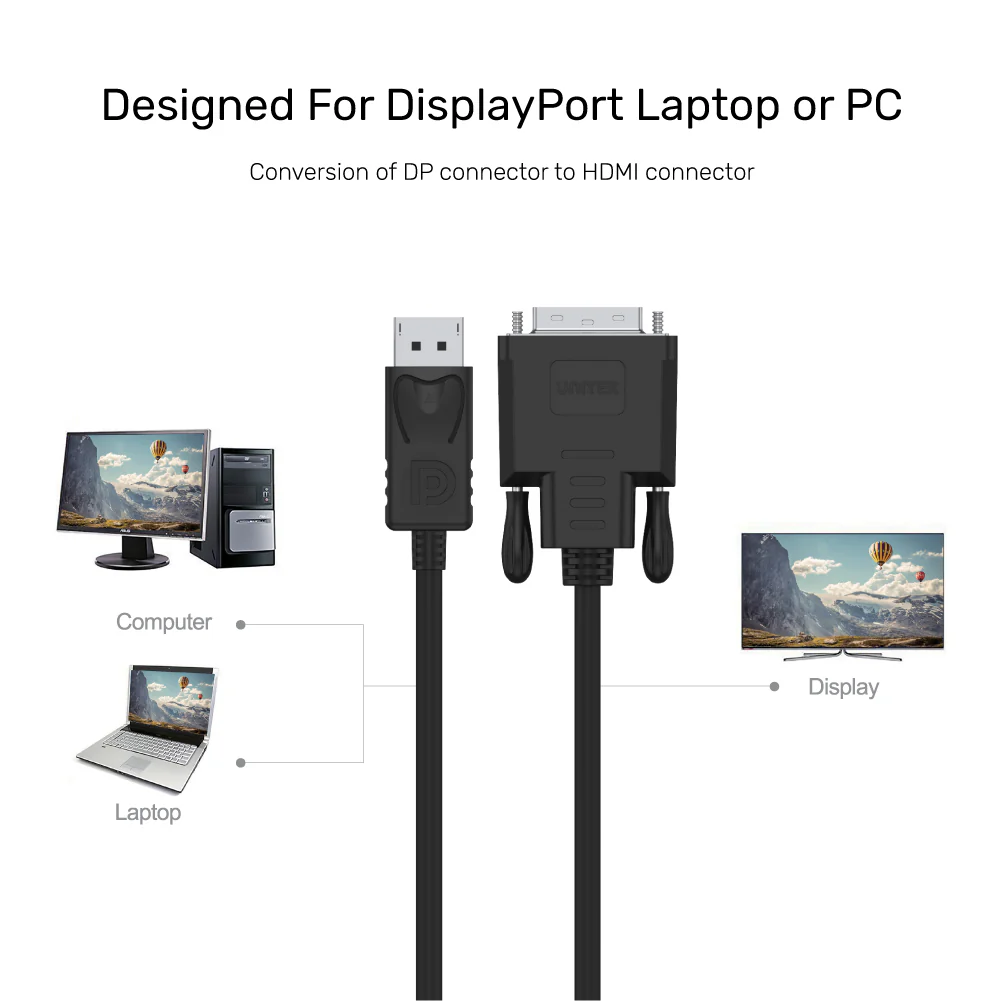
First and foremost, this cable solves a common connectivity problem. Many modern PCs and business laptops feature DisplayPort outputs , while many office monitors and home theater projectors still rely on DVI inputs. This cable creates a perfect bridge, providing a reliable display extension solution for your setup. Consequently, you can continue using your high-quality DVI monitors without the expense of upgrading to newer displays. Explore the full UNITEK cable collection
Engineered for Clarity and Reliability
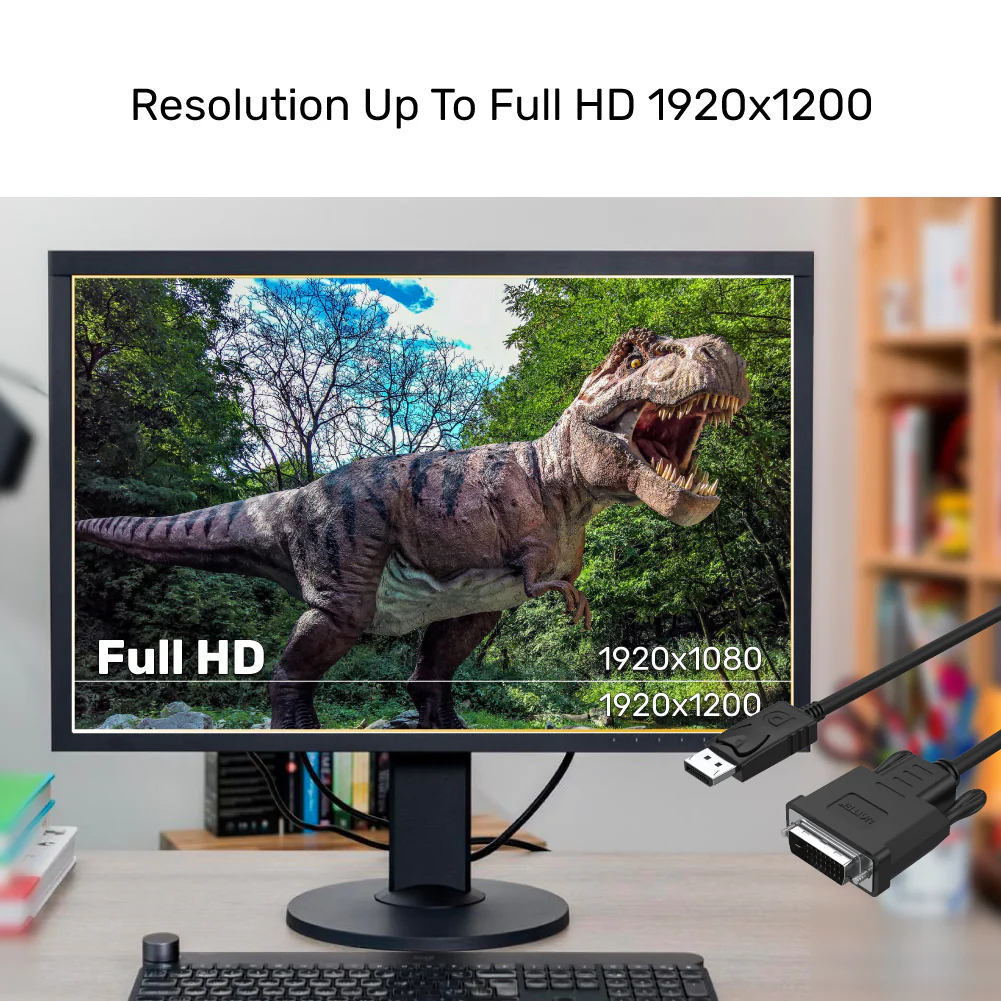
Unlike a passive adapter, this is an active cable with a built-in chipset that ensures a stable and accurate digital-to-digital conversion. This guarantees support for the full 1920×1200 resolution at 60Hz , making it perfect for detailed office work, coding, or media playback. The DisplayPort 1.1a compliance ensures broad compatibility with a wide range of DisplayPort sources. For powering your devices, consider a stable UGREEN power adapter to keep your laptop running during extended use. Discover more connectivity solutions
Built to Last in Any Environment
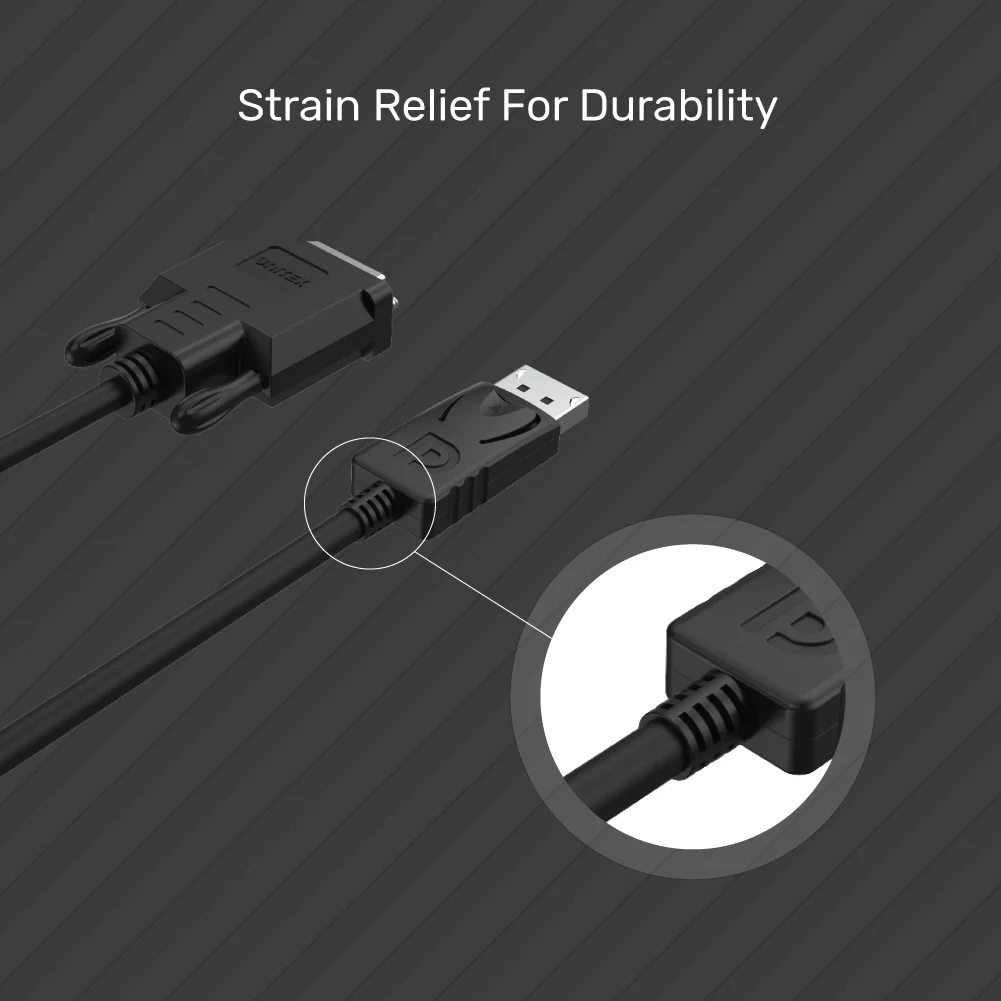
The cable is constructed for daily use with durable PVC jacketing and robust connectors. The molded strain relief prevents damage at the connection points, which are often the first point of failure. This makes it a dependable accessory for fixed installations in offices, schools, or home entertainment centers. The 1.8-meter (approximately 6 feet) length provides ample reach for most desktop setups without creating cable clutter. Shop quality accessories
Universal Compatibility
This active DisplayPort to DVI-D cable is compatible with a wide range of devices:
- Laptops & PCs: Dell, HP, Lenovo, ASUS, Acer, Microsoft Surface, and other brands with full-size DisplayPort outputs
- Graphics Cards: NVIDIA, AMD, Intel with DisplayPort outputs
- Displays: DVI-D monitors, projectors, HDTVs with DVI-D (digital) inputs
- Applications: Office workstations, home theater setups, classroom presentations, trading desks, medical displays
For a complete connectivity solution, consider pairing this cable with a UNITEK Docking Station or a UGREEN USB-C Hub for additional ports. Find reliable power solutions
Products Specifications:
- Brand: UNITEK
- Model: Y-5118BA
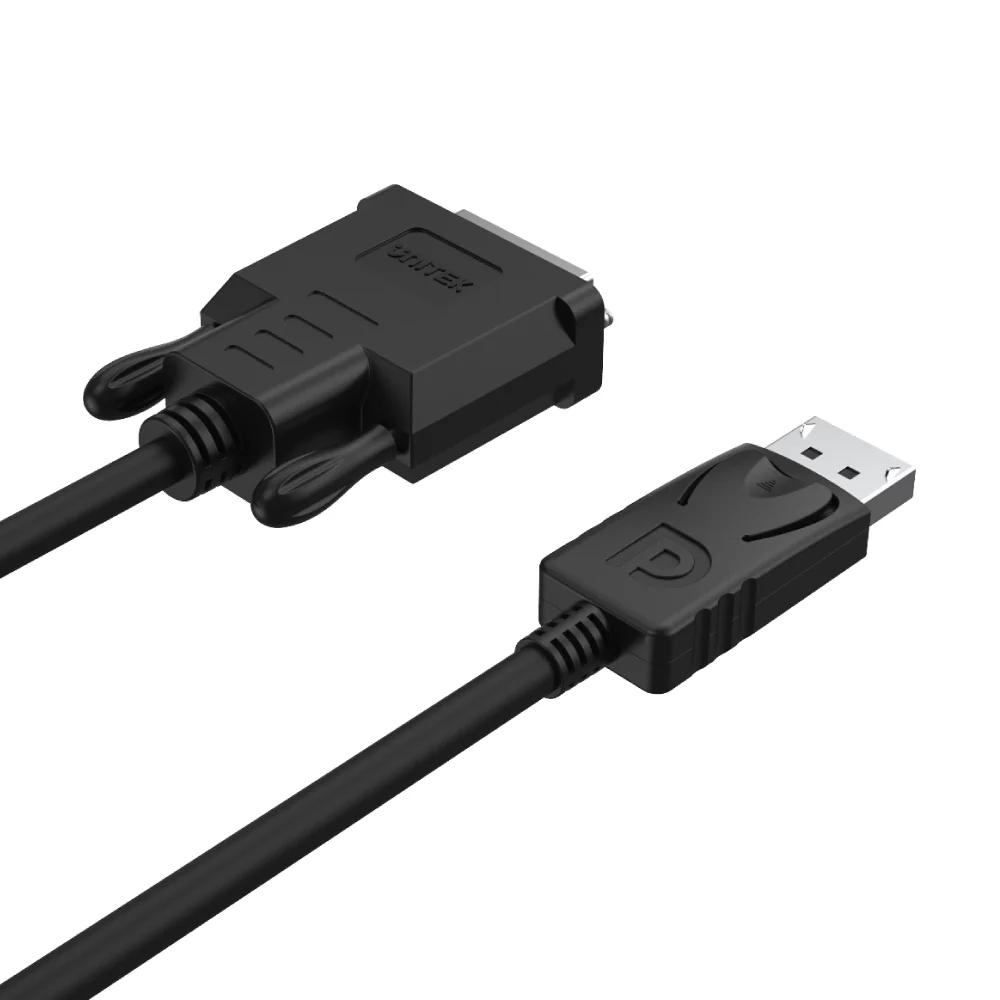
- Cable Type: Active DisplayPort to DVI-D Cable
- Length: 1.8 Meters (Approx. 6 Feet)
- Connector 1: DisplayPort (Full Size, 20-pin) Male
- Connector 2: DVI-D (Dual-Link, 24+1 pin) Male
- Max Resolution: 1920×1200 @60Hz (WUXGA) / 1080p @60Hz
- Compliance: DisplayPort 1.1a
- Signal Type: Digital
- Chipset: Built-in Active Chipset for Signal Conversion
- Cable Jacket: Durable PVC
- Features: Molded Strain Relief, Active Conversion, Plug & Play
- Direction: Unidirectional (DisplayPort Source to DVI Display)
- Color: Black
- Warranty: 12 Months (Pakistan)
What’s in the Box:
1 x UNITEK Y-5118BA DisplayPort to DVI-D Cable (1.8 Meter)
1 x User Manual (English)
Frequently Asked Questions:
Q1: Will this cable work with my laptop that has a Mini DisplayPort?
A: No. This cable has a full-size DisplayPort connector. If your laptop has a Mini DisplayPort or USB-C , you will need a different adapter. This is a 100% original product available from the Official UNITEK Store in Pakistan, ensuring authenticity and quality. Explore our Mini DisplayPort adapters
Q2: Does it support audio transmission?
A: No. DVI is a video-only interface. This cable transmits video signals only. To get audio to your display, you will need a separate audio cable from your computer’s headphone or line-out jack. Purchase from the UNITEK Official Distributor in Pakistan to ensure you receive genuine products with full warranty support.
Q3: Is this an active or passive cable?
A: This is an active cable. It contains a small chip to convert the DisplayPort signal to a DVI signal. This allows it to support higher resolutions and longer lengths more reliably than a simple passive adapter. For guaranteed authenticity, always purchase from the UNITEK Pakistan Official Store.
Q4: What is the maximum refresh rate at 1920×1080 (1080p)?
A: At 1080p resolution, this cable supports a refresh rate of 60Hz , which is the standard for smooth video playback and desktop use. This is a 100% original product available from the Official UGREEN Store in Pakistan (for related accessories), ensuring authenticity and quality.
Q5: Will it work with a DVI-I or DVI-A monitor?
A: It will only work with DVI-D monitors (digital-only). The connector is physically compatible with DVI-I ports, but it will not work with DVI-A (analog-only) displays. Purchase from the UGREEN Official Distributor in Pakistan to ensure you receive genuine products with full warranty support.
Q6: Does it require external power or drivers?
A: No. The active components are powered directly through the DisplayPort connection from your computer. It is plug-and-play and does not require any software drivers. For guaranteed authenticity, always purchase from the UGREEN PK Official Store in Pakistan.
Q7: Can I use it to connect my PC to a TV for gaming?
A: Yes, if your TV has a DVI input. You will get high-quality video. Remember, you will need a separate audio solution, and ensure your TV’s DVI port supports HDCP if you plan to watch protected content.
Q8: Is the cable bi-directional? Can I connect a DVI source to a DisplayPort monitor?
A: No. This is a unidirectional cable designed only to connect a DisplayPort source to a DVI display. It will not work in reverse. This is a 100% original product available from the Official UNITEK Store in Pakistan, ensuring authenticity and quality.
Q9: My monitor has a VGA port. Will this work?
A: No. This cable is for DVI-D connections only. For VGA, you would need a DisplayPort to VGA active adapter, as VGA is an analog signal. For guaranteed authenticity, always purchase from the UNITEK Official Distributor in Pakistan.
Q10: Where can I find other UNITEK connectivity solutions?
A: For a full range of adapters, switches, and professional AV equipment, visit the official UNITEK website. Purchase from the UGREEN Official Distributor in Pakistan or the UGREEN PK Official Store in Pakistan for related computer peripherals. All products come with original product warranty and fast delivery in Pakistan when you order from authorized retailers. Shop with confidence at UNITEK Pakistan
 No products in the cart.

Reviews
There are no reviews yet.