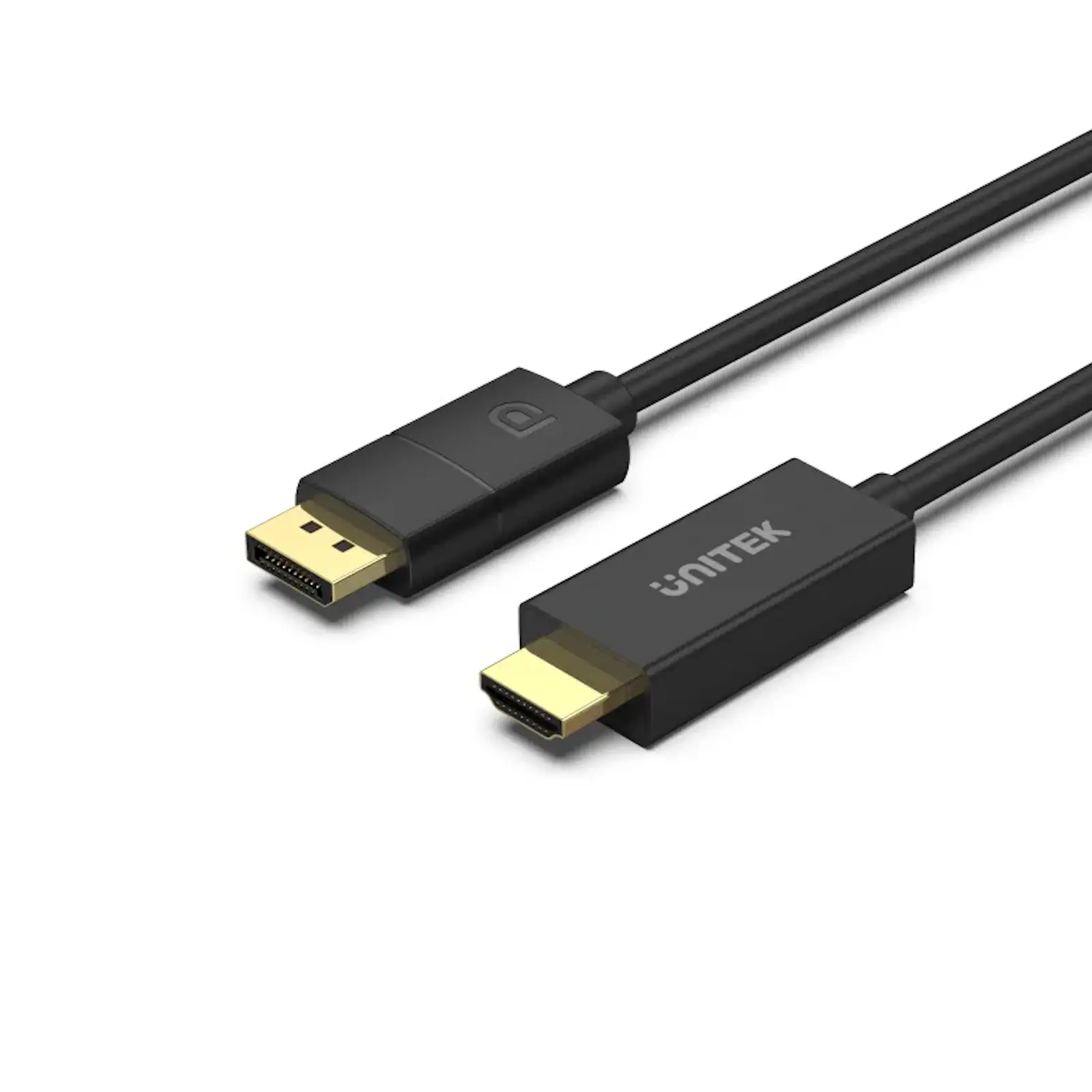
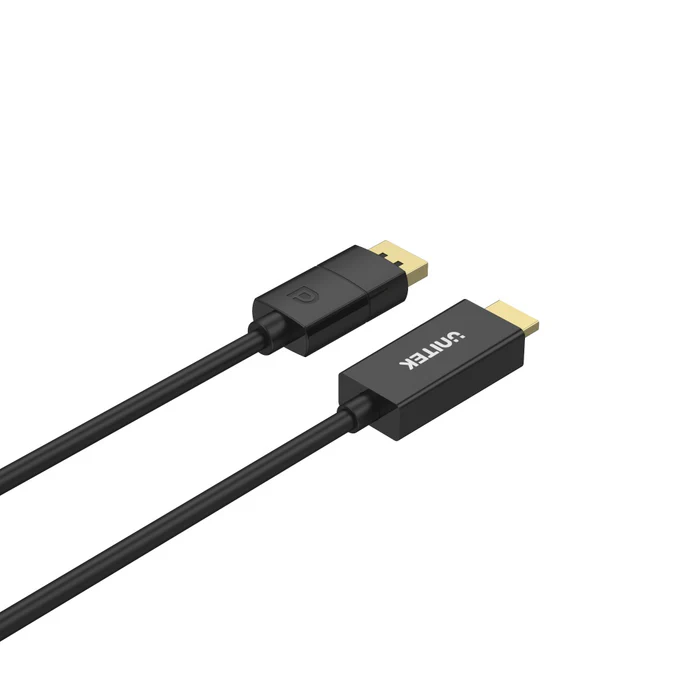
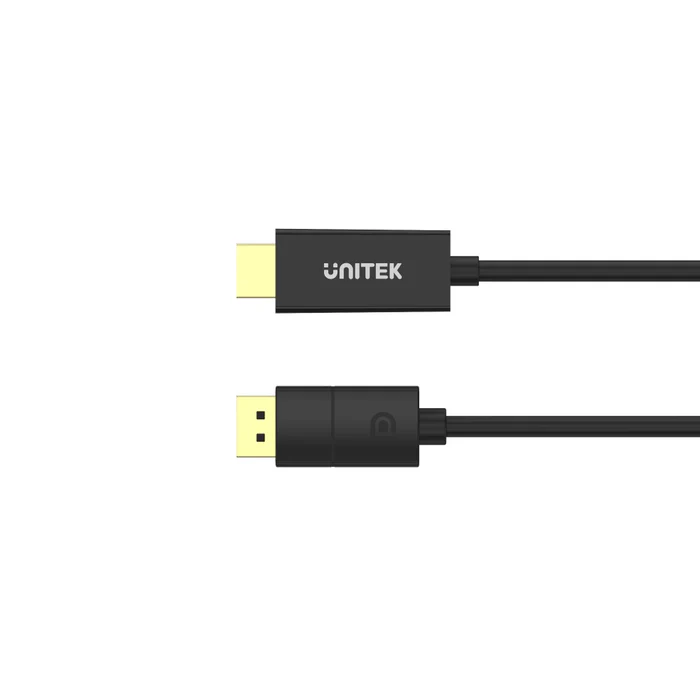
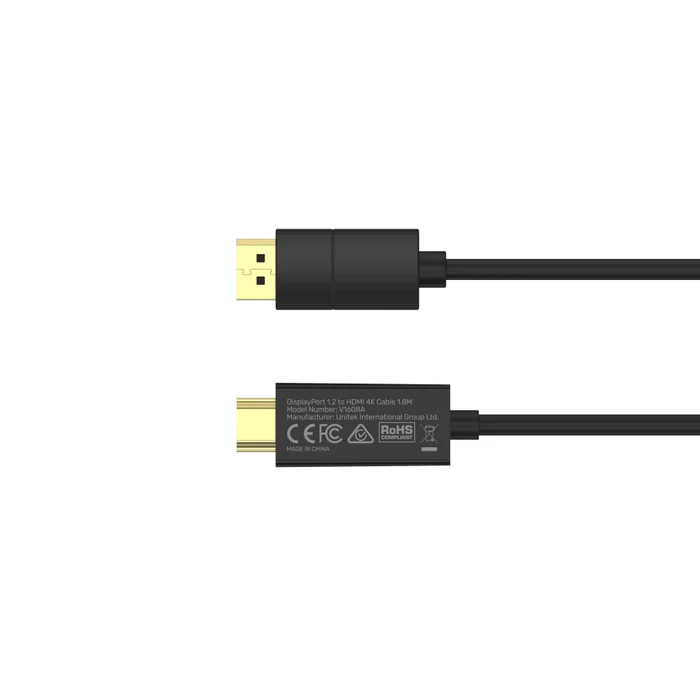
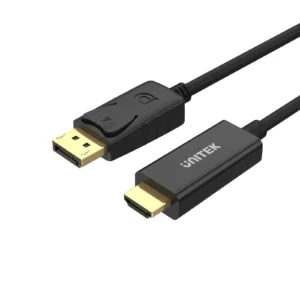
Product Specifications for UNITEK V1608A DisplayPort 1.2 to HDMI 4K Cable 1.8 Meter
Product Overview: The UNITEK V1608A DisplayPort 1.2 to HDMI 4K Cable (1.8m) delivers pristine audiovisual performance, bridging high-end computing systems with modern ultra-high-definition displays. Engineered with active conversion technology, it reliably powers Ultra HD 4K at 60Hz and HDR10 depth without dropping frames or requiring external power adapters. Discover competitive UNITEK V1608A DP to HDMI 4K Cable Price in Pakistan options while elevating desktop productivity, professional media editing, and low-latency gaming setups through authentic hardware reliability.
Features & Specs - Product Type: Active DisplayPort to HDMI Audio/Video Cable
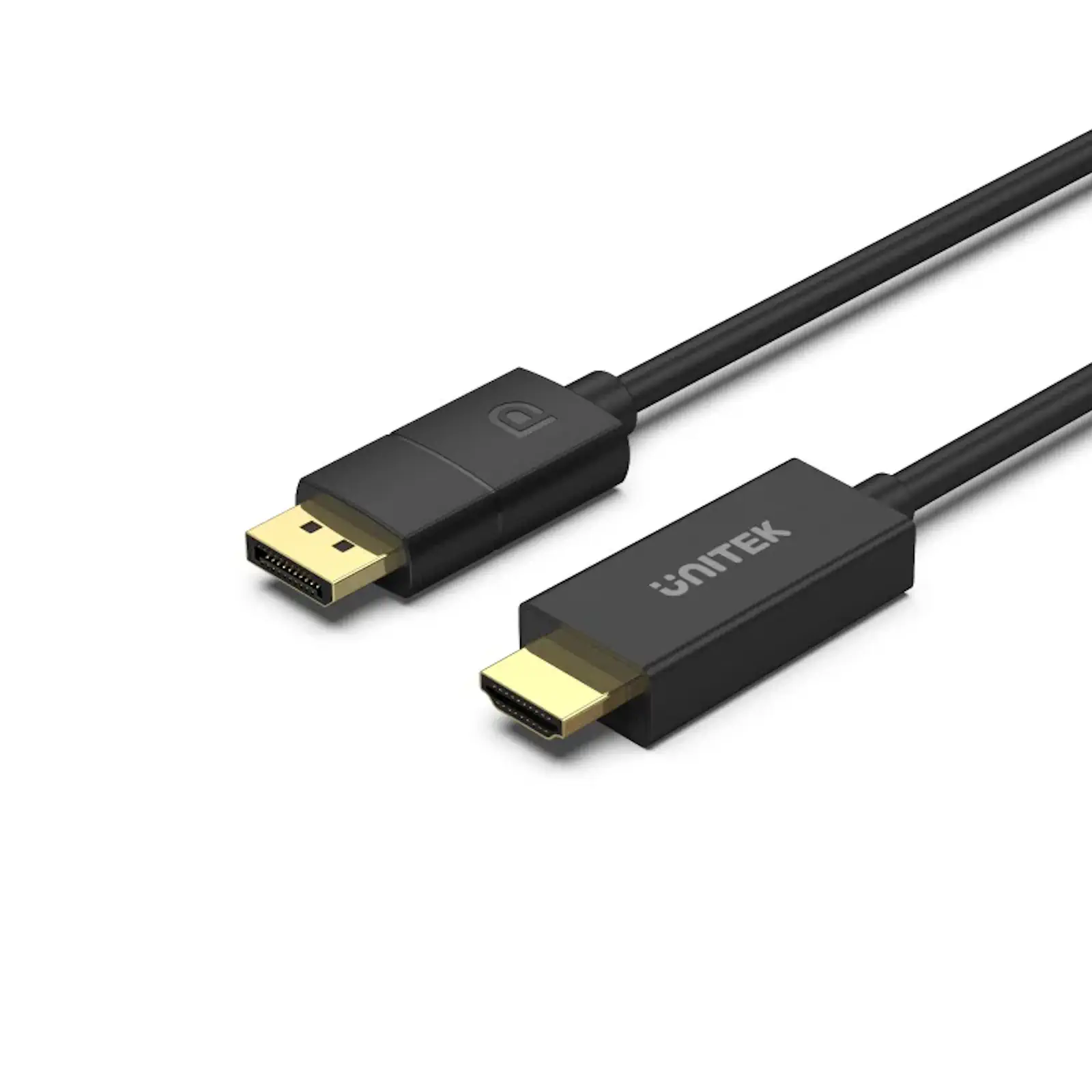
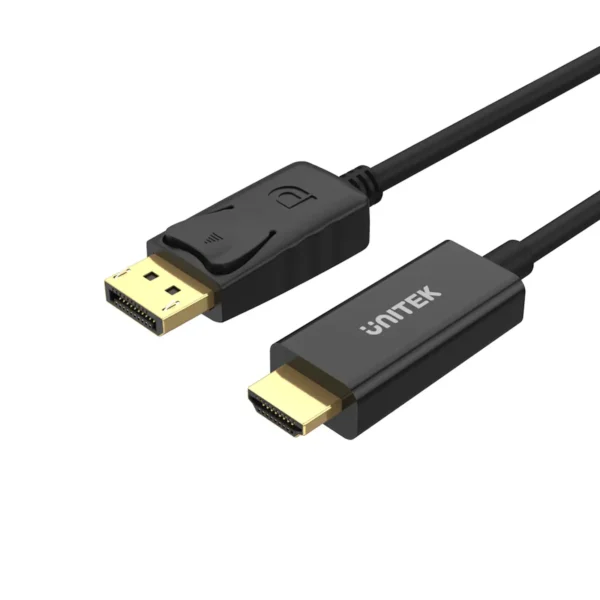
Features & Specs - Input Interface: DisplayPort 1.2 Male (Source)
Features & Specs - Output Interface: HDMI 2.0 Male (Display)
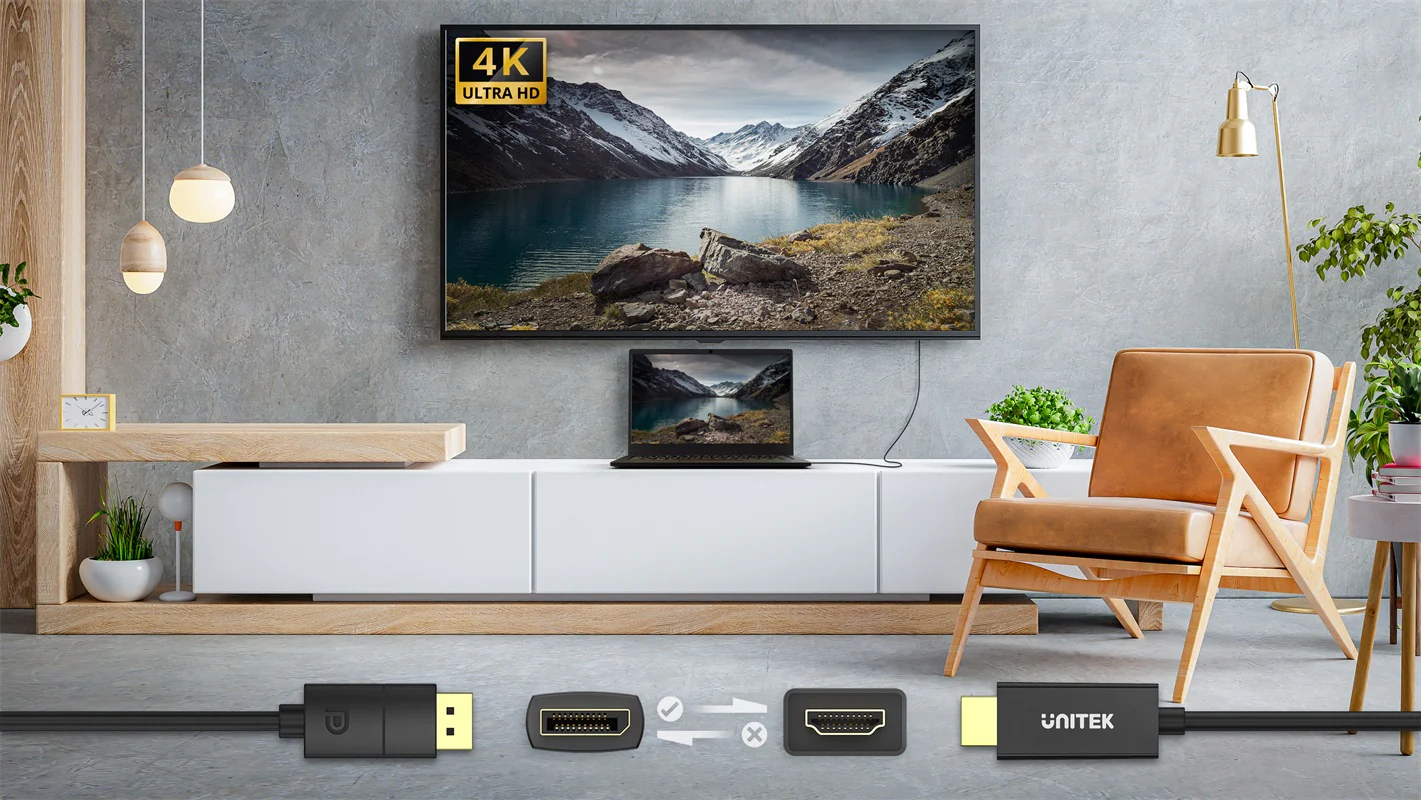
Features & Specs - Directionality: Unidirectional (DP Source to HDMI Display)
Features & Specs - Signal Conversion Type: Active Chipset Conversion (Integrated Microprocessor)
Features & Specs - Maximum Supported Resolution: 3840×2160 (4K UHD) @ 60Hz
Features & Specs - Secondary Resolutions Supported: 2560×1440 (2K QHD) @ 144Hz, 1920×1080 (FHD) @ 240Hz
Features & Specs - Maximum Bandwidth: 18 Gbps (HDMI 2.0 Specification)
Features & Specs - High Dynamic Range (HDR): HDR10 Compatible
Features & Specs - Color Depth Support: 8-bit / 10-bit Deep Color
Features & Specs - Chroma Subsampling: RGB 4:4:4, YCbCr 4:4:4 / 4:2:2 / 4:2:0
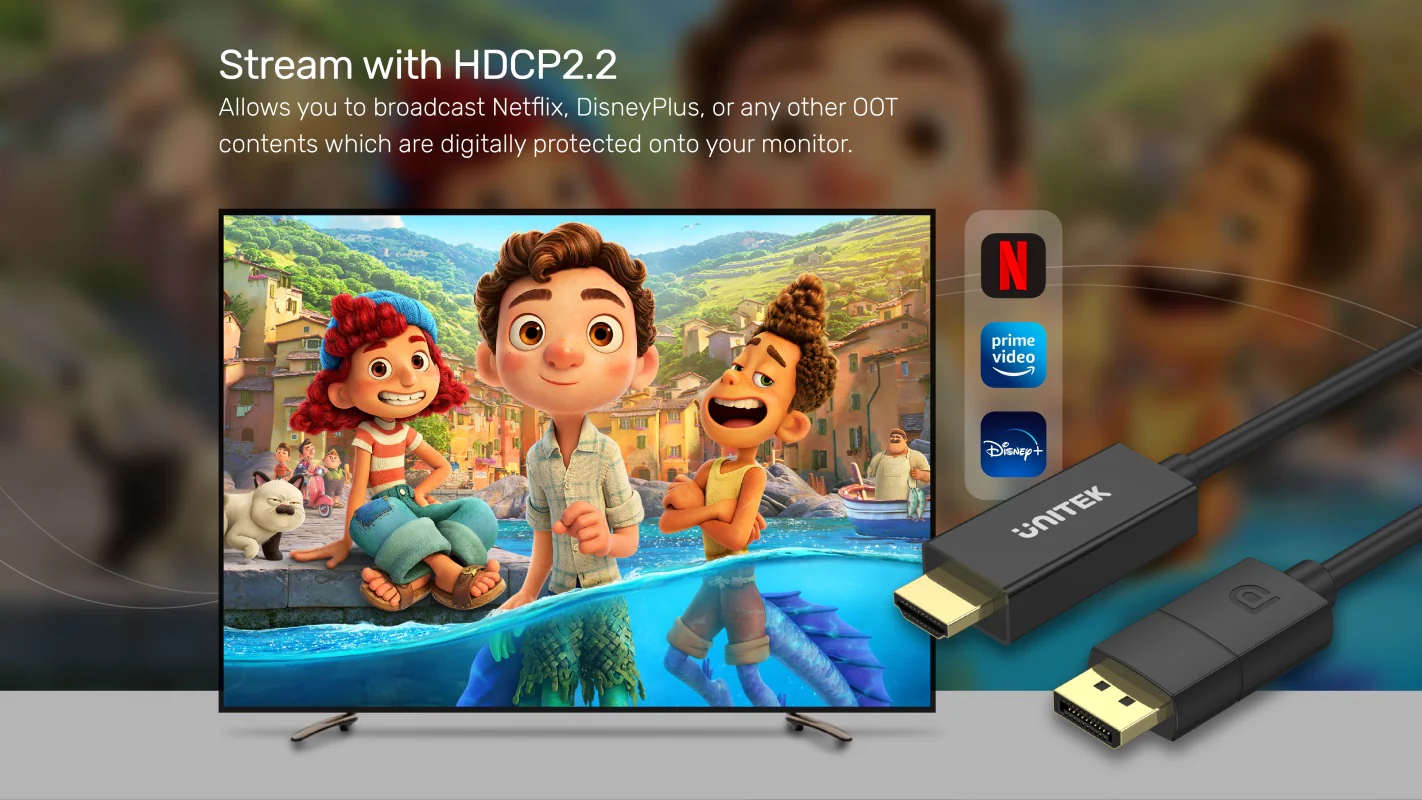
Features & Specs - Content Protection: HDCP 2.2 / HDCP 1.4 Compliant
Features & Specs - Audio Channel Support: Up to 8 Uncompressed Digital Audio Channels (7.1 Surround)
Features & Specs - Supported Audio Formats: LPCM 7.1, Dolby Digital, DTS-HD Master Audio, Dolby TrueHD
Features & Specs - Transmission Latency: <5ms Ultra-Low Latency
Features & Specs - Conductor Core Material: Oxygen-Free Copper (OFC)
Features & Specs - Shielding Architecture: Triple-Layer Shielding (Aluminum Foil + Braided Mesh)
Features & Specs - Electromagnetic Shielding: EMI & RFI Noise Immunity
Features & Specs - Connector Contact Plating: 50μm Gold-Plated Connectors
Features & Specs - Strain Relief Durability: Reinforced, Tested for 10,000+ Bend and Insertion Cycles
Features & Specs - Outer Jacket Material: Durable, Flame-Retardant PVC
Features & Specs - Driver Requirements: Plug and Play (Zero Drivers Required)
Features & Specs - External Power Requirement: Bus-Powered (Powered via DisplayPort Port)
Features & Specs - Operating Temperature Range: 0°C to 50°C (32°F to 122°F)
Features & Specs - Storage Temperature Range: 20°C to 70°C (-4°F to 158°F)
Features & Specs - Operating Humidity Range: 10% to 85% RH (Non-condensing)
Features & Specs - DisplayPort Specification: DisplayPort 1.2a Compliant
Features & Specs - HDMI Specification: HDMI 2.0b Backward Compatible
Features & Specs - OS Compatibility: Windows 11/10/8.1/7, macOS, Linux, Chrome OS
Features & Specs - Certifications: CE, FCC, RoHS, WHQL
Item details - Brand: UNITEK
Item details - Model Name: DisplayPort 1.2 to HDMI 4K Cable
Item details - Model Number: V1608A
Item details - SKU: V1608A
Item details - Product Category: DisplayPort Cables
Item details - Category Hierarchy: Electronics > Computer Accessories > Audio & Video Cables > UNITEK DisplayPort Cable
Item details - Product Line: UNITEK High-Performance Connectivity Solutions
Item details - Manufacturer: UNITEK International Group
Item details - Hardware Interface: DisplayPort to HDMI
Item details - Cable Function: Active Video & Audio Converter Cable
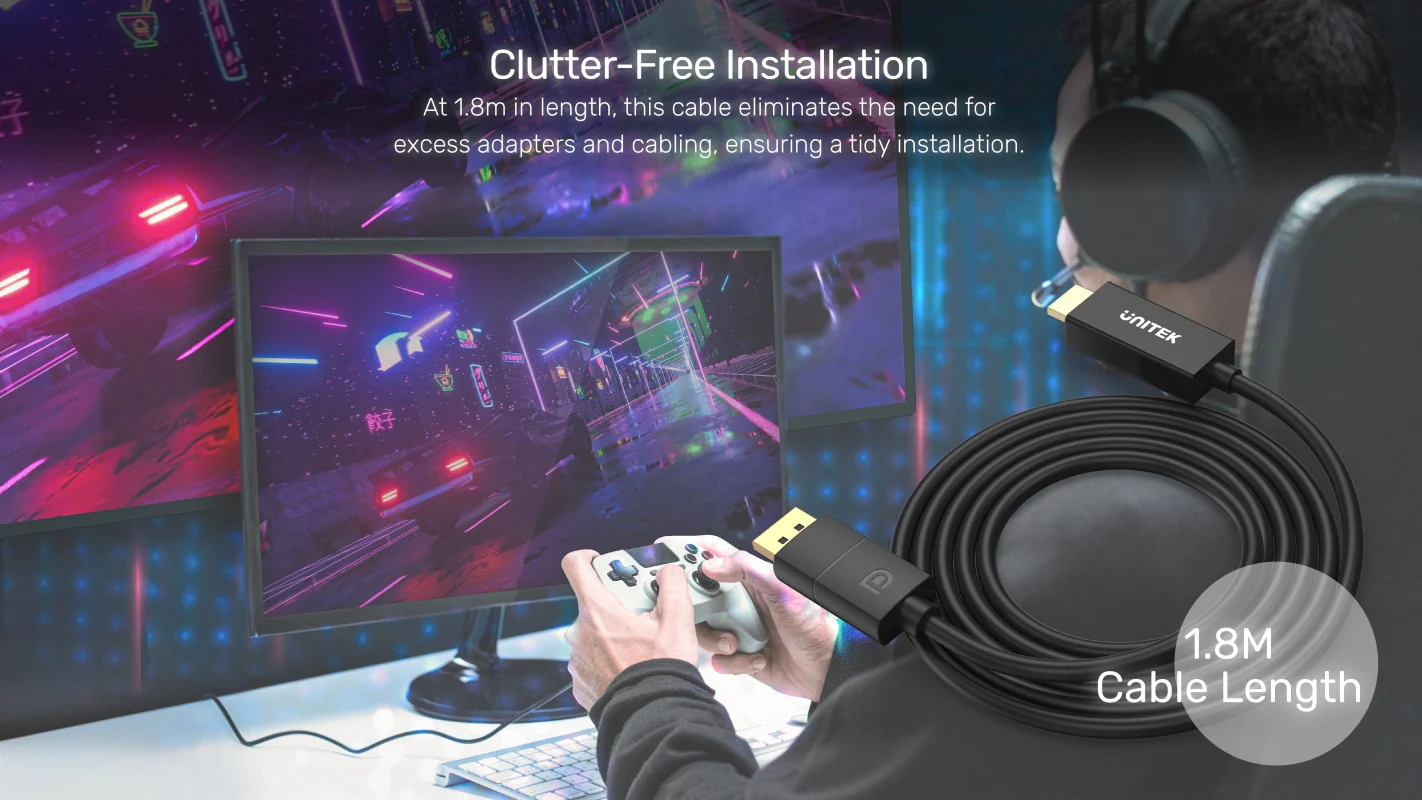
Measurements - Cable Length: 1.8 Meters (5.9 Feet)
Measurements - Number of Items: 1 Unit
Measurements - Unit Count: 1 Count
Measurements - Connector Head (DP) Dimensions: Standard DisplayPort Profile
Measurements - Connector Head (HDMI) Dimensions: Standard HDMI Type-A Profile
Measurements - Cable Outer Diameter (OD): Approx. 5.5 mm
Measurements - Package Form: Retail Box / Sealed Pouch Packaging
Additional details - Primary Color: Matte Black
Additional details - Connector Accent Finish: Corrosion-Resistant Gold Plating
Additional details - Enclosure Material: High-Grade Molded PVC Housing
Additional details - Cable Jacket Type: Smooth Flexible PVC
Additional details - Form Factor: Straight Cord / Fixed Male-to-Male Cable Assembly
Additional details - Design Aesthetic: Minimalist Industrial Desktop Workspace Profile
Additional details - Environmental Compliance: RoHS Compliant, Lead-Free Components
User guide - Installation Method: Insert the DisplayPort end into the source PC/GPU and the HDMI end into the target display.
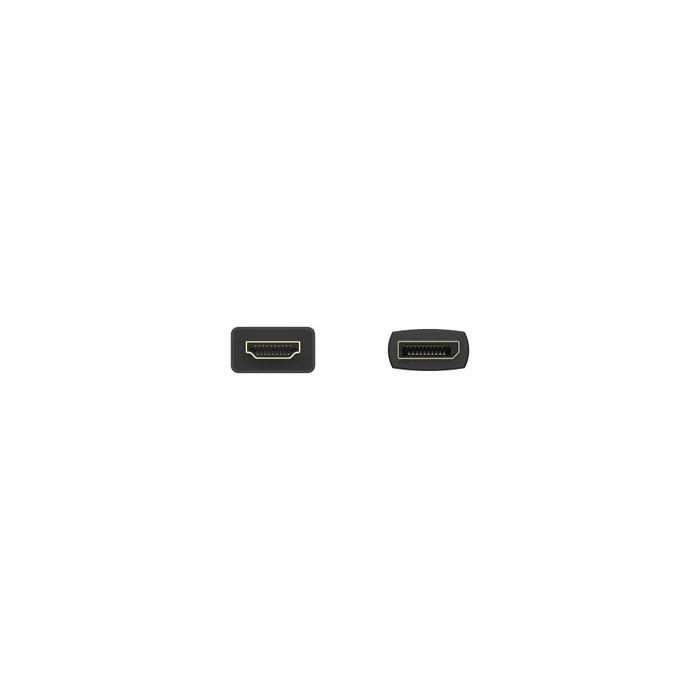
User guide - Directional Constraint: Strictly unidirectional; will not transmit video from an HDMI computer port to a DisplayPort monitor.
User guide - Configuration Requirement: Select the corresponding HDMI input channel on your display via the on-screen display (OSD).
User guide - HDR Setup: Enable HDR options in Windows Display Settings or macOS Preferences, and enable HDMI Enhanced/Deep Color on the monitor.
User guide - High Refresh Rate Setup: For 144Hz or 240Hz, verify your graphics control panel allows high-refresh custom resolutions on HDMI 2.0.
User guide - Handling Recommendations: Grip connector heads firmly when plugging or unplugging; avoid bending cables sharply past their minimum bend radius.
User guide - Cleaning & Maintenance: Keep contact pins clean and dry. Wipe jacket with a dry microfiber cloth; do not use liquid solvents.
User guide - Safety Precautions: Avoid routing the cable near extreme heat registers, sharp metal corners, or high-voltage power conduits.
Use Cases - Best For: Desktop systems with DisplayPort graphics cards linking to modern 4K HDMI monitors and TVs.
Use Cases - Ideal Scenarios: Home theater setups, dual-monitor desktop workstation expansions, and competitive high-refresh gaming displays.
Use Cases - Target Audience: Creative video editors, remote professionals, workstation operators, and multimedia enthusiasts.
Use Cases - Streaming Use Case: Protected 4K HDR playback on Netflix, Disney+, Apple TV+, and Amazon Prime via HDCP 2.2 compatibility.
Use Cases - Recommended Hardware: Dedicated NVIDIA GeForce, AMD Radeon, and Intel Arc graphics cards with DP 1.2+ ports.
Use Cases - Not Recommended For: Laptops with only USB-C/Thunderbolt ports (without dedicated DP ports) or native HDMI-to-DP monitor signal pathways.
Use Cases - Unsupported Configurations: DisplayPort Multi-Stream Transport (MST) daisy-chaining and native variable refresh rate (G-Sync/FreeSync) bridging.
Pros & Cons - Pros: True 4K UHD at 60Hz output with full HDR10 and 10-bit color support.
Pros & Cons - Pros: Built-in active conversion chipset eliminates signal dropouts common in passive cables.
Pros & Cons - Pros: Fully HDCP 2.2 certified to stream DRM-protected 4K UHD content without black screens.
Pros & Cons - Pros: Supports high refresh rates including 1440p @ 144Hz and 1080p @ 240Hz for fluid gaming.
Pros & Cons - Pros: Premium gold-plated terminals and triple-layer shielding minimize electromagnetic interference.
Pros & Cons - Pros: Driverless plug-and-play installation operates purely on bus power without external cords.
Pros & Cons - Cons: Unidirectional operation prevents transmission from HDMI computers to DisplayPort monitors.
Pros & Cons - Cons: Does not pass native variable refresh rate protocols such as G-Sync or FreeSync.
Pros & Cons - Cons: Incompatible with DisplayPort MST daisy-chain hubs requiring pure DP-to-DP lines.
Box Contents - Main Cable Unit: 1× UNITEK V1608A DisplayPort 1.2 to HDMI 4K Cable (1.8m)
Box Contents - Documentation: 1× User Manual / Quick Setup Guide
Box Contents - Connector Protection: Integrated Protective Dust Caps on Terminals
Box Contents - Packaging Type: Eco-Friendly Retail Pack with Product Labeling
Warranty & Support - Warranty Coverage: Manufacturer Warranty Against Material & Workmanship Defects
Warranty & Support - Warranty Type: Repair, Replacement, or Technical Diagnosis
Warranty & Support - Technical Assistance: Official UNITEK Global Customer Support & Regional Distributor Channels
Warranty & Support - Support Channels: Email Support, Product Knowledgebase, and Authorized Service Centers
Warranty & Support - Claim Verification: Requires Proof of Purchase, Invoice, and Serial/Model Information
Warranty & Support - Exclusions: Physical tear, cut wiring, connector damage from forced extraction, and water damage


 No products in the cart.



Write a review