
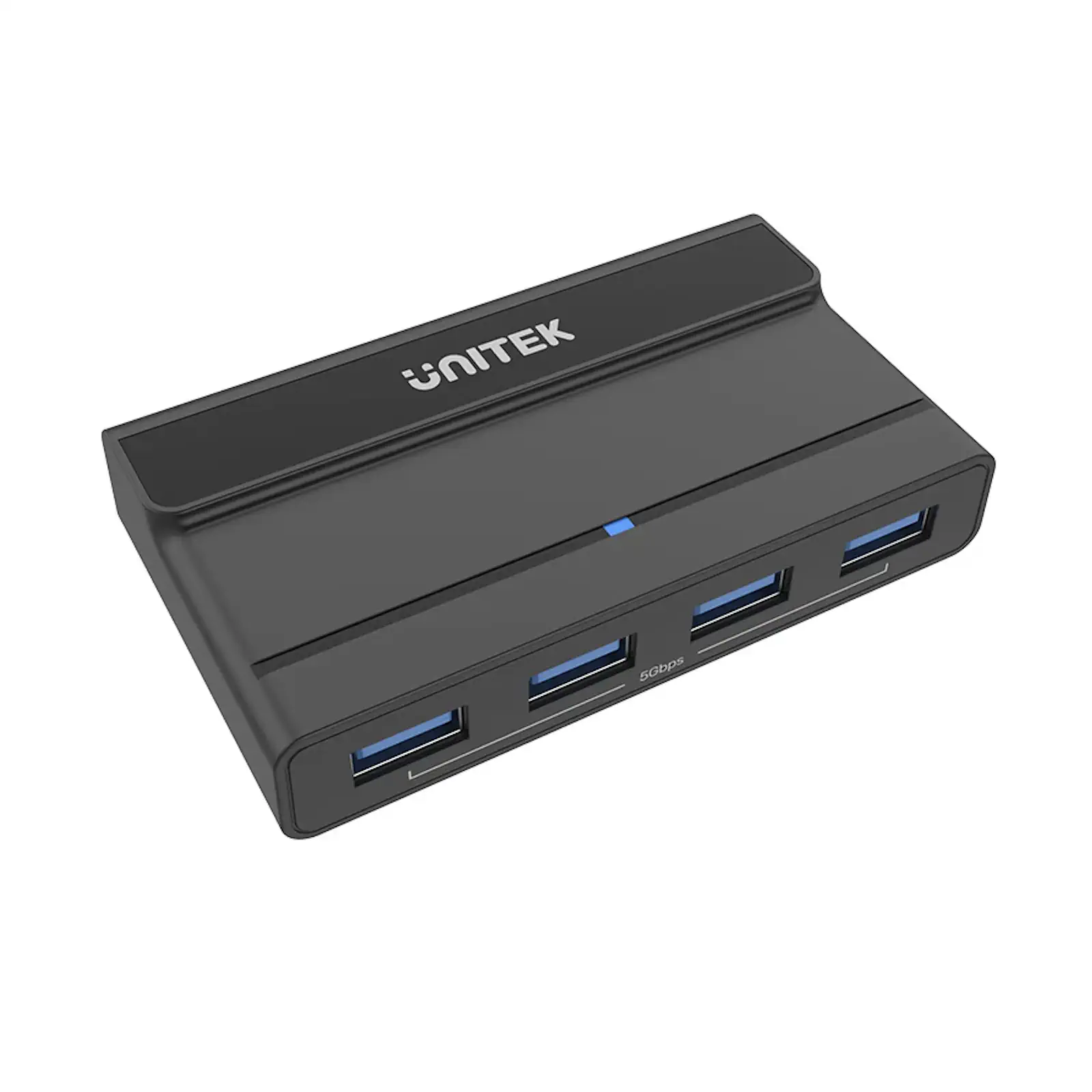
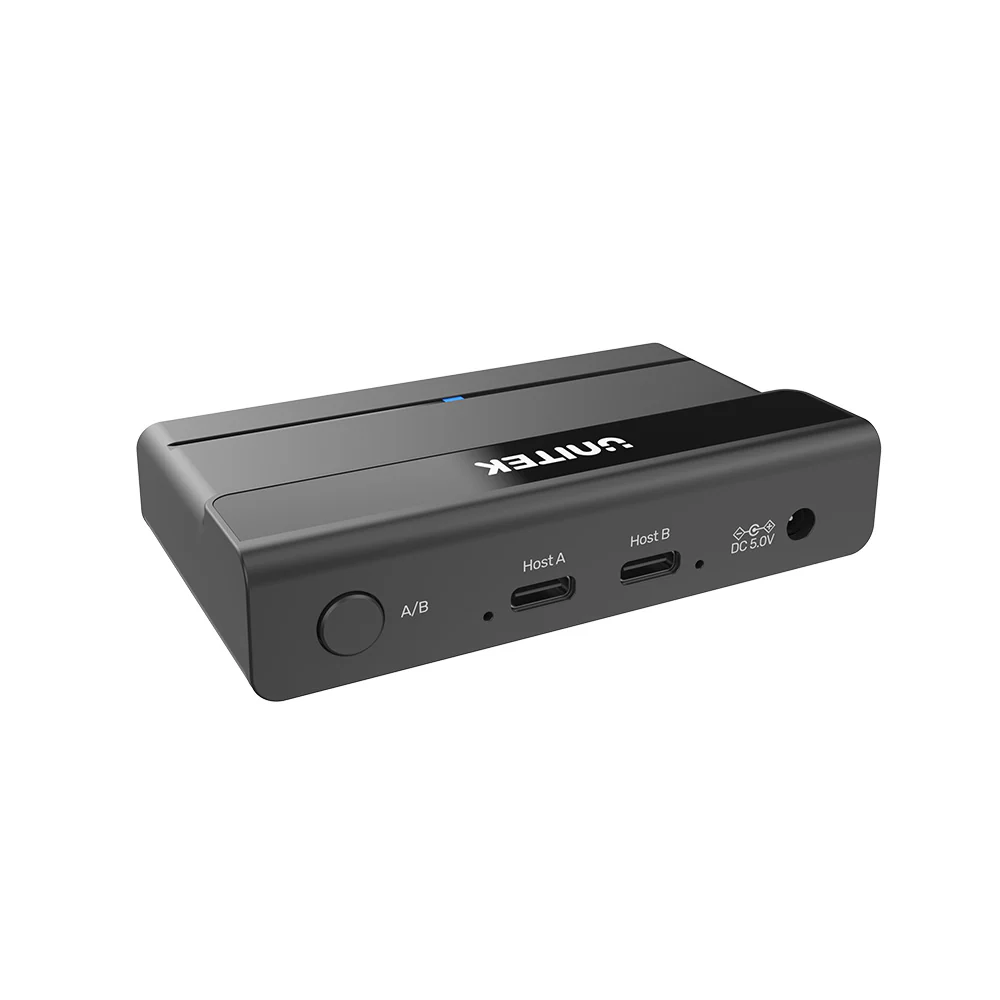
UNITEK H1310A USB 3.0 Switch Selector – 2-PC 4-Port KVM Switcher, 5Gbps Hub to Share Keyboard, Mouse, Printer, Flash Drive Between Two Computers
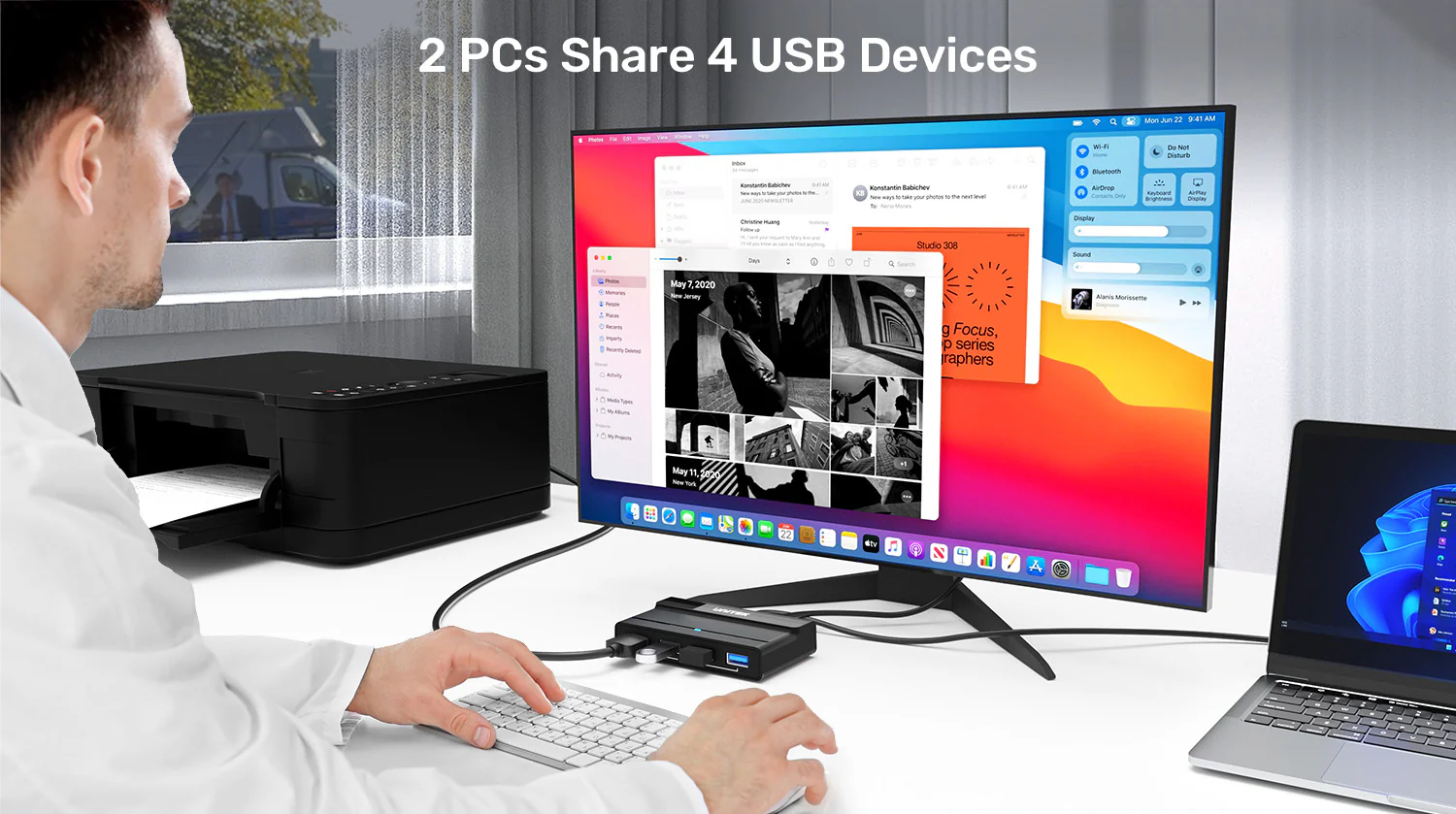
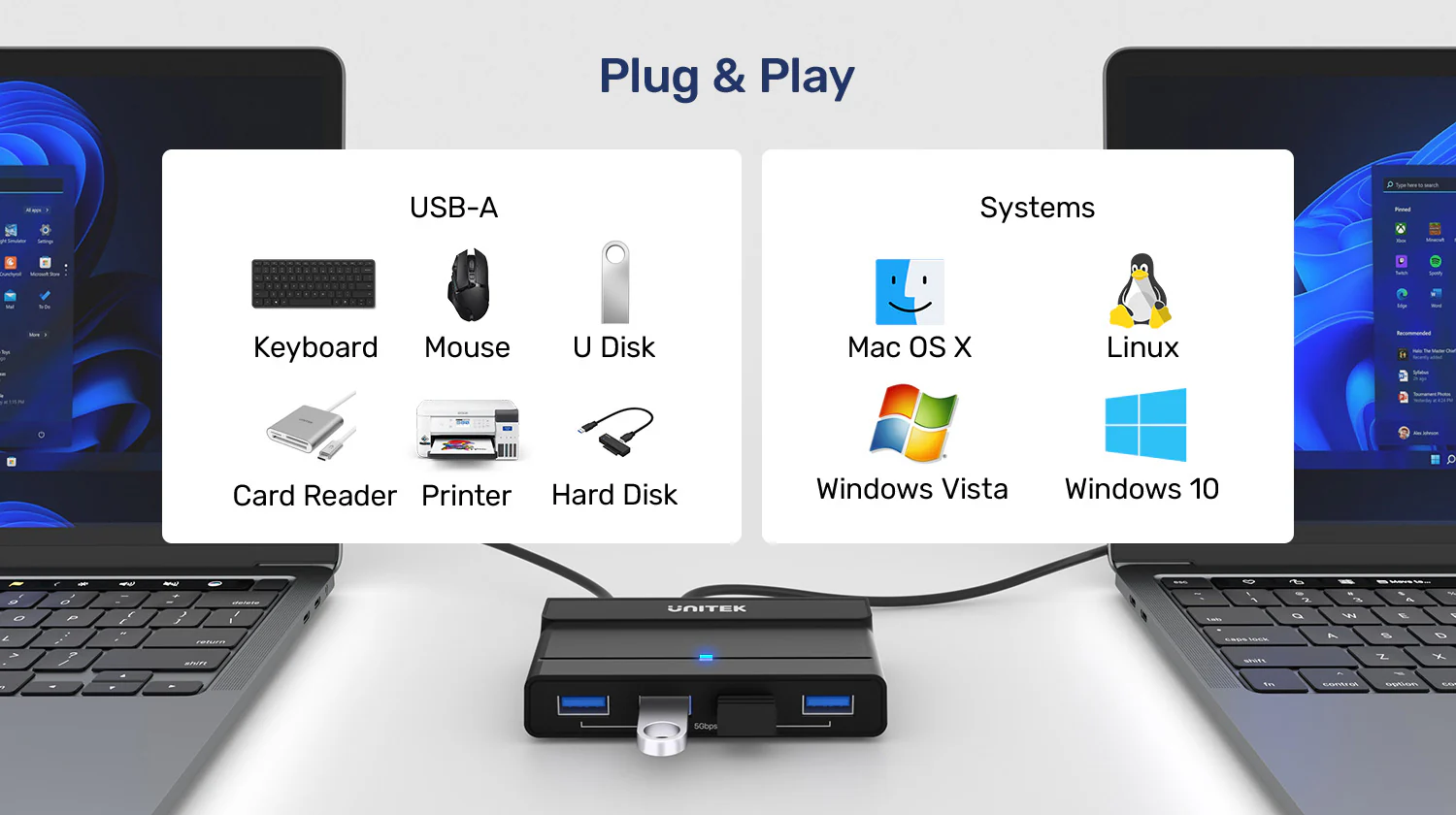
Streamline your dual-computer workstation with the UNITEK USB 3.0 Switch. This clever device eliminates the clutter and hassle of constantly swapping USB cables, allowing you to share one set of peripherals between two computers effortlessly. Whether you are toggling between a work laptop and a personal desktop, or a Windows PC and a Mac, this switch boosts productivity and keeps your desk organized. As a 100% original product, you can trust in its reliability and performance.
One Hub, Two Computers, Total Control
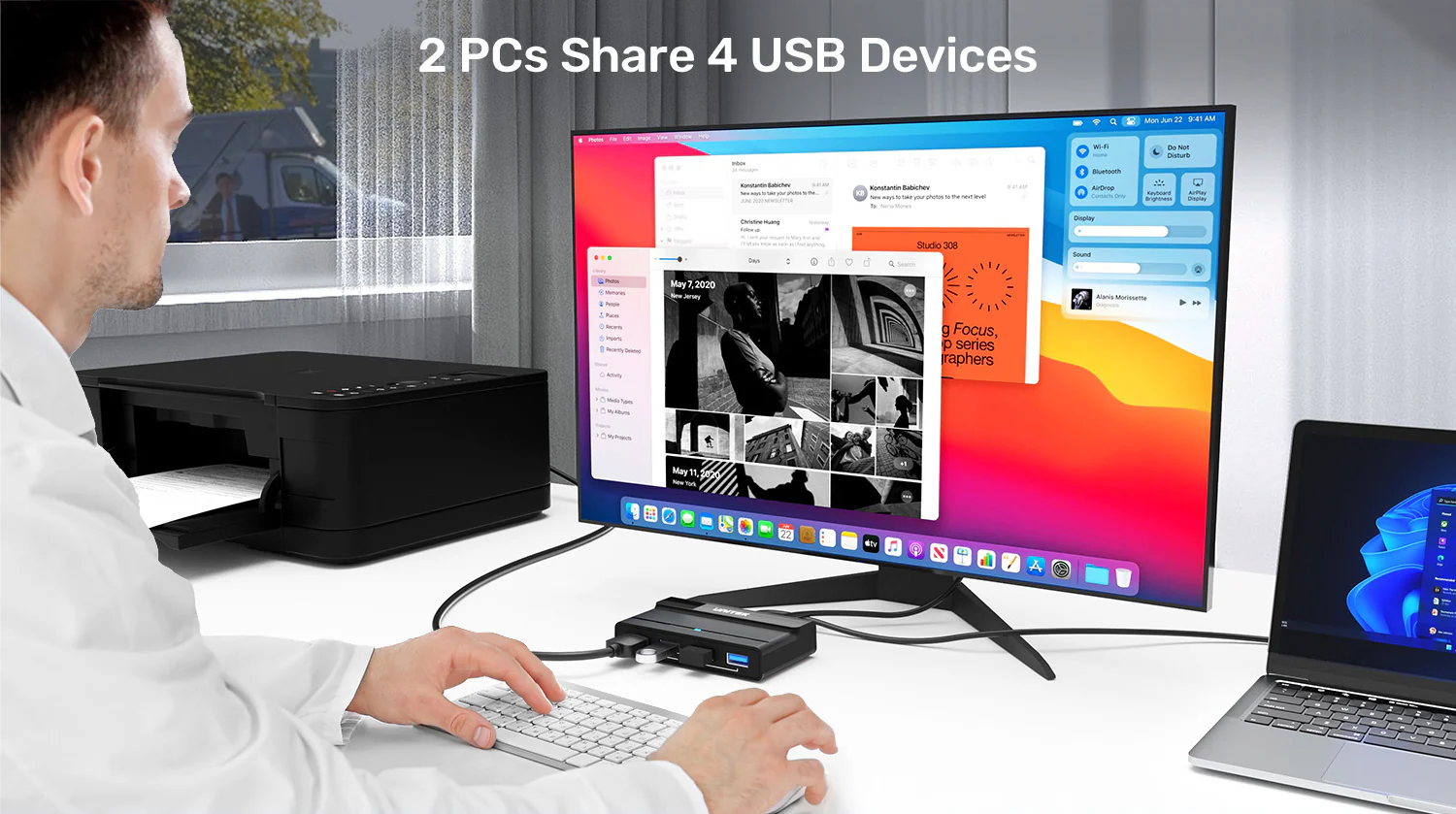
First and foremost, this switch solves a common workspace dilemma. Connect your keyboard, mouse, webcam, and printer to the hub, then connect the hub to two computers. With a single button press, you transfer control of all four devices from one computer to the other. This is ideal for home office professionals and developers who use multiple machines. Backed by original product warranty, your investment is fully protected with fast delivery in Pakistan to your doorstep. Explore the full UNITEK USB switch collection
Don’t Sacrifice Speed for Convenience
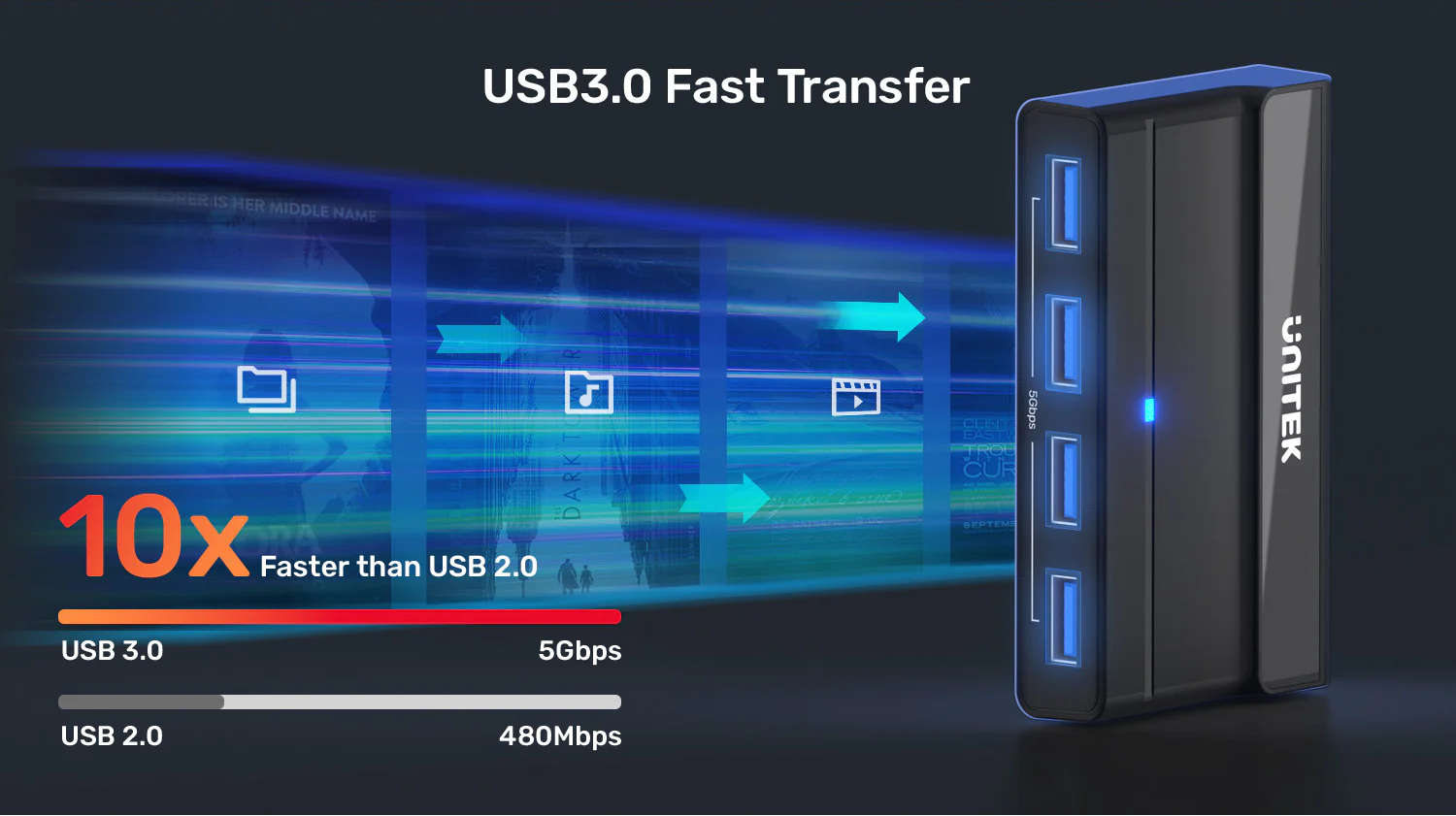
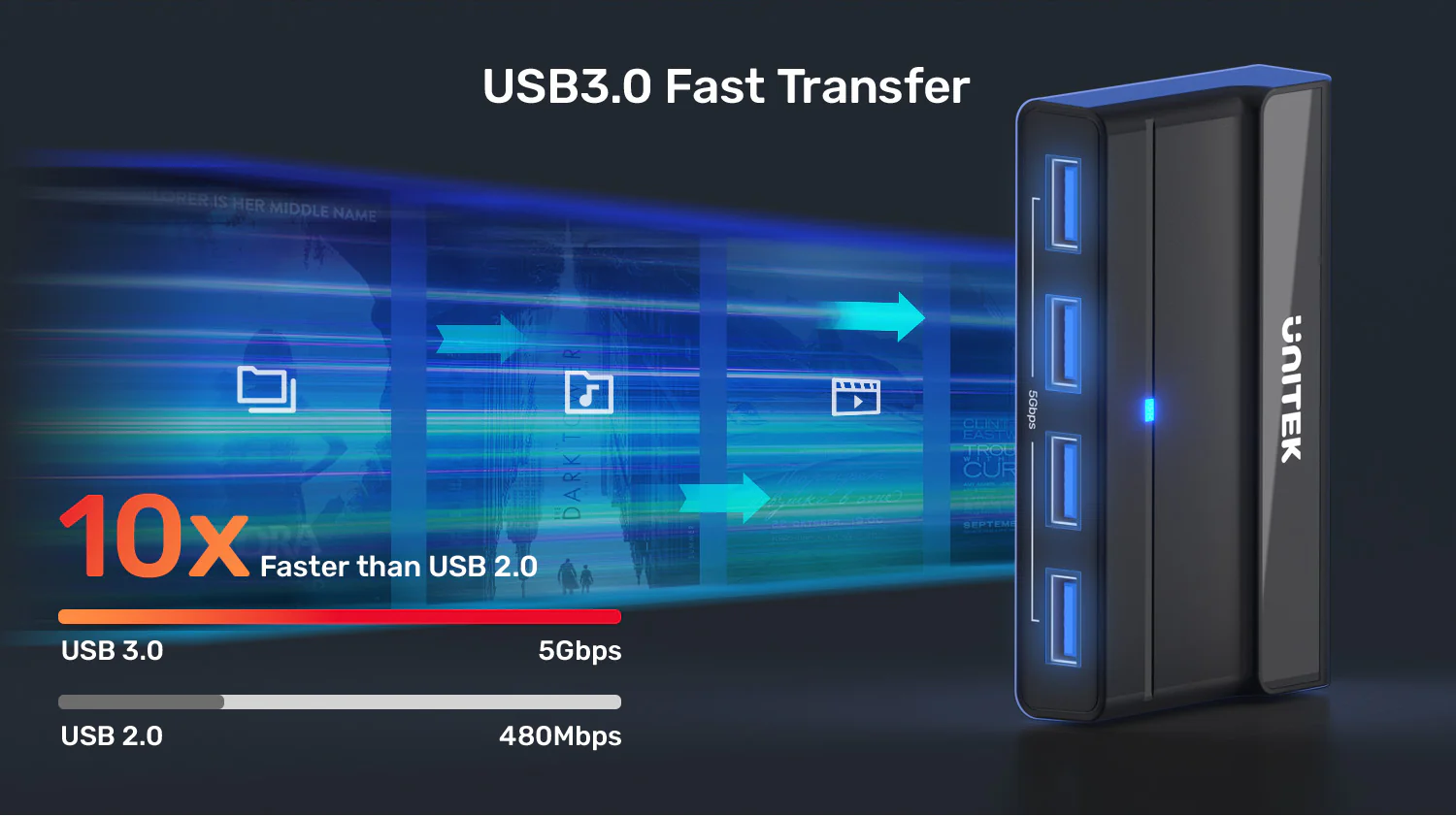
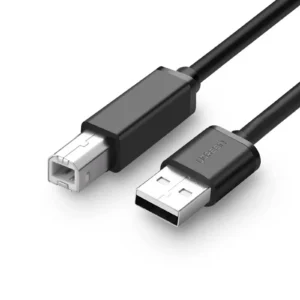
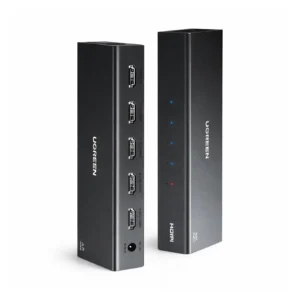
Unlike simpler USB 2.0 switches, this hub provides full USB 3.0 SuperSpeed (5Gbps) bandwidth. Therefore, you can connect an external SSD or hard drive and enjoy fast file transfers without needing to physically move the drive. The dedicated high-power port ensures even bus-powered drives work reliably. For the best experience, pair it with quality UGREEN USB 3.0 cables. For those needing to share video as well, the UNITEK HDMI KVM Switch 4K@60Hz offers a complete solution with 4 USB 3.0 ports.
Built for Reliability and Ease
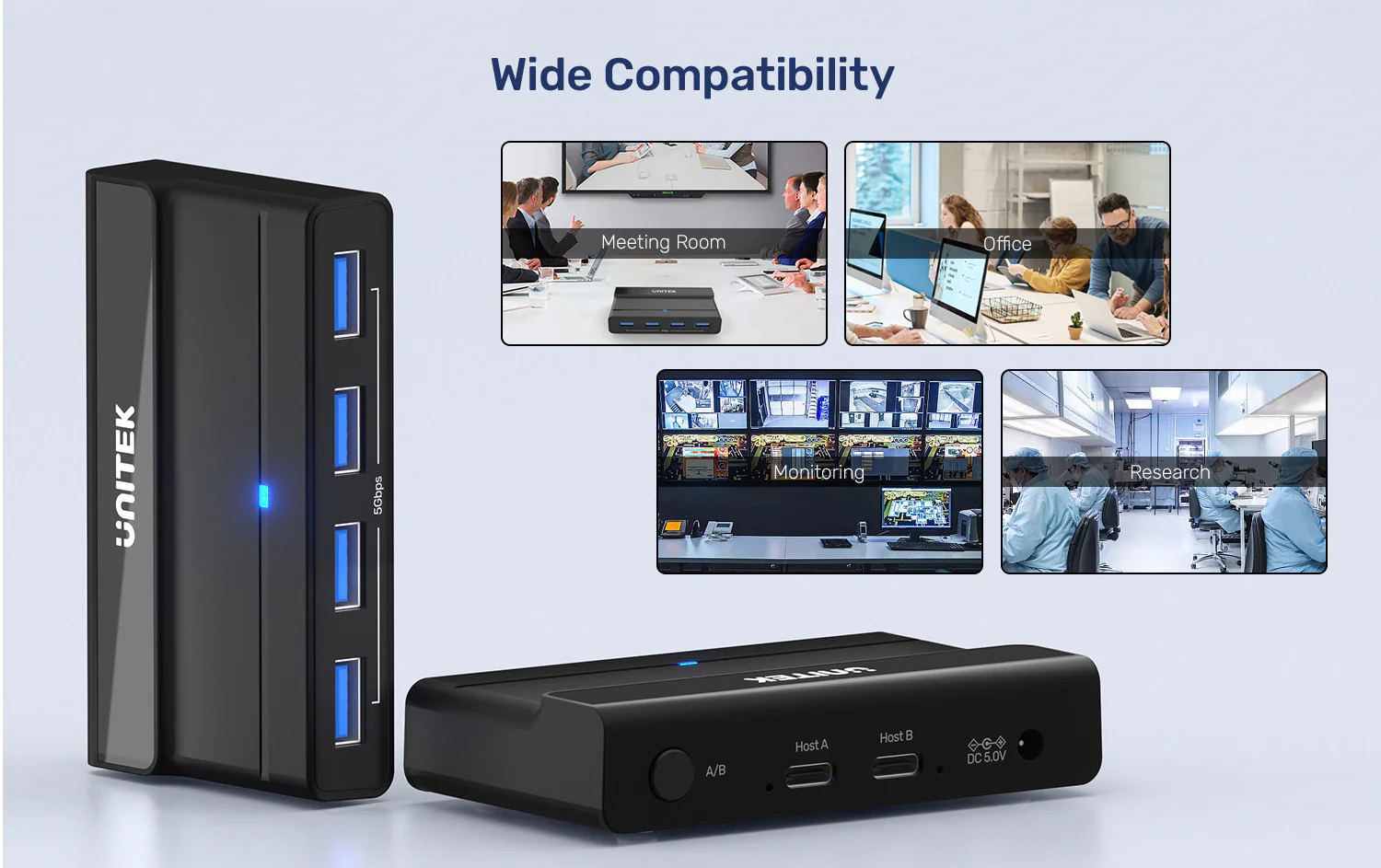
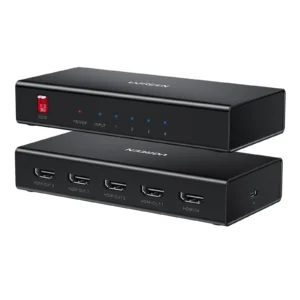
Encased in a durable ABS housing, this switch is built for daily use. The included 5V/2A power adapter guarantees stable performance for all connected devices. Moreover, its universal driverless compatibility means it works instantly with any modern system, from a corporate Windows PC to a personal MacBook. For legacy VGA setups, the UGREEN 30357 USB KVM Switch Box provides video sharing capabilities alongside USB switching.
Complete USB Connectivity Solutions
To expand your USB capabilities further, consider the UGREEN 20841 Aluminum 4 in 1 USB C to USB 3.0 Hub for modern laptops. For reaching distant peripherals, the UGREEN 10495 USB 3.0 Extension Cable (1 Meter) provides flexible placement options. For mobile devices, the UGREEN 40850 USB 3.0 Hub with OTG (USB-C Plug) offers portable connectivity. All products come with original product warranty and fast delivery in Pakistan for your convenience.
Products Specifications:
- Brand: UNITEK
- Model: H1310A
- Type: USB 3.0 Peripheral Sharing Switch (KVM Function)
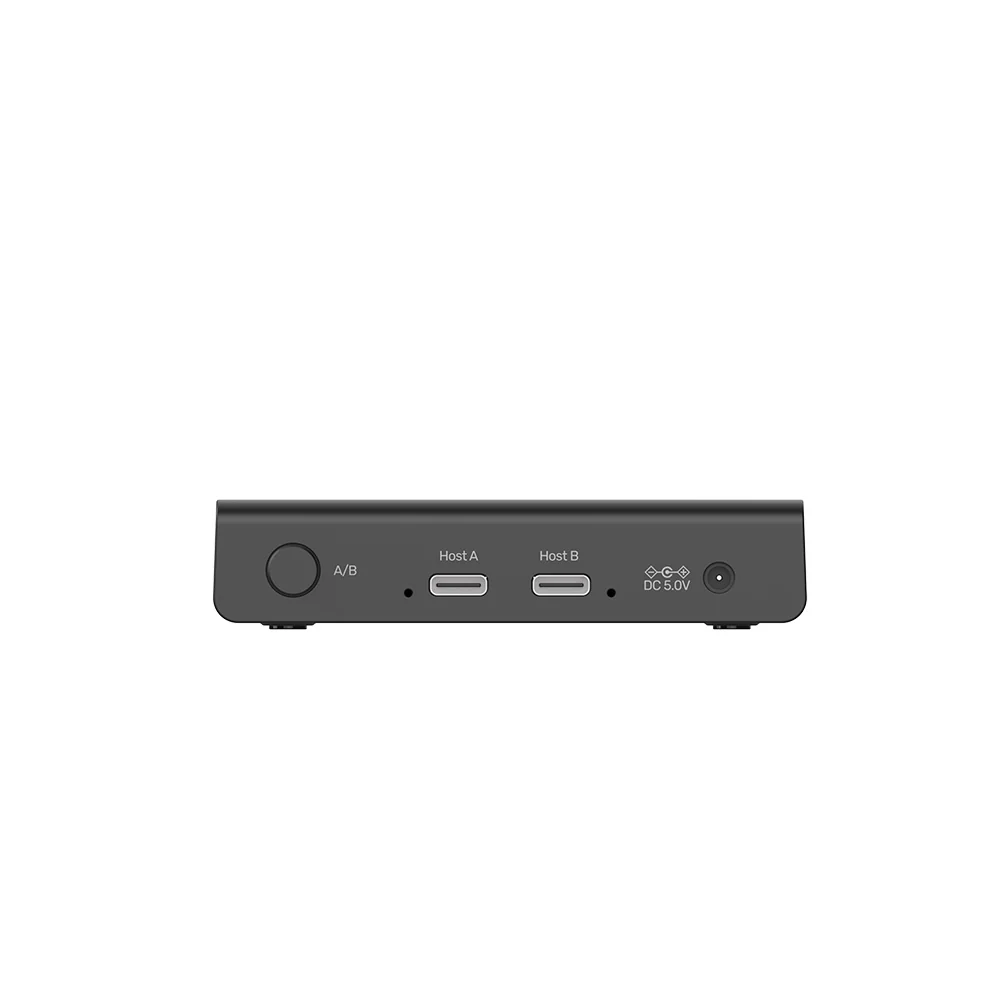
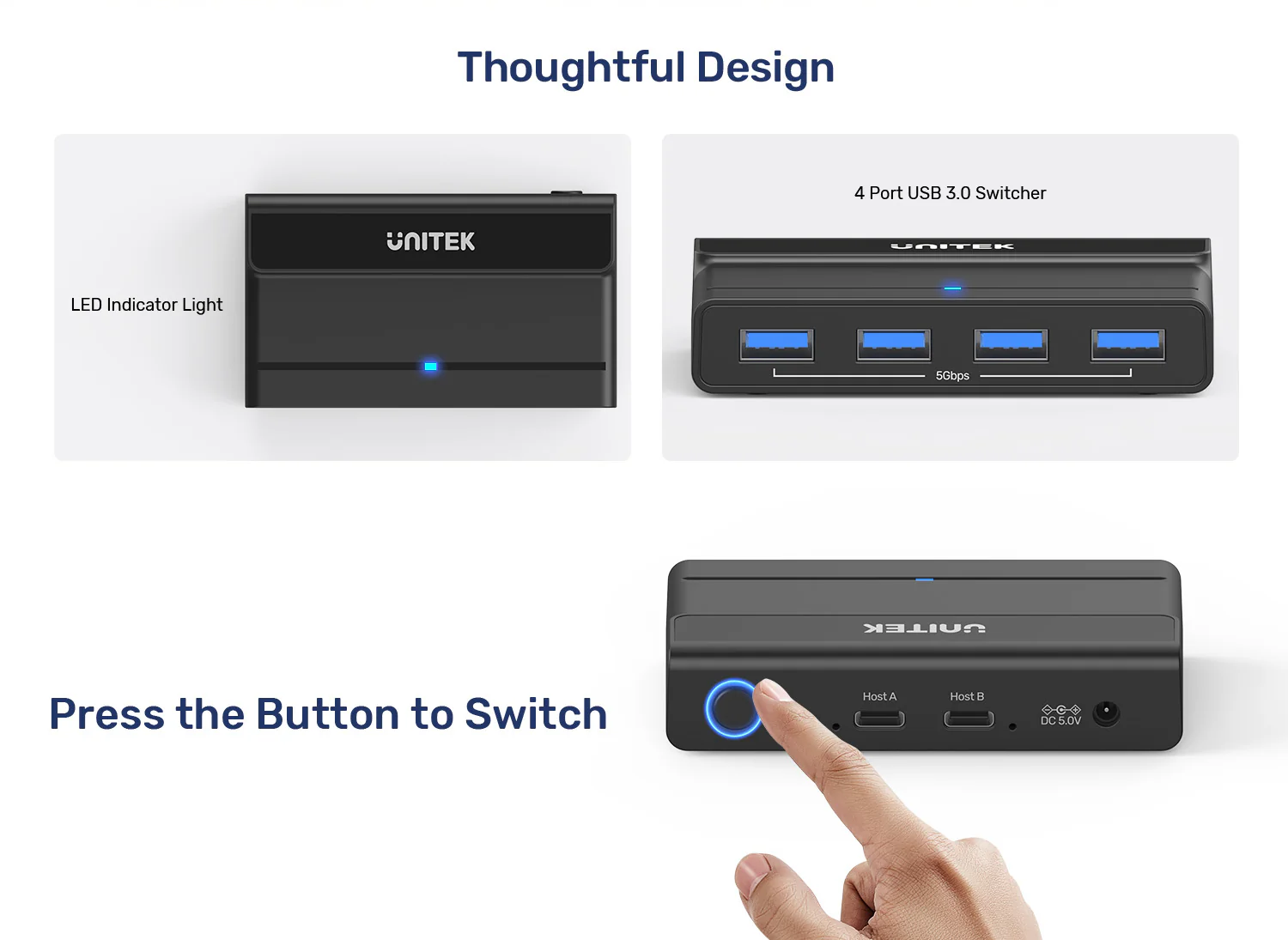
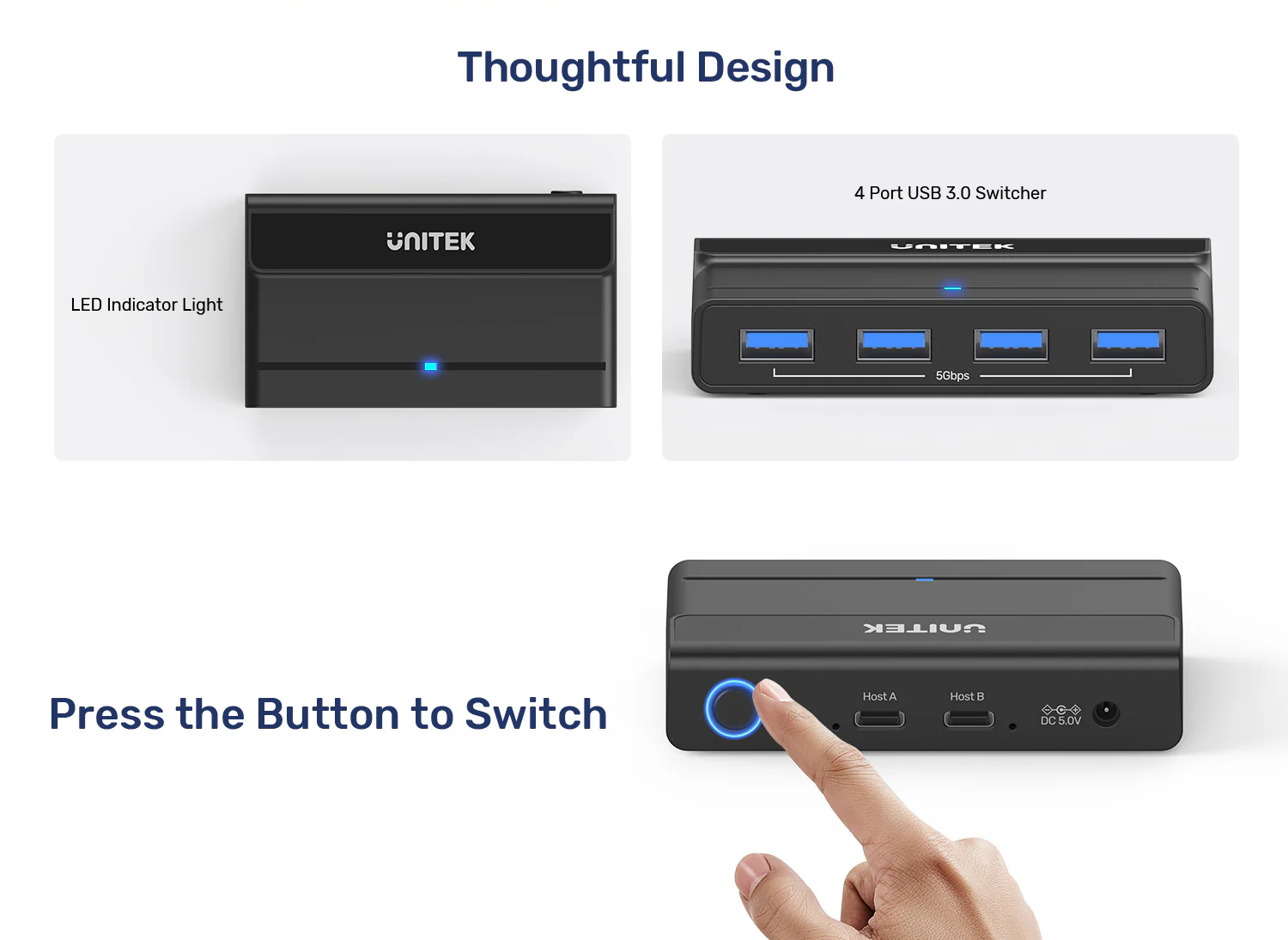
- Host Connections: 2 x USB-C 5Gbps Cables (For PC1 & PC2, 1m length)
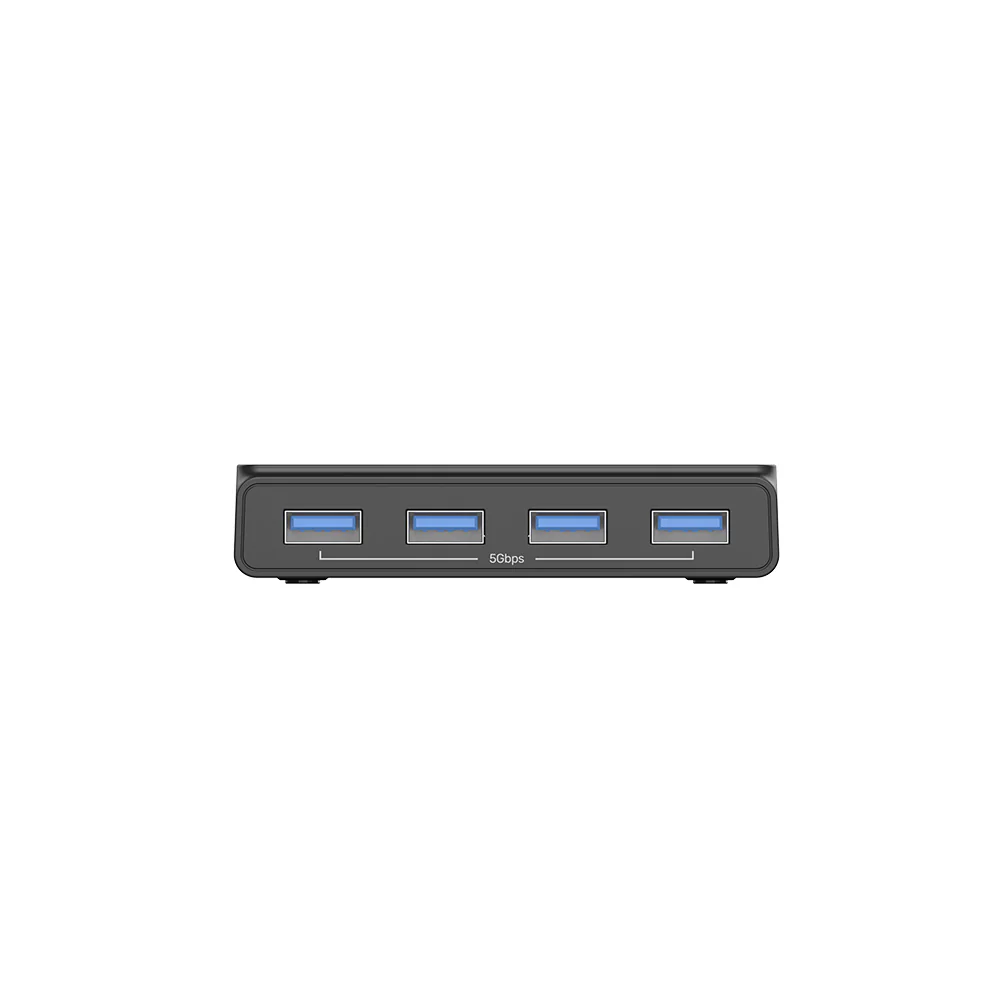
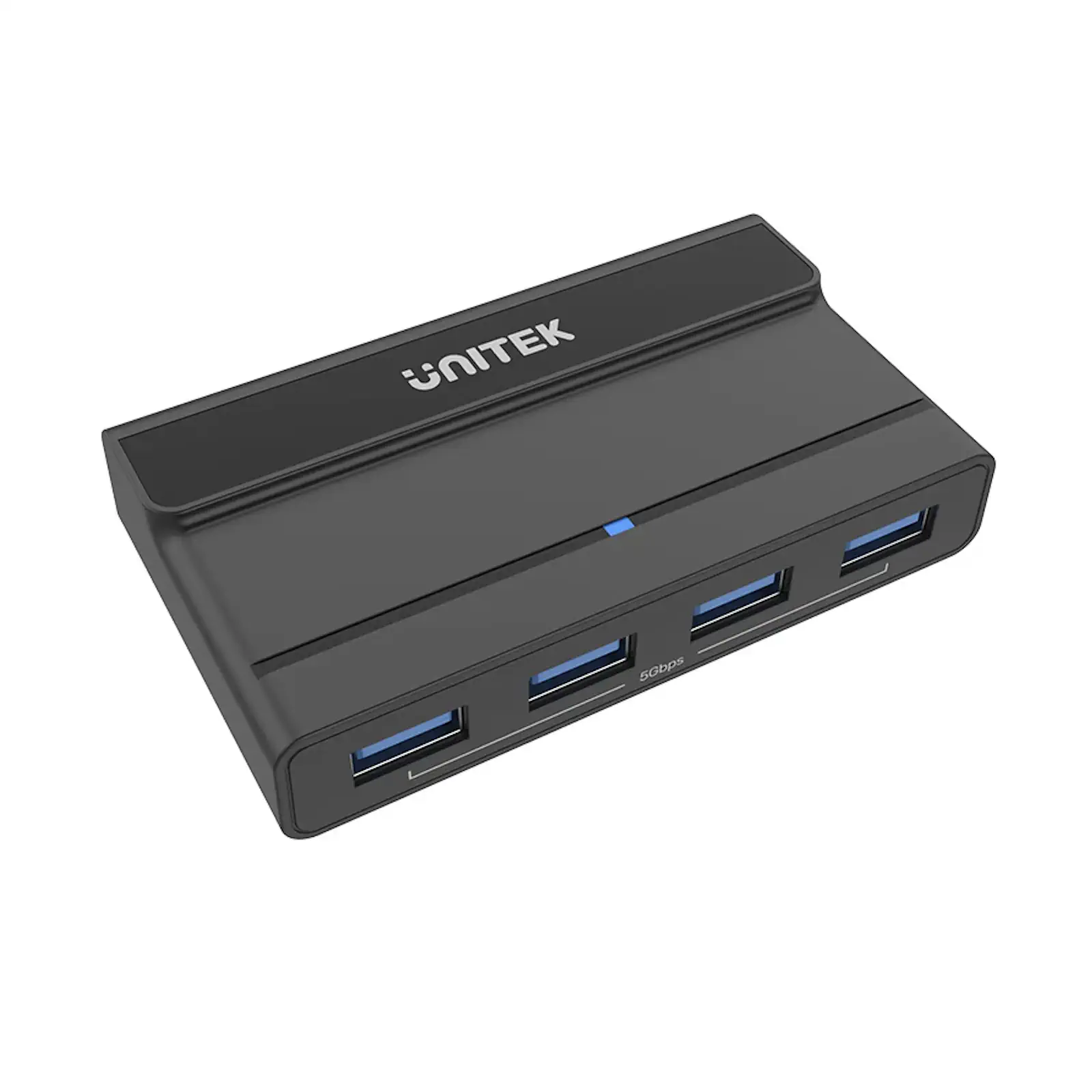
- Device Ports: 4 x USB-A 5Gbps Downstream Ports
- Data Speed: Up to 5 Gbps (USB 3.0 SuperSpeed)
- Backward Compatibility: USB 2.0 / 1.1
- Switching Method: Manual Button with LED Indicator
- Power: 5V/2A DC Adapter (Included)
- High-Power Port: Port #4 supports up to 2.5A output
- OS Support: Windows, macOS, Linux, Chrome OS (Driverless)
- Housing Material: ABS Plastic
- Color: Black
- Dimensions: 94mm x 54mm x 20mm
What’s in the Box:
1 x UNITEK H1310A USB 3.0 Switch Hub
1 x User Manual
Frequently Asked Questions:
Q1: What can I share with this USB switch?
A: You can share up to four USB devices, including keyboard, mouse, webcam, printer, external hard drive, flash drive, and other peripherals between two computers. As a 100% original product, you get reliable performance every time. Explore the full UNITEK switch collection
Q2: Does it support high-speed data transfer for external SSDs?
A: Yes, absolutely. This switch features USB 3.0 SuperSpeed (5Gbps) ports, allowing fast file transfers from external SSDs and hard drives. For maximum performance, pair it with a high-quality UGREEN USB 3.0 cable for your external drive.
Q3: Do I need to install any drivers to use this switch?
A: No drivers required. This is a true plug-and-play device that works instantly with Windows, macOS, Linux, and Chrome OS. Simply connect your devices and start switching. This original product comes with original product warranty for peace of mind.
Q4: What is the high-power port used for?
A: Port #4 is a dedicated high-power port that provides up to 2.5A output. This is ideal for demanding devices like external hard drives that draw power from USB, ensuring stable operation without external power adapters.
Q5: Can I use this with a gaming laptop and a desktop PC?
A: Yes, perfectly. This switch works with any computer that has a USB port, including Windows PCs, MacBooks, gaming laptops, and desktops. With fast delivery in Pakistan, you can set up your dual-computer workstation quickly.
Q6: Will it work with a Mac and a Windows PC simultaneously?
A: Yes, absolutely. The switch is OS-independent and works seamlessly across different operating systems. You can switch between a Mac and a Windows PC with a single button press. This is the best price in Pakistan for such versatile functionality.
Q7: Do I need a separate KVM switch for video sharing?
A: This switch handles USB peripherals only. If you need to share a monitor as well, consider the UNITEK HDMI KVM Switch 4K@60Hz which combines video and USB switching. For VGA setups, the UGREEN 30357 USB KVM Switch Box is a great option.
Q8: Can I extend the reach of the switch with longer cables?
A: Yes, you can use UGREEN 10495 USB 3.0 Extension Cable (1 Meter) to extend the reach of your connected devices. For best performance, keep total cable length within USB 3.0 specifications.
Q9: Is this switch compatible with USB-C laptops like MacBook Air?
A: Yes, the included cables have USB-C connectors for host connections, making it perfect for modern MacBooks and other USB-C laptops. For additional USB-C ports, consider the UGREEN 20841 Aluminum 4 in 1 USB C to USB 3.0 Hub.
Q10: What is the warranty coverage in Pakistan?
A: All authentic UNITEK products purchased in Pakistan come with a comprehensive warranty against manufacturing defects. This 100% original product comes with original product warranty for your peace of mind. Enjoy fast delivery in Pakistan when you order from authorized retailers.
 No products in the cart.
Reviews
There are no reviews yet.