
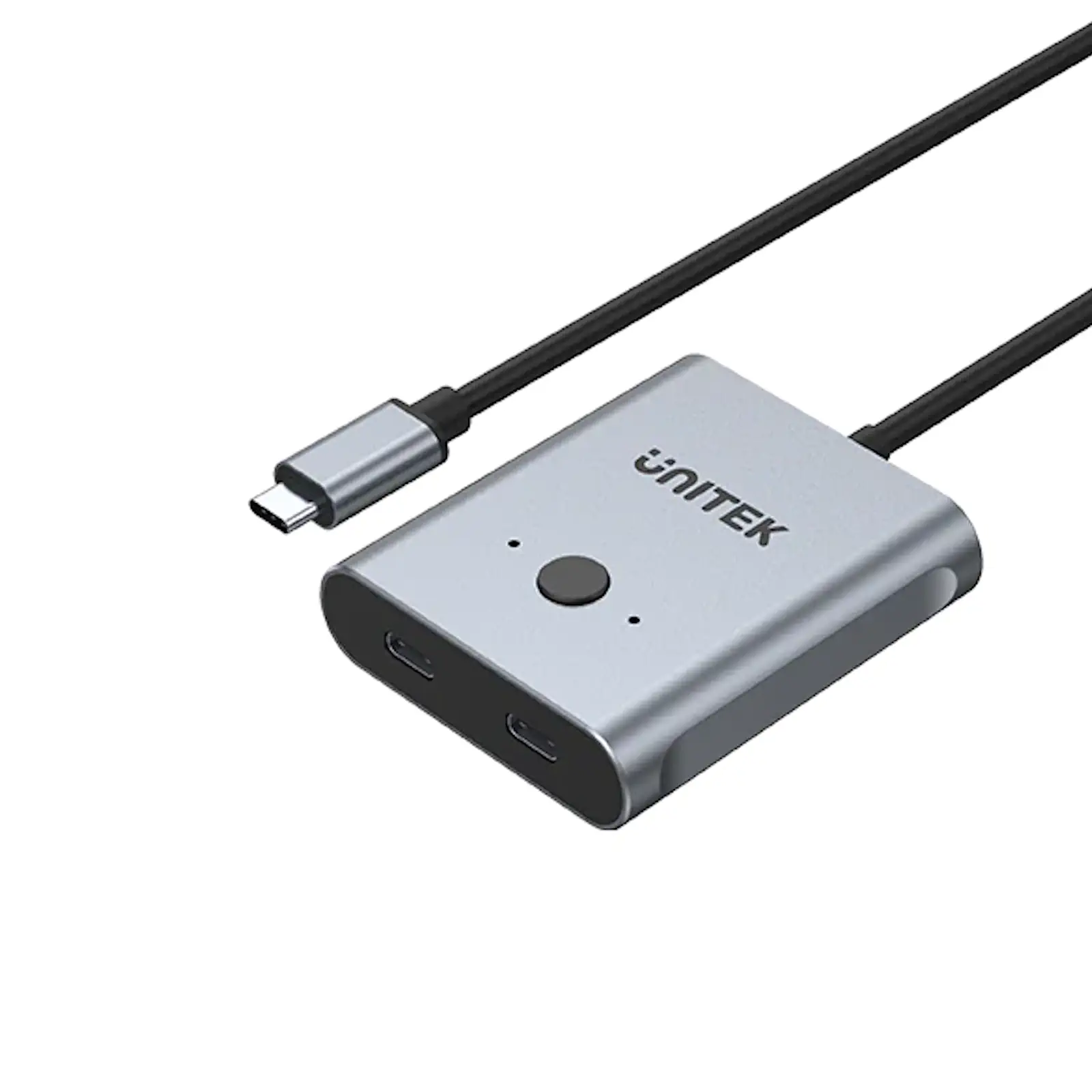
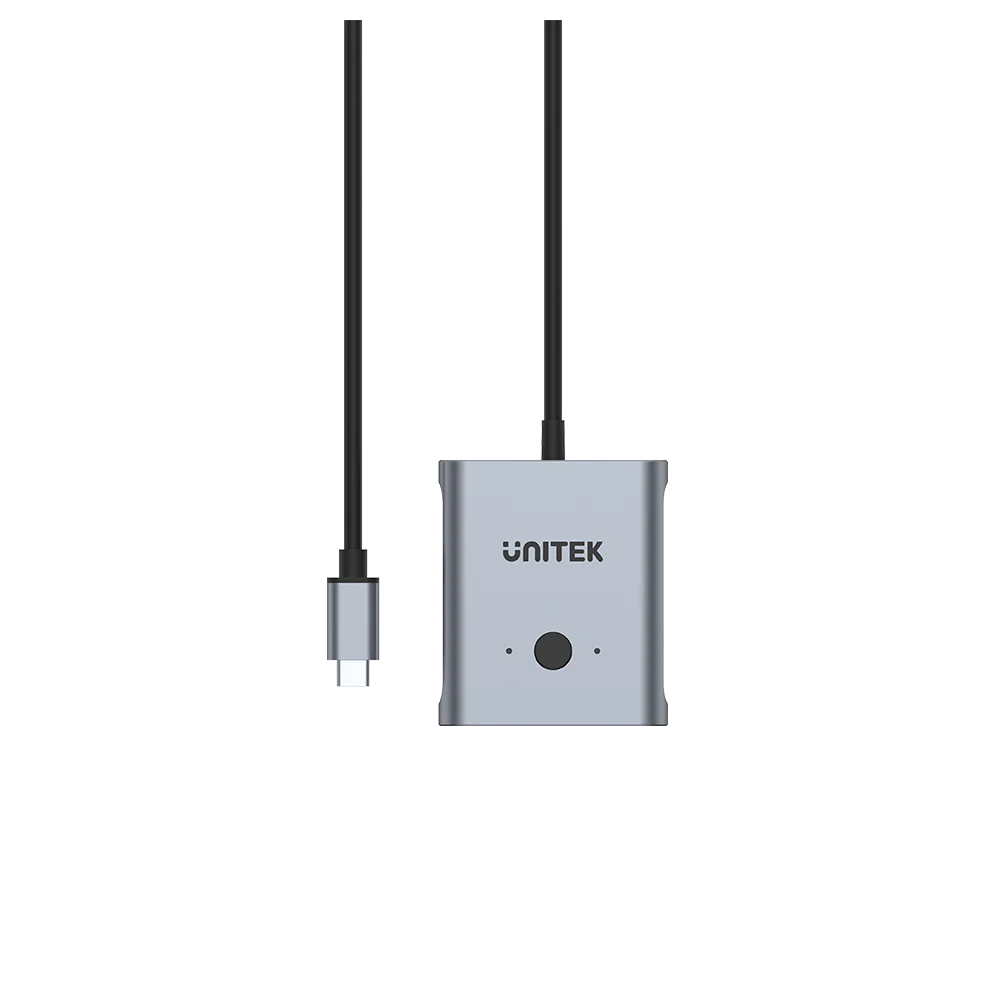
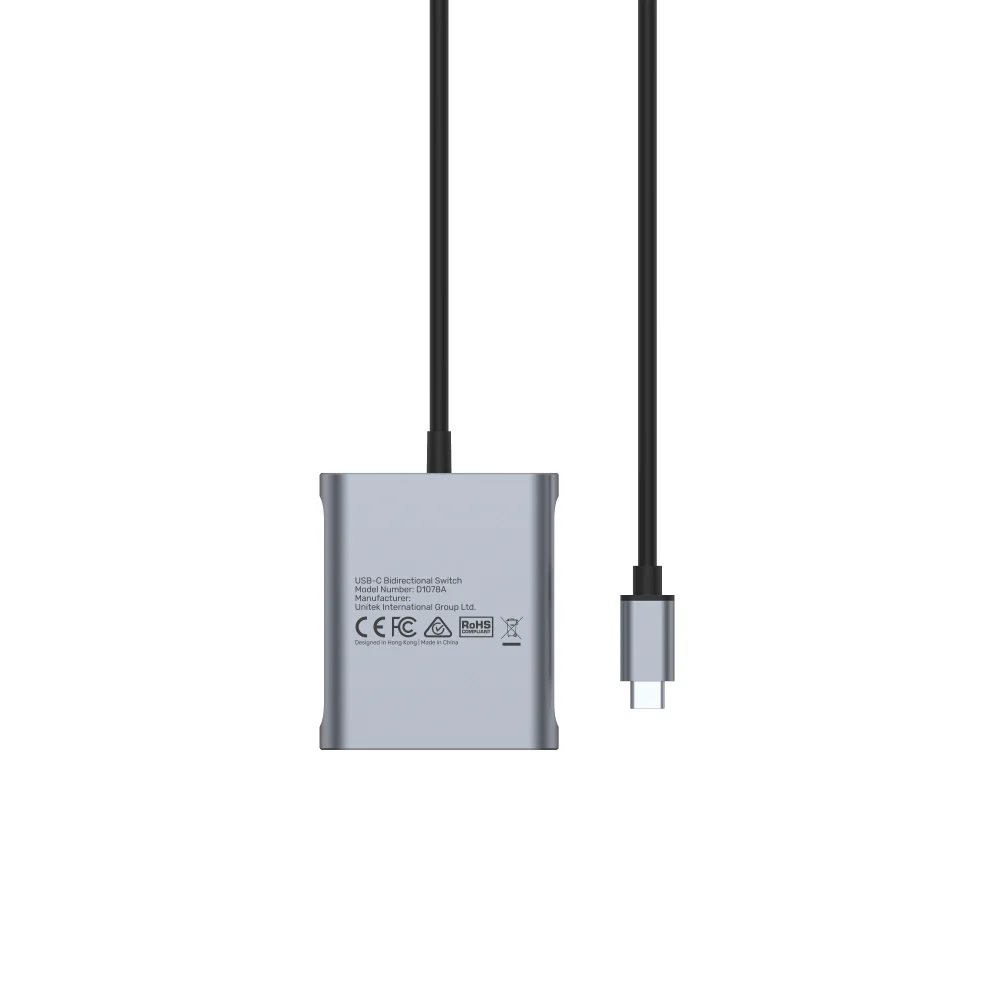
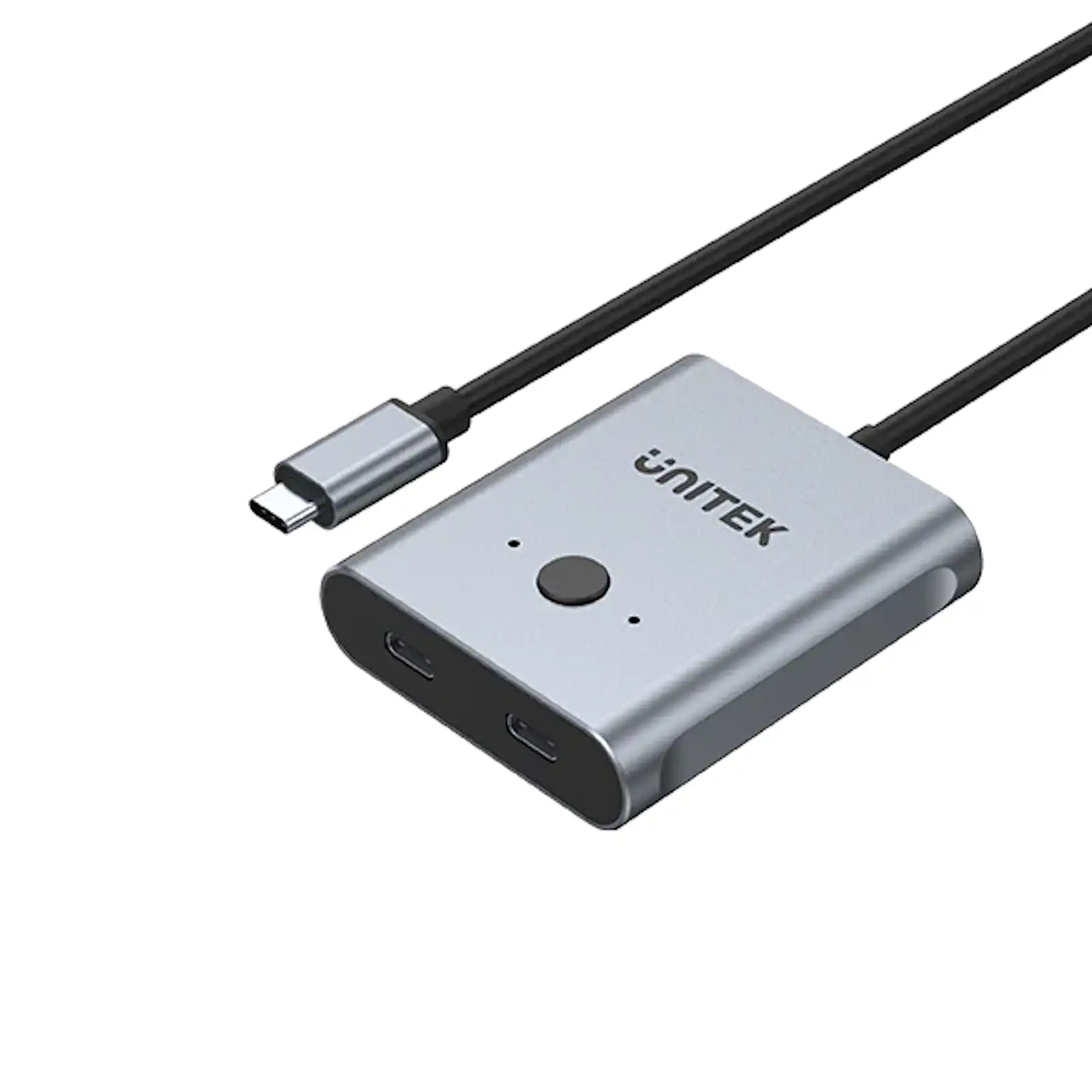
UNITEK D1078A USB-C 3.2 Gen 2 Bidirectional Switch 2-in-1 / 1-in-2, 4K@144Hz, 100W PD, 10Gbps Data for MacBook, iPad Pro, Gaming Laptops, USB-C Monitors
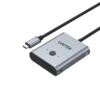
Unlock the full potential of your USB-C ecosystem with the UNITEK D1078A Bidirectional Switch. This is more than a simple adapter—it is a high-performance video, data, and power routing hub that gives you complete command over how you connect your modern laptops, tablets, and monitors.
A Truly Flexible Centerpiece for Your Desk
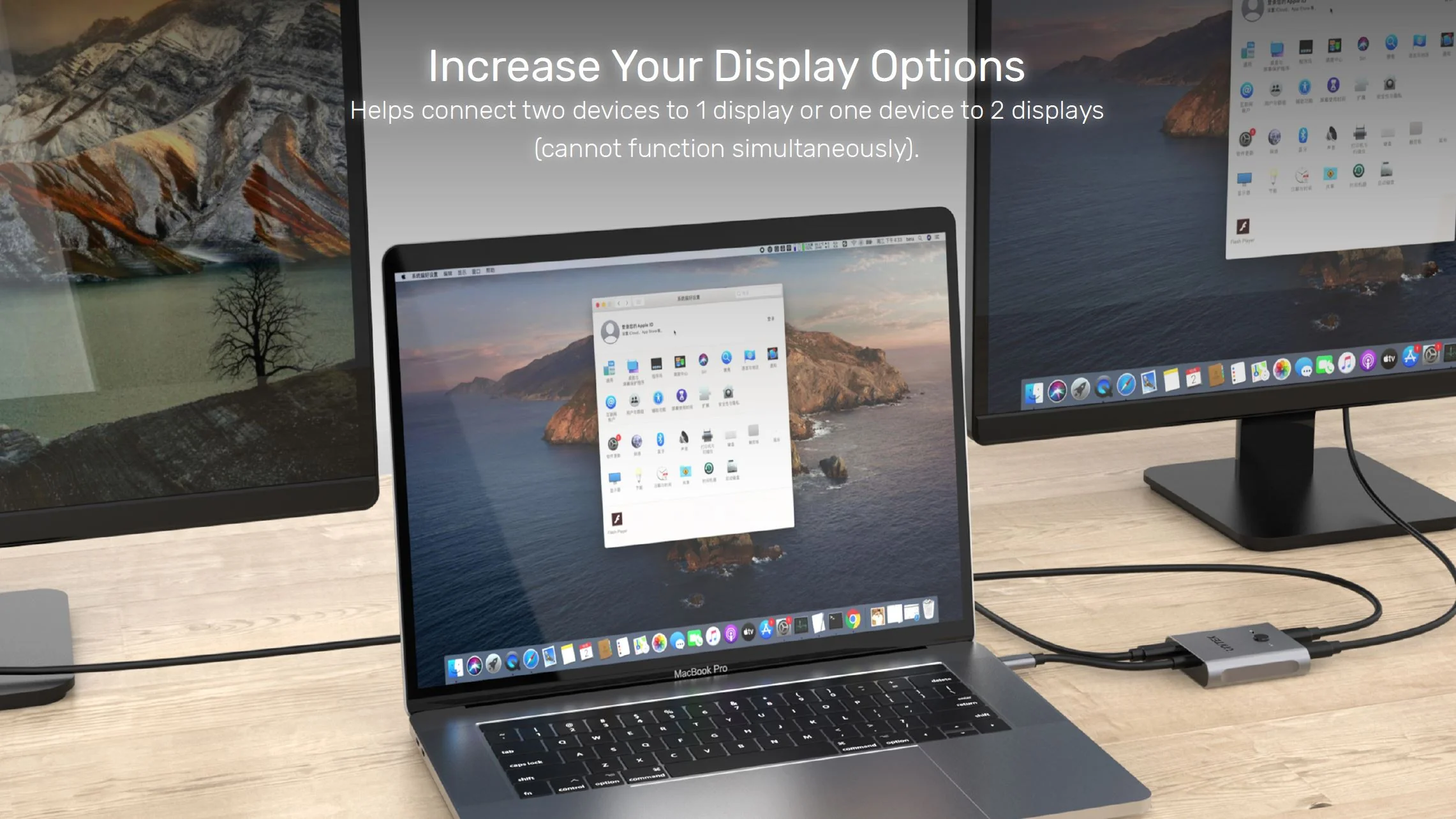
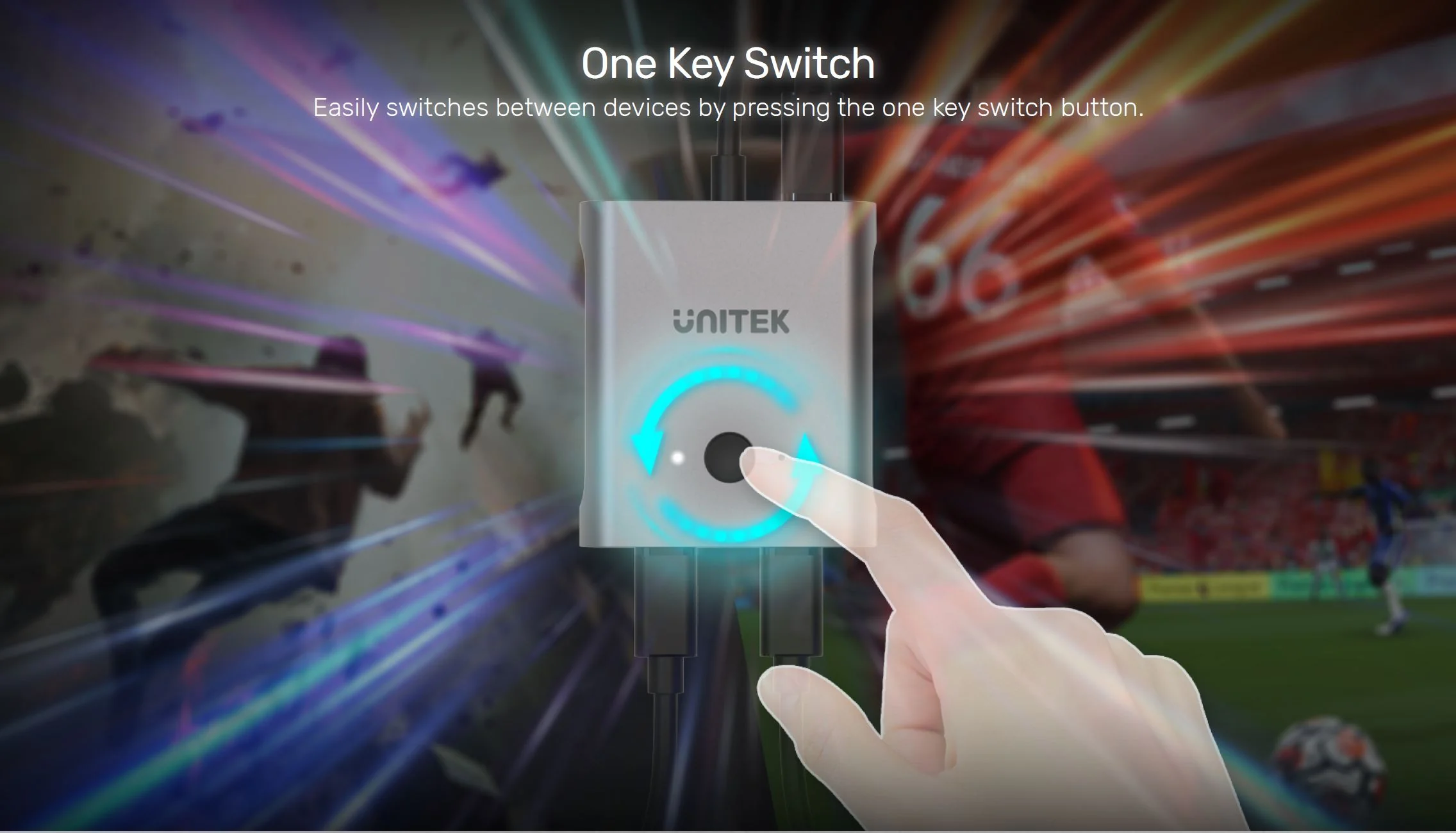
First and foremost, its bidirectional capability is revolutionary. Use it in 2-in-1 mode to connect both your work MacBook and gaming laptop to a single premium 4K high-refresh-rate monitor. With one button press, switch entire setups instantly. Alternatively, use it in 1-in-2 mode to mirror your iPad Pro’s screen to a monitor and a projector for presentations. Note: Splitter mode mirrors content, not extends. Explore the full UNITEK USB-C switch collection
Performance That Doesn’t Compromise
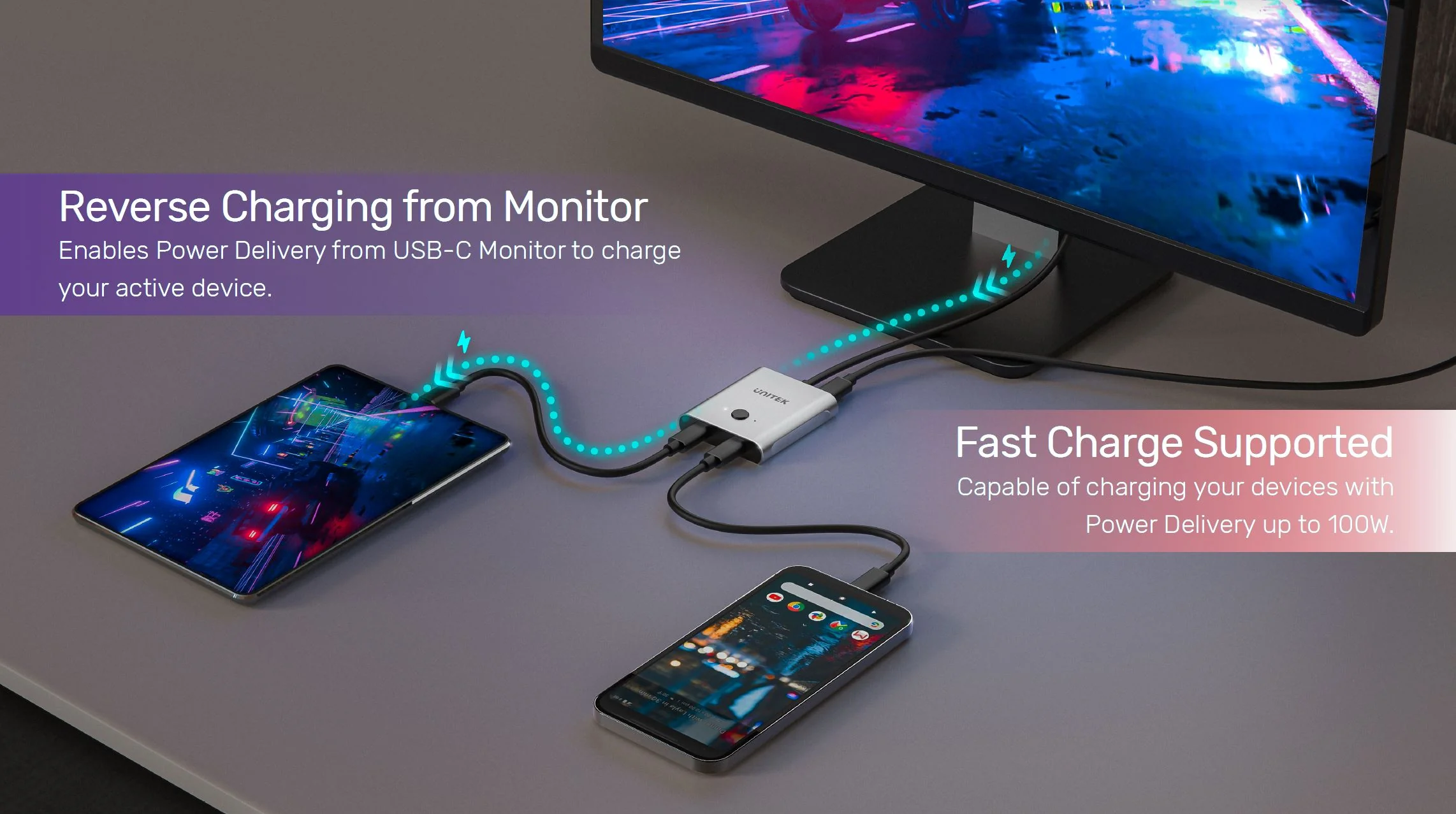
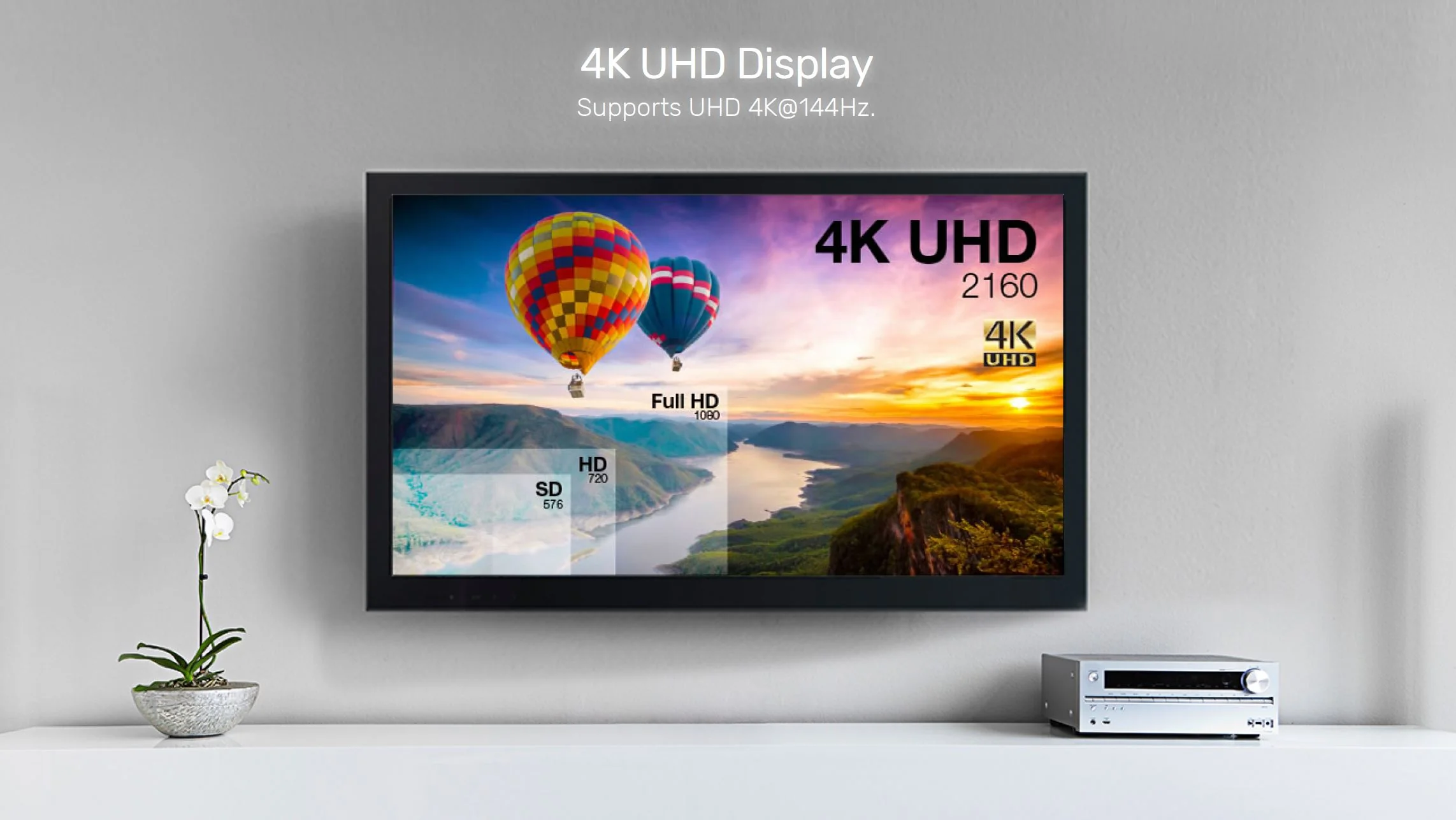
Critically, this switch is built for performance. It supports the latest DisplayPort Alt Mode over USB-C, delivering breathtaking 4K resolution at 144Hz for ultra-smooth gaming and video playback. Simultaneously, it handles 100W Power Delivery to keep your device charged and 10Gbps data for lag-free peripherals and storage. This makes it a core component for any high-end creative workstation. To maximize your setup, pair it with a reliable UGREEN 100W USB-C charger for uninterrupted power delivery.
All-in-One Cable Management Solution
The included high-quality 10Gbps USB-C cable and power cable mean you have everything needed to start. Moreover, by consolidating video, data, and power into one connection per device, it dramatically reduces cable clutter. Essentially, it is the smart, efficient hub that modern USB-C setups have been waiting for, simplifying connections for developers, designers, and power users. For those needing to charge multiple devices simultaneously, the UGREEN 25286 Portable Charger 48000mAh 300W Power Bank provides a massive 300W capacity with 5 ports for all your portable power needs.
Complete Connectivity Solution
When expanding your workspace, consider the UGREEN 45000 6-in-1 USB C Hub which offers 4K@60Hz HDMI, 100W PD, Gigabit Ethernet, and 10Gbps USB-A and USB-C ports. For audio needs, the UGREEN 60165 2-in-1 USB-C to Audio & Charging Adapter lets you charge and listen simultaneously. If you prefer DisplayPort connectivity, the VENTION DP 1.4 Cable 8K@60Hz 4K@144Hz delivers premium performance. For legacy display connections, the UGREEN 20694 HDMI to VGA Adapter includes a 3.5mm audio jack for complete compatibility.
Products Specifications:
- Brand: UNITEK
- Model: D1078A
- Function: Bidirectional USB-C Switch / Splitter Hub
- Modes: 2-in-1 Switcher / 1-in-2 Splitter (Mirroring)
- Max Video Support: 4K@144Hz, 8K@60Hz (via DisplayPort 1.4 Alt Mode)
- Video Protocol: DisplayPort 1.4 Alt Mode over USB-C
- Power Delivery: Up to 100W Input, 85W Output (Per Port)
- Data Speed: USB 3.2 Gen 2 (10 Gbps)
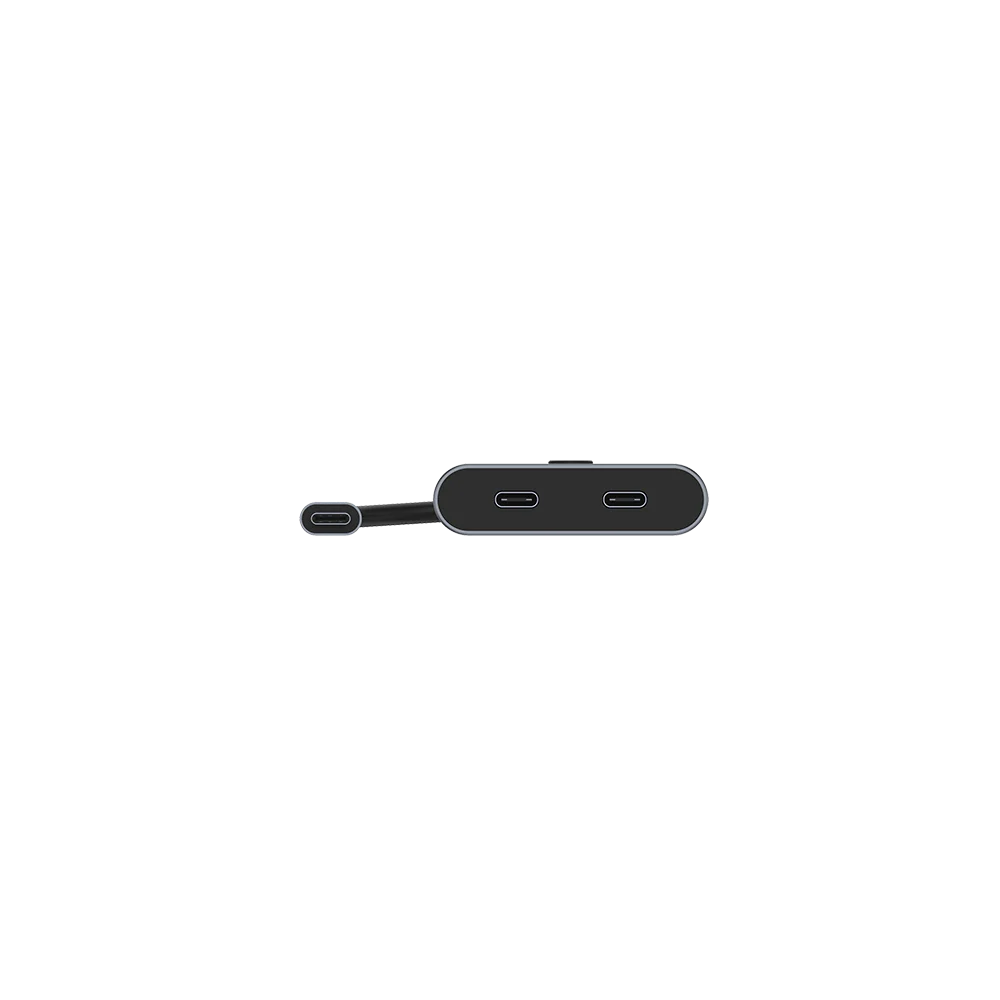
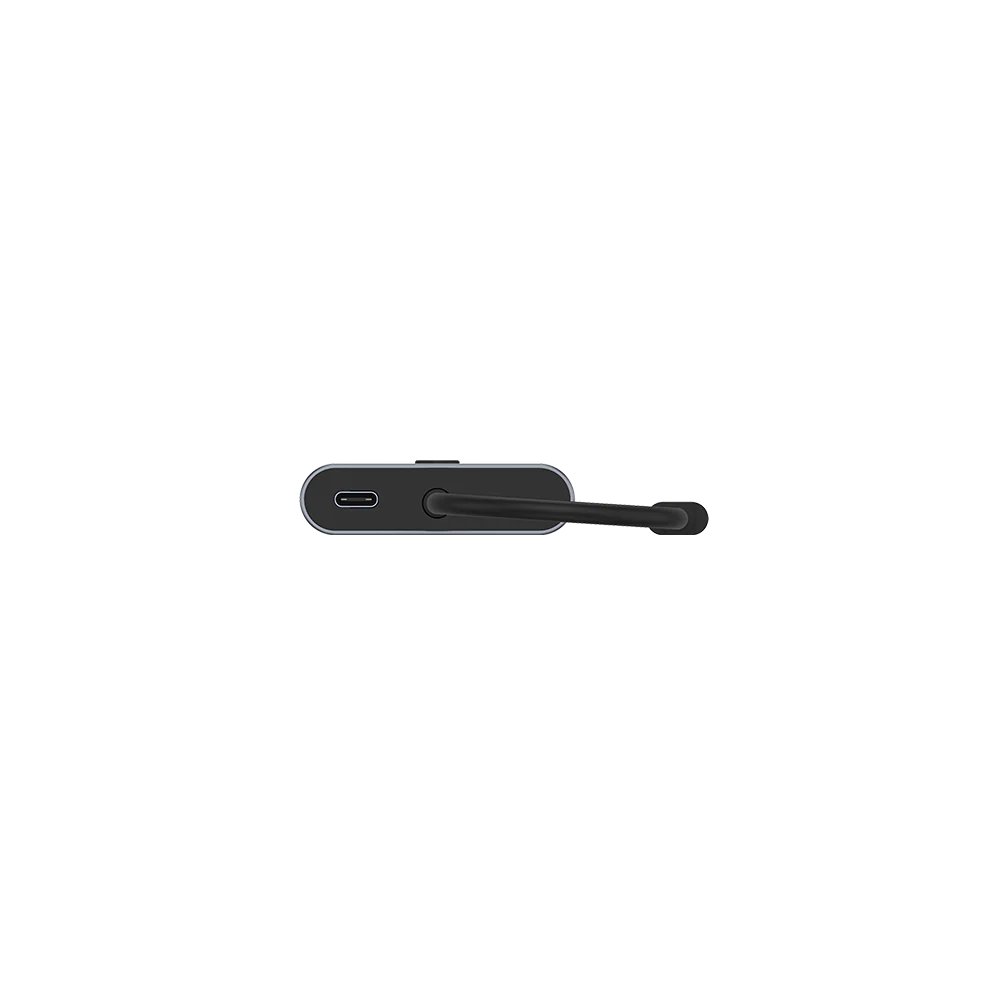
- Ports: 3 x USB-C (Configurable as 2x Downstream / 1x Upstream or vice versa)
- Switching: Manual One-Button Control
- Power Input: 20V/5A (100W) via included USB-C Cable
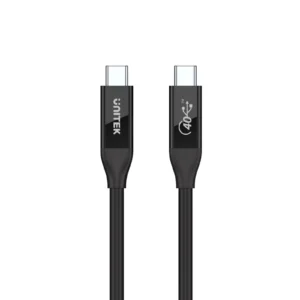
- Included Cables: 1 x 1m USB-C to C 10Gbps Full-Featured Cable, 1 x USB-A to C Power Cable
- Housing: ABS
- Color: Space Grey
- Compatible Devices: MacBook Pro, MacBook Air, iPad Pro, Gaming Laptops, USB-C Monitors, Windows Laptops, Chromebooks, Smartphones with USB-C Video Output
What’s in the Box:
1 x UNITEK D1078A USB-C Bidirectional Switch
1 x User Manual
Frequently Asked Questions:
Q1: What does “bidirectional” mean for this USB-C switch?
A: It means the three USB-C ports can be configured in two ways: “2-in-1 Out” (two source devices to one display) or “1-in-2 Out” (one source device to two displays). You choose the mode based on your connections. Explore the full UNITEK switch collection
Q2: Can I get an extended desktop across two monitors with this in splitter mode?
A: No. In the 1-in-2 splitter mode, it mirrors/duplicates the same screen to both displays. To extend your desktop across two monitors, your laptop needs to support multiple display streams via a single port (like with MST), or you need a different docking solution. Consider the UGREEN 45000 6-in-1 USB-C Hub for extended desktop setups.
Q3: Does it support 4K 144Hz for gaming on a MacBook Pro or gaming laptop?
A: Yes, provided your laptop’s USB-C port supports DisplayPort 1.4 Alt Mode and your monitor supports 4K@144Hz over USB-C. This switch will pass through the high-bandwidth signal required for this resolution and refresh rate. For DisplayPort connections, pair it with the VENTION DP 1.4 Cable.
Q4: How does the 100W charging work?
A: Connect a 100W USB-C PD charger to the switch’s power input. When a laptop is connected, the switch can deliver up to 85W of power to it for charging while in use. The remaining power runs the switch itself. For portable power needs, the UGREEN 25286 300W Power Bank offers 48000mAh capacity with 5 ports for on-the-go charging.
Q5: Can I connect non-USB-C displays using an adapter?
A: Yes, you can connect a USB-C to HDMI or DisplayPort adapter to one of the switch’s downstream ports. Ensure the adapter supports the resolution and refresh rate you desire (e.g., 4K 60Hz). For VGA displays, the UGREEN 20694 HDMI to VGA Adapter includes a 3.5mm audio jack.
Q6: Will it work with my iPad Pro?
A: Yes, perfectly. The iPad Pro’s USB-C port supports video output. You can use this switch to connect your iPad to an external monitor or to switch it with another computer on the same display. For audio needs while charging, the UGREEN 60165 2-in-1 USB-C to Audio & Charging Adapter is a perfect companion.
Q7: Can I use it to share a webcam and keyboard between two computers?
A: No. This switch is designed for video, power, and data pass-through for a single device chain. It does not function as a USB peripheral KVM switch for sharing individual devices like webcams.
Q8: Is the power cable always required?
A: Yes, for full functionality. The 20V/5A power connection is mandatory to support high-resolution video, high-wattage charging, and multiple connected devices simultaneously.
Q9: What is the difference between this and a Thunderbolt dock?
A: A Thunderbolt dock typically offers more port variety (USB-A, Ethernet, SD card) and can support multiple independent displays (extended desktop). This switch is focused on high-bandwidth video switching/splitting with power and data, often at a more accessible price point. For expanded connectivity, consider the UGREEN 45000 6-in-1 USB-C Hub.
Q10: Where can I find compatible high-wattage USB-C chargers?
A: You can find reliable 100W USB-C PD chargers and other essential USB-C accessories on the UNITEK website. For a wide selection of chargers and power solutions, also check UGREEN’s power bank collection including the UGREEN 25286 300W Portable Charger
 No products in the cart.

Reviews
There are no reviews yet.