
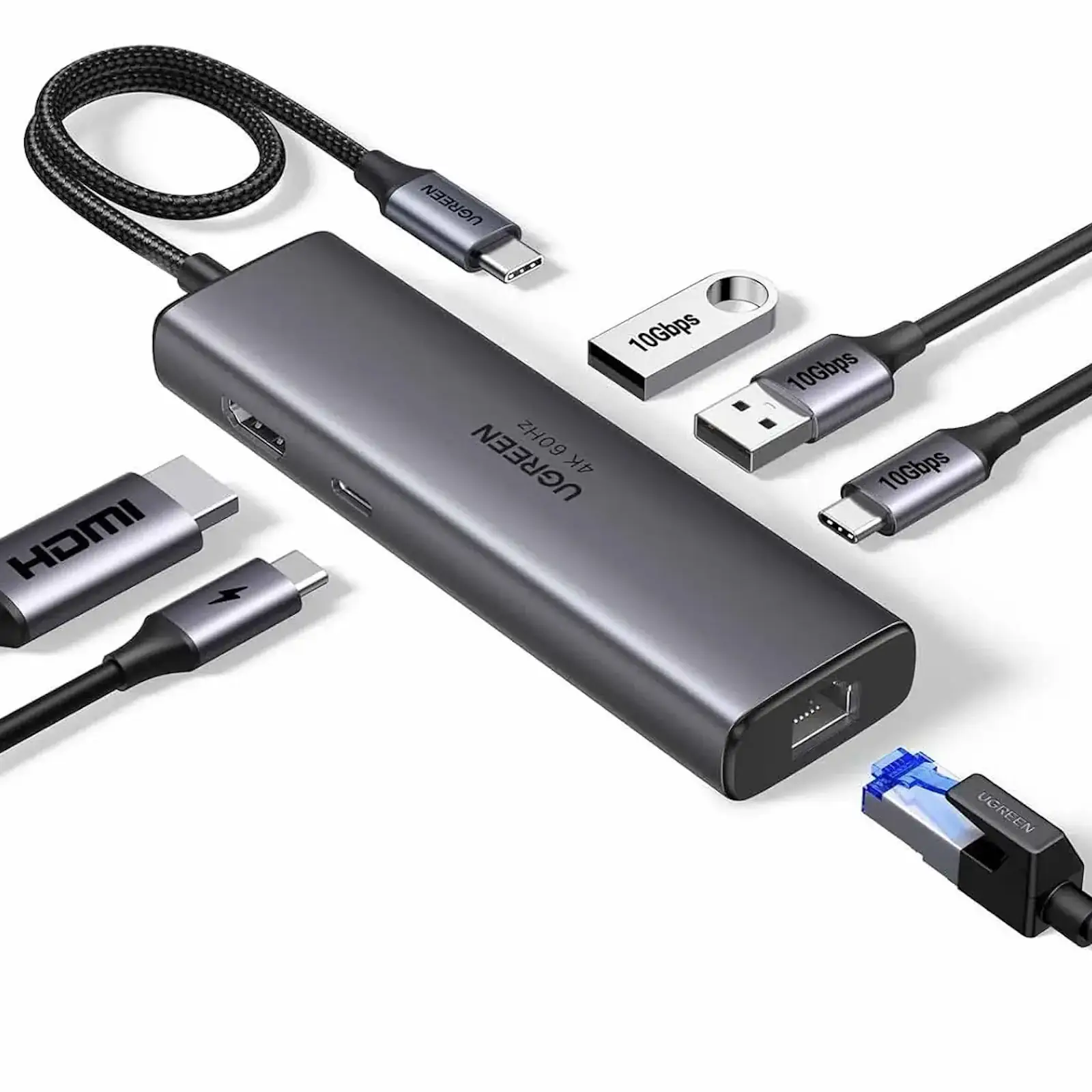
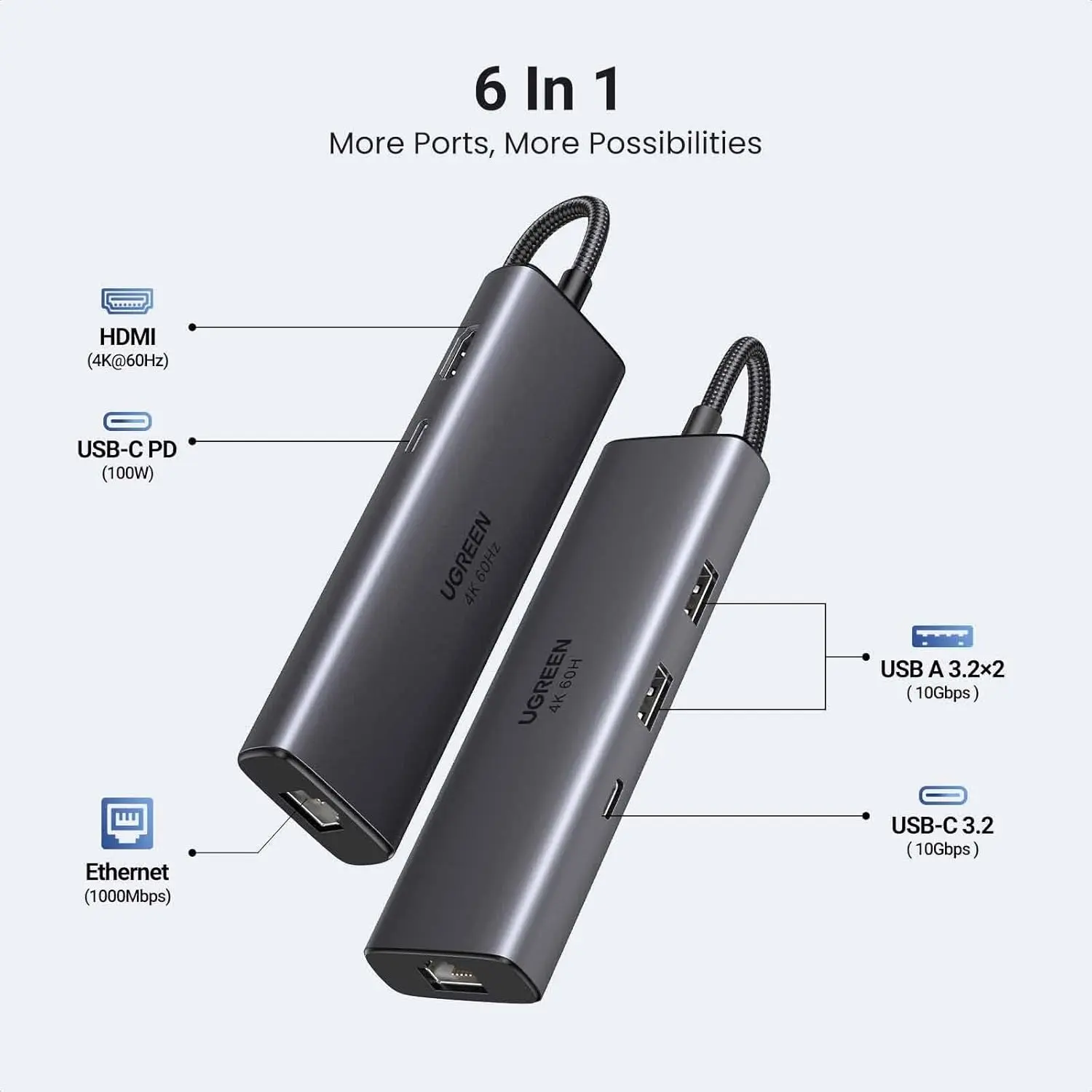
UGREEN 45000 6-in-1 USB C Hub with 4K@60Hz HDMI, 100W PD, Gigabit Ethernet, 2x USB-A 10Gbps, USB-C 10Gbps – Multiport Adapter for MacBook, Dell, HP Laptops
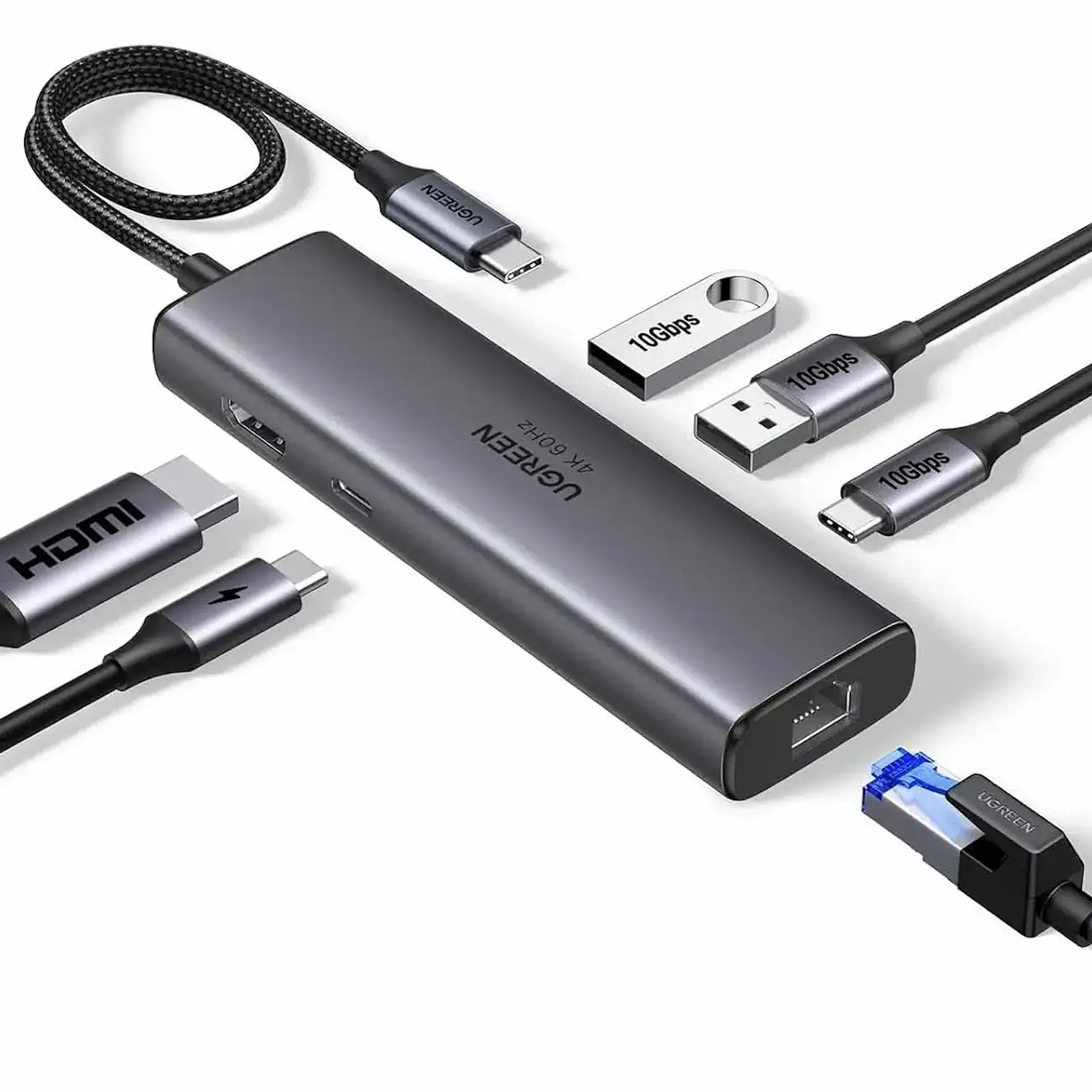
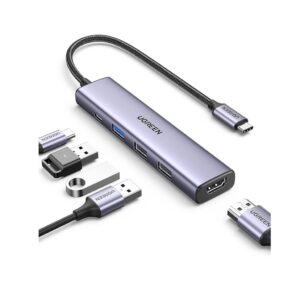
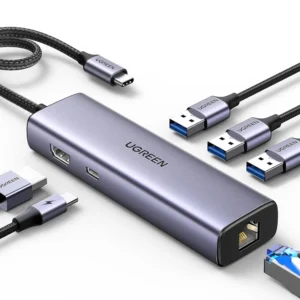
Unlock the full connectivity potential of your modern laptop with the UGREEN 45000 6-in-1 USB-C Hub. This powerful and compact adapter is engineered to solve the port shortage on today’s slim devices, transforming your MacBook, Dell XPS, or HP Spectre into a versatile command center for work, creativity, and entertainment.
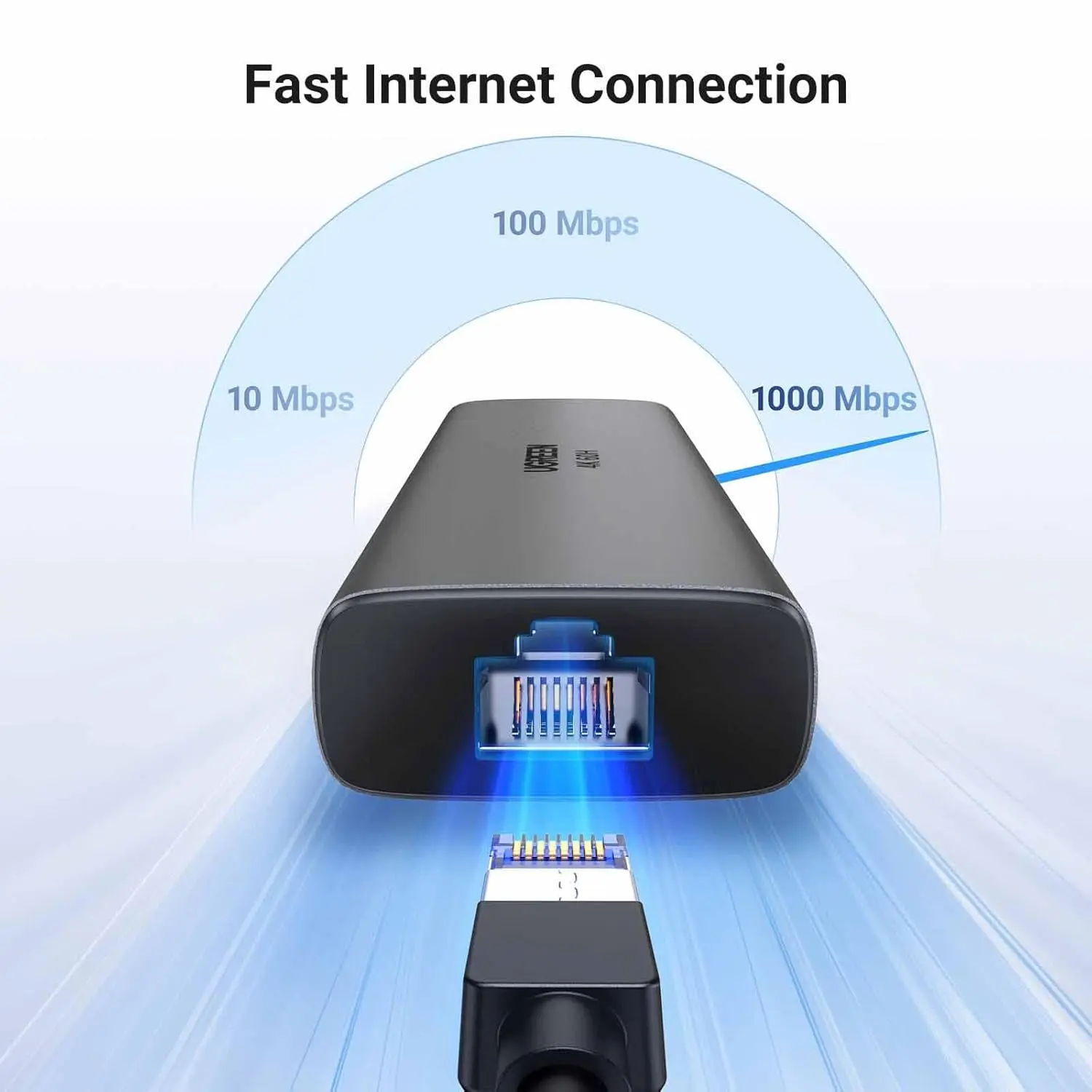
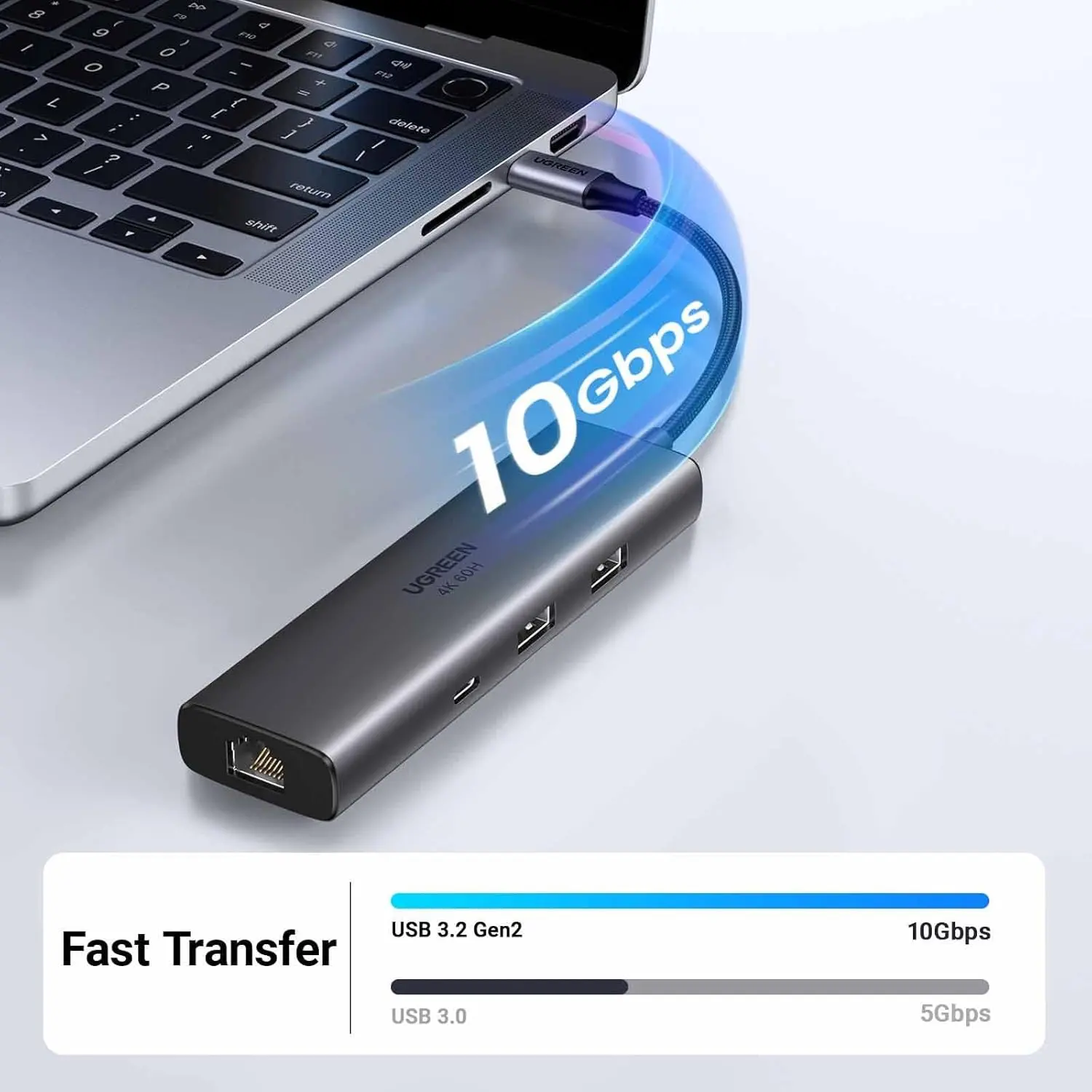
Experience unparalleled data transfer speeds with triple 10Gbps USB ports (2x USB-A, 1x USB-C), allowing you to connect high-speed SSDs, hard drives, and other peripherals with efficiency that leaves standard USB 3.0 behind. Say goodbye to unreliable Wi-Fi with the integrated Gigabit Ethernet port, which provides a rock-solid, high-bandwidth network connection for buffer-free streaming and uninterrupted online meetings.
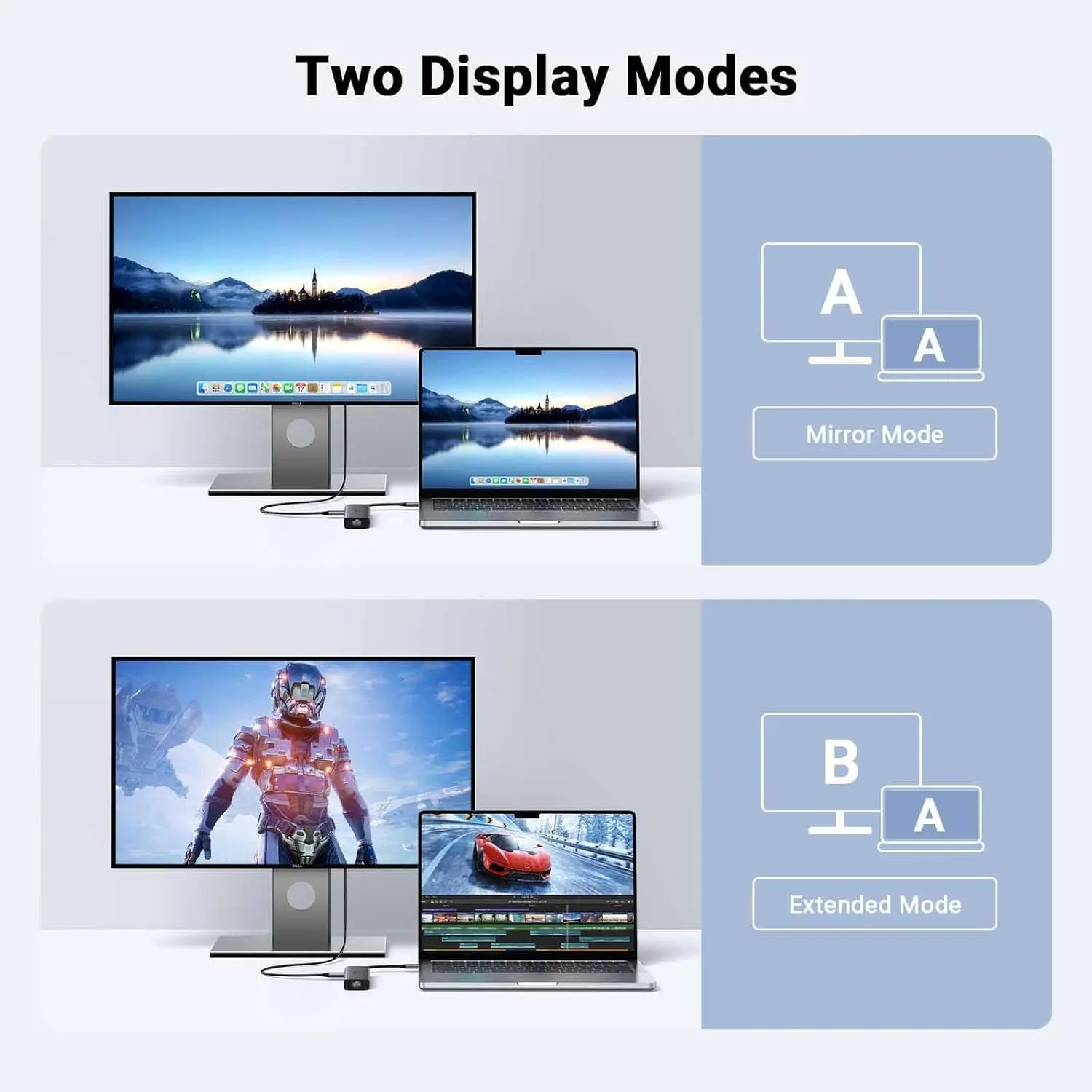
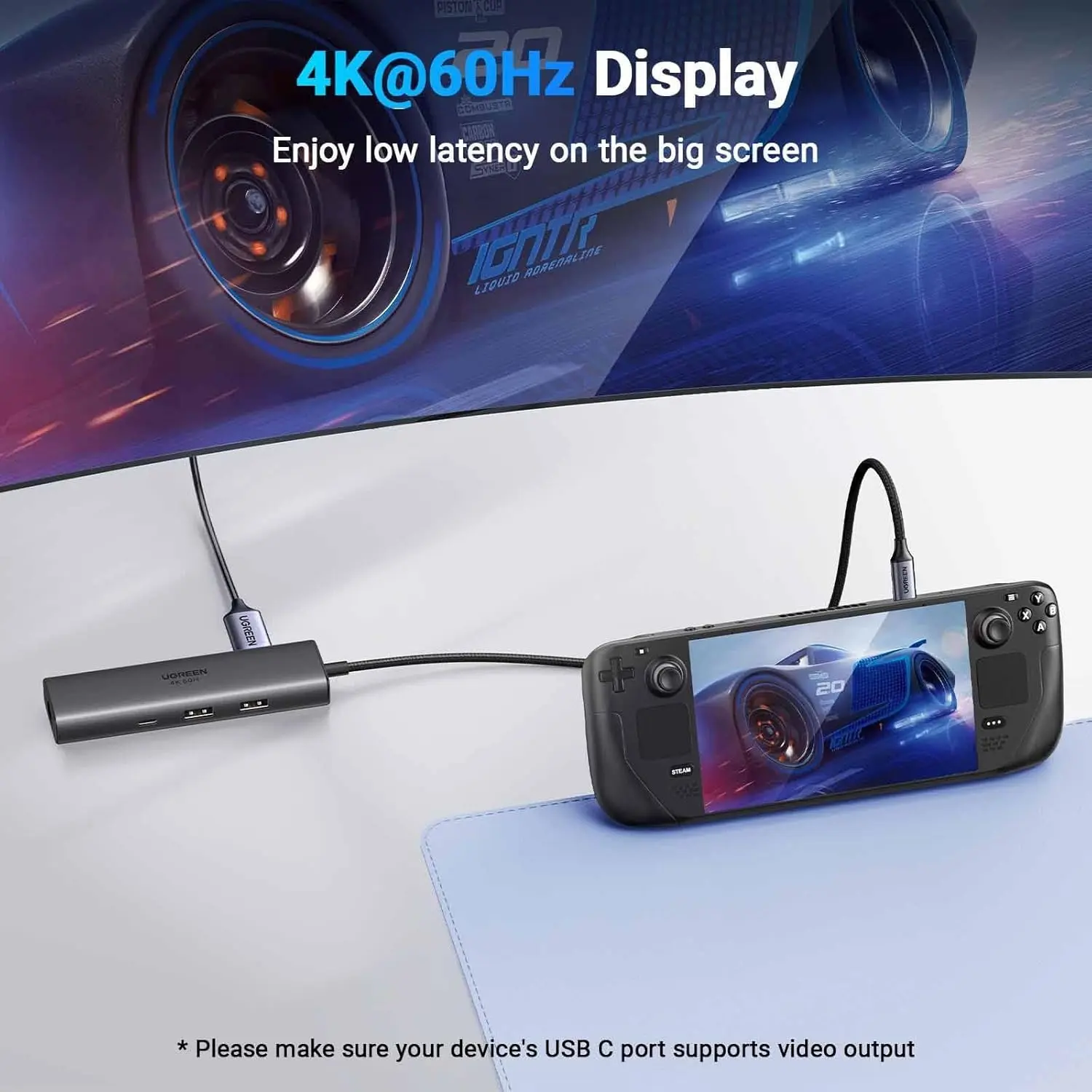
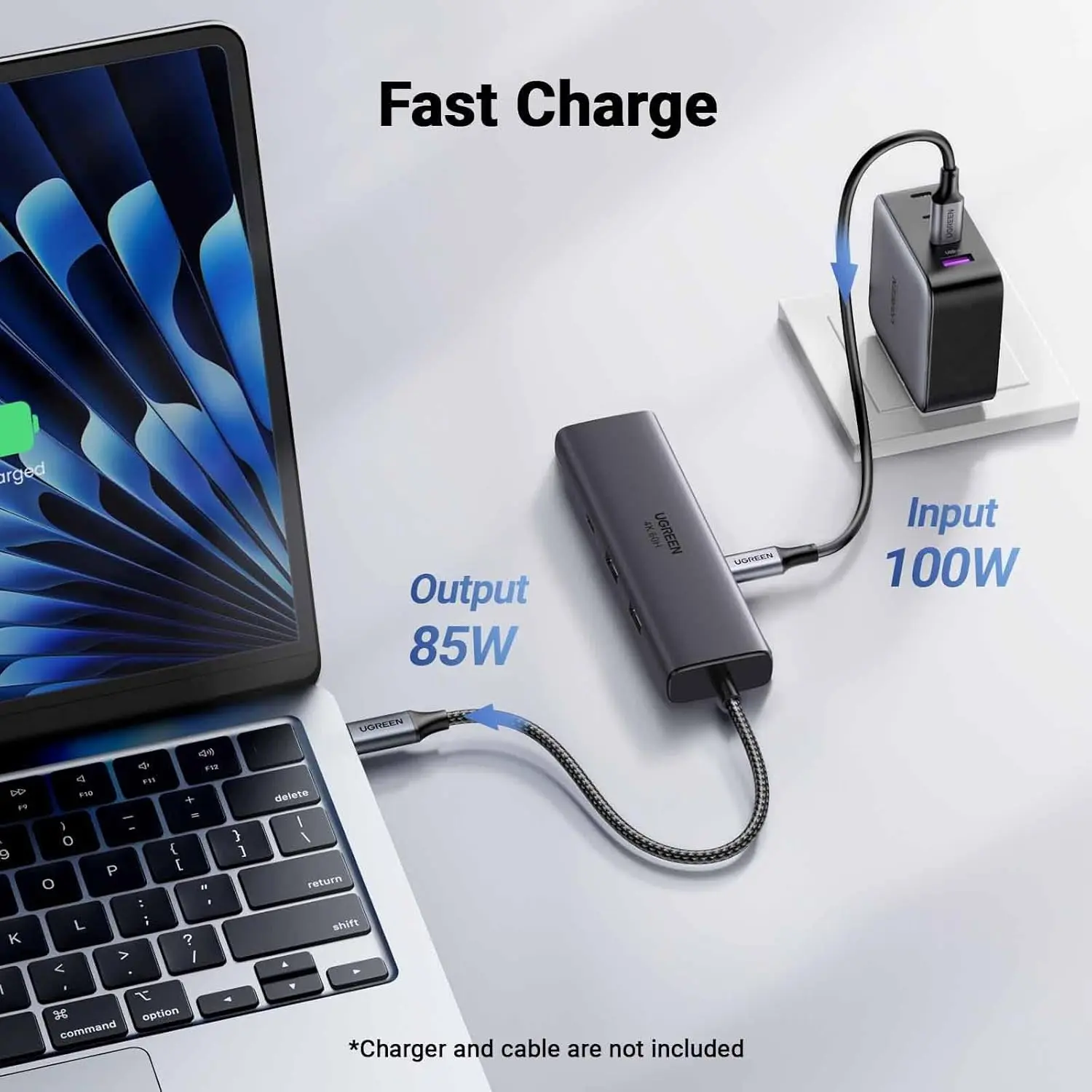
The high-definition HDMI port delivers a flawless 4K@60Hz picture to an external display, making multitasking and content creation a breeze. Best of all, you never have to sacrifice battery life for functionality. The 100W Power Delivery pass-through charging ensures your laptop stays powered up even under the heaviest loads. This hub is the cornerstone of any professional home office setup and a must-have travel accessory. For optimal performance, pair it with a 100W UGREEN Nexode Charger and explore our range of high-speed USB-C cables and networking accessories to complete your ultimate workstation.
Products Specifications:
- Model: UGREEN 45000
- Host Connection: USB-C Male
- Video Output: HDMI up to 4K@60Hz
- Data Ports: 2x USB-A 3.2 (10 Gbps), 1x USB-C 3.2 (10 Gbps)
- Network Port: RJ45 Gigabit Ethernet (10/100/1000 Mbps)
- Power Delivery: USB-C PD Input (100W)
- Design: Aluminum Alloy Case, Compact & Lightweight (140g)
- Compatibility: MacBook Pro/Air, Dell, HP, Lenovo, Chromebook with USB-C
What’s in the Box?
- 1 x UGREEN 45000 6-in-1 USB-C Hub
- 1 x User Manual
FAQs:
1. What is the speed difference between USB 3.2 (10Gbps) and standard USB 3.0?
USB 3.2 at 10 Gbps is twice as fast as standard USB 3.0 (5 Gbps), drastically reducing transfer times for large files like 4K videos and project backups.
2. Can I use the USB-C data port for charging my phone?
The USB-C data port is for data transfer only and does not support charging. To charge devices, you must use the dedicated USB-C PD input port with a charger connected.
3. Does the HDMI port support dual monitors?
No, this model features a single HDMI output for one external display. For dual monitor setups, please see our UGREEN docking stations with multiple video outputs.
4. Why is a wired Ethernet connection better than Wi-Fi?
A Gigabit Ethernet connection provides lower latency, higher stability, and is less prone to interference than Wi-Fi, which is crucial for competitive gaming, video conferencing, and large file downloads.
5. Will 100W PD be enough for my powerful laptop?
Yes, 100W PD is sufficient to charge and power even high-performance laptops like the 16-inch MacBook Pro and most Windows gaming laptops at their maximum rate.
6. Can I connect all devices at once?
Yes, the hub is designed for simultaneous use of all ports. You can have an external display, wired internet, multiple storage devices, and your laptop charger connected all at the same time.
7. Is this hub compatible with the iPad Pro?
Yes, if your iPad Pro has a USB-C port that supports external displays and peripherals, you can use this hub to connect to a monitor, Ethernet, and USB devices.
8. Where can I find warranty and support?
This product comes with a 1-year warranty. For any claims or technical assistance, please visit our customer support page.
9. Does the hub get hot during use?
The premium aluminum body acts as a heat sink, effectively dissipating heat during operation to ensure stable performance and long-term reliability.
10. Is it truly plug-and-play?
Yes, for most functions. Just connect it to your laptop’s USB-C port. For the Ethernet port, some operating systems may require a moment to automatically install the driver.
 No products in the cart.
Dr. S. (verified owner) –
I had a separate HDMI adapter, Ethernet adapter, and USB hub. This one hub does everything. Cleaner desk setup. Only one cable to my MacBook