
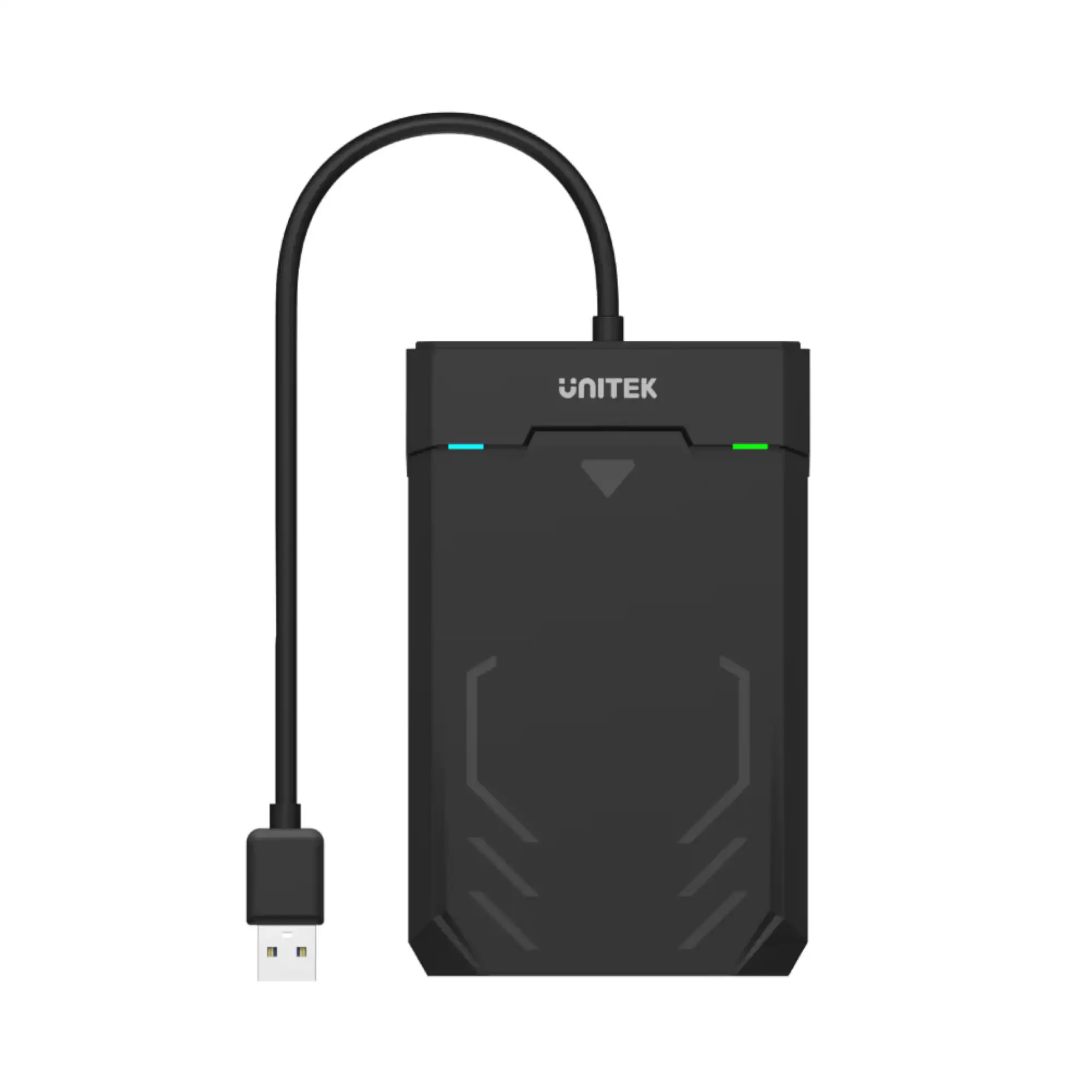
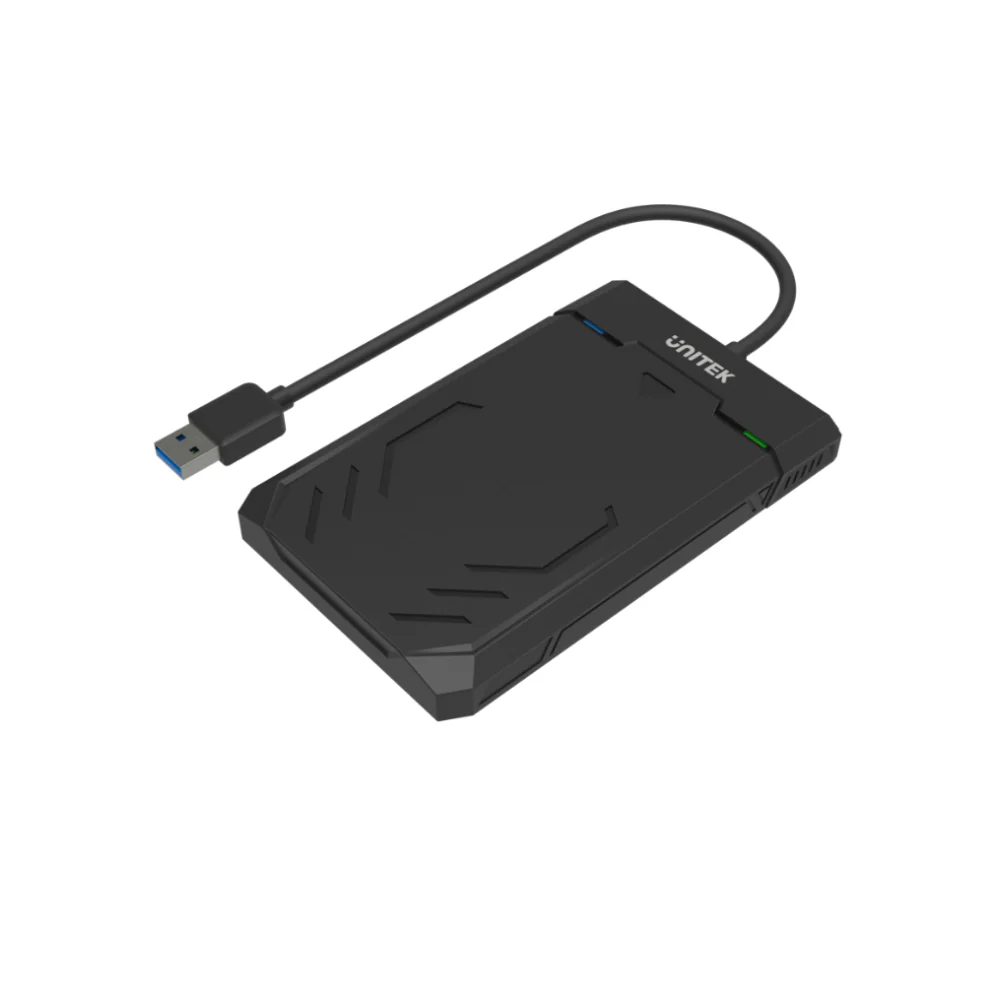
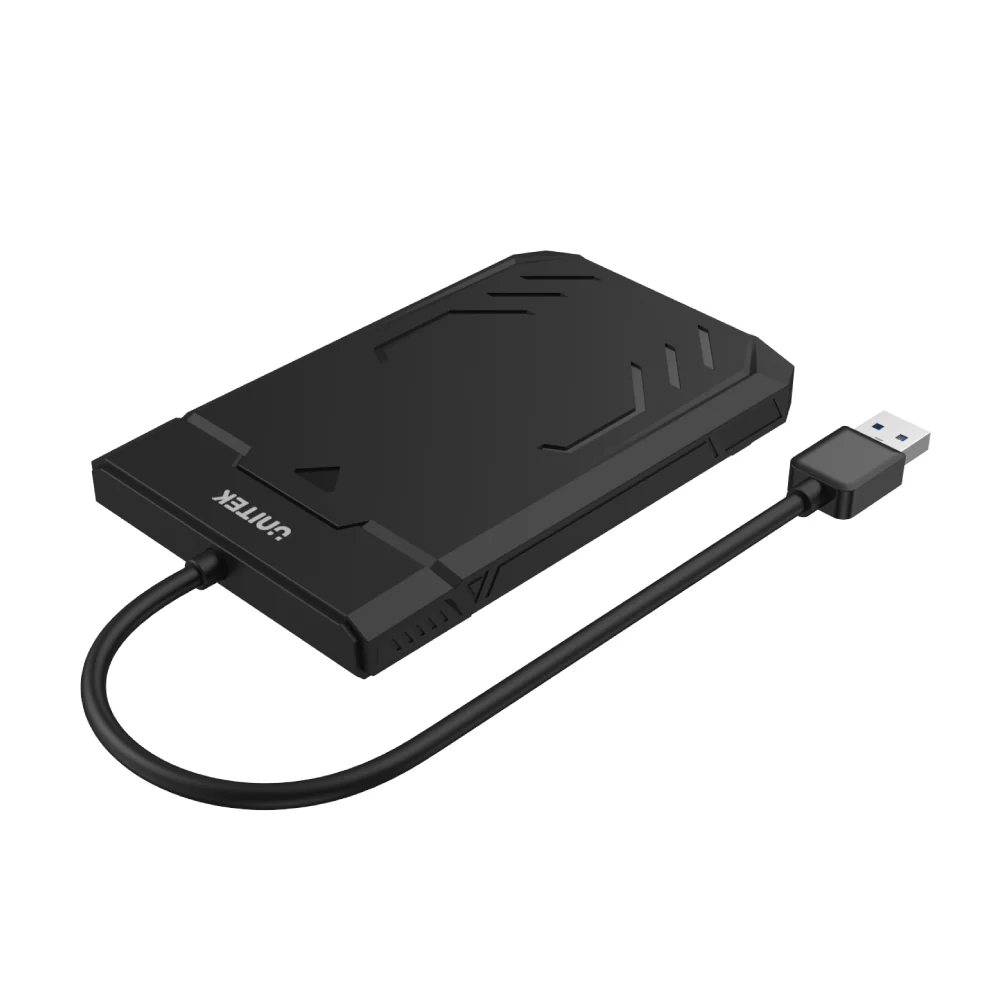
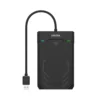
UNITEK Y-3036 DiskGuard Raiden 2.5″ SATA HDD/SSD Enclosure, USB 3.0 SuperSpeed, 5Gbps Data Transfer, UASP Support, Tool-Less Design, LED Indicator, Black
Upgrade Your Storage Solution with the UNITEK Y-3036 DiskGuard Raiden 2.5″ SATA HDD/SSD Enclosure
The UNITEK Y-3036 DiskGuard Raiden Enclosure is designed to offer gamers, tech enthusiasts, and professionals a top-tier storage solution. Combining high-speed performance with a sleek, e-sports inspired design, this enclosure is perfect for managing and upgrading your 2.5″ SATA HDDs and SSDs.
Exceptional Performance
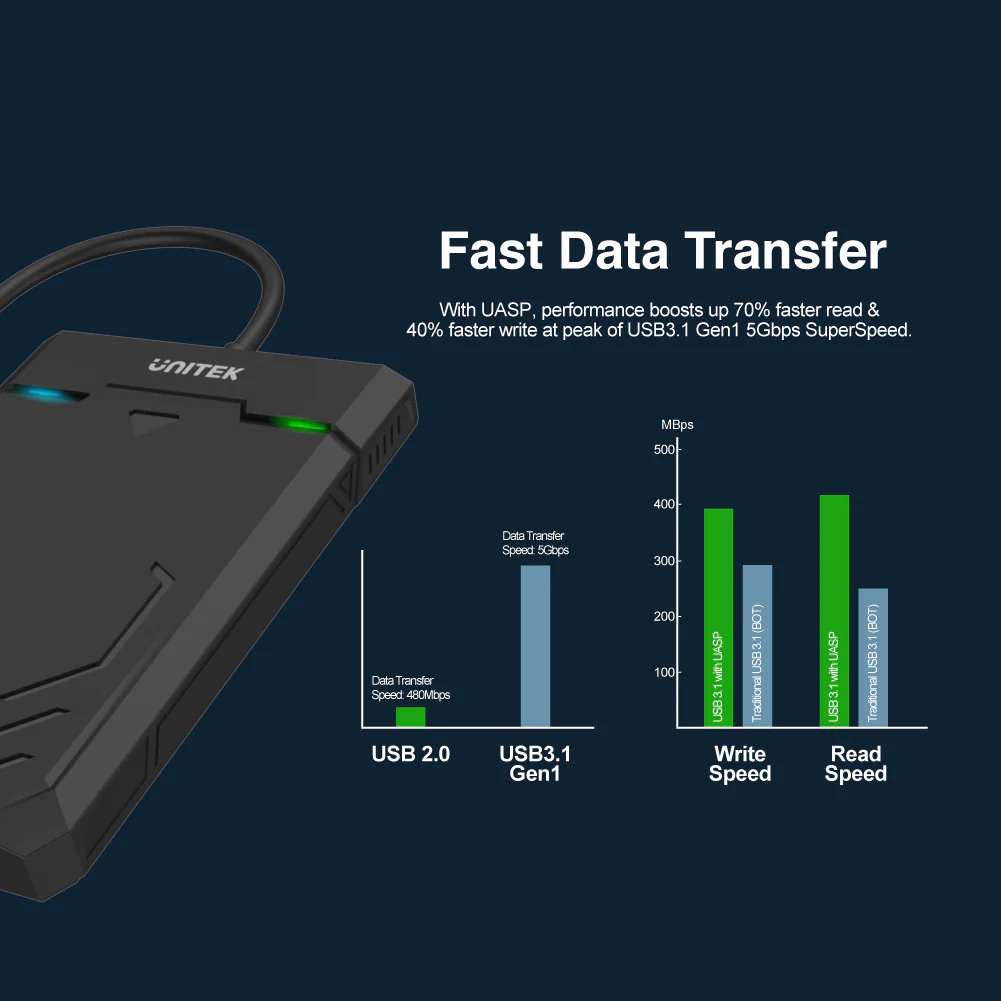
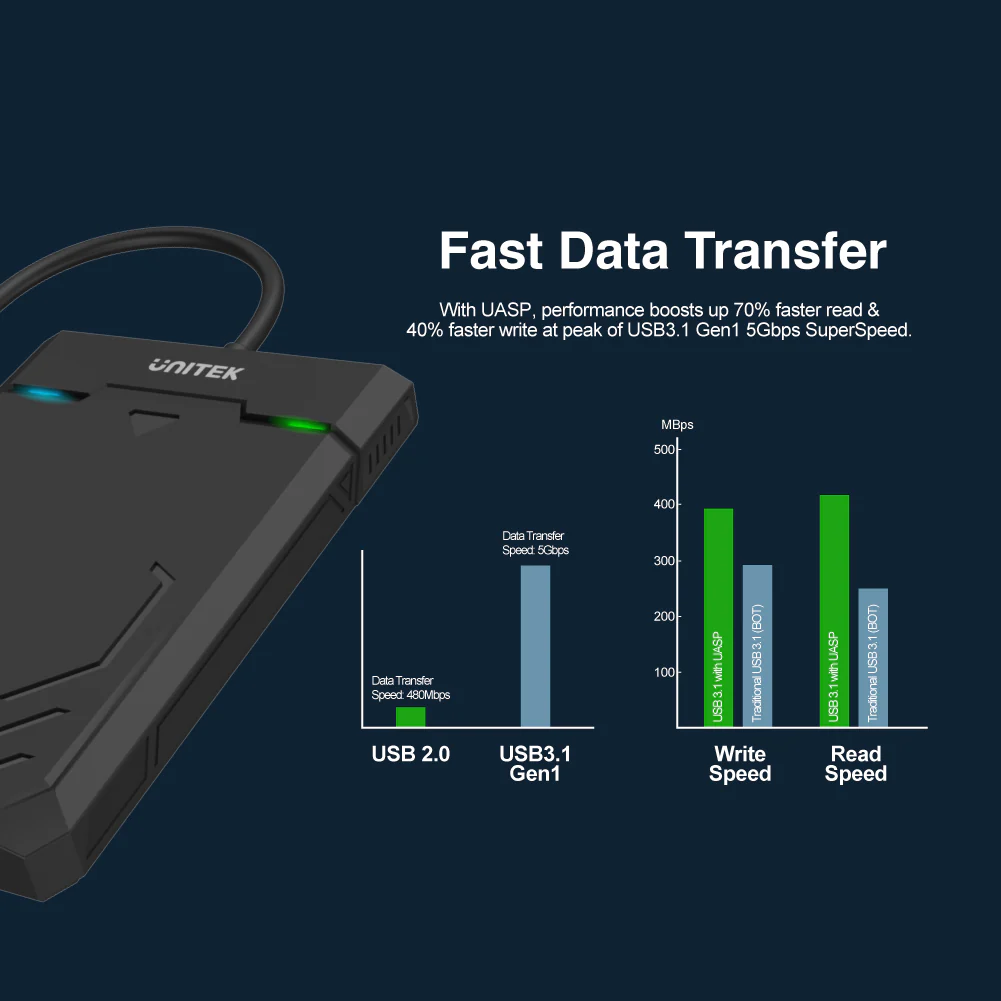
- USB 3.0 SuperSpeed: Achieve rapid data transfers with speeds up to 5Gbps, ideal for handling large files and intensive applications. The enclosure’s USB 3.0 interface ensures you get the most out of your drives, while backward compatibility with USB 2.0 and 1.1 allows for versatile connectivity.
- UASP Support: The inclusion of USB Attached SCSI Protocol (UASP) significantly enhances data transfer speeds, reducing latency and improving overall performance.
User-Friendly Features
- Integrated USB Cable: Simplify your setup with the integrated USB cable, which eliminates the need for additional cables and reduces clutter.
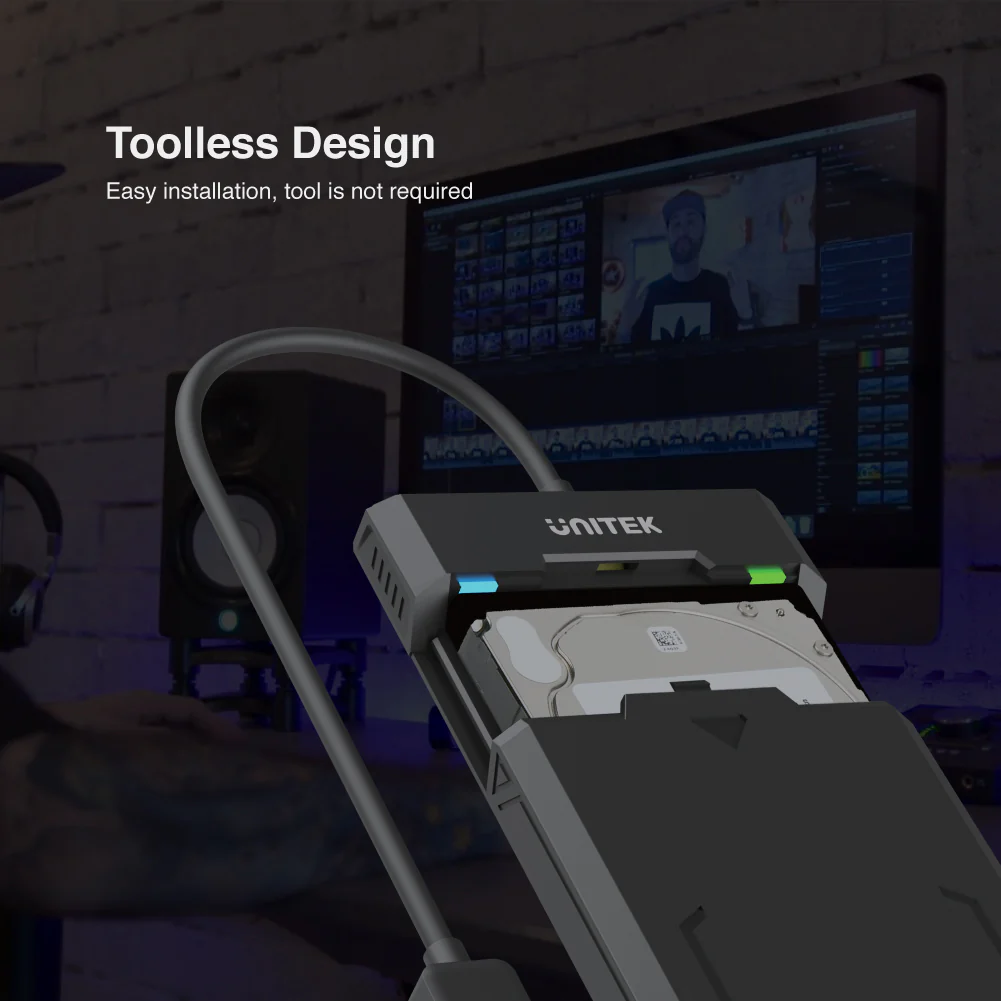
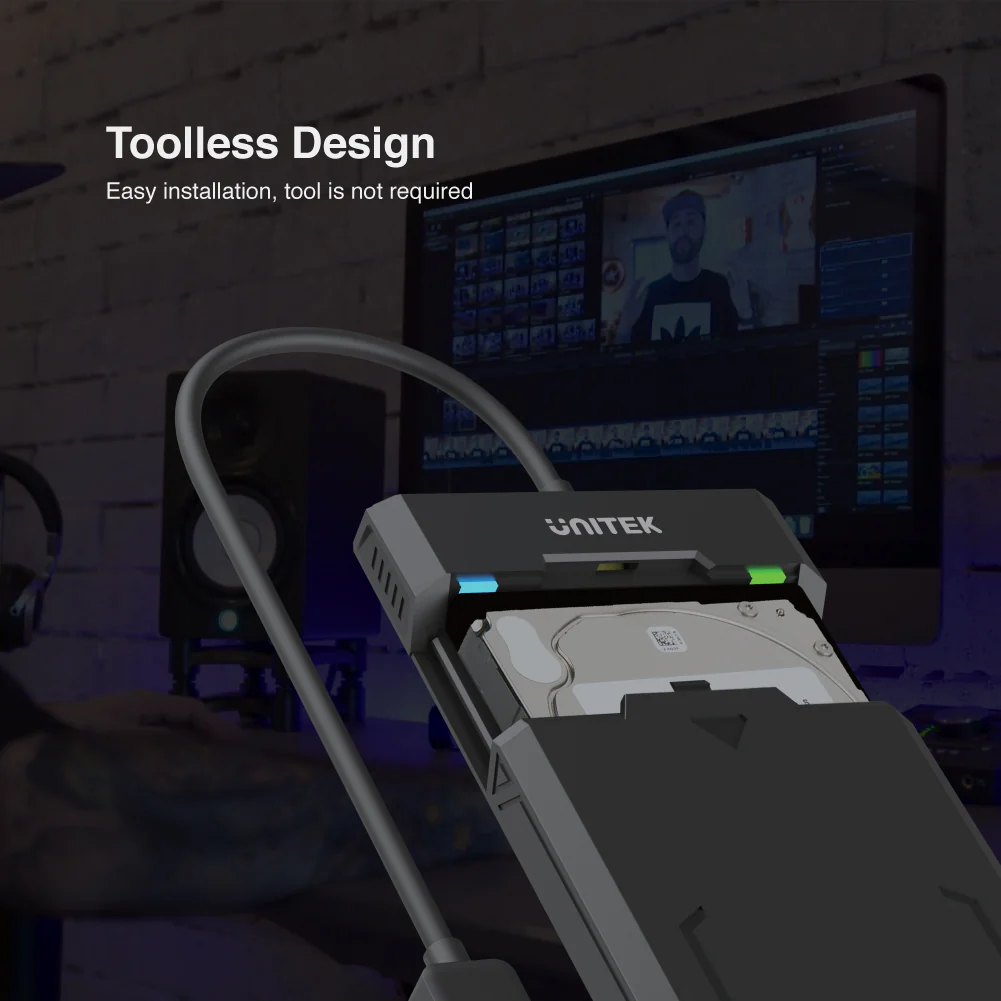
- Tool-Less Installation: Easily install your HDD or SSD without tools, thanks to the user-friendly design that makes drive swaps quick and straightforward.
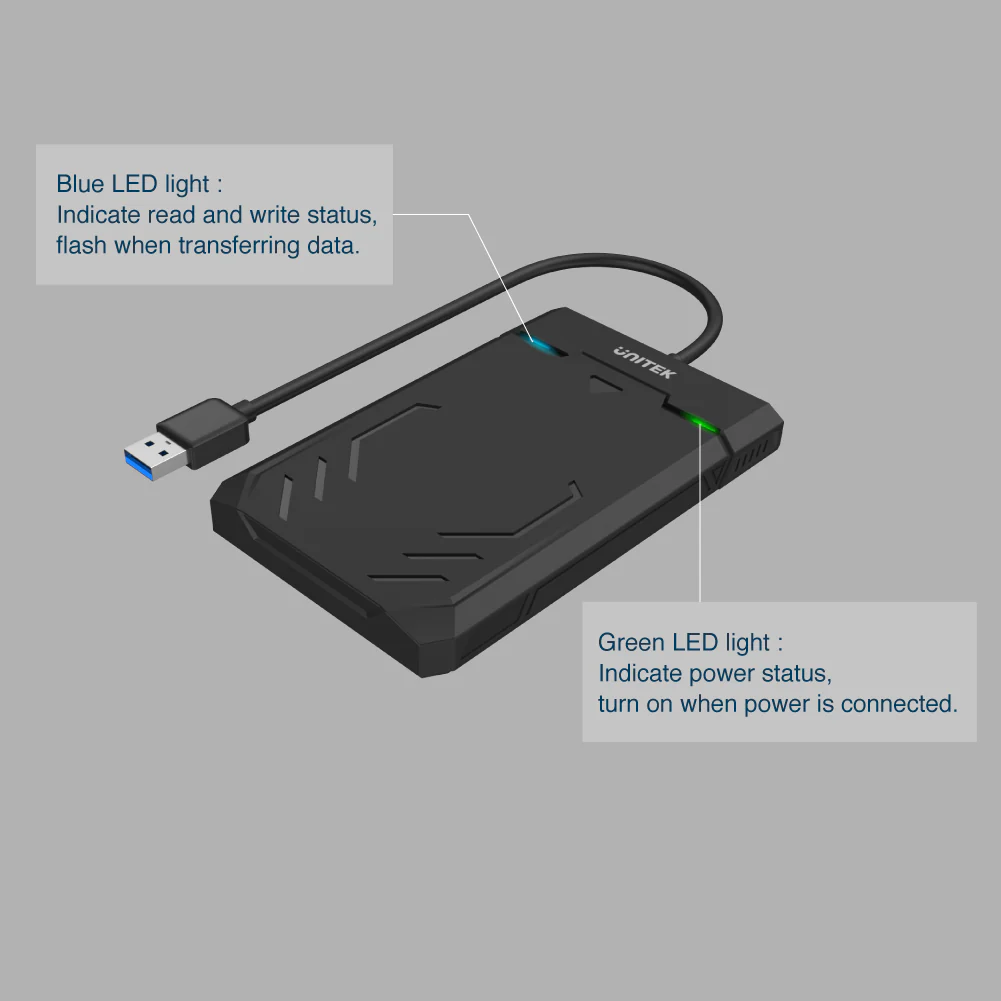
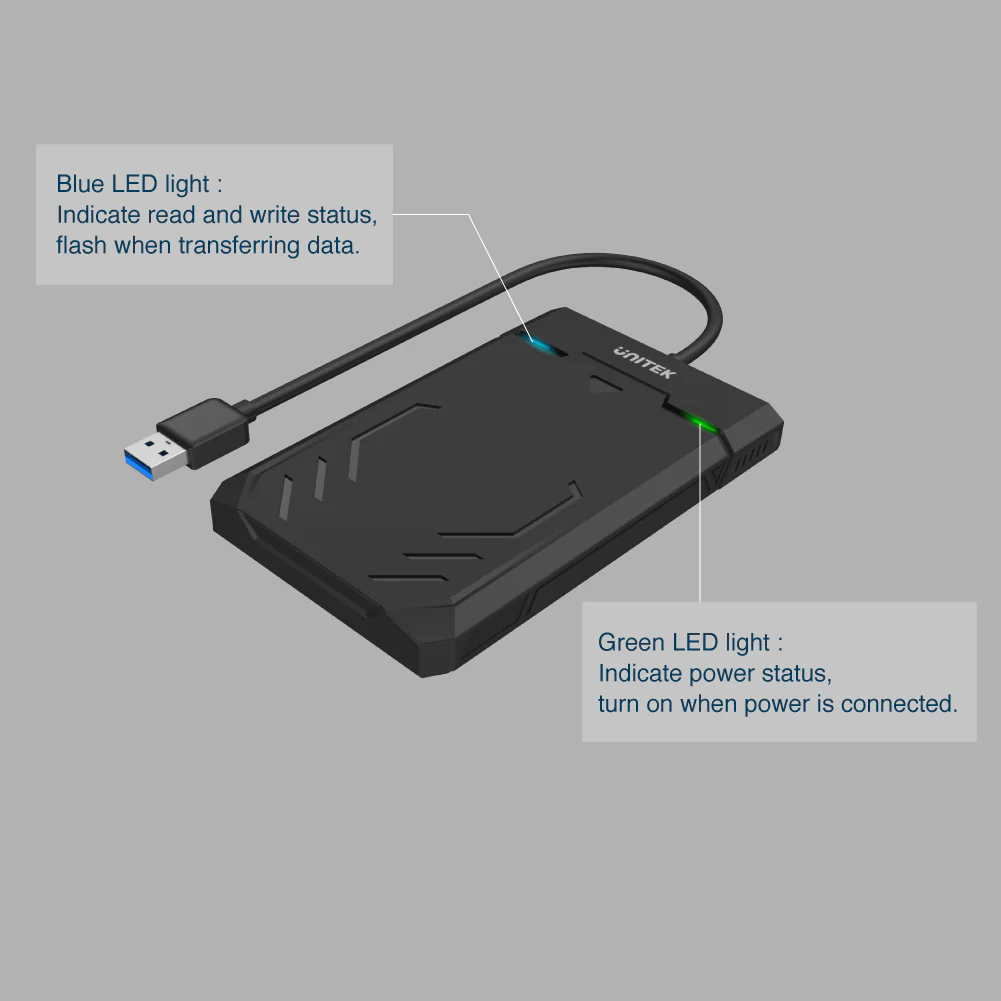
- LED Indicator: Stay informed with the LED status light, which clearly shows the working status of the drive.
- Energy-Efficient Sleep Mode: Conserve energy and extend the life of your drive with the smart sleep mode feature that activates when the drive is idle.
Broad Compatibility
- Flexible Drive Support: Compatible with all 2.5″ SATA HDDs and SSDs, including drives with a height of up to 9.5mm. This enclosure is an adaptable choice for various storage capacities and types.
- Plug and Play: Enjoy hassle-free operation with no additional drivers or software needed. The enclosure works seamlessly with Windows, Mac OS, and other major operating systems.
Compact and Stylish
- Dimensions: With a compact form factor of 130mm x 83mm x 15mm and a 30cm cable, the Y-3036 is easy to transport and integrate into your setup.
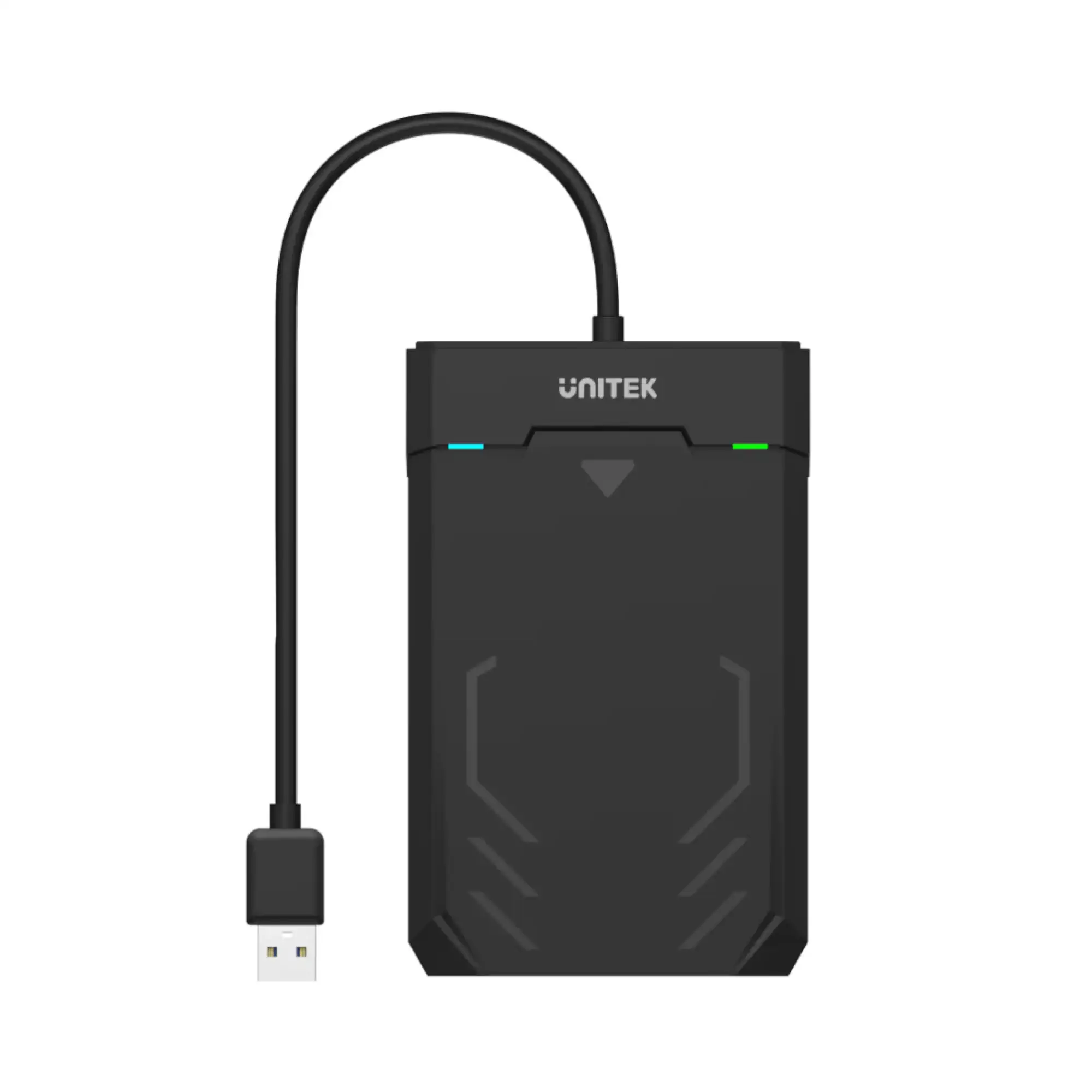
- Design: The black aluminum housing and modern design add a touch of sophistication to your tech collection.
Package Contents:
- 1 x DiskGuard Raiden 2.5″ SATA HDD/SSD Enclosure
- 1 x User Manual
FAQ
How do I initialize a brand new hard drive in Windows?
Open Computer Management (press Windows key + R, type compmgmt.msc, and click Run). Navigate to Disk Management, initialize the disk, and create a new partition.
How do I initialize a new hard drive on Mac OS?
Open Disk Utility from Finder > Applications > Utilities. Select the drive, click the Partition tab, set it to GUID Partition Table, and click Partition.
What should I do if my drive is not accessible?
Check if the drive is damaged or incompatible with your operating system. Ensure the file system is supported by your OS.
Can I use this enclosure with a 3.5″ SATA drive?
No, this enclosure is specifically designed for 2.5″ SATA HDDs and SSDs. For 3.5″ drives, a different enclosure is required.
Does this enclosure support RAID configurations?
No, this enclosure does not support RAID configurations. It is designed for single drive use.
What file systems are compatible with this enclosure?
The enclosure supports various file systems including NTFS for Windows, HFS+ for Mac OS, and exFAT for cross-platform use.
Is the USB cable detachable from the enclosure?
No, the USB cable is integrated into the enclosure for convenience and to reduce cable clutter.
What happens if I connect the enclosure to a USB 2.0 port?
The enclosure will still work, but data transfer speeds will be limited to USB 2.0 speeds, which are slower than USB 3.0.
How do I handle a drive that uses 4Kn sectors?
Ensure that the enclosure’s specifications support 4Kn sectors. If not, you may need a different enclosure designed for such drives.
Do I need to format my hard drive before using it with this enclosure?
Formatting is not required before use; however, initializing and partitioning may be needed to make the drive accessible on your system.

 No products in the cart.
Reviews
There are no reviews yet.