

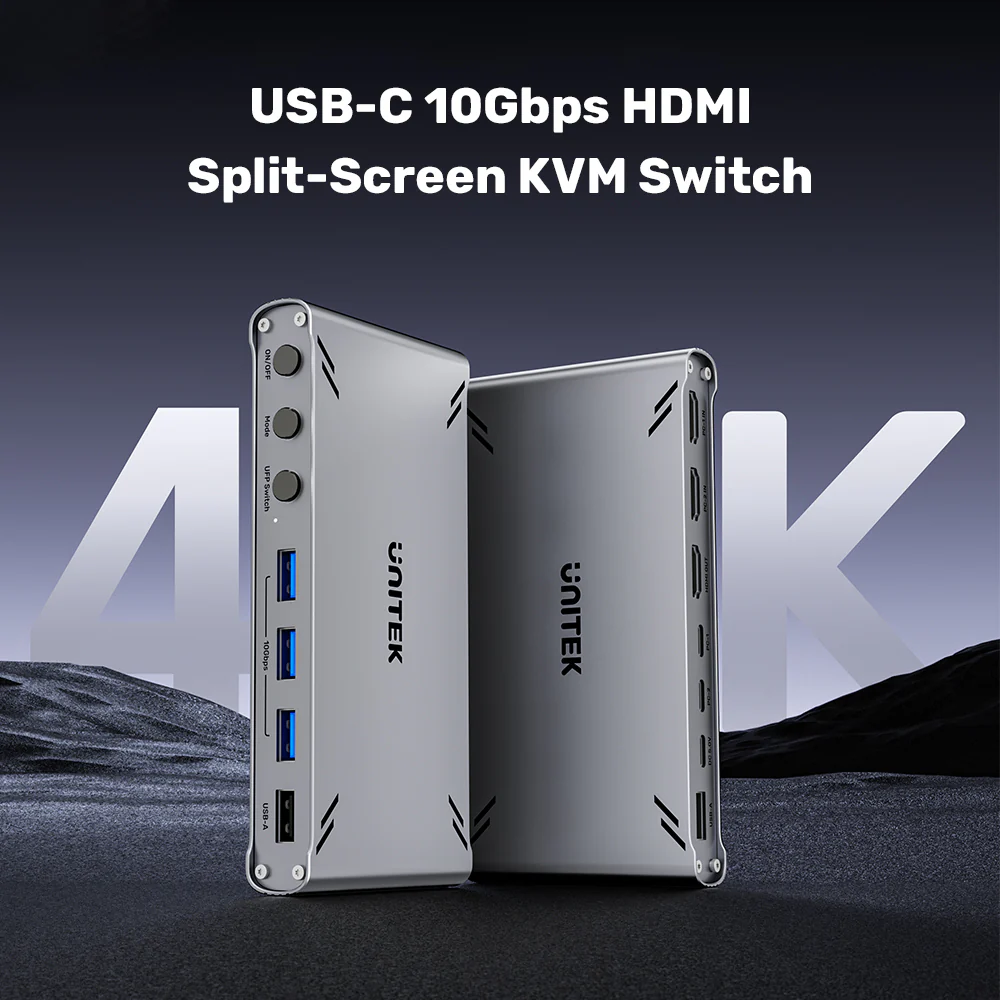
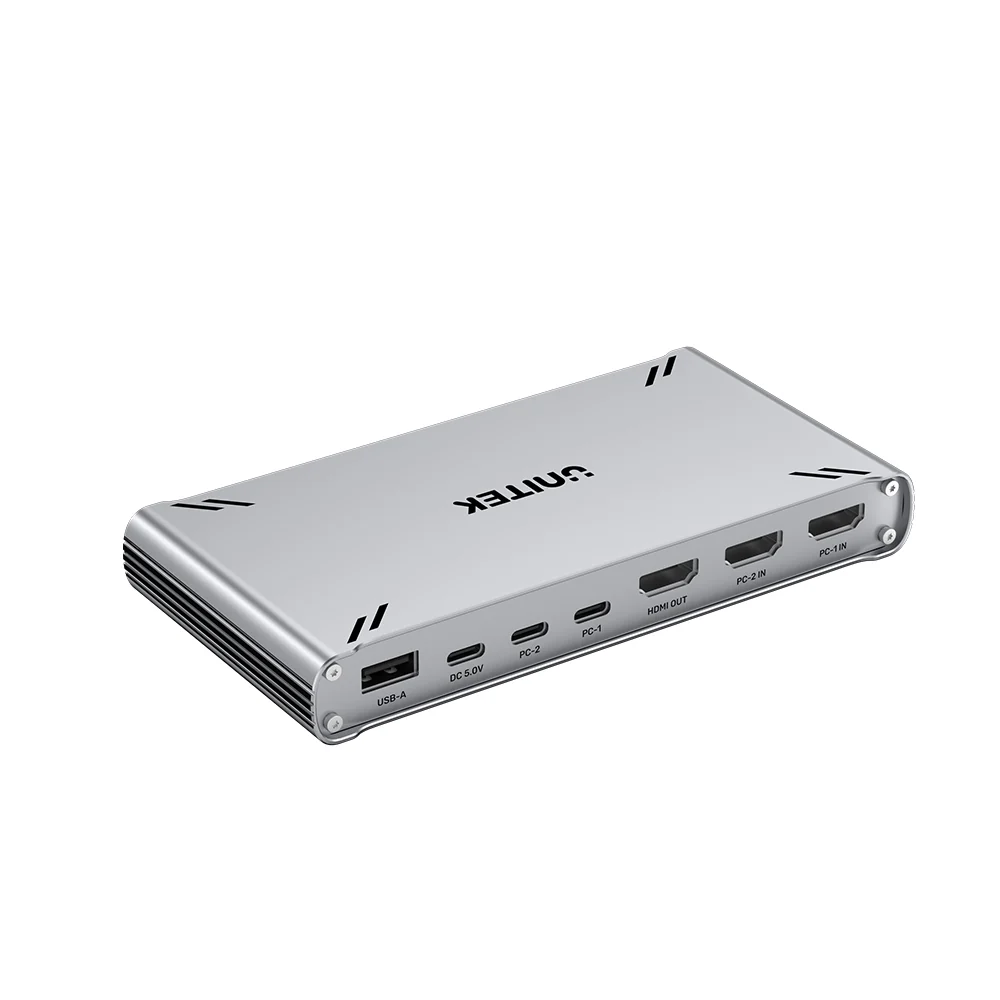
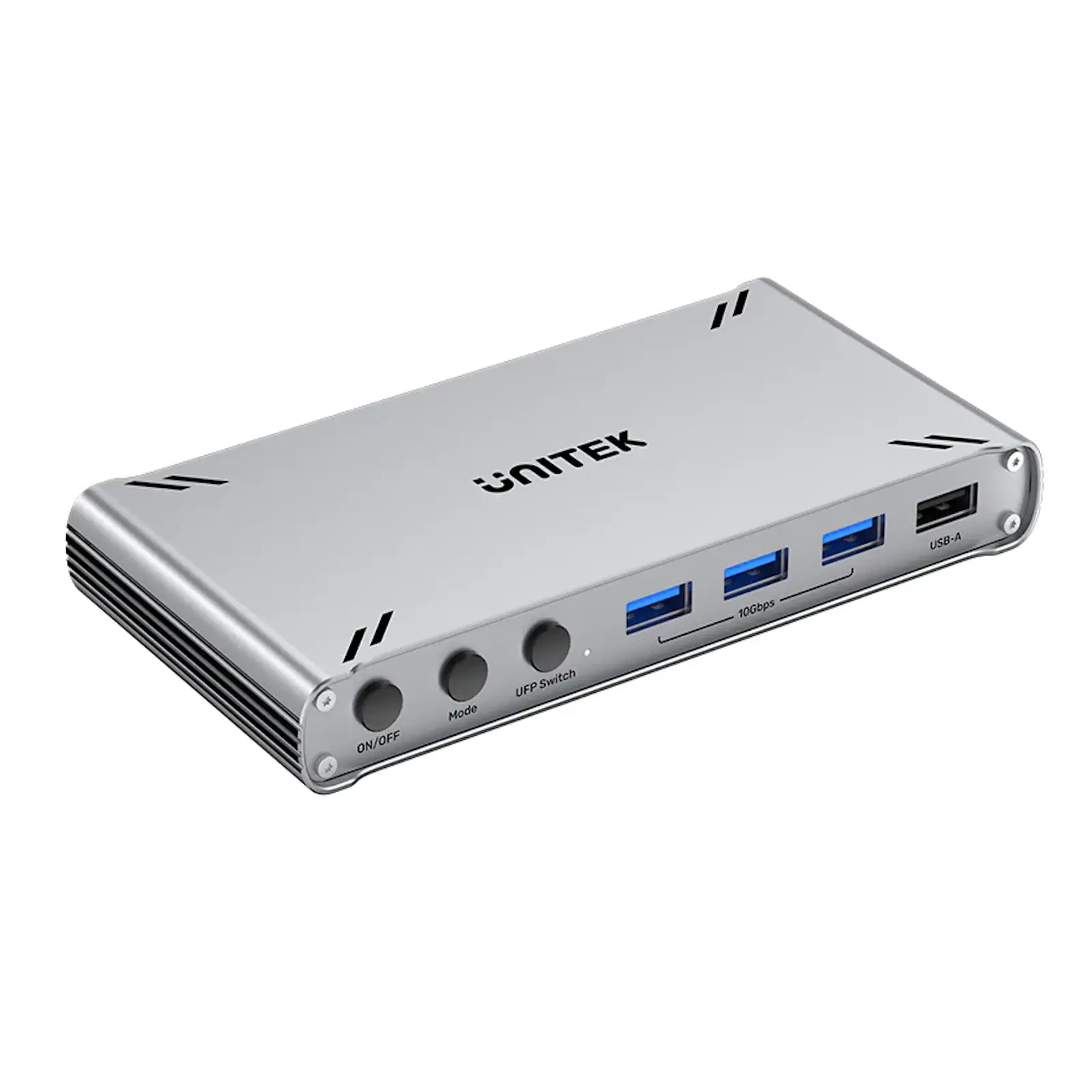
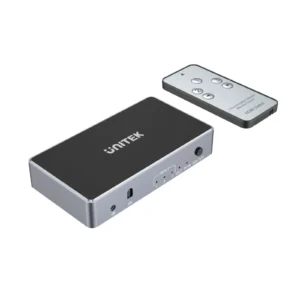
UNITEK D1118AGY01-EU USB-C 10Gbps HDMI KVM Switch, 2-PC 4K@30Hz Split-Screen Switch, with 5-Port USB 3.1 Hub & Data InterCopy for Windows, Mac (Space Grey)
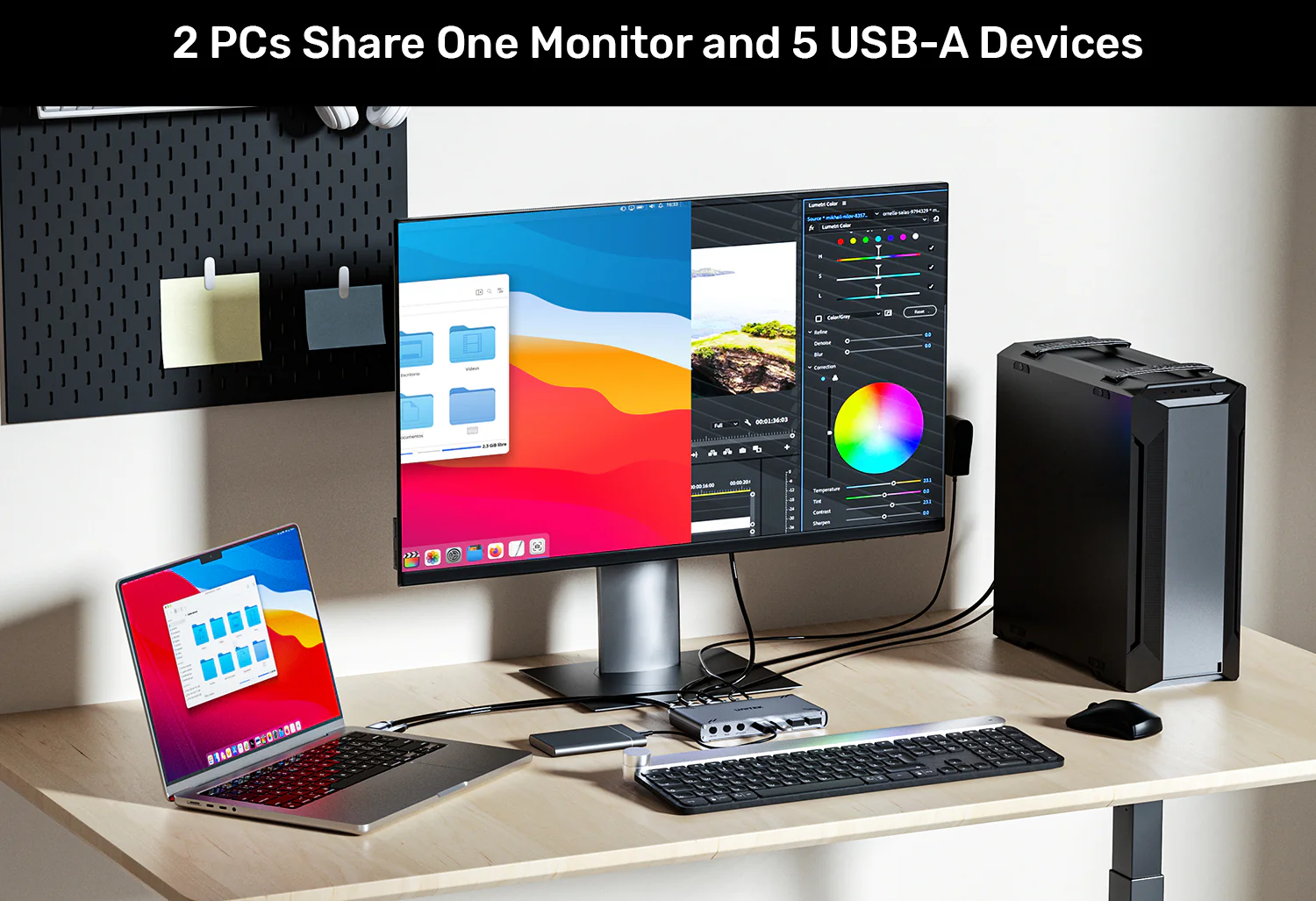
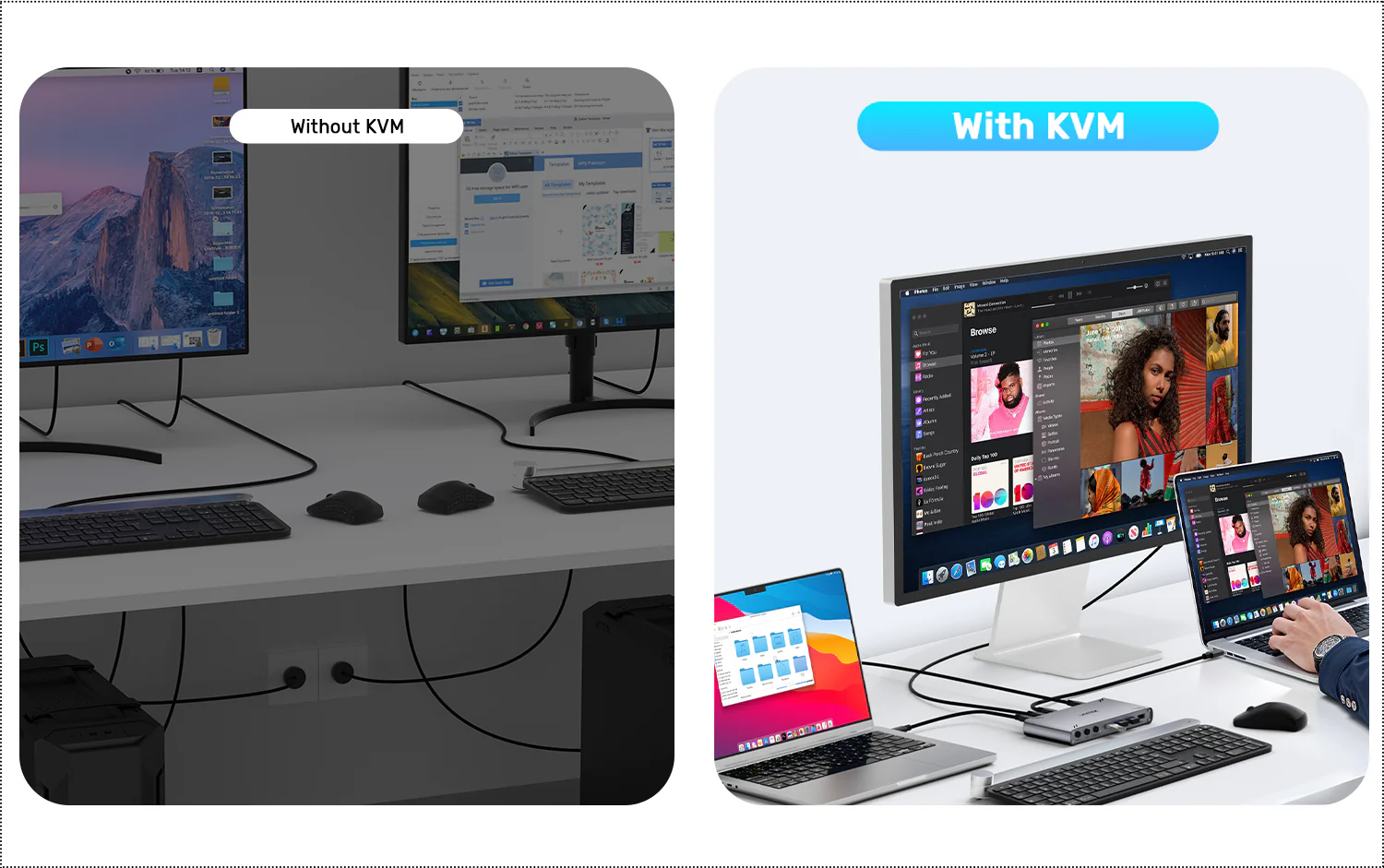
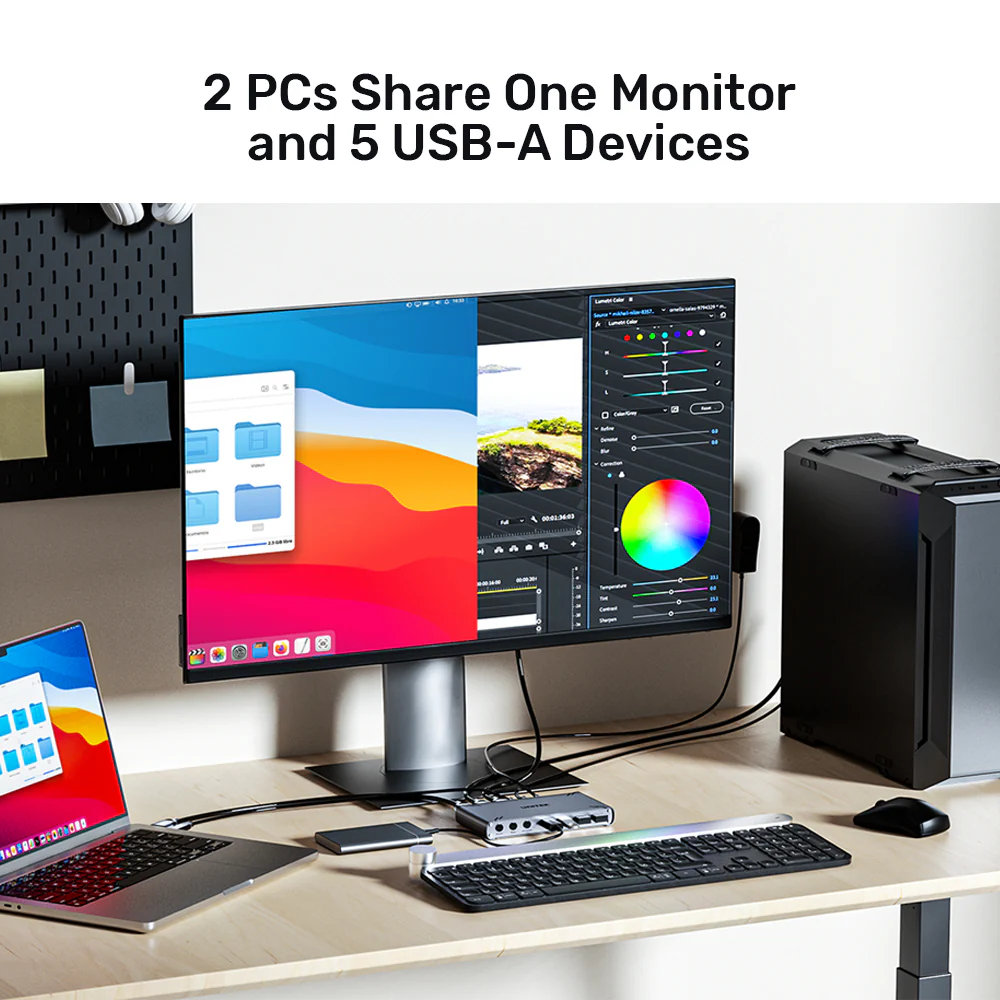
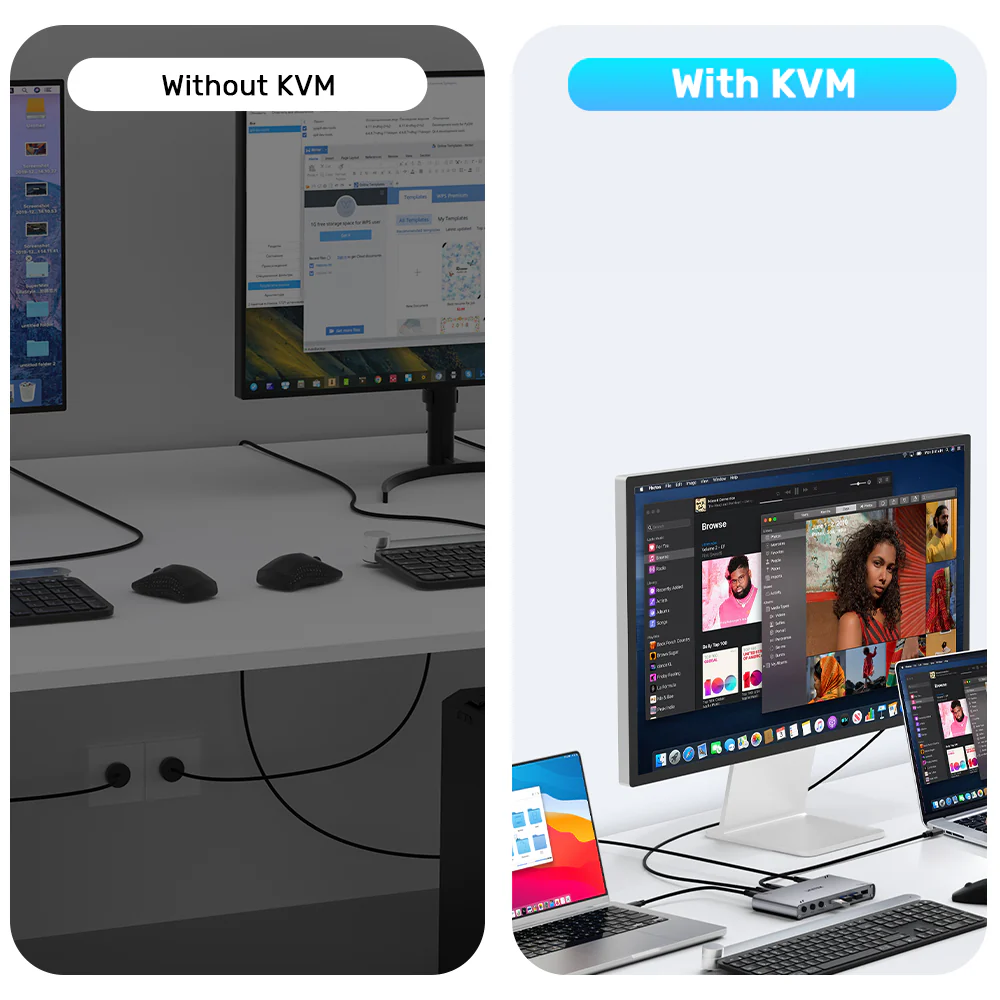
Tired of juggling two keyboards, two mice, and constantly switching monitor inputs? The UNITEK USB-C 10Gbps HDMI KVM Switch is the ultimate command center for a dual-computer workspace. It seamlessly merges two complete systems into one efficient, clutter-free workstation, boosting your multitasking power and productivity.
Master Two Computers with One Setup
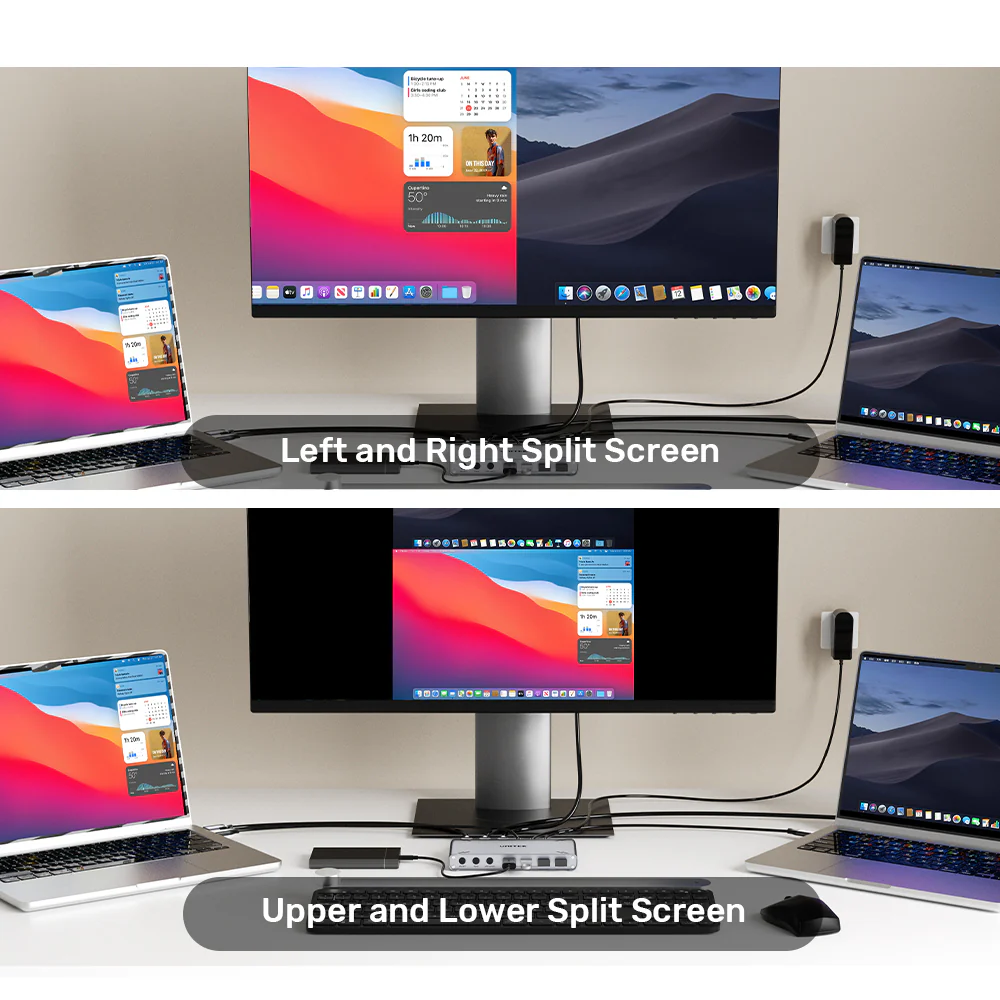
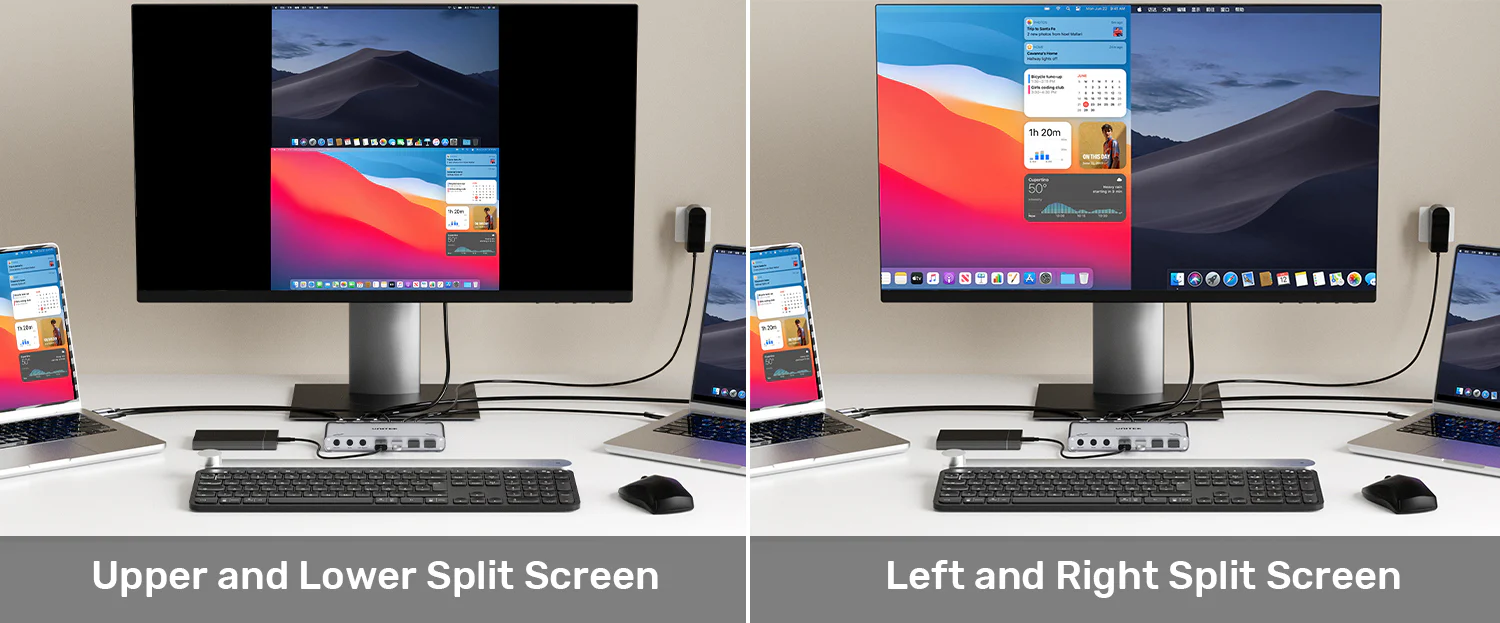
First and foremost, this device acts as a high-performance KVM (Keyboard, Video, Mouse) switch. With a press of a button (or via hotkey), you can instantly switch control of your monitor, keyboard, and mouse between two computers. Furthermore, its innovative split-screen mode divides your single monitor to show both computer desktops side-by-side or stacked, ideal for monitoring and cross-referencing data.
A High-Speed Hub with a Clever Twist
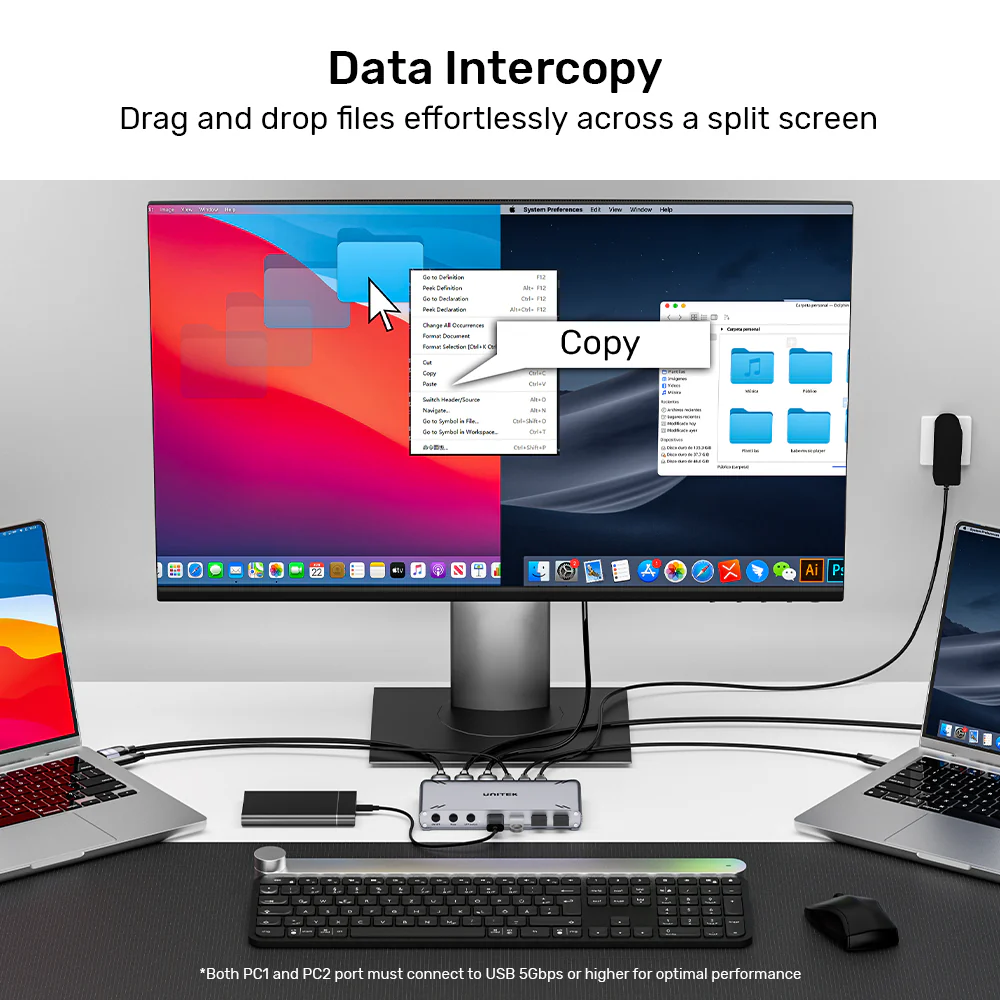
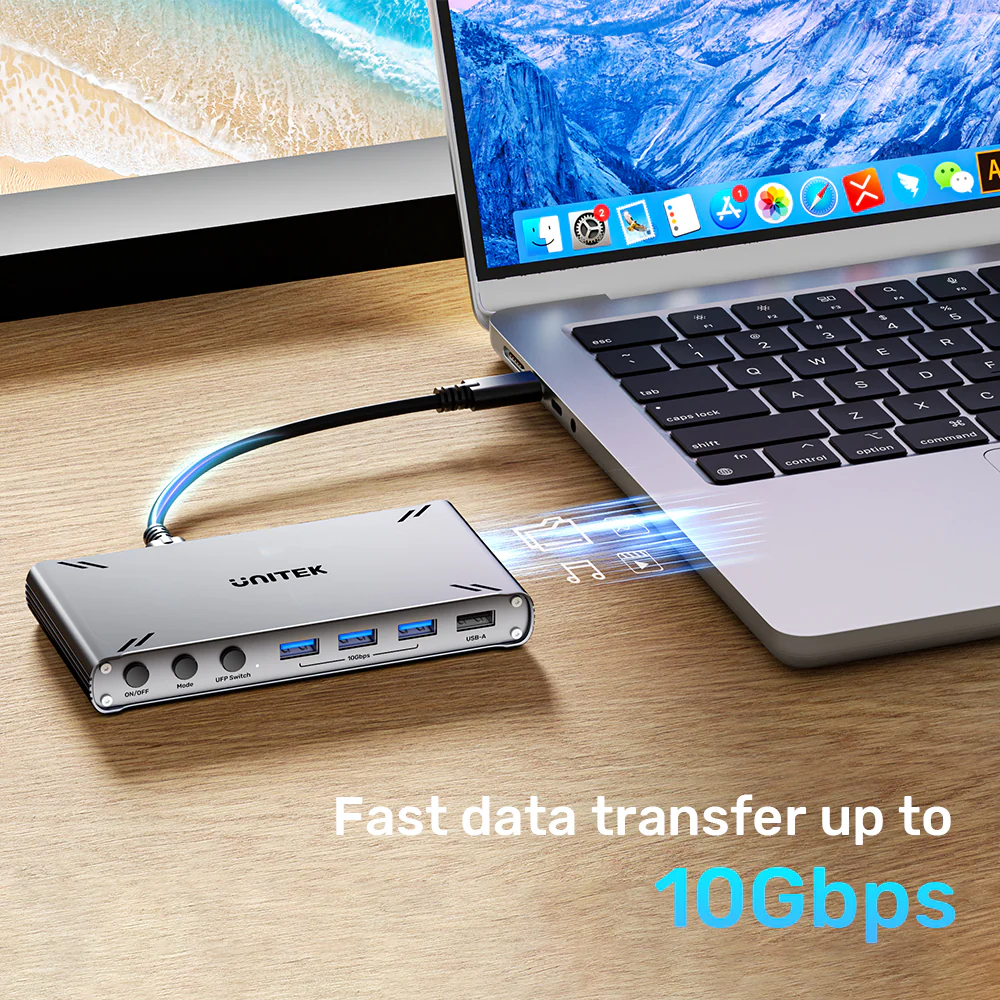
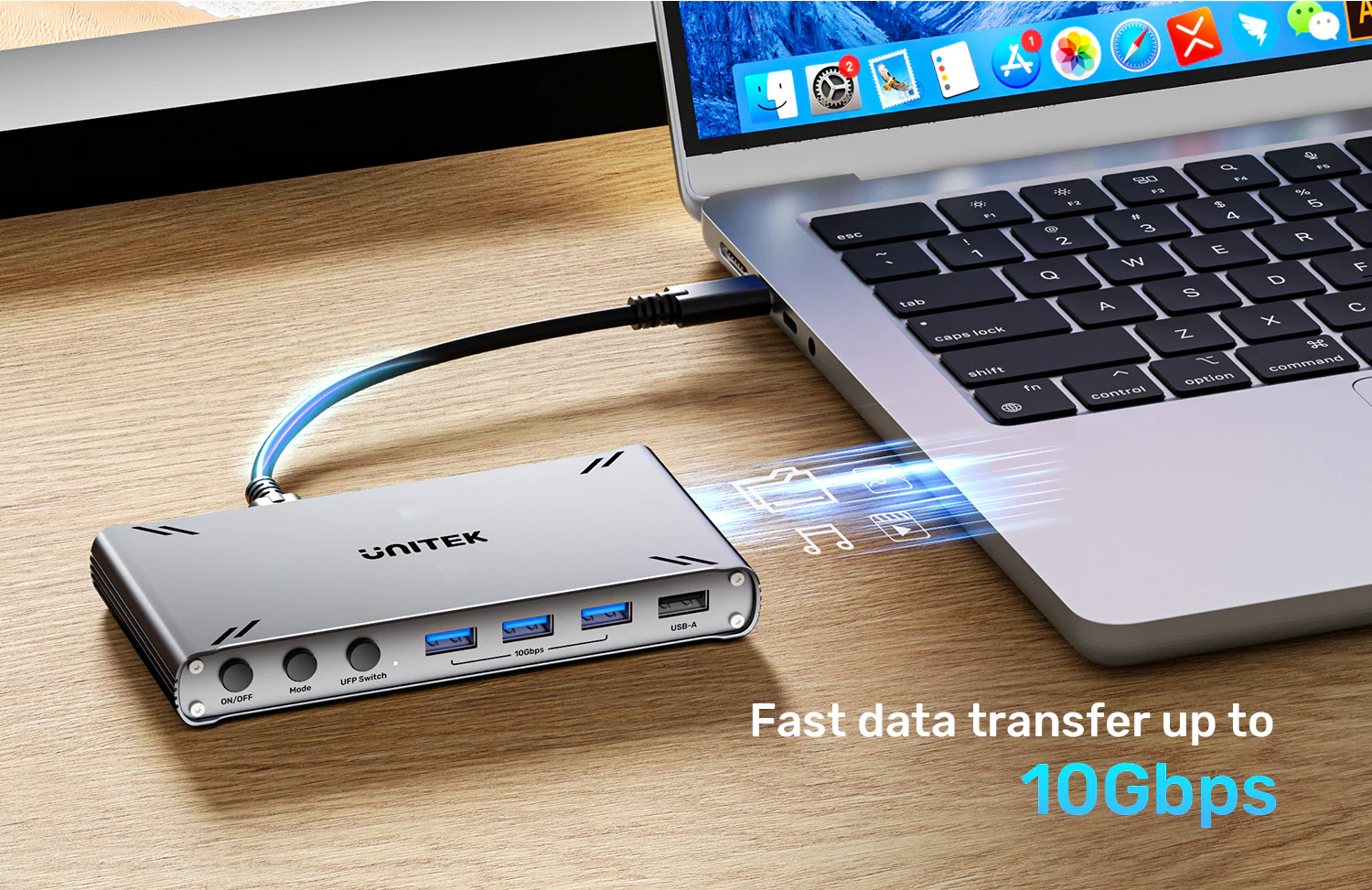
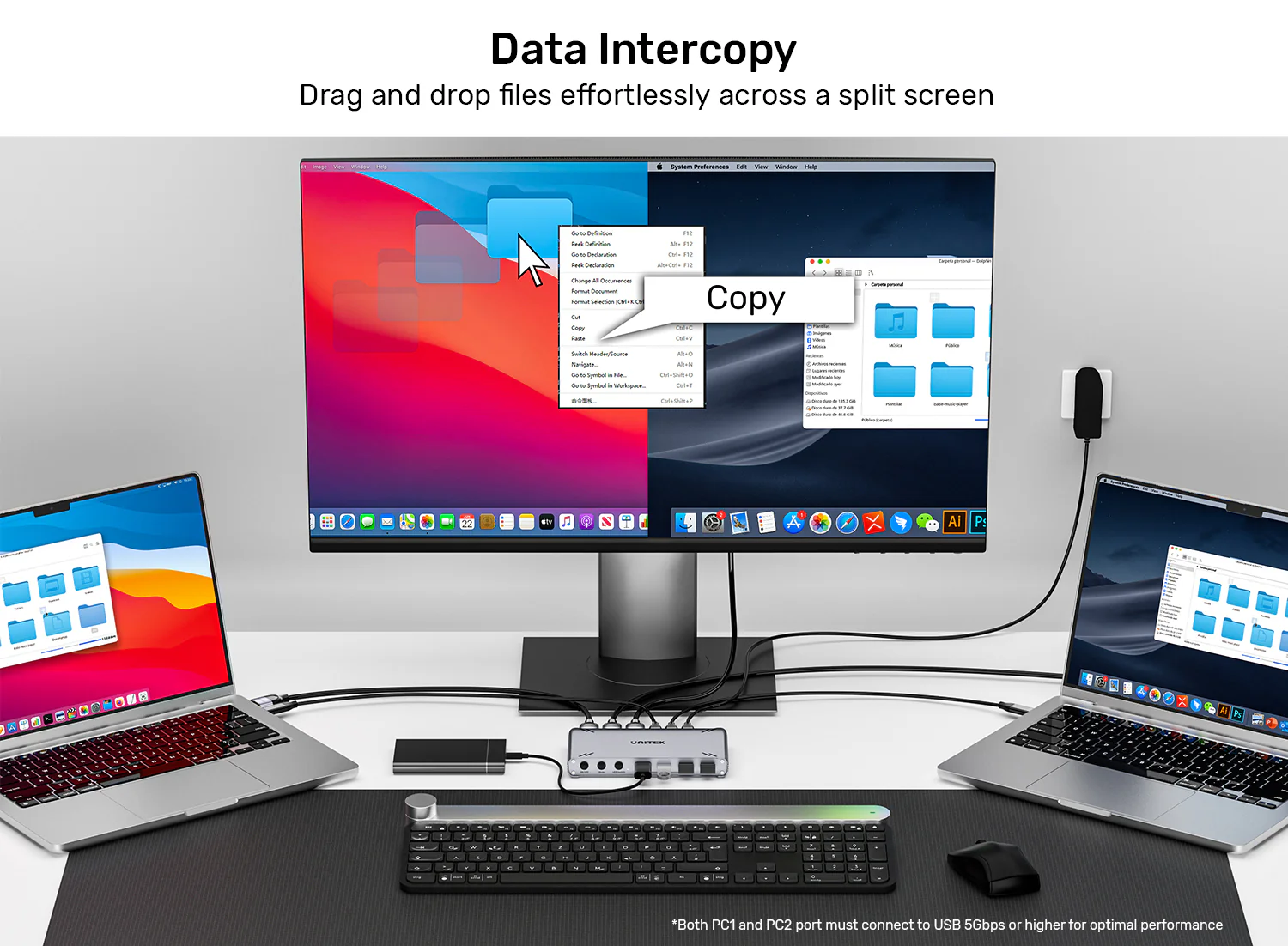
Beyond simple switching, it incorporates a high-speed 10Gbps USB hub with five downstream ports. But the standout feature is Data Intercopy. Once configured, you can drag and drop files directly between the two connected PCs as if they were networked, bypassing slow cloud services or USB sticks. Ensure both hosts are connected with the included cables or a UGREEN USB-C cable.
Engineered for the Modern Professional
Encased in sleek, durable aluminum, this switch is built for 24/7 reliability. Its compact footprint tucks neatly under your monitor, creating an organized desk environment. Whether you’re a developer, financial analyst, designer, or remote worker, this KVM switch eliminates friction and helps you accomplish more in less time.
Products Specifications:
- Model: UNITEK D1118AGY01-EU
- Function: 2-Port USB-C KVM Switch + 5-Port USB Hub
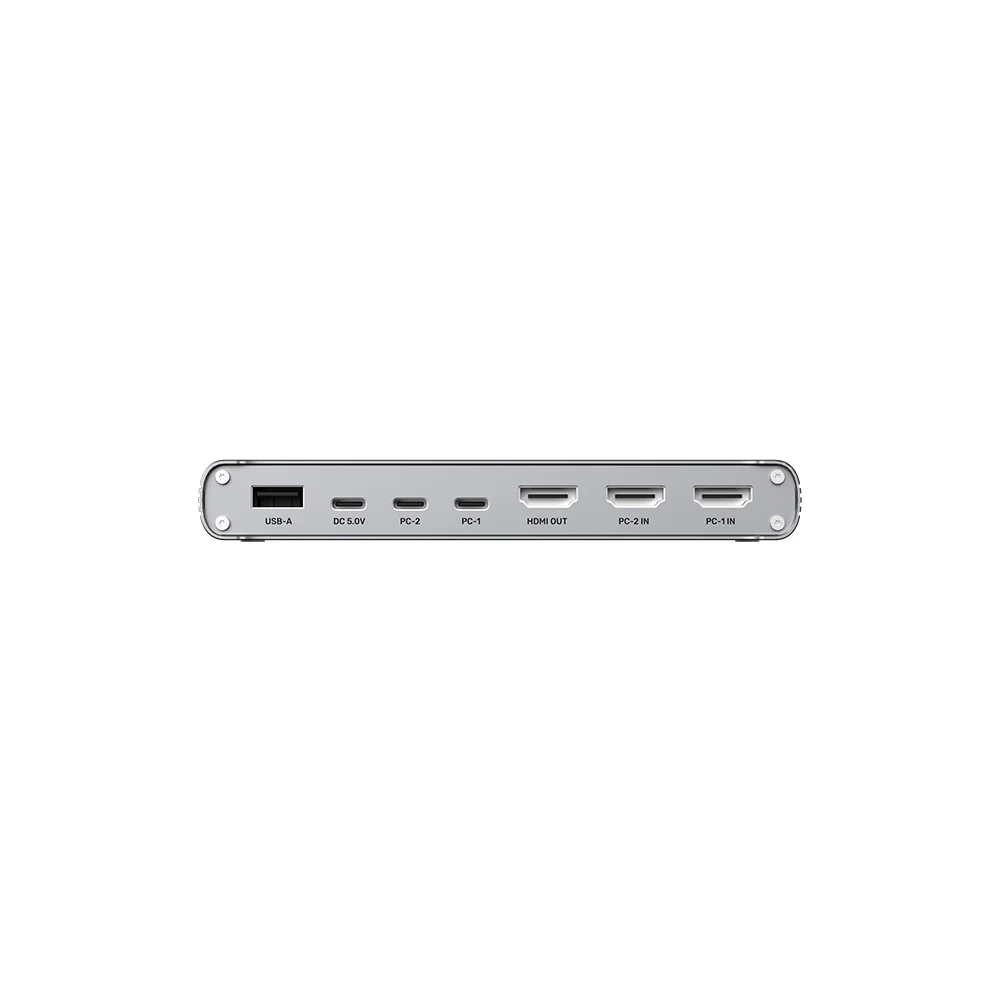
- Video Support: HDMI 1.4, HDCP 1.4
- Max Resolution: 4K@30Hz (Switch or Split-Screen Mode)
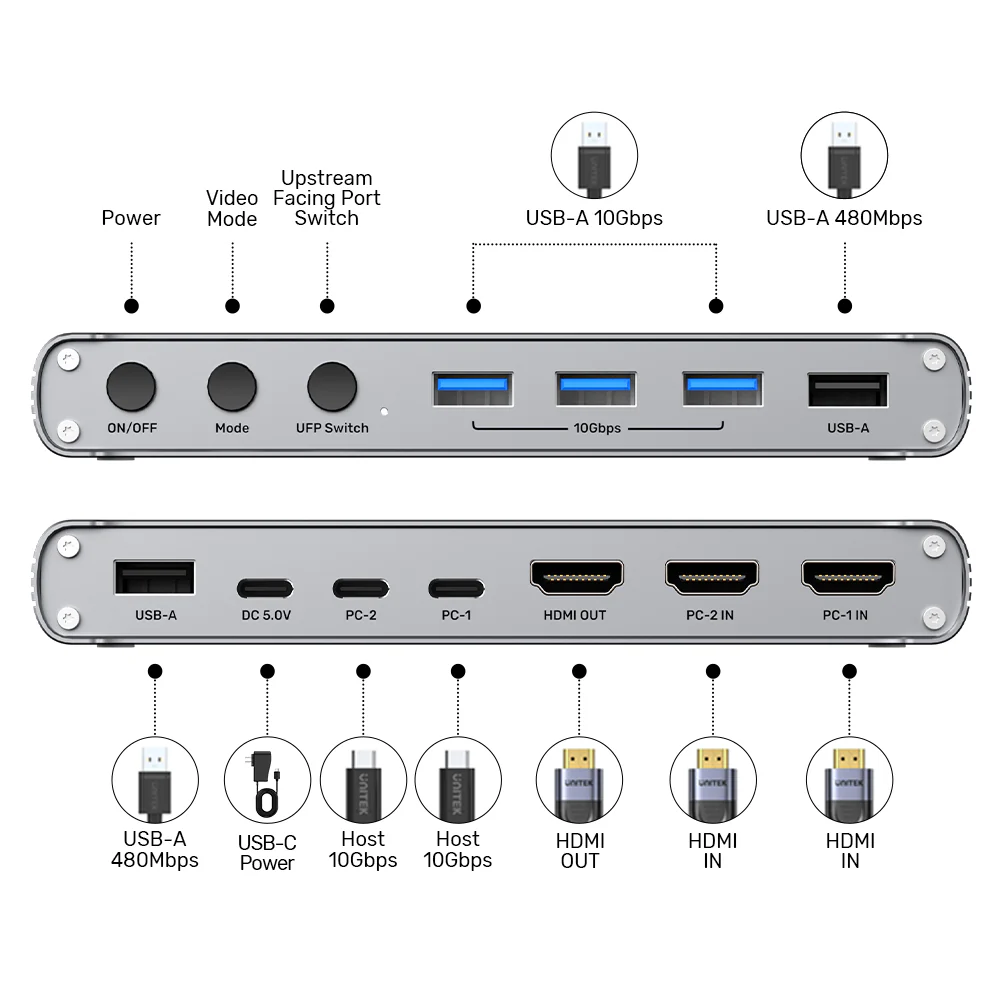
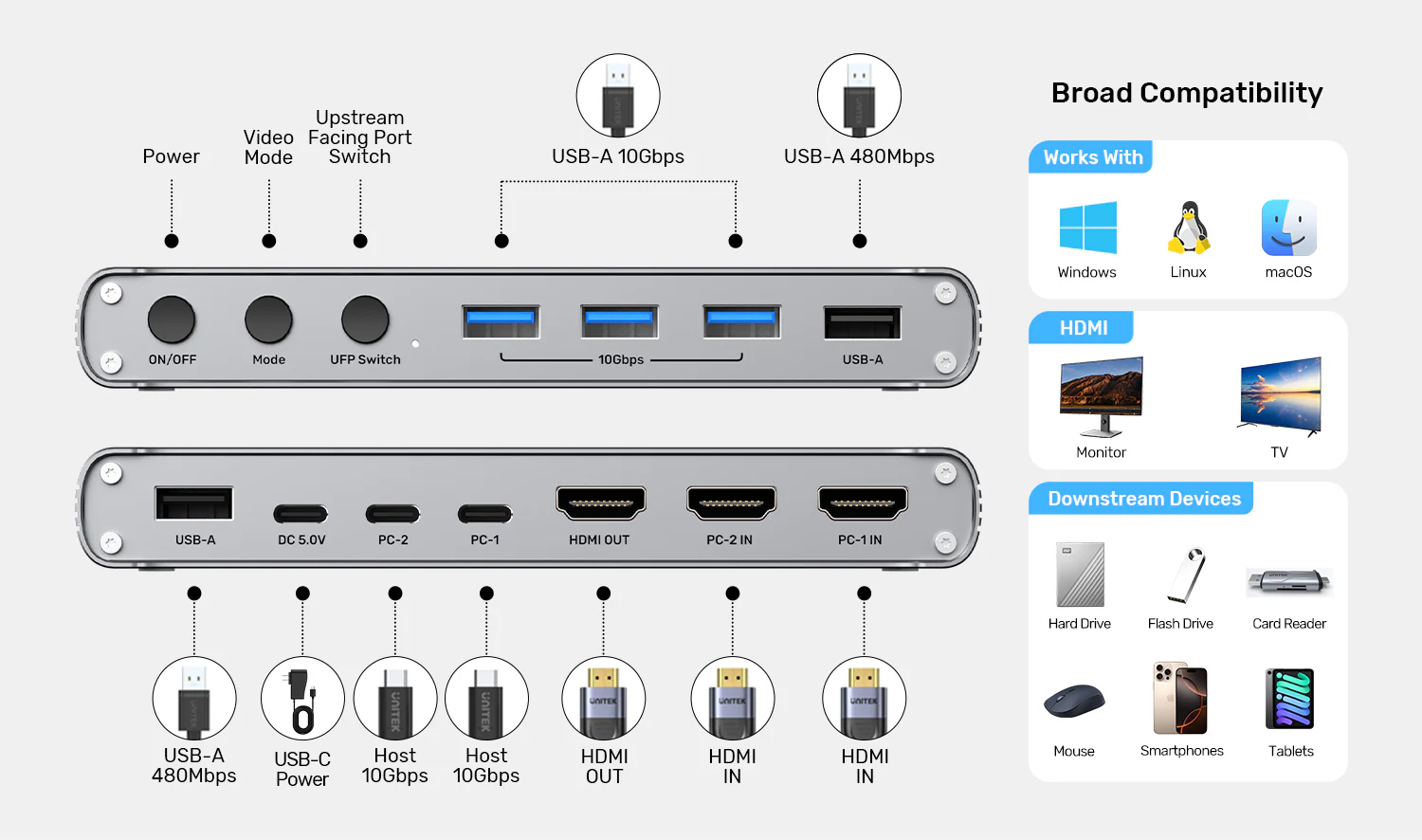
- Upstream Ports: 2 x USB-C 10Gbps (PC1 & PC2 connections)
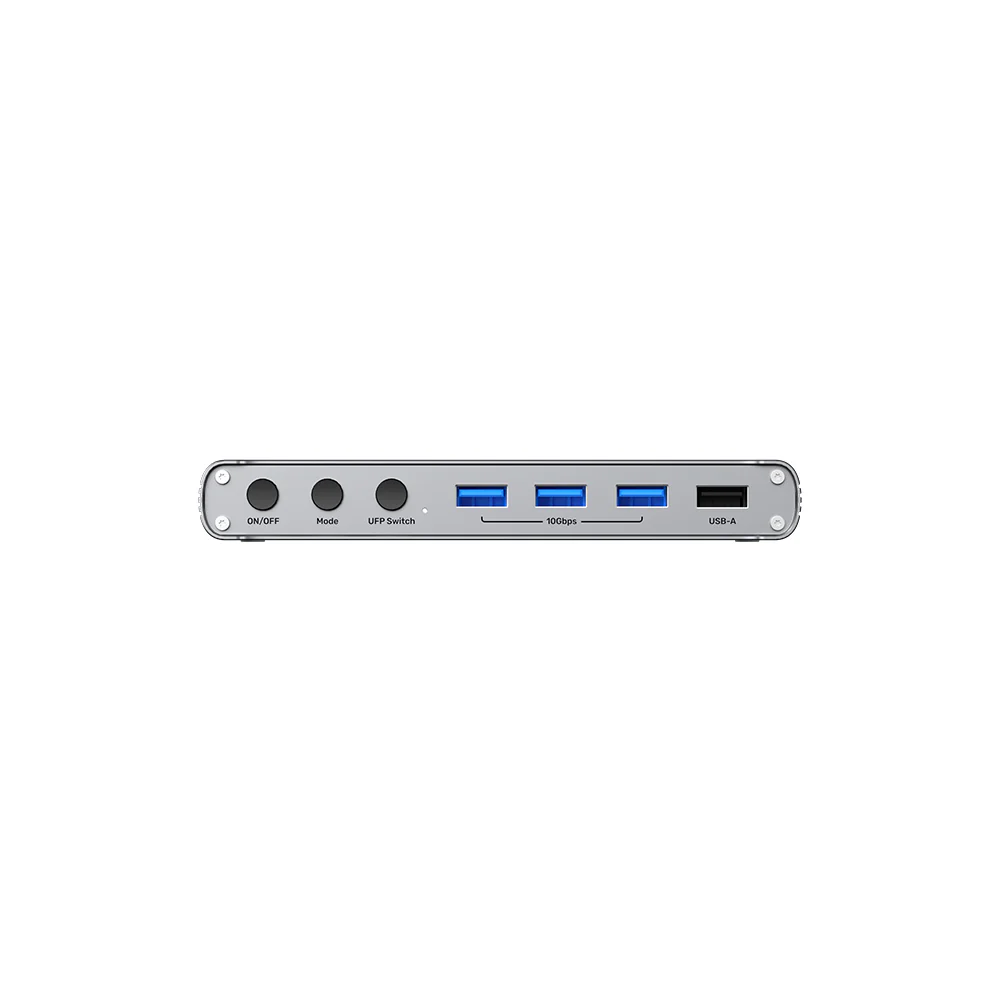
- Downstream Ports: 3 x USB-A 10Gbps, 2 x USB-A 480Mbps
- Data Transfer Rate: Up to 10Gbps
- Key Feature: Data Intercopy (Direct PC-to-PC file transfer)
- Control Method: Front Button / Keyboard Hotkey
- Power: 5V/2A External Adapter (Included)
- Case Material: Aluminum Alloy
- Color: Space Grey
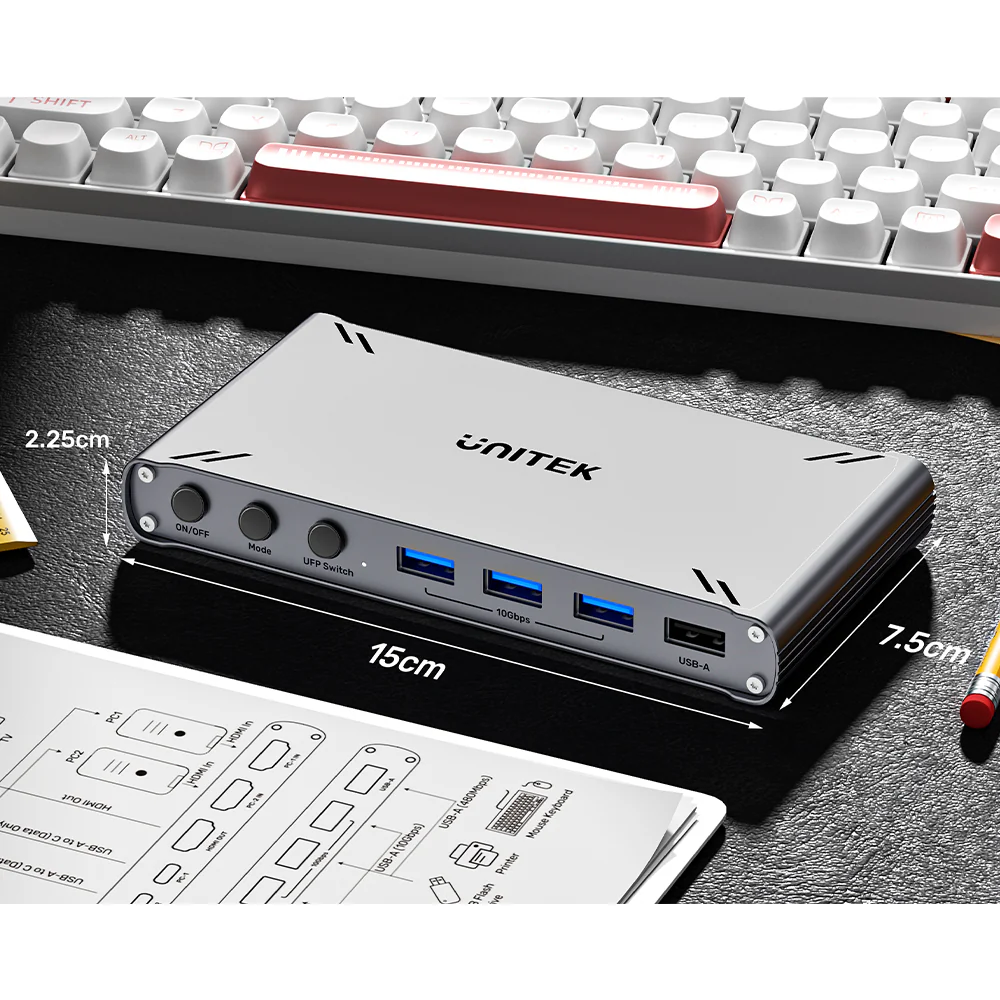
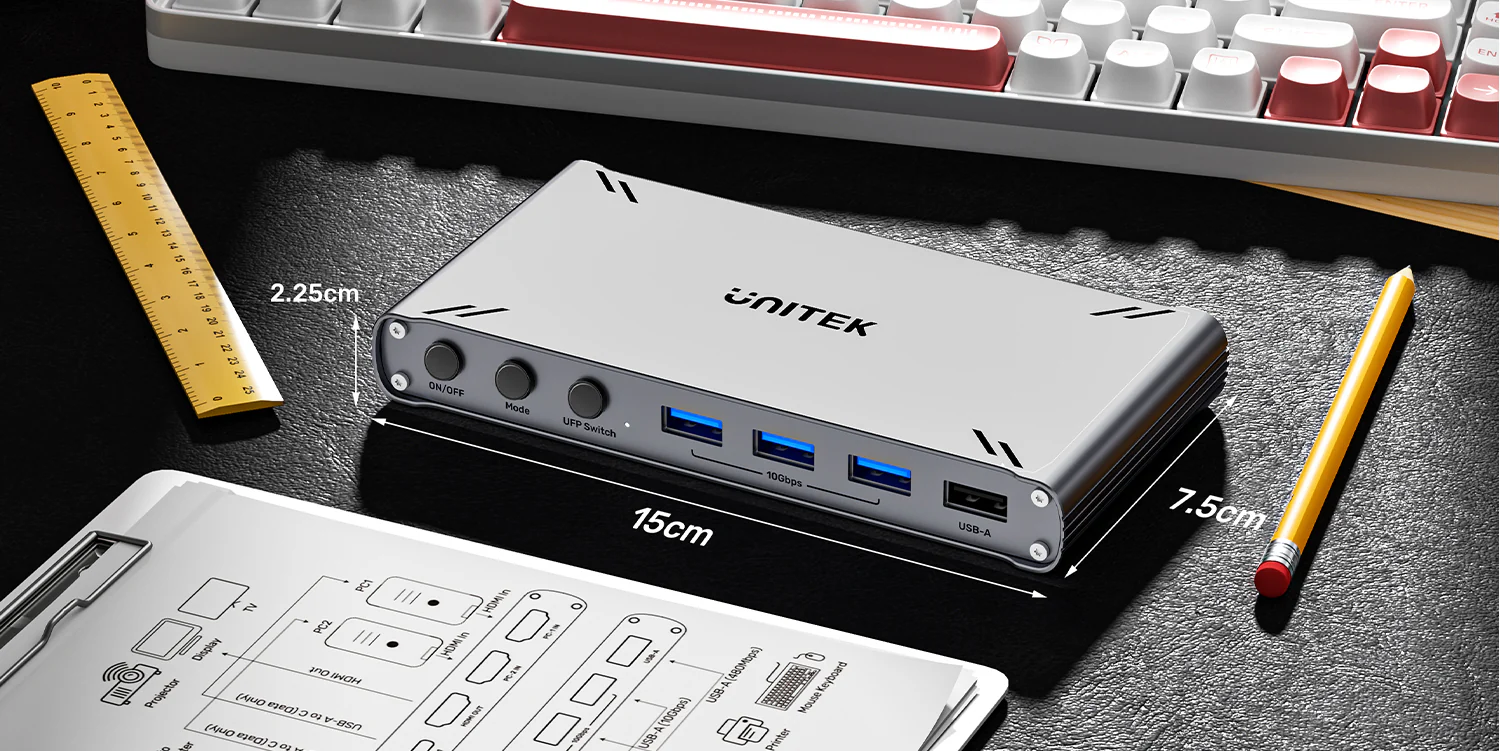
- Dimensions: 150.6mm x 75.0mm x 22.5mm
What’s in the Box?
- 1 x UNITEK USB-C 10Gbps HDMI KVM Switch
- 2 x 1-meter USB-A to USB-C 10Gbps Cables (for PC connections)
- 1 x 5V/2A Power Adapter
- 1 x User Manual
10 FAQs:
1. What is the difference between Switch Mode and Split-Screen Mode?
In Switch Mode, your monitor shows the full screen of either PC1 or PC2. In Split-Screen Mode, your monitor screen is divided (left/right or top/bottom) to show both PCs simultaneously at a lower resolution.
2. What resolution is supported in Split-Screen Mode?
In Split-Screen Mode, the total output is 4K@30Hz. This typically means each PC’s display is shown at 1920×2160 (if split horizontally) or 1920×1080 (if split vertically), depending on your selection.
3. How do I use the Data Intercopy feature?
First, install the special driver from the UNITEK website on both host computers. Then, use the “UFP Switch” button to select the target PC, and you can drag files directly between the two systems via the shared USB ports.
4. Can I use this with a 4K@60Hz monitor?
The switch supports a maximum of 4K@30Hz. If your monitor is set to 4K@60Hz, the signal will be downgraded to 4K@30Hz. For 60Hz, you would need a different KVM model.
5. Does it work with wireless keyboard/mouse receivers?
Yes. Plug your wireless receiver into any of the USB-A downstream ports on the KVM switch. The signal will be passed to the currently active computer, allowing seamless control.
6. Can I connect more than one monitor?
No, this specific KVM switch is designed to share a single monitor between two computers. For multi-monitor setups, you would need a different KVM solution.
7. Is the included power adapter necessary?
Yes, it is required. The KVM switch and the connected USB devices need more power than what the host PCs can provide via the USB-C cables. Always use the included 5V/2A adapter.
8. Will it work with my MacBook and Windows PC together?
Yes, that is its primary use case. It is fully compatible with macOS and Windows, allowing you to seamlessly control a Mac and a PC with one set of peripherals.
9. What happens to USB devices when I switch between PCs?
USB devices connected to the KVM’s hub are switched along with the keyboard/mouse/video. They will be disconnected from one PC and connected to the other, which takes a few seconds.
10. Where can I download the required driver?
The driver for the Data Intercopy feature can be downloaded from the official UNITEK support downloads page. Always ensure you have the latest version for optimal performance.
 No products in the cart.
Reviews
There are no reviews yet.