Product Specifications for UNITEK 15-in-1 Universal DisplayLink Triple 4K@60Hz Docking Station, Aluminum, 360° Rotation
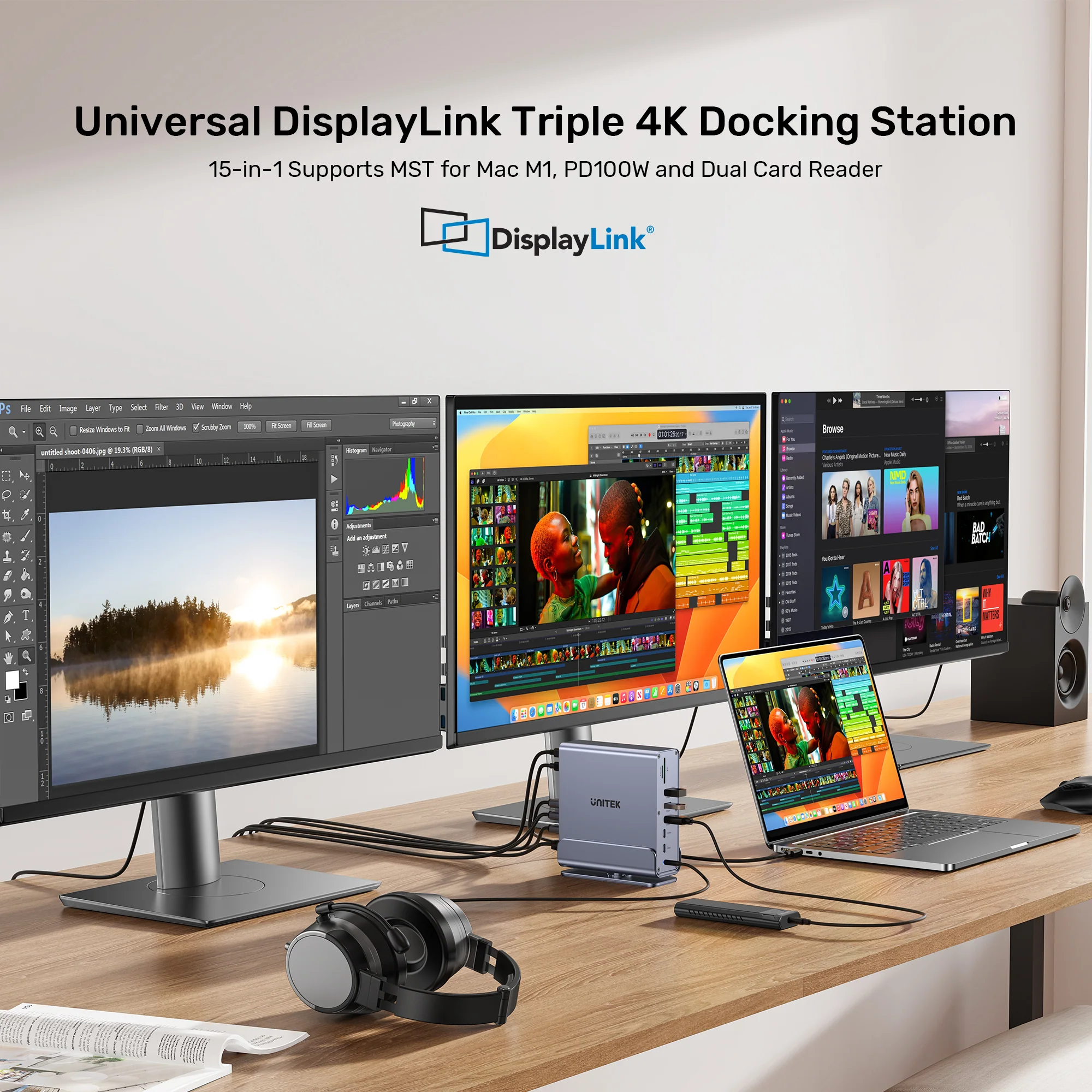
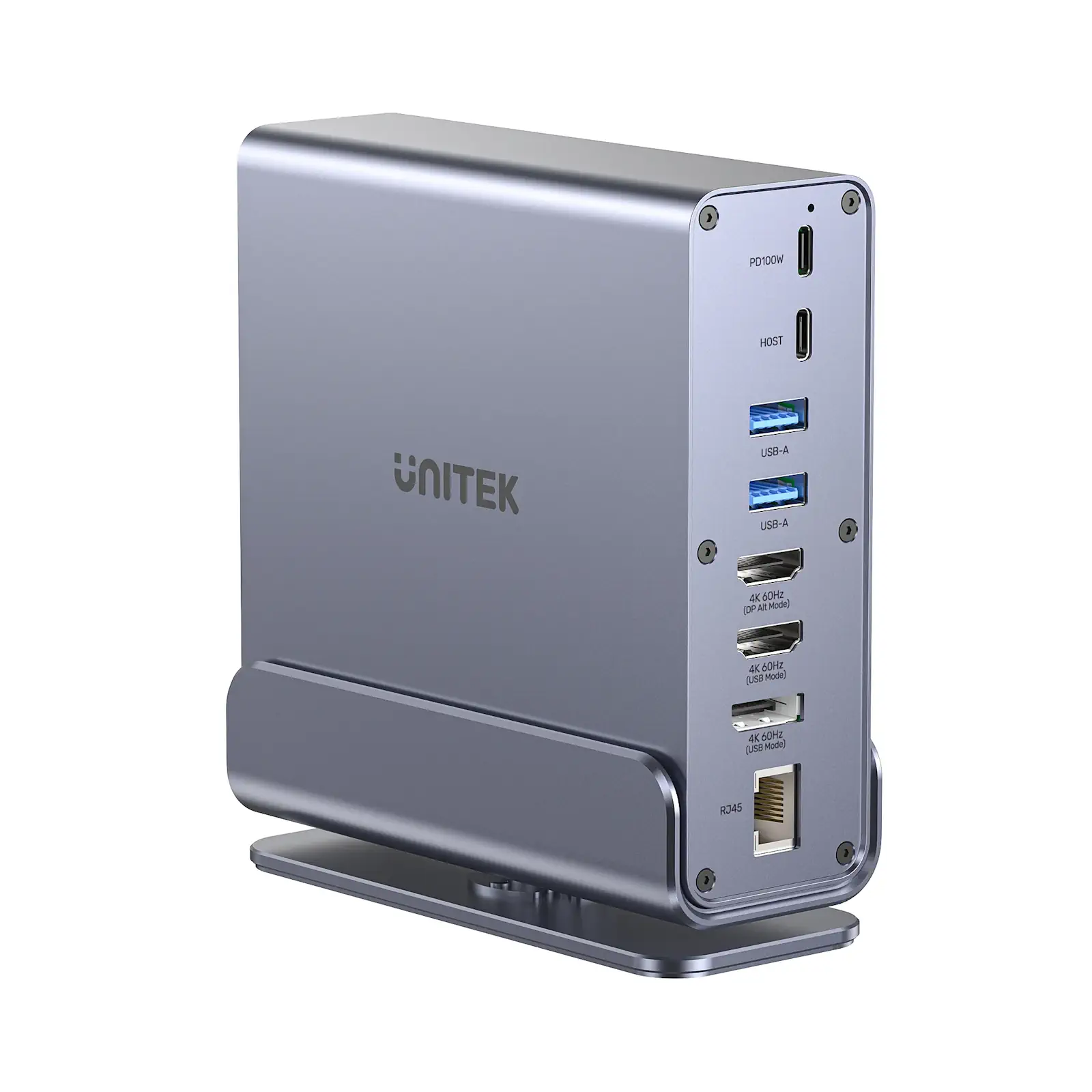
Product Overview: Discover the UNITEK D1135AGY01 Universal DisplayLink Triple Docking Station, an advanced 15-in-1 connectivity hub engineered for ultimate productivity. Featuring triple 4K@60Hz display support, DisplayLink technology to bypass Mac M1/M2 display limits, 100W Power Delivery, and a 360-degree rotatable aluminum stand, this UNITEK docking station delivers seamless performance for professionals, developers, and creative experts.
Features & Specs - Brand: UNITEK
Features & Specs - Model: D1135AGY01
Features & Specs - Product Type: 15-in-1 Universal DisplayLink Docking Station
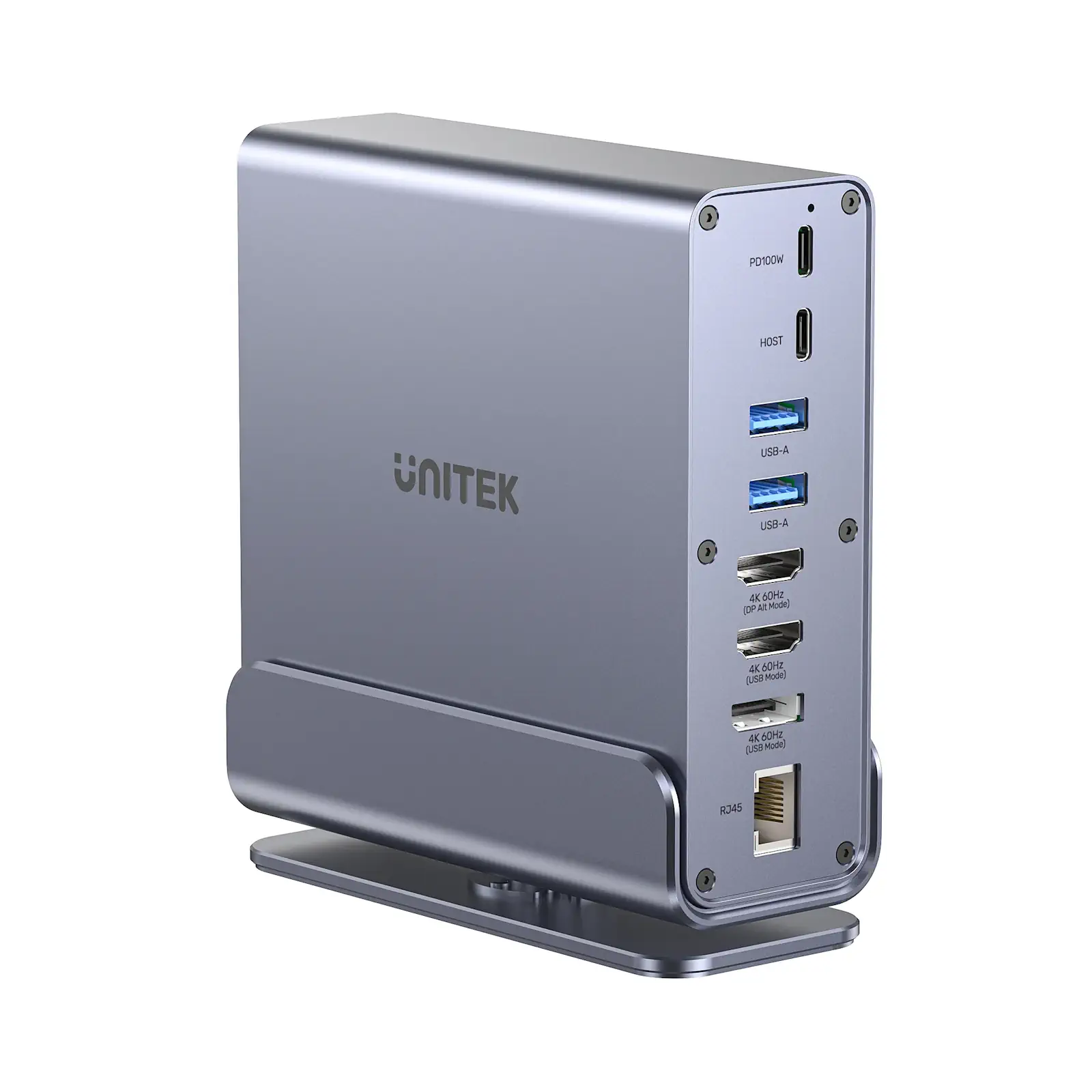
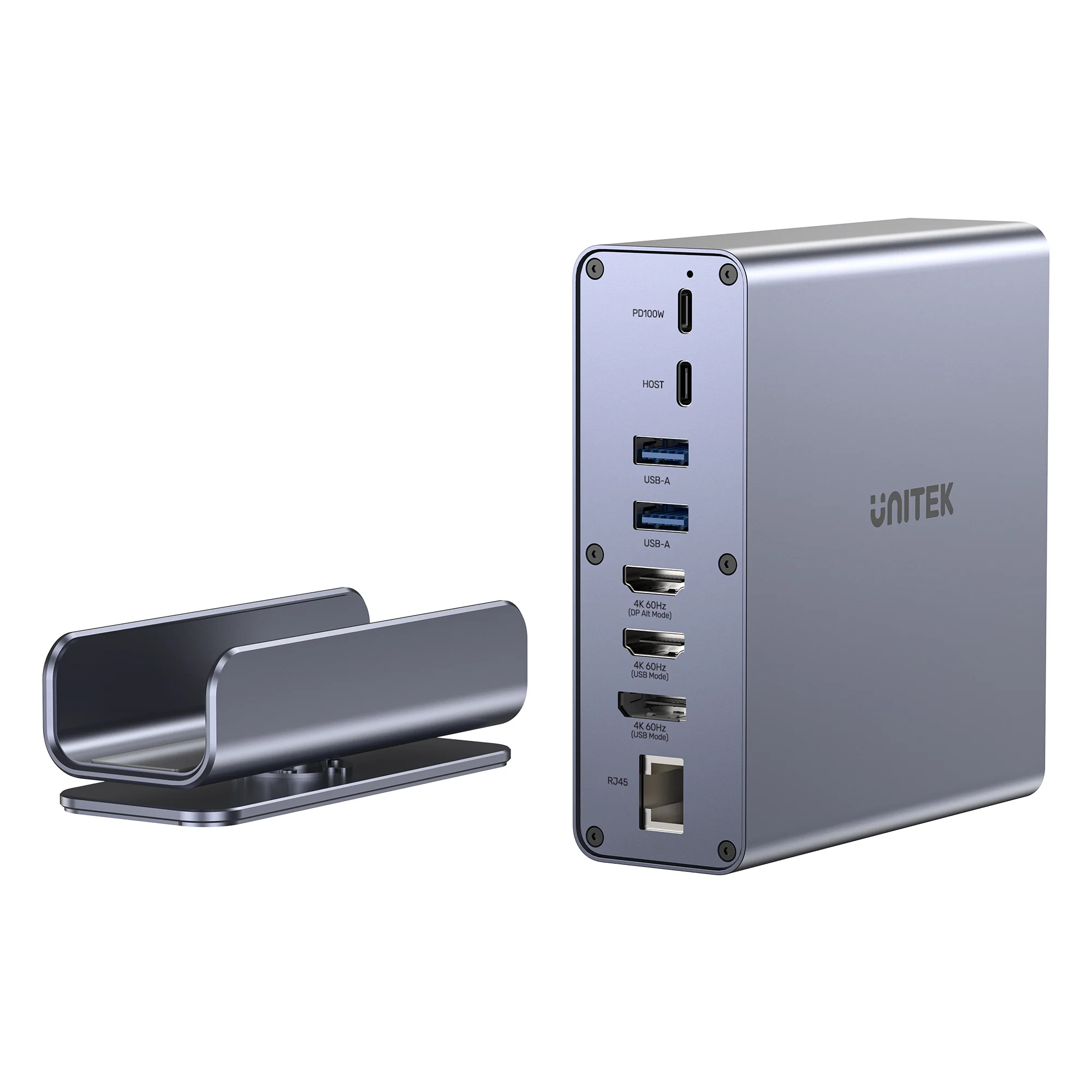
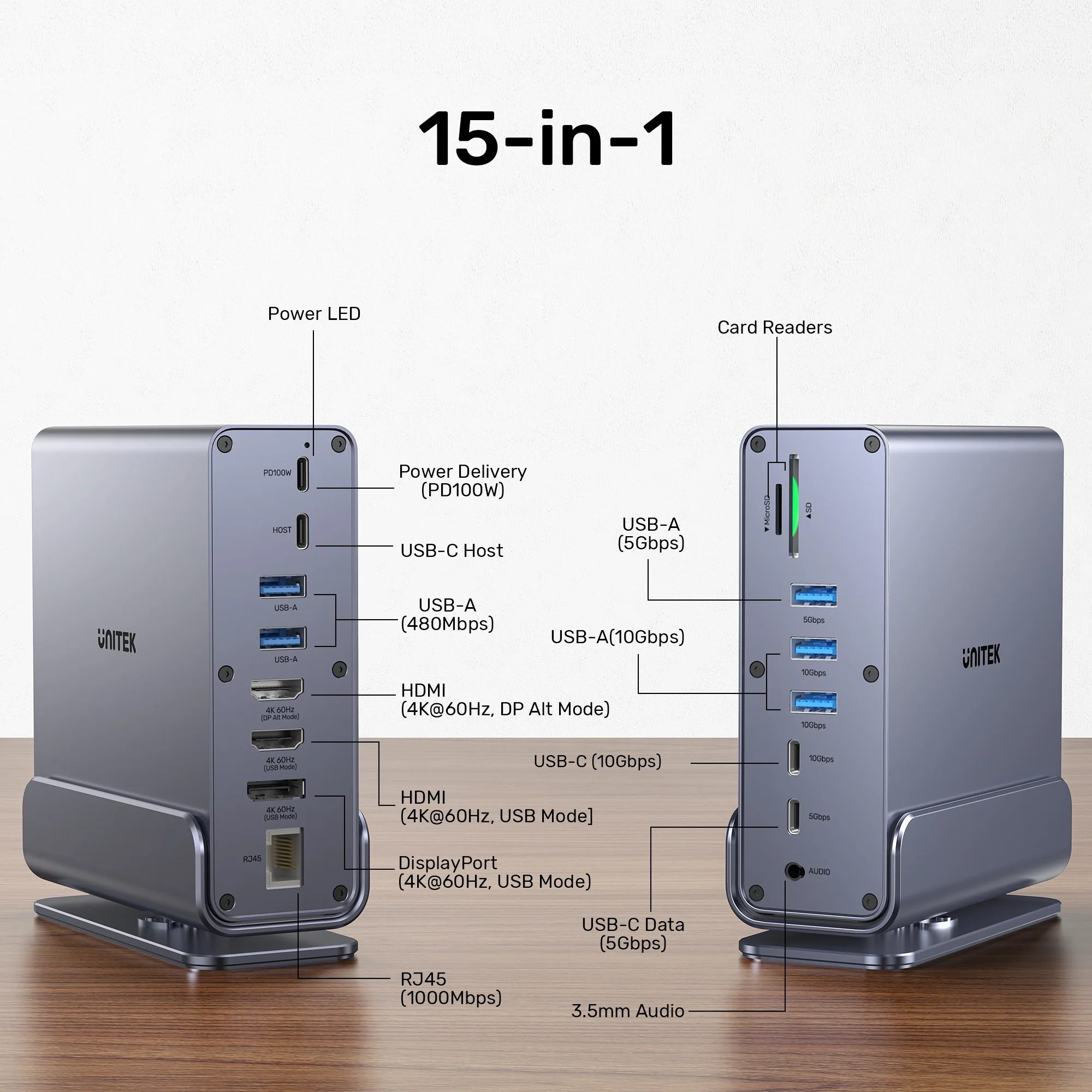
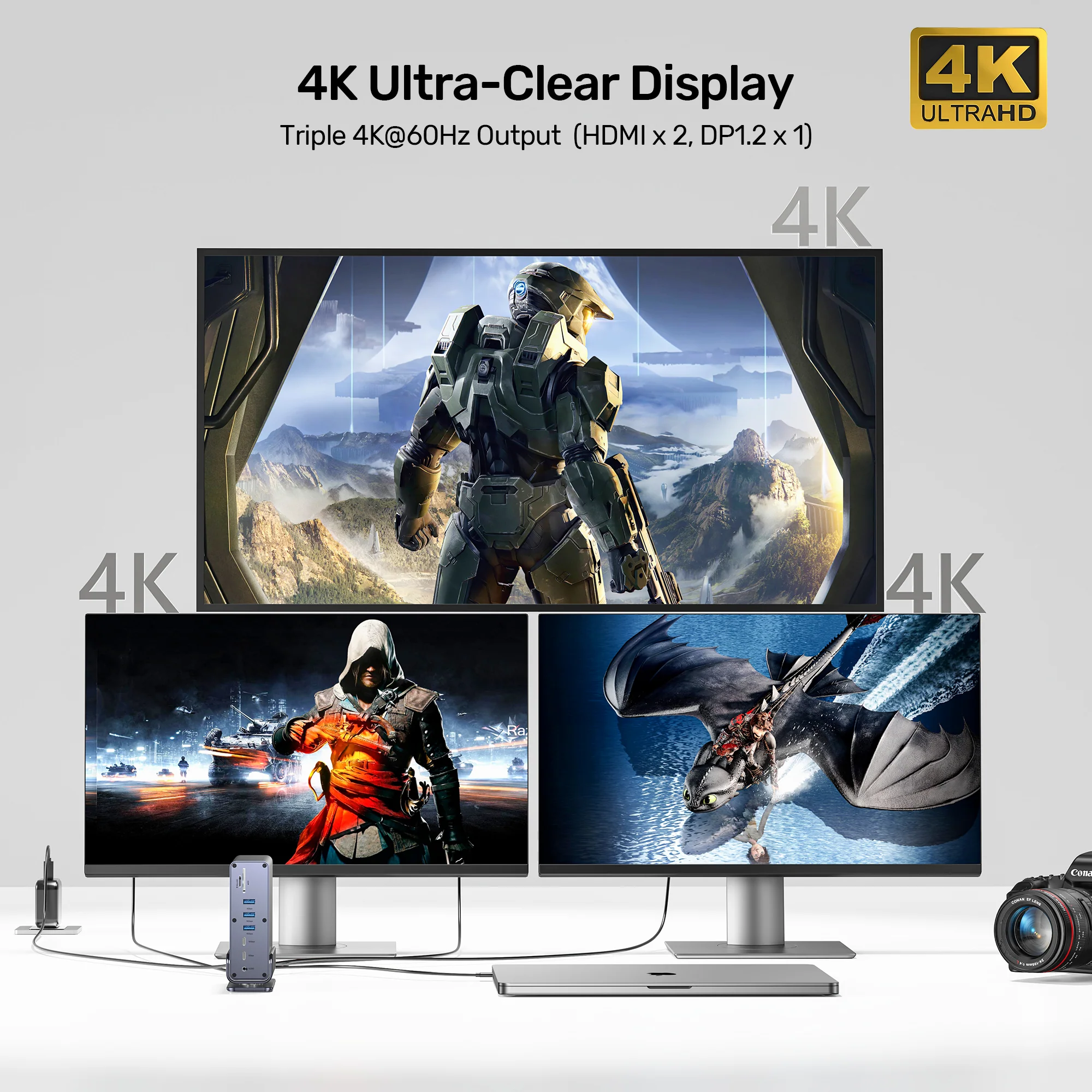
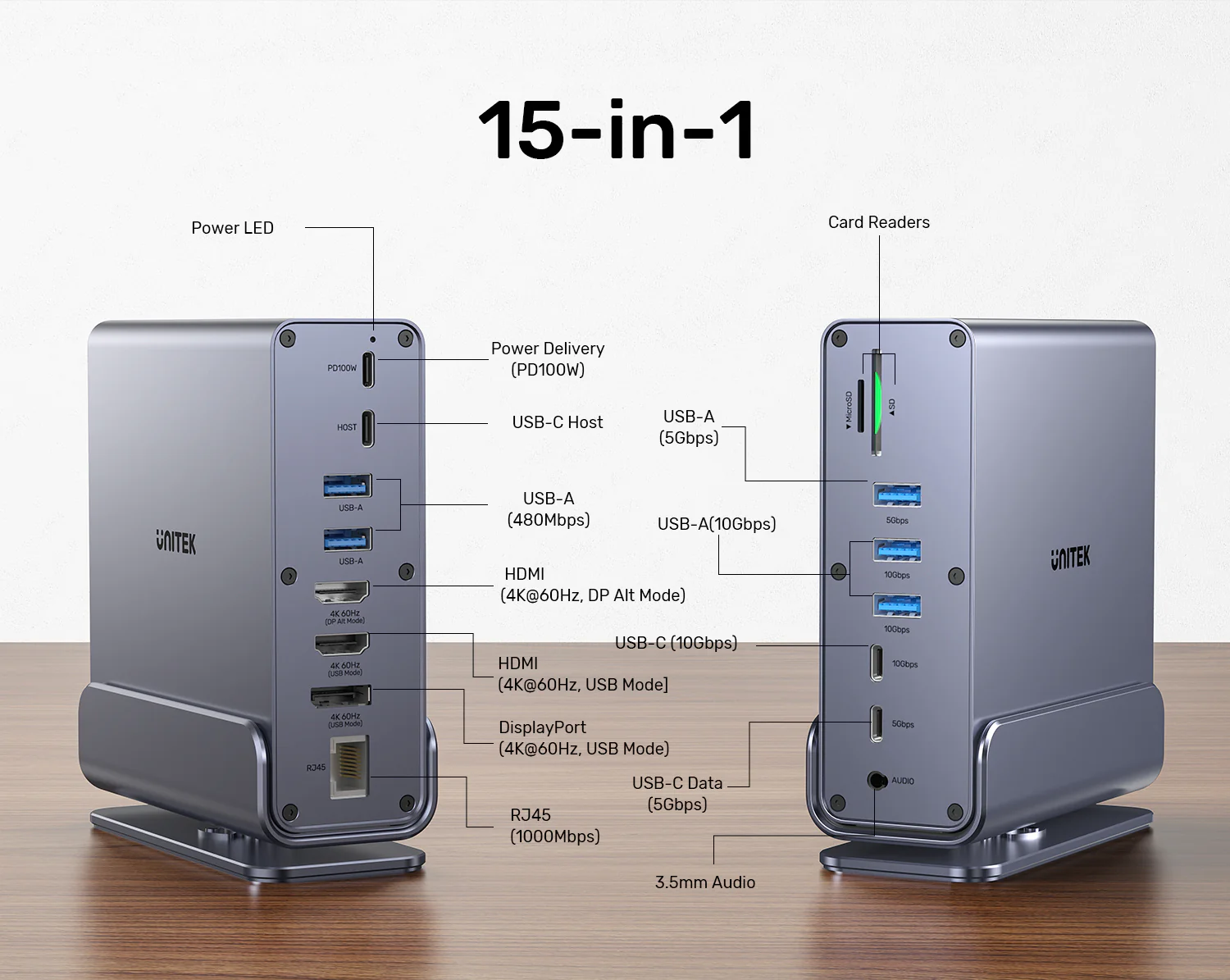
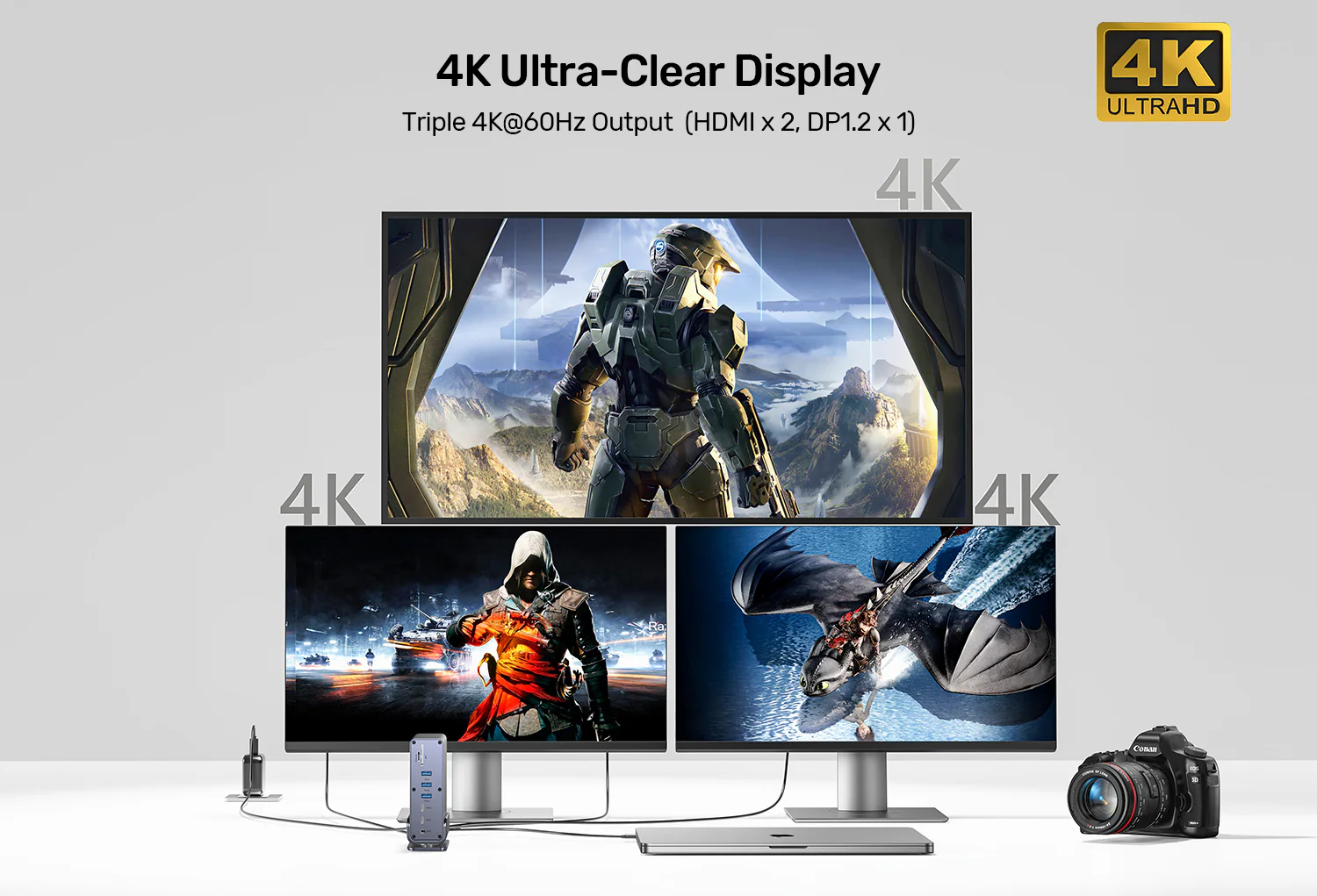
Features & Specs - Video Outputs: 2x HDMI 2.0, 1x DisplayPort 1.2
Features & Specs - Maximum Resolution: Triple 4K at 60Hz
Features & Specs - Display Technology: DisplayLink (MST Support for Multi-Stream)
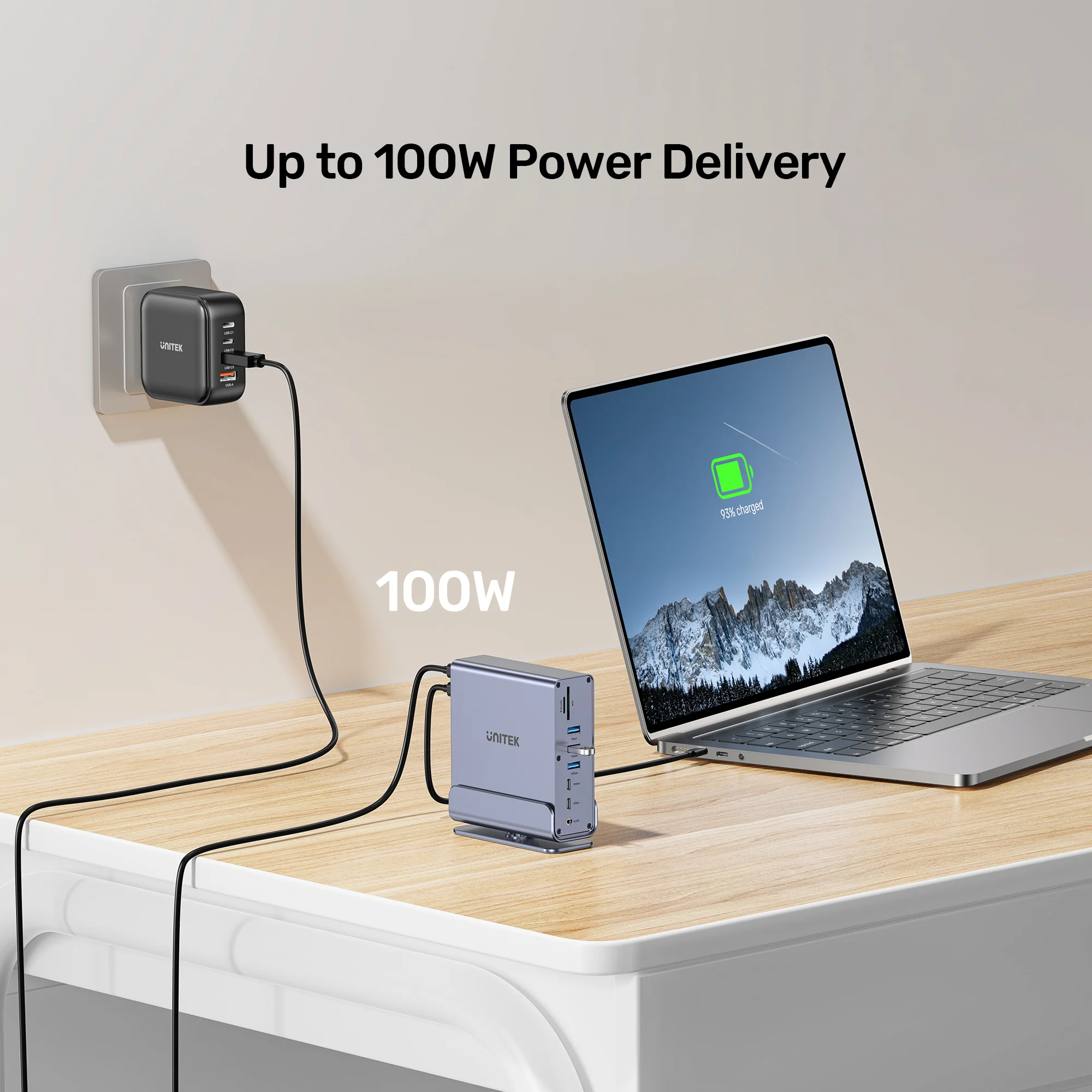
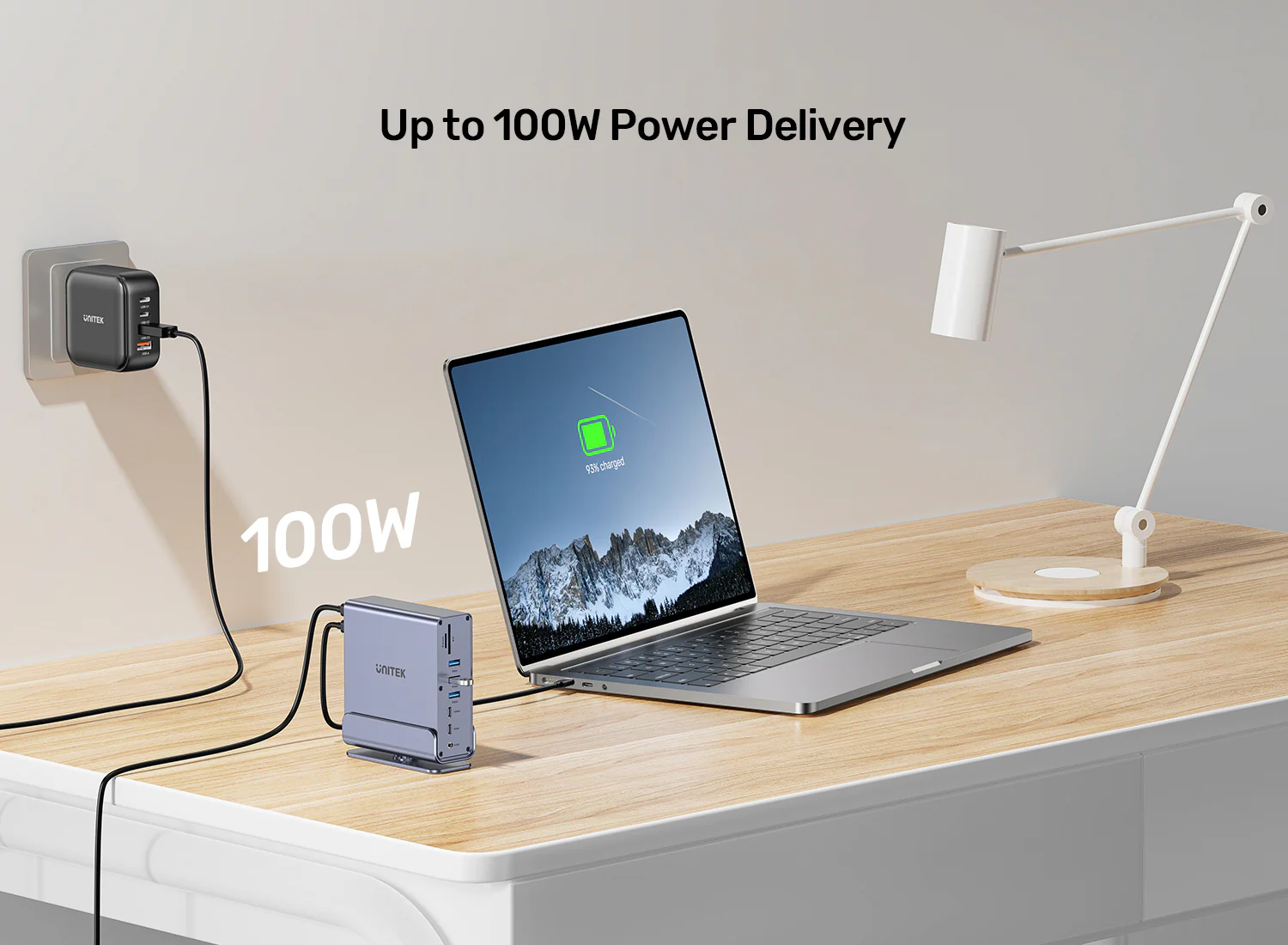
Features & Specs - Power Delivery (PD): 100W PD 3.0 Fast Charging
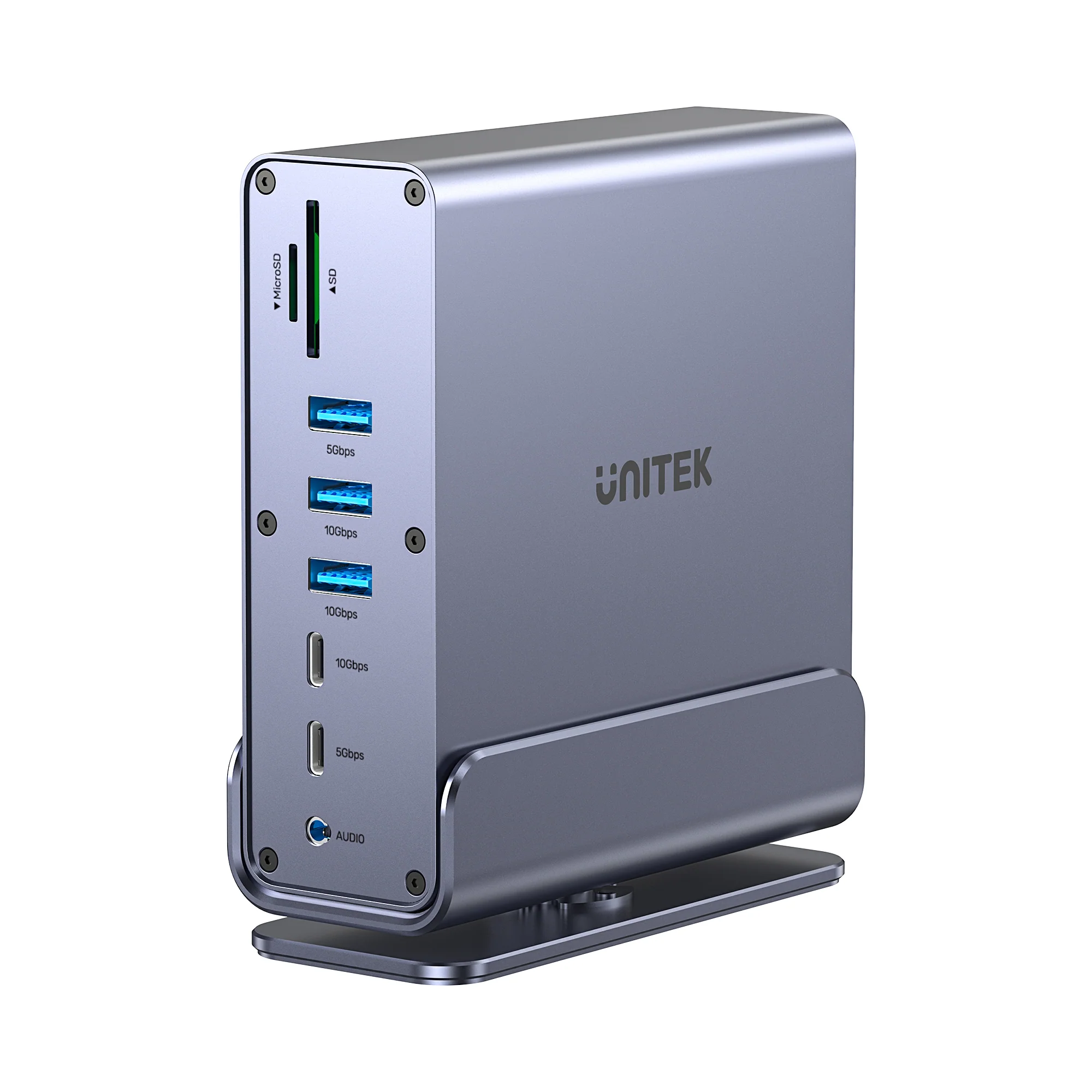
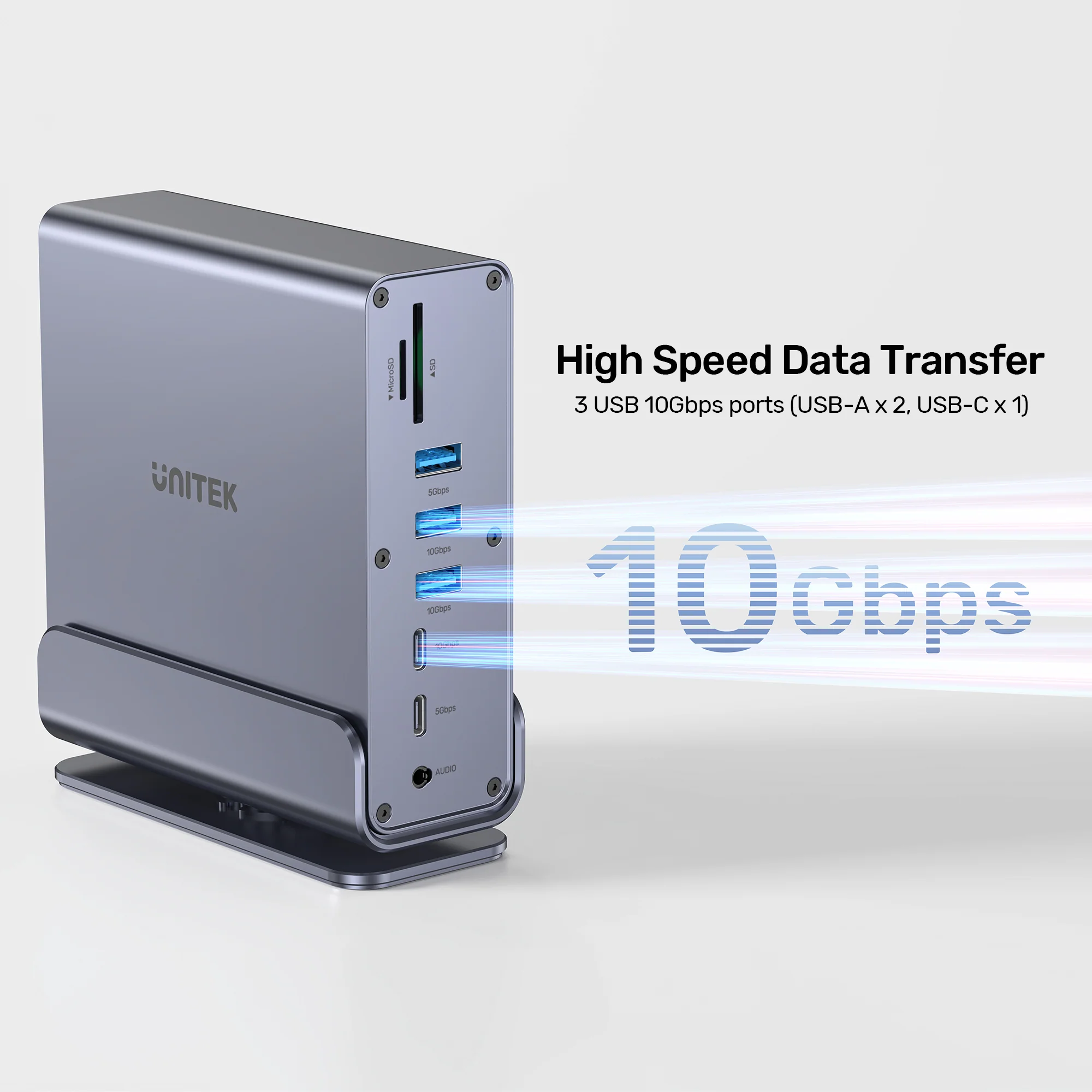
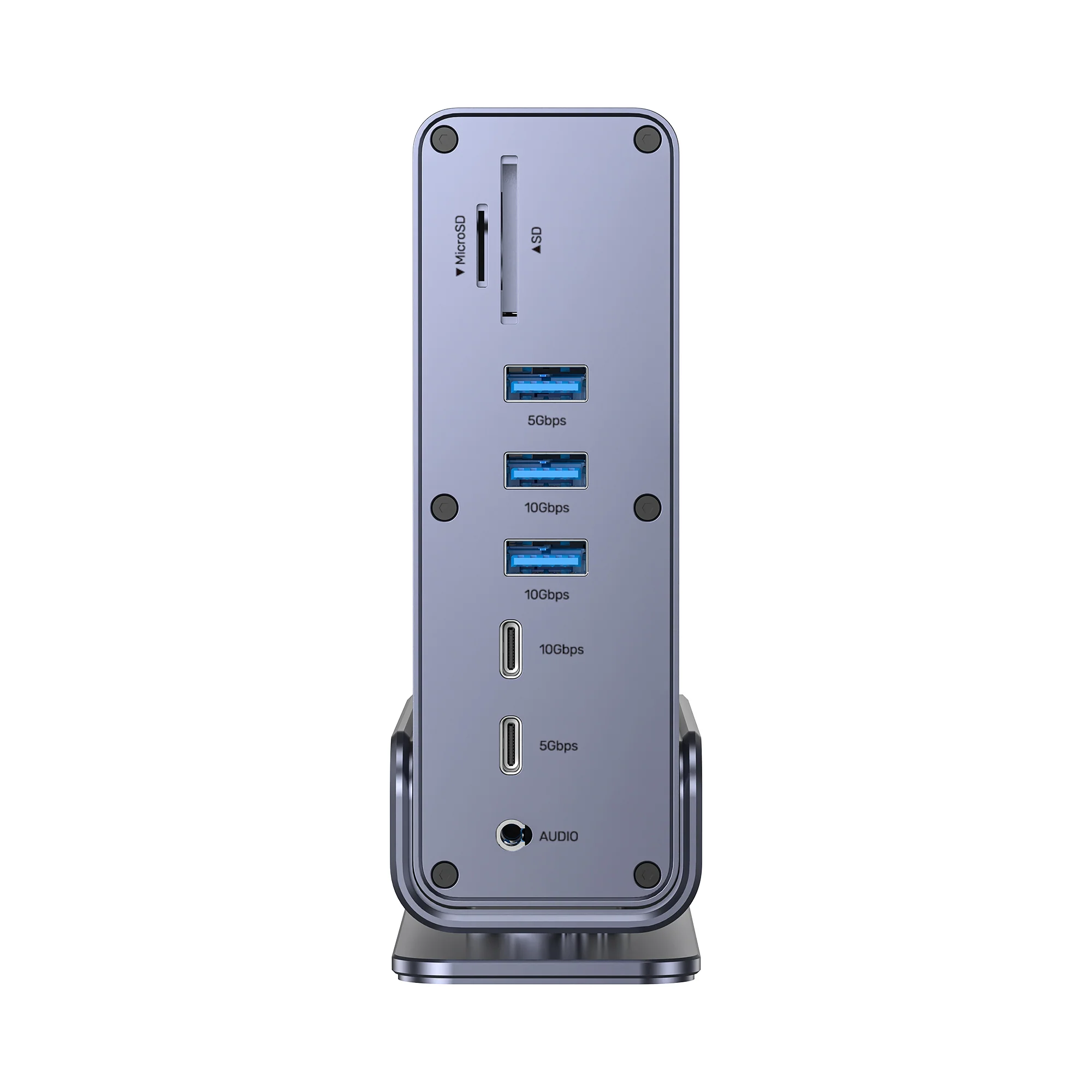
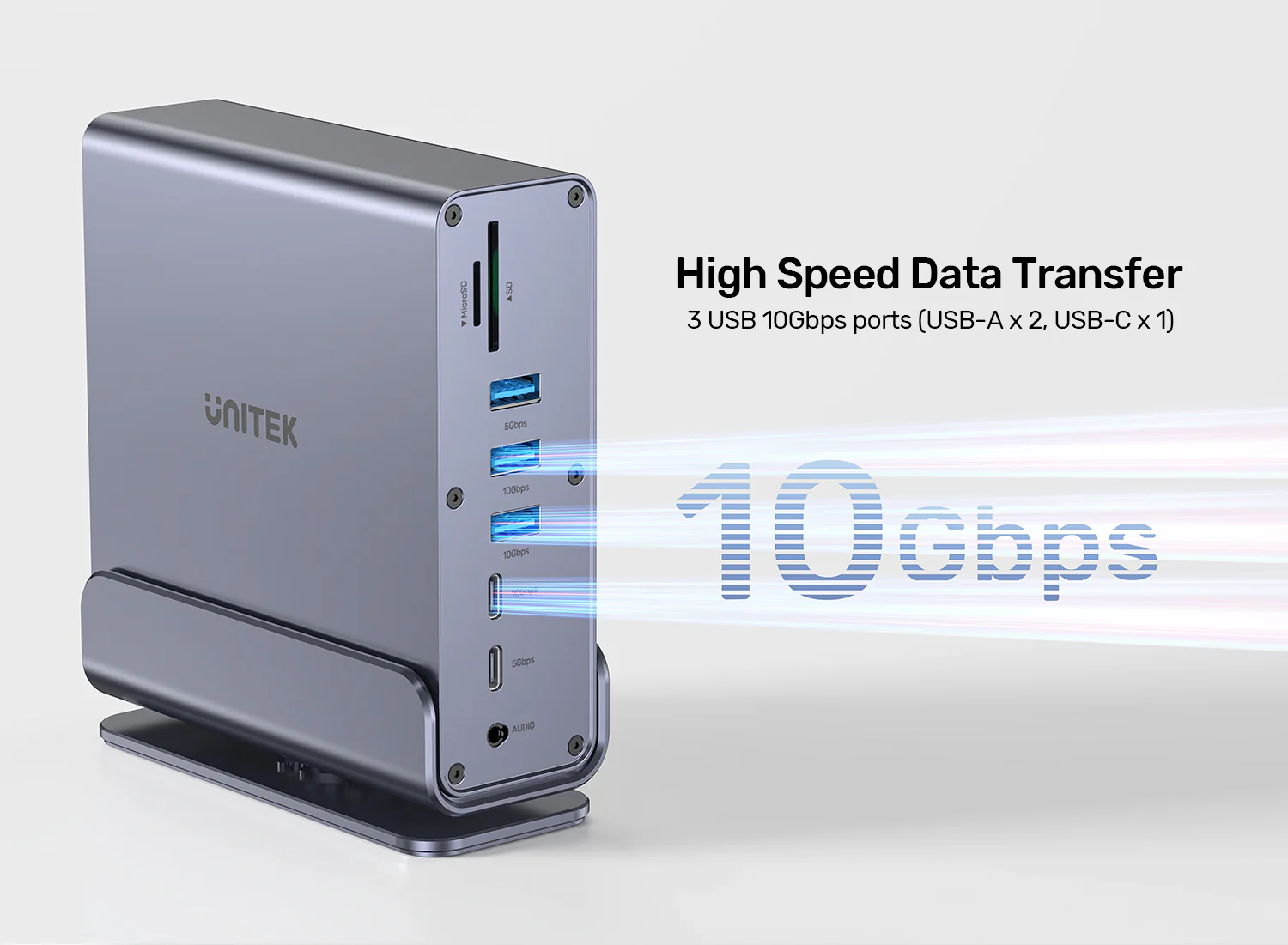
Features & Specs - USB-A Ports (10Gbps): 2x SuperSpeed USB-A 10Gbps
Features & Specs - USB-A Ports (5Gbps): 1x USB-A 5Gbps
Features & Specs - USB-C Ports (10Gbps): 1x SuperSpeed USB-C 10Gbps
Features & Specs - USB-C Ports (5Gbps): 1x USB-C 5Gbps
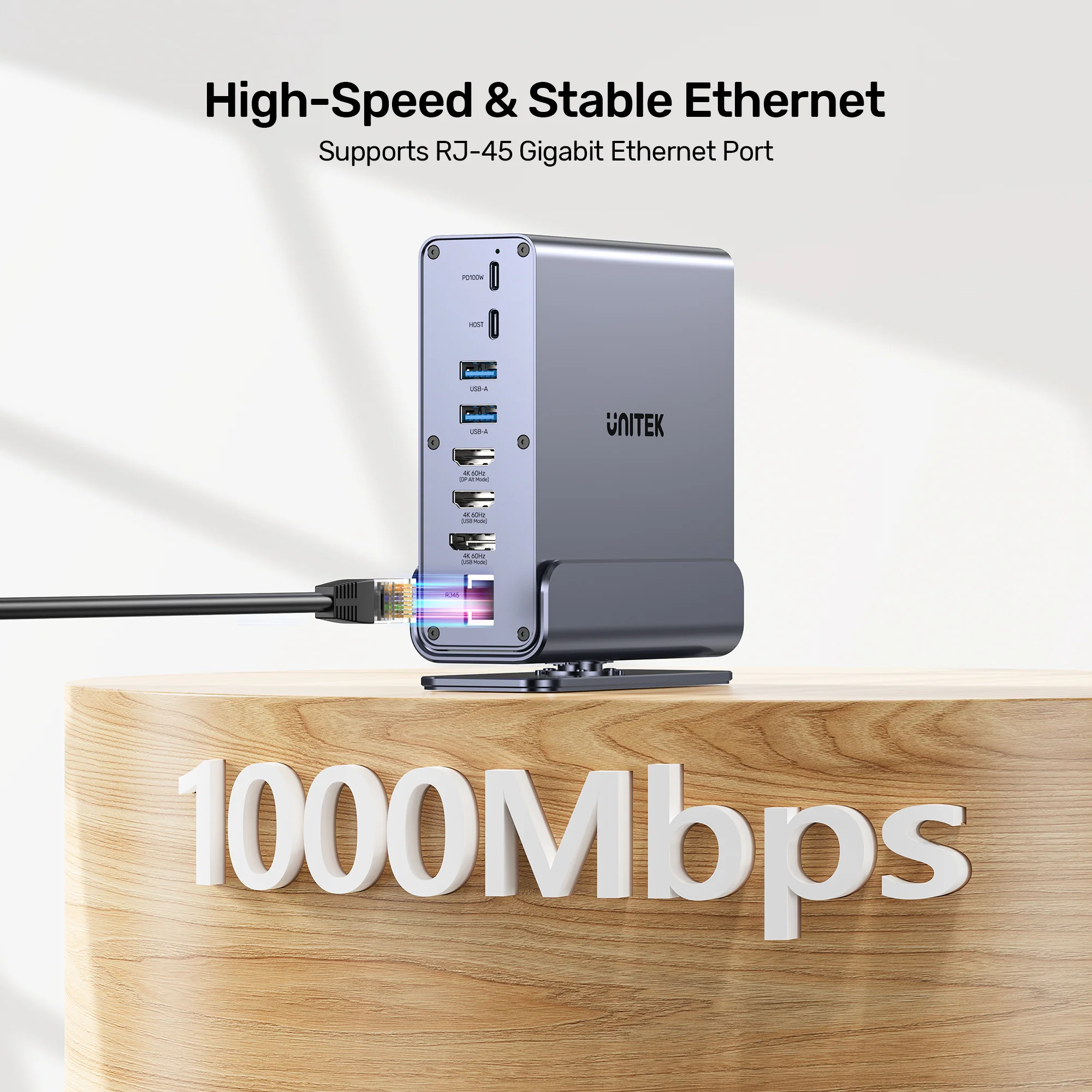
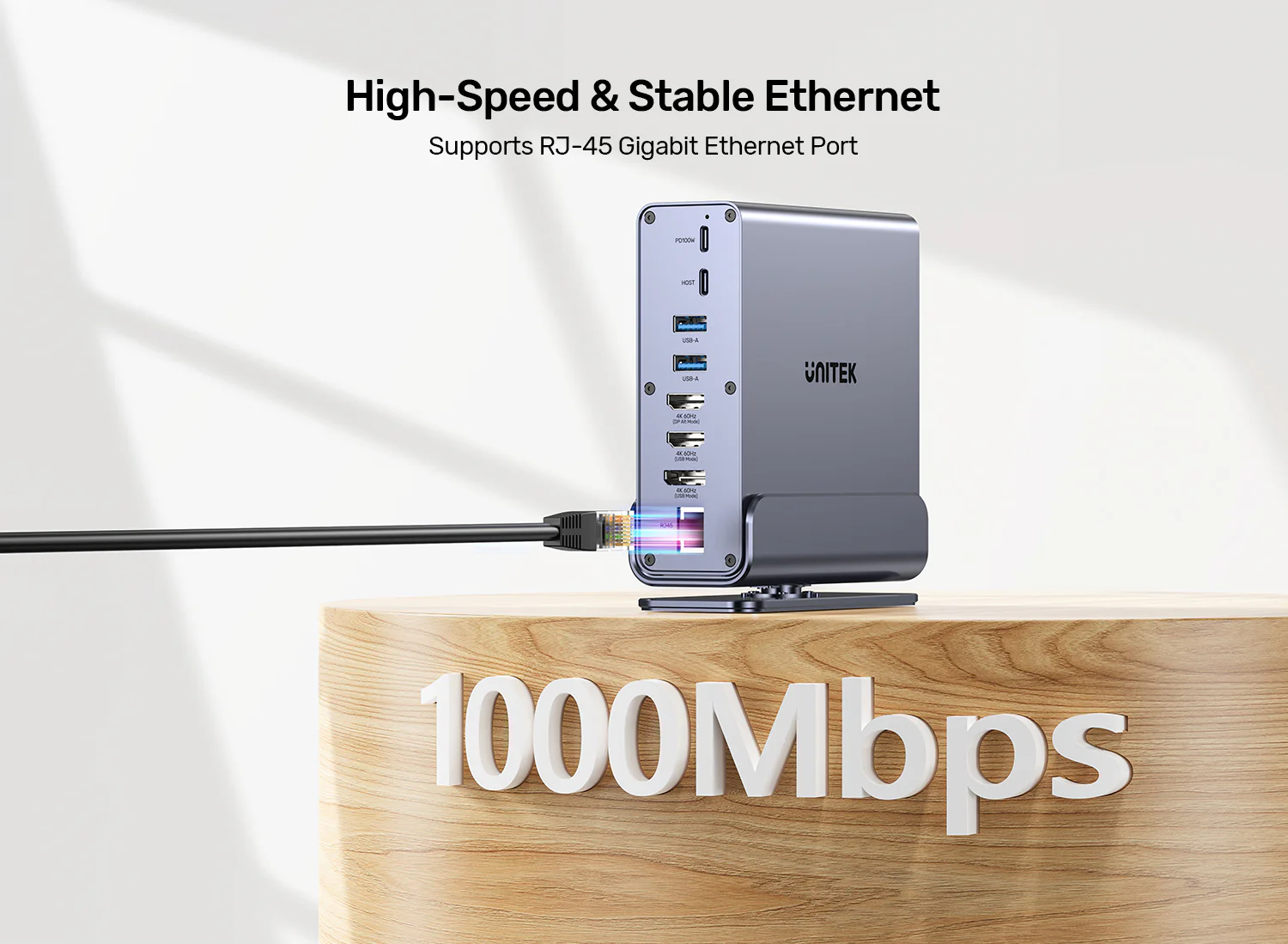
Features & Specs - Networking: Gigabit Ethernet (RJ45, 1000Mbps)
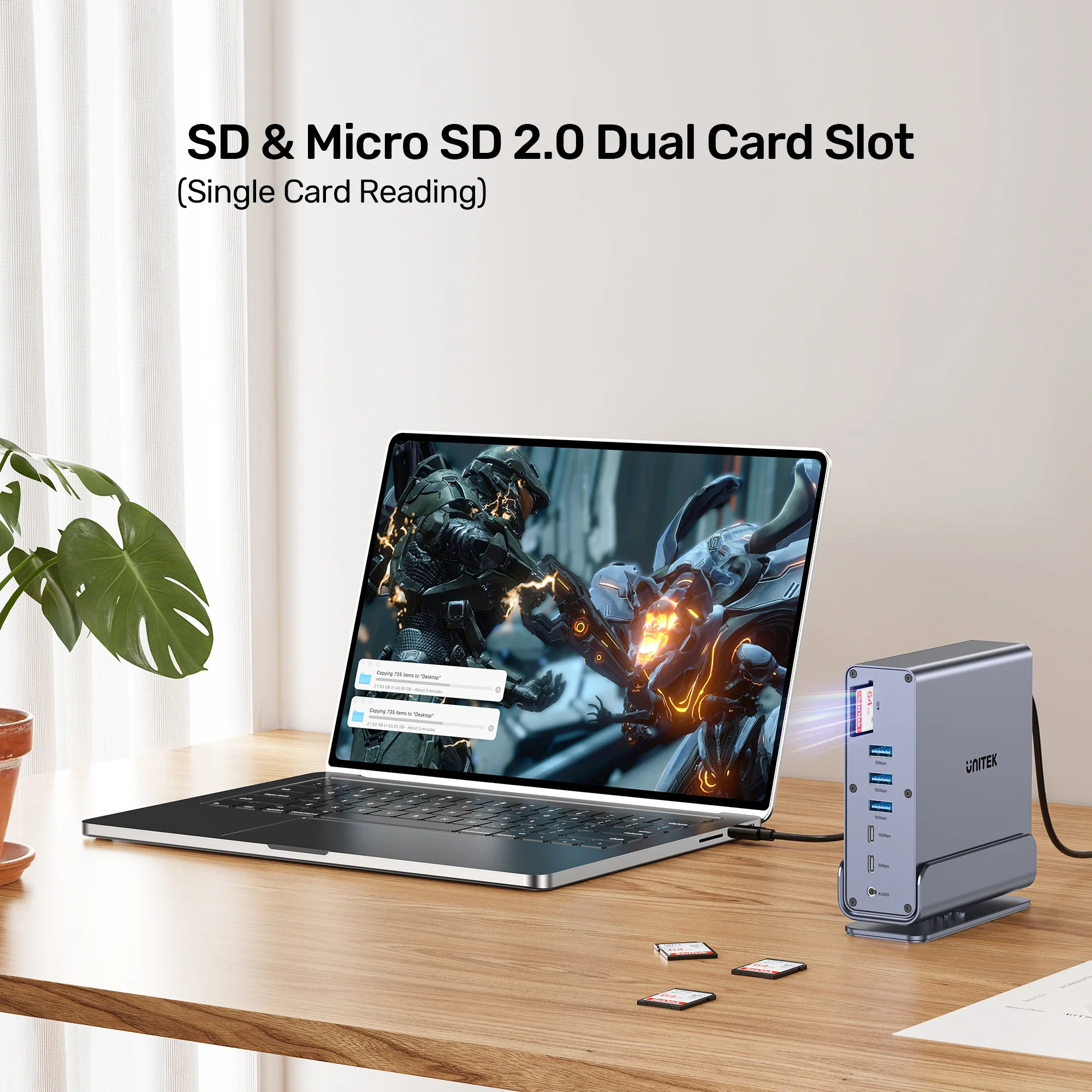
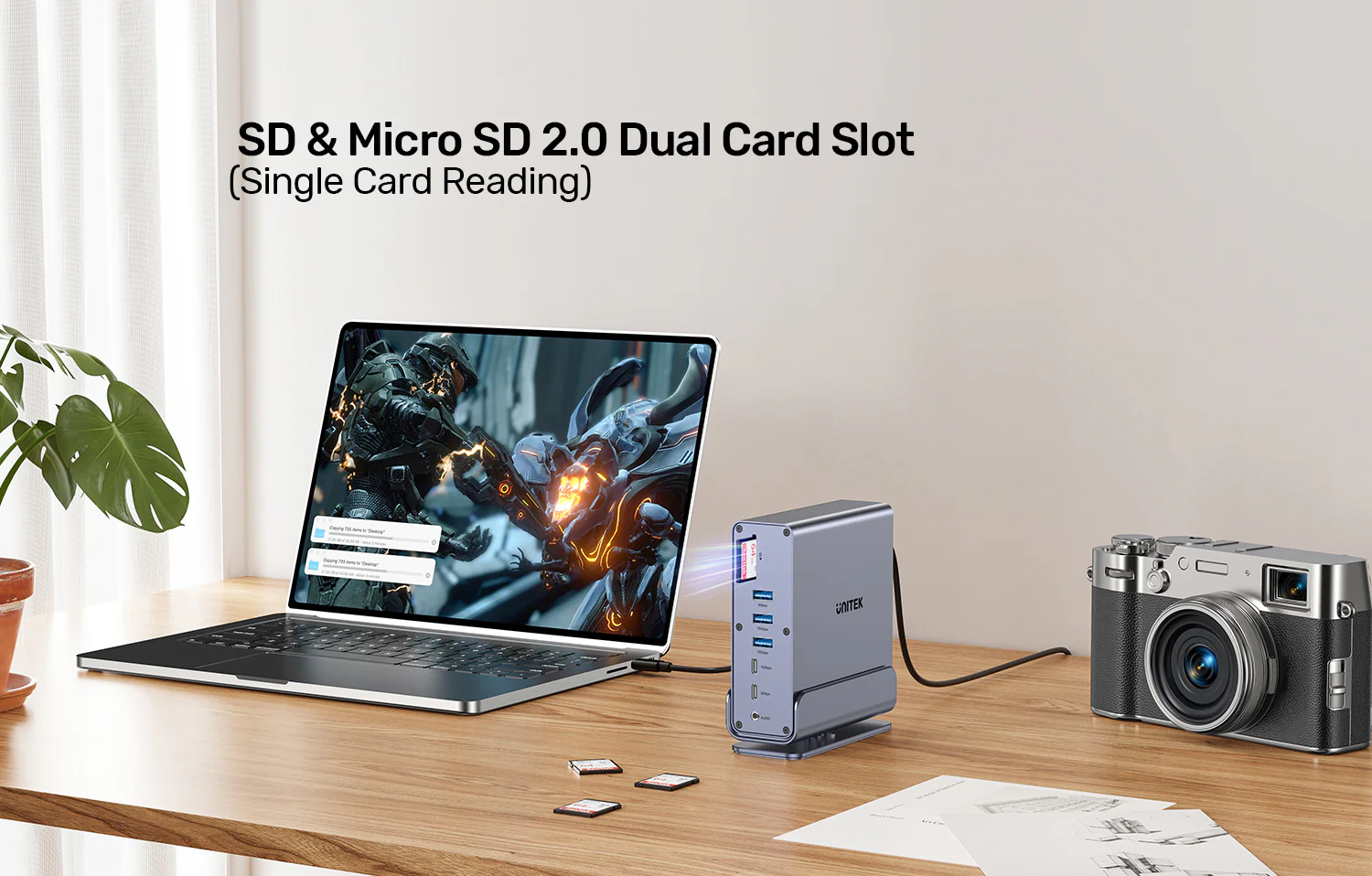
Features & Specs - Card Reader: SD and MicroSD Card Reader (UHS-II)
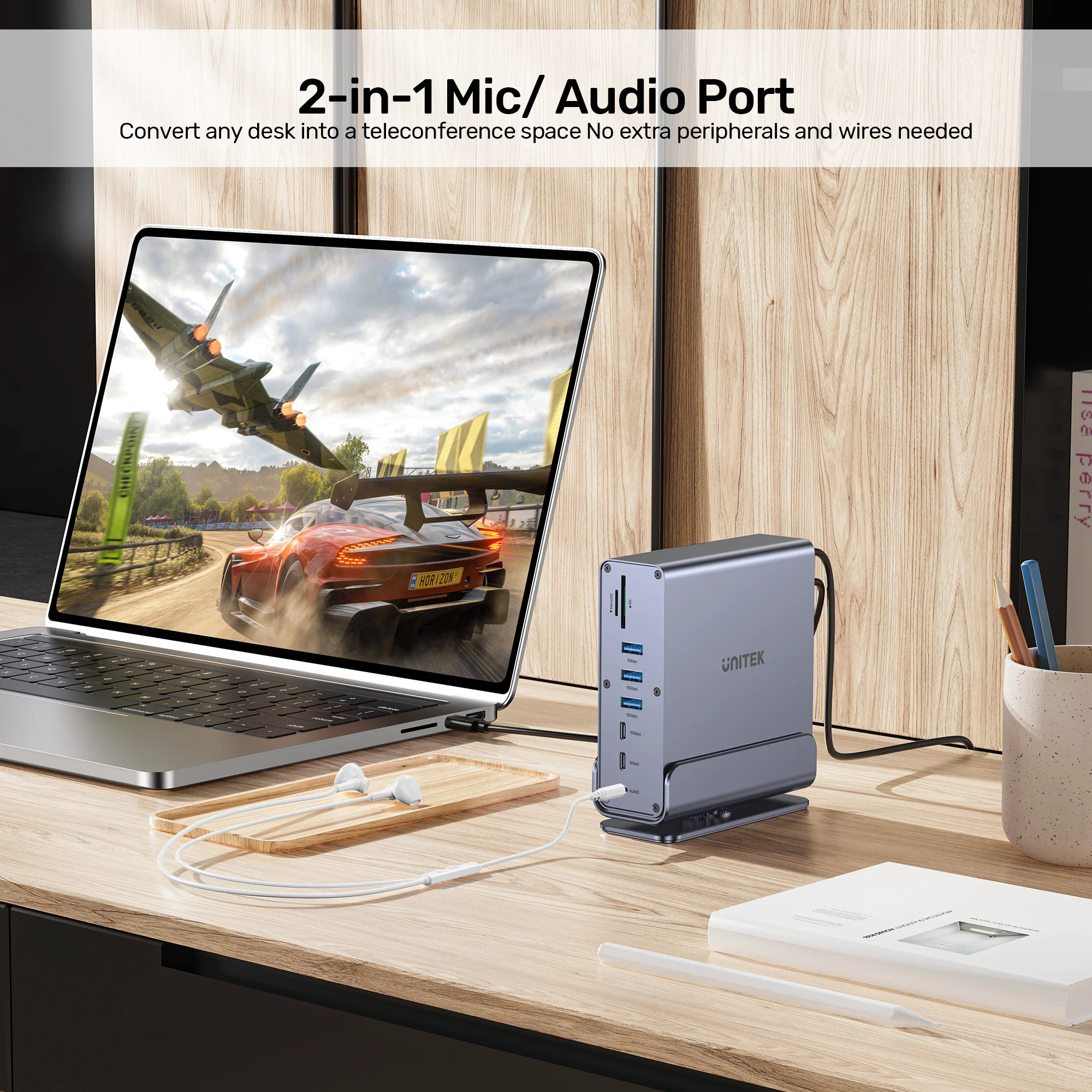
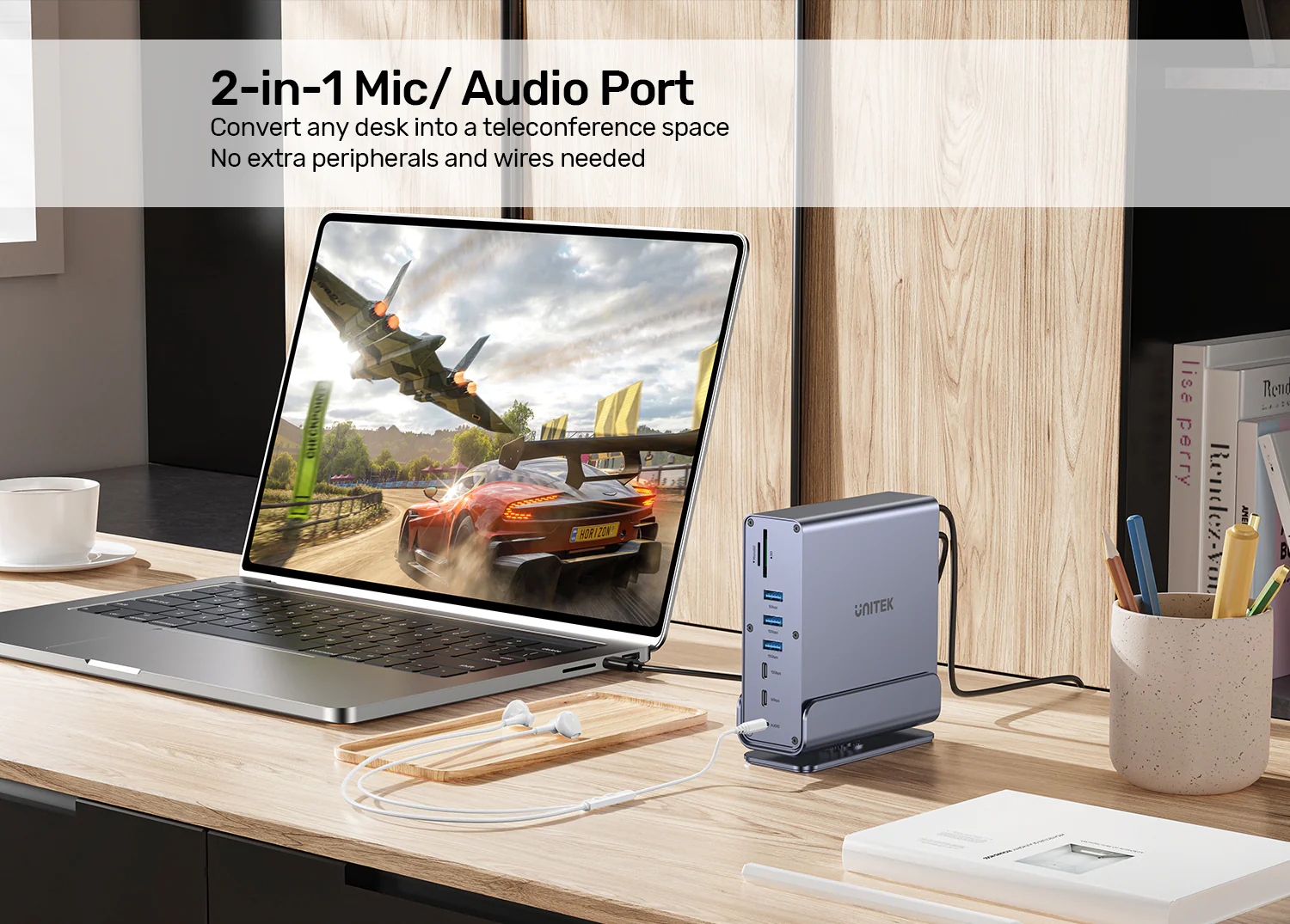
Features & Specs - Audio Port: 3.5mm Audio and Microphone Combo Jack
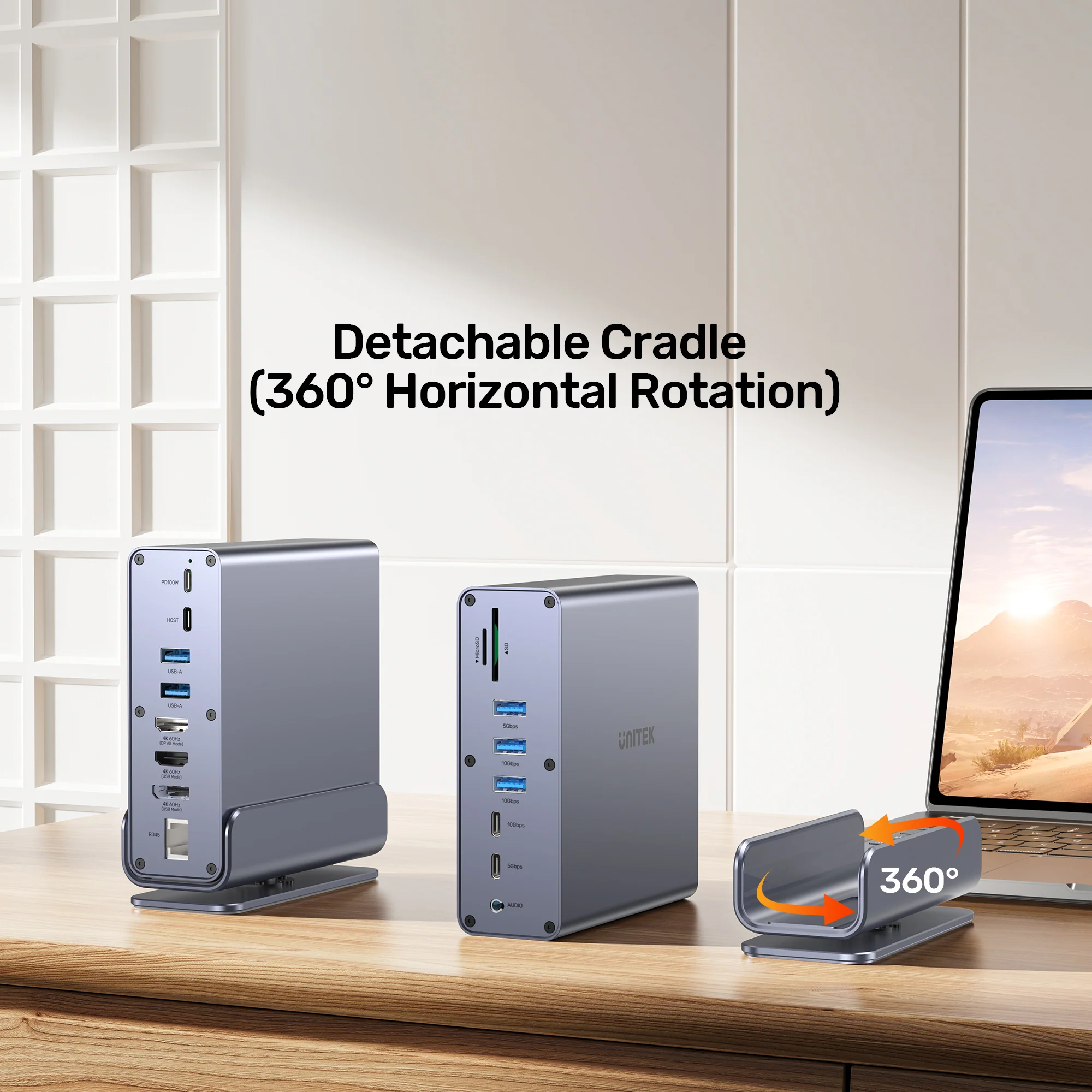
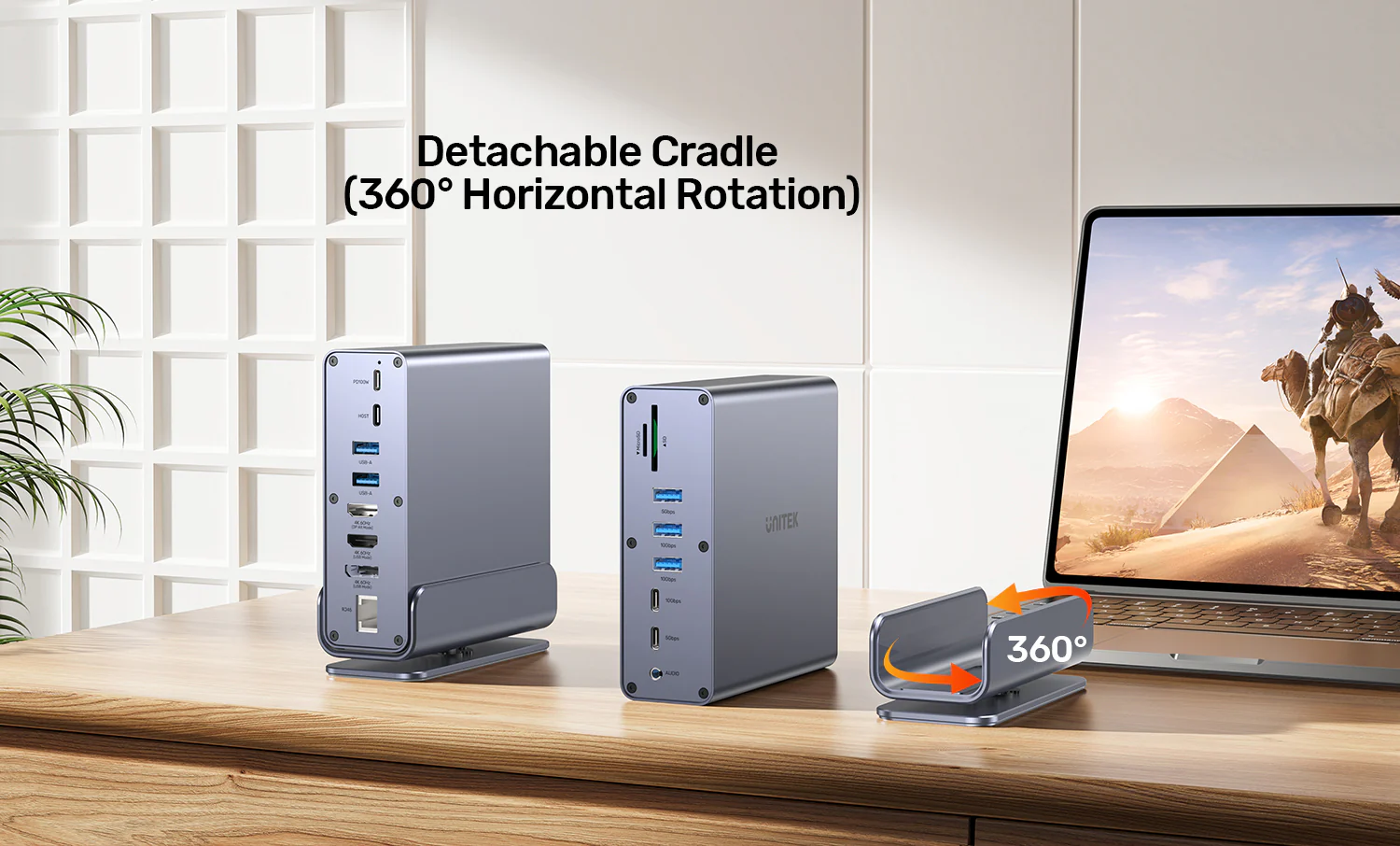
Features & Specs - Rotation Feature: 360-Degree Rotatable Stand
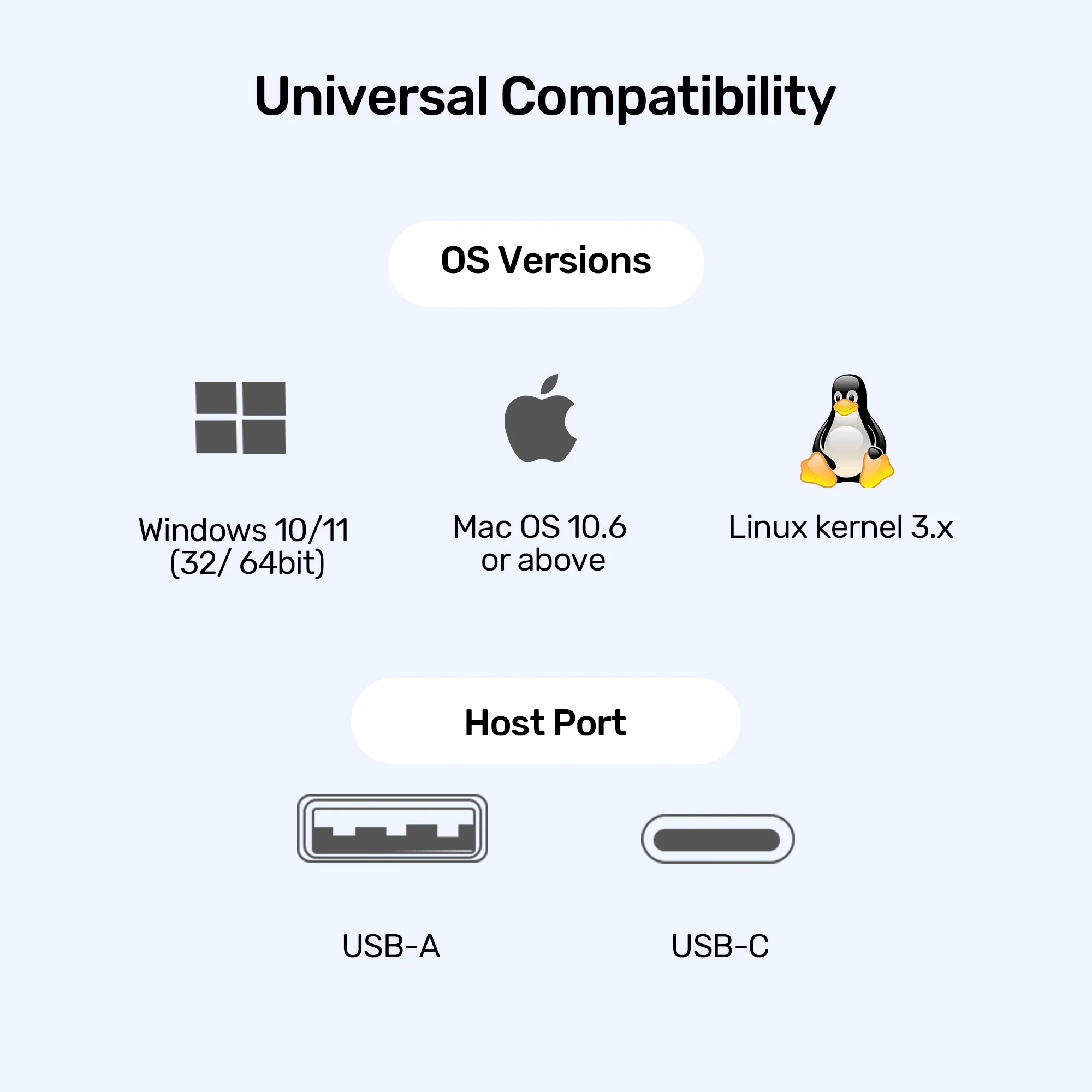
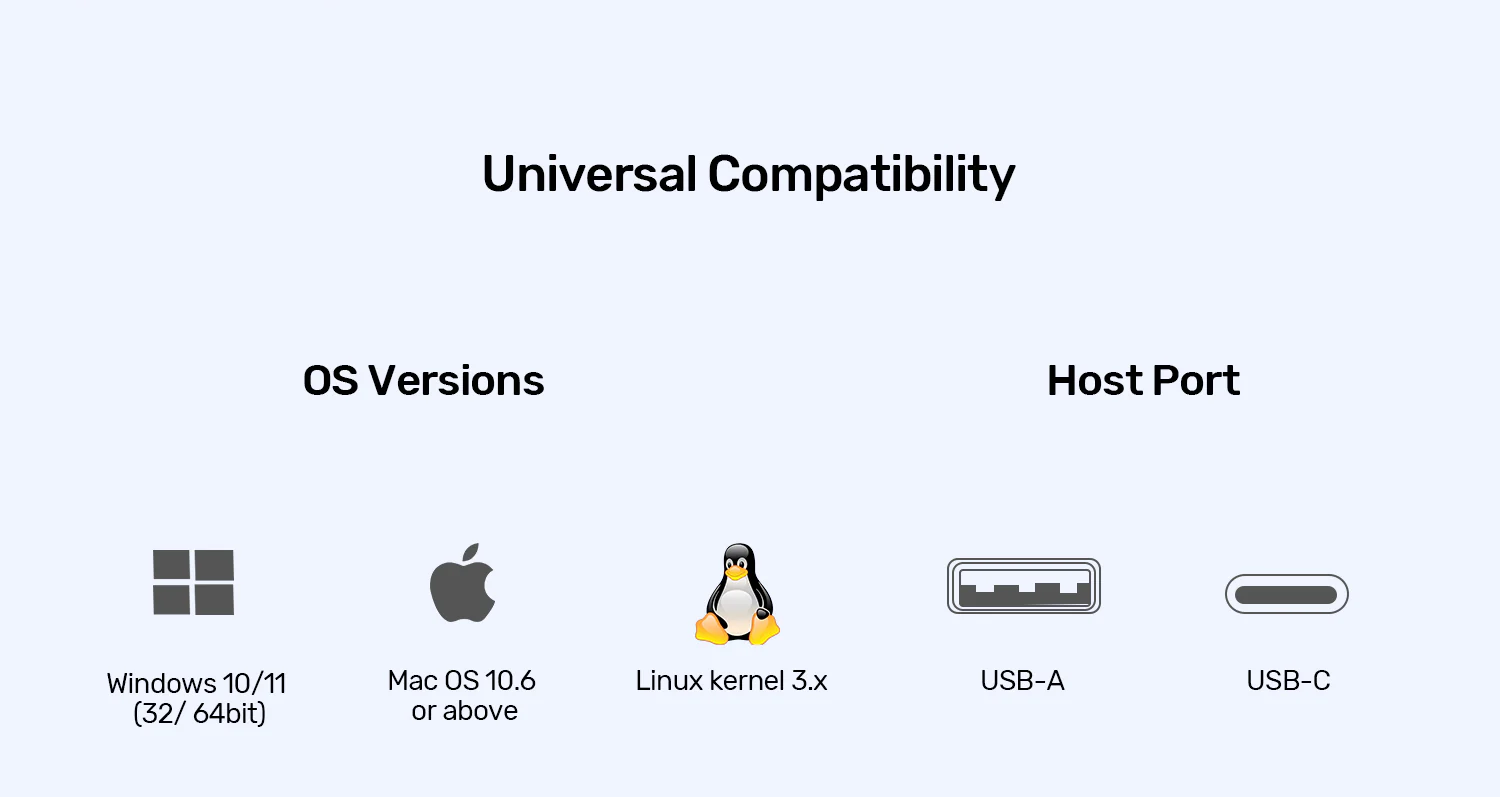
Features & Specs - Connector Type: USB-C Host Connection
Features & Specs - Connectivity Technology: USB-C, HDMI, DisplayPort, Ethernet, Audio, Card Reader
Features & Specs - Special Features: Mac M1/M2 Multi-Display Support, Ergonomic Stand, High-Speed Data Transfer
Features & Specs - Power Source: AC Adapter (Requires external 20V/5A power supply for 100W PD)
Features & Specs - Data Transfer Rate: Up to 10Gbps
Features & Specs - HDR Support: HDR10 via HDMI 2.0
Features & Specs - Compatible Operating Systems: Windows 10, Windows 11, macOS 10.6 and later, Linux
Features & Specs - Enclosure Material: High-Grade Aluminum
Features & Specs - Color: Space Grey
Item details - Brand: UNITEK
Item details - Manufacturer: UNITEK
Item details - Model Number / SKU: D1135AGY01
Item details - Categories: UNITEK > UNITEK Docking Station
Item details - Tags: UNITEK, Docking Station, USB-C Hub, DisplayLink
Item details - Item Model Number: D1135AGY01
Item details - Focus Keyword: UNITEK D1135AGY01 DisplayLink Docking Station Price in Pakistan
Item details - Country of Origin: Designed by UNITEK
Measurements - Number of Items: 1 Docking Station Unit with Stand
Measurements - Item Weight: 680g
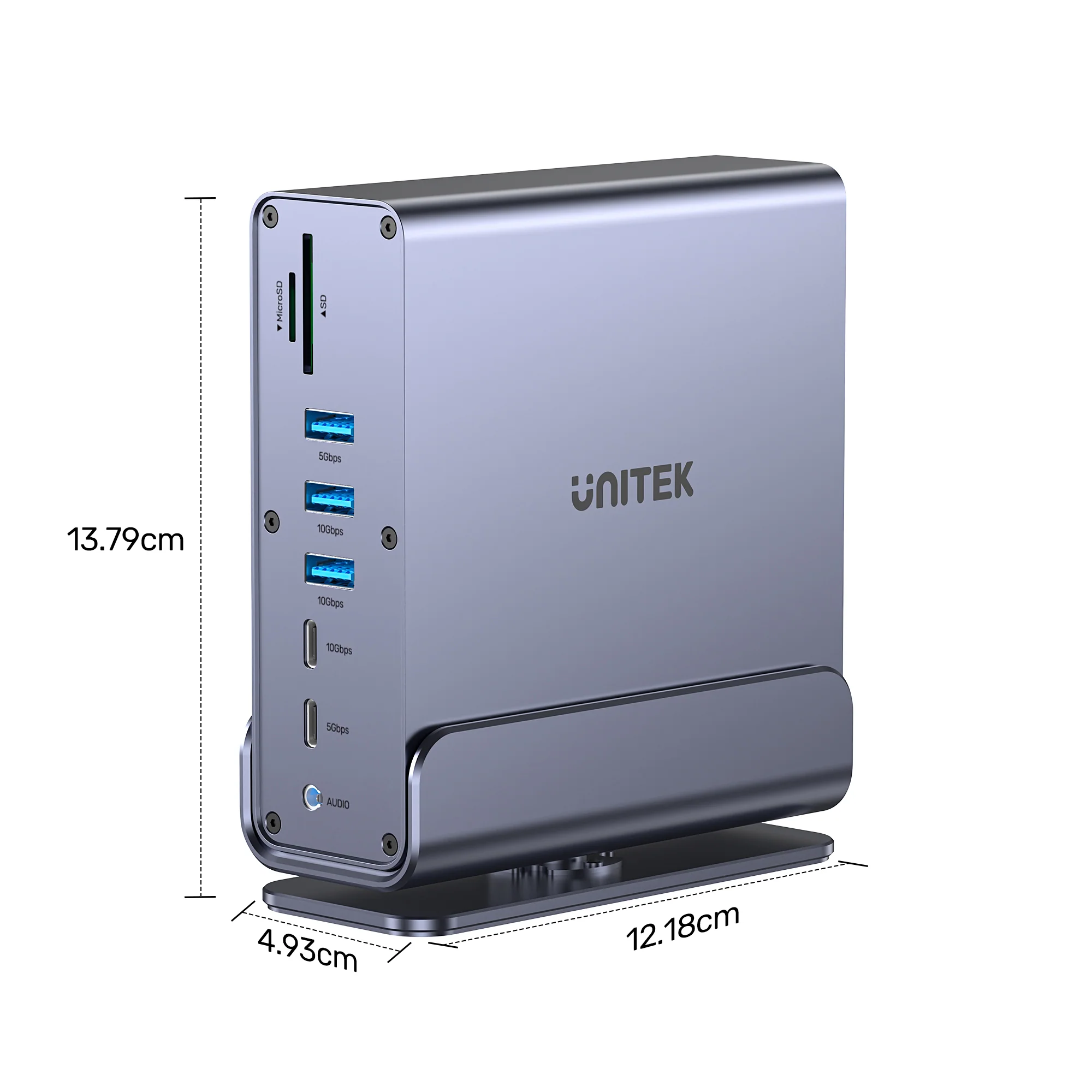
Measurements - Product Dimensions: 121.8 x 137.9 x 49.3 mm
Measurements - Unit Count: 1 Piece
Measurements - Package Type: Retail Box Packaging
Additional details - Color: Space Grey
Additional details - Enclosure Material: Aluminum Alloy
Additional details - Form Factor: Desktop Docking Station with Rotatable Stand
Additional details - Style: Modern, Ergonomic, Professional
Additional details - Finish Type: Anodized Metallic Finish
Additional details - Thermal Management: Optimized Aluminum Heat Dissipation
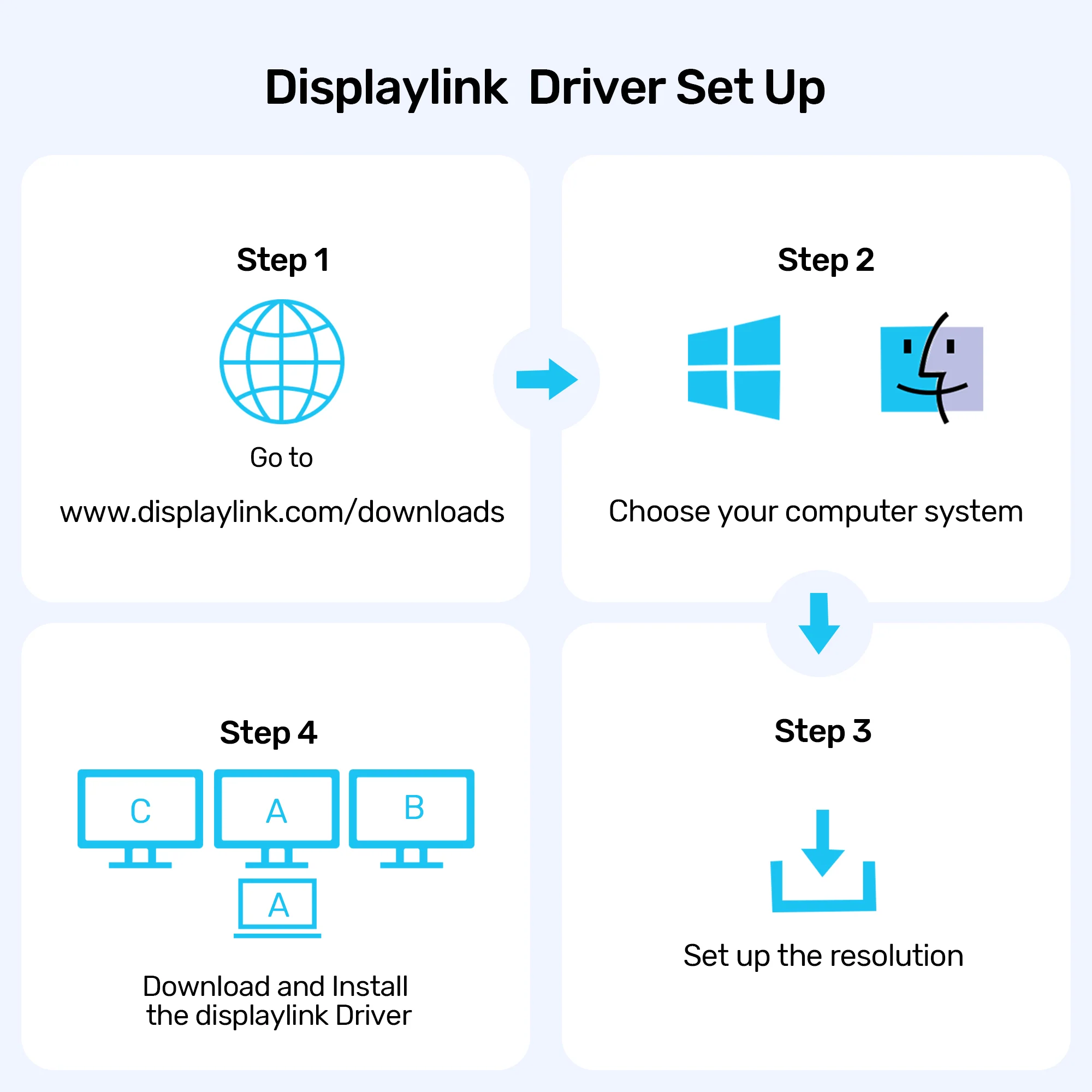
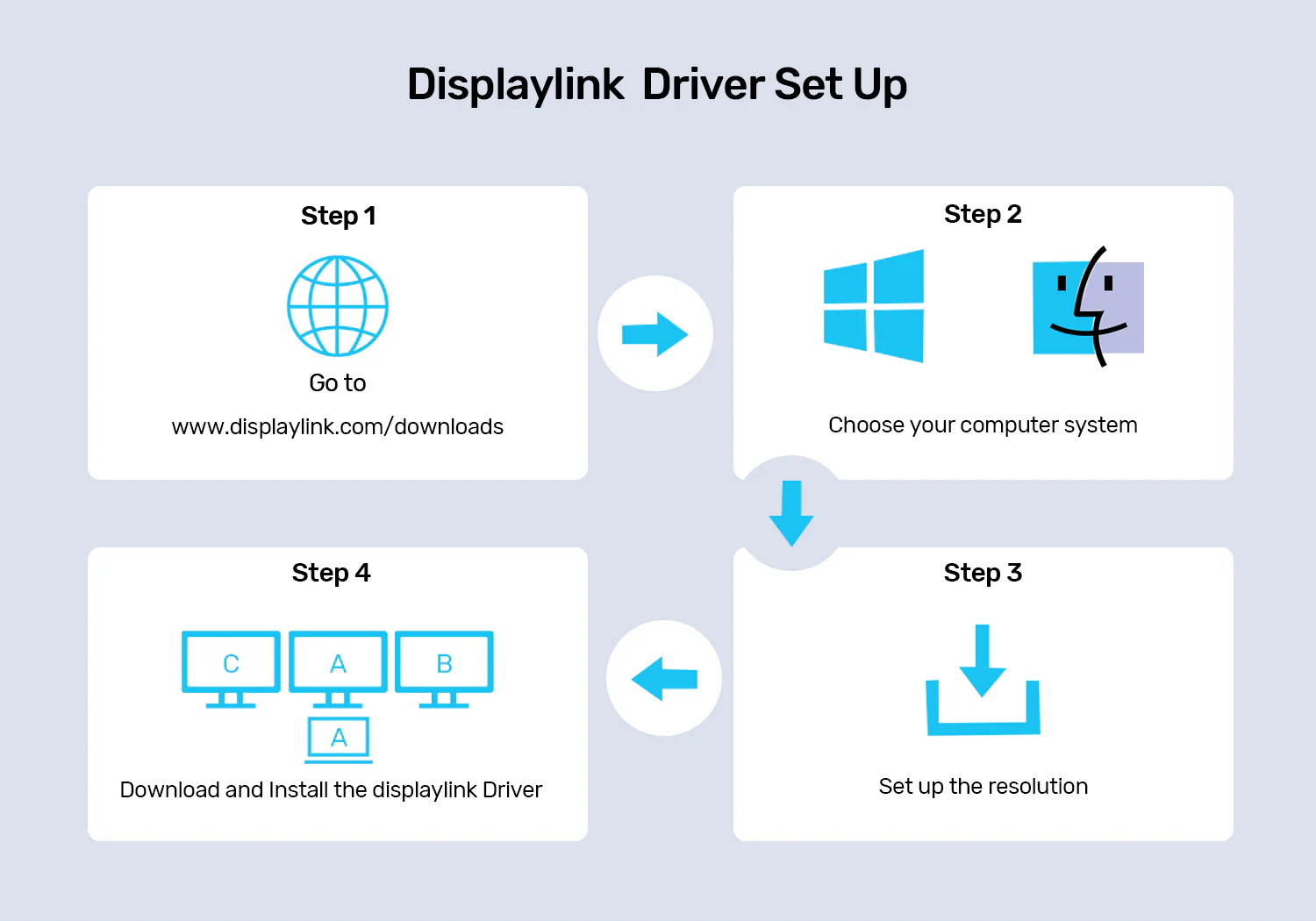
User guide - Installation: Plug-and-play for Windows; requires DisplayLink driver installation for macOS.
User guide - Driver Download: Download official DisplayLink drivers from displaylink.com/downloads.
User guide - Power Connection: Connect the included external power adapter to supply 100W power delivery.
User guide - Card Reader Optimization: Ensure memory cards support UHS-II standards to achieve maximum data transfer speeds.
User guide - Care Instructions: Clean with a soft, dry cloth. Avoid liquid cleaners or abrasive solvents.
User guide - Safety Warnings: Do not expose to moisture, extreme temperatures, or block ventilation paths.
User guide - Operating Temperature: Keep in standard indoor office environments between 0°C and 40°C.
User guide - Compatibility Notes: Full feature set requires a fully featured USB-C port supporting data, video output, and charging.
Use Cases - Best For: Multi-monitor workstations, video editing, software development, and office productivity.
Use Cases - Ideal Scenarios: Bypassing Mac M1/M2 single display restrictions to run triple 4K displays.
Use Cases - Target Audience: Professionals, graphic designers, programmers, financial analysts, and power users.
Use Cases - Compatible With: MacBook Pro, MacBook Air (M1/M2/M3), Windows laptops, and Linux workstations.
Use Cases - Data Intensive Tasks: Fast file transfers, high-resolution 4K video footage importing, and wired networking.
Pros & Cons - Pros: Enables triple 4K@60Hz display support on Mac M1/M2 machines via DisplayLink technology.
Pros & Cons - Pros: Delivers robust 100W Power Delivery to fast-charge high-end laptops like MacBook Pro 16" and Dell XPS 15.
Pros & Cons - Pros: Comprehensive 15-in-1 connectivity including high-speed USB 10Gbps ports and dual card readers.
Pros & Cons - Pros: Ergonomic 360-degree rotatable aluminum stand for flexible positioning and desk space optimization.
Pros & Cons - Pros: Durable and sleek space grey aluminum construction matching modern premium laptop aesthetics.
Pros & Cons - Cons: Requires driver installation for macOS to enable multi-monitor functionality.
Pros & Cons - Cons: Must be connected to an external power source to deliver 100W PD and run all ports efficiently.
Pros & Cons - Cons: Heavier desk footprint due to the robust built-in rotatable aluminum stand and 680g weight.
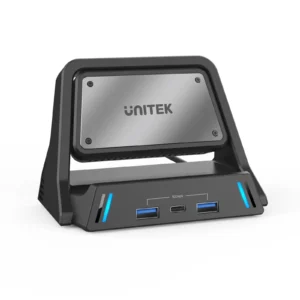
Box Contents - Main Unit: UNITEK 15-in-1 Universal DisplayLink Docking Station with Stand
Box Contents - Cables: USB-C to USB-C Host Connection Cable
Box Contents - Adapters: External Power Adapter and Power Cord
Box Contents - Documentation: User Manual and Quick Start Guide
Box Contents - Warranty Card: Manufacturer Warranty Documentation
Warranty & Support - Warranty Period: Standard Manufacturer Warranty
Warranty & Support - Warranty Type: Replacement or Repair Coverage for Manufacturer Defects
Warranty & Support - Coverage: Hardware malfunctions and internal component failures under normal use
Warranty & Support - Customer Support: Available via authorized local distributors and online official portals
Warranty & Support - Driver Assistance: Official drivers and technical support accessible online




 No products in the cart.




Write a review