
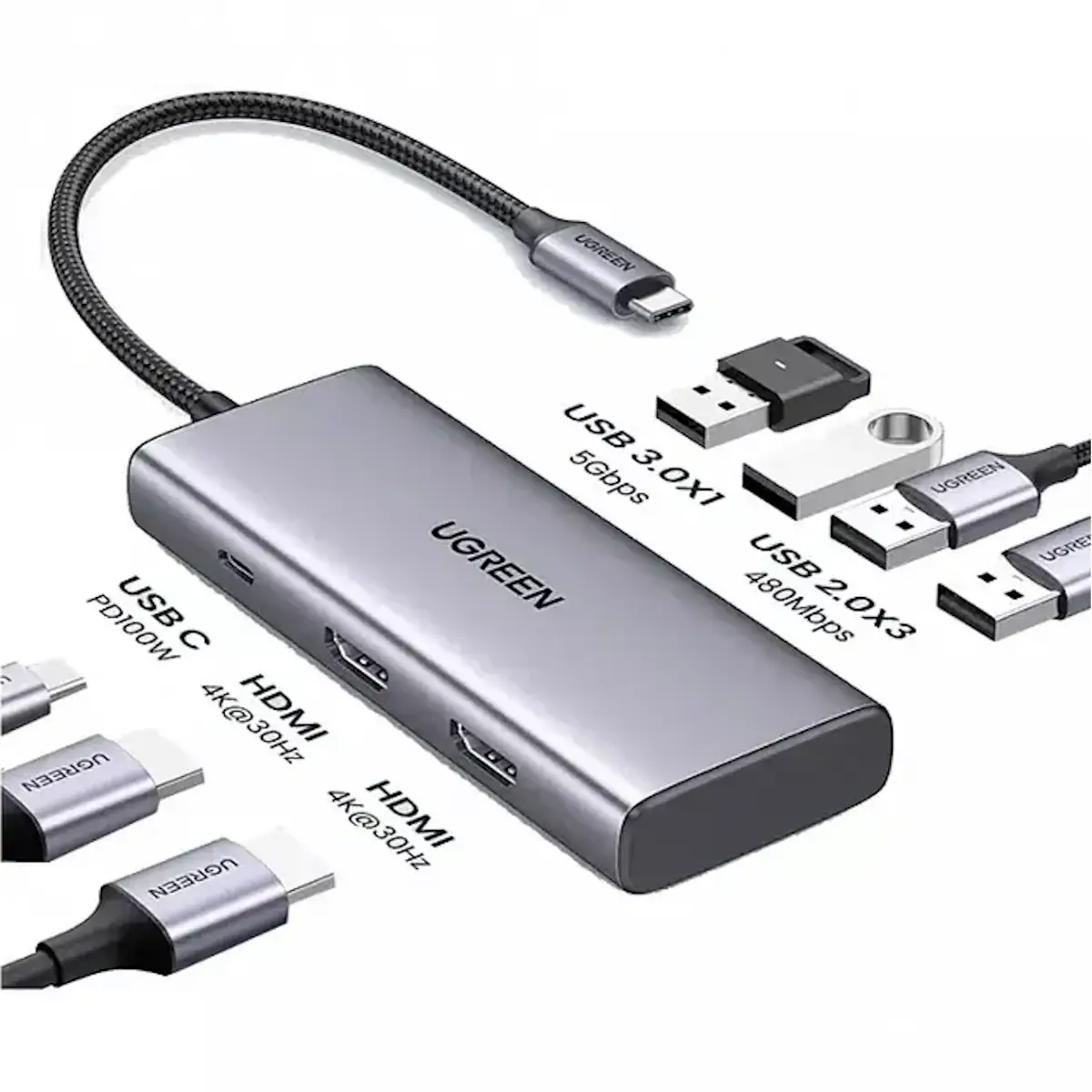
UGREEN 35897 7-in-1 USB-C Hub with Dual HDMI, 100W PD Charging, 4x USB-A Ports (1x USB 3.0), USB-C Data Port, 4K@30Hz for MacBook, Dell XPS, HP, Lenovo, iPad Pro, Windows Laptops
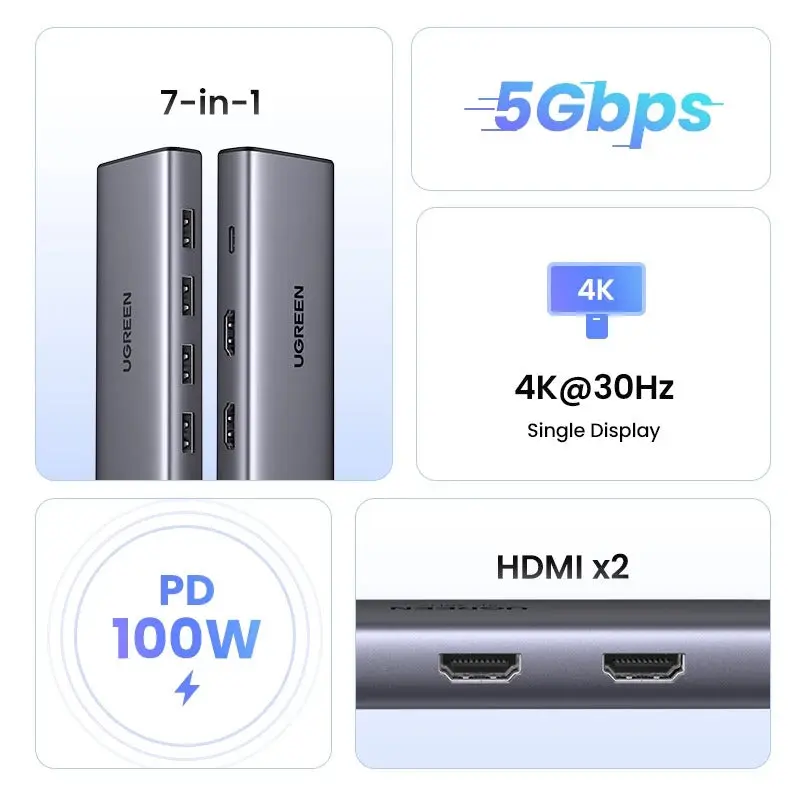
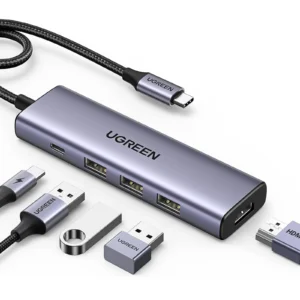
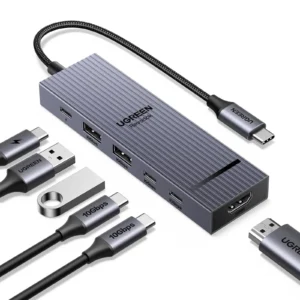
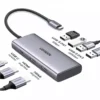
Transform your laptop’s single USB-C port into a complete workstation with the UGREEN 35897 7-in-1 USB-C Hub. Designed for professionals, students, and creatives, this hub seamlessly adds dual monitor support, high-speed data ports, and full-power charging—all through one connection. It’s the ultimate tool to boost your productivity and connectivity without compromising on performance.
Expand Your Visual Workspace Instantly
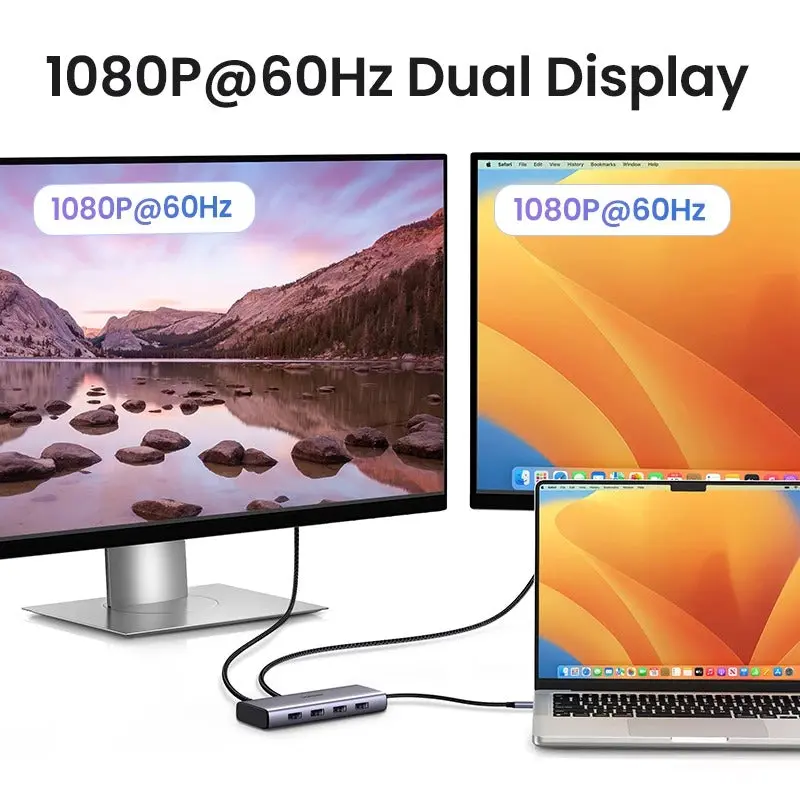
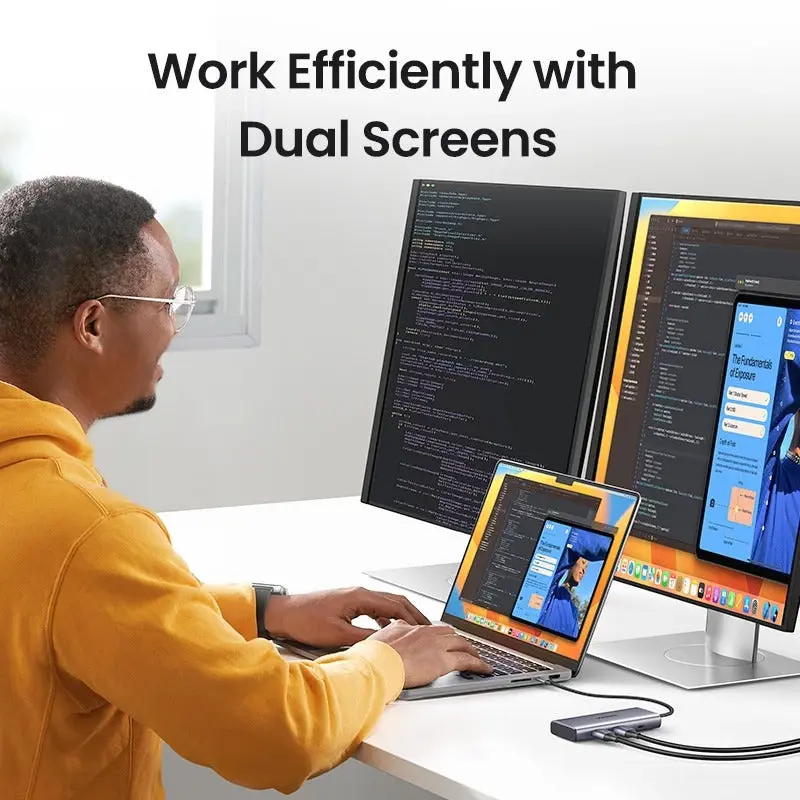
First and foremost, unlock the power of a multi-monitor setup. With two HDMI ports, you can connect your laptop to dual displays to extend your screen real estate for multitasking with spreadsheets, coding, and research, or use mirror mode for impactful client presentations and lectures. Essentially, it turns any laptop into a powerful desktop replacement. Discover our monitor accessories.
Power, Transfer, and Connect Without Compromise
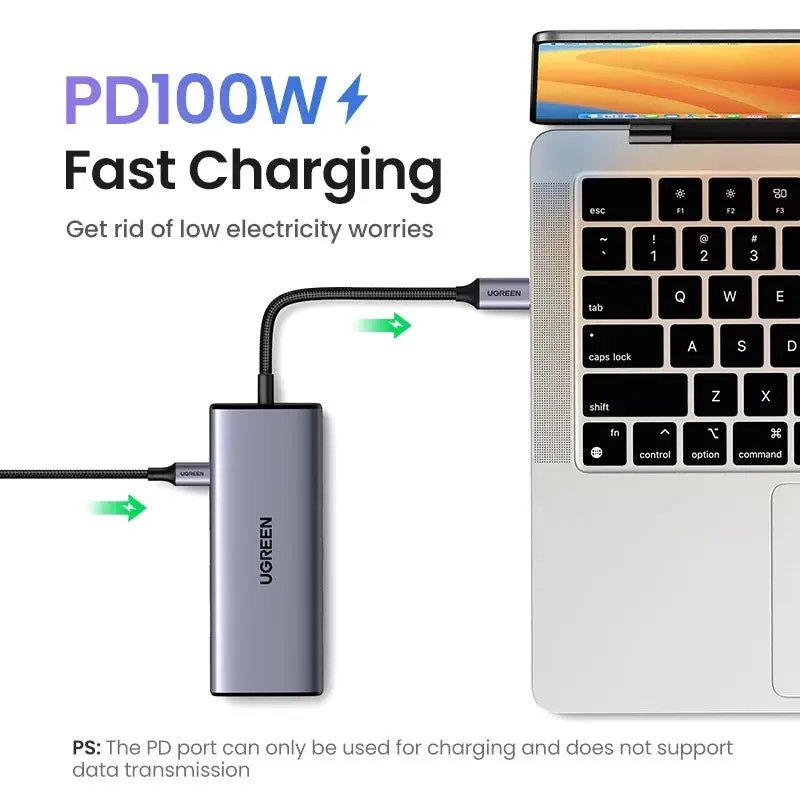
The integrated 100W Power Delivery passthrough port is a game-changer. It allows you to plug in your laptop’s original charger, ensuring continuous high-speed power to your device while utilizing every port on the hub. Simultaneously, the 5Gbps USB 3.0 port lets you transfer large files in seconds, while the additional USB ports keep all your essential peripherals—like a wireless mouse, mechanical keyboard, and external hard drive—connected and ready.
Built for Performance and Portability
Encased in a sleek, anodized aluminum shell, this hub not only looks professional but also effectively dissipates heat during intensive use, ensuring stable performance. Furthermore, its plug-and-play design requires no drivers, making it instantly compatible with most USB-C laptops like MacBook, Dell XPS, and Surface Pro. Whether at your desk, in a conference room, or a coffee shop, this hub delivers reliable, expansive connectivity wherever you work.
Products Specifications:
- Model: UGREEN 35897
- Interface: USB-C Male (to Laptop)
- Expansion Ports:
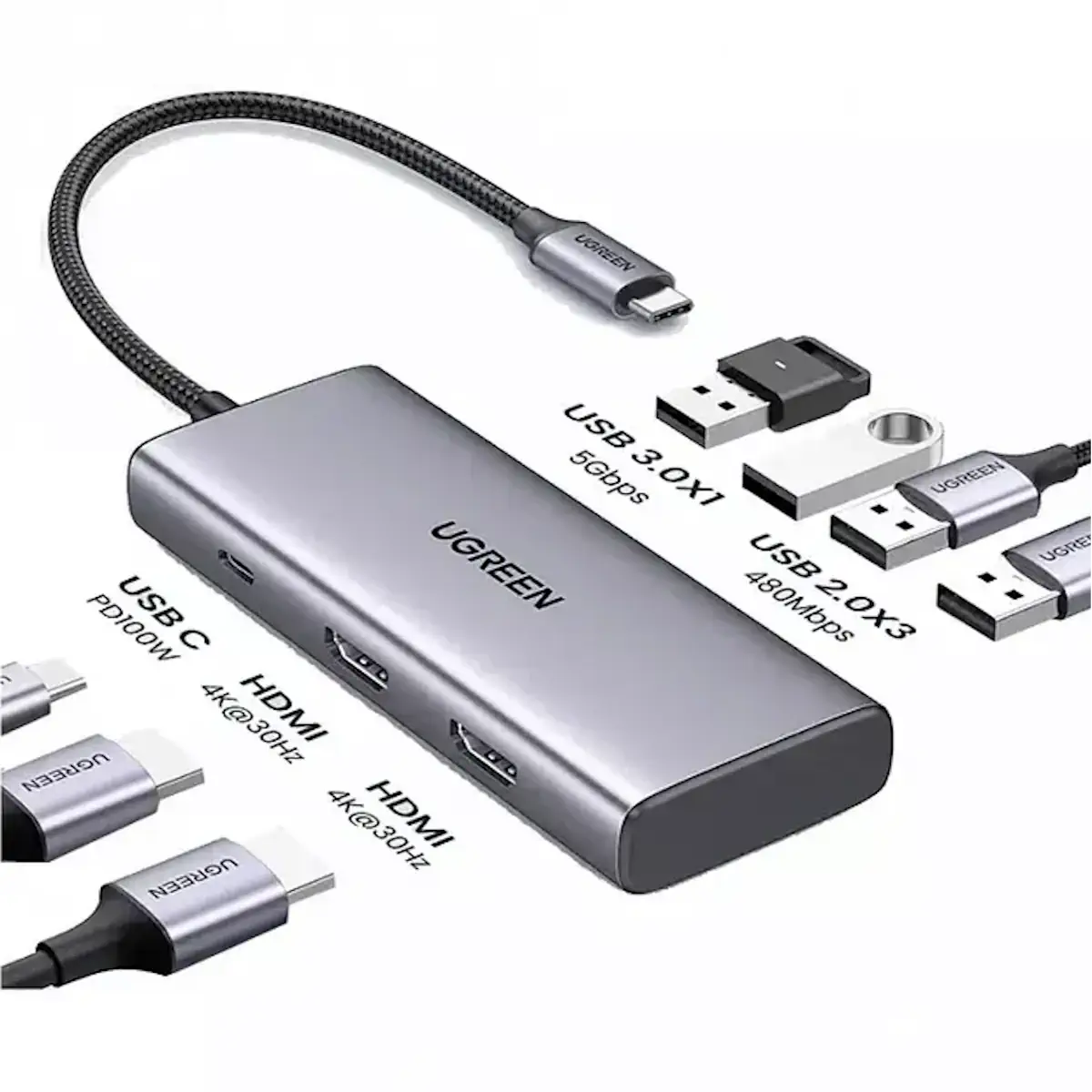
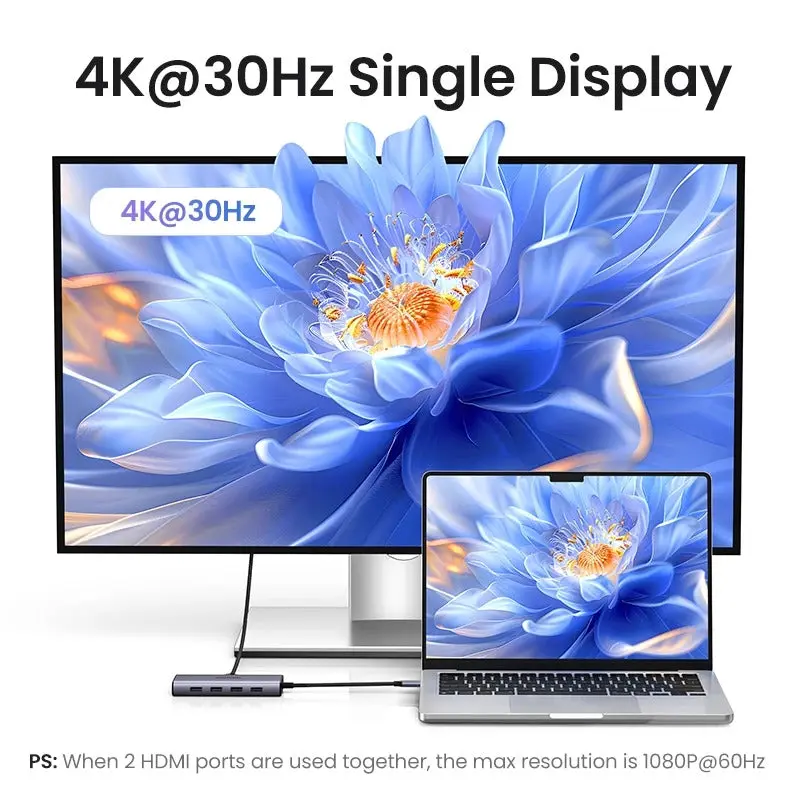
- HDMI Ports: 2 x HDMI Female (HDMI 1: 4K@30Hz; HDMI 1+2: 1080p@60Hz)
- USB-C PD Input: 1 x USB-C Female (Supports up to 100W Passthrough Charging)
- USB-A 3.0: 1 x USB-A (5Gbps Data Transfer)
- USB-A 2.0: 3 x USB-A (480Mbps, for peripherals)
- Display Modes: Extended & Mirror Mode (Note: MacBooks typically support Mirror Mode only for dual HDMI).
- Data Transfer: Up to 5 Gbps on USB 3.0 port.
- Power Delivery: Up to 100W (Requires a 100W USB-C PD Charger, not included).
- Compatibility: macOS, Windows, Chrome OS, iPadOS (with USB-C iPads).
- Material: Aluminum Alloy casing.
- Cable Length: Integrated 12cm USB-C cable.
What’s in the Box?
- 1 x UGREEN 35897 7-in-1 USB-C Hub
- 1 x User Manual
10 FAQs:
1. Can I use both HDMI ports at the same time?
Yes, you can. You can connect two monitors simultaneously. However, when both are used, the maximum supported resolution is 1080p at 60Hz on each display. Using a single monitor, you can achieve 4K resolution at 30Hz.
2. Will it charge my 16-inch MacBook Pro?
Yes, but for optimal charging speed, use a high-wattage charger. The hub supports up to 100W PD passthrough. If your MacBook Pro requires 140W, it will charge but at a slower rate (up to 100W). For 13-inch and 14-inch MacBook Pro models, 100W is typically sufficient for fast charging.
3. Does it support extended display mode on MacBooks?
Most MacBooks with Apple Silicon (M1, M2, M3 chips) natively support only one external display. This hub will allow you to mirror your screen on two monitors, but not extend your desktop across them unless you use display-link software. Windows laptops generally support extended mode without issue.
4. What can I connect to the USB 2.0 ports?
The three USB 2.0 ports (480Mbps) are perfect for low-bandwidth peripherals that don’t require high speed, such as a wireless mouse/keyboard dongle, a printer, a webcam, or a card reader.
5. Do I need to install drivers?
No, it is a plug-and-play device for most functions (HDMI, USB) on major operating systems like Windows, macOS, and Chrome OS. For specific extended display features on some systems, additional software might be recommended but is not usually required.
6. Can I use it with my iPad Pro?
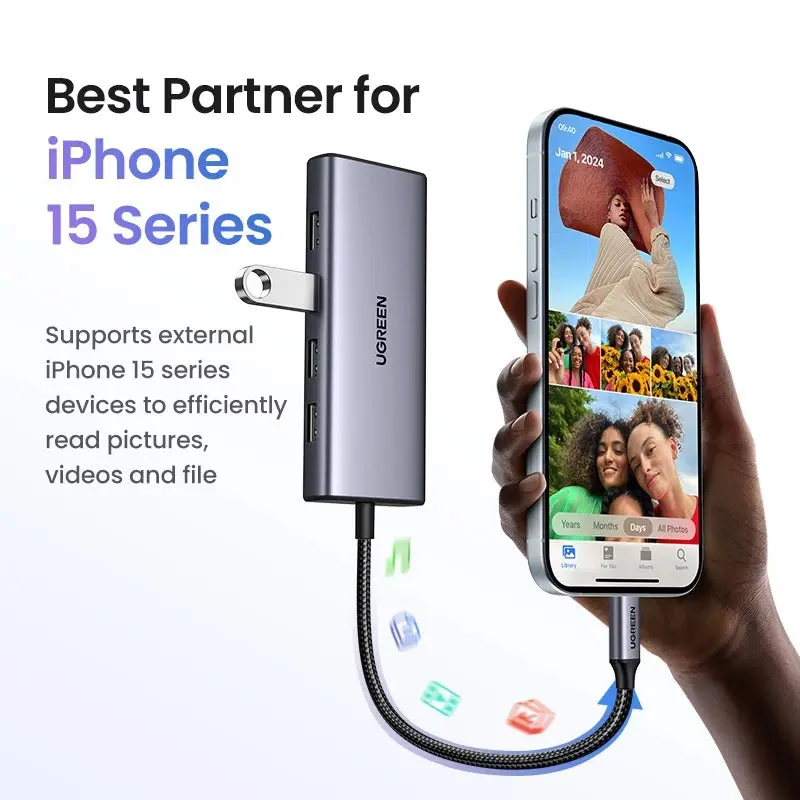
Yes, if your iPad Pro has a USB-C port. You can use it to connect to an external monitor (via HDMI), transfer files from a USB drive, and connect peripherals like a keyboard. The charging passthrough will also work to power your iPad.
7. Why is there only one fast USB-A (5Gbps) port?
This design balances performance and cost. The single USB 3.0 port is dedicated for high-speed data transfers (e.g., from an external SSD), while the other USB ports are optimized for connecting essential accessories that don’t require such high bandwidth.
8. Does the hub itself get hot?
The aluminum body acts as a heat sink, so it may become warm during prolonged use with multiple high-power devices connected. This is normal and helps dissipate heat to maintain stable performance.
9. What is the warranty for UGREEN products in Pakistan?
All authentic UGREEN products in Pakistan come with an 12-month warranty from the date of purchase.
10. Can I connect an external GPU (eGPU) through this hub?
No, you cannot. This hub is designed for data, video, and power delivery and does not have the bandwidth (it uses USB 3.0 speeds) or specific hardware required to support an external graphics processing unit (eGPU).
 No products in the cart.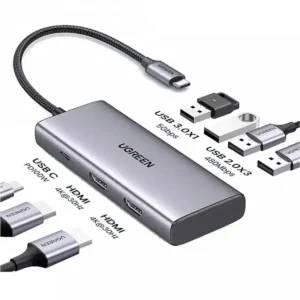
Reviews
There are no reviews yet.